
Choosing a smart whiteboard with a mobile stand is one of the most important decisions a business, school, or training center will make when upgrading their collaboration technology. Unlike wall-mounted displays, a mobile smart whiteboard gives you the flexibility to move your interactive display between classrooms, meeting rooms, or event spaces without expensive installation work. But with dozens of models on the market, how do you know which one is right for your needs?
In this guide, we break down the key features you should compare before buying — from screen size and stand quality to touch technology, operating systems, and total cost of ownership. Whether you’re outfitting a corporate boardroom or a university lecture hall, this article will help you make an informed, confident purchase.
Why a Mobile Stand Matters More Than You Think
A mobile stand isn’t just a convenience feature — it fundamentally changes how a smart whiteboard is used day-to-day. In our experience working with schools and enterprises across 82 countries, the flexibility of a rolling stand often determines whether a device gets used daily or sits idle in a corner.
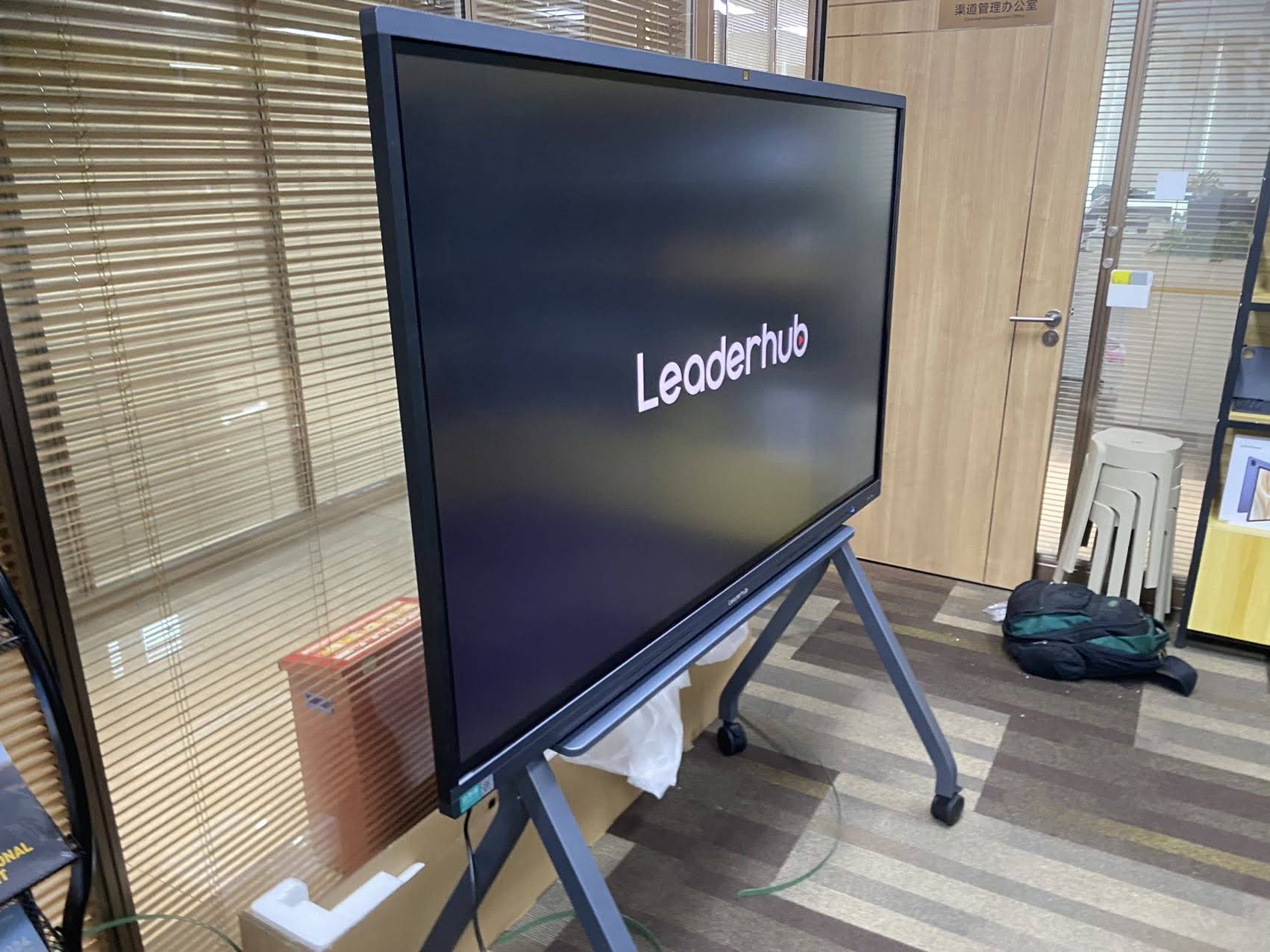
Here’s what a quality mobile stand should offer:
- Height adjustability — so both seated and standing users, as well as students of different ages, can comfortably interact with the screen.
- Locking caster wheels — for stability during use and safe transport between rooms.
- Cable management — hidden channels that keep power and HDMI cables tidy and prevent tripping hazards.
- Load capacity rating — the stand must safely support the display’s weight, especially for 75″ and 86″ panels which can weigh over 40kg.
Key Features to Compare Before You Buy
When evaluating smart whiteboards with mobile stands, we recommend comparing the following core specifications side by side. These are the same criteria our product engineers use when designing new interactive panels.
1. Screen Size and Resolution
Screen size should match your room size and typical audience. A 55″ panel works well for small huddle rooms of 4-6 people, while an 86″ or 110″ display is better suited for large conference rooms or lecture halls with 20+ attendees. Always look for true 4K UHD resolution (3840 x 2160) — anything lower will appear blurry when displaying detailed spreadsheets, CAD drawings, or fine text.
2. Touch Technology and Accuracy
Infrared (IR) touch technology remains the industry standard for interactive flat panels because it supports 20+ simultaneous touch points, works reliably with gloves or styluses, and offers low latency writing. When comparing models, ask manufacturers about touch response time — anything under 8ms delivers a natural, paper-like writing experience.
3. Operating System and Software
Most modern smart whiteboards run on Android for built-in apps (whiteboarding, screen mirroring, cloud storage) and can be paired with an optional Windows mini PC slot for full desktop functionality. This dual-system approach gives users the flexibility to run lightweight annotation apps without booting a full computer, while still supporting Windows-based software like PowerPoint, AutoCAD, or ERP systems when needed.
4. Stand Design and Portability
Not all mobile stands are created equal. Compare wheel diameter (larger wheels roll more smoothly over carpet and thresholds), stand footprint (a wider base improves stability but takes up more floor space), and whether the stand includes a built-in shelf for a mini PC, camera, or speaker system.
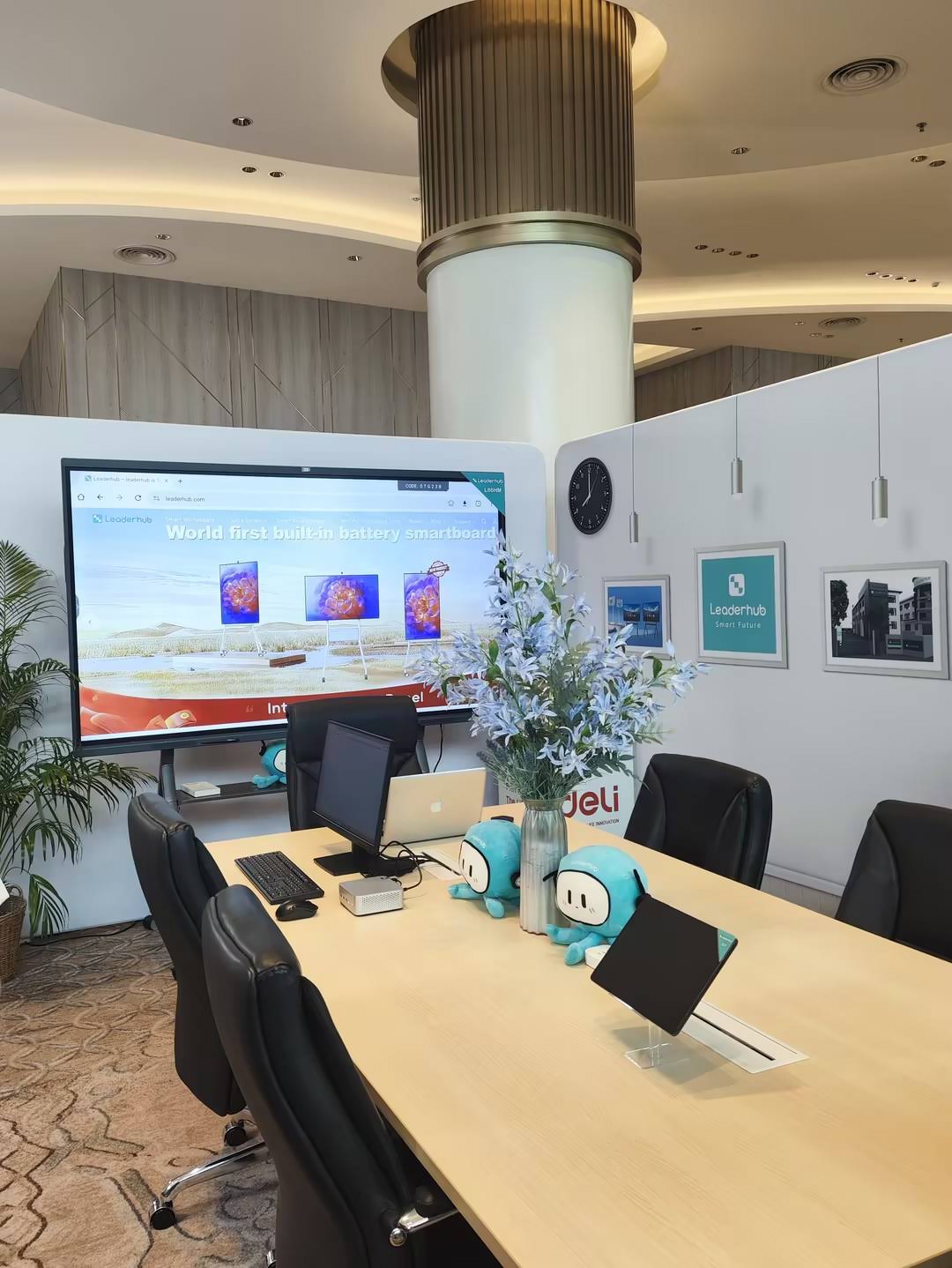
Comparison Table: Popular Mobile Smart Whiteboard Configurations
| Model | Screen Size | Resolution | Best For | Starting Price |
|---|---|---|---|---|
| L65HM | 65″ | 4K UHD | Small meeting rooms | $1,299 |
| L75ZM | 75″ | 4K UHD | Classrooms & training rooms | $1,399 |
| U55Pro | 55″ | 4K Mobile Display | Portable presentations | $2,499 |
| L86HM | 86″ | 4K UHD | Large conference halls | $3,199 |
Connectivity and Compatibility
Before purchasing, verify the panel supports the connections your team actually uses. Look for:
- Multiple HDMI inputs (at least 2-3) for connecting laptops, cameras, and mini PCs simultaneously
- USB-C with power delivery, allowing a single cable to charge a laptop while mirroring the screen
- Built-in Wi-Fi and Bluetooth for wireless screen casting from phones and tablets
- Optional OPS (Open Pluggable Specification) slot for inserting a mini PC module directly into the display
Real-World Case Study: Upgrading a Regional Training Center
A vocational training center in Southeast Asia recently replaced six aging projector setups with mobile smart whiteboards. According to their IT coordinator, the switch reduced meeting setup time from an average of 12 minutes to under 2 minutes per session, largely because the mobile stands eliminated the need to reconfigure fixed projector angles and cabling for each class. Instructors also reported a 40% increase in student engagement during sessions using touch-based annotation tools compared to traditional whiteboards.
This kind of measurable improvement is common across industries. Companies that adopt interactive flat panels with mobile stands frequently report faster onboarding, fewer technical delays, and higher satisfaction scores in post-meeting surveys.
Durability and Build Quality
Since mobile whiteboards are transported more frequently than fixed installations, build quality matters. Look for:
- Tempered anti-glare glass that resists scratches and reduces reflections under fluorescent lighting
- Metal stand frames rather than plastic, for long-term structural stability
- IP-rated touch surfaces that resist dust and moisture in shared-use environments
Total Cost of Ownership
Sticker price isn’t the only factor to weigh. Consider warranty length (industry standard is typically 2-3 years), availability of replacement parts, and whether the manufacturer offers responsive technical support. A slightly higher upfront investment in a well-supported smart board manufacturer often pays off through fewer downtime incidents and lower long-term maintenance costs.
How LeaderHub Approaches Mobile Smart Whiteboard Design
As a Shenzhen-based technology company with 16 years of experience in the interactive panel industry, LeaderHub has shipped smart whiteboards, interactive flat panels, and mobile smart screens to over 82 countries. Our engineering team designs mobile stands with reinforced steel frames, locking casters rated for daily classroom or office use, and integrated cable routing — because we’ve seen firsthand how much these small details affect real-world usability.
Final Checklist Before You Buy
| Feature | Why It Matters |
|---|---|
| Adjustable height stand | Ensures accessibility for all users |
| 4K IR touch panel | Clear visuals and accurate writing |
| Locking caster wheels | Safe transport and stable use |
| OPS mini PC slot | Full Windows functionality when needed |
| Manufacturer warranty | Lower long-term risk and support cost |
Conclusion
Selecting the right smart whiteboard with a mobile stand comes down to matching screen size, touch performance, and stand durability to your specific use case — whether that’s a classroom, boardroom, or training facility. By comparing resolution, connectivity options, and total cost of ownership across different models, you’ll be equipped to choose a solution that delivers real value for years to come rather than just an impressive spec sheet.
Explore LeaderHub’s full range of interactive whiteboards and mini PC solutions to find the configuration that best fits your space and workflow.








