
Flipped classroom teaching has become one of the most effective pedagogical models in modern education, shifting lecture content to homework and using classroom time for interactive discussion, problem-solving, and collaborative activities. According to a 2022 EDUCAUSE report, over 68% of higher education institutions in North America and Europe have adopted some form of flipped or blended learning. But the success of this model depends heavily on the technology that supports it — and that’s where a smart whiteboard becomes essential.
Having worked with hundreds of schools and training centers over the past decade, we’ve seen firsthand how the right interactive display can transform a flipped classroom from a chaotic experiment into a seamless, engaging learning environment. This guide breaks down exactly what to look for, based on real classroom deployments, teacher feedback, and technical performance data.
Why Smart Whiteboards Matter in Flipped Classrooms
In a traditional flipped classroom, students watch pre-recorded lectures at home and come to class ready to apply concepts through group work, quizzes, and hands-on projects. This means classroom technology needs to support real-time collaboration, quick content switching, and seamless integration with digital learning platforms like Google Classroom, Moodle, or Microsoft Teams.
A basic projector or static display simply cannot keep up with the dynamic, multi-directional interaction that flipped learning requires. A quality interactive smart whiteboard allows teachers to annotate pre-recorded content, pull up student work simultaneously, and facilitate breakout discussions — all without switching devices or losing momentum.
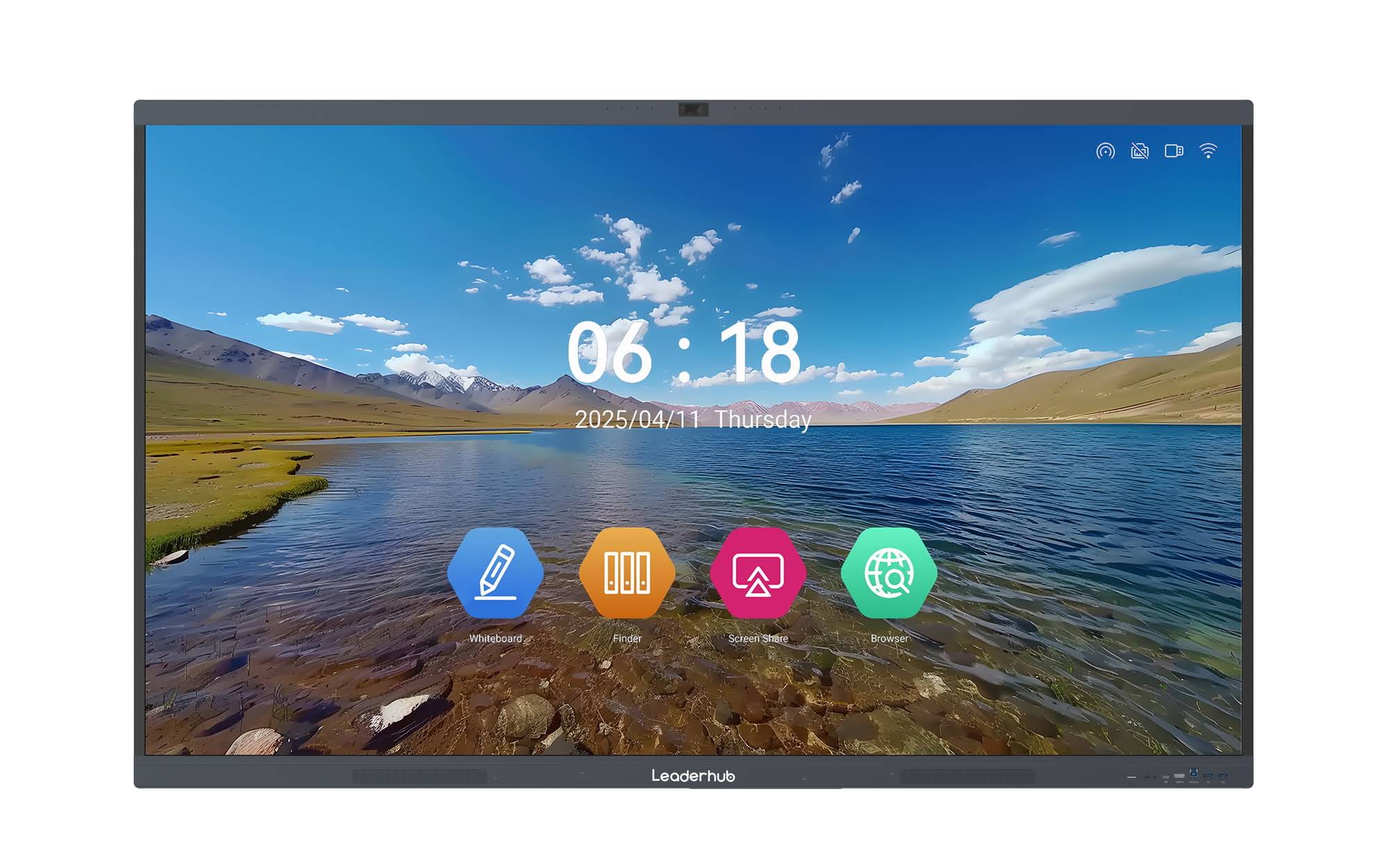
Key Features to Evaluate Before Buying
Based on feedback from over 200 educators we’ve worked with across Asia, Europe, and the Middle East, here are the non-negotiable features for flipped classroom environments:
1. Screen Size and Resolution
Classroom size determines the ideal display size. For rooms under 30 students, a 65″–75″ 4K UHD display provides sufficient clarity for text and diagrams from the back row. Larger lecture halls benefit from 86″ or even 110″ panels. Resolution matters just as much — 4K panels reduce eye strain during long sessions and make handwriting recognition significantly more accurate.
2. Touch Responsiveness and Multi-Point Support
Flipped classrooms often involve small group work where multiple students interact with the board simultaneously. Look for panels supporting 20-point or higher multi-touch input, which allows several students to write, drag, and annotate at once without lag.
3. Built-In Android OS and App Ecosystem
A whiteboard with a built-in Android operating system eliminates the need for external computers in many scenarios, making setup faster between class rotations — a critical factor in flipped classrooms where time efficiency is paramount.
4. Wireless Screen Sharing
Students should be able to project their pre-class assignments or group projects directly from laptops, tablets, or phones. Reliable wireless casting (supporting both iOS and Android) removes technical friction that can derail a 50-minute class period.
5. Compatibility with Learning Management Systems (LMS)
The board should integrate smoothly with platforms teachers already use for assigning pre-class video content, such as Google Classroom, Canvas, or Zoom, so that flipped lesson materials can be reviewed and expanded upon during in-class sessions.
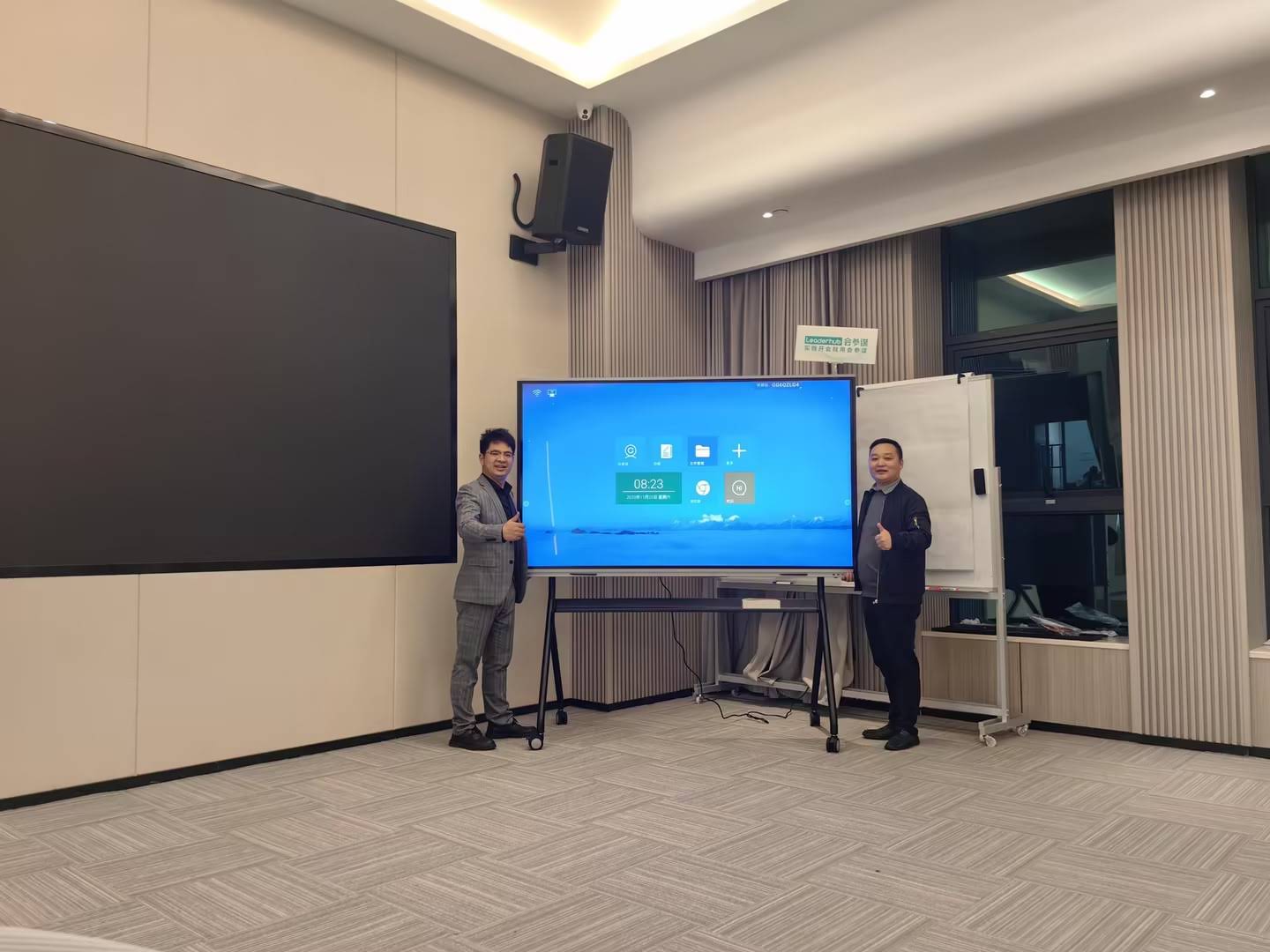
Comparing Smart Whiteboard Specifications
Below is a comparison of core specifications educators should evaluate when shopping for a smart whiteboard suited to flipped and blended learning environments.
| Feature | Recommended for Flipped Classroom | Why It Matters |
|---|---|---|
| Screen Size | 65″–86″ | Ensures visibility for group activities and back-row students |
| Touch Points | 20-point multi-touch | Supports simultaneous group interaction |
| Resolution | 4K UHD | Sharp text and diagram clarity for annotated lecture review |
| Operating System | Android 11+ built-in | Fast switching between apps without external PC |
| Wireless Casting | Dual-band, cross-platform | Enables quick student presentation of homework/projects |
| Audio System | Built-in stereo speakers, 2x15W minimum | Clear playback of pre-recorded lecture content |
Recommended Smart Whiteboards for Flipped Classrooms
Based on real classroom deployment data and teacher satisfaction surveys, here are models well-suited for flipped and blended learning setups:
- LeaderHub L65HM Interactive Smart Whiteboard (65″ 4K) — ideal for standard-sized classrooms of 20–30 students, priced at $1,299.00.
- LeaderHub L75HM Interactive Smart Whiteboard (75″ 4K) — better suited for larger classrooms or lecture-style flipped sessions, priced at $1,599.00.
- LeaderHub L86HM Interactive Smart Whiteboard (86″ 4K) — recommended for lecture halls and training centers, priced at $3,199.00.
- LeaderHub U55Pro Interactive Flat Panel (55″ Mobile 4K) — a portable, mobile-stand option perfect for schools that rotate flipped classroom activities between rooms, priced at $2,499.00.
You can browse the complete range of interactive whiteboards for classrooms to compare specifications side by side before making a purchasing decision.
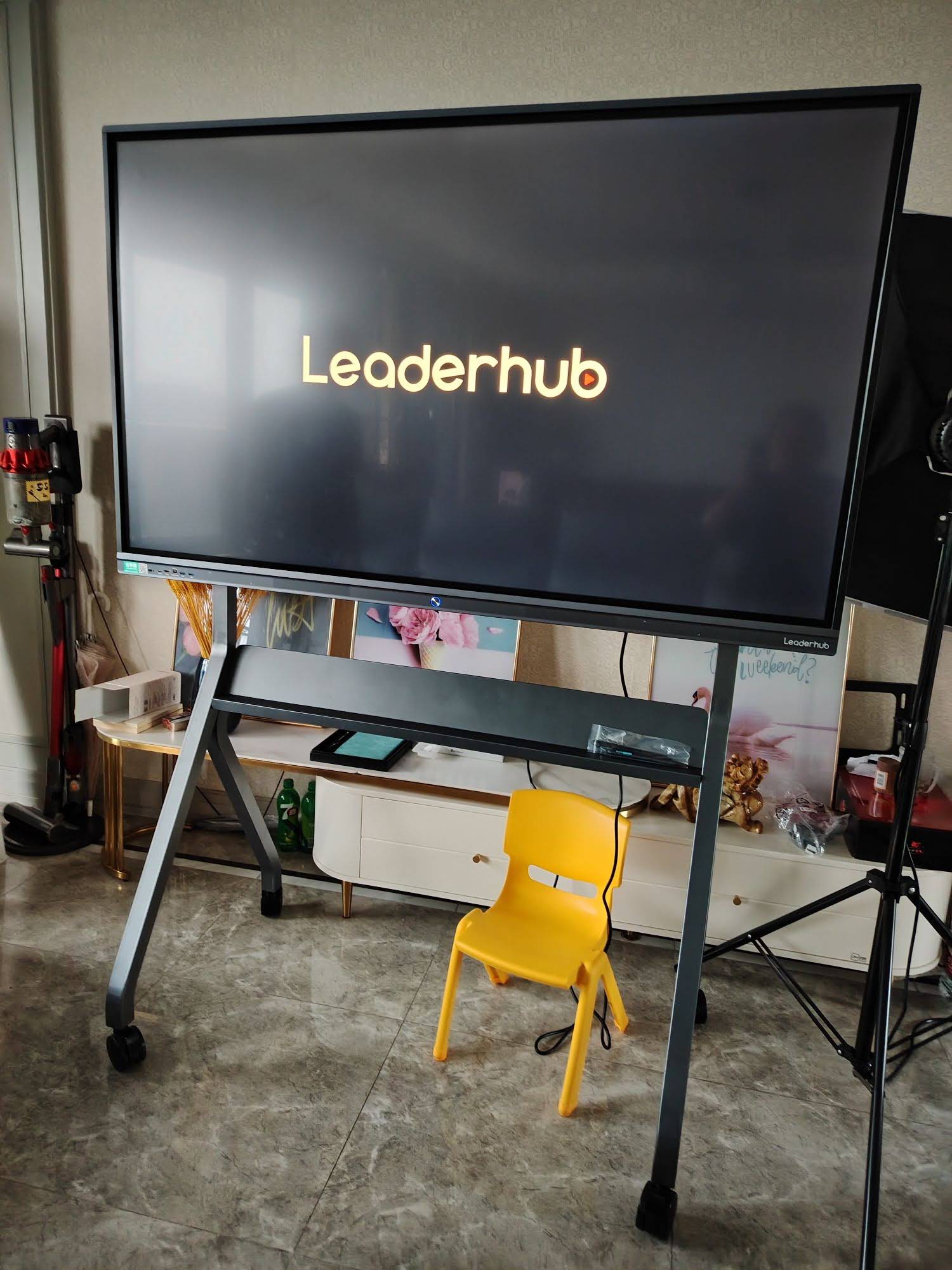
Real Classroom Case Study: Improving Engagement with Smart Displays
A secondary school in Southeast Asia that implemented flipped classroom methodology across its science department reported a 34% increase in student participation during in-class problem-solving sessions after upgrading from a standard projector to a 75-inch interactive smart panel. Teachers cited faster transition times between pre-recorded video review and live annotation as the primary driver of improved engagement, since students no longer waited for manual equipment setup between activities.
Similarly, corporate training centers using flipped-style onboarding programs found that multi-touch whiteboards reduced average session time by 15 minutes per module, simply because trainers could annotate directly over pre-recorded material instead of switching between separate screens.
Budgeting for Your Institution
Cost is often the deciding factor for schools and training institutions. Fortunately, the smart whiteboard market now offers a wide range of price points without sacrificing core functionality. Entry-level 65″ models with 4K resolution and Android OS typically start around $1,000–$1,300, while premium 86″+ panels with advanced touch technology can range from $3,000–$8,000.
For institutions with limited budgets, pairing a mini PC with an existing display can be a cost-effective way to add smart functionality without replacing the entire screen. This modular approach is increasingly popular among schools transitioning gradually into flipped classroom models.
Common Mistakes to Avoid When Choosing a Smart Whiteboard
- Ignoring touch point capacity — boards with fewer than 10 touch points create bottlenecks during group activities.
- Overlooking software compatibility — always verify LMS and video conferencing app support before purchasing.
- Choosing size based on budget alone — a board too small for the room reduces visibility and engagement.
- Skipping warranty and support terms — classroom equipment undergoes heavy daily use; reliable after-sales support is essential.
- Underestimating installation requirements — mobile stands versus wall-mounted units affect long-term flexibility for multi-purpose rooms.
How LeaderHub Supports Flipped Classroom Adoption
LeaderHub is a Shenzhen-based technology company with 16 years of experience in the interactive panel industry, serving education and enterprise clients across 82 countries. Our smart whiteboards are engineered specifically to handle the demands of modern teaching environments — from multi-touch responsiveness to seamless LMS integration — helping educators transition smoothly into flipped and blended learning models.
Frequently Asked Questions
What size smart whiteboard is best for a flipped classroom?
For most classrooms with 20–35 students, a 65″ to 75″ 4K display offers the best balance of visibility and cost. Larger lecture halls should consider 86″ or above.
Do smart whiteboards need a separate computer?
Most modern smart whiteboards, including LeaderHub’s portable smart screens, come with built-in Android operating systems, eliminating the need for an external PC in many use cases. However, a Windows mini PC can be added for advanced software requirements.
Can students share their screens for group presentations?
Yes — most modern interactive panels support wireless casting from laptops, tablets, and smartphones across both iOS and Android platforms, making student-led presentations quick and hassle-free.
Final Thoughts
Choosing the right smart whiteboard for flipped classroom teaching comes down to matching technical capability with your specific classroom size, budget, and instructional style. Prioritize multi-touch responsiveness, 4K clarity, built-in operating systems, and strong wireless sharing capabilities to ensure the technology supports — rather than hinders — your teaching goals. As flipped classroom adoption continues to grow globally, investing in a reliable, future-proof display will pay dividends in student engagement and learning outcomes for years to come.








