
Choosing the right touchscreen smart whiteboard can feel overwhelming when you’re faced with dozens of brands, screen sizes, resolutions, and price points. Whether you’re outfitting a classroom, upgrading a corporate boardroom, or setting up a creative studio, the decision impacts productivity, engagement, and return on investment for years to come. This guide breaks down everything you need to know before making a purchase.
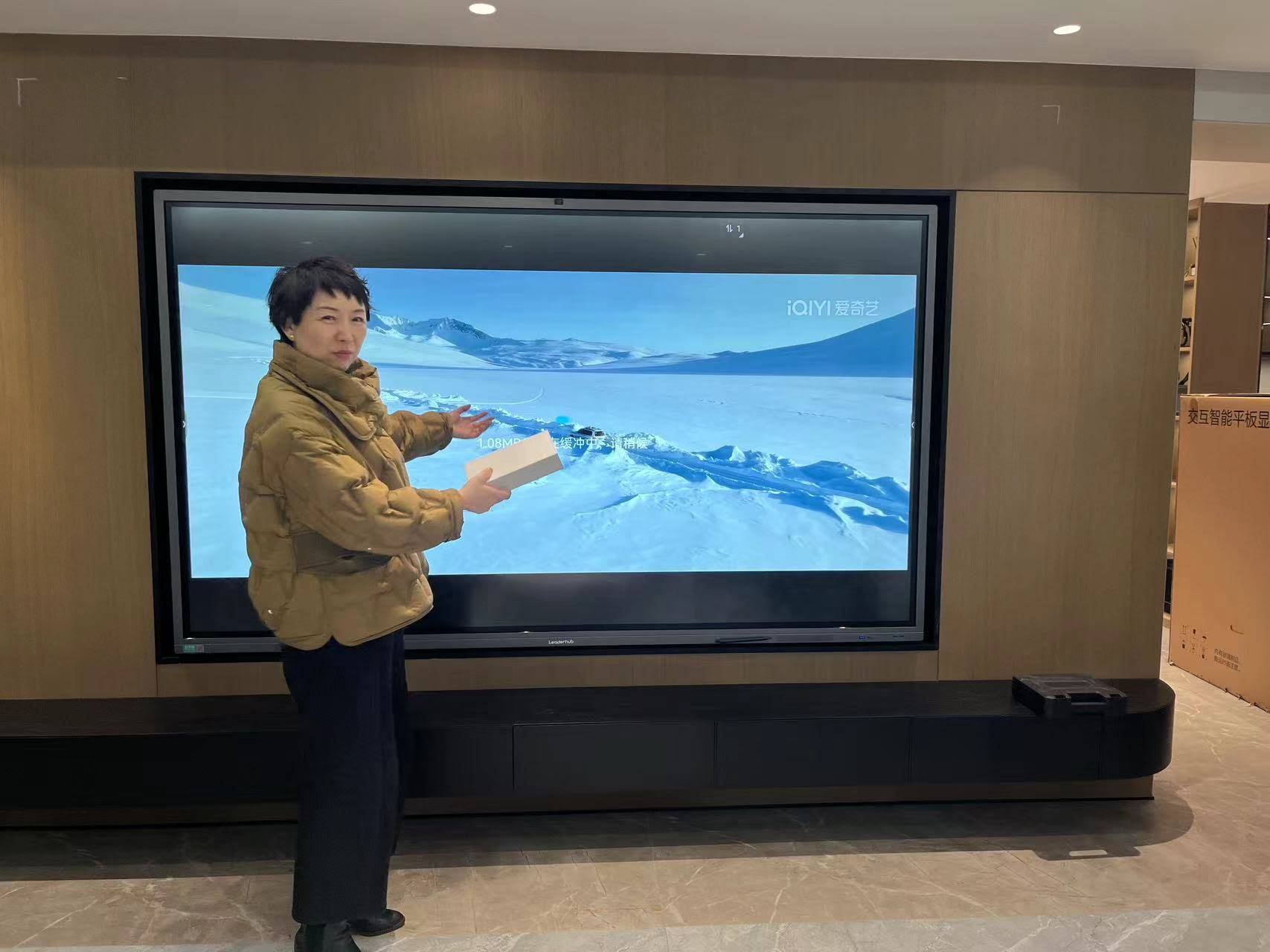
Why the Right Smart Whiteboard Matters
Interactive displays have become the backbone of modern classrooms and meeting rooms. According to industry research, organizations that adopt collaborative touch displays report up to a 25% improvement in meeting efficiency and significantly higher engagement in training sessions. As a company with 16 years of experience in the interactive panel industry, serving 82 countries worldwide, we’ve seen firsthand how the right hardware choice transforms daily workflows — and how the wrong choice leads to frustration, wasted budget, and low adoption rates.
1. Determine Your Primary Use Case
Before comparing specs, define how the whiteboard will actually be used. The requirements for a lecture hall differ dramatically from those of a small huddle room or a design studio.
- Education: Prioritize durability, annotation tools, and compatibility with learning software.
- Corporate meetings: Focus on video conferencing integration, wireless screen sharing, and cloud collaboration.
- Creative or design work: Look for high touch-point accuracy and stylus pressure sensitivity.
- Hybrid/remote teams: Built-in camera, microphone array, and app ecosystem become critical.
2. Screen Size and Resolution
Size should match room dimensions, not personal preference. A common mistake is installing an oversized panel in a small room, or an undersized one in a large hall where back-row viewers strain to read text.
| Room Size | Recommended Screen Size | Ideal Resolution |
|---|---|---|
| Small huddle room (up to 6 people) | 55″ – 65″ | 4K UHD |
| Medium classroom/boardroom (6-20 people) | 65″ – 86″ | 4K UHD |
| Large hall/auditorium (20+ people) | 98″ – 110″ | 4K UHD or higher |
3. Touch Technology and Responsiveness
Not all touchscreens are created equal. The underlying technology determines how accurately the panel registers writing, gestures, and multi-user interaction.
- Infrared (IR) touch: Cost-effective, supports 20+ touch points, ideal for most classrooms and offices.
- Capacitive touch: Offers a smartphone-like feel with faster response times, better for design-heavy tasks.
- Palm rejection & stylus support: Essential for natural handwriting and sketching without accidental smudging.
When evaluating a smart whiteboard, always ask about touch latency — anything above 8ms can create a noticeable lag that disrupts natural writing flow.
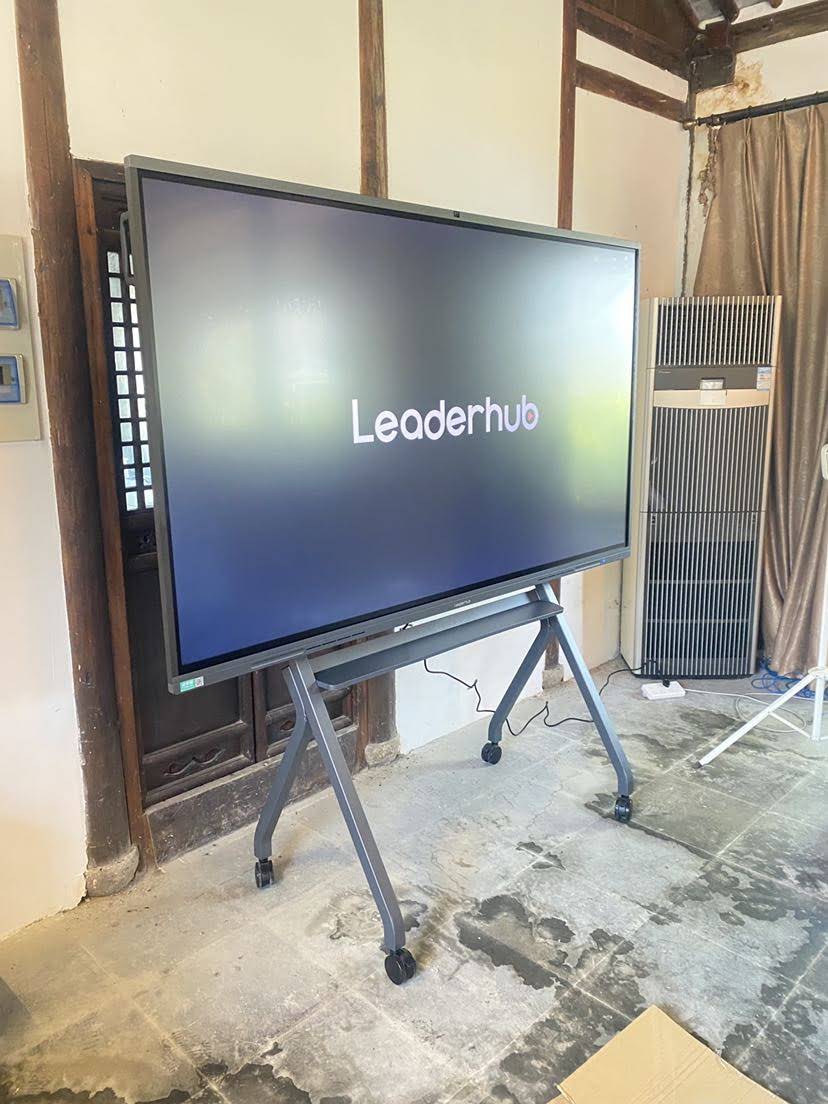
4. Operating System and Software Ecosystem
A smart whiteboard is only as good as the software running on it. Look for a system that supports:
- Built-in whiteboarding and annotation apps with cloud save
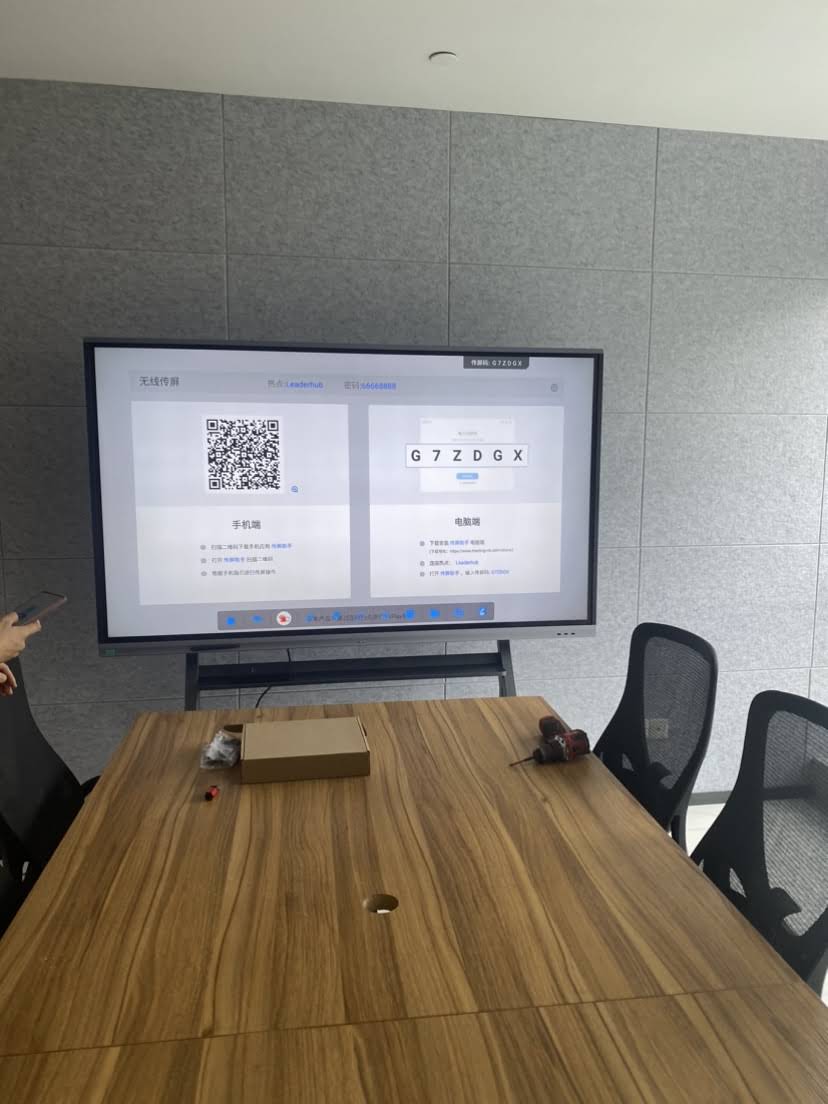
- Screen mirroring from laptops, tablets, and phones (wired and wireless)
- Compatibility with popular video conferencing platforms like Zoom, Teams, and Google Meet
- Regular firmware and security updates from the manufacturer
Many modern displays now run on Android-based systems paired with an optional mini PC module, giving users the flexibility to switch between a lightweight built-in OS and a full Windows environment for advanced applications.
5. Connectivity and Ports
Check for a full range of physical and wireless connections to avoid compatibility headaches down the line:
- Multiple HDMI inputs (for laptops, cameras, external devices)
- USB-C with power delivery for single-cable connectivity
- Built-in Wi-Fi and Bluetooth for wireless casting
- LAN port for stable network connections in enterprise environments
6. Build Quality and Display Technology
Anti-glare glass, wide viewing angles, and eye-care certifications (such as low blue light and flicker-free technology) matter for daily comfort — especially in classrooms where students face the screen for hours. Look for panels with anti-glare etched glass and at least 400 nits of brightness for well-lit rooms.
7. Mounting Flexibility and Portability
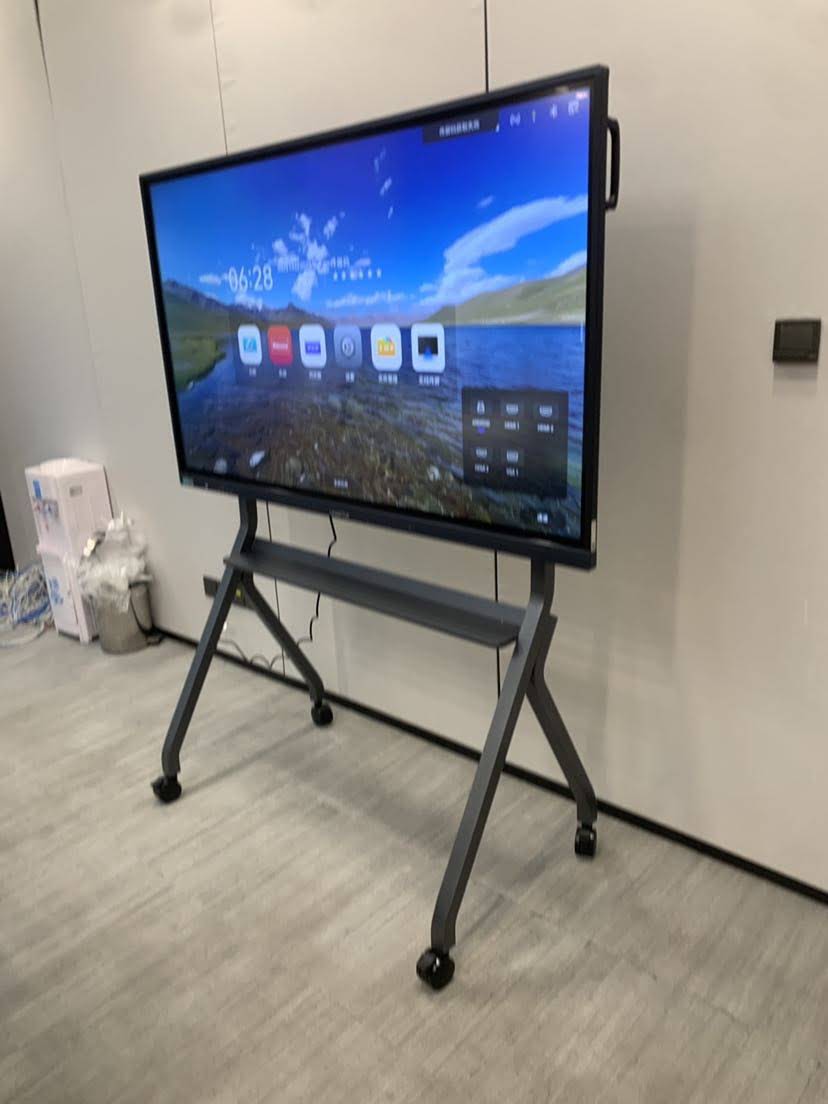
Some environments benefit from fixed wall-mounted panels, while others need mobility. Rotating screens and portable smart displays with built-in batteries are increasingly popular for training rooms and multi-purpose spaces that need to be reconfigured quickly.
8. Budget Planning and Total Cost of Ownership
Price varies widely depending on size, resolution, and features. Below is a general market reference range for touchscreen smart whiteboards:
| Screen Size | Typical Price Range | Best For |
|---|---|---|
| 65″ | $1,000 – $1,600 | Classrooms, small meeting rooms |
| 75″ – 86″ | $1,400 – $3,200 | Boardrooms, medium lecture halls |
| 110″ | $7,000+ | Auditoriums, large conference centers |
Don’t forget to factor in installation, mounting hardware, and any optional add-ons like a mini PC module for extended computing capability.
9. Warranty, Support, and Manufacturer Reputation
A touchscreen whiteboard is a long-term investment, typically expected to last 5-8 years in daily use. Before purchasing, verify:
- Warranty length (industry standard is 2-3 years, with some offering extended coverage)
- Availability of local technical support and spare parts
- Manufacturer track record — how long has the company been in business, and do they have verifiable client references?
LeaderHub, a Shenzhen-based technology company, has been developing interactive panel solutions since 2010, holding the No.1 position in its JD.com subcategory and maintaining partnerships across finance, education, and government sectors in over 80 countries — a track record that reflects both product reliability and sustained customer trust.
10. Testing Before You Buy
Whenever possible, request a live demo or trial unit. Pay attention to:
- How the screen performs under different lighting conditions
- Whether handwriting recognition feels natural
- Audio quality of built-in speakers for conferencing
- Ease of switching between input sources
Common Mistakes to Avoid
- Buying based on price alone — cheaper panels often have shorter lifespans and limited touch accuracy.
- Ignoring room acoustics and lighting — a great screen with poor speaker placement undermines meeting quality.
- Overlooking software licensing costs — some ecosystems charge recurring fees for premium features.
- Skipping staff training — even the best interactive flat panel underperforms if users don’t know how to use its features.
Final Checklist Before Purchase
- ✔ Screen size matches room dimensions
- ✔ Touch technology supports multi-user collaboration
- ✔ Software ecosystem integrates with your existing tools
- ✔ Connectivity options cover all your devices
- ✔ Warranty and support terms are clearly defined
- ✔ Manufacturer has verifiable industry experience
Conclusion
Selecting a touchscreen smart whiteboard is not just about picking the largest screen or the lowest price — it’s about matching technology to your specific environment and long-term goals. By evaluating screen size, touch responsiveness, software ecosystem, connectivity, and manufacturer reliability, you can make a confident, future-proof investment. With over a decade of experience designing interactive displays for classrooms, boardrooms, and creative studios worldwide, the right partner can make this decision significantly easier — turning a complex purchase into a straightforward upgrade for how your team meets, teaches, and creates.








