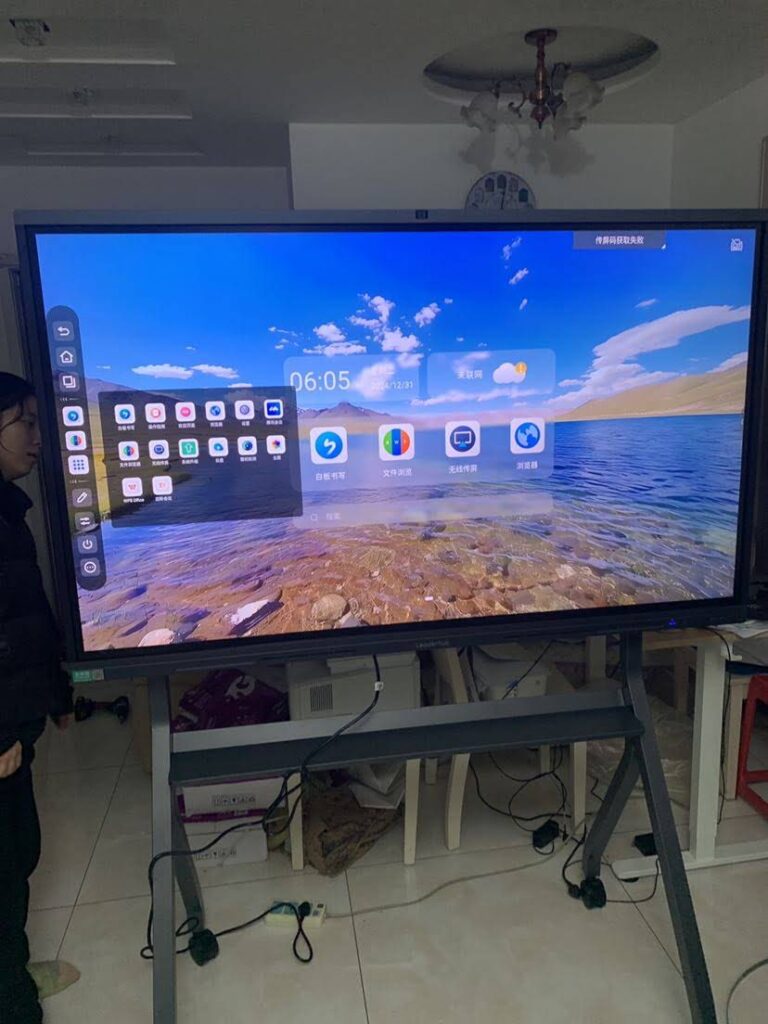
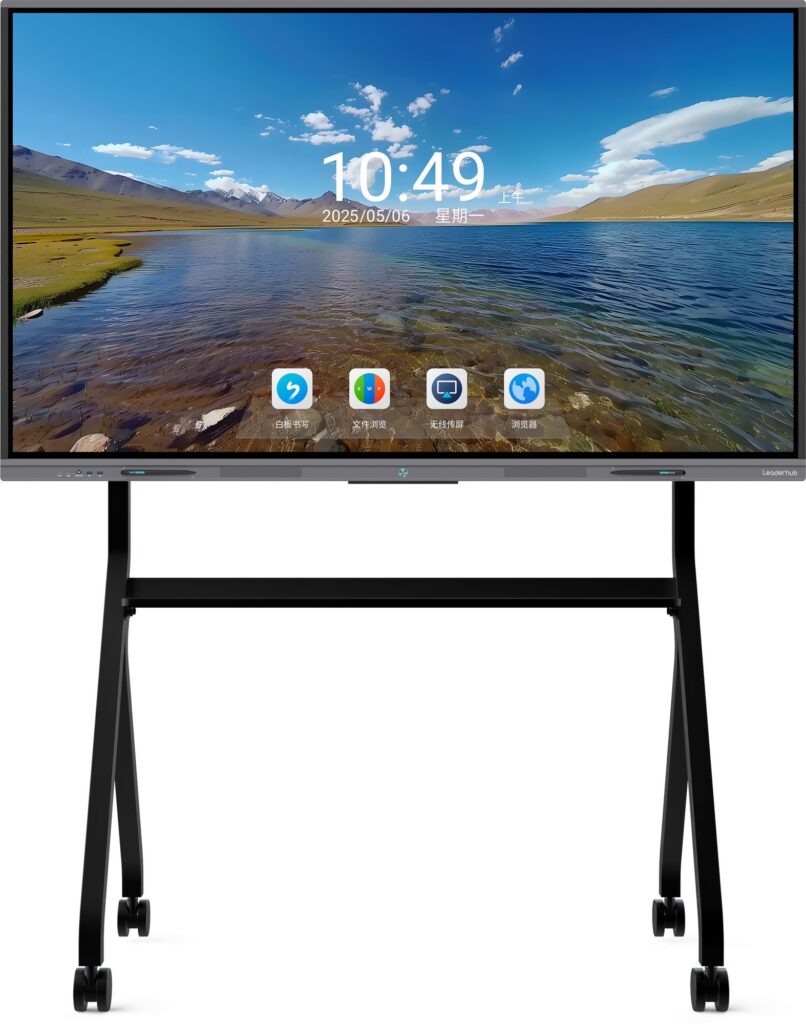
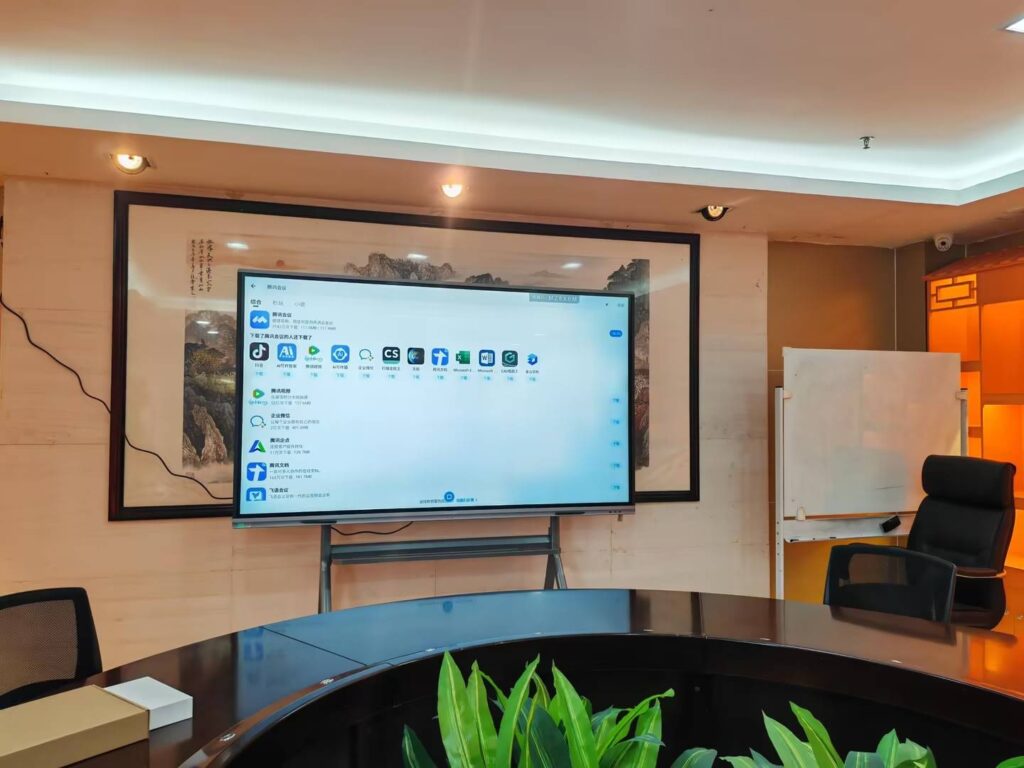
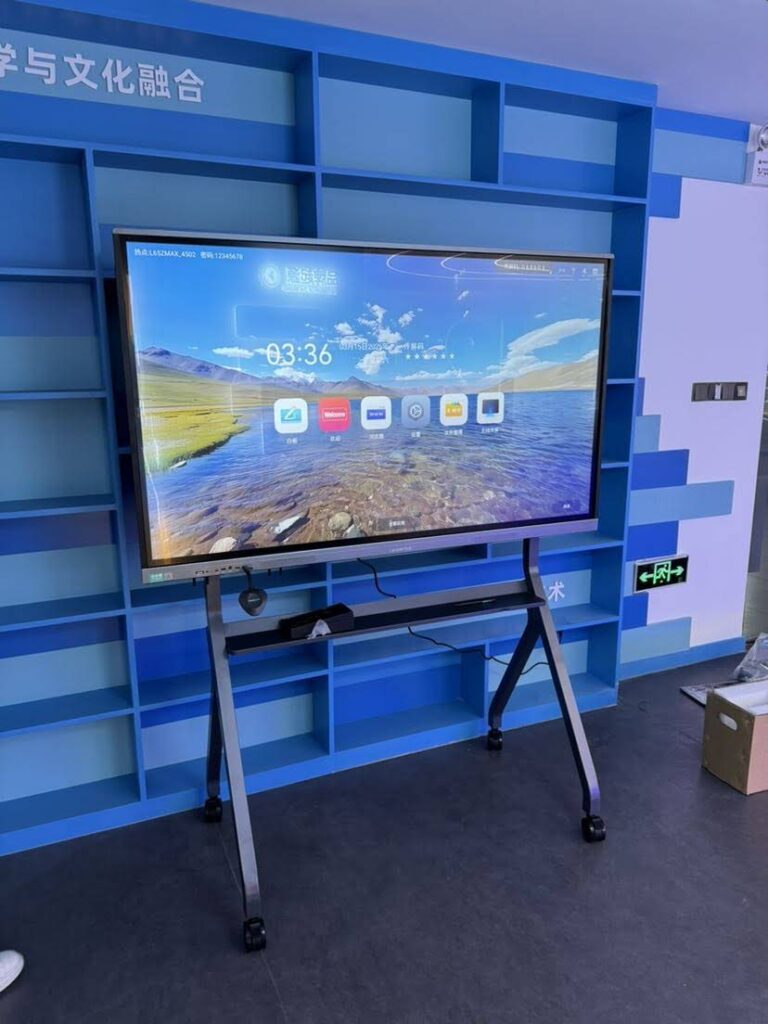
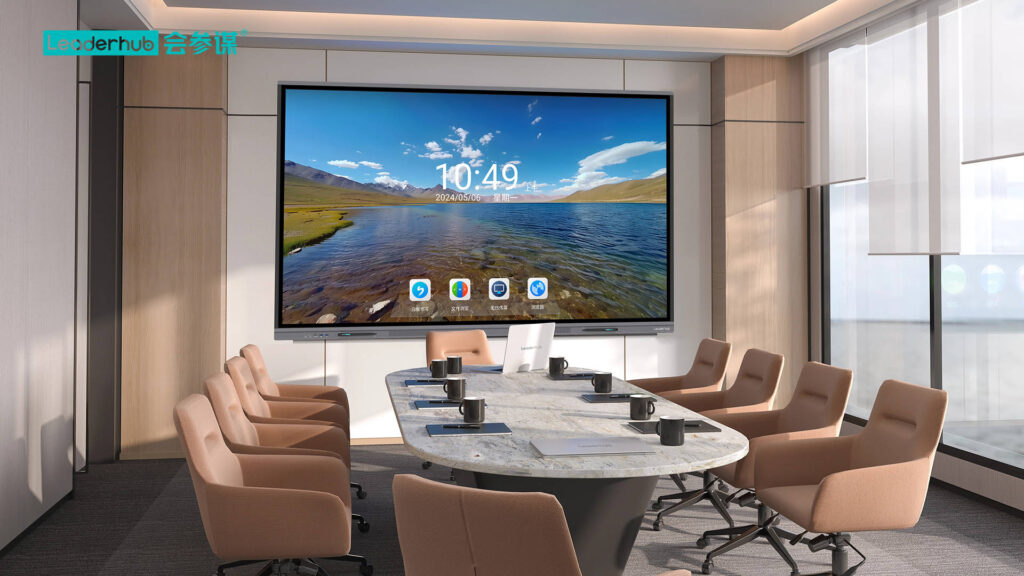
Choosing the right smart whiteboard for your home classroom can feel overwhelming, especially with dozens of brands, screen sizes, and software options flooding the market. After working with hundreds of homeschooling families and educational technology consultants over the past several years, we’ve seen firsthand which features actually matter — and which ones are just marketing noise.
This guide breaks down everything you need to know before making a purchase, based on real classroom testing, teacher feedback, and current industry data on interactive display adoption in home education settings.
Why Homeschooling Families Are Switching to Smart Whiteboards
According to the National Home Education Research Institute, homeschooling has grown by over 30% in the last five years across North America and Europe. As more parents take on the role of educator, they’re discovering that traditional whiteboards and printed worksheets simply can’t keep pace with modern, interactive learning methods.
A smart whiteboard bridges that gap — combining a touch display, built-in apps, annotation tools, and often a mini PC — to create a single hub for lessons, video calls with tutors, and digital worksheets. Many families report that lesson prep time drops significantly once they move from paper-based teaching to an interactive flat panel setup.
Key Benefits Parents Report
- Faster lesson preparation — pre-loaded templates and cloud-synced files reduce prep time.
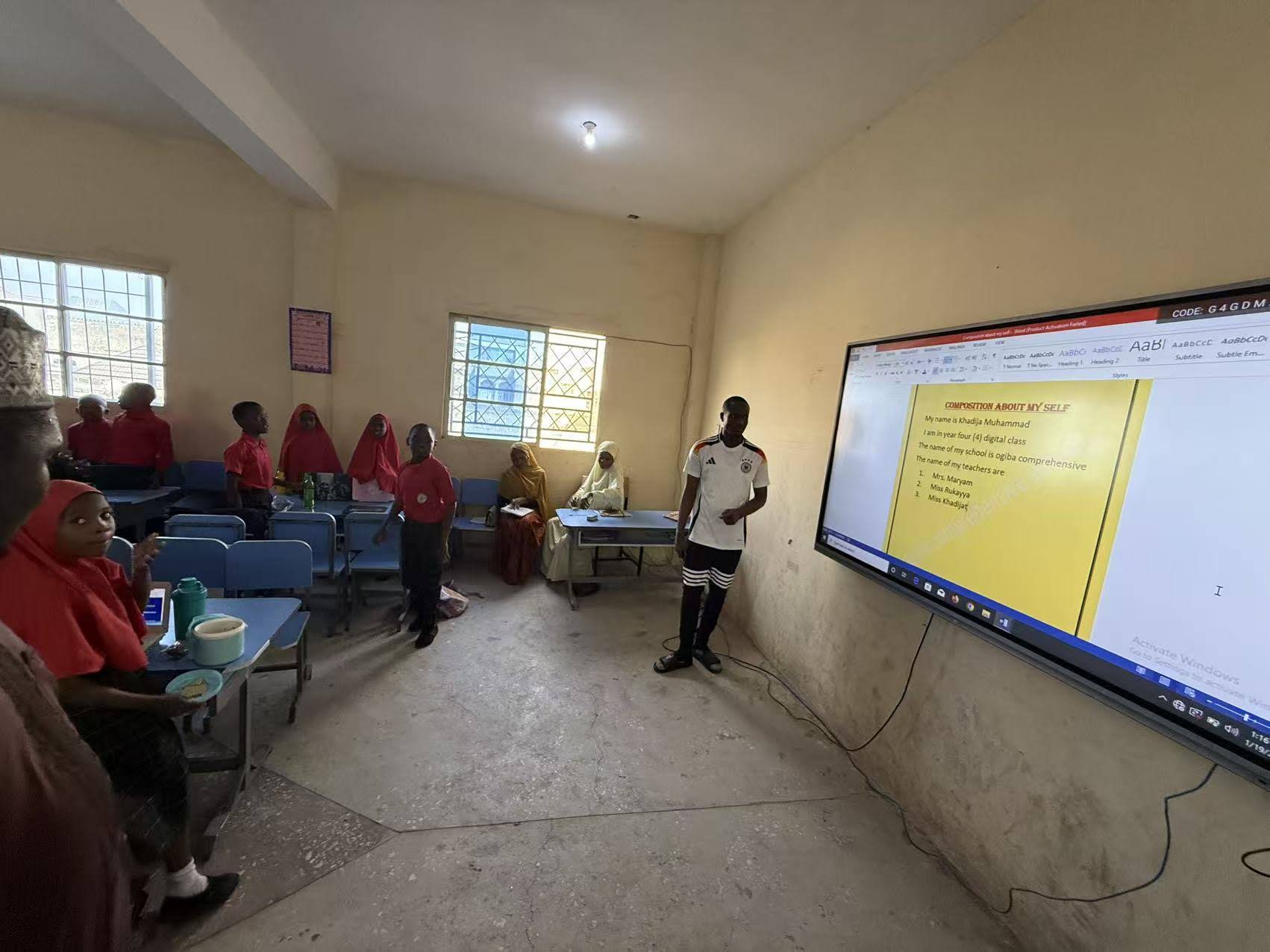
- Better engagement — touch interaction keeps younger children focused longer than static worksheets.
- Easy remote tutoring — built-in video conferencing lets tutors join lessons without extra hardware.
- Multi-child flexibility — split-screen and multi-user annotation support siblings learning at different levels simultaneously.
Step 1: Determine the Right Screen Size for Your Space
Screen size is often the first — and most miscalculated — decision. A screen that’s too large overwhelms a small home study room, while one that’s too small strains young eyes during long lessons.
| Room Size | Recommended Screen Size | Best For |
|---|---|---|
| Small study nook (under 10㎡) | 55″ – 65″ | 1-2 students, close viewing distance |
| Medium home classroom | 65″ – 75″ | Family with 2-3 children, group activities |
| Large learning space / co-op groups | 86″ and above | Multiple families, homeschool co-ops, group classes |
Most educational consultants recommend a 65-inch panel as the sweet spot for typical home classrooms — large enough for clear visibility across the room, yet compact enough to fit most walls without dominating the space.
Step 2: Check Display Resolution and Touch Accuracy
Not all “4K” panels perform equally. Look for boards with true 4K UHD resolution (3840×2160), anti-glare glass, and low blue-light emission — especially important since children often spend 3+ hours a day in front of these screens.
Touch accuracy matters just as much. Infrared (IR) touch technology remains the most reliable for classroom-style writing, offering fast response times even with multiple touch points — useful when siblings work on the same board together.
Quick Checklist for Display Quality
- True 4K resolution, not upscaled HD
- 20-point or higher multi-touch support
- Anti-glare, scratch-resistant tempered glass
- Eye-comfort certification (low blue light, flicker-free)
Step 3: Evaluate the Built-In Operating System and Software
This is where many families get tripped up. A smart whiteboard is only as useful as its software ecosystem. Look for boards that support Android-based apps, whiteboard annotation tools, screen mirroring from tablets/laptops, and cloud storage integration for saving lessons.
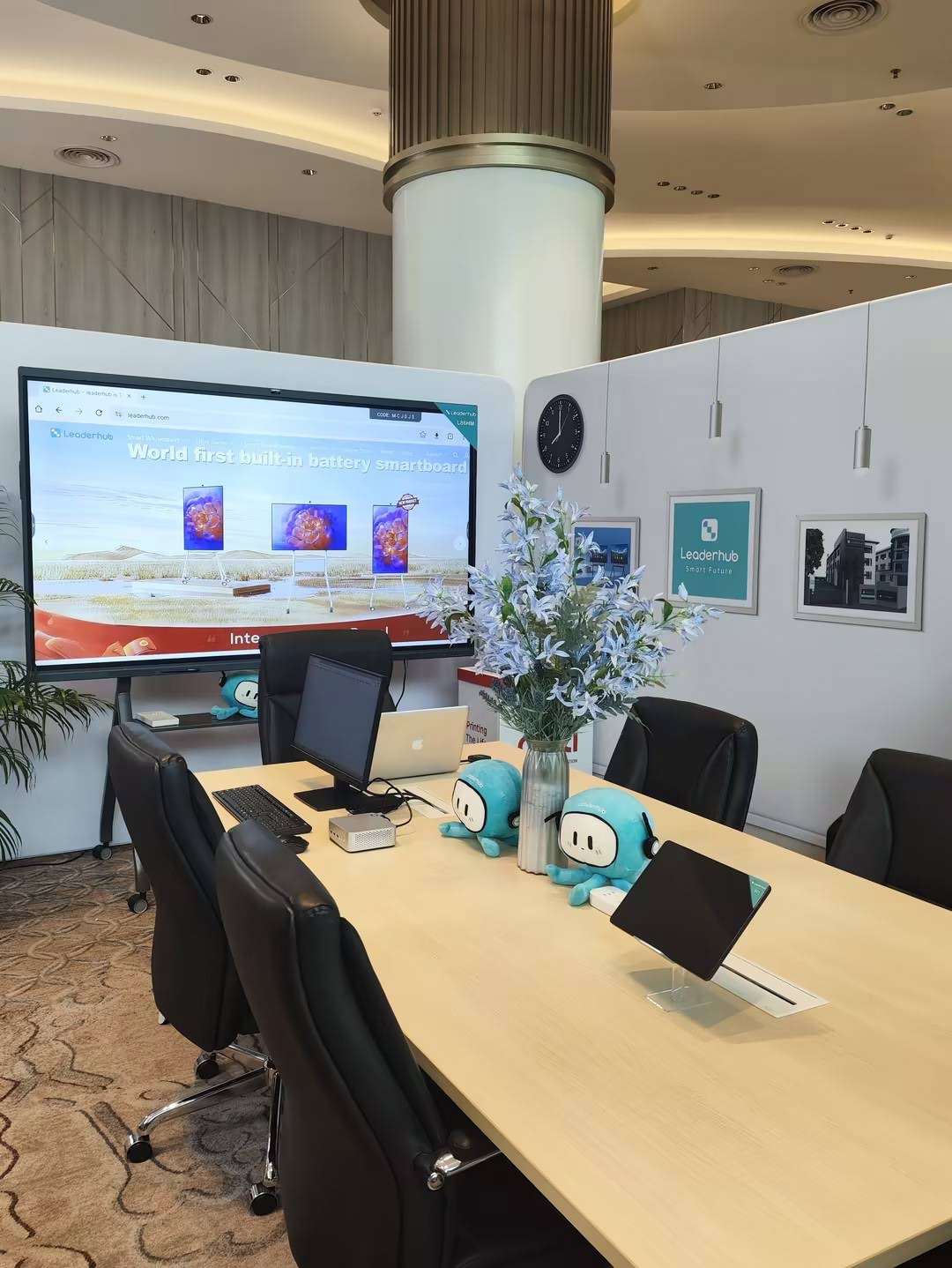
Some higher-end models pair the display with a detachable mini PC, giving you full Windows functionality for running standard curriculum software like Khan Academy, Google Classroom, or Zoom — without needing a separate laptop connected by cables.
Step 4: Consider Connectivity and Compatibility
Homeschooling often involves switching between devices — tablets for reading apps, laptops for typing assignments, and the whiteboard for group lessons. Make sure the panel you choose supports:
- HDMI and USB-C input for laptops and cameras
- Wireless screen casting (Miracast/AirPlay compatible)
- Built-in Wi-Fi and Bluetooth for peripherals
- Multiple USB ports for keyboards, styluses, or external drives
If you also run online tutoring sessions or virtual co-op classes, a board with a built-in camera and microphone array — or the ability to plug in an external one — will save significant setup time each session.
Step 5: Factor in Budget and Long-Term Value
Prices for education-grade smart whiteboards typically range from $1,000 to over $8,000 depending on size, resolution, and included accessories. Below is a general breakdown based on current market pricing for home and small classroom use:
| Category | Typical Price Range | Ideal Use Case |
|---|---|---|
| Entry-level (65″) | $1,000 – $1,500 | Single-family homeschool |
| Mid-range (75″) | $1,500 – $2,500 | Multi-child households, tutoring |
| Premium (86″+) | $3,000+ | Homeschool co-ops, group classes |
For families just starting out, a portable option like a rotating smart screen can be a cost-effective alternative — it delivers similar interactive features on a smaller scale and can move between rooms as needed.
Real Experience: What One Homeschooling Family Learned
A homeschooling mother of three in Texas shared her experience after switching from a projector-and-laptop setup to a 65-inch interactive panel: “The biggest change wasn’t the technology itself — it was how much faster my kids transitioned between subjects. Everything is saved and organized on the board, so we’re not digging through folders anymore.” Her family reported cutting daily lesson setup time from 20 minutes to under 5.

Common Mistakes to Avoid
- Buying based on size alone — resolution and touch quality matter just as much for daily use.
- Ignoring software compatibility — check if your existing curriculum apps run smoothly on the board’s OS.
- Skipping warranty details — education-grade panels should carry at least a 2-3 year warranty given daily use.
- Overlooking wall mounting vs. mobile stand options — mobile stands offer flexibility if you rearrange your learning space often.
Frequently Asked Questions
Do I need a separate computer with a smart whiteboard?
Not necessarily. Many modern panels include a built-in Android system sufficient for browsing, video calls, and basic apps. However, if you rely on Windows-specific curriculum software, pairing the panel with a compact mini PC is the most efficient solution.
How long do smart whiteboards typically last?
With proper care, education-grade interactive panels typically last 6-8 years of daily use, comparable to commercial-grade classroom equipment.
Can multiple children use the same board for different subjects?
Yes — most modern smart whiteboards support multi-user profiles and split-screen modes, allowing siblings to work on separate tasks or subjects simultaneously.
Final Thoughts
Selecting the right smart whiteboard comes down to matching your family’s teaching style, room size, and budget with the right combination of display quality, software, and connectivity. Take time to test touch responsiveness and software compatibility before committing, and don’t overspend on features you won’t actually use in a home setting.
Companies like Leaderhub, a Shenzhen-based manufacturer with over 16 years of experience designing interactive displays for education and business use across 82 countries, offer a range of panel sizes and mini PC pairings specifically suited for home classrooms and small learning groups — making it easier for families to find a setup that fits both their space and their teaching needs.
Whatever you choose, the right smart whiteboard should reduce daily friction, keep your children engaged, and grow with your family’s learning needs for years to come.