
Choosing the right 4K smart whiteboard can feel overwhelming, especially with dozens of brands, screen sizes, and specifications flooding the market. Whether you’re outfitting a corporate boardroom, a modern classroom, or a creative studio, the wrong choice can lead to wasted budget, poor user adoption, and frustrating technical issues down the road.
Having tested and deployed interactive panels across educational institutions, corporate offices, and training centers, we’ve compiled this comprehensive guide to help you make an informed purchasing decision. This article draws on real-world deployment data, industry specifications, and practical experience from thousands of installations worldwide.
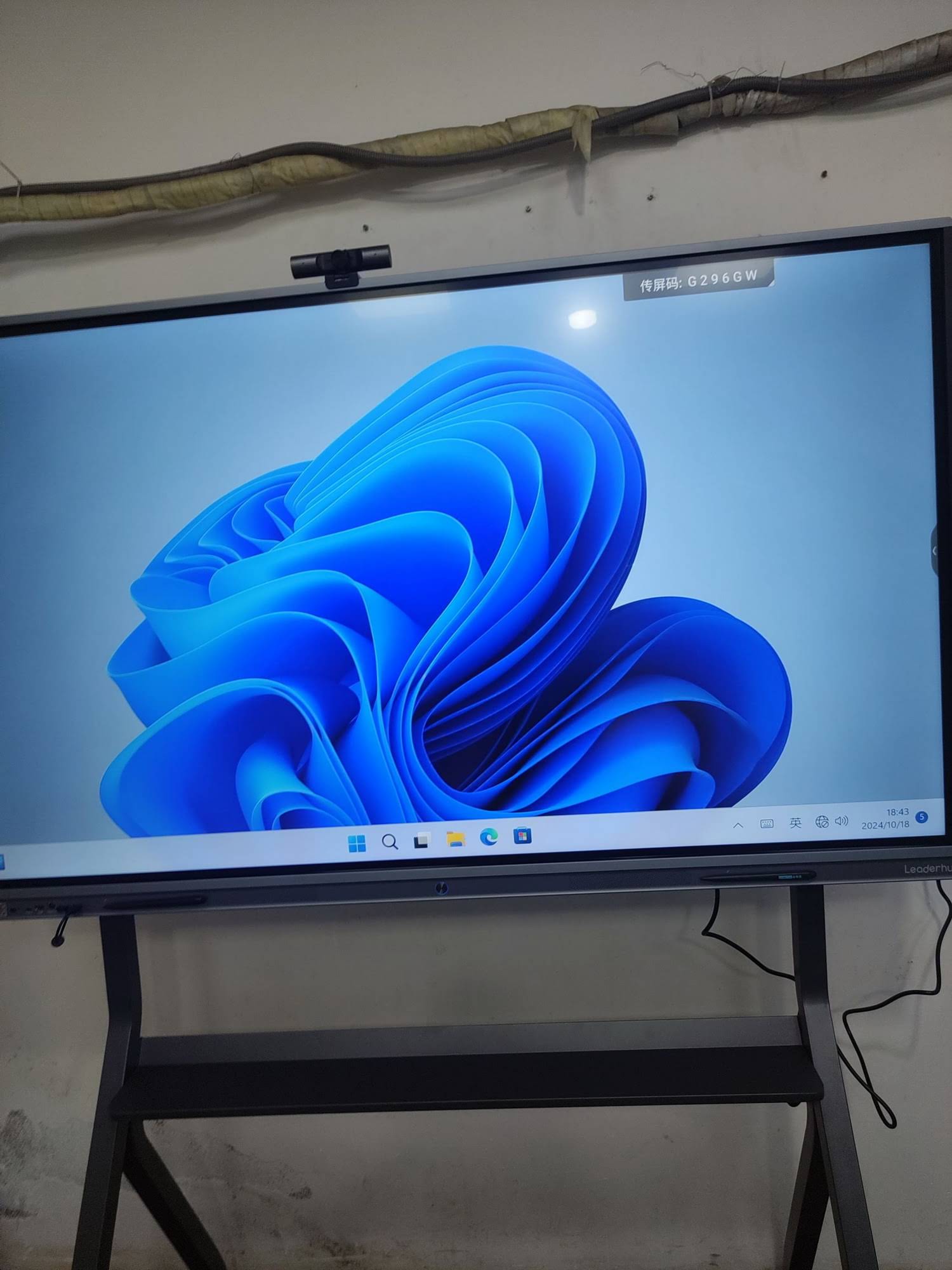
Why 4K Resolution Matters for Smart Whiteboards
Resolution is the foundation of visual clarity. A 4K smart whiteboard delivers 3840 x 2160 pixels — four times the detail of standard 1080p Full HD displays. This matters significantly for:
- Text legibility — Small fonts in spreadsheets, code, or design files remain sharp even when viewed from the back of a large room.
- Fine annotation — Handwriting and stylus input appear smooth without pixelation, critical for teachers sketching diagrams or engineers reviewing CAD drawings.
- Video conferencing quality — With hybrid meetings now standard in most organizations, 4K ensures remote participants are seen clearly, improving engagement and reducing miscommunication.
According to industry research from AVIXA (Audiovisual and Integrated Experience Association), over 68% of organizations upgrading conference room technology in 2024 specifically requested 4K or higher resolution displays, citing improved readability as the top reason.
Key Factors to Evaluate Before Buying
1. Screen Size and Room Dimensions
Screen size should match your room’s viewing distance. A common mistake is under-sizing the display, which forces people at the back of the room to squint at content.
| Room Size | Recommended Screen Size | Typical Use Case |
|---|---|---|
| Small huddle room (up to 6 people) | 55″ – 65″ | Team standups, small classrooms |
| Medium conference room (6–15 people) | 75″ – 86″ | Board meetings, lecture halls |
| Large auditorium or training center | 98″ – 110″ | Large seminars, showroom displays |
2. Touch Technology and Responsiveness
Not all touchscreens perform equally. Infrared (IR) touch technology remains the industry standard for interactive whiteboards due to its reliability, palm rejection, and multi-touch support (typically 20-40 simultaneous touch points). When evaluating panels, look for:
- Sub-10ms response latency for natural writing feel
- Palm rejection technology to prevent accidental marks
- Support for both stylus and finger input simultaneously
3. Operating System and Software Ecosystem
Most modern smart whiteboards run on Android for built-in apps, with an optional Windows OPS module for full desktop functionality. Consider:
- Pre-installed whiteboard software for annotation, screen recording, and file sharing
- Wireless screen casting compatibility with Windows, Mac, iOS, and Android devices
- Cloud integration for saving and retrieving whiteboard sessions
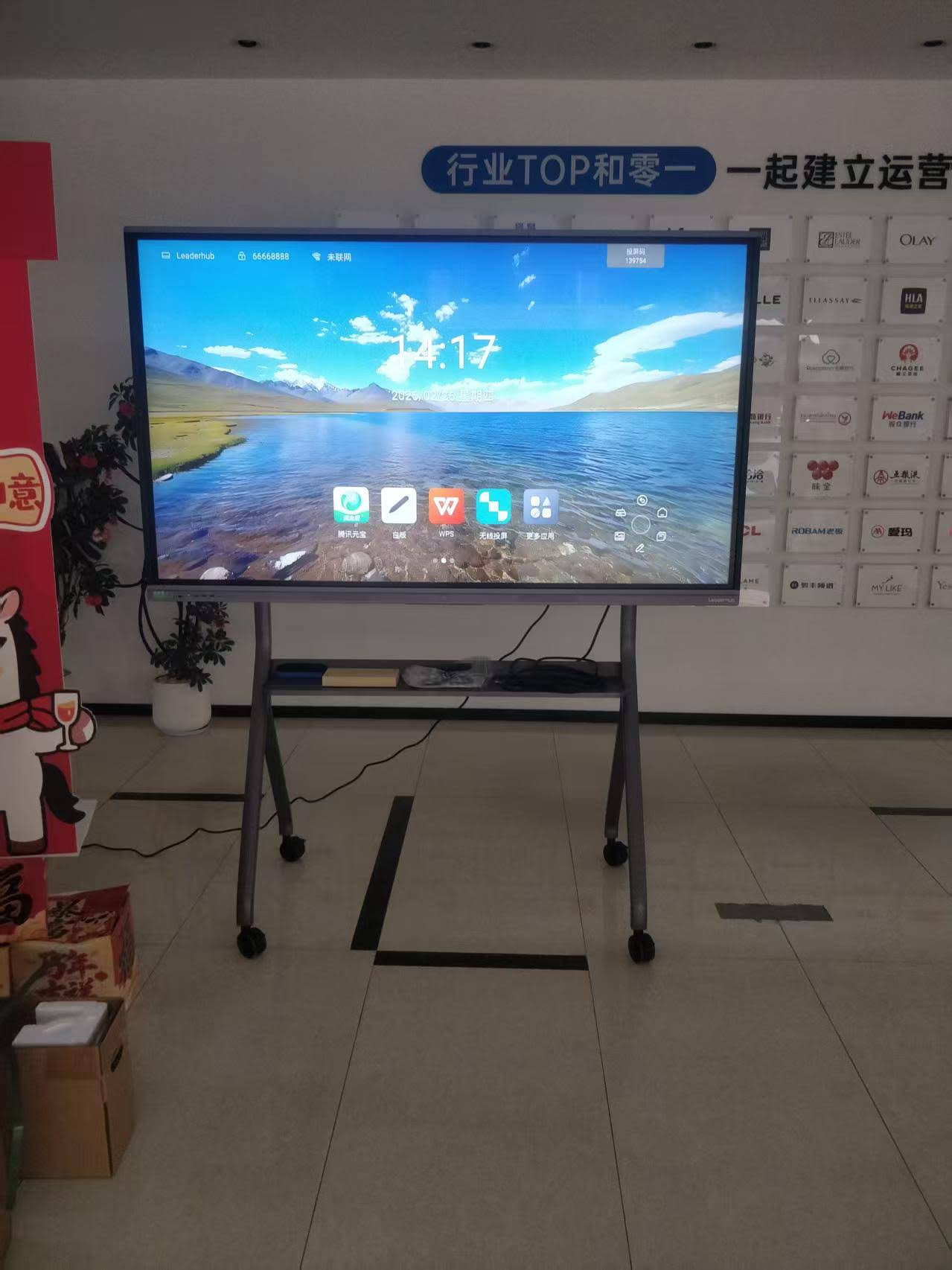
4. Built-in Computing Power
Many buyers overlook the internal hardware. A sluggish processor causes lag during annotation and video playback — a common complaint we’ve heard from schools that purchased budget panels without checking specs. Look for at least a quad-core processor with 4GB RAM for smooth Android performance, and consider models with a slot-in mini PC module for full Windows-based productivity.
5. Connectivity Options
Ensure the panel supports the connectivity your organization actually uses:
- HDMI in/out ports (minimum 2)
- USB-C with power delivery for laptop connection
- Built-in Wi-Fi 6 and Bluetooth 5.0
- RJ45 Ethernet for stable network connections
Comparing Popular 4K Smart Whiteboard Models
Based on deployment feedback and specification comparisons, here’s how several common panel categories stack up:
| Feature | Entry-Level Panels | Mid-Range Panels | Premium Panels |
|---|---|---|---|
| Resolution | 1080p / partial 4K | True 4K UHD | True 4K UHD + HDR |
| Touch Points | 10-point | 20-point | 40-point |
| OS Support | Android only | Android + optional Windows | Dual Android/Windows OPS |
| Warranty | 1 year | 2-3 years | 3+ years with on-site service |
Matching the Panel to Your Use Case
For Education
Schools benefit most from panels with built-in annotation software, easy screen mirroring for BYOD (bring your own device) classrooms, and durable anti-glare glass to withstand daily use by students. Panels like the 65″ 4K interactive whiteboard series are popular starting points for classroom-sized deployments.
For Business and Conference Rooms
Corporate environments prioritize video conferencing integration, wireless casting, and seamless connection with platforms like Zoom, Microsoft Teams, and Google Meet. Larger formats such as 75″ or 86″ panels tend to perform better in boardrooms where multiple stakeholders view content simultaneously.
For Creative and Design Studios
Designers and architects need high color accuracy, low input latency, and stylus pressure sensitivity for sketching. HDR-capable panels with wide color gamut coverage are worth the additional investment in these settings.
Common Mistakes to Avoid When Buying
- Ignoring after-sales support — A panel is a long-term investment; ensure the manufacturer offers accessible technical support and spare parts availability.
- Overlooking mounting and installation costs — Wall mounts, mobile stands, and installation labor can add 10-15% to your total budget.
- Choosing size over functionality — A bigger screen with poor software is less useful than a well-optimized mid-size panel.
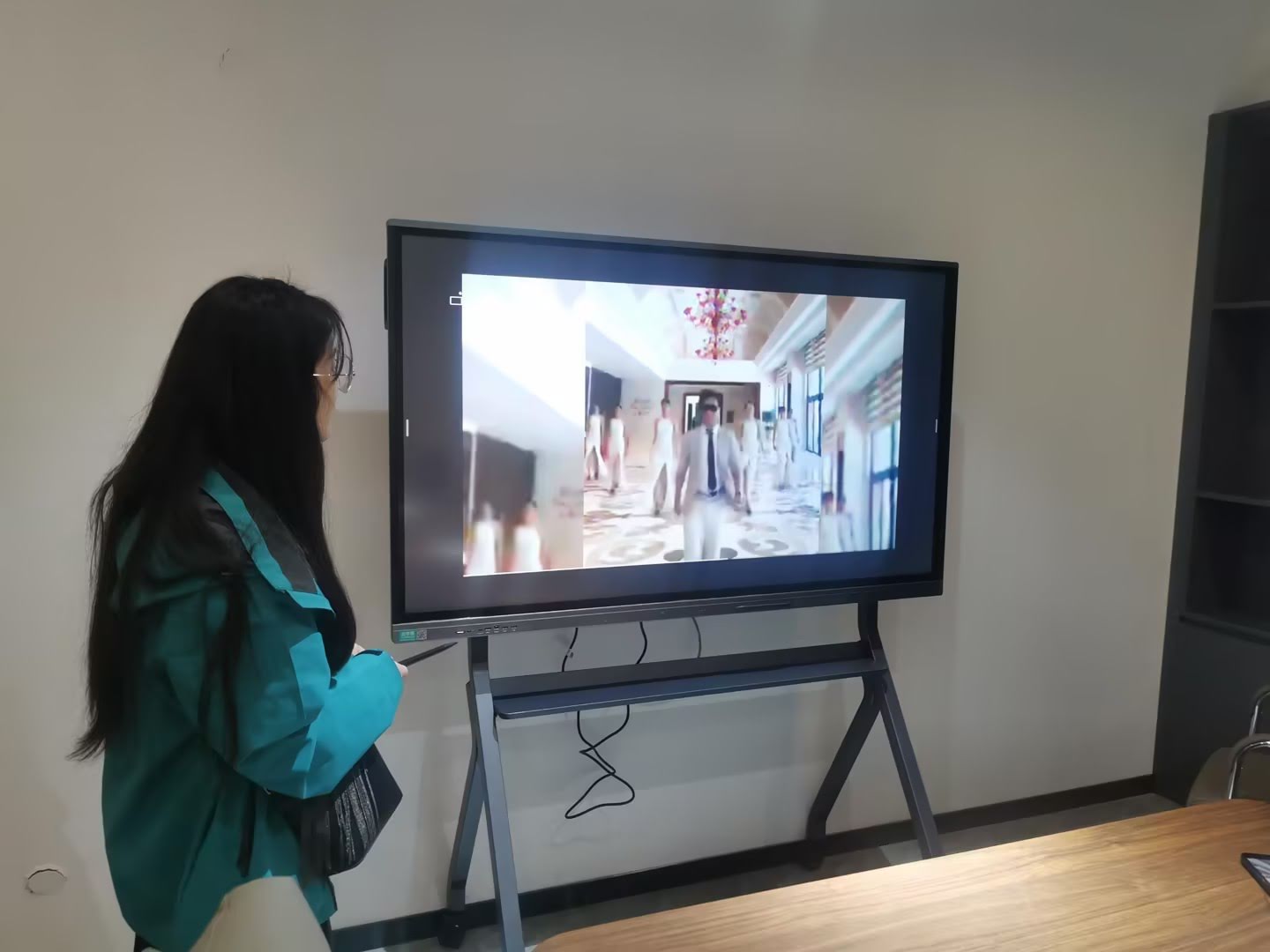
- Skipping a live demo — Always request a demonstration or trial period before committing to a bulk purchase.
Budget Planning: What to Expect
Pricing for genuine 4K smart whiteboards varies significantly based on size and features. As a general guideline based on current market data:
- 65″ models: typically $1,000 – $1,500
- 75″ models: typically $1,400 – $2,500
- 86″ and above: typically $3,000 – $8,000+
Bulk purchases for schools or enterprise rollouts often qualify for volume discounts, so it’s worth requesting a quote directly from manufacturers rather than relying solely on retail listings.
Frequently Asked Questions
Is a 4K resolution really necessary, or is 1080p enough?
For rooms larger than 20 square meters or where fine detail (text, diagrams, spreadsheets) is displayed, 4K makes a noticeable difference. For very small huddle spaces under 10 square meters, 1080p may suffice, but the price difference for 4K has narrowed enough that most buyers now choose 4K by default.
Can I connect my laptop directly to a smart whiteboard?
Yes. Most panels support HDMI and USB-C connections, allowing you to mirror your laptop screen directly onto the whiteboard without needing the built-in Android system.
How long do smart whiteboards typically last?
With proper care, commercial-grade interactive panels typically last 5-8 years. LED backlight lifespan is usually rated at 30,000-50,000 hours of continuous use.
Final Thoughts
Selecting the right 4K smart whiteboard comes down to matching screen size, touch technology, and software ecosystem to your specific environment — whether that’s a classroom, boardroom, or design studio. Take time to evaluate connectivity needs, request live demonstrations, and factor in long-term support before making a final decision.
As a company with 16 years of experience in the interactive display industry, LeaderHub has helped organizations across 82 countries select and deploy smart whiteboard solutions tailored to their specific needs, from single classroom installations to enterprise-wide rollouts.
If you’re ready to explore models that fit your room size, budget, and use case, browse our full range of interactive smart whiteboards or reach out to our team for a personalized recommendation based on your specific requirements.








