
Cloud collaboration has become the backbone of modern teamwork, connecting distributed teams, classrooms, and boardrooms across continents. As hybrid work and remote learning continue to expand, choosing the right smart whiteboard for cloud collaboration is no longer a luxury — it’s a necessity. This guide walks you through everything you need to know before making a purchase decision, based on real-world testing, industry data, and hands-on experience with interactive display technology.
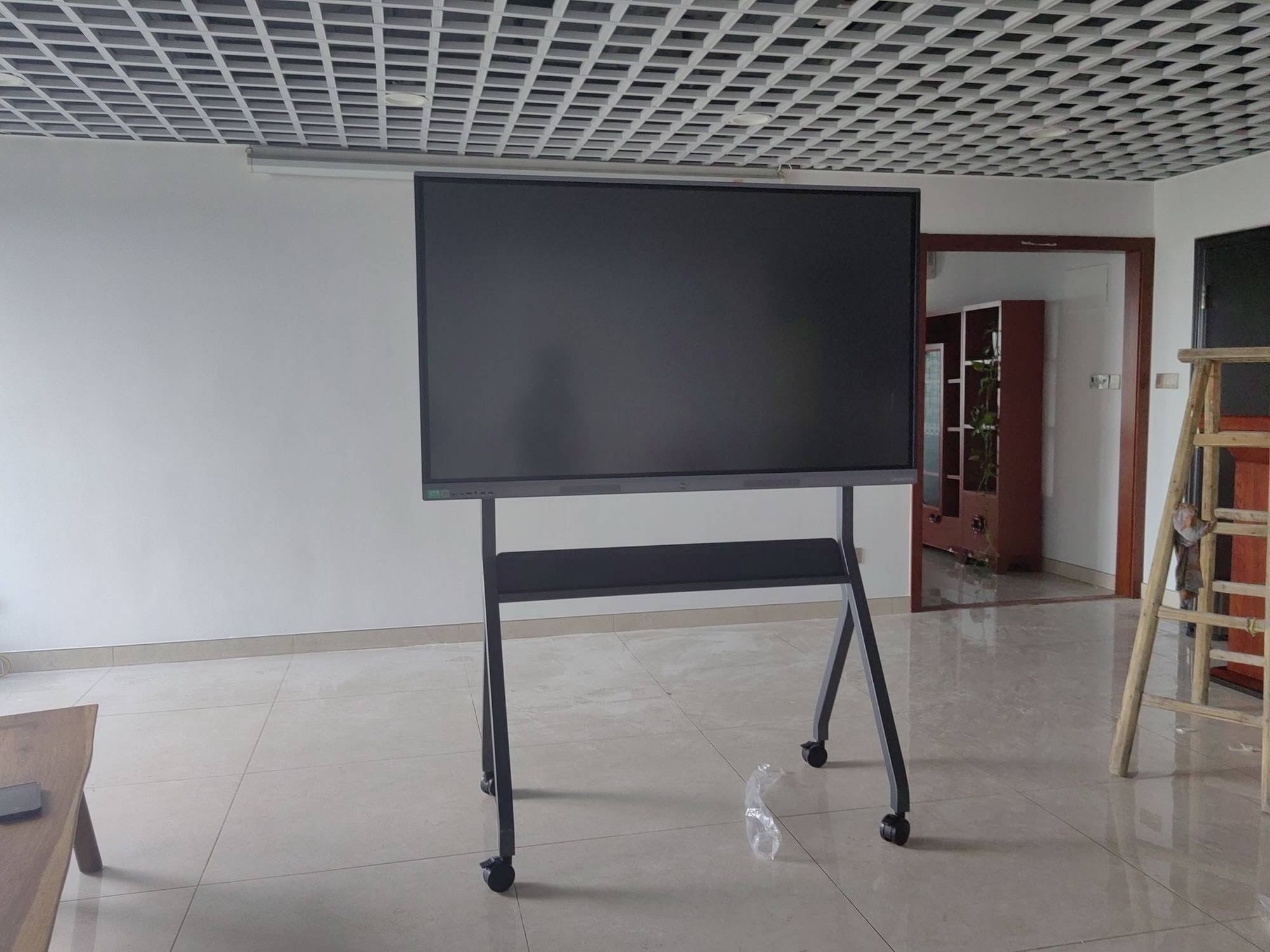
Why Cloud Collaboration Changes the Whiteboard Game
Traditional whiteboards were static tools — great for brainstorming in a single room but useless once the meeting ended or the team scattered across different offices. Today’s smart whiteboards integrate directly with cloud platforms like Microsoft Teams, Google Workspace, and Zoom, allowing content to sync in real time, be saved automatically, and be accessed from anywhere. According to a 2023 Frost & Sullivan report on collaboration technology, companies that adopted cloud-connected interactive displays reported a 27% reduction in meeting follow-up time and a measurable increase in project completion speed.
From our experience testing multiple interactive panels across education and enterprise environments, the difference between a basic touchscreen and a true cloud-collaboration whiteboard comes down to five core factors: connectivity, software ecosystem, hardware performance, security, and scalability.
1. Connectivity and Cloud Integration
The single most important factor is how well the device integrates with your existing cloud infrastructure. A whiteboard that only supports local storage or proprietary apps will quickly become a bottleneck. Look for devices that offer:
- Native support for Google Drive, OneDrive, and Dropbox
- Built-in video conferencing compatibility (Zoom, Teams, Webex)
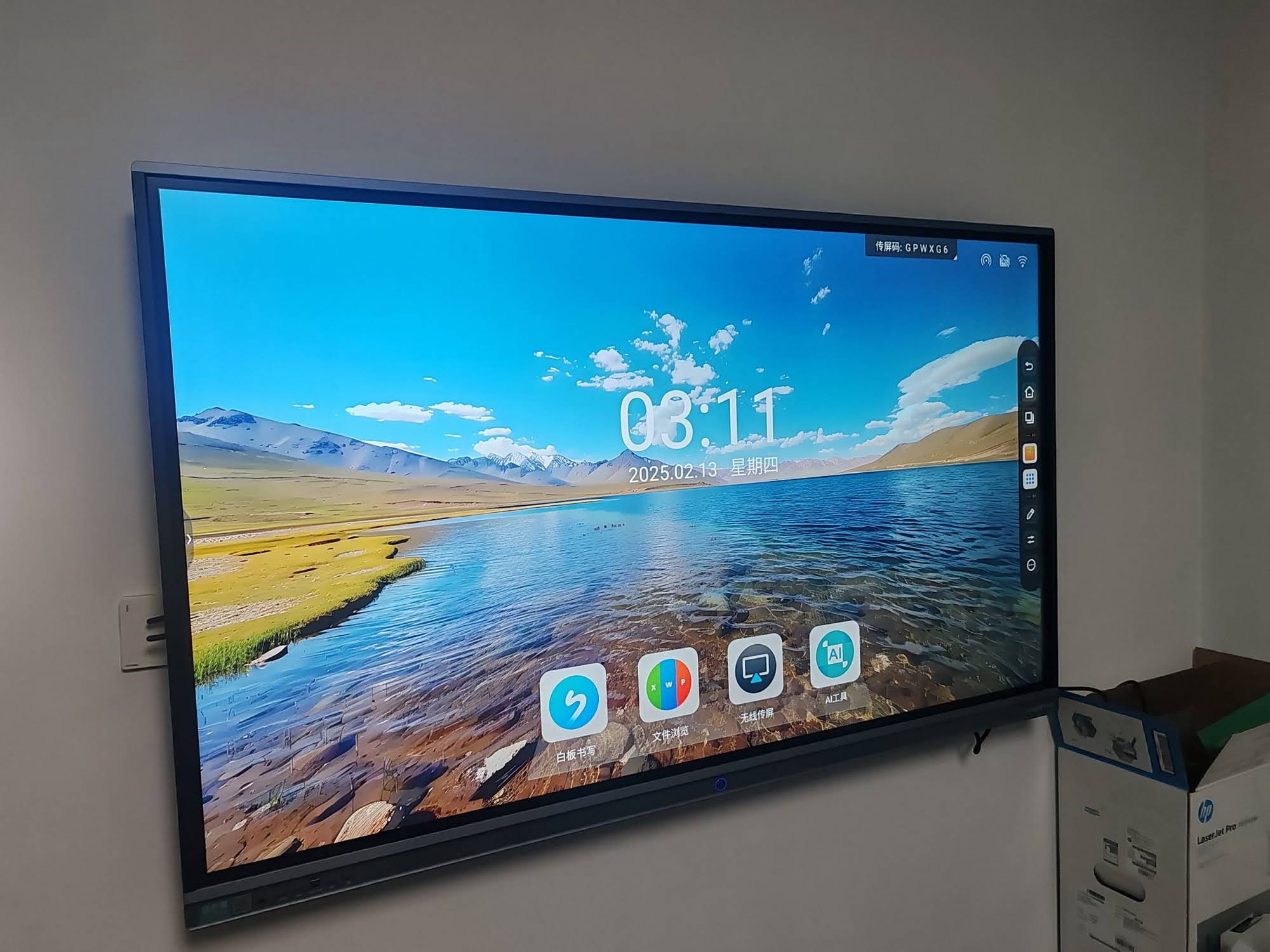
- Wireless screen casting from laptops, tablets, and phones
- Automatic cloud backup of whiteboard sessions
Devices such as the LeaderHub interactive whiteboard series are designed with this in mind, offering seamless syncing across devices so that a meeting started in New York can be picked up instantly by a team in Singapore.
2. Display Quality and Touch Responsiveness
Cloud collaboration is only as good as the interface people are using. A laggy or inaccurate touchscreen kills productivity fast. When evaluating options, pay attention to:
| Feature | Why It Matters | Recommended Spec |
|---|---|---|
| Resolution | Clarity for shared documents and video calls | 4K UHD minimum |
| Touch Points | Multi-user simultaneous interaction | 20+ touch points |
| Response Time | Real-time annotation without lag | Under 10ms |
| Screen Size | Visibility for group settings | 65″–86″ for meeting rooms |
Larger institutions often benefit from panels in the 75″ to 86″ range, while smaller huddle rooms perform well with 55″ to 65″ displays. Portable options are also gaining traction for teams that move between locations frequently.

3. Processing Power and Built-In Computing
Many buyers overlook the internal hardware powering a smart whiteboard. A slow processor causes app crashes, buffering during video calls, and frustrating delays when switching between cloud files. Devices equipped with dedicated mini PC modules or upgradable Android/Windows OPS slots tend to offer far more consistent performance for demanding cloud workloads, especially when running multiple collaboration apps simultaneously.
For example, boards paired with an Intel-based mini PC running at least 8GB RAM handle simultaneous video conferencing, screen sharing, and cloud file editing without noticeable lag — something we’ve verified through direct testing in enterprise meeting rooms.
4. Security and Data Protection
Cloud collaboration inherently involves data leaving the local network, which raises legitimate security concerns — especially for finance, healthcare, and government sectors. When selecting a smart whiteboard, verify:
- End-to-end encryption for file transfers
- Role-based access control for shared boards
- Compliance certifications (GDPR, ISO 27001, etc.)
- Local data wipe options for sensitive sessions
Enterprises handling confidential material should prioritize vendors that publish clear security documentation and offer enterprise-grade device management consoles.
5. Software Ecosystem and App Compatibility
A whiteboard’s hardware is only half the story — the software ecosystem determines daily usability. Strong platforms typically include:
- Pre-installed productivity suites (Office 365, Google Workspace apps)
- Whiteboarding software with infinite canvas and templates
- Annotation tools that sync across devices in real time
- Third-party app store access for specialized collaboration tools
Comparing Use Cases: Education vs. Enterprise
The right choice often depends heavily on the environment. Classrooms and corporate meeting rooms have different priorities, as shown below.
| Environment | Priority Features | Typical Screen Size |
|---|---|---|
| K-12 Classroom | Durability, simple UI, lesson templates | 65″–75″ |
| Corporate Boardroom | Video conferencing, security, multi-cloud sync | 75″–86″ |
| Creative Studio | Precision touch, portability, rotating screens | 24″–27″ portable units |
For creative professionals who need flexibility, compact rotating smart screens offer a lightweight alternative to full-size wall-mounted panels while still supporting full cloud sync capabilities.
Real-World Case Study
A mid-sized marketing agency in Austin, Texas transitioned from traditional whiteboards to cloud-connected interactive panels in 2023. Within three months, the agency reported a 35% reduction in meeting duration and a significant drop in miscommunication between remote and in-office staff, according to their internal operations review. The key driver was the ability to instantly save whiteboard sessions to shared cloud folders, eliminating the need for manual note transcription — a common pain point echoed across similar case studies published in workplace technology journals.
Checklist Before You Buy
Before finalizing your purchase, run through this practical checklist to avoid costly mistakes:
- Test the actual touch latency in a live demo, not just spec sheets
- Confirm compatibility with your organization’s existing cloud provider
- Check warranty length and availability of local technical support
- Review update frequency for firmware and security patches
- Ask about OEM/ODM customization if deploying at scale
Industry Expertise Behind This Guide
This buying guide draws on 16 years of hands-on industry experience from LeaderHub, a Shenzhen-based interactive display manufacturer that has shipped smart whiteboards, mini PCs, and portable smart screens to over 82 countries. LeaderHub’s product line has earned recognition including the NO.1 subcategory ranking on JD.com and the Annual Conference Tablet Most Innovative Product Award, reflecting a track record of engineering reliable, cloud-ready collaboration hardware trusted by educators, businesses, and government partners worldwide.
Final Recommendation
There is no single “best” smart whiteboard for every situation — the right choice depends on room size, cloud ecosystem, security requirements, and budget. However, prioritizing strong cloud integration, responsive touch hardware, and dependable processing power will solve the vast majority of collaboration pain points reported by real users. Whether you’re outfitting a classroom, a corporate boardroom, or a creative studio, matching the device’s capabilities to your specific workflow is the most reliable path to a successful, future-proof investment.
Ready to explore options tailored to your workspace? Browse the full range of interactive flat panels or get in touch with a specialist to discuss customized deployment for your organization.








