
Smart boards have quickly become one of the most transformative tools in modern classrooms. From primary schools to universities, educators are replacing traditional chalkboards and projectors with interactive flat panels that combine touch technology, digital content, and real-time collaboration. But beyond the buzzword, many teachers still ask a practical question: how exactly do you use a smart board effectively in daily teaching?
In this guide, we’ll walk through real classroom use cases, practical teaching strategies, and the measurable benefits smart boards bring to student engagement and learning outcomes ¡ª based on feedback from educators who use these tools every day.
What Is a Smart Board and Why Does It Matter?
A smart board (also called an interactive flat panel) is a large touchscreen display that connects to a computer, allowing teachers to write, draw, display multimedia, and interact with digital content directly on the screen. Unlike a standard projector setup, a smart board is fully interactive ¡ª both teachers and students can touch, drag, annotate, and manipulate content in real time.
According to a 2023 survey by the UK-based British Educational Suppliers Association (BESA), over 70% of primary and secondary classrooms in developed countries now use some form of interactive display technology. This shift reflects a broader move toward digital-first, student-centered classrooms.
Practical Ways Teachers Use Smart Boards in the Classroom
1. Interactive Lesson Delivery
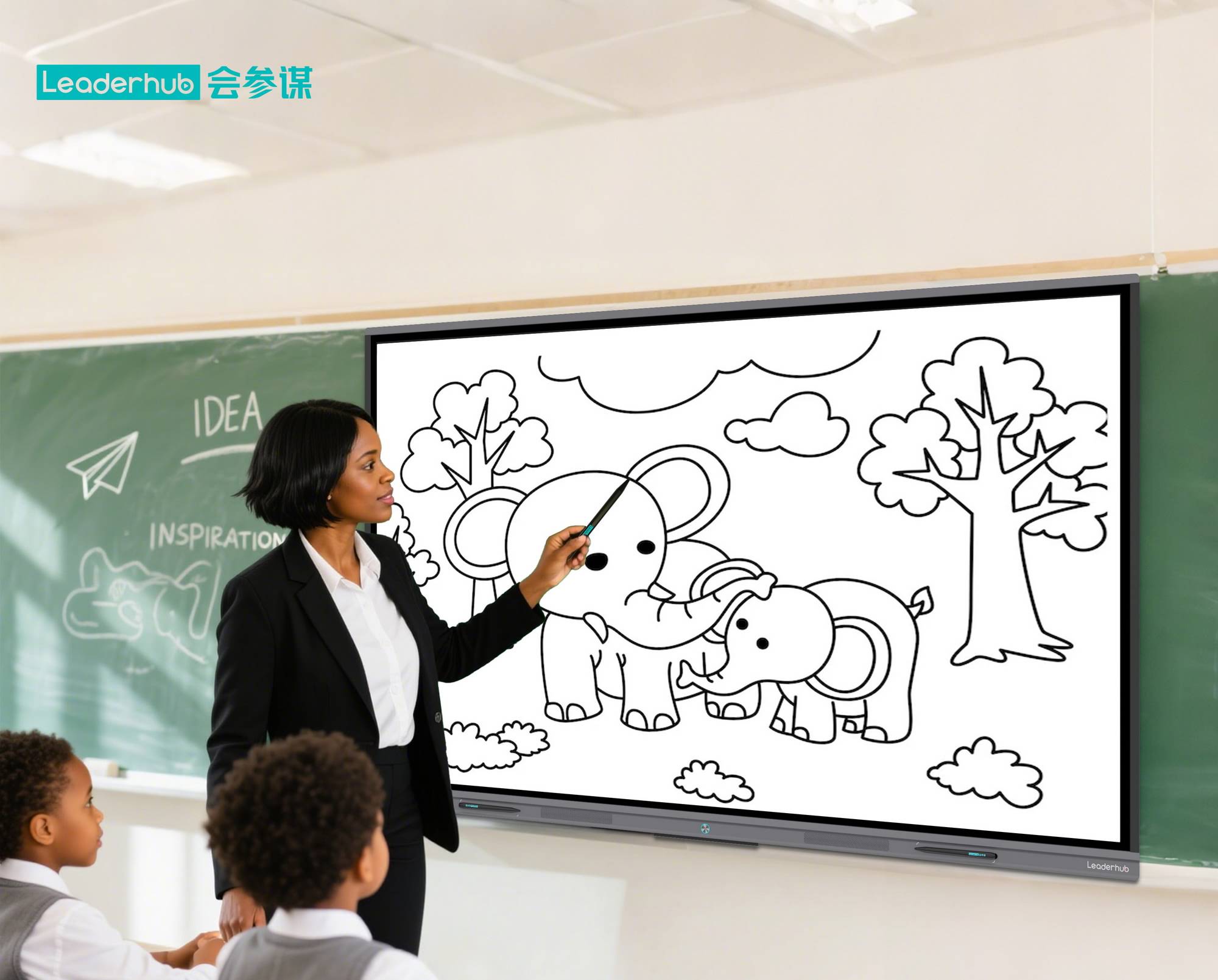
Instead of static slides, teachers can annotate directly on presentations, highlight key concepts, and pull up supplementary videos or diagrams instantly. This keeps students visually engaged and makes abstract topics ¡ª like geometry proofs or historical timelines ¡ª easier to understand.
2. Real-Time Collaborative Activities
Smart boards allow multiple students to interact with the screen simultaneously. Teachers often use split-screen features to run group activities, such as brainstorming sessions or quiz competitions, where students physically come up to the board to write or drag answers.
3. Multimedia-Rich Teaching
Embedding videos, audio clips, and interactive simulations directly into lessons helps cater to different learning styles. A science teacher, for example, can pause a video mid-lecture and annotate directly on a paused frame to explain a concept in more depth.
4. Digital Whiteboarding and Note-Sharing
Many smart whiteboards allow teachers to save handwritten notes as digital files and instantly share them with students via cloud platforms or learning management systems (LMS). This eliminates the need for students to copy notes manually and reduces missed information for absent students.
5. Remote and Hybrid Learning Integration
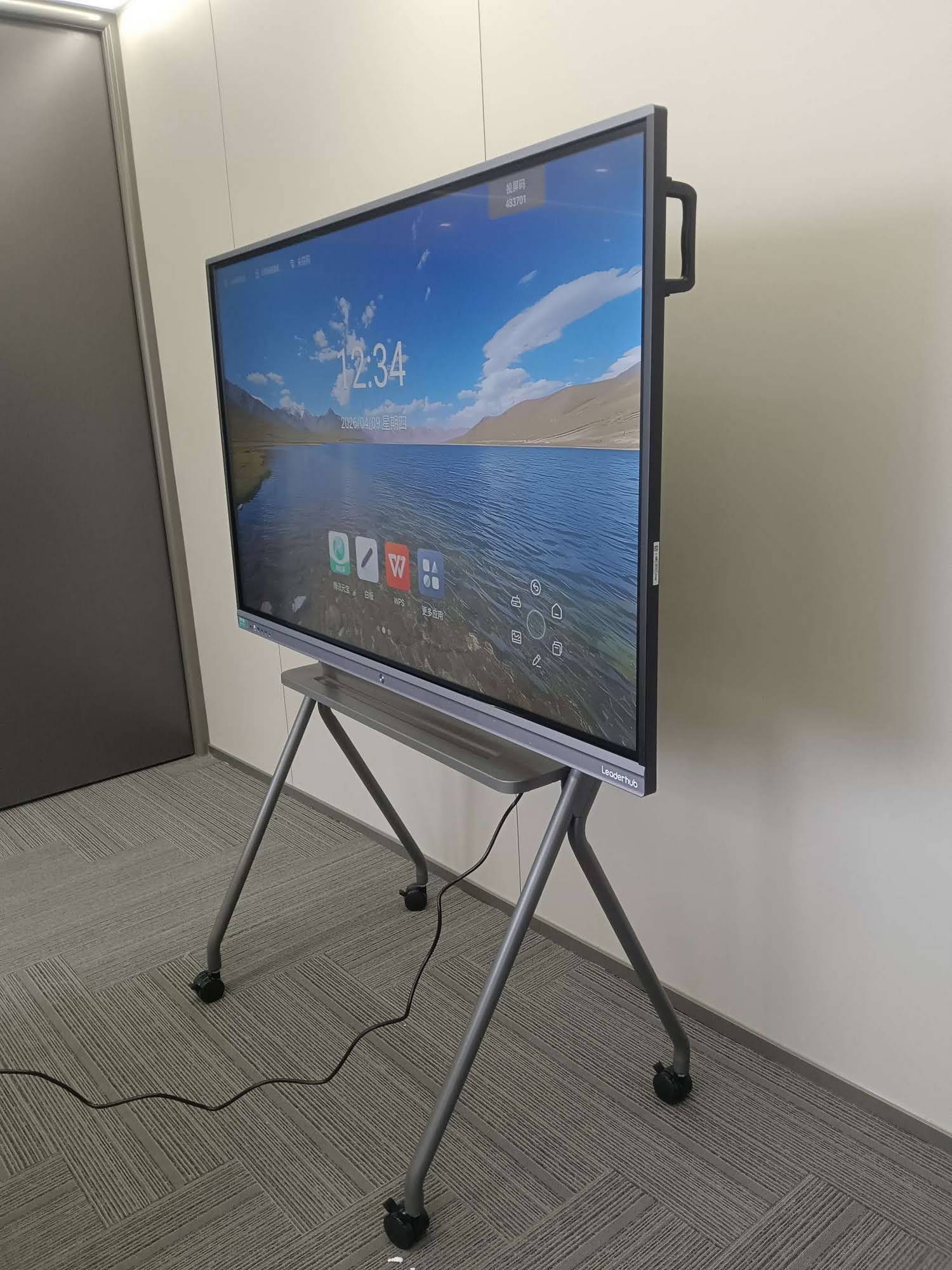
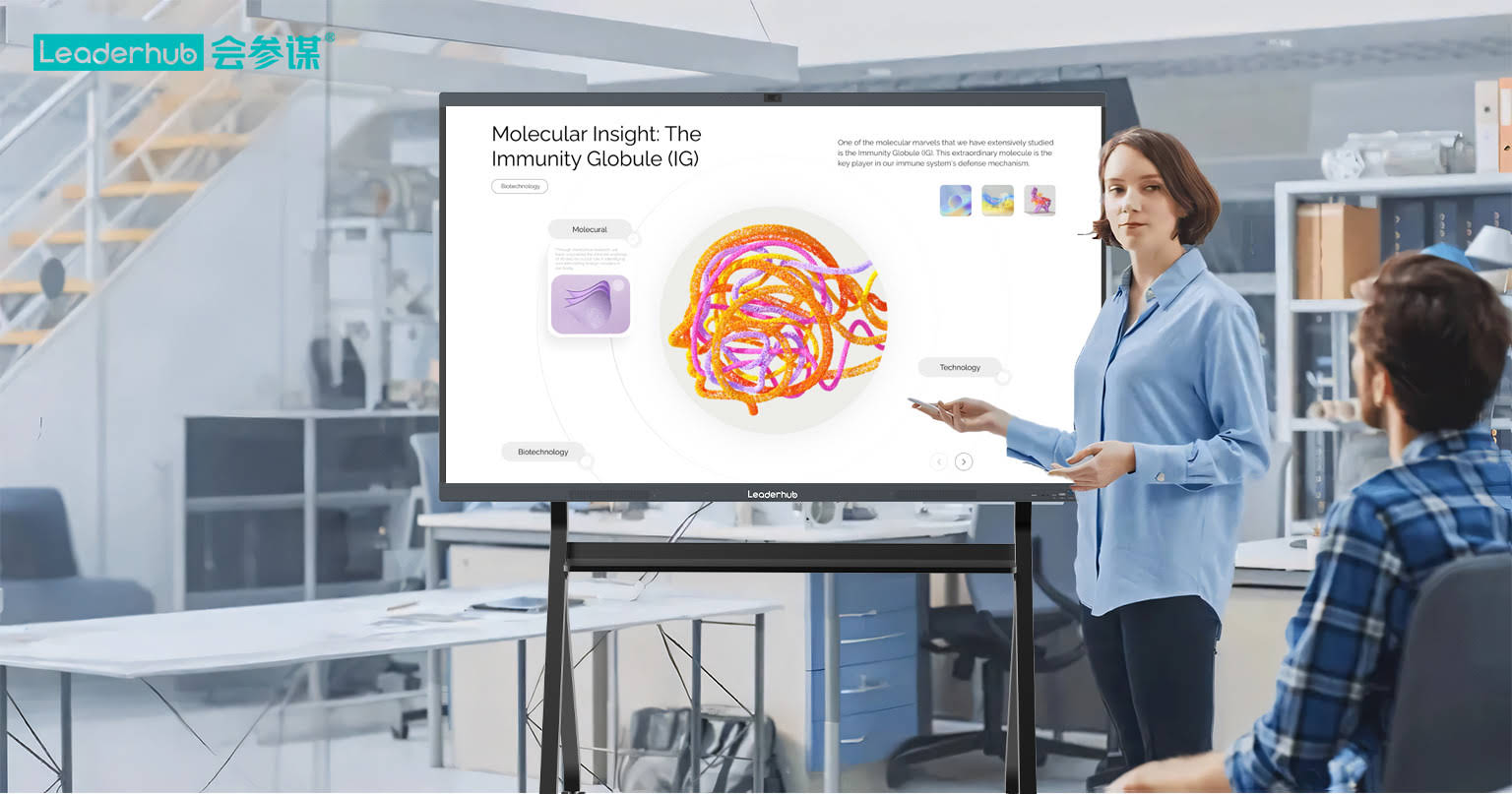
Since 2020, hybrid classrooms have become common. Smart boards with built-in cameras and microphones allow teachers to run lessons that reach both in-person and remote students simultaneously, syncing annotations and screen content across all devices.
Key Benefits of Using Smart Boards in Education
| Benefit | Impact on Learning |
|---|---|
| Increased Engagement | Interactive visuals hold student attention longer than static content |
| Improved Retention | Multi-sensory learning (visual, auditory, kinesthetic) boosts memory recall |
| Time Efficiency | Saved notes and reusable lesson templates reduce prep time |
| Accessibility | Adjustable font sizes, text-to-speech, and zoom features support diverse learners |
| Collaboration Skills | Group activities on shared screens build teamwork and communication |
A study published by the Journal of Educational Technology & Society found that classrooms using interactive displays reported a 15¨C20% improvement in student test scores compared to classrooms relying solely on traditional teaching methods. While results vary by subject and grade level, the trend consistently points toward improved comprehension when visual and interactive elements are combined.
Common Challenges Teachers Face (And How to Solve Them)
- Learning curve: New teachers may find the software unfamiliar at first. Most manufacturers now offer built-in tutorials and simplified touch interfaces to reduce onboarding time.
- Technical issues: Connectivity problems can disrupt lessons. Choosing a reliable interactive panel with stable hardware and good after-sales support minimizes downtime.
- Overreliance on digital content: Balance is key ¡ª smart boards should enhance, not replace, direct teacher-student interaction.
Best Practices for Getting the Most Out of a Smart Board
- Start simple. Begin with basic annotation and file-sharing features before exploring advanced tools like split-screen or app integration.
- Use pre-built lesson templates. Many smart board software packages include ready-made templates for math, language arts, and science lessons.
- Encourage student interaction. Rotate students to the board for hands-on participation rather than keeping the teacher as the sole operator.
- Save and reuse content. Build a digital library of annotated lessons that can be reused or adapted each semester.
- Combine with other EdTech tools. Integrate smart boards with tablets or student response systems for a more connected classroom experience.
Choosing the Right Smart Board for Your School
Not all interactive panels are created equal. Schools should consider factors such as screen resolution, touch sensitivity, software compatibility, and long-term technical support when selecting a device. Durability also matters ¡ª classroom equipment needs to withstand daily use by dozens of students.
LeaderHub, a manufacturer with over 16 years of experience in interactive display technology, has supplied smart whiteboards and interactive flat panels to educational institutions in more than 82 countries. Their products are designed specifically to balance ease of use for teachers with the durability required for demanding classroom environments.
Frequently Asked Questions
Do teachers need special training to use smart boards?
Most modern smart boards are designed with intuitive, tablet-like interfaces. While formal training helps teachers unlock advanced features, basic functions like writing, saving, and displaying content usually require minimal onboarding.
Are smart boards suitable for younger students?
Yes. Many elementary schools use smart boards for interactive games, phonics lessons, and visual storytelling, which are particularly effective for younger learners who benefit from hands-on, visual engagement.
How much does a classroom smart board typically cost?
Pricing varies based on screen size, resolution, and features, but many schools find that the long-term benefits ¡ª reduced printing costs, reusable digital content, and improved engagement ¡ª offset the initial investment over time.
Final Thoughts
Smart boards have moved beyond being a “nice-to-have” classroom gadget ¡ª they’re now a core part of how effective teaching happens in digitally connected schools. When used thoughtfully, they support more engaging lessons, better collaboration, and measurable improvements in student outcomes.
For schools and districts evaluating new classroom technology, the key is choosing reliable hardware, investing in basic teacher training, and gradually integrating interactive features into everyday lesson plans ¡ª rather than trying to overhaul teaching methods overnight.








