
Smart boards have transformed modern classrooms over the past decade, moving beyond traditional whiteboards to become central hubs for digital learning. But with price tags ranging from $2,000 to over $7,000, many educators and administrators wonder whether the investment truly pays off. This comprehensive guide examines the real-world advantages, limitations, costs, and optimal applications of smart boards in educational settings, drawing on data from schools that have adopted this technology and expert insights from educational technology specialists.
What Exactly Is a Smart Board?
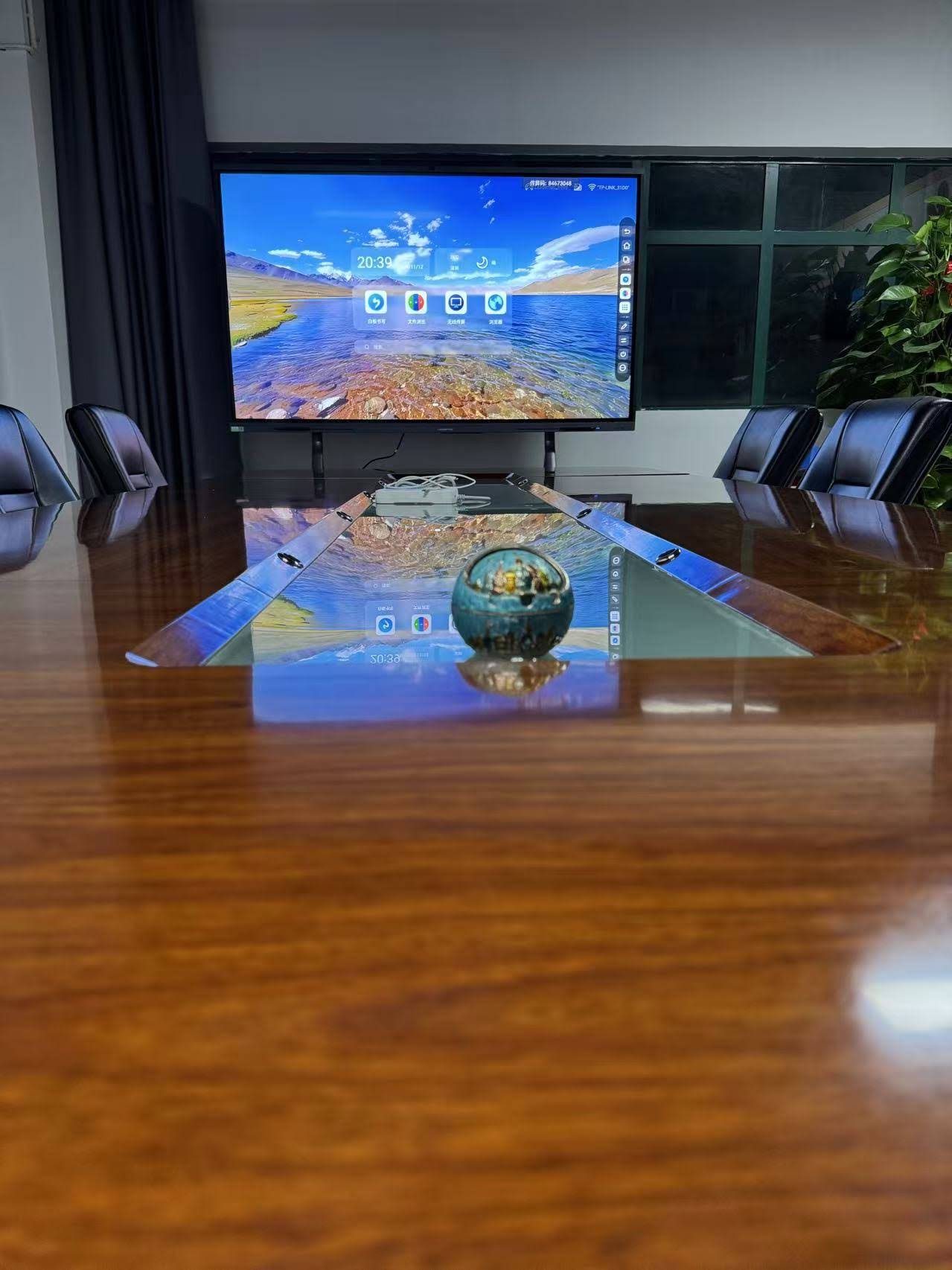
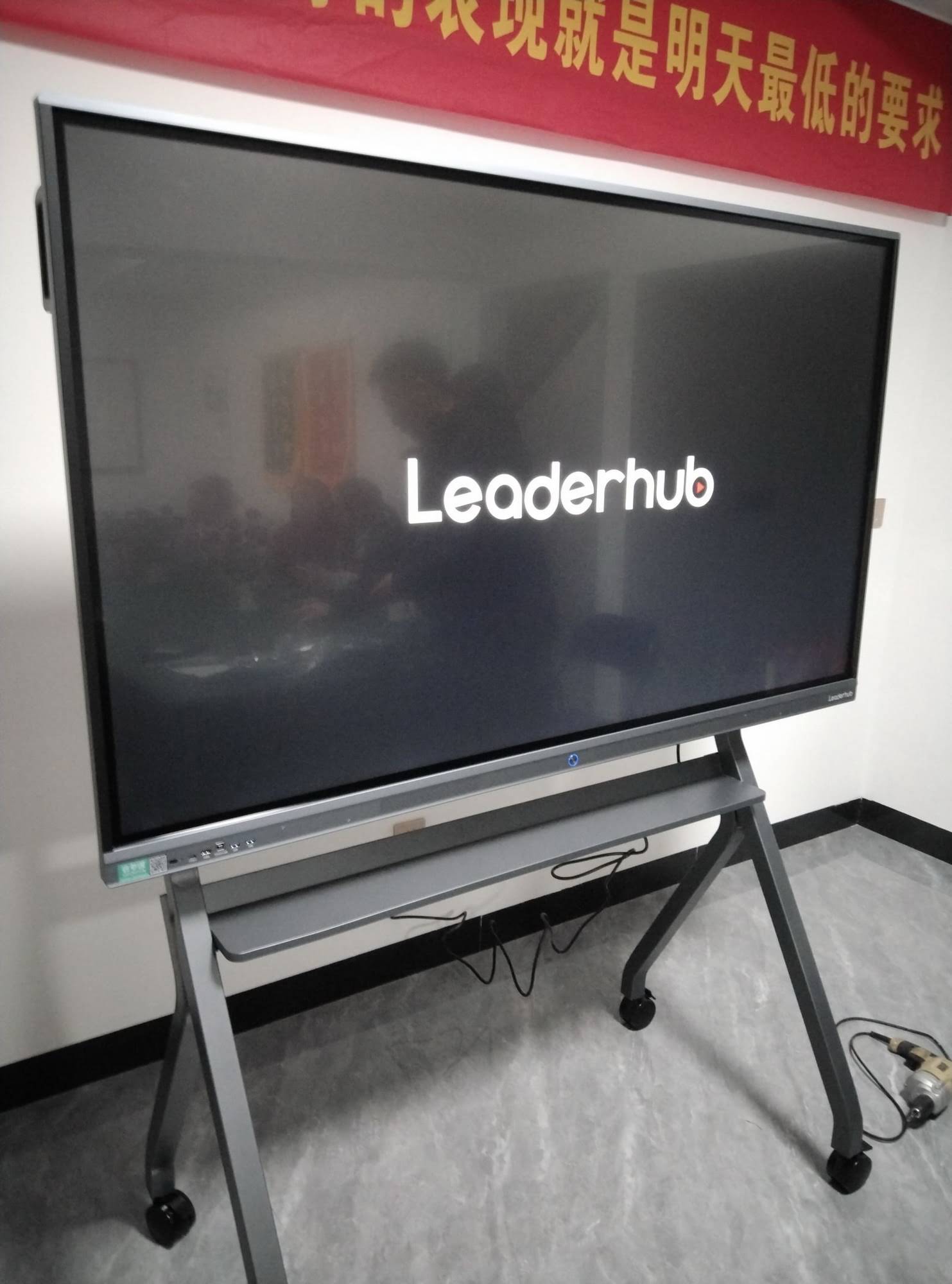
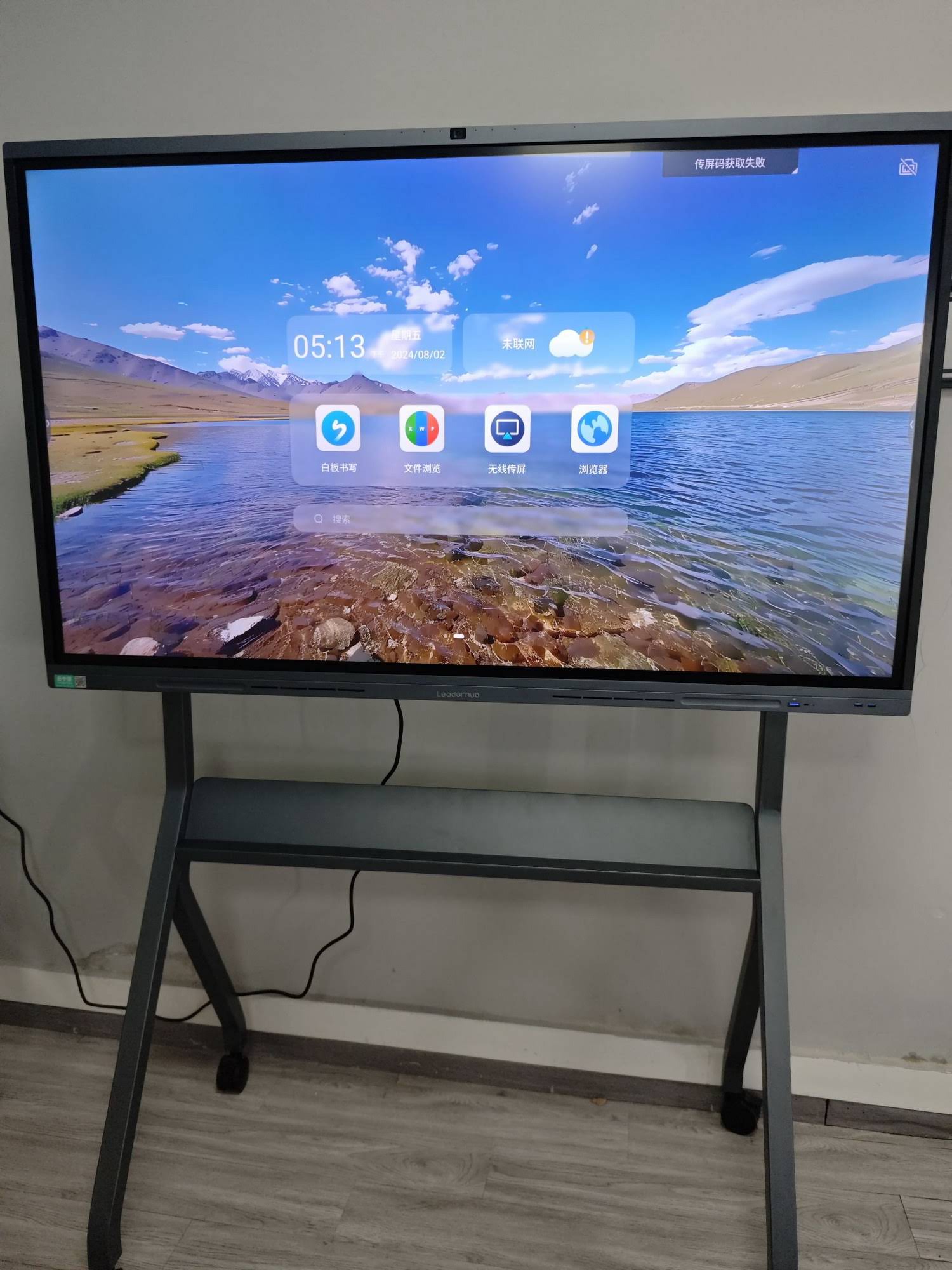
A smart board, also known as an interactive flat panel or interactive whiteboard, is a large touchscreen display that connects to a computer and projector or functions as a standalone system. Unlike traditional whiteboards, these devices allow teachers to display digital content, interact with applications using touch gestures, annotate lessons in real-time, and save work for future reference.
Modern smart boards typically feature high-resolution displays (4K is increasingly common), multi-touch capability supporting up to 20 simultaneous touch points, built-in speakers, wireless connectivity, and compatibility with various educational software platforms. Advanced models incorporate AI-powered features such as handwriting recognition, automatic shape correction, and intelligent content suggestions that adapt to teaching patterns.
The Genuine Advantages of Smart Boards in Education
Enhanced Student Engagement and Participation
Research from the University of Cambridge found that classrooms using interactive displays experienced a 16% increase in student participation compared to traditional teaching methods. The tactile nature of smart boards naturally invites interaction¡ªstudents can physically manipulate objects on screen, solve problems collaboratively, and present their work to peers without the anxiety that sometimes accompanies traditional presentations.
Teachers report that even typically reserved students become more willing to participate when invited to the smart board. The technology removes some social barriers because students focus on the screen rather than feeling watched by the entire class. This democratization of participation can be particularly valuable in diverse classrooms where students have different learning preferences and comfort levels.
Accommodating Multiple Learning Styles
Smart boards excel at supporting differentiated instruction because they simultaneously address visual, auditory, and kinesthetic learning preferences. A single lesson can incorporate video demonstrations, interactive simulations, audio explanations, and hands-on manipulation of digital objects¡ªall seamlessly integrated into one presentation.
For students with learning differences, smart boards provide specific accommodations: text can be enlarged or read aloud, color schemes can be adjusted for students with visual processing challenges, and interactive elements can be slowed down or repeated. Special education teachers particularly value the ability to save lessons and replay them for students who need additional review time.
Access to Vast Educational Resources
One of the most practical advantages is instant access to online educational content. Teachers can pull up current news articles, educational videos, virtual museum tours, interactive simulations, and real-time data during lessons without advance preparation or switching between devices. This spontaneity allows lessons to respond to student questions and interests in the moment.
According to a survey of 1,200 educators conducted by EdTech Magazine, 78% reported that smart boards made it significantly easier to integrate diverse content types into their teaching, and 64% said they used a wider variety of instructional materials after adopting the technology.
Improved Lesson Documentation and Review
Unlike traditional board work that disappears after erasing, everything created on a smart board can be saved, annotated, and shared with students digitally. Students who were absent can access complete lesson recordings, and those who need additional review can revisit complex explanations at their own pace. This feature has proven especially valuable for students with processing speed differences or attention challenges who may miss important information during initial instruction.
The Real Limitations and Challenges
Significant Initial Investment
The financial barrier remains substantial. Entry-level interactive displays suitable for classroom use start around $2,000, while professional-grade systems with advanced features can exceed $7,000. This cost becomes particularly challenging for schools with limited budgets or when trying to equip multiple classrooms.
| Smart Board Category | Price Range | Best Suited For |
|---|---|---|
| Entry-Level Interactive Panels | $2,000 – $3,500 | Elementary classrooms, limited budget schools |
| Mid-Range Systems | $3,500 – $5,500 | Middle/high school, standard features needed |
| Professional-Grade Displays | $5,500 – $7,500+ | University lecture halls, technology-focused programs |
| Projector-Based Systems | $1,500 – $3,000 | Schools with existing projector infrastructure |
Beyond the hardware, schools must also budget for mounting systems ($200-$500), extended warranties ($300-$600 annually), and potential infrastructure upgrades like improved WiFi networks to support streaming content.
The Learning Curve for Teachers
The effectiveness of smart boards depends entirely on teacher proficiency. Initial training typically requires 10-15 hours for basic competency, with ongoing professional development needed to master advanced features. Schools that underinvest in training often see their expensive smart boards used as glorified projection screens¡ªa massive waste of potential.
Veteran teachers who are less comfortable with technology may initially resist adoption or use only basic features. A study by the Journal of Educational Technology found that it takes approximately 18 months of regular use before most teachers fully integrate smart boards into their pedagogical approach rather than treating them as supplementary tools.
Technical Reliability and Maintenance
Technology inevitably fails at inconvenient moments. Software crashes, calibration issues, connectivity problems, and hardware malfunctions can disrupt lessons and frustrate both teachers and students. Schools need reliable technical support systems¡ªwhen a smart board stops working, teachers need help within hours, not days.
Maintenance costs vary but typically run $200-$400 annually for routine upkeep, with occasional larger expenses for component replacement. Touch screen accuracy can degrade over time, requiring recalibration. Projector bulbs in older systems need replacement every 2,000-3,000 hours, costing $200-$400 per replacement.
Potential for Passive Learning
While smart boards can enhance interactivity, they can also enable teacher-centered instruction where students remain passive observers of impressive presentations. The most technologically sophisticated lesson isn’t necessarily the most educationally effective one. Some educators argue that excessive reliance on digital presentations can reduce opportunities for student-driven inquiry, discussion, and hands-on learning with physical materials.
Screen Time Concerns
As schools increasingly recognize the health implications of excessive screen time, some educators and parents question whether adding another large screen to the classroom environment is appropriate, especially for younger students. The American Academy of Pediatrics recommends limiting recreational screen time, and while educational screen use differs from passive entertainment, the cumulative effect across a student’s day deserves consideration.
Understanding the Complete Cost Structure
Initial Purchase and Installation
- Hardware: $2,000 – $7,500 depending on size, resolution, and features
- Professional installation: $300 – $800 for mounting, calibration, and connection
- Warranty extension: $300 – $600 per year for comprehensive coverage
- Accessories: $100 – $400 for styluses, cleaning supplies, protective covers
Ongoing Operational Costs
- Software licenses: $0 – $500 annually depending on platform (many manufacturers bundle basic software)
- Content subscriptions: $200 – $800 annually for premium educational content libraries
- Maintenance and repairs: $200 – $600 annually for routine service and occasional fixes
- Electricity: $40 – $80 annually per unit based on 6 hours daily use
Training and Professional Development
- Initial training: $500 – $2,000 per teacher (group sessions reduce per-person cost)
- Ongoing professional development: $200 – $500 annually per teacher
- Internal champion/coordinator: Many schools designate a teacher as technology coordinator, requiring compensation
Over a typical 7-year lifespan, the total cost of ownership for a mid-range smart board system averages $8,000 – $12,000 when all factors are included. Schools must evaluate this investment against alternative uses for the same funds¡ªadditional teaching staff, curriculum materials, field experiences, or other educational resources.
Where Smart Boards Deliver Maximum Value
STEM Education
Science, technology, engineering, and mathematics subjects particularly benefit from smart board integration. Teachers can display complex 3D models of molecular structures, demonstrate mathematical concepts with dynamic geometric visualizations, run virtual physics simulations, and analyze real-time data from scientific experiments. Students can manipulate variables and immediately observe results, building intuitive understanding of abstract concepts.
A study from MIT’s Teaching and Learning Lab found that students using interactive displays for calculus concepts showed 23% better retention of material compared to traditional instruction methods, particularly for spatially complex topics like multivariable functions and vector fields.
Language Arts and Literature
English teachers use smart boards to annotate texts collaboratively, compare multiple versions of documents, display student writing for peer editing, and create interactive vocabulary activities. The ability to pull up author interviews, historical context videos, and related artworks enriches literary analysis and helps students connect texts to broader cultural contexts.
For English language learners, smart boards support comprehension through visual context, pronunciation demonstrations, and interactive language games that make vocabulary acquisition more engaging and memorable.
Special Education Settings
Smart boards provide crucial accessibility features for students with diverse learning needs. Visual learners benefit from graphic organizers and color-coded information; auditory learners can access embedded audio explanations; kinesthetic learners interact physically with content. Students with executive function challenges benefit from the structured, step-by-step presentation that smart boards enable.
For students with physical disabilities, smart board accessibility can be life-changing. Touch-based interaction often proves easier than writing with traditional implements, and content can be positioned at accessible heights. Speech-to-text features help students with writing difficulties contribute during lessons.
Hybrid and Remote Learning Scenarios
The shift toward hybrid education models has elevated the importance of smart boards. These systems seamlessly integrate in-person and remote students, allowing virtual participants to see the same content, participate in activities, and even control the board remotely. Teachers can record lessons for asynchronous viewing and share annotated materials directly to learning management systems.
During the 2020-2021 academic year, schools with existing smart board infrastructure transitioned to remote instruction 35% faster than schools relying solely on traditional technology, according to research from the Consortium for School Networking.
Professional Development and Teacher Training
Smart boards aren’t just for K-12 students. Many districts use them in professional development sessions, allowing presenters to model effective teaching techniques, demonstrate new software, and facilitate interactive planning sessions. The ability to save and share training materials ensures consistent messaging across multiple sessions.
Alternative Technologies to Consider
Smart boards aren’t the only option for bringing digital content into classrooms. Schools should evaluate several alternatives based on specific needs and constraints:
Document Cameras and Standard Projectors
For schools primarily needing to display content rather than interact with it, a high-quality document camera ($300-$800) combined with a standard projector ($400-$1,200) provides excellent value. This combination allows teachers to display three-dimensional objects, demonstrate procedures, and show student work without the cost and complexity of interactive systems.
Large Format Displays Without Touch Capability
Standard large displays ($800-$2,000) paired with wireless presentation systems allow multiple devices to share content without the interactive features. This approach works well when the primary goal is displaying student work from tablets or laptops rather than board-based interaction.
Individual Student Devices
Some educational researchers argue that investing in individual tablets or laptops for students provides more flexibility and personalized learning opportunities than a single large display. A classroom set of tablets ($5,000-$8,000 for 30 devices) enables simultaneous student interaction with content rather than sequential turns at the board.
Traditional Whiteboards with Mounted Projectors
This hybrid approach ($1,000-$2,500 total) preserves traditional writing surfaces while enabling digital content display. Teachers can project content onto whiteboard surfaces and write over projected images with dry-erase markers, though without the digital annotation and saving features of true interactive systems.
Making the Decision: Is a Smart Board Right for Your Classroom?
The decision shouldn’t be driven by technology trends but by honest assessment of educational needs, budget realities, and implementation capacity. Consider these questions:
Questions to Ask Before Purchasing
- What specific educational outcomes do we hope to improve with this technology?
- Do teachers have adequate training time and ongoing support to use the system effectively?
- Is our network infrastructure sufficient to support streaming and interactive content?
- Have we budgeted for the complete cost of ownership, including maintenance and training?
- What alternative uses for this budget might deliver comparable educational value?
- Do we have reliable technical support when problems occur during instructional time?
- Are teachers genuinely enthusiastic about integration, or is this an administrative decision being imposed?
Starting Small and Scaling Gradually
Rather than immediately outfitting every classroom, many successful implementations begin with pilot programs. Purchase systems for 2-4 classrooms with teachers who are enthusiastic early adopters. Document their experiences, gather student feedback, identify necessary training and support structures, and use these insights to refine the approach before broader deployment.
This staged approach also allows budget distribution across multiple years and creates internal expertise¡ªpilot teachers become trainers and mentors for colleagues during expansion phases.
Expert Recommendations from Educational Technology Specialists
Dr. Sarah Chen, who has studied educational technology integration for 15 years at Stanford’s Graduate School of Education, emphasizes that “technology should solve specific problems, not create impressive demonstrations.” She recommends that schools begin by identifying genuine instructional challenges¡ªstudent engagement, differentiation, content access, assessment¡ªand then evaluate whether smart boards specifically address those challenges better than alternatives.
Michael Rodriguez, a district-level technology coordinator who has overseen smart board implementation in 45 schools, notes that successful deployments share common characteristics: committed leadership support, adequate professional development time built into teachers’ schedules, responsive technical support systems, and clear expectations that technology serves pedagogy rather than driving it.
Real-World Implementation Success Stories
Lincoln Elementary School in suburban Chicago implemented smart boards in all 24 classrooms over three years. By the second year, they documented a 12% increase in standardized math scores and significant improvements in student attendance. Teachers attributed improvements partly to increased engagement, though they acknowledge multiple factors likely contributed to gains.
More telling than test scores were behavioral changes: teachers reported that students volunteered more frequently, collaborative work improved because students could easily share and revise ideas digitally, and students with learning differences participated more actively because the technology provided multiple representation modes.
The school invested heavily in training¡ªevery teacher received 20 hours of initial professional development plus monthly follow-up sessions. They created a teacher-sharing library of successful lessons and designated two technology champions who provided just-in-time assistance when colleagues encountered difficulties.
The Role of Quality Hardware in Educational Success
Not all interactive displays perform equally. Schools should prioritize systems with proven reliability, responsive touch sensitivity, and excellent visibility from all classroom angles. Manufacturers like LeaderHub, with over 16 years of experience developing interactive display technologies, understand the specific demands of educational environments and design systems accordingly.
Key specifications to evaluate include touch response time (under 10ms is ideal), viewing angle (178¡ã ensures visibility from all seats), resolution (4K provides crisp text at any distance), and anti-glare coating (essential in classrooms with abundant natural light). Professional-grade systems should also include robust warranty support and accessible technical assistance, because downtime in educational settings creates immediate instructional disruption.
Looking Forward: The Evolution of Classroom Technology
Smart board technology continues advancing rapidly. Emerging features include AI-powered lesson assistance that suggests relevant content based on curriculum standards, automatic translation for multilingual classrooms, improved handwriting recognition that converts rough sketches into precise diagrams, and sophisticated analytics that help teachers identify students who may be struggling with specific concepts.
Integration with learning management systems continues improving, allowing seamless transitions between board-based instruction and individual student work on personal devices. Cloud connectivity means that lesson content can be accessed from any location, supporting continuity during absences and enabling flipped classroom models where students review content before class and use class time for application and discussion.
Final Verdict: Weighing Value Against Cost
Smart boards represent significant investments that can genuinely enhance teaching and learning¡ªbut only under the right conditions. They excel in situations where interactive visual content, multimodal instruction, and collaborative problem-solving are central to pedagogy. They provide less value in classrooms where traditional discussion, hands-on physical activities, and individual reading and writing dominate instruction.
The technology is worth the investment when:
- Schools commit to comprehensive teacher training and ongoing support
- Curriculum genuinely benefits from interactive digital content
- Budget includes complete cost of ownership, not just initial purchase
- Teachers are enthusiastic participants rather than reluctant adopters
- Technical support infrastructure can respond quickly to problems
- The specific educational context (subject, grade level, student population) aligns well with interactive display strengths
Schools should approach the decision methodically: identify specific educational needs, evaluate whether smart boards address those needs better than alternatives, calculate realistic total costs, ensure adequate training and support systems, and start with small-scale pilots before committing to full implementation. Done thoughtfully, smart boards can become powerful tools that transform teaching and learning; implemented carelessly, they become expensive dust collectors that disappoint everyone involved.
The question isn’t whether smart boards are universally “worth it”¡ªthey are for some schools and not for others. The real question is whether they’re worth it for your specific educational context, given your particular needs, resources, and capacity for successful implementation. Answer that question honestly, and you’ll make the right decision for your students.








