
Smart boards have been transforming classroom environments for nearly two decades, but as technology evolves rapidly, many educators, administrators, and parents wonder: do schools still use smart boards in 2024? The answer is more nuanced than a simple yes or no. While the classic SMART Board brand that dominated classrooms in the 2000s has evolved, interactive display technology remains an essential component of modern education¡ªit’s simply taken on new forms.
According to recent education technology reports, approximately 65% of K-12 classrooms in developed countries now utilize some form of interactive display technology. However, the landscape has shifted from traditional smart boards to more advanced interactive flat panels, which offer superior image quality, easier maintenance, and expanded functionality that better serves today’s digital learning requirements.
The Evolution of Interactive Classroom Technology
The original SMART Board, introduced in the late 1990s, revolutionized teaching by enabling educators to control computer applications directly from a projection surface. These early interactive whiteboards required a separate projector, careful calibration, and frequent lamp replacements. Despite these limitations, they represented a significant leap forward from traditional chalkboards and static projectors.
Today’s interactive display solutions have evolved considerably. Modern classrooms increasingly adopt interactive flat panel displays (IFPDs) that integrate touchscreen technology, 4K resolution displays, built-in computing power, and sophisticated software ecosystems. Companies like LeaderHub, with over 16 years of experience developing interactive display technologies, have been at the forefront of this evolution, delivering solutions to more than 82 countries worldwide.
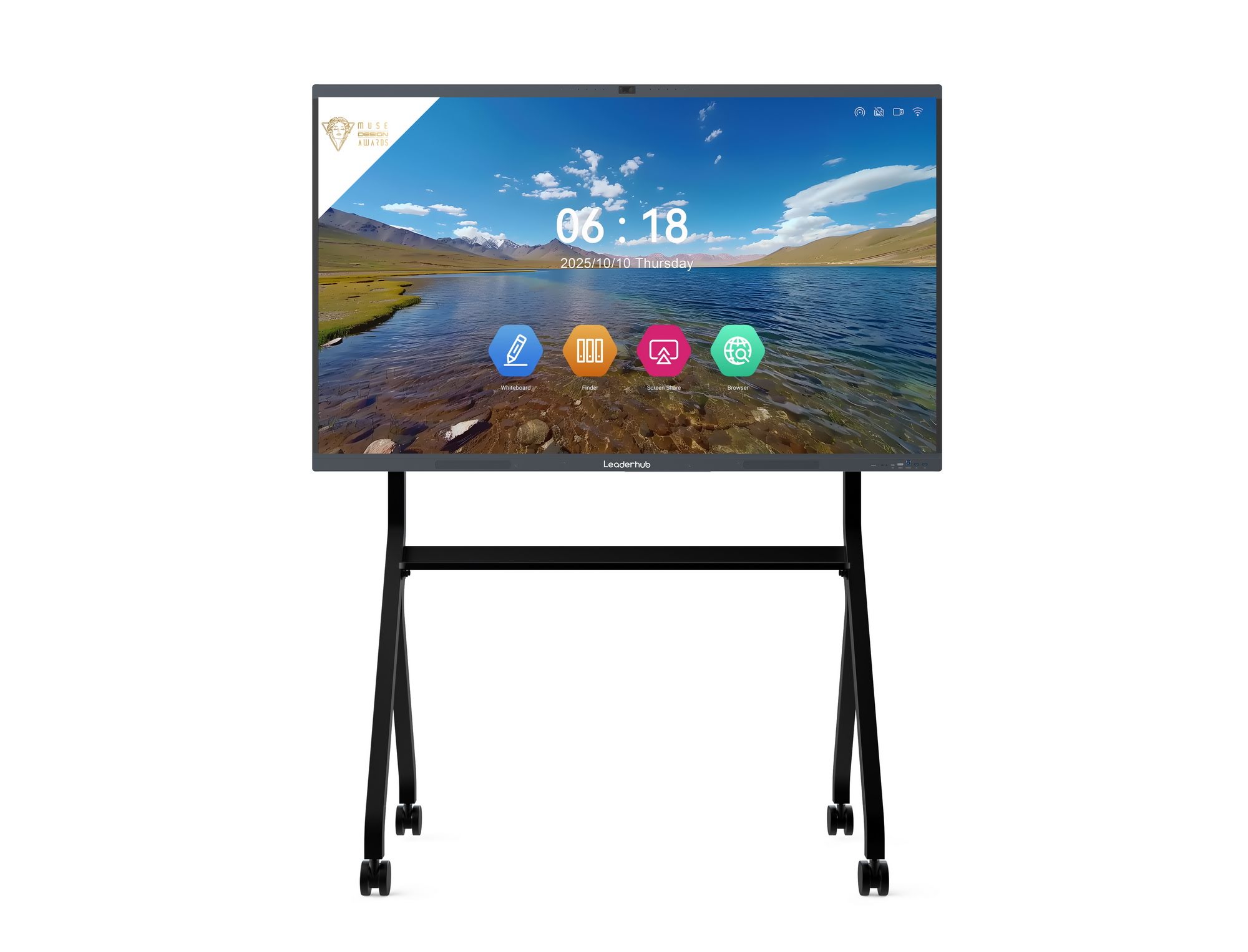
Current Usage Patterns: What Schools Are Actually Using
Research from education technology analysts reveals distinct adoption patterns across different educational contexts:
| Education Level | Primary Technology | Adoption Rate |
|---|---|---|
| Elementary Schools | Interactive Flat Panels (65-75″) | 72% |
| Middle Schools | Mix of IFPDs and Legacy Smart Boards | 58% |
| High Schools | Interactive Panels with Advanced Software | 68% |
| Higher Education | Large-Format IFPDs (80-98″) | 45% |
The transition from projector-based smart boards to flat panel displays has been driven by several practical considerations. Educators consistently report that interactive flat panels eliminate common frustrations such as shadow interference, projector maintenance, image degradation over time, and complicated startup procedures. These improvements translate directly into more instructional time and less technical troubleshooting.
Key Benefits Keeping Interactive Displays in Classrooms
Despite ongoing debates about screen time and digital distractions, interactive display technology continues to provide substantial educational advantages that justify its widespread adoption:
Enhanced Student Engagement Through Multisensory Learning
Interactive displays support kinesthetic learning by allowing students to physically manipulate content. Research conducted by the University of London’s Institute of Education found that classrooms using interactive technology showed a 17% increase in student engagement compared to traditional teaching methods. Students can drag, annotate, highlight, and collaborate directly on the display surface, transforming passive observation into active participation.
Seamless Integration of Multimedia Resources
Modern educators routinely incorporate videos, interactive simulations, virtual field trips, and real-time internet content into lessons. Interactive panels make this integration effortless, enabling teachers to switch between a document camera, educational apps, streaming video, and collaborative whiteboarding within seconds¡ªwithout fumbling with cables or switching devices.
Support for Diverse Learning Styles and Accessibility
Interactive displays accommodate various learning preferences simultaneously. Visual learners benefit from clear, high-resolution graphics; auditory learners engage with embedded audio and video content; kinesthetic learners interact directly with the technology. Additionally, modern interactive education solutions include built-in accessibility features such as screen magnification, text-to-speech, and customizable contrast settings that support students with diverse needs.
Facilitation of Collaborative Learning Environments
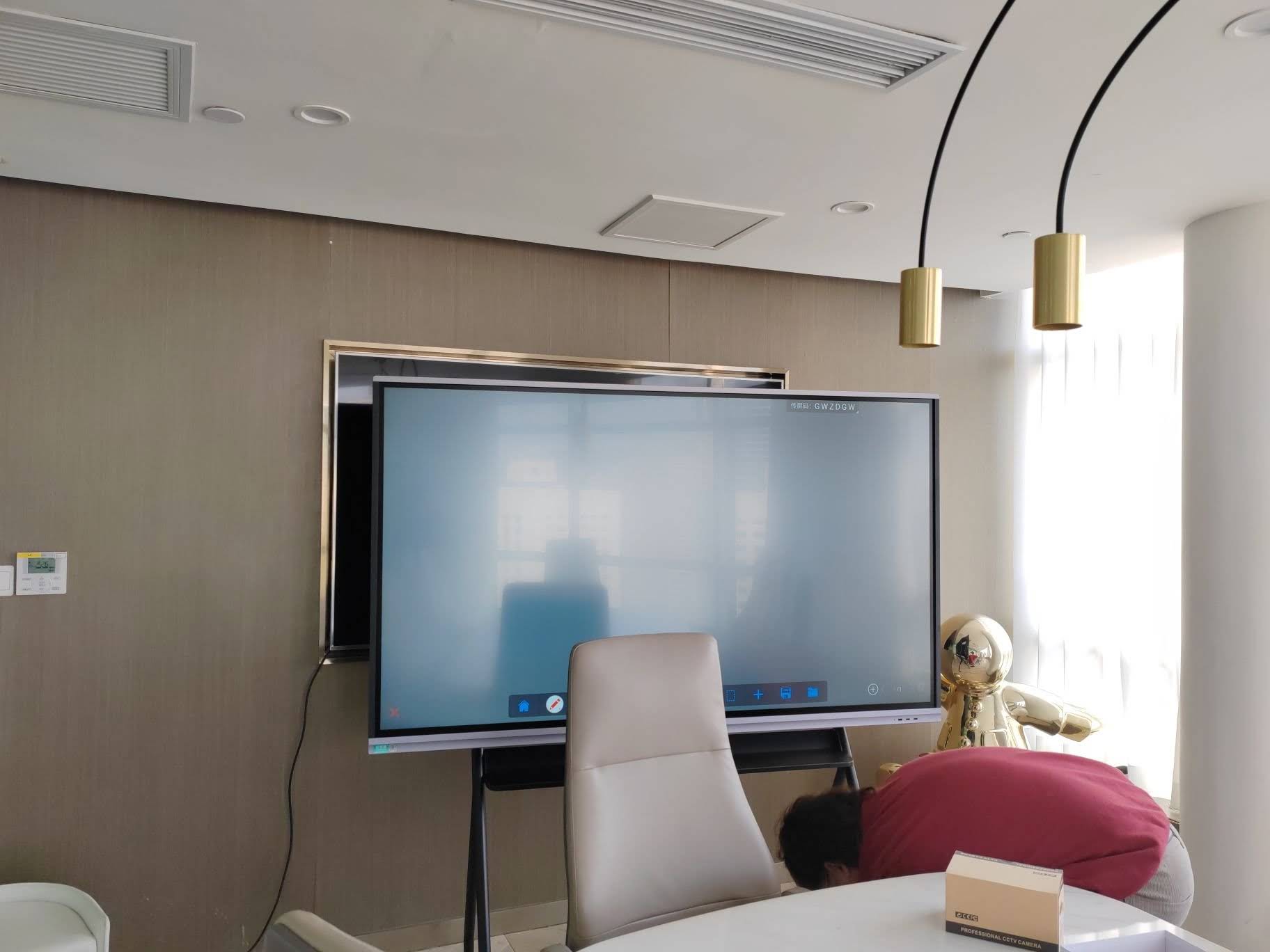
Contemporary education emphasizes collaboration and group problem-solving. Interactive displays excel in this domain by enabling multiple students to work simultaneously on the screen (many models support 20+ simultaneous touch points), share content wirelessly from personal devices, and save collaborative work for continued development. This functionality aligns perfectly with project-based learning methodologies and 21st-century skill development.
Efficient Lesson Documentation and Review
Unlike traditional chalkboard content that disappears at day’s end, interactive display systems allow teachers to save entire lessons¡ªincluding annotations, student contributions, and spontaneous discussions. These saved sessions can be shared with absent students, reviewed before assessments, or sent to parents to facilitate home support. This documentation capability has proven particularly valuable in hybrid learning environments.
Common Educational Applications and Use Cases
Interactive display technology serves diverse educational purposes across subject areas and grade levels:
- Mathematics Instruction: Teachers use interactive geometry tools, graphing calculators, and manipulative-based apps that make abstract concepts concrete. Students can physically move objects to demonstrate fractions, drag number lines to solve problems, and visualize three-dimensional shapes from multiple angles.
- Language Arts and Literacy: Interactive displays facilitate whole-class annotation of texts, collaborative story building, vocabulary games, and multimedia presentations that combine text, images, and video to develop comprehension skills.
- Science Education: Virtual dissections, interactive periodic tables, simulation of experiments too dangerous or expensive for actual classroom execution, and real-time data visualization enhance scientific inquiry and understanding.
- Social Studies and Geography: Interactive maps, virtual museum tours, historical timelines students can manipulate, and current events analysis through live news feeds bring history and geography to life.
- Special Education: Customizable interfaces, sensory-friendly settings, and adaptive learning software make interactive displays particularly valuable for students with learning differences, providing differentiated instruction at scale.
Practical Challenges and Considerations
While interactive display technology offers numerous benefits, schools face real challenges in implementation and sustained effective use:
Initial Investment and Budget Constraints
Quality interactive flat panels typically range from $2,000 to $8,000 depending on size and features, representing a significant capital expense for districts already stretched thin. However, total cost of ownership analysis reveals that IFPDs often cost less over their lifespan than projector-based smart boards when factoring in lamp replacements, maintenance, and energy consumption. Schools should also consider that manufacturers with extensive experience like LeaderHub offer both high-quality standard products and customized solutions that can meet various budget requirements.
Professional Development Requirements
Technology alone does not improve instruction¡ªteacher expertise does. Successful integration requires ongoing professional development, not just initial training sessions. Schools with the highest interactive technology impact invest in continuous coaching, peer mentoring, and time for teachers to experiment and share effective practices. Without this support, expensive displays become glorified projection screens.
Technical Support and Infrastructure
Interactive displays require reliable network connectivity, adequate bandwidth for streaming content, and responsive technical support when issues arise. Districts must ensure their IT infrastructure can support these tools and that teachers have quick access to troubleshooting assistance. Down time due to technical issues quickly erodes teacher confidence and willingness to incorporate the technology into regular practice.
Comparing Smart Boards with Modern Alternatives
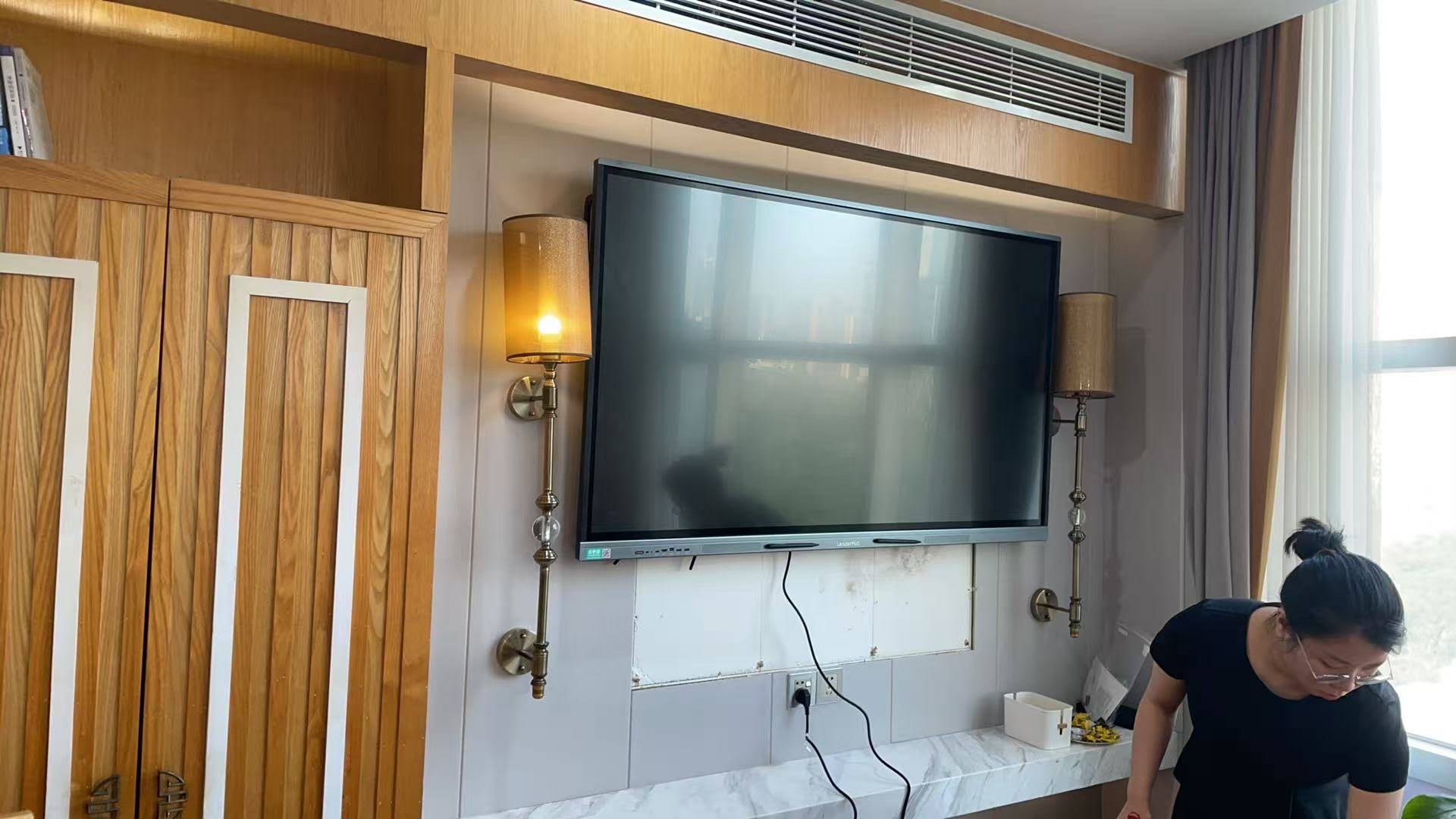
Understanding the distinctions between traditional smart boards and contemporary alternatives helps schools make informed purchasing decisions:
| Feature | Traditional Smart Board | Interactive Flat Panel |
|---|---|---|
| Display Technology | Requires external projector | Built-in LED/LCD display |
| Image Quality | Subject to ambient light, shadows | 4K resolution, consistent brightness |
| Maintenance | Regular lamp replacement, filter cleaning, calibration | Minimal maintenance required |
| Setup Time | Projector warm-up, possible calibration | Instant on, immediate use |
| Touch Response | Variable, can drift over time | Precise, responsive, multi-touch |
| Typical Lifespan | 5-7 years (projector dependent) | 10-15 years |
| Built-in Computing | Requires separate computer | Often includes Android/Windows |
| Energy Consumption | Higher (projector + board) | Lower, more efficient |
Alternative and Complementary Technologies
Schools aren’t limited to a single technology choice. Many effective learning environments combine multiple tools to create flexible, responsive instructional spaces:
Document Cameras and Visualizers
These devices connect to interactive displays to show physical objects, student work, textbook pages, or demonstrations in real time. They’re particularly valuable for elementary classrooms where teachers frequently need to display manipulatives, art projects, or handwritten work.
Student Response Systems and Polling Tools
Whether physical clickers or app-based solutions, response systems transform interactive displays into formative assessment powerhouses. Teachers can pose questions, instantly see class-wide response distributions, identify misconceptions, and adjust instruction accordingly¡ªall while maintaining student engagement.
Wireless Screen Sharing Solutions
Technologies like Apple AirPlay, Google Cast, and dedicated wireless presentation systems enable students and teachers to share content from personal devices to the main display. This flexibility supports student presentations, collaborative work sharing, and bring-your-own-device initiatives without cable management headaches.
Hybrid Learning Tools
The pandemic accelerated adoption of tools that bridge physical and remote learners. Modern interactive displays often integrate with video conferencing platforms, allowing remote students to see board content clearly and even participate in interactive activities through shared digital workspaces.
AI-Powered Educational Software
Emerging artificial intelligence applications run on interactive displays to provide real-time translation for multilingual classrooms, generate discussion questions from lesson content, or offer adaptive practice problems that adjust to individual student performance. As AI continues advancing, these capabilities will become increasingly central to interactive display value propositions.
Best Practices for Effective Implementation
Research and practitioner experience have identified key factors that determine whether interactive display technology enhances learning or simply represents expensive classroom decoration:
Start with Pedagogy, Not Technology
The most successful implementations begin with clear learning objectives and instructional strategies, then identify how interactive displays support those goals. Technology should serve pedagogy, not drive it. Teachers should ask, “How will this tool help students understand this concept better?” rather than “How can I use this tool in my lesson?”
Provide Sustained, Job-Embedded Professional Development
One-time training sessions produce minimal long-term impact. Effective professional development includes initial training, follow-up coaching, opportunities to observe peers using the technology effectively, protected time for practice and lesson planning, and ongoing access to troubleshooting support.
Balance Teacher-Led and Student-Centered Use
While interactive displays excel at whole-class instruction, their full potential emerges when students regularly interact with the technology themselves. Effective classrooms schedule time for students to present findings, collaboratively solve problems at the board, and create digital products using the display’s capabilities.
Integrate with Existing Curriculum and Resources
Teachers shouldn’t need to rebuild curriculum from scratch. Look for interactive display solutions that work seamlessly with existing digital resources, textbook publisher materials, and district-adopted software. Compatibility reduces implementation barriers and increases consistent use.
Establish Clear Expectations and Routines
Students need explicit instruction about interactive display protocols: how to approach the board, use the pen tools, save work, and transition back to seats. Establishing these routines early prevents classroom management issues and maximizes instructional time.
Future Trends in Classroom Display Technology
The interactive display market continues evolving rapidly, with several emerging trends likely to shape the next generation of classroom technology:
Artificial Intelligence Integration
AI features will increasingly support both teachers and students. Expect capabilities like automatic lesson note summarization, real-time language translation for multilingual classrooms, intelligent content recommendations based on learning objectives, and adaptive difficulty adjustment for interactive activities. These features will make interactive displays more intelligent and responsive to actual classroom needs.
Enhanced Collaboration Features
As education continues emphasizing collaboration, interactive displays will offer more sophisticated tools for group work¡ªincluding better multi-device connectivity, improved simultaneous user experiences, cloud-based project spaces that persist across sessions, and integration with popular collaboration platforms students use outside school.
Improved Accessibility and Universal Design
Future interactive displays will incorporate universal design principles more comprehensively, with better screen reader compatibility, customizable interfaces that accommodate diverse physical abilities, advanced speech recognition for students with writing challenges, and multimodal input options that support various interaction preferences.
Sustainability and Energy Efficiency
Environmental concerns are driving demand for more sustainable technology. Expect longer product lifespans, more energy-efficient displays, greater use of recycled materials in manufacturing, and improved end-of-life recycling programs. Schools increasingly evaluate total environmental impact alongside traditional procurement criteria.
Making the Right Decision for Your School
Schools considering interactive display technology should evaluate several key factors:
- Educational Goals: What specific learning outcomes will the technology support? How does it align with district curriculum priorities and instructional models?
- Infrastructure Readiness: Does the building have adequate network bandwidth, electrical capacity, and mounting structures? What upgrades might be necessary?
- Total Cost of Ownership: Beyond initial purchase, consider installation, training, ongoing maintenance, software subscriptions, and eventual replacement costs.
- Teacher Readiness and Support: What professional development currently exists? What additional support will teachers need? Who will provide ongoing coaching?
- Technical Support Capacity: Can existing IT staff support new equipment? Are vendor support agreements necessary? What response time is required?
- Vendor Experience and Reputation: Select manufacturers with proven track records in educational environments. Companies with extensive experience, like those serving 82+ countries, typically offer more reliable products and better long-term support.
Rather than viewing interactive displays as optional enhancements, forward-thinking schools recognize them as essential infrastructure for contemporary education¡ªcomparable to reliable internet connectivity or functional HVAC systems. The question isn’t whether to adopt interactive display technology, but rather which specific solutions best match each school’s unique context, goals, and resources.
Conclusion
So, do schools still use smart boards? The answer is yes¡ªbut today’s “smart boards” look very different from the projector-based systems that dominated classrooms a decade ago. Modern interactive flat panel displays offer superior performance, greater reliability, and expanded functionality that better serves contemporary educational needs.
The evolution from traditional smart boards to advanced interactive displays reflects broader changes in education technology: greater emphasis on student collaboration, increased integration of multimedia resources, stronger focus on accessibility, and growing recognition that effective technology implementation requires sustained support and professional learning.
Schools investing in interactive display technology today should prioritize solutions that offer clear educational benefits, align with existing infrastructure and curriculum, include comprehensive professional development, and come from experienced manufacturers with proven records of reliability and support. With thoughtful selection and implementation, interactive displays will continue serving as powerful tools that enhance teaching effectiveness and student learning outcomes for years to come.








