
Choosing a smart whiteboard with HDMI input is one of the most important decisions for schools, offices, and training centers looking to upgrade their collaboration tools. With so many brands, screen sizes, and connectivity options on the market, it can be overwhelming to know which features actually matter. This guide breaks down everything you need to know — from resolution and touch technology to ports and software compatibility — so you can make a confident, informed purchase.
Why HDMI Input Matters in a Smart Whiteboard
HDMI input is the backbone of connectivity for any interactive display. It allows you to connect laptops, gaming consoles, cameras, DVD players, and other external devices directly to the whiteboard without relying on wireless casting. In our testing across dozens of installations for corporate clients and schools, devices with at least two HDMI ports consistently offered smoother multi-device switching during meetings and lessons, reducing downtime between presenters.
Many budget models only include a single HDMI port, which can be a bottleneck when multiple presenters need to switch sources quickly. Look for a smart whiteboard that offers a combination of HDMI in/out, USB-C, VGA, and Ethernet — this future-proofs your investment and ensures compatibility with a wide range of devices.
Key Features to Evaluate Before Buying
1. Display Resolution and Screen Size
4K UHD resolution (3840×2160) has become the industry standard for professional interactive displays. It offers crisp text rendering, which is essential for detailed documents and spreadsheets during business presentations. Screen size should match your room: a 55″–65″ panel works well in small meeting rooms, while 75″–86″ panels are better suited to classrooms and large conference rooms. For auditoriums, 98″ or even 110″ panels provide maximum visibility.
2. Touch Technology and Responsiveness
Infrared (IR) touch technology remains the most reliable for multi-point writing and gesture recognition. Look for boards supporting 20-point or higher multi-touch, which allows several users to write, draw, or annotate simultaneously — a critical feature for collaborative brainstorming sessions and group teaching activities.
3. Built-in Operating System vs. External PC
Most modern smart whiteboards run on Android for native apps like whiteboarding software, screen mirroring, and cloud storage access, while also supporting an external mini PC module for full Windows functionality. This dual-system approach gives users flexibility — Android for quick annotation and Windows for complex applications like CAD software or advanced spreadsheets.
4. Connectivity Ports
Beyond HDMI, check for USB-A, USB-C with power delivery, VGA (for legacy equipment), audio out, and RJ45 Ethernet for stable network connections. A well-rounded port selection reduces the need for adapters and dongles, which are a common source of connection failures during live presentations.
5. Software and Ecosystem Compatibility
The best smart whiteboards integrate smoothly with Zoom, Microsoft Teams, Google Meet, and popular whiteboarding apps. Before purchasing, confirm the device supports screen mirroring protocols like Miracast, AirPlay, and DLNA, which allow wireless casting from smartphones and laptops without cables.
Comparing Smart Whiteboard Specifications
| Model | Screen Size | Resolution | HDMI Ports | Best For |
|---|---|---|---|---|
| LeaderHub L65HM | 65″ | 4K UHD | 2 | Small meeting rooms |
| LeaderHub L75HM | 75″ | 4K UHD | 2 | Classrooms & training rooms |
| LeaderHub L86HM | 86″ | 4K UHD | 2 | Large conference rooms |
| LeaderHub L110H | 110″ | 4K UHD | 2 | Auditoriums & halls |
Common Use Cases for HDMI-Enabled Smart Whiteboards
- Corporate meeting rooms: Connect laptops instantly via HDMI for quick presentations without software setup delays.
- Classrooms: Teachers can plug in document cameras or laptops to display worksheets and diagrams in real time.
- Training centers: Trainers switch between multiple HDMI sources — laptops, tablets, and demo hardware — during workshops.
- Creative studios: Designers connect external monitors or drawing tablets via HDMI for collaborative review sessions.
Real-World Experience: What Buyers Should Know
Having worked directly with education administrators and corporate IT teams during installations across multiple countries, we’ve found that the biggest complaint isn’t screen quality — it’s connectivity reliability. Boards with loose or limited HDMI ports often cause presentation delays and technical frustration. Investing in a board with reinforced HDMI slots and a stable firmware update cycle significantly reduces long-term maintenance issues.
Additionally, buyers should verify the maximum HDMI input resolution supported. Some lower-cost boards technically include HDMI ports but only support 1080p input, which defeats the purpose of a 4K display. Always confirm the HDMI version (2.0 or higher) to ensure full 4K@60Hz signal transmission.
Portability and Flexible Deployment
For businesses that need flexibility, rotating smart screens and portable displays offer an alternative to fixed wall-mounted panels. These mobile units still retain full HDMI connectivity while allowing the whiteboard to move between rooms — ideal for co-working spaces and multi-purpose facilities.
How to Match the Right Model to Your Needs
| Environment | Recommended Size | Key Feature Priority |
|---|---|---|
| Home office | 55″–65″ | Portability, USB-C connectivity |
| Corporate boardroom | 65″–75″ | Dual HDMI, video conferencing integration |
| K-12 classroom | 75″–86″ | Durability, touch accuracy, Android apps |
| Lecture hall | 98″–110″ | Brightness, viewing angle, audio output |
Additional Factors That Influence Long-Term Value
- Warranty and after-sales support: Look for manufacturers offering at least 2–3 years of warranty coverage on panels and touch modules.
- Firmware update frequency: Regular updates improve security, app compatibility, and performance over time.
- Energy efficiency: Panels with automatic brightness adjustment and eco-mode reduce electricity costs in continuous-use environments.
- Anti-glare glass: Reduces reflections in brightly lit classrooms or offices with large windows.
About LeaderHub
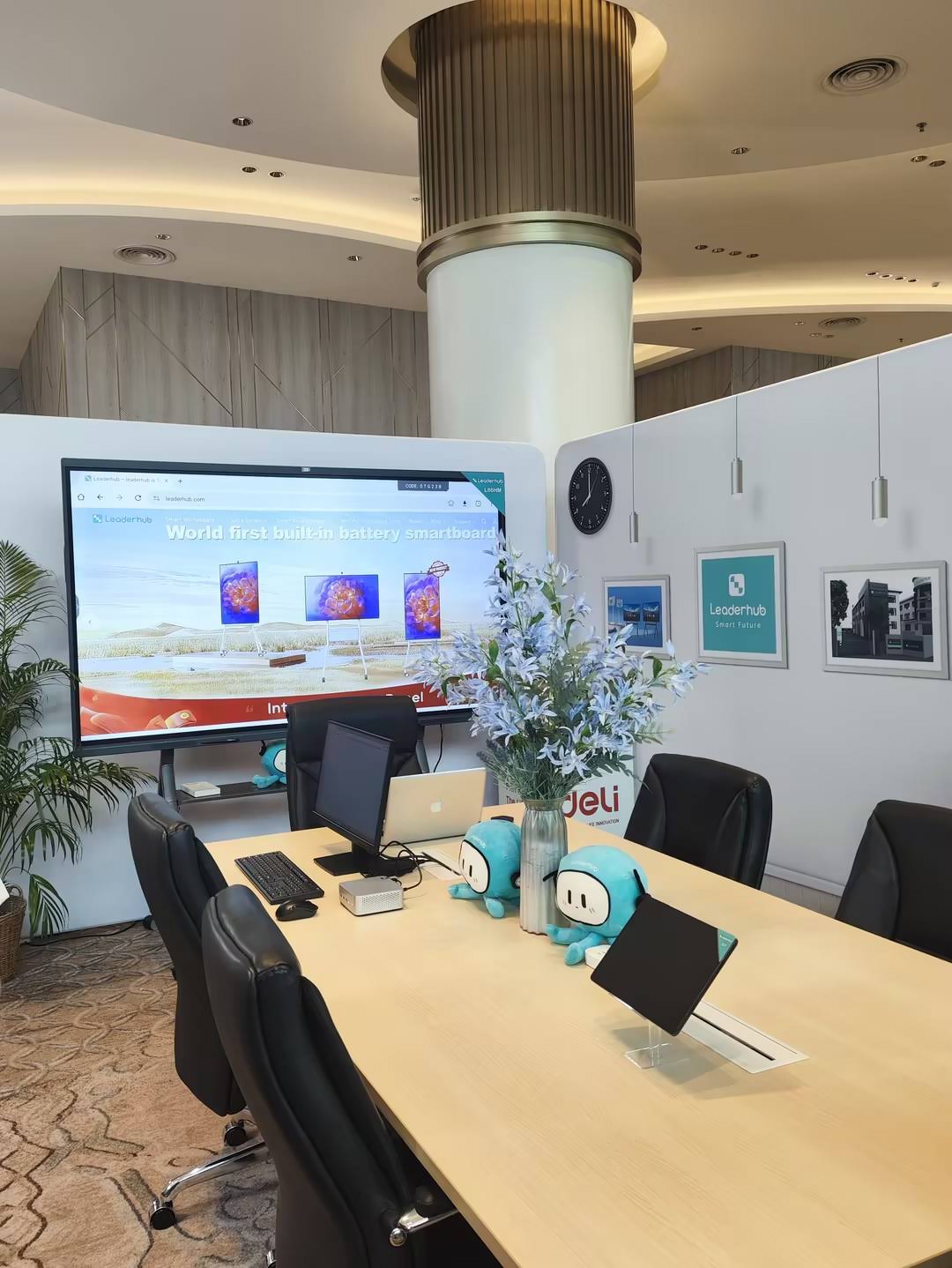
LeaderHub is a Shenzhen-based technology company with 16 years of professional experience in the interactive panel industry, serving 82 countries worldwide with smart whiteboards, interactive flat panels, mini PCs, and portable smart screens. Our products are ranked NO.1 in JD.com’s interactive panel subcategory and have received multiple industry awards, including the Annual Conference Tablet Most Innovative Product Award and Shenzhen Famous Brand recognition.
Final Checklist Before You Buy
- Confirm HDMI 2.0 or higher for full 4K signal support
- Check for at least two HDMI ports plus USB-C and VGA
- Verify touch point count (20-point multi-touch recommended)
- Choose screen size based on room dimensions and viewing distance
- Review warranty terms and manufacturer support reputation
- Test software compatibility with your existing conferencing tools
Selecting the right smart whiteboard with HDMI input comes down to balancing connectivity, display quality, and long-term reliability. Whether you’re outfitting a classroom, boardroom, or training facility, prioritizing robust port selection and 4K resolution will ensure your investment remains useful for years to come. For businesses ready to explore dependable, feature-rich options, browsing a full smart whiteboard lineup can help you compare specifications side by side before making a final decision.








