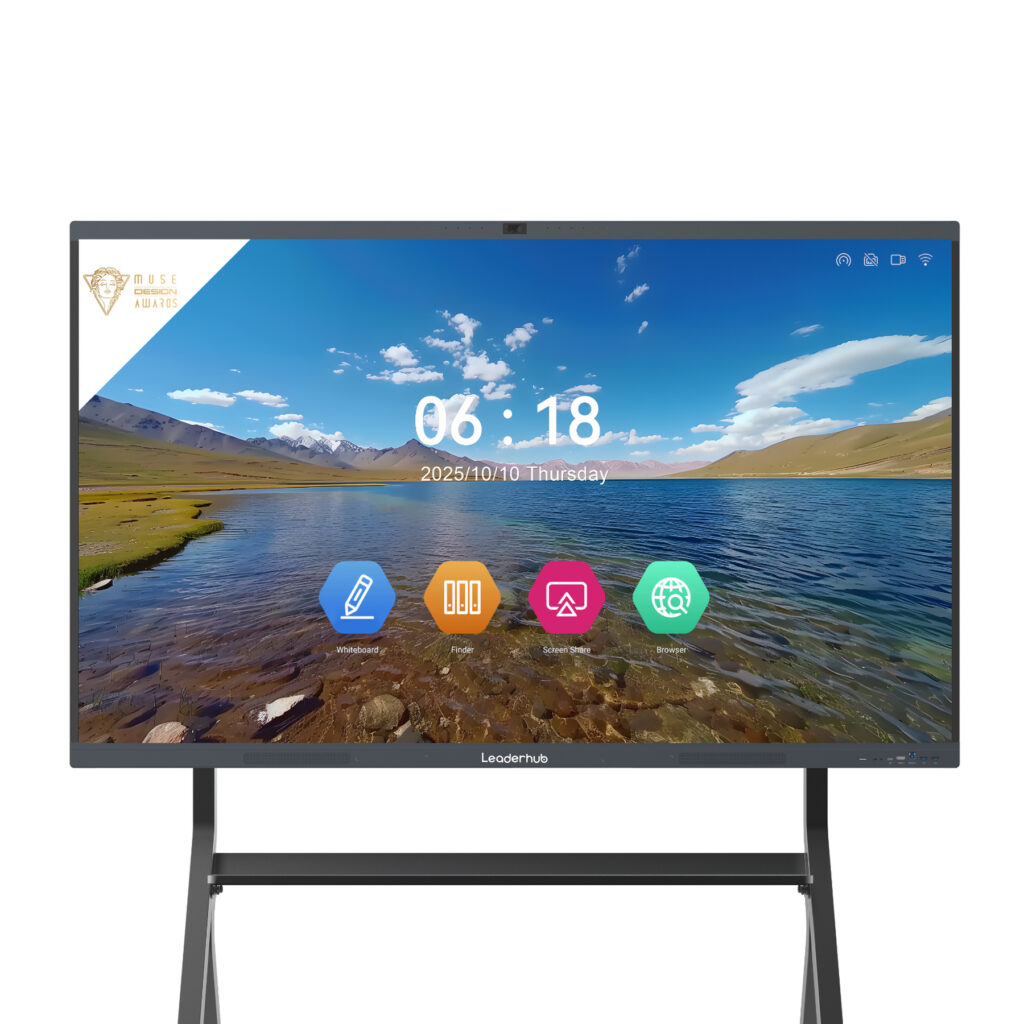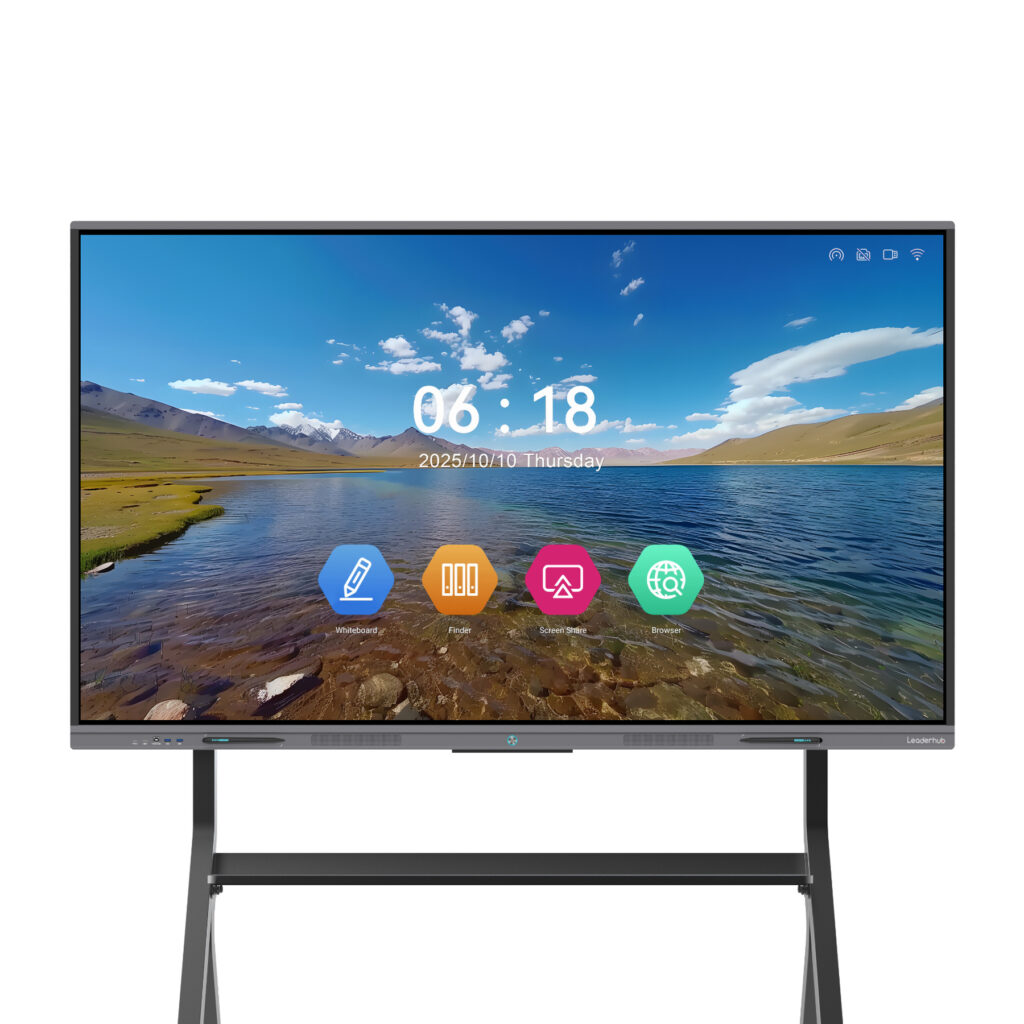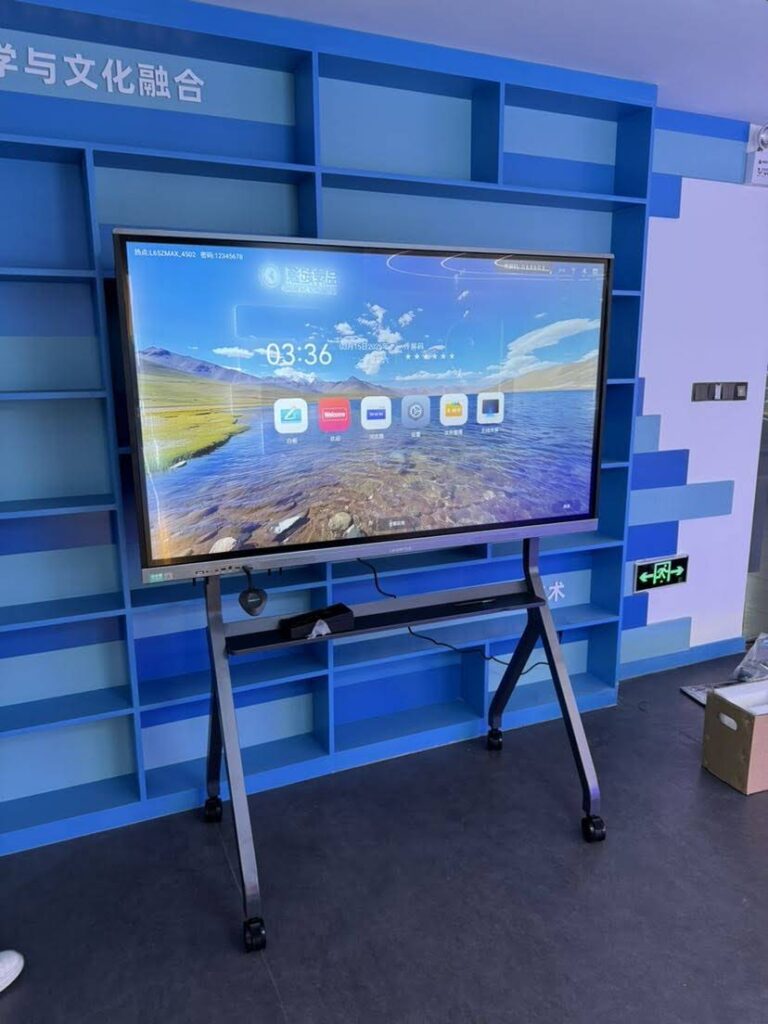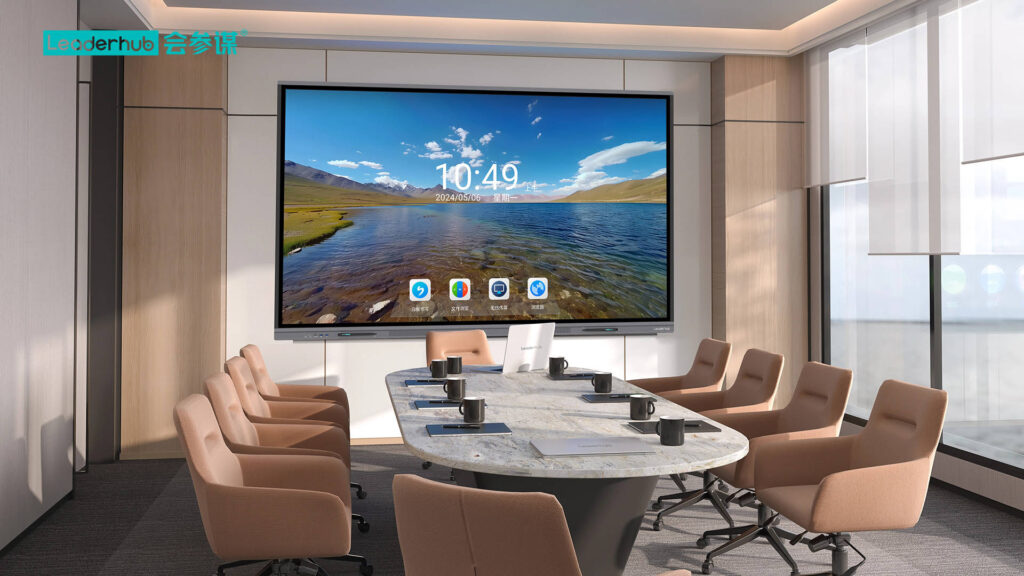
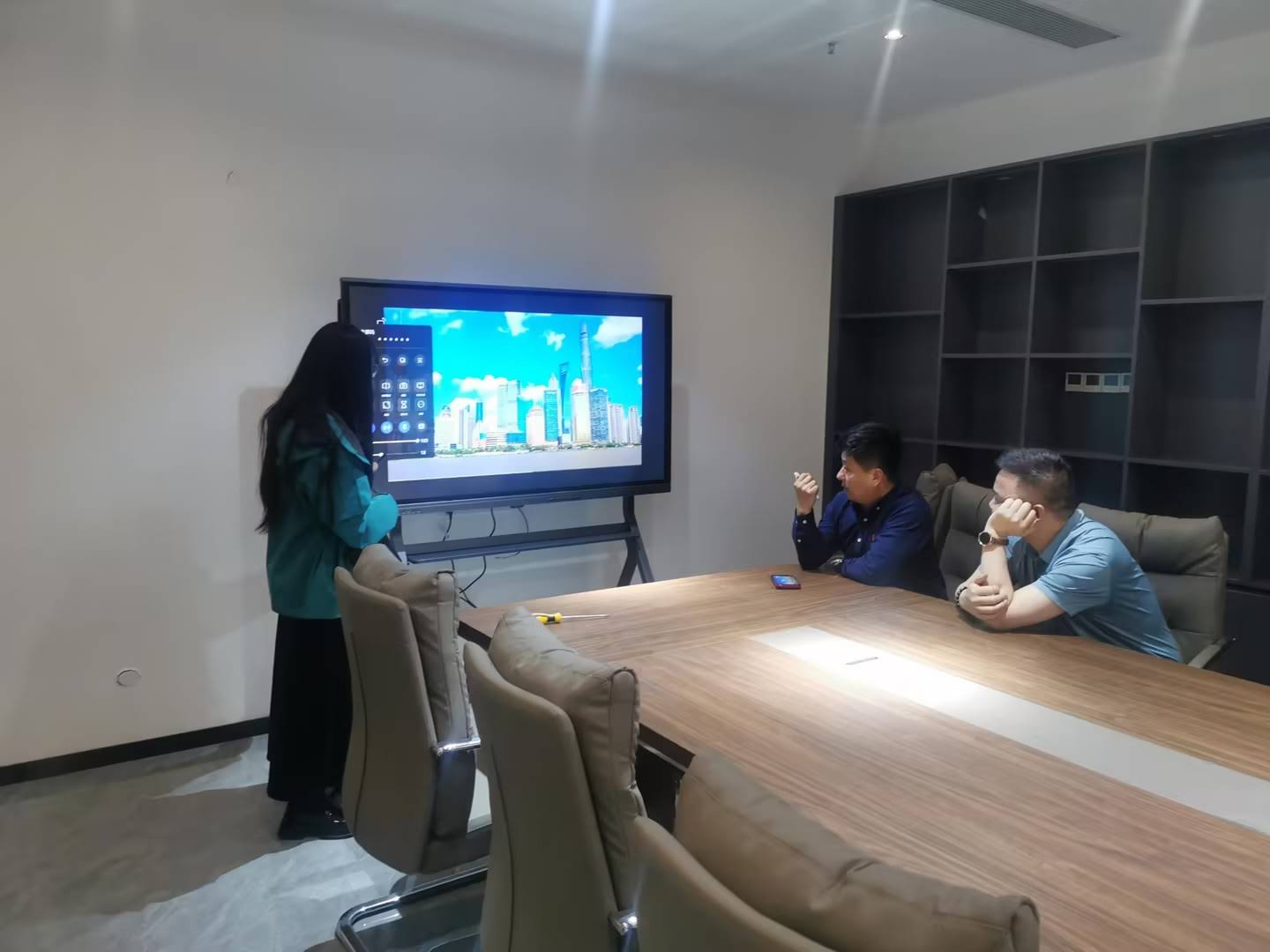
Walk into a modern kindergarten and you will quickly notice that the chalkboard has given way to something far more engaging. A smart board for kindergarten classrooms turns letters, numbers, shapes and stories into things children can touch, drag, draw and hear. For teachers of four- to six-year-olds, that tactile, multisensory experience is not a luxury — it is exactly how young children learn best.
But choosing an interactive display for early learners is very different from buying one for a high school or an office. Little hands, short attention spans, safety regulations and tight preschool budgets all change the equation. This guide explains what really matters when you select a smart board for kindergarten classrooms, what to avoid, and which specifications deliver the best value for young learners.
Why Kindergarten Classrooms Need a Different Kind of Smart Board
Early childhood education is built on play, movement and repetition. Research summarized in the Choosing Technology in Education guidance from UNESCO stresses that technology should be selected based on how it supports learning goals — not on novelty. For kindergarten, that means the display must support:
- Whole-body interaction — children standing, reaching, drawing and sorting objects directly on the screen.
- Multi-child collaboration — two or more children working on the board at the same time without the display freezing or misreading touches.
- Visual and audio storytelling — large, bright images and clear sound for circle time, phonics songs and picture books.
- Teacher simplicity — one-touch startup, no logins, and software a non-technical educator can run during a busy morning.
Equally important, kindergarten displays spend their lives at child height, in rooms with paint, glue, juice and small projectiles. Durability and safety are not optional features.
Key Features to Look for in a Smart Board for Kindergarten Classrooms
1. Screen Size and Mounting Height
For a typical preschool room of 15–25 children, a 65-inch or 75-inch panel is the sweet spot. It is large enough for the whole group to see during story time, yet small enough to mount low so children can comfortably reach the center and lower half of the screen. An 86-inch panel suits larger multipurpose or early-years assembly rooms.
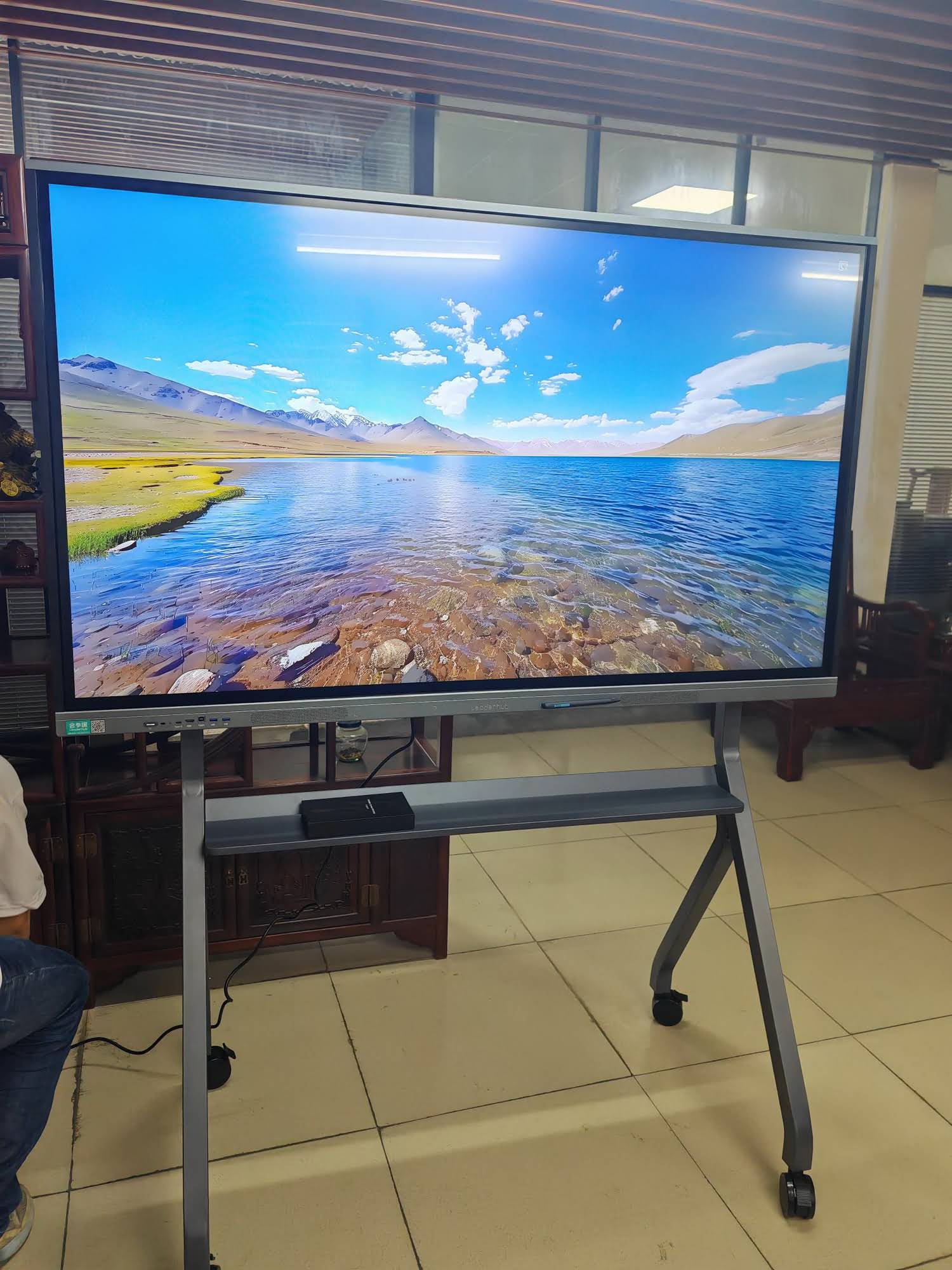
Pay attention to mounting. A height-adjustable mobile stand or a motorized lift lets you lower the screen for child activities and raise it when the teacher presents. Avoid fixed high wall mounts that place the interactive area out of reach of a four-year-old.
2. Multi-Touch Accuracy with Small Fingers and Palms
Young children do not tap with a single precise fingertip — they press with flat palms, knuckles and sometimes elbows. Look for 20-point or higher infrared or capacitive touch with reliable palm rejection and object recognition. This lets two or three children sort shapes side by side while the board correctly ignores a resting hand.
3. Eye-Care Display Technology
Screen exposure for children is a legitimate concern, and the OECD Screen Time Research encourages balanced, purposeful use of displays in early years. Choose a panel with:
- Anti-glare, matte tempered glass to reduce reflections from classroom windows.
- Low blue light and flicker-free backlighting, ideally with TÜV-style certification.
- Automatic brightness adjustment so the screen is never harsh in a dim reading corner.
- 4K resolution so letters and illustrations stay crisp even when children stand inches away.
4. Durability and Child Safety
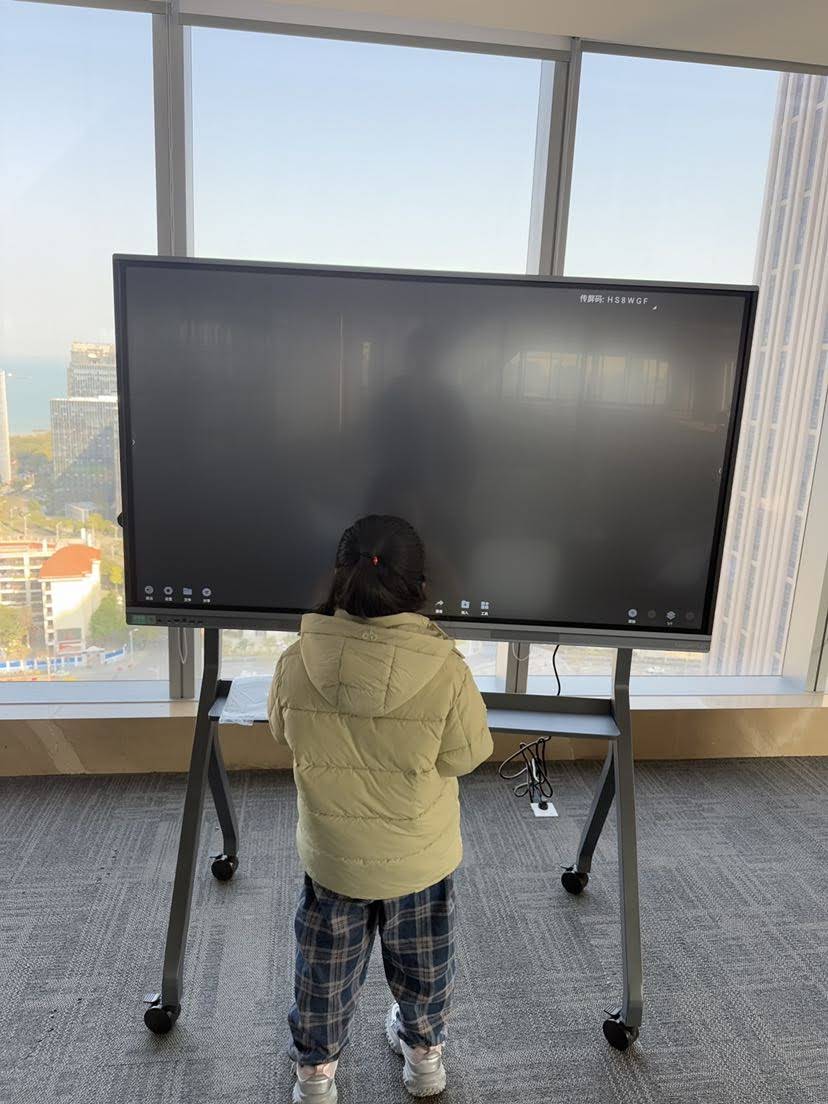
Kindergarten is a tough environment for any device. Prioritize 4 mm or thicker tempered glass rated to Mohs 7 hardness, rounded corners, hidden cable channels and a stand with anti-tip design and lockable casters. Fanless or quiet cooling also keeps the room calm during nap time. Many preschools also require anti-bacterial glass coatings that can be wiped with standard classroom disinfectant.
5. Built-In Whiteboard and Early-Learning Software
The best hardware is wasted without age-appropriate content. Look for a built-in whiteboard app with large icons, infinite canvas, shape recognition, handwriting-to-text and a stamp or sticker library that children can use independently. Compatibility with Android apps and screen-sharing from a teacher’s tablet means you can run phonics games, counting apps and interactive storybooks without extra equipment.
6. Audio Quality for Phonics and Music
Language development in kindergarten relies heavily on sound. Panels with front-facing stereo speakers (2×15W or better) deliver clear vowels and consonants across the room, which matters for phonics instruction and for multilingual classrooms where children are learning English as an additional language.
7. Simple Connectivity and Classroom Management
Teachers should not need an IT ticket to start the day. Check for Wi-Fi 6, Bluetooth, multiple HDMI and USB-C ports, wireless screen mirroring, and an NFC or one-button power-on. Centralized device management is a bonus for preschool chains that run several campuses.
Smart Board vs. Projector vs. TV: Which Is Right for Early Years?
| Criteria | Interactive Smart Board | Interactive Projector | Standard TV |
|---|---|---|---|
| Child Interaction | Direct multi-touch, 20+ points | Pen or limited finger touch, shadows interfere | None — view only |
| Brightness in Daylight | Excellent, 350–450 nits | Poor, needs dim room | Good |
| Durability | Tempered glass, child-safe | Lamp replacement, calibration drift | Fragile panel, not touch-rated |
| Built-In Learning Software | Yes, Android + whiteboard | Requires external PC | Limited smart TV apps |
| 5-Year Total Cost | Low — no consumables | Medium — lamps, filters | Low, but limited use |
For most early-years settings, the interactive smart whiteboard is the clear winner because it combines a bright, durable screen with the hands-on interaction young children need.
How Teachers Actually Use Smart Boards in Kindergarten
Understanding daily use cases helps you prioritize features. The EEF Digital Technology Guidance notes that technology improves outcomes most when it enhances a teacher’s explanation or gives children more opportunities to practice. In kindergarten, that looks like:
- Morning circle time — the calendar, weather chart and attendance become interactive routines children lead themselves.
- Phonics and letter formation — children trace oversized letters with fingers while the board plays the sound.
- Counting and sorting — drag-and-drop apples into baskets, build number lines, compare big and small.
- Shared reading — digital picture books with highlighted text and zoom for illustrations.
- Creative play — collaborative drawing, music makers and simple coding games with two or three children at once.
- Parent communication — photos and videos of the day displayed at pickup time.
Recommended Specification Checklist for Early-Years Buyers
| Specification | Minimum for Kindergarten | Why It Matters |
|---|---|---|
| Screen size | 65″–75″ | Visible to the group, reachable by children |
| Resolution | 4K UHD | Sharp text and images at close range |
| Touch points | 20+ with palm rejection | Several children can work together |
| Glass | 4 mm tempered, anti-glare | Survives knocks, reduces eye strain |
| Operating system | Android 11+ with optional Windows | Access to educational apps |
| Speakers | 2×15W front-facing | Clear phonics and music |
| Mount | Height-adjustable mobile stand | Lower for children, raise for teacher |
| Warranty | 3 years minimum | Protects a multi-year school budget |
Budget Planning: What Does a Kindergarten Smart Board Cost?
Preschools and early-learning centers rarely have the procurement budgets of a large school district, so value matters. Entry-level 65-inch 4K interactive whiteboards now start around $1,099–$1,299, with 75-inch models between $1,399 and $1,599 and 86-inch panels from $1,699 upward. When comparing quotes, remember to include:
- A mobile or height-adjustable stand (typically $150–$400).
- Optional Windows OPS module if you need PC-based curriculum software.
- Installation, teacher training and a multi-year warranty.
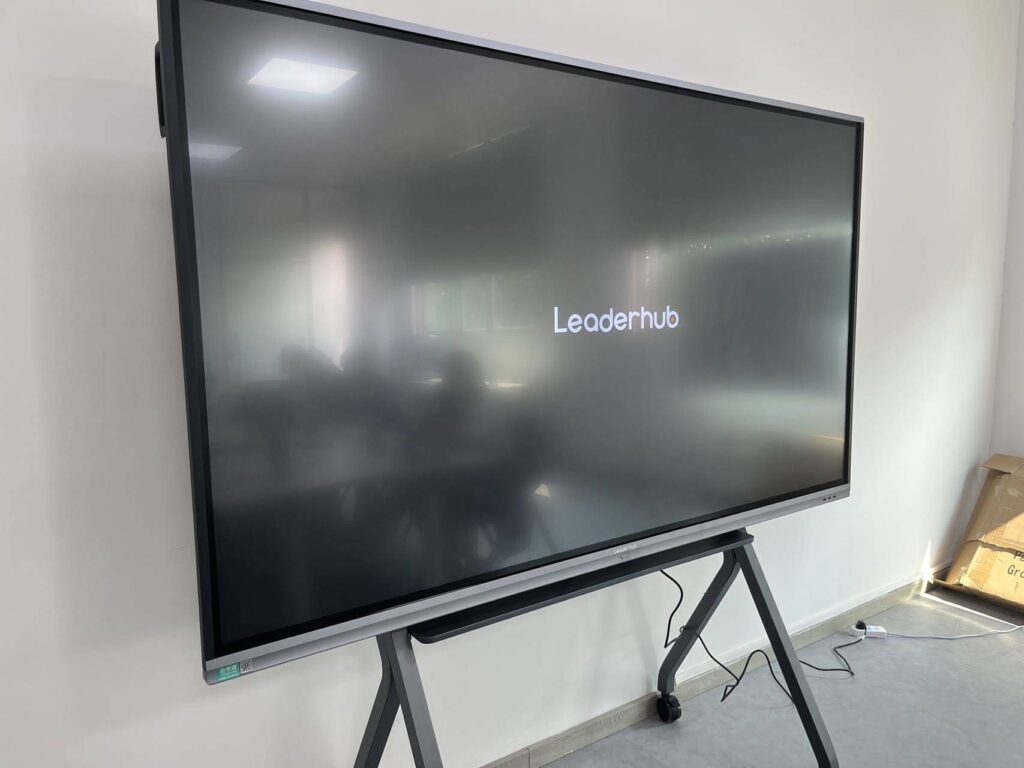
Because a quality panel has no lamps or consumables, the five-year total cost of ownership is usually lower than an interactive projector, even when the upfront price is similar. Schools expanding to several rooms can also explore the Leaderhub L65ZM 65″ 4K Smart Panel as a cost-effective starting point, stepping up to the L75HM 75″ Interactive Smart Whiteboard for larger rooms.
Protecting Young Learners: Privacy and Responsible Use
Any technology used with children under six must be handled thoughtfully. The Child Protection in Digital Education framework from UNICEF recommends that schools disable unnecessary cameras and microphones, restrict app stores, avoid child accounts on shared devices, and set clear time limits for screen-based activity. Choose a panel that lets administrators lock settings, hide the app store and configure guest-mode so children cannot wander beyond approved content.
Equally, keep interactive sessions short and active. A smart board for kindergarten classrooms should supplement sand, blocks, books and outdoor play — never replace them.
Implementation Tips for Preschool Directors
Start with one pilot classroom
Install a single panel, train two teachers, and gather feedback for a term before equipping every room. This mirrors the Education Technology Implementation guidance used by UK schools.
Invest in teacher confidence
The OECD Digital Teaching Guidance shows that professional development is the strongest predictor of successful technology use. A two-hour hands-on workshop plus a shared library of ready-made lesson templates goes a long way.
Position for the children, not the adults
Mount the panel where natural light does not hit the glass directly and where children can gather on a rug without craning their necks. Leave floor space in front of the board for movement-based activities.
Plan for hybrid moments
Built-in cameras and microphones let absent children or remote specialists join circle time. Pairing the panel with a compact device such as a classroom mini PC adds full Windows compatibility for school-wide curriculum platforms.
Why Educators Choose Leaderhub for Early Learning
Leaderhub is a Shenzhen-based manufacturer with 16 years of interactive-display expertise, serving education, enterprise and creative customers in 82 countries. Its smart whiteboards feature 4K anti-glare tempered glass, 20-point multi-touch, built-in Android whiteboarding and optional Windows modules — all engineered around the mission “AI Changes Life” and the goal of making high-quality classroom technology affordable for small and medium-sized institutions, including independent preschools and kindergarten chains.
Frequently Asked Questions
What size smart board is best for a kindergarten classroom?
A 65-inch panel works well for rooms of up to 20 children; choose 75 inches for larger groups or wider rooms. Always pair it with a height-adjustable stand so children can reach the touch surface.
Are smart boards safe for young children’s eyes?
Modern panels with anti-glare glass, low blue light and flicker-free backlighting are designed for close-range classroom use. Combine these features with short, active sessions and regular breaks away from the screen.
Can several children use the board at the same time?
Yes. Panels with 20 or more touch points and palm rejection allow two to four children to draw, sort and play collaboratively without interference.
Do I need a separate computer?
Most interactive whiteboards run Android with a built-in whiteboard app, so they work out of the box. Add a Windows OPS module or external mini PC only if your curriculum software requires it.
How long does a kindergarten smart board last?
Quality panels are rated for 30,000–50,000 hours of use — typically eight to ten years of school days — with no lamps or filters to replace.
Final Thoughts
The right smart board for kindergarten classrooms is the one that disappears into the rhythm of the day: bright enough for morning sun, tough enough for curious hands, simple enough for a busy teacher, and engaging enough that children ask to come back to it. Focus on size and mounting height, multi-touch accuracy, eye-care glass, durability and age-appropriate software, and you will have an investment that supports literacy, numeracy and creativity for years to come.
Ready to explore options for your early-years setting? Contact the Leaderhub education team for a tailored recommendation, or browse the full range of interactive displays for classrooms to find the right fit for your kindergarten.