Smart boards have moved far beyond the classroom. Today, these large interactive touch displays are found in corporate boardrooms, hospital wards, design studios, courtrooms, retail stores and even living rooms. If you have ever wondered who uses smart boards and why adoption keeps climbing, this guide breaks down the top user groups, how each one puts interactive displays to work, and what features matter most to them.
What Is a Smart Board and Why Does It Matter Who Uses It?
A smart board, also known as an interactive whiteboard or interactive flat panel (IFP), is a large touchscreen display that combines the functions of a whiteboard, projector, computer and video conferencing system in a single device. Users can write with a stylus or finger, annotate over documents, share screens wirelessly and save everything to the cloud.
Understanding who uses smart boards matters because each user group has different priorities. A kindergarten teacher needs durable, finger-friendly touch and simple software. A hospital team needs secure data handling and crisp image clarity. A sales team needs fast wireless casting and video conferencing. Matching the right display to the right audience is the key to a successful deployment.
Who Uses Smart Boards? A Quick Overview
| User Group | Primary Use Cases | Typical Screen Size |
|---|---|---|
| K-12 Schools | Interactive lessons, multimedia teaching, student participation | 65″ – 86″ |
| Universities & Colleges | Lecture halls, hybrid learning, research collaboration | 75″ – 110″ |
| Businesses & Corporations | Meetings, video conferencing, brainstorming, presentations | 55″ – 86″ |
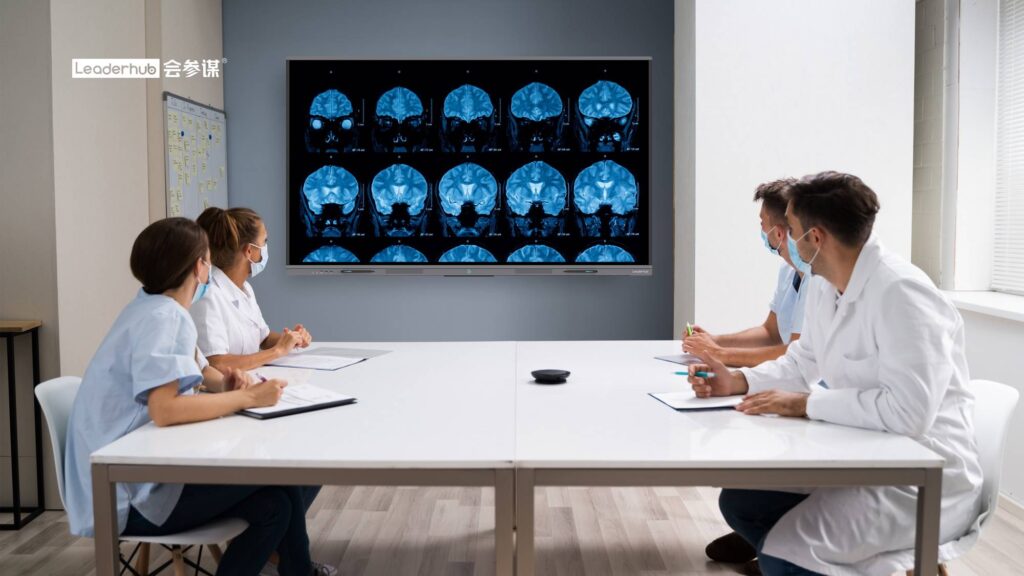
| Healthcare Providers | Medical imaging review, patient education, telemedicine | 55″ – 75″ |
| Government & Public Sector | Council meetings, command centers, public information | 75″ – 110″ |
| Creative Professionals | Design reviews, digital sketching, client presentations | 27″ – 65″ |
| Home Users | Remote work, homeschooling, family entertainment | 24″ – 65″ |
1. Schools and Educational Institutions
Education remains the largest and most established market for smart boards. According to the UNESCO Technology in Education Report, interactive displays are among the most widely deployed classroom technologies worldwide, and governments from the UK to India continue to fund large-scale rollouts.
K-12 Teachers and Students
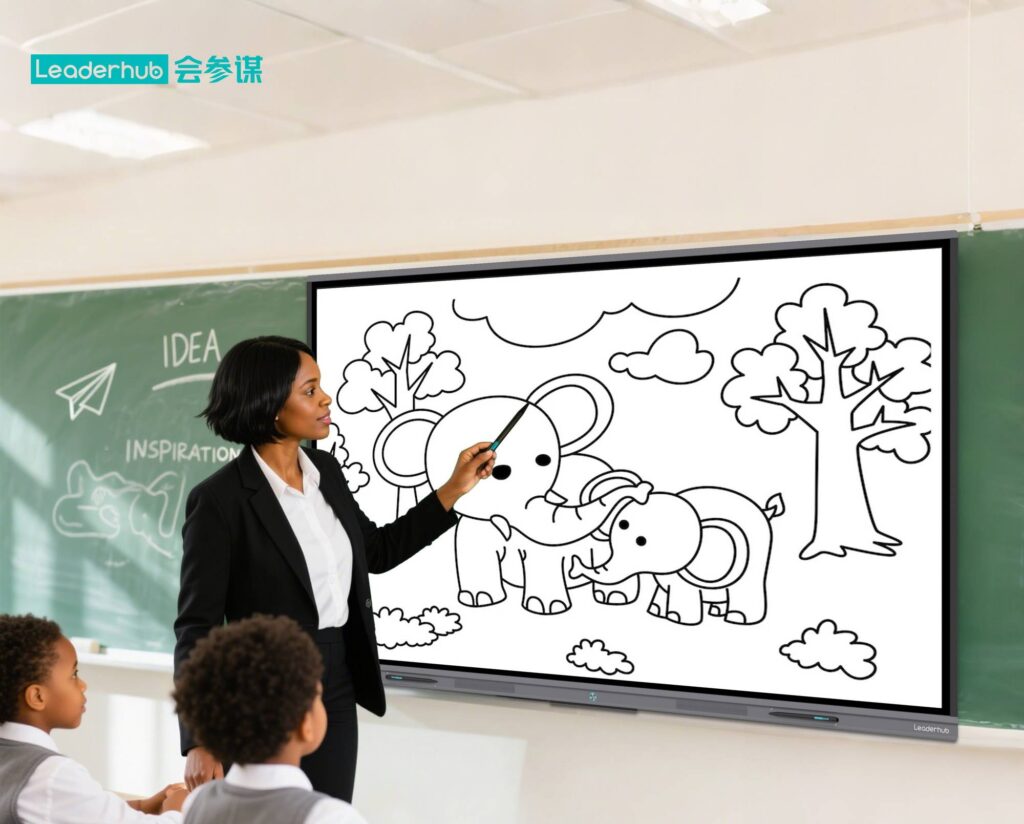
Primary and secondary school teachers use smart boards to turn static lessons into interactive experiences. Instead of reading from a textbook, a geography teacher can zoom into a 4K satellite map, a math teacher can drag and drop fractions, and a language teacher can play a video clip and pause to annotate key vocabulary directly on screen.
- Multi-touch collaboration: several students can write on the board at the same time during group activities.
- Multimedia integration: videos, 3D models, quizzes and web content all live on one display.
- Saved lessons: every annotation can be exported as a PDF or image and shared with absent students.
- Accessibility: screen magnification, text-to-speech and high-contrast modes support learners with different needs.
Universities and Training Centers
Higher education institutions use large-format interactive flat panels in lecture theaters, seminar rooms and research labs. Hybrid learning has made built-in cameras, microphones and video conferencing software essential, allowing remote students to participate as if they were in the room. The OECD Digital Education Outlook highlights how digital infrastructure of this kind underpins flexible, blended course delivery.
Corporate training departments and vocational schools also rely on smart boards for onboarding sessions, compliance training and skills workshops, where trainers can switch between slides, live demonstrations and interactive whiteboarding without changing devices.
2. Businesses and Corporate Teams
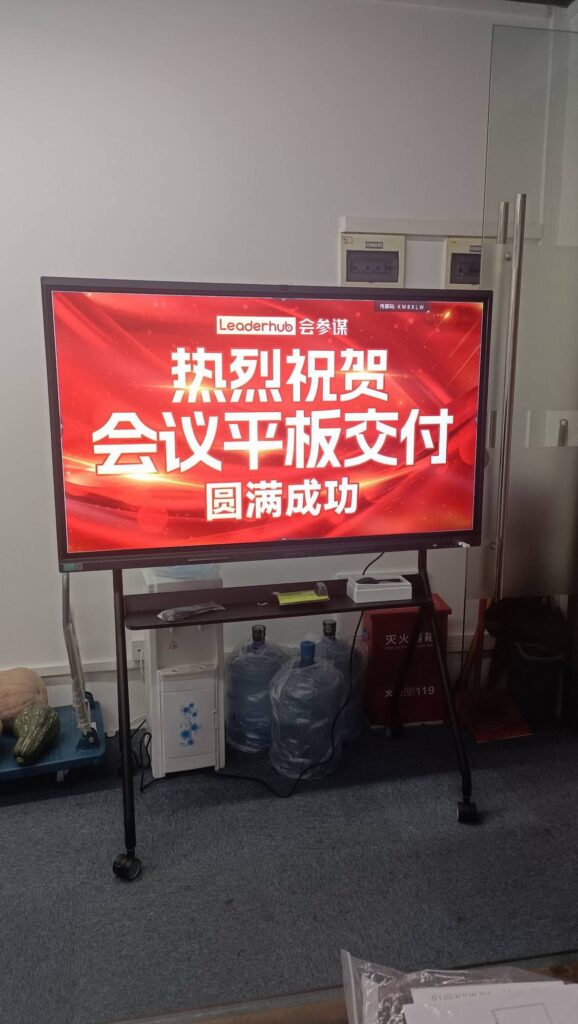
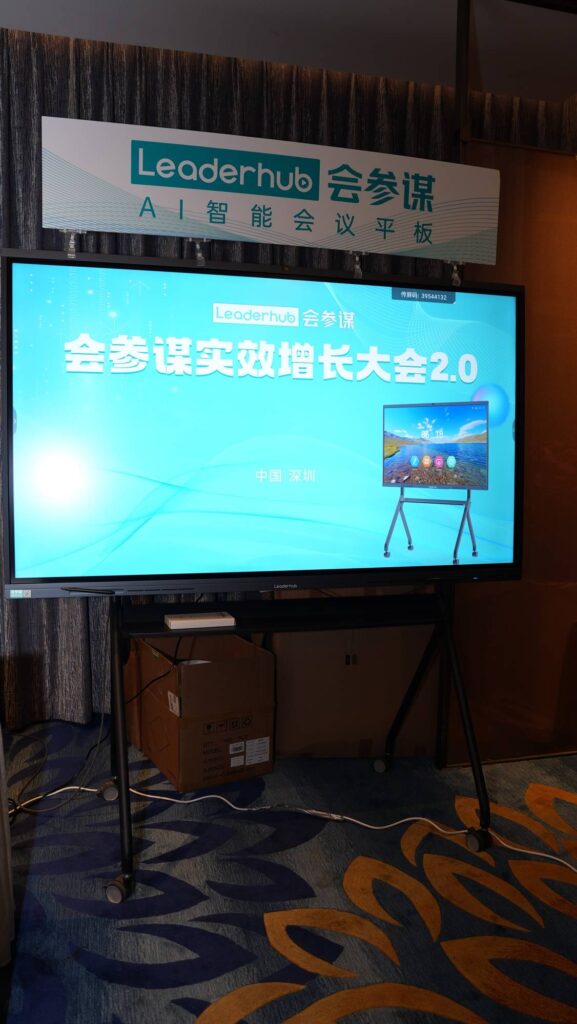
Enterprise adoption of smart boards has accelerated dramatically as hybrid work became the norm. From startups to multinational corporations, companies are replacing traditional projectors and dry-erase whiteboards with interactive smart whiteboards that unify meetings, collaboration and communication.
Meeting Rooms and Boardrooms
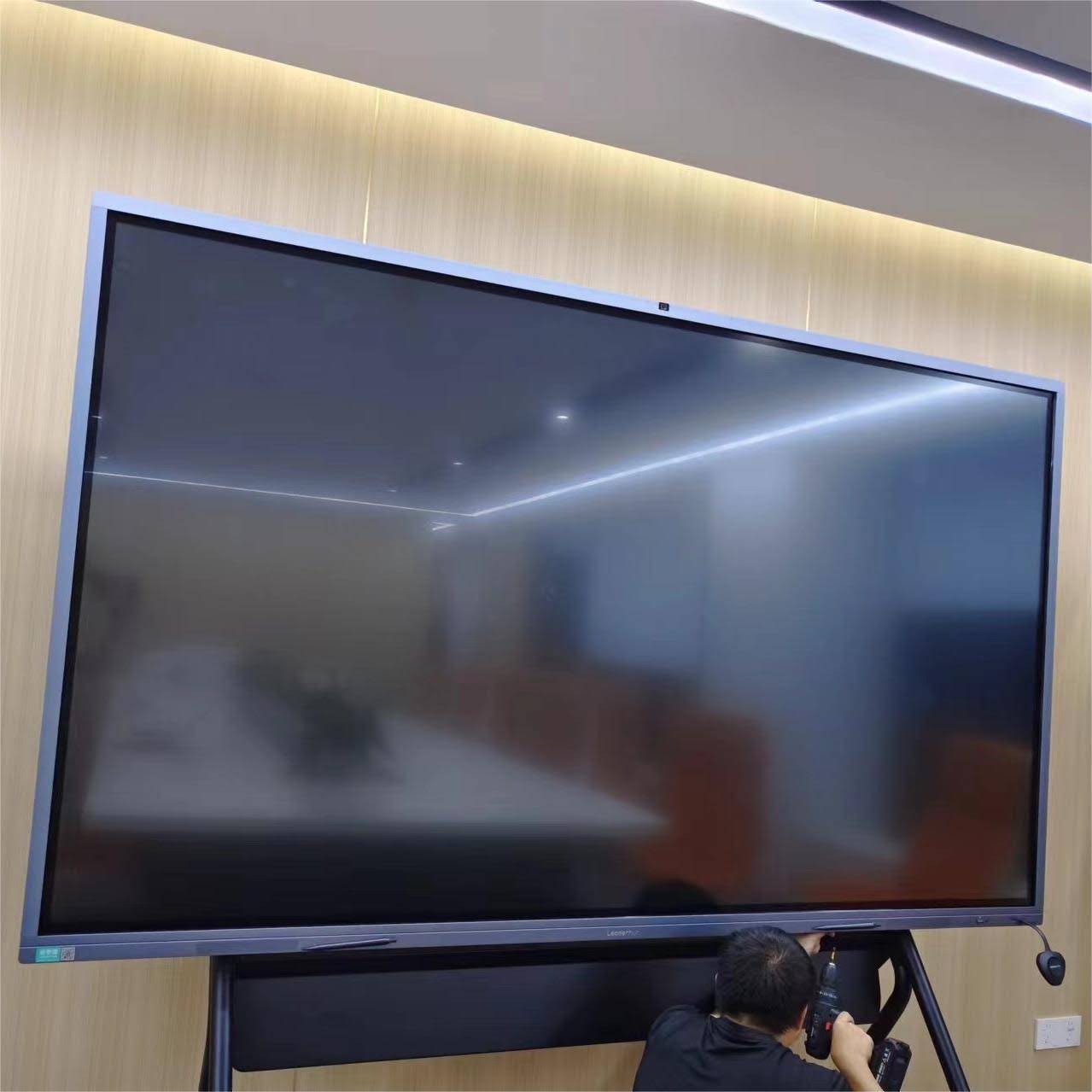
In a typical meeting room, a smart board acts as the central hub. Participants can wirelessly cast from laptops, tablets or phones, launch Zoom, Teams or Google Meet with one tap, and annotate directly on shared documents. Meeting notes are saved and emailed instantly, eliminating the familiar scramble to photograph a whiteboard before it is erased.
Sales, Marketing and Product Teams
Sales teams use interactive displays for dynamic client presentations and live product demos. Marketing teams run campaign planning sessions with digital sticky notes and mind maps. Product and engineering teams sketch wireframes, review roadmaps and mark up designs in real time with colleagues in other offices.
Remote and Hybrid Workforces
For distributed teams, a smart board bridges the gap between in-office and remote employees. Built-in 4K cameras with auto-framing, far-field microphone arrays and noise cancellation ensure that everyone is seen and heard clearly, while cloud whiteboarding lets remote participants contribute from their own devices.
Key Benefits for Business Users
- Faster meeting starts – no cables, no driver issues, no waiting for the projector to warm up.
- Better engagement – participants interact with content rather than passively watching slides.
- Lower total cost – one device replaces a projector, screen, whiteboard, speakers and conferencing kit.
- Clear documentation – every session is saved, searchable and shareable.
3. Healthcare and Medical Professionals
Hospitals, clinics and medical schools represent one of the fastest-growing segments of smart board users. The combination of high-resolution 4K imaging, touch interaction and secure connectivity makes interactive displays valuable across the entire care journey.
Doctors and Surgical Teams
Physicians use interactive flat panels to review X-rays, MRI and CT scans in multidisciplinary team meetings. Surgeons can zoom, rotate and annotate images during pre-operative planning, and share their screen with specialists in other hospitals for second opinions.
Nurses and Care Coordinators
On hospital wards, smart boards replace paper-based patient tracking boards. Nursing staff can update bed status, care plans and shift handover notes in real time, with information synced to the electronic health record system.
Patient Education and Telemedicine
Clinicians use large touchscreens to explain diagnoses and treatment options to patients with diagrams and 3D anatomy models, improving understanding and consent. Telemedicine suites use the same displays for remote consultations with specialists or patients in rural areas.
Medical Schools and Nursing Colleges
Medical educators rely on interactive displays for anatomy lessons, case-study discussions and simulation debriefs, where instructors can replay footage and mark up key moments for students.
4. Government and Public Sector Organizations
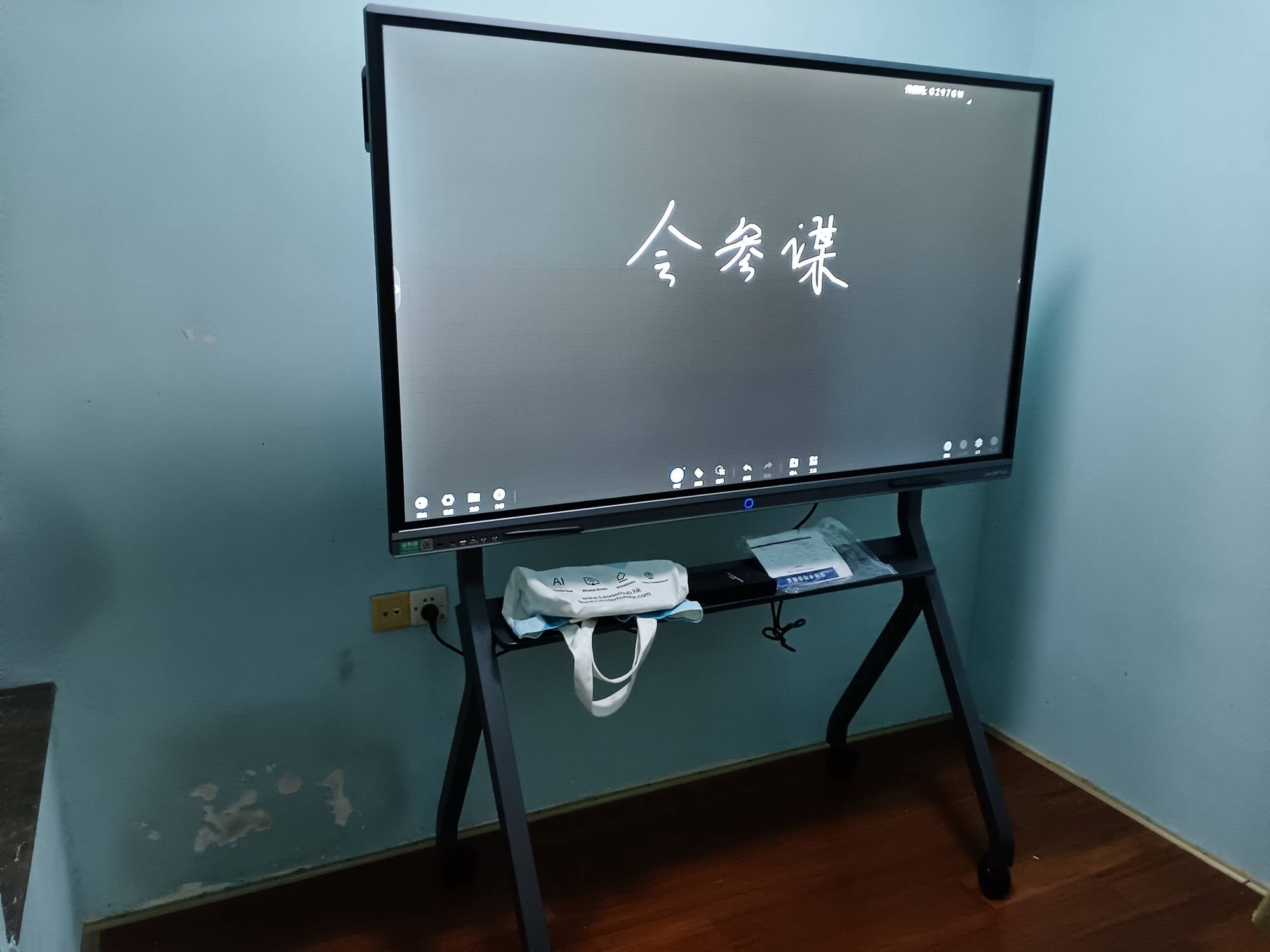
Local councils, federal agencies, courts and emergency services increasingly rely on smart boards for secure, efficient communication. Common applications include:
- Council and committee meetings: agenda documents, maps and planning applications displayed and annotated live.
- Emergency operations centers: real-time situational awareness dashboards with touch-based control.
- Courtrooms: evidence presentation with the ability to zoom and highlight for juries.
- Public libraries and community centers: digital literacy programs and community workshops.
- Military and defense training: tactical briefings and scenario planning.
Government buyers typically prioritize data security, long product lifecycles and the ability to run on-premise software without mandatory cloud connections.
5. Creative Professionals and Design Studios
Architects, graphic designers, animators and advertising agencies use interactive displays as oversized digital canvases. With low-latency pen input and pressure sensitivity, designers can sketch concepts, mark up renderings and present work to clients on a single surface.
Smaller rotating touchscreens are especially popular in this segment. A smart rotating screen can flip between landscape and portrait orientation, which is ideal for reviewing mobile app layouts, posters or vertical video content. Battery-powered models can be carried from desk to meeting room to client site.
6. Retail, Hospitality and Real Estate
Beyond offices and classrooms, customer-facing industries have found creative uses for interactive displays:
| Industry | How Smart Boards Are Used |
|---|---|
| Retail Stores | Interactive product catalogs, self-service kiosks, staff training in the back office |
| Hotels & Conference Venues | Rentable meeting room technology, event signage, wayfinding |
| Real Estate Agencies | Virtual property tours, floor plan markup, mortgage calculations with clients |
| Museums & Galleries | Interactive exhibits, visitor education, digital archives |
| Manufacturing & Logistics | Production dashboards, safety briefings, lean management boards |
7. Home Users and Remote Workers
The newest group of smart board users is individuals and families. Remote professionals install compact interactive screens in home offices for video calls and personal whiteboarding. Parents use them for homeschooling and tutoring, while families enjoy them for streaming, gaming and video chats with relatives. Portable models with built-in batteries and Android operating systems make it easy to move the screen from the kitchen to the bedroom to the backyard.
What Features Do Different Smart Board Users Need?
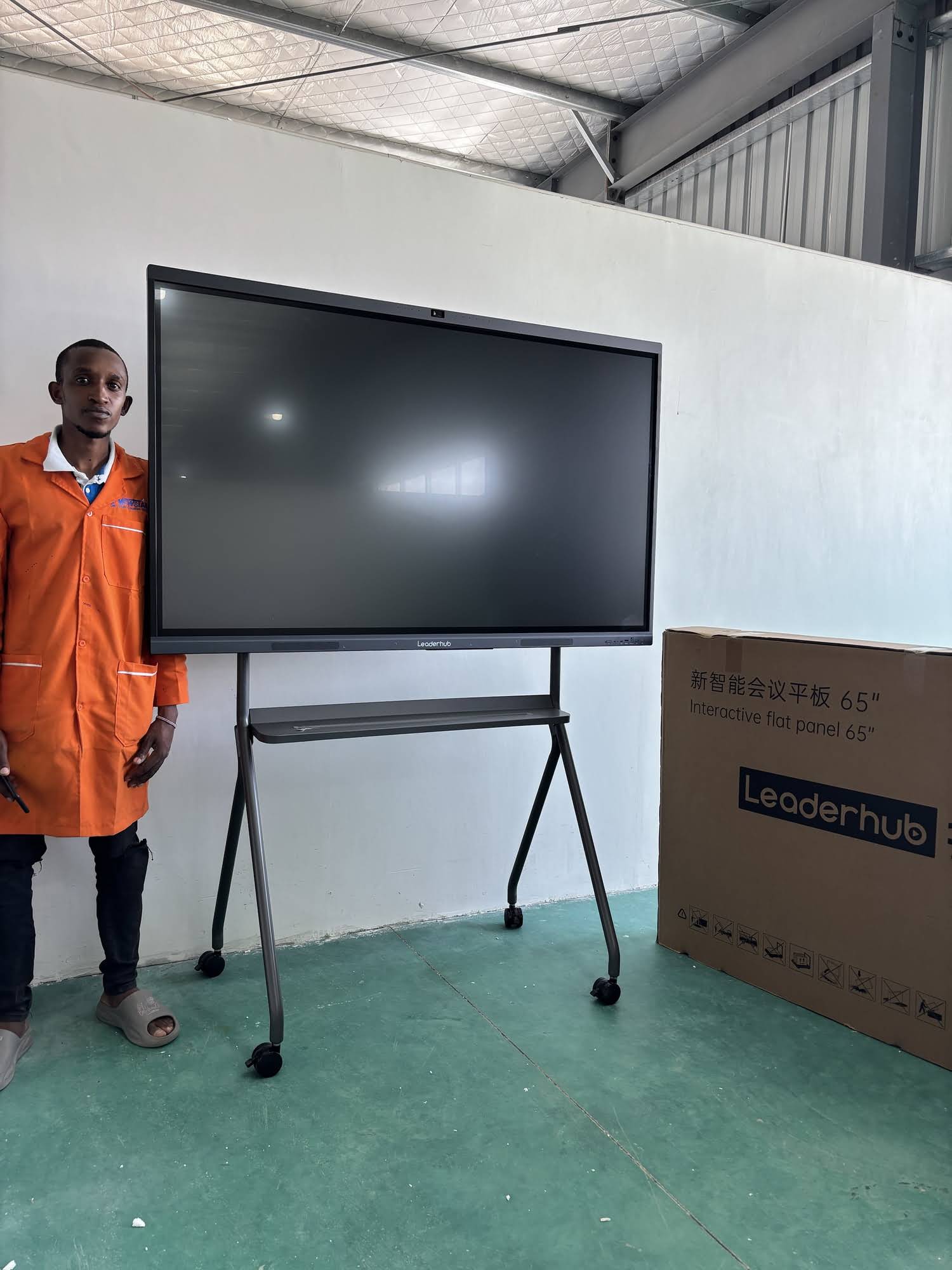
Because the audience is so diverse, there is no single “best” smart board. The table below maps the most important features to each user group so you can prioritize what matters for your deployment.
| Feature | Education | Business | Healthcare | Creative |
|---|---|---|---|---|
| 4K Ultra HD Resolution | Important | Important | Critical | Critical |
| Multi-Touch (20+ points) | Critical | Useful | Useful | Important |
| Built-in Camera & Mic Array | Important | Critical | Important | Useful |
| Wireless Screen Sharing | Important | Critical | Important | Important |
| Low-Latency Pen Input | Important | Useful | Useful | Critical |
| Anti-Glare Tempered Glass | Critical | Important | Important | Important |
| Mobility (Stand / Battery) | Useful | Important | Critical | Important |
Why Smart Board Adoption Keeps Growing Across Industries
Several forces are driving smart boards into new sectors every year:
- Hybrid work and learning have made video-enabled collaboration displays a baseline expectation rather than a luxury.
- Falling prices mean a 65-inch 4K interactive panel now costs roughly the same as a quality projector setup did a decade ago.
- Integrated AI features such as handwriting recognition, automatic meeting summaries, real-time translation and voice control reduce friction for non-technical users.
- Sustainability goals favor long-life LED displays over consumable markers, paper flip charts and projector lamps.
- Government funding programs for digital classrooms and e-government continue to expand across Europe, Asia, the Middle East and the Americas.
Choosing the Right Smart Board for Your User Group
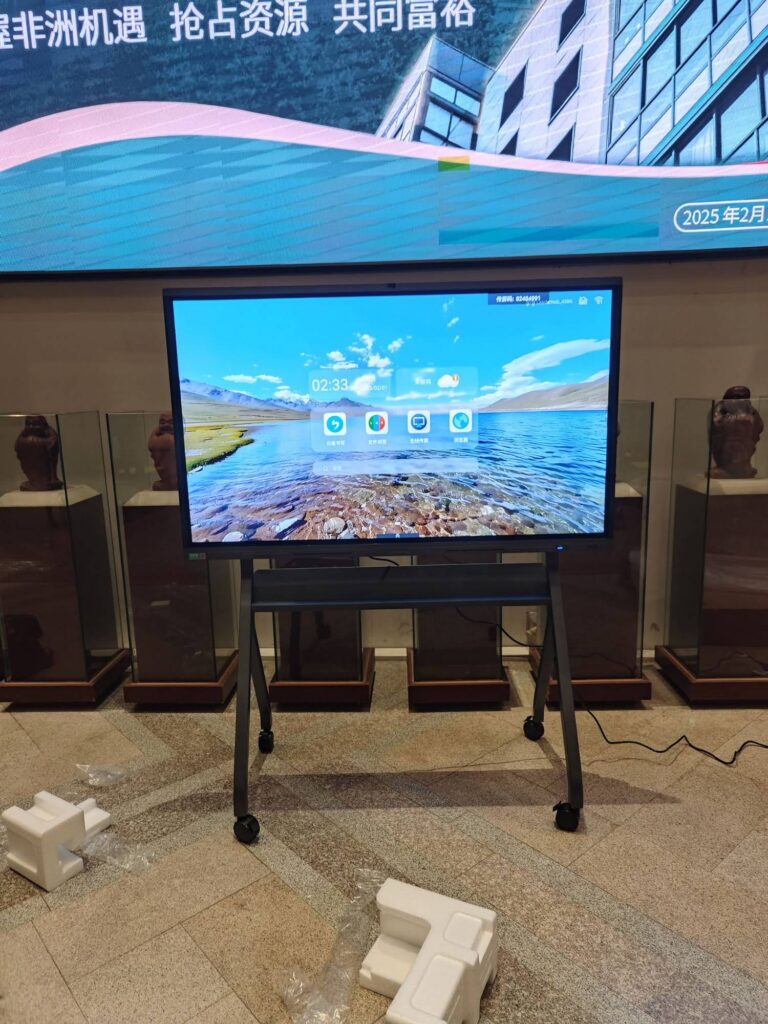
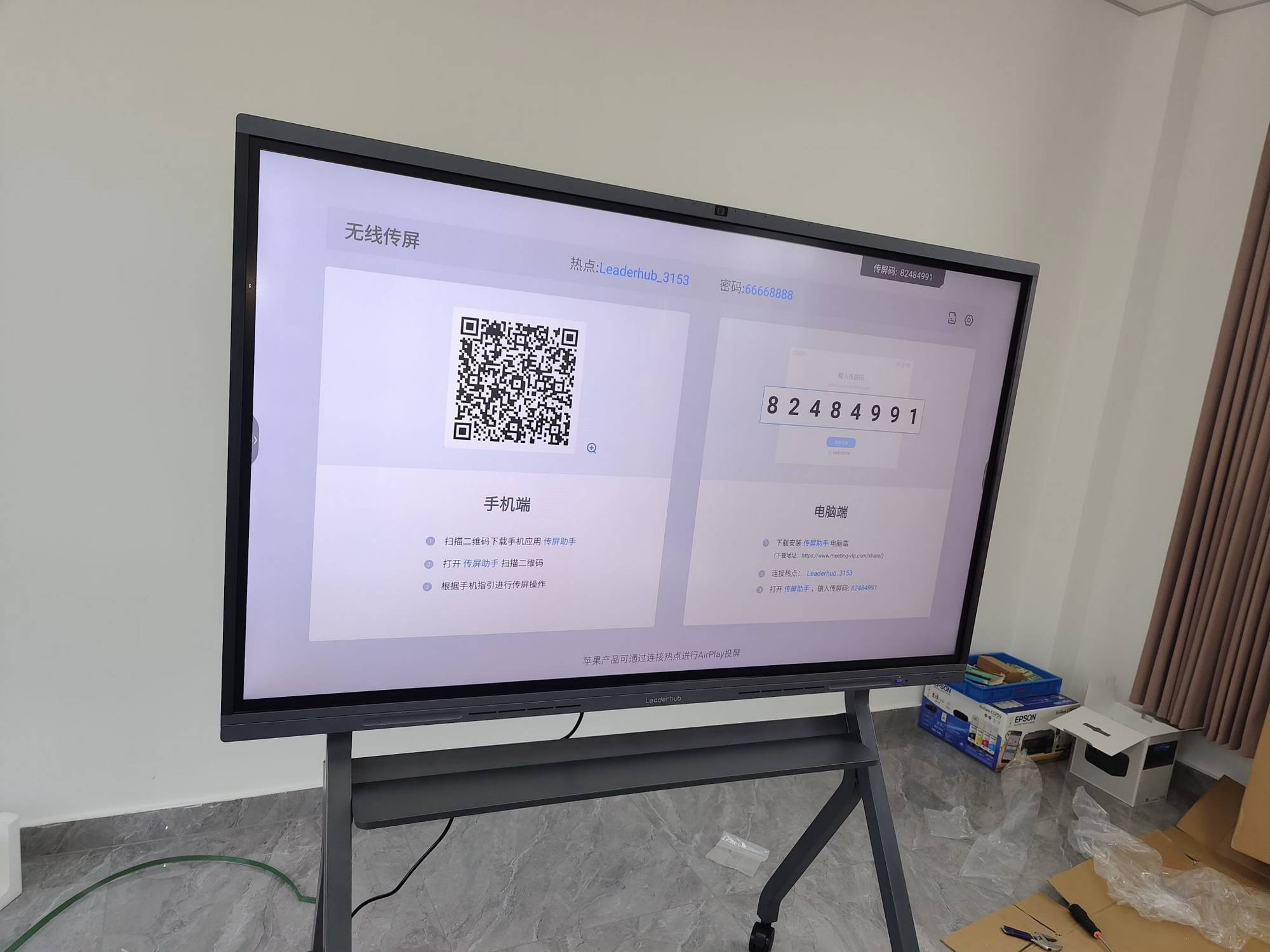
Whether you are equipping a school district, a corporate headquarters or a single clinic, start by asking three questions: Who will touch the screen every day? What software do they already use? And how large is the room? A compact 55-inch mobile interactive flat panel on a wheeled stand suits huddle rooms and hospital wards, while a 75- or 86-inch wall-mounted whiteboard fits most classrooms and boardrooms. For auditoriums and large lecture halls, 110-inch panels deliver visibility from the back row.
With 16 years of interactive-display expertise and products delivered to 82 countries, LeaderHub offers smart whiteboards, interactive flat panels, rotating screens and mini PCs designed for every one of the user groups covered in this guide, from budget-conscious schools to enterprise meeting rooms and healthcare facilities. Pairing a display with a dedicated mini PC also lets IT teams run Windows applications, hospital software or secure government systems directly on the board.
Frequently Asked Questions
Who uses smart boards the most?
Schools remain the largest user group globally, followed closely by businesses. However, healthcare, government and creative industries are the fastest-growing segments.
Are smart boards only for teachers?
No. While smart boards gained popularity in classrooms, they are now standard equipment in corporate meeting rooms, hospitals, design studios, retail stores and home offices.
What size smart board do most businesses buy?
Most companies choose 65-inch panels for small meeting rooms and 75- or 86-inch panels for larger conference rooms. 55-inch mobile units are popular for huddle spaces and flexible workspaces.
Can smart boards be used in hospitals safely?
Yes. Many interactive flat panels feature tempered anti-microbial glass that can be wiped with hospital-grade disinfectants, and they support secure, on-premise software deployment to protect patient data.
Do home users really need a smart board?
For remote workers, homeschooling families and creators, a portable touchscreen with a battery offers whiteboarding, video calling and entertainment in one device, making it a practical alternative to buying several separate gadgets.
Smart boards have become a universal collaboration tool because they solve the same core problem everywhere: helping people see, share and shape ideas together. Understanding who uses smart boards and what each group needs is the first step toward choosing a display that will actually be used every day rather than gathering dust on a wall. If you are ready to explore options for your school, office or facility, contact the LeaderHub team for tailored recommendations.