Walk into almost any modern classroom today and you will notice the dusty chalkboard has been replaced by a bright, touch-enabled display. Teachers, school administrators, and parents often ask the same question: what are 5 ways smart boards benefit students beyond simply looking impressive? The short answer is that interactive displays change how students see, touch, discuss, and remember information. This guide breaks down the five most important benefits, backed by classroom experience and international education research, and explains how to choose the right panel for your school.
What Is a Smart Board and Why Does It Matter for Students?
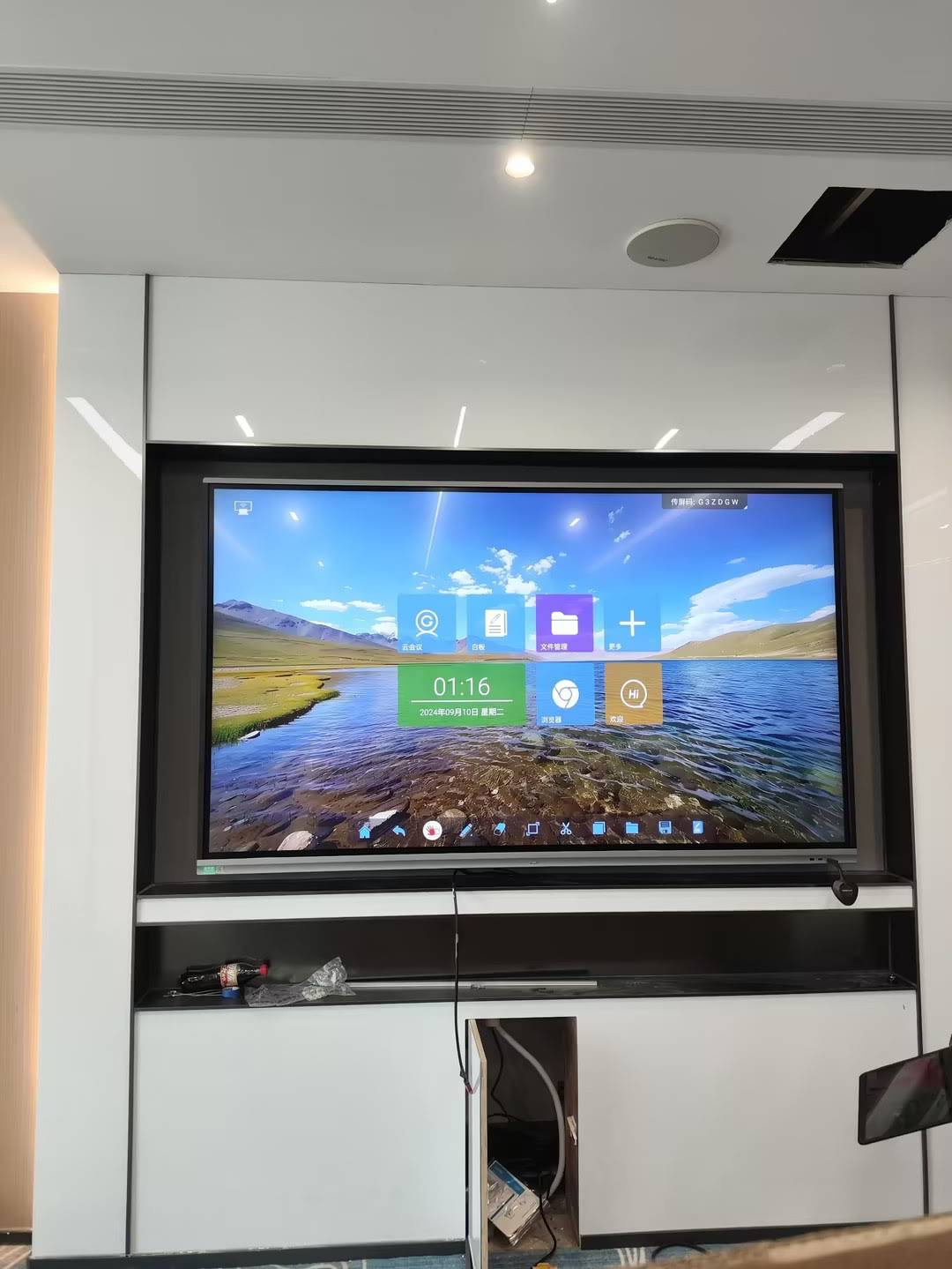
A smart board, also called an interactive whiteboard or interactive flat panel (IFP), is a large touchscreen display, typically 55 to 110 inches, that lets teachers and students write, annotate, drag, zoom, and share content directly on the screen. Unlike a projector-and-whiteboard setup, a smart board combines the display, computer, speakers, and camera into one device, so lessons start in seconds rather than minutes.
Why does this matter? According to the UNESCO Technology in Education Report, technology improves learning outcomes when it is used to support, not replace, good teaching. Smart boards do exactly that: they amplify the teacher’s voice and give students a hands-on role in every lesson.
What Are 5 Ways Smart Boards Benefit Students?
Here is the quick overview before we go into detail on each benefit:
| # | Benefit | What Students Gain |
|---|---|---|
| 1 | Higher Engagement | Multi-sensory, interactive lessons keep attention longer |
| 2 | Better Collaboration | Multi-touch and screen sharing support group work |
| 3 | Support for Every Learning Style | Visual, auditory, and kinesthetic learners all benefit |
| 4 | Instant Feedback and Assessment | Real-time quizzes and annotations reveal understanding immediately |
| 5 | Digital Skills and Future Readiness | Builds confidence with the tools used in universities and workplaces |
1. Smart Boards Dramatically Increase Student Engagement
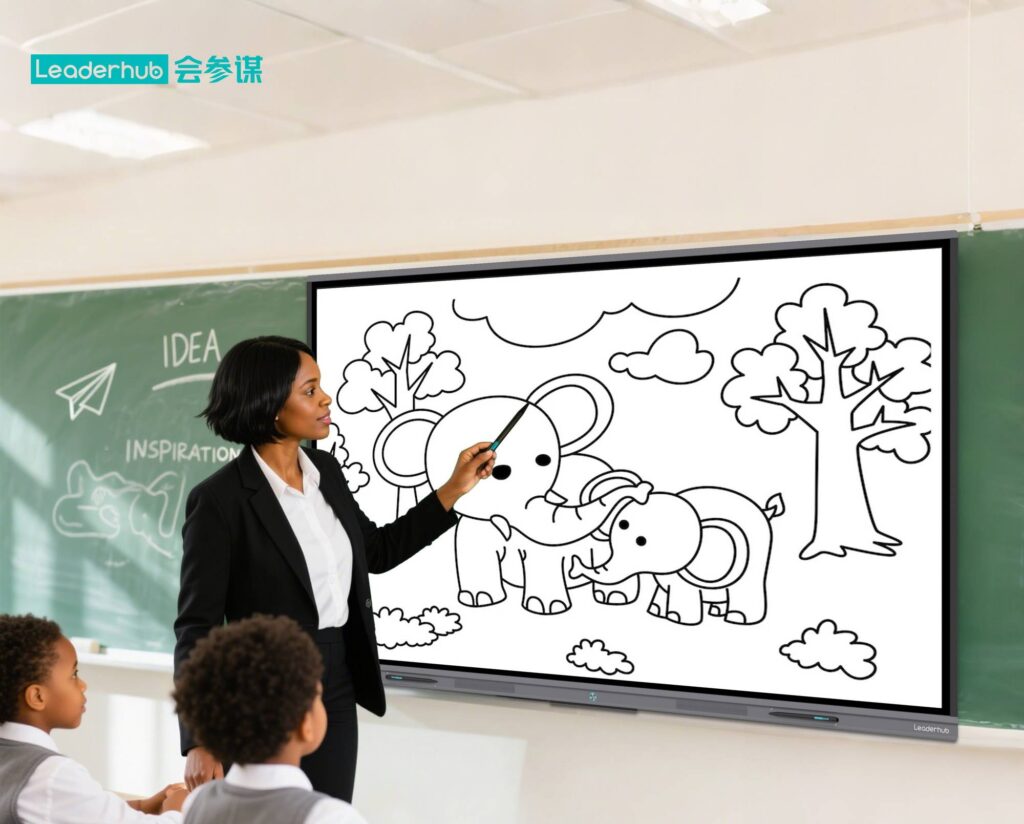
The first and most visible benefit is attention. A 4K display with vivid color, embedded video, and touch interaction naturally pulls eyes to the front of the room. But engagement is about more than brightness; it is about participation. When a student walks up to the board to solve an equation, drag a planet into orbit, or label a diagram, the whole class leans in.
How engagement improves in practice
- Interactive lessons replace passive listening – students manipulate content instead of just watching it.
- Embedded videos, animations, and simulations make abstract topics such as chemistry reactions or historical timelines concrete.
- Gamified activities (spin-the-wheel, matching games, timed challenges) turn revision into something students actually ask for.
- Students who are shy about speaking often feel more comfortable interacting physically with the board.
Research summarized by the EEF Digital Technology Guidance notes that technology has the strongest impact when it increases the quantity and quality of student practice. A smart board does precisely this by making every student a potential participant rather than an observer.
2. Smart Boards Make Collaboration Natural
Traditional whiteboards allow one person to write at a time. Modern interactive panels support 20 to 40 simultaneous touch points, which means a small group of students can brainstorm, sort ideas, and sketch solutions together on the same surface. This is the foundation of project-based learning.
Collaboration features students use every day
- Multi-user whiteboarding – several students write, draw, and move objects at once.
- Wireless screen sharing – learners cast work from tablets or laptops to the main display for peer review.
- Split-screen mode – compare two student solutions side by side and discuss the differences.
- Cloud save and QR export – the group’s notes go home with every member, so nobody is left copying from a photo.
- Hybrid connectivity – built-in cameras and microphones let remote classmates join the discussion in real time.
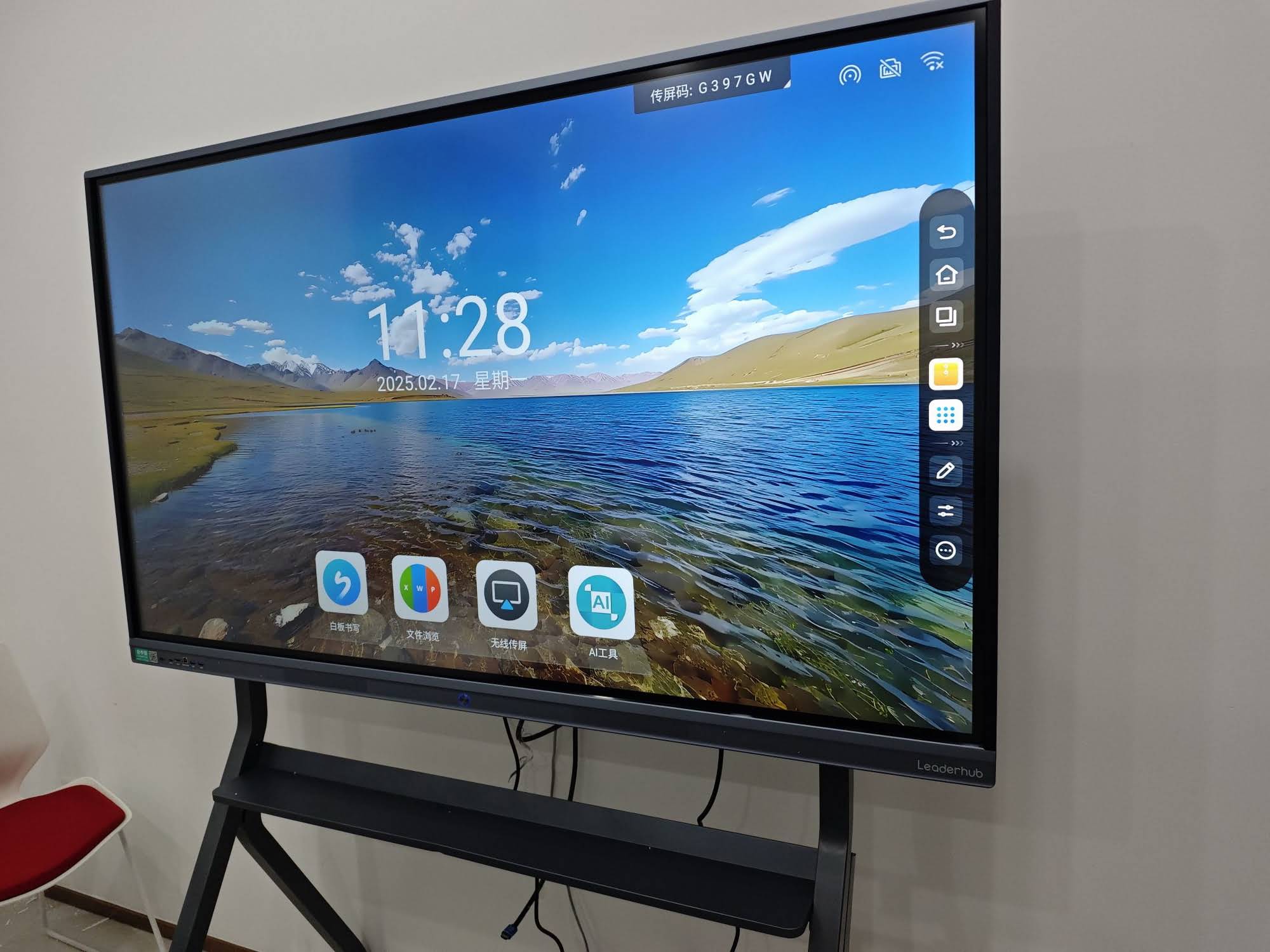
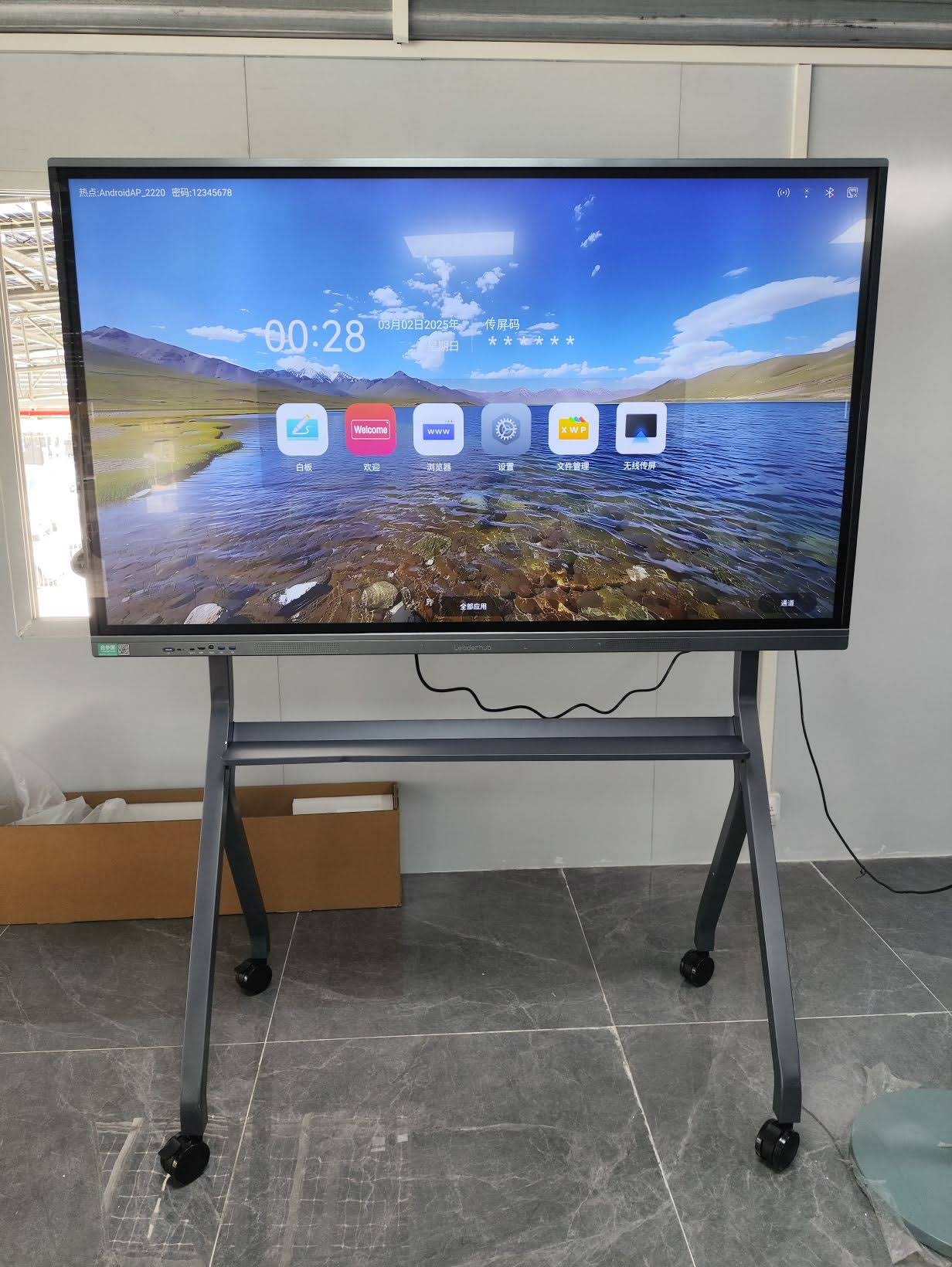
The EU Blended Learning Guidance highlights the value of tools that connect in-person and remote learners seamlessly. Panels such as the Leaderhub L75HM 75″ Interactive Smart Whiteboard are designed around this scenario, with video-conferencing hardware integrated into the display itself.
3. Smart Boards Support Every Learning Style
Every classroom contains students who learn best by seeing, hearing, or doing. A smart board serves all three at the same time, which is one of the most underrated answers to the question of what are 5 ways smart boards benefit students.
| Learning Style | Smart Board Feature | Classroom Example |
|---|---|---|
| Visual | 4K resolution, color annotation, diagrams, maps | Zooming into a cell structure in biology |
| Auditory | Built-in speakers, audio clips, recorded lessons | Native-speaker pronunciation in language class |
| Kinesthetic | Touch, drag-and-drop, handwriting recognition | Physically building fractions with virtual blocks |
| Reading / Writing | Digital notes, text highlighting, instant export | Collaborative essay outlining and editing |
Accessibility and inclusion
Smart boards also help students with special educational needs. Text can be enlarged instantly, contrast adjusted, and lessons recorded for later review. Students with dyslexia benefit from adjustable fonts and backgrounds, while students with limited mobility can interact through connected devices rather than standing at the board. The UNICEF Digital Education Strategy emphasizes inclusive design as a core requirement of effective education technology, and interactive panels are among the most flexible tools available for meeting that standard.
4. Smart Boards Deliver Instant Feedback and Smarter Assessment
One of the biggest challenges for teachers is knowing, in the moment, whether the class understands. Smart boards close this gap. With built-in polling, quiz apps, and response tools, a teacher can ask a question and see results from every student within seconds, then adjust the lesson accordingly.
Why fast feedback improves learning results
- Misconceptions are caught early, before they become habits.
- Students see their own progress visually, which builds motivation.
- Teachers can annotate directly on a student’s work and save the marked version for review.
- Lesson recordings allow absent or struggling students to catch up at their own pace.
- Assessment data can be exported, helping schools track trends across terms.
The OECD’s work on Technology and Student Learning points out that the quality of pedagogical use matters more than the quantity of screen time. Instant feedback is exactly the type of high-quality use that moves the needle on learning outcomes.
5. Smart Boards Build Digital Skills and Future Readiness
The fifth benefit extends beyond the classroom. Students who regularly use interactive displays become comfortable with touch interfaces, cloud collaboration, screen sharing, and digital presentation, the same tools they will encounter in universities and the workplace. Interactive flat panels are now standard in corporate boardrooms, design studios, and hospitals, so familiarity in school is a genuine advantage.
Skills students develop through daily smart board use
- Digital presentation – confidently sharing and explaining work on a large screen.
- Information literacy – searching, evaluating, and annotating online sources in front of peers.
- Remote collaboration – working with classmates and guest speakers in other locations.
- AI literacy – many panels now include AI-powered features such as handwriting-to-text, summaries, and translation.
The ISTE Standards for Students define the digital competencies learners need, including being an empowered learner, knowledge constructor, and creative communicator. Smart boards give students regular, authentic opportunities to practice every one of them.
Smart Board vs. Traditional Whiteboard vs. Projector: A Quick Comparison
| Feature | Traditional Whiteboard | Projector Setup | Interactive Smart Board |
|---|---|---|---|
| Student interaction | One writer at a time | Minimal | Multi-touch, 20–40 points |
| Image quality | N/A | Dim in daylight, shadows | 4K, anti-glare, bright |
| Saving work | Photo only | Depends on software | Cloud, QR code, email |
| Hybrid learning | Not possible | Needs extra hardware | Built-in camera and mic |
| Maintenance | Markers, erasers | Bulb replacement, alignment | Near zero, 50,000+ hour panel |
| Eye comfort | Good | Glare, flicker | Low blue light, flicker-free |
How to Choose the Right Smart Board for Your Classroom
Knowing the benefits is only half the job; the right hardware determines whether students actually experience them. Use the checklist below when comparing options, and consult resources like Choosing Technology in Education to align purchases with real pedagogical goals.
Key specifications to evaluate
- Screen size: 65″ suits small rooms and early years; 75″ is the standard classroom choice; 86″ and above work best for lecture halls.
- Resolution and brightness: 4K UHD with anti-glare glass ensures legibility from the back row.
- Touch points and response time: look for 20+ touch points and under 8 ms latency for natural handwriting.
- Operating system and apps: Android with optional Windows module gives maximum flexibility.
- Camera and microphone array: essential for hybrid lessons and parent conferences.
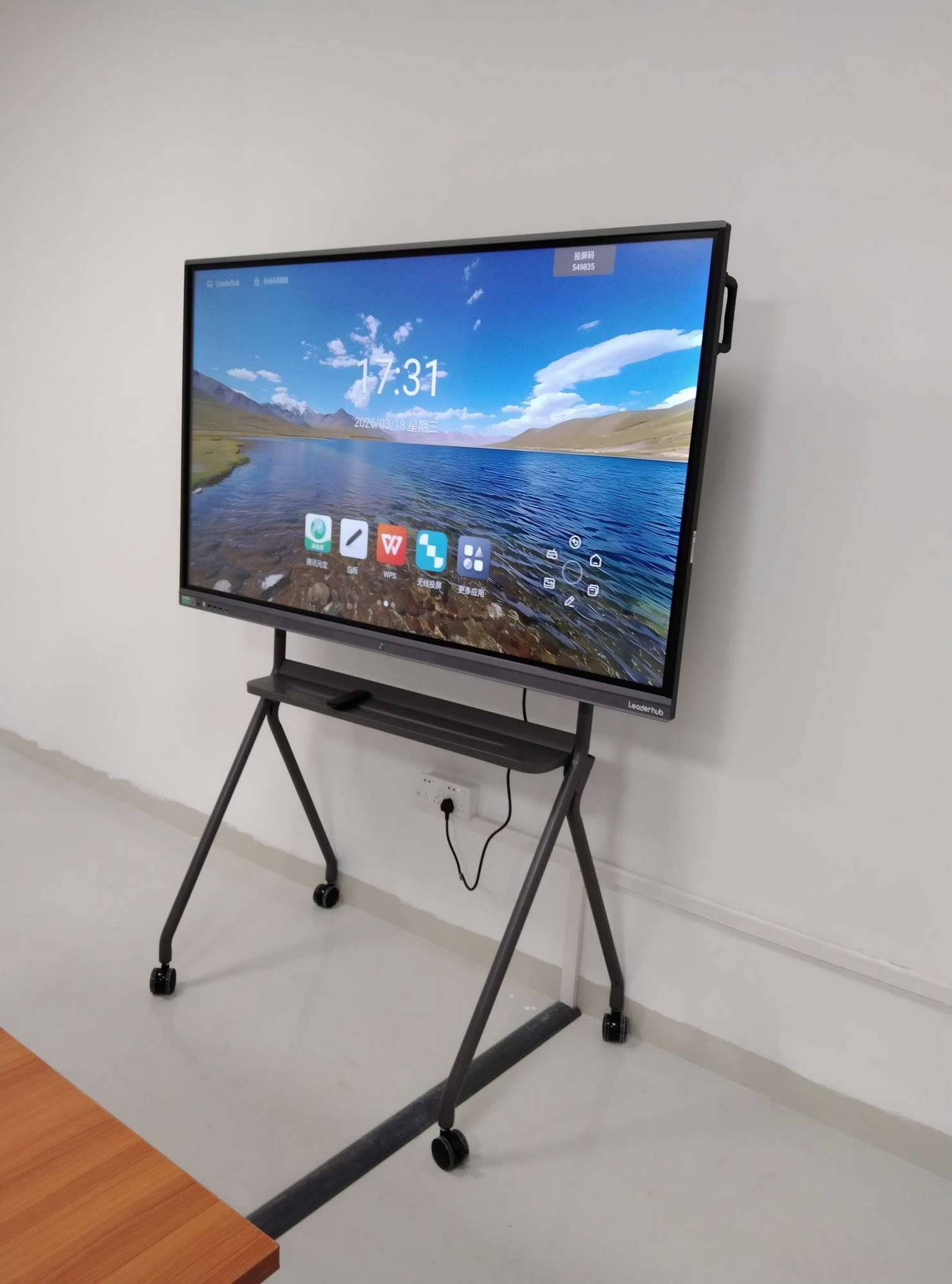
- Mobility: a rolling stand or battery-powered mobile panel lets one display serve several rooms.
- Warranty and support: a multi-year warranty and responsive supplier matter as much as the spec sheet.
Recommended options by classroom type
| Classroom Scenario | Suggested Model | Why It Fits |
|---|---|---|
| Primary / small classroom | L65ZM 65″ Interactive Whiteboard | Budget-friendly 4K panel, ideal first step into interactive teaching |
| Standard secondary classroom | L75HM 75″ Smart Whiteboard | Best balance of size, visibility, and collaboration tools |
| Lecture hall / large room | L86ZM 86″ Smart Panel | Large surface visible from every seat, strong value for the size |
| Shared / flexible learning space | U55Pro 55″ Mobile Smart Display | Mobile design moves between rooms, no fixed installation needed |
You can browse the complete range of interactive smart whiteboards for education to compare sizes, features, and pricing side by side.
Tips for Getting the Most Out of a Classroom Smart Board
Hardware alone does not transform teaching. Schools that see the biggest gains invest in a few simple practices:
- Train teachers first. Even two hours of hands-on practice dramatically increases daily use. The OECD Digital Teaching Guidance stresses that teacher confidence is the strongest predictor of effective technology integration.
- Let students lead. Rotate who operates the board so every learner gets regular hands-on time.
- Build a shared lesson library. Save and tag interactive lessons so colleagues can reuse and improve them.
- Balance screen time. Use the board for interaction and discussion, not as a glorified TV.
- Record key lessons. Revision recordings help absent students and support exam preparation.
About Leaderhub
Leaderhub is a Shenzhen-based technology company with 16 years of experience in the interactive display industry, delivering smart whiteboards, interactive flat panels, mini PCs, and portable smart screens to education, enterprise, and creative users in more than 82 countries. Ranked NO.1 in its JD.com subcategory and recognized as an Annual Consumer Trustworthy Brand, Leaderhub focuses on making AI-powered interactive technology accessible and affordable for schools of every size. If you are planning a classroom upgrade or need OEM/ODM support for a district-wide rollout, contact the Leaderhub team for a tailored recommendation.
Frequently Asked Questions
What are 5 ways smart boards benefit students?
Smart boards boost engagement through interactive lessons, enable multi-user collaboration, support visual, auditory, and kinesthetic learning styles, provide instant feedback and assessment, and build digital skills that prepare students for higher education and the workplace.
Are smart boards suitable for young children?
Yes. Large touch targets, drag-and-drop activities, and bright visuals suit early learners well. A 65″ panel at a lower mounting height is usually the best choice for primary classrooms.
Do smart boards really improve test scores?
Research consistently shows that technology improves outcomes when it increases student practice, feedback, and engagement. Smart boards used actively, rather than passively, meet all three conditions. Results depend heavily on teacher training and lesson design.
How long does a smart board last?
Quality interactive flat panels are rated for 50,000 or more hours of use, which translates to well over ten years of typical school operation, with no bulbs or consumables to replace.
Can a smart board work without internet?
Absolutely. Whiteboarding, annotation, local file playback, and most built-in apps run offline. Internet is only needed for cloud saving, video calls, and web-based content.
Final Thoughts
So, what are 5 ways smart boards benefit students? They capture attention, turn individual learners into collaborative teams, reach every learning style, give teachers real-time insight into understanding, and equip students with the digital fluency the modern world demands. When paired with confident teachers and well-designed lessons, an interactive display is one of the highest-impact investments a school can make. The chalkboard taught generations; the smart board teaches the next one how to think, create, and collaborate.