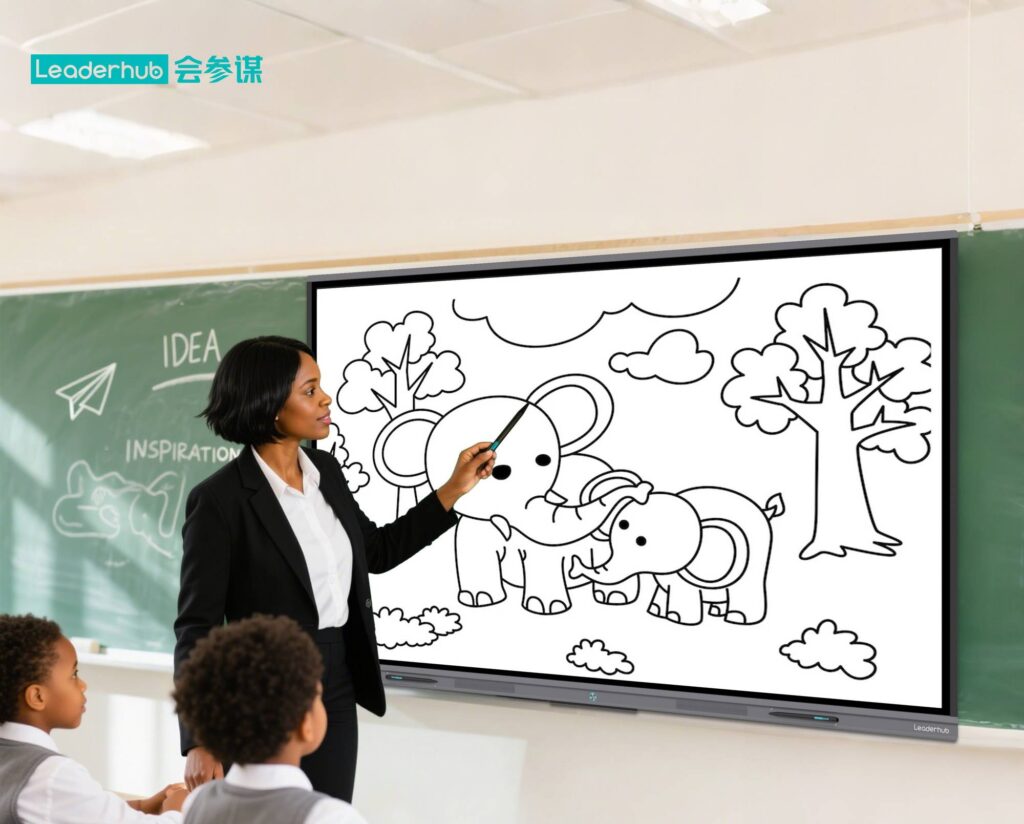
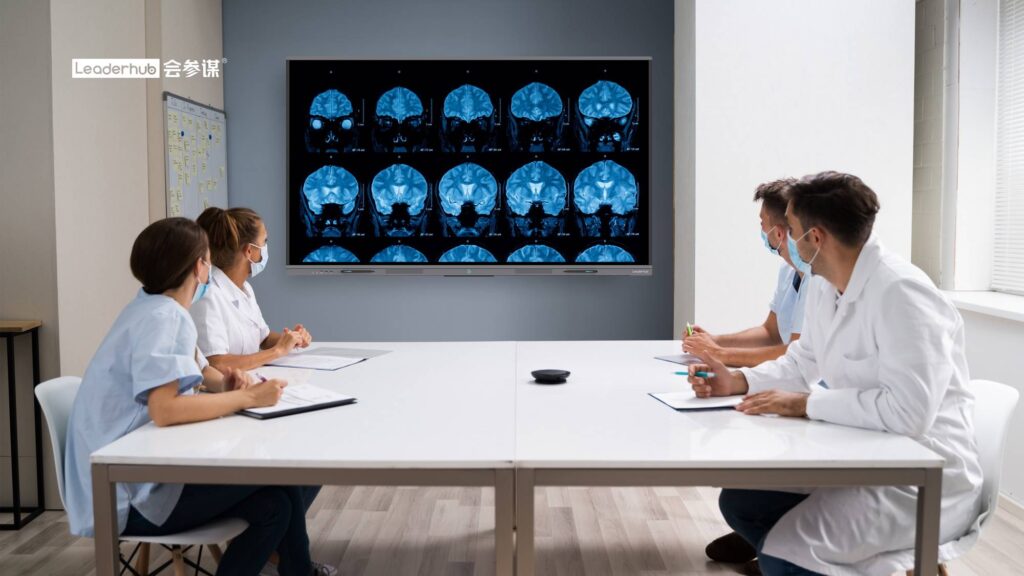
Walk into almost any modern classroom today and you will likely see a large interactive touchscreen where a chalkboard or projector used to hang. Teachers in the United States, the United Kingdom, Europe, and across Asia have adopted smart boards at a rapid pace — and for good reason. These displays combine the simplicity of a whiteboard with the power of a computer, turning passive lessons into hands-on, visual, and collaborative learning experiences.
So, why are smart boards useful in the classroom? In this guide, we break down the 10 most important benefits for teachers and students, explain how interactive displays fit into today’s education technology standards, and share practical tips for schools planning their first purchase.
What Is a Smart Board and How Does It Work in a Classroom?
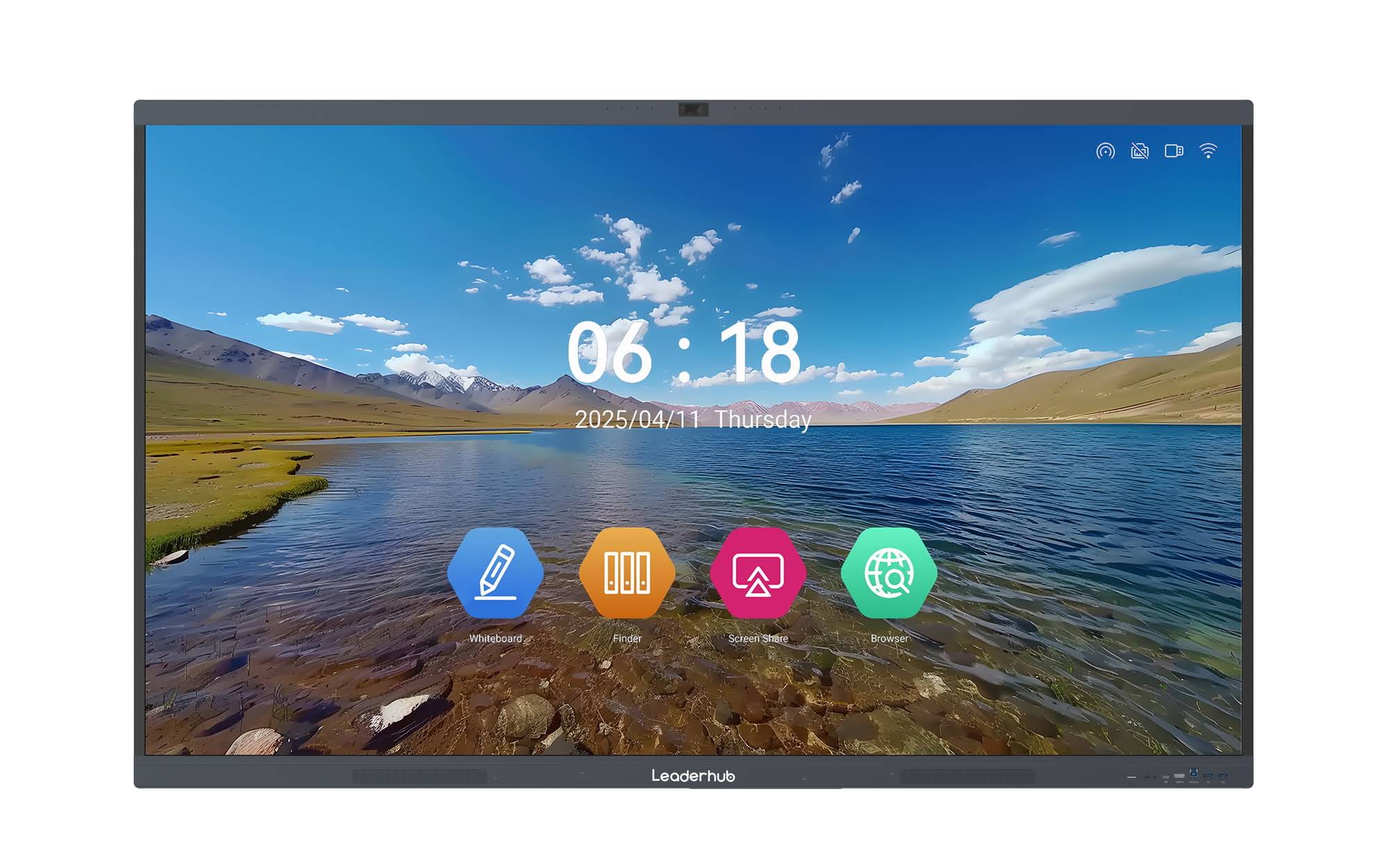
A smart board — also called an interactive whiteboard, interactive flat panel (IFP), or smart whiteboard — is a large-format touchscreen display, usually between 55 and 110 inches, that runs its own operating system and connects to laptops, tablets, cameras, and the internet. Teachers can write on it with a stylus or finger, open documents and videos, annotate over any content, and save everything digitally.
Unlike older projector-based whiteboards that needed calibration and dimmed lights, today’s 4K interactive smart whiteboards use anti-glare LCD panels with 20- to 40-point multi-touch, built-in speakers and microphones, and wireless screen sharing — all in a single unit that is ready to teach the moment it is switched on.
10 Key Benefits of Smart Boards in the Classroom
1. Higher Student Engagement and Participation
The most frequently cited reason teachers love smart boards is simple: students pay more attention. Bright visuals, animations, interactive quizzes, and the ability to walk up and touch the screen create a sense of play that traditional lectures rarely achieve. Younger students in particular respond to dragging, sorting, and drawing activities, while older students appreciate seeing complex diagrams, maps, and data come alive in real time.
Research summarized in the EEF Digital Technology Guidance notes that technology is most effective when it supports clear explanations and active pupil participation — exactly the kind of interaction a smart board makes effortless.
2. Supports Multiple Learning Styles
Every classroom contains visual learners, auditory learners, and kinesthetic learners who need to move and touch. A smart board serves all three at once:
- Visual: high-resolution images, videos, charts, 3D models, and color-coded annotations.
- Auditory: built-in speakers for narration, pronunciation practice, music, and recorded explanations.
- Kinesthetic: touch-based tasks such as matching, labeling, solving equations step by step, and manipulating virtual objects.
This flexibility is especially valuable for students with learning differences, English-language learners, and inclusive classrooms where differentiation is essential.
3. Real-Time Collaboration Between Students
Multi-touch panels allow several students to write or draw on the board at the same time. Group problem-solving, brainstorming, and team competitions become natural parts of the lesson. Many teachers also mirror student tablets onto the board so a whole class can see and discuss a classmate’s work. The result is a shift from “teacher presents, students watch” to “students build knowledge together.”
4. Instant Access to Digital Resources
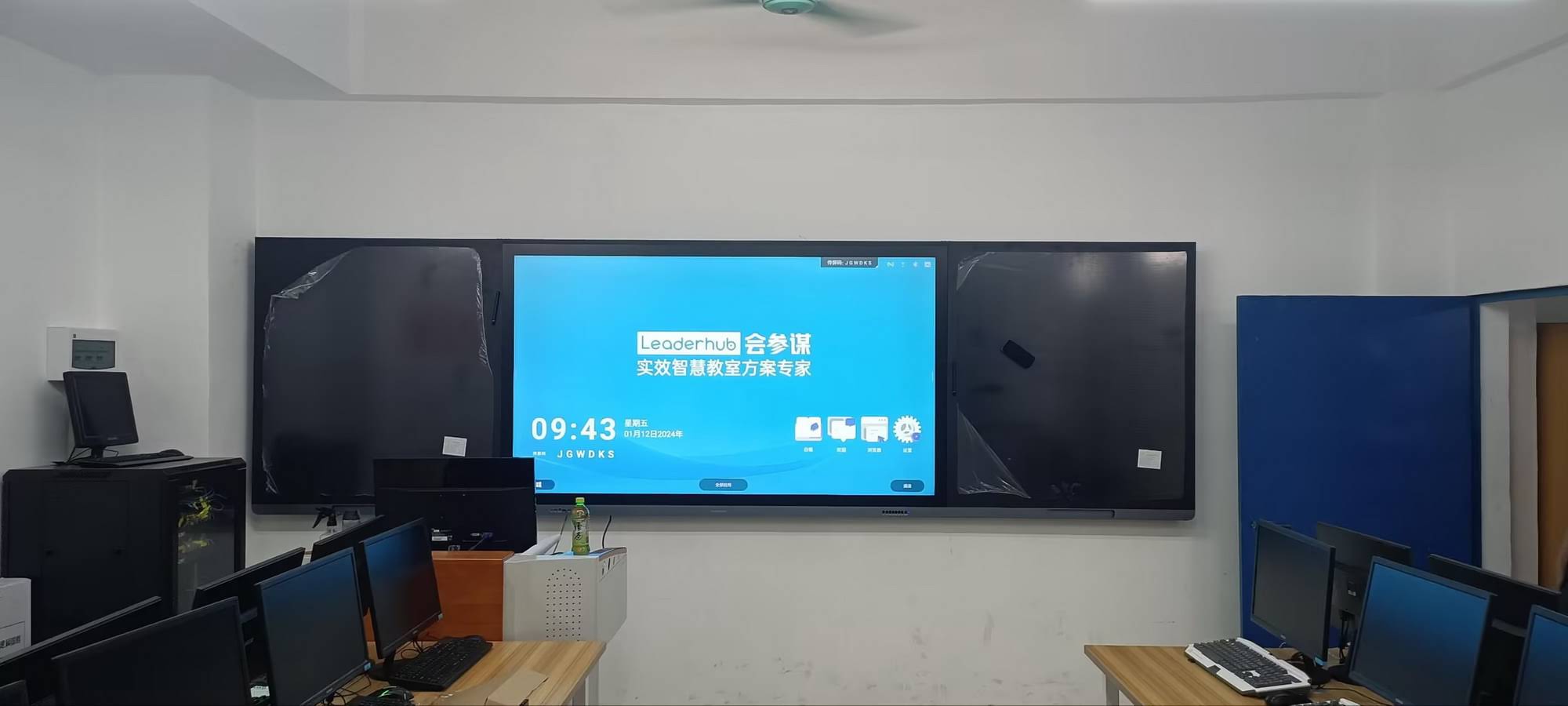
With built-in Wi-Fi and an app ecosystem, teachers can open online simulations, educational videos, digital textbooks, Google Classroom, Microsoft Teams, and curriculum platforms directly on the board. No more waiting for a laptop to boot or fumbling with HDMI cables. A geography teacher can zoom into satellite maps; a biology teacher can rotate a 3D heart; a literature teacher can pull up an author interview — all in seconds.
5. Saves Teacher Preparation and Classroom Time
Smart boards reduce time wasted on logistics. Lessons are saved as files and reused year after year. Annotations made during class can be exported as PDFs and shared with students instantly, so nobody has to copy notes from the board. Teachers no longer erase and rewrite; they simply open a new page. Over a school year, these small efficiencies add up to dozens of hours returned to actual teaching.
| Classroom Task | Traditional Whiteboard / Projector | Interactive Smart Board |
|---|---|---|
| Starting a lesson | Boot laptop, connect cables, calibrate projector | Power on, tap the lesson file — ready in seconds |
| Sharing board notes | Students copy by hand or photograph the board | Export to PDF, QR code, or cloud with one tap |
| Showing media | Dim lights, switch inputs, external speakers | Built-in browser, speakers, and 4K display |
| Student participation | One student at the board at a time | Multiple students writing simultaneously |
| Reusing lessons | Rewrite everything each class | Save, duplicate, and edit lesson files |
| Remote or absent students | Not supported | Camera, microphone, and video-call apps built in |
6. Makes Abstract Concepts Concrete
Fractions, molecular bonds, historical timelines, and grammar structures are hard to picture from text alone. On a smart board, a teacher can drag pieces of a pie chart apart to show fractions, animate electrons moving between atoms, or scrub through a timeline while students watch. Visualizing the invisible is one of the strongest academic arguments for interactive displays, and it is a core reason smart boards are useful in the classroom for STEM subjects.
7. Immediate Feedback and Formative Assessment
Interactive polling, quiz apps, and games let teachers check understanding on the spot. Students answer from their devices or by tapping the board, and results appear instantly. Teachers can then adjust the pace of the lesson, re-explain a tricky point, or move forward with confidence. This real-time feedback loop is far more effective than waiting days for a graded worksheet.
8. Enables Hybrid and Remote Learning
Since 2020, schools around the world have needed flexible teaching tools. Smart boards with integrated cameras and microphones allow teachers to run video calls, stream the board to absent students, and record lessons for later review. The EU Blended Learning Guidance encourages exactly this kind of combination of in-person and digital teaching, and a single interactive panel can serve as the hub that makes it practical.
9. Builds Digital Literacy and Future-Ready Skills
Students who regularly interact with smart boards learn to navigate software, present ideas visually, collaborate digitally, and evaluate online information — competencies outlined in the ISTE Standards for Students. These are the same skills they will need in university lecture halls and modern workplaces, where touchscreens and collaborative displays are increasingly standard.
10. Long-Term Cost Savings and Sustainability
Although the upfront cost is higher than a basic whiteboard, smart boards eliminate ongoing expenses for markers, paper handouts, projector bulbs, and separate speakers. Modern LED panels last 50,000 hours or more — roughly 15 to 20 years of school use — and consume less power than older projector setups. For budget-conscious districts, the total cost of ownership often favors interactive panels within just a few years.
Smart Board Benefits at a Glance: Teachers vs. Students
| For Teachers | For Students |
|---|---|
| Faster lesson setup and reusable content | More engaging, hands-on lessons |
| Instant assessment data | Immediate feedback on understanding |
| Easy differentiation for mixed-ability classes | Content tailored to how they learn best |
| One device replaces projector, speakers, and PC | Access to notes and recordings after class |
| Support for hybrid and remote teaching | Development of digital and collaboration skills |
How to Use Smart Boards Effectively (Not Just as a Fancy Projector)
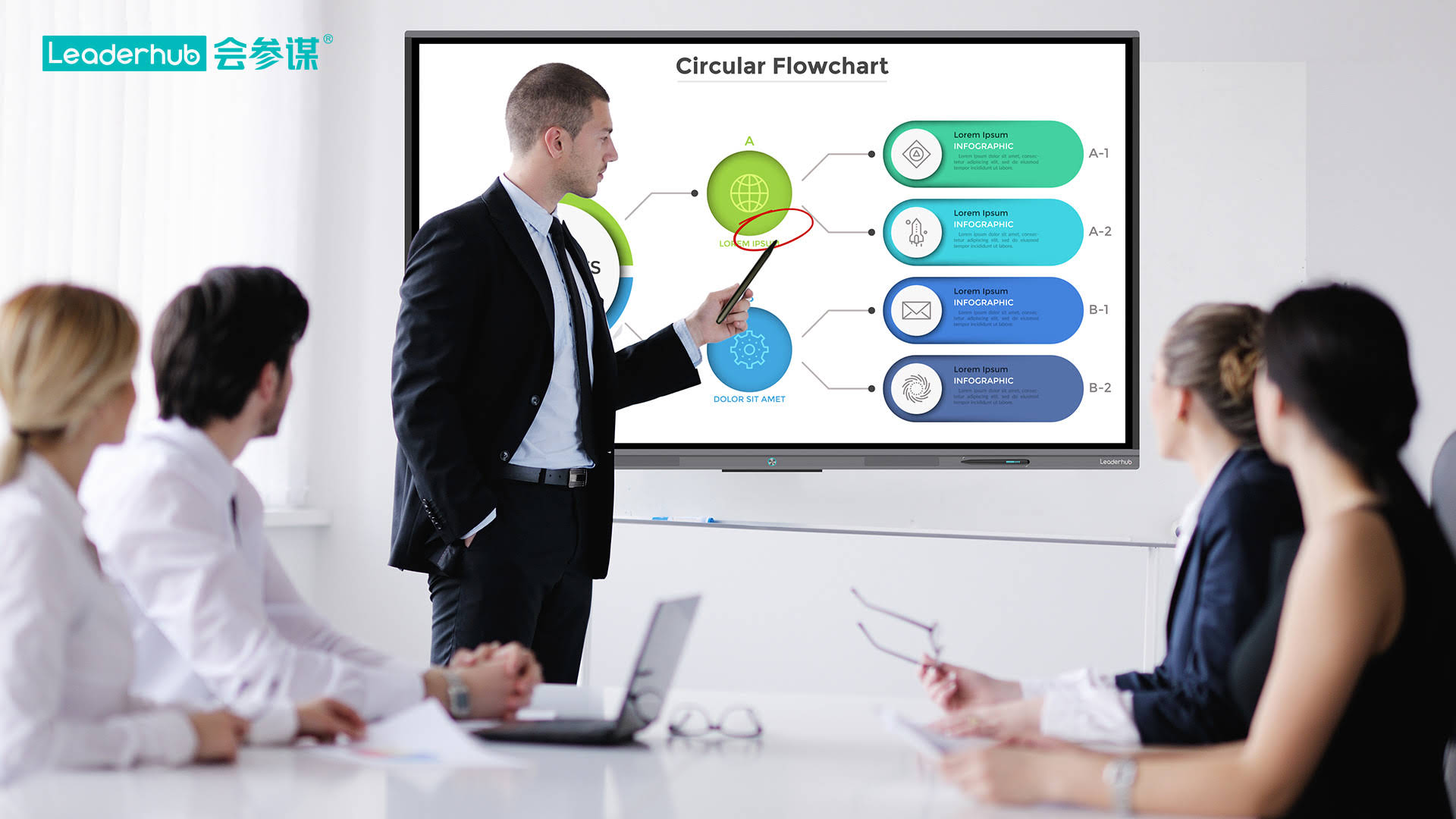
Hardware alone does not improve learning. The UNESCO Technology in Education Report emphasizes that technology should serve clear pedagogical goals rather than replace good teaching. To get the most from a smart board, educators should:
- Plan interaction into every lesson — aim for students to touch the board or respond via their devices at least a few times per period.
- Use built-in whiteboard software for live annotation instead of only showing static slides.
- Save and share board notes so students can review at home.
- Balance screen time with discussion, reading, and hands-on activities, following OECD Screen Time Research recommendations.
- Invest in teacher training — even one or two short workshops dramatically increase daily use and confidence.
What to Look for When Choosing a Classroom Smart Board
Schools in the U.S., UK, Australia, and Europe typically evaluate interactive panels against a handful of practical criteria. Here is a quick checklist:
Screen Size
A 65-inch panel suits small classrooms of up to 20 students; 75 inches is the sweet spot for standard classrooms; 86 inches or larger works best for lecture halls and large open-plan learning spaces. The 75-inch 4K interactive whiteboard is the most popular choice among K-12 schools because it balances visibility and price.
Resolution and Anti-Glare
Look for 4K UHD resolution and a matte anti-glare surface so students in the back row and near windows can read clearly.
Touch Points and Writing Feel
At least 20 touch points for group work, low writing latency, and palm rejection so students can rest their hands while writing.
Connectivity and Software
Wireless screen sharing for Windows, macOS, iOS, Android, and Chromebooks; HDMI and USB-C ports; and a built-in Android system with an app store for educational apps. An optional slot-in PC or compact mini PC lets teachers run full Windows software on the panel.
Mobility
Shared classrooms, labs, and libraries often benefit from a mobile interactive flat panel on a rolling stand that can move between rooms rather than a fixed wall mount.
Warranty and Support
Schools should expect a minimum 3-year warranty, local or regional technical support, and firmware updates. Reading an interactive display buying guide for K-12 before requesting quotes can help procurement teams compare vendors fairly.
Smart Board Options for Different Classroom Sizes
| Classroom Type | Recommended Size | Example Model | Starting Price |
|---|---|---|---|
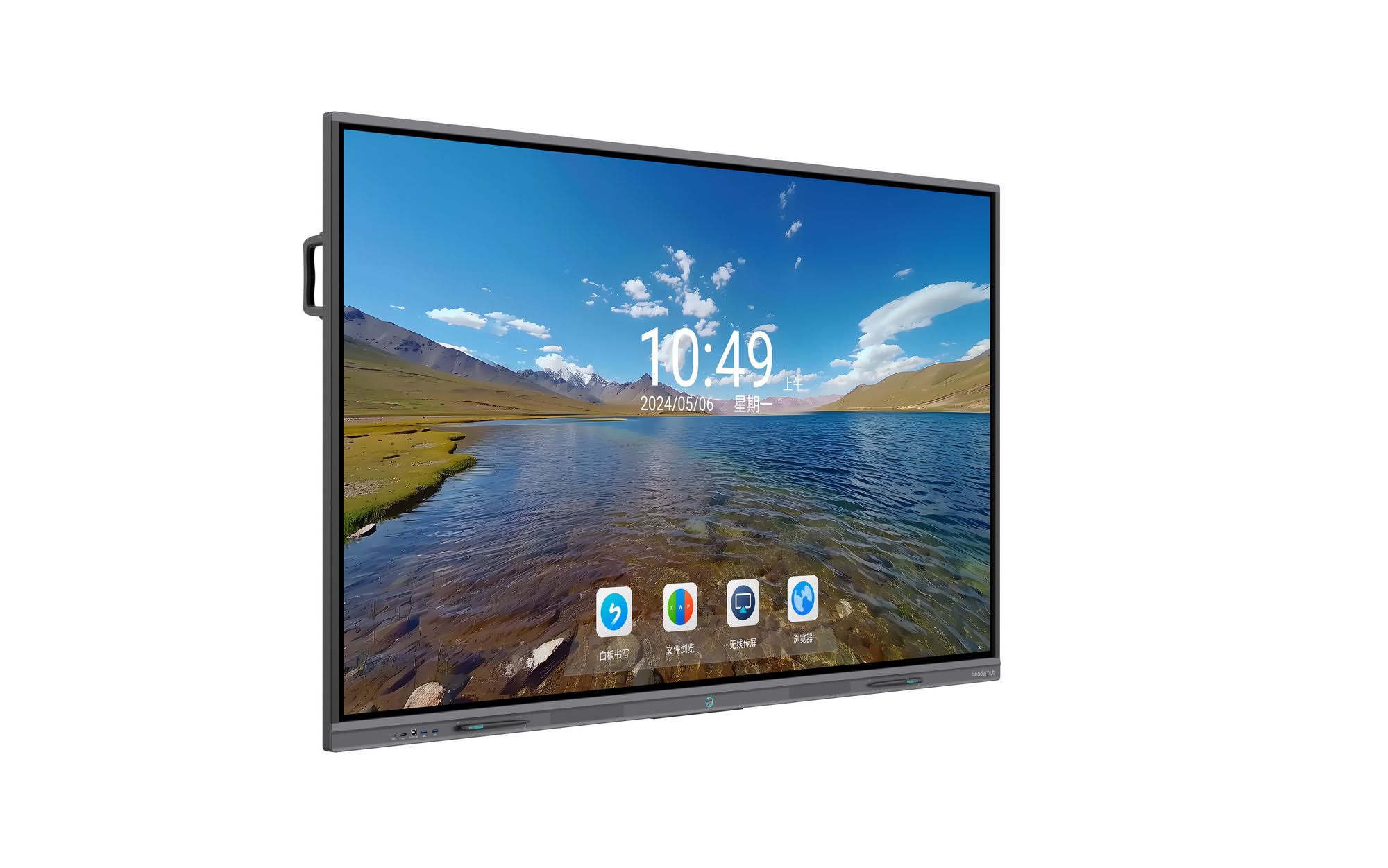
| Small classroom / tutoring room | 65″ | LeaderHub L65ZM 4K Smart Panel | $1,099 |
| Standard K-12 classroom | 75″ | LeaderHub L75HM Smart Whiteboard | $1,599 |
| Large classroom / seminar room | 86″ | LeaderHub L86ZM 4K Smart Panel | $1,699 |
| Lecture hall / auditorium | 110″ | LeaderHub L110H Interactive Flat Panel | $7,999 |
Common Concerns About Smart Boards — Answered
“Will teachers actually use it?”
Adoption depends on training and simplicity. Panels that power on in seconds, have an intuitive whiteboard app, and support one-tap screen sharing see far higher daily use. Schools that pair installation with a short onboarding session report the best outcomes.
“Is more screen time bad for students?”
A smart board is a shared, teacher-led display — very different from individual device use. Students watch and interact with the board the same way they would a chalkboard, so it does not meaningfully increase personal screen exposure. Balanced lesson design remains key.
“What about the budget?”
Prices have fallen dramatically. A quality 65-inch 4K interactive panel now costs about the same as a mid-range laptop and projector combination, while lasting far longer and replacing several separate devices.
About LeaderHub
LeaderHub is a Shenzhen-based interactive display manufacturer with 16 years of experience, delivering smart whiteboards, interactive flat panels, mini PCs, and portable smart screens to education and enterprise customers in more than 82 countries. Ranked NO.1 in its JD.com subcategory and recognized as an Annual Consumer Trustworthy Brand, LeaderHub focuses on making classroom technology both powerful and affordable for schools of every size. Schools and distributors can contact the LeaderHub team for volume pricing, OEM/ODM options, and installation guidance.
Final Thoughts: Why Smart Boards Are Worth It
Why are smart boards useful in the classroom? Because they do what great teaching tools have always done — make ideas clearer, keep students involved, and give teachers back their time — while adding the connectivity and flexibility that modern education demands. From higher engagement and multi-sensory learning to real-time assessment and hybrid teaching support, the benefits touch every part of the school day.
For schools ready to upgrade, the best approach is to start with one or two classrooms, train teachers thoroughly, and measure the results. Most find that once teachers experience the convenience of a 4K interactive panel, going back to a dusty whiteboard is simply not an option. Explore the full range of classroom smart boards and interactive displays to find the right fit for your students.