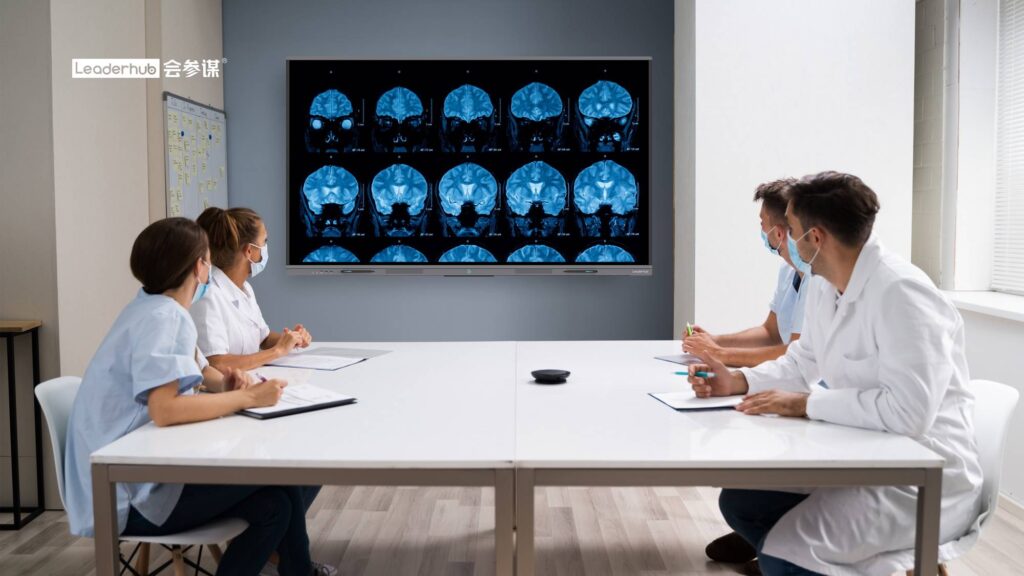
For nearly two decades, the projector-based smart board was the centerpiece of modern classrooms and conference rooms. Today, however, many schools and businesses are asking the same question: what is replacing smart boards, and which alternative actually delivers better teaching and collaboration results? The short answer is a new generation of touch-enabled display technology — interactive flat panels, portable smart screens, mini-PC-driven displays, and AI-powered collaboration hubs — that removes the projector, the calibration headaches, and the dim images that made first-generation smart boards frustrating to use.
This guide breaks down the top modern alternatives, compares them side by side, and helps you decide which option fits your classroom, huddle room, or boardroom in 2026.
Why Are Schools and Offices Moving Away From Traditional Smart Boards?
Traditional smart boards relied on a short-throw projector pointed at a touch-sensitive surface. The concept was groundbreaking in 2005, but the hardware has aged poorly compared with today’s direct-view touch displays. The most common complaints from teachers and IT managers include:
- Projector shadows and glare — the presenter blocks the image every time they write on the board.
- Constant recalibration — touch alignment drifts whenever the projector or board is bumped.
- Lamp replacement and maintenance — projector bulbs cost $150–$400 and dim steadily over time.
- Low resolution and washed-out color — most legacy boards top out at 1080p or lower and struggle in daylight.
- Dependence on an external laptop — nothing works until a computer is connected and the right driver is installed.
- Limited multi-touch — many older boards support only one or two touch points, blocking group work.
The UNESCO Technology in Education Report stresses that classroom technology should be judged on whether it improves learning rather than on novelty. Legacy smart boards often failed that test because teachers spent more time fixing the hardware than teaching with it. Modern replacements are designed to disappear into the background and simply work.
What Is Replacing Smart Boards? The 6 Leading Alternatives
1. Interactive Flat Panels (IFPs)
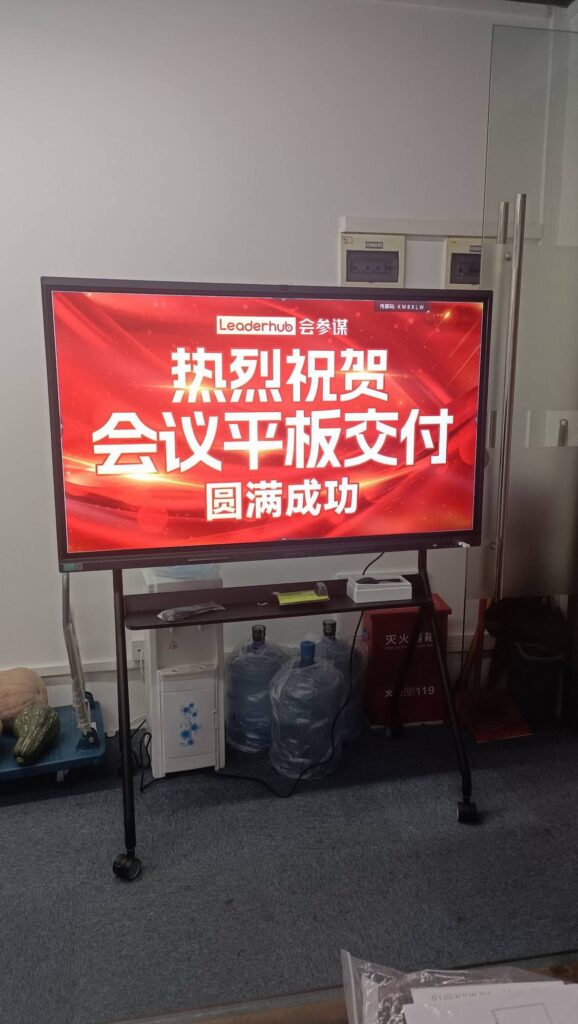
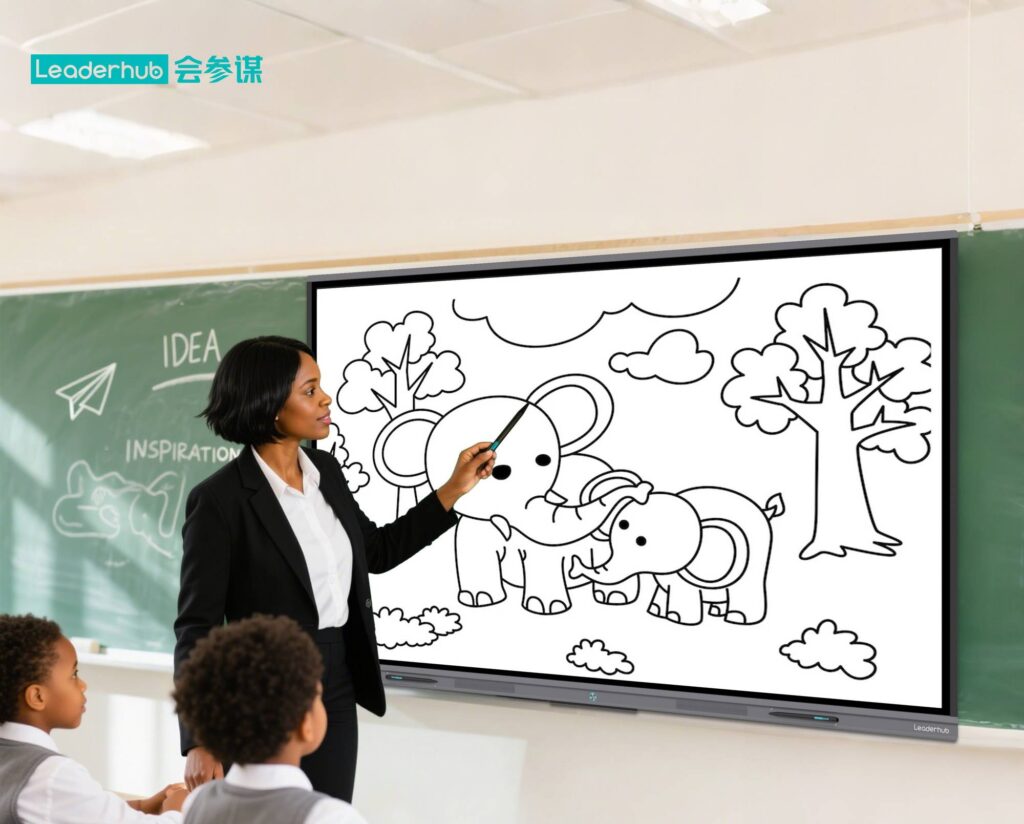
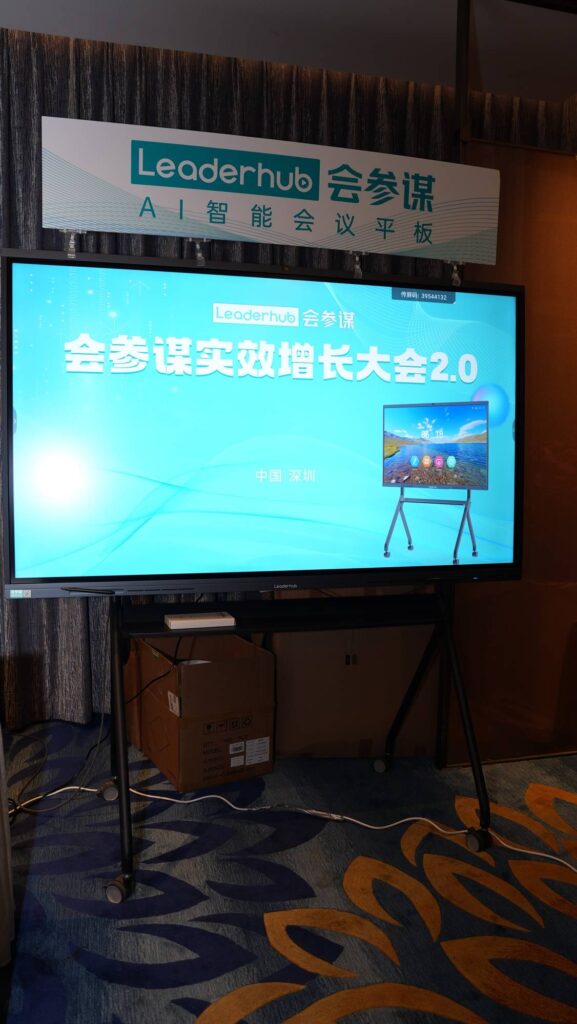
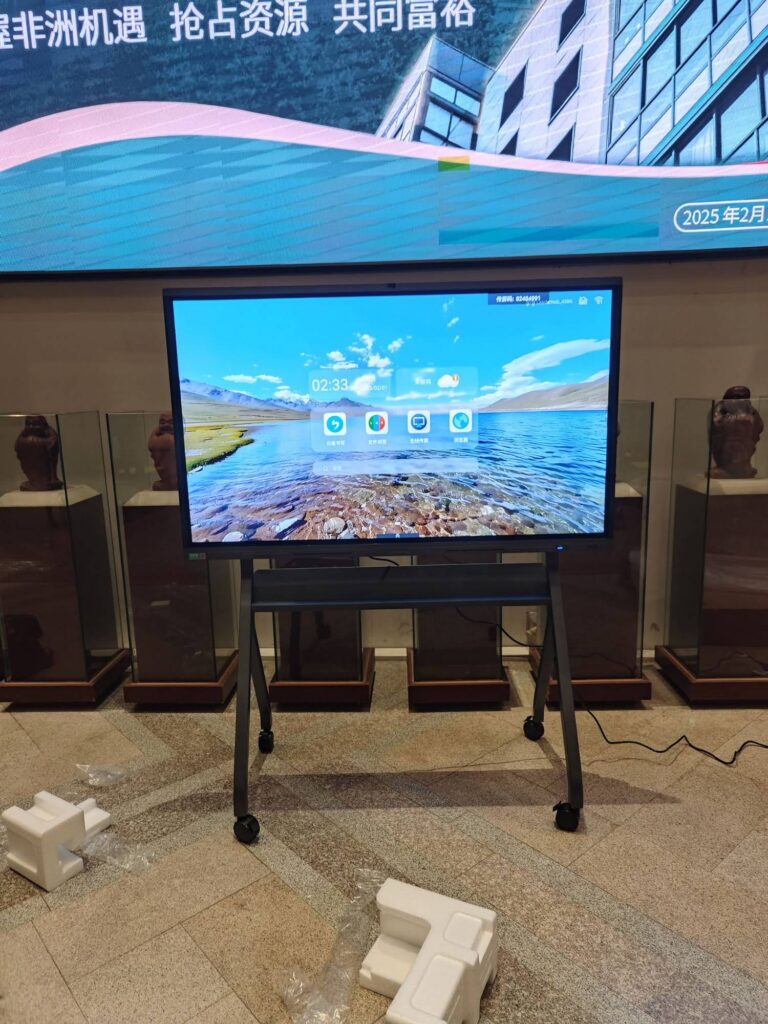
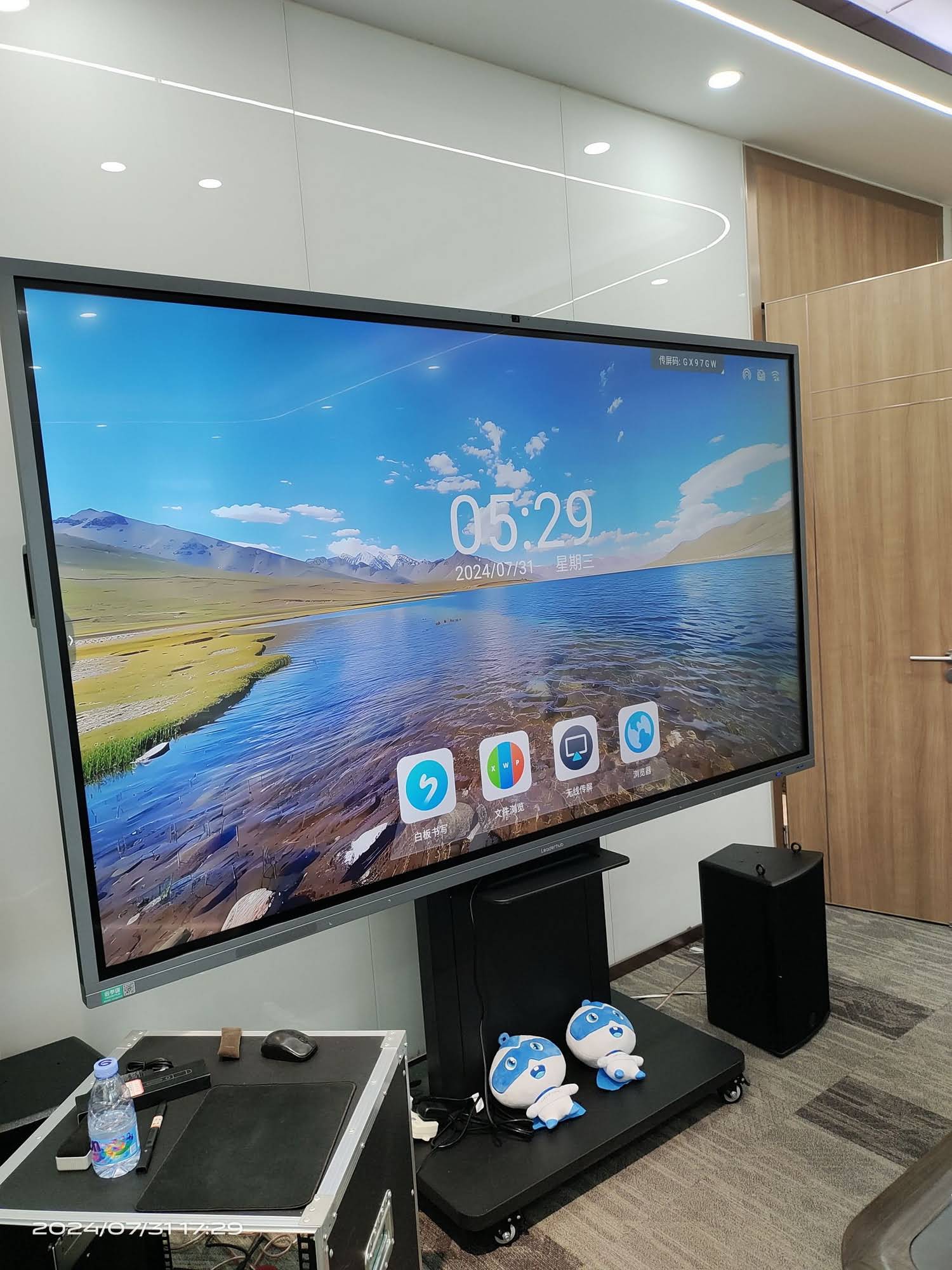
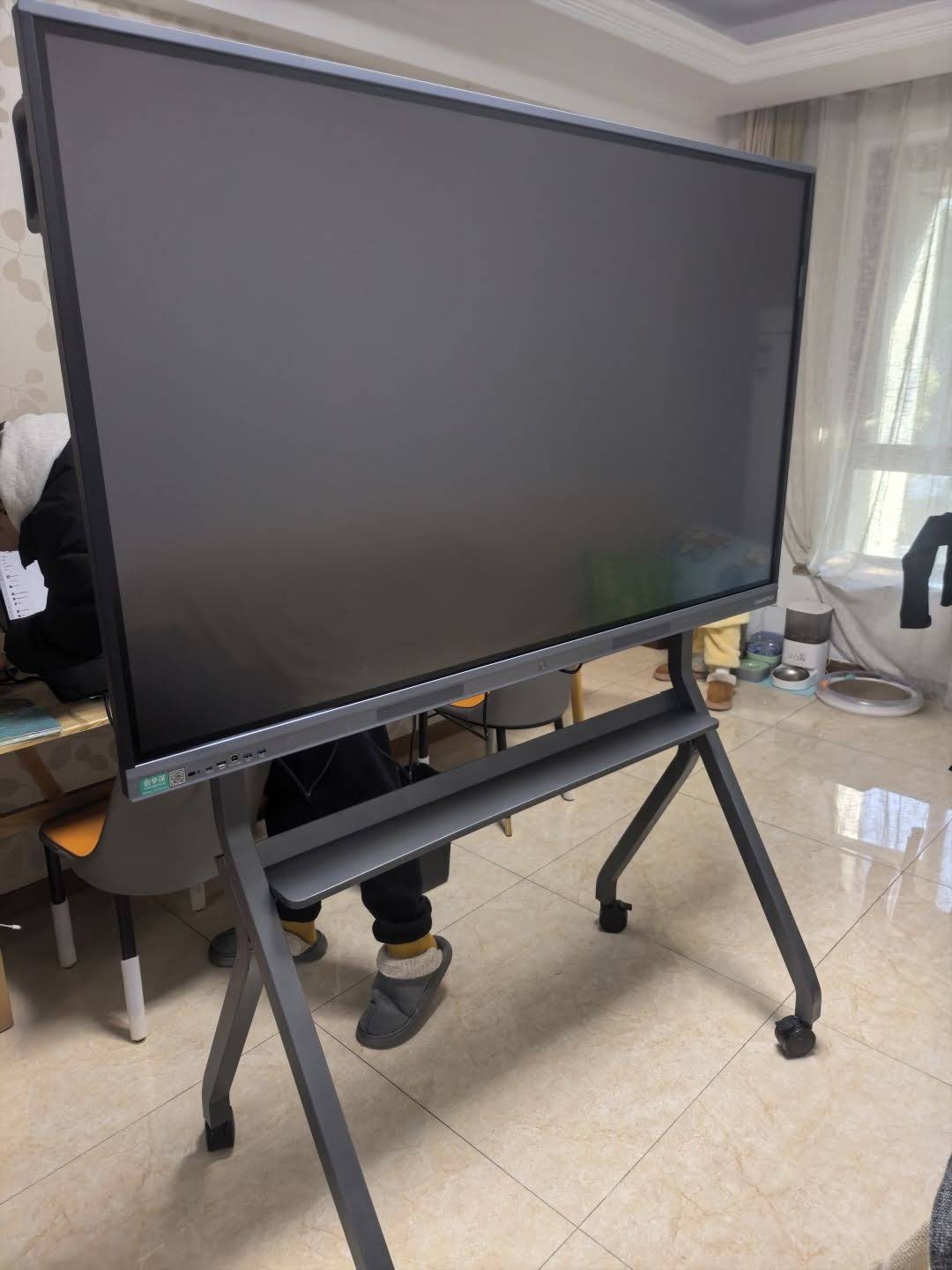
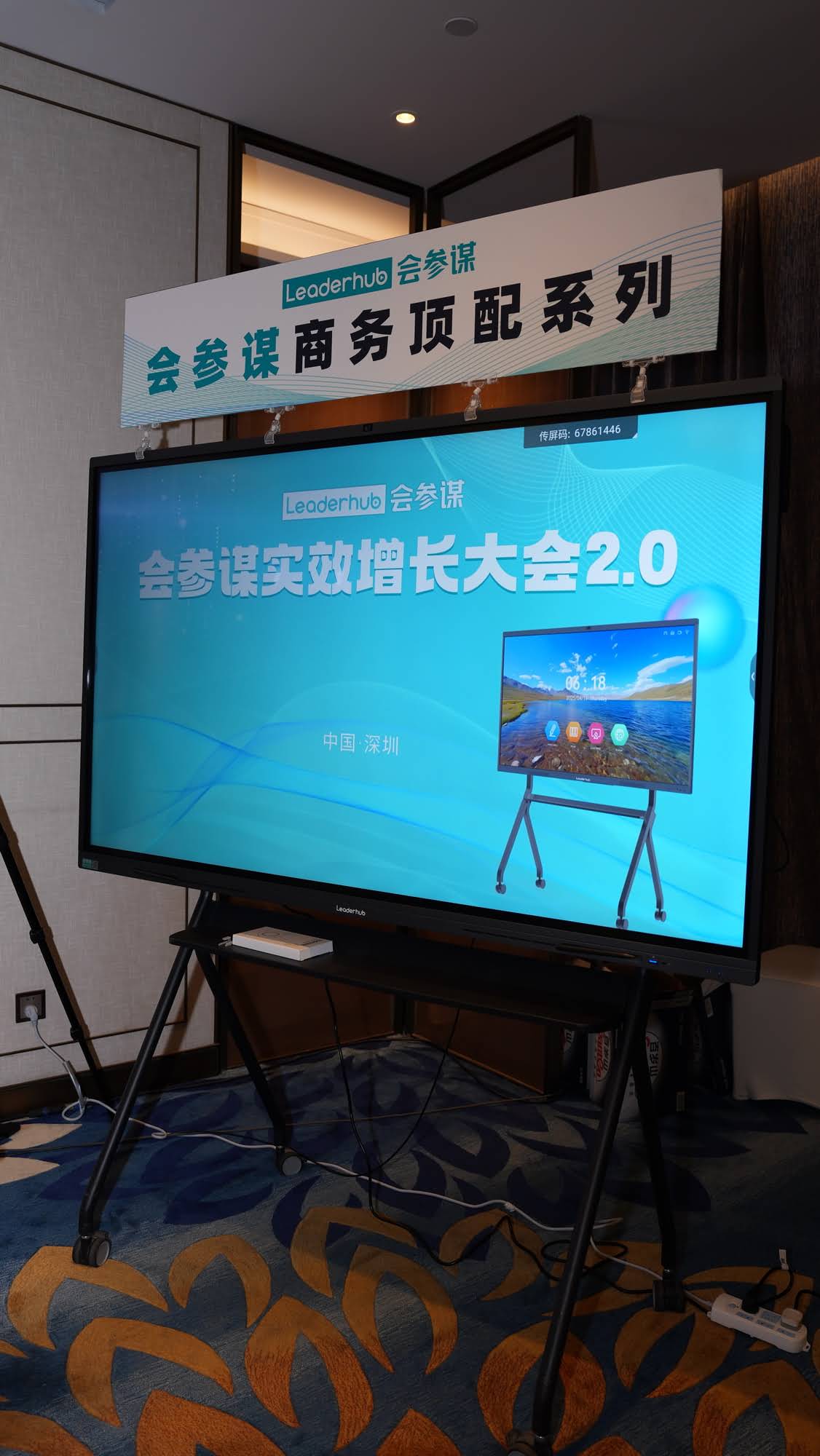
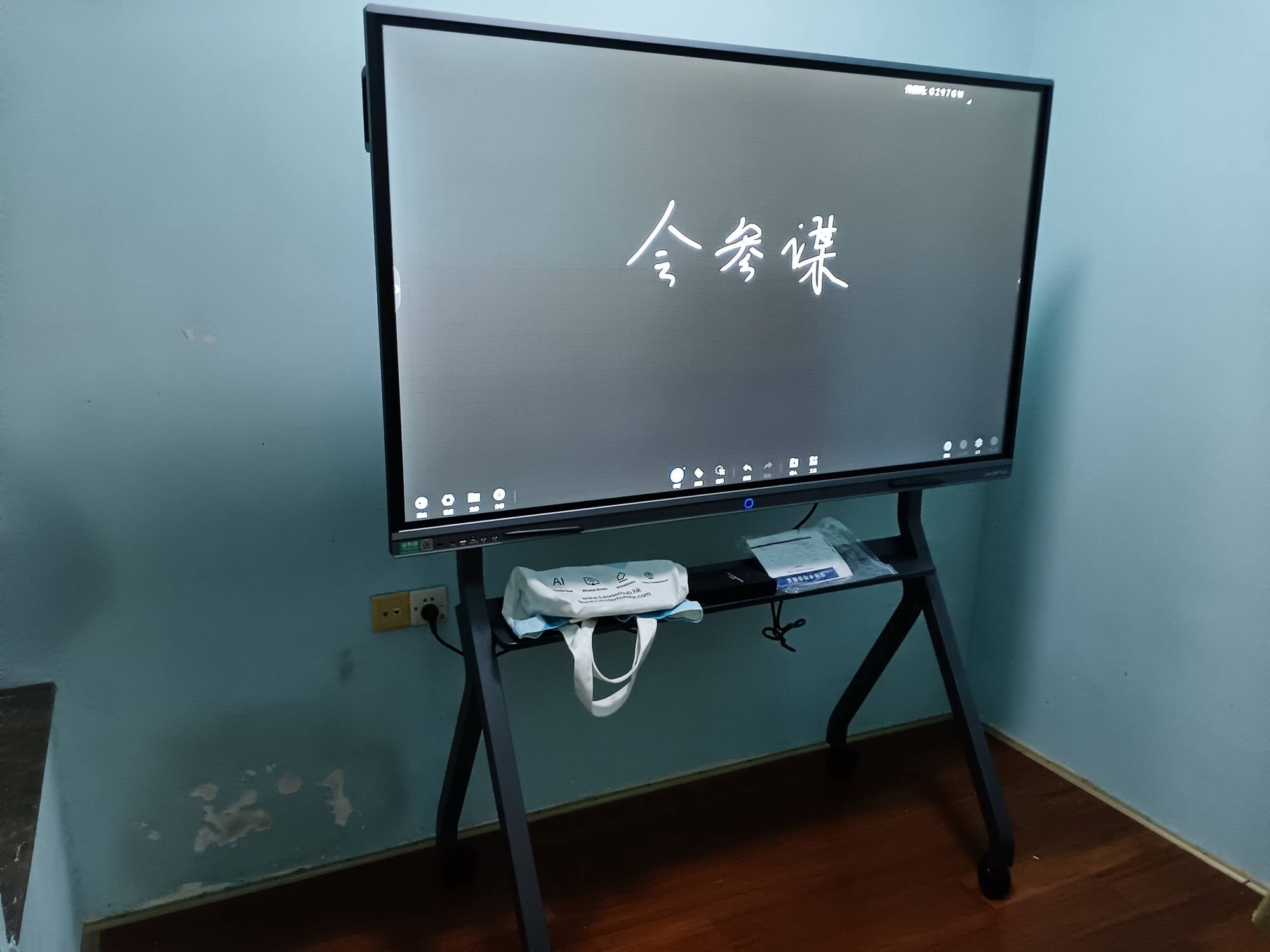
The interactive flat panel is the single most common replacement for a smart board. An IFP is essentially a large 4K touchscreen television with a built-in Android system, whiteboard software, and 20–40 points of multi-touch. Because the image is generated by the LCD panel itself, there is no projector, no shadow, no bulb, and no calibration. Teachers can walk in, tap the screen, and start writing in under five seconds.
Most interactive smart whiteboards today are available in 65″, 75″, 86″ and even 110″ sizes, with anti-glare tempered glass and infrared or capacitive touch that recognizes pens, fingers, and palm erasing simultaneously.
2. Portable and Rotating Smart Screens
Not every classroom or meeting space needs a wall-mounted 86-inch panel. Battery-powered portable smart screens in the 24″–55″ range are gaining ground for breakout rooms, small-group instruction, libraries, and flexible learning spaces. Many models rotate between landscape and portrait, roll on a mobile stand, and run Android apps independently — a genuinely new category that projector-based boards could never offer.
3. Mini PC + Touch Display Combinations
Schools and companies that already own a quality display can convert it into a smart-board replacement by pairing it with a compact mini PC. A palm-sized unit running Windows 11 delivers full desktop software — Office, Teams, Zoom, specialist teaching platforms — without a bulky tower. This modular approach is popular with IT departments because the computer can be upgraded independently of the screen.
4. Cloud Whiteboarding Software and Tablets
Apps such as collaborative digital canvases allow students and employees to write on their own tablets while the shared view appears on the main display. This works best as a complement to an interactive panel rather than a full replacement, since a shared physical focal point still matters for group attention and discussion.
5. Wireless Presentation and BYOD Systems
Screen-casting dongles and built-in wireless sharing let anyone mirror a laptop, phone, or tablet to the display with one tap. Modern IFPs include this natively, which eliminates the cable mess that defined older smart board setups.
6. AI-Powered Collaboration Displays
The newest wave adds artificial intelligence directly to the panel: real-time meeting transcription, handwriting-to-text conversion, automatic summaries, smart camera framing, and voice control. These features turn the display from a passive writing surface into an active participant that captures and organizes what was discussed.
Smart Board Alternatives Compared
| Alternative | Best For | Key Advantage | Typical Cost |
|---|---|---|---|
| Interactive Flat Panel | Classrooms, boardrooms, training rooms | All-in-one, 4K, zero maintenance | $1,000 – $8,000 |
| Portable / Rotating Smart Screen | Huddle spaces, small groups, mobile teaching | Battery powered, moves anywhere | $700 – $2,500 |
| Mini PC + Display | Upgrading existing screens | Full Windows software, modular | $400 – $1,000 (PC only) |
| Cloud Whiteboard + Tablets | 1:1 device schools, remote teams | Every participant can contribute | Subscription + devices |
| Wireless Presentation System | BYOD meeting rooms | Cable-free screen sharing | $100 – $800 |
| AI Collaboration Display | Hybrid meetings, executive rooms | Transcription, summaries, smart camera | $2,000 – $10,000 |
Smart Board vs. Interactive Flat Panel: Side-by-Side
Because the interactive flat panel is the alternative most buyers end up choosing, it is worth seeing exactly how it stacks up against the legacy projector-based board.
| Feature | Traditional Smart Board | Interactive Flat Panel |
|---|---|---|
| Image source | Short-throw projector | Direct-view 4K LCD |
| Resolution | 720p – 1080p | 3840 × 2160 (4K UHD) |
| Shadows and glare | Yes | None |
| Touch points | 1 – 4 | 20 – 40 |
| Calibration | Frequent | Not required |
| Built-in computer | No | Android + optional Windows slot |
| Consumables | Projector lamps, filters | None |
| Lifespan | 3 – 5 years | 50,000+ hours (8–10 years) |
The Best Smart Board Replacements for Classrooms
Education buyers have specific needs: durability against daily use, software that supports multiple students at once, and a budget that must stretch across dozens of rooms. According to the OECD Digital Education Outlook, the schools seeing the strongest returns on technology are those that choose tools teachers can use without training friction.
K-12 Classrooms
- 65″ or 75″ interactive flat panel mounted at a height younger students can reach.
- Anti-glare glass with eye-care low-blue-light mode for all-day viewing.
- Split-screen whiteboarding so two or more students can work simultaneously.
- Screen-casting from student tablets for sharing work with the class.
Higher Education and Training Centers
- 86″ or 110″ panels for lecture halls where the back row must still read the text.
- Built-in camera and microphone array for recording lectures or hosting hybrid sessions.
- Dual-OS capability (Android for quick whiteboarding, Windows for specialist software).
- Cloud saving so lesson notes can be shared with students instantly as PDFs.
Flexible Learning Spaces and Libraries
- Battery-powered rotating smart screens that can be carried between study pods.
- Mobile stands with locking wheels for a 55″ panel that serves several rooms.
The Best Smart Board Replacements for Meeting Rooms
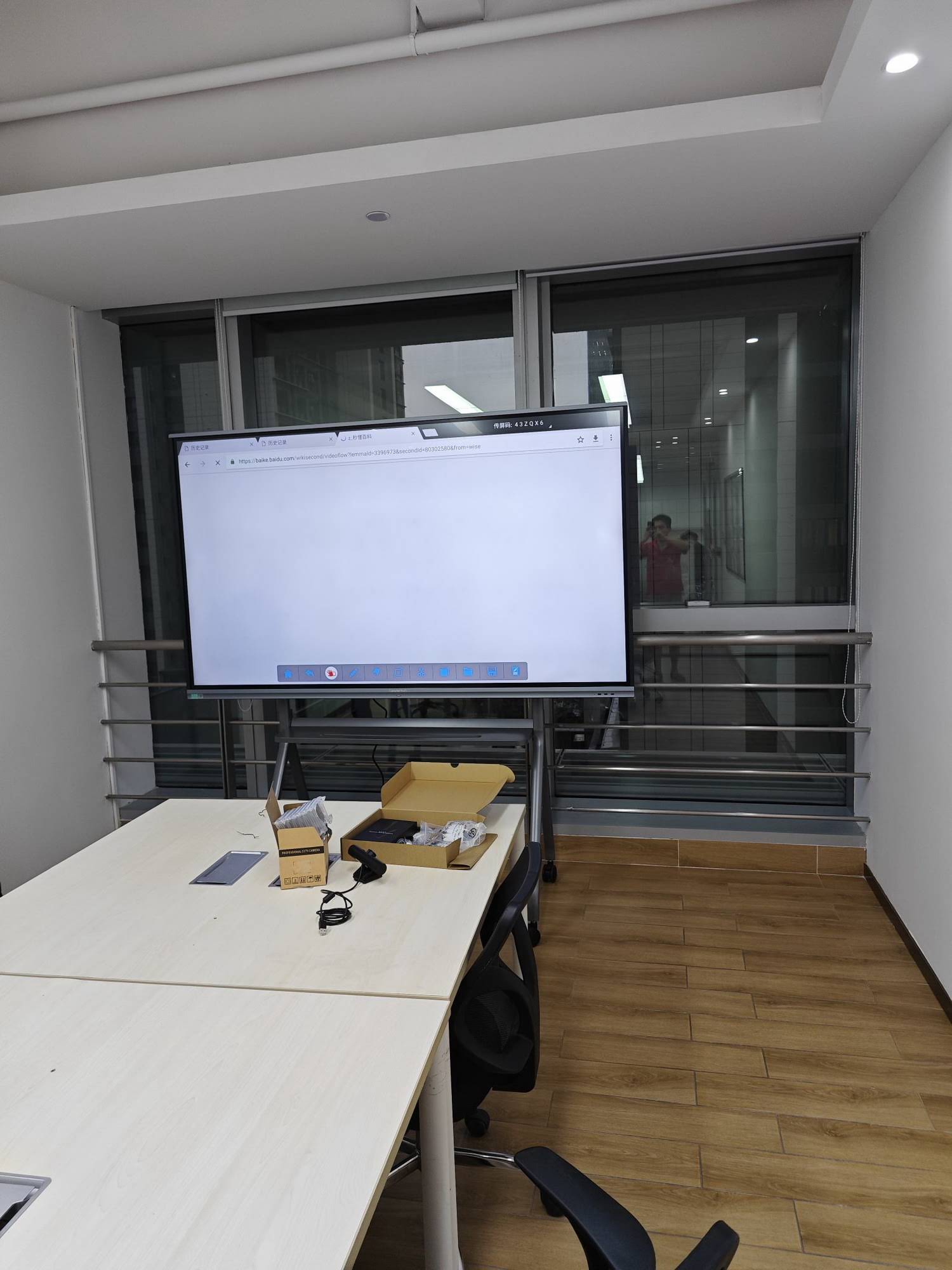
In the corporate world, the move away from smart boards is driven by hybrid work. A meeting display now has to serve both the people in the room and the people dialing in. Here is how the alternatives map to common room types.
Huddle Rooms (2–6 people)
A 55″ mobile interactive panel or a 27″ battery-powered rotating screen is usually enough. Prioritize one-tap wireless casting and a built-in camera so the room can host a video call without a laptop.
Standard Conference Rooms (6–14 people)
A 75″ interactive flat panel with Windows via an OPS slot or external mini PC gives teams full access to Teams, Zoom, and Webex alongside native whiteboarding. Look for USB-C single-cable connection that carries video, touch, and charging.
Boardrooms and Executive Spaces
An 86″ or larger panel with AI meeting features — automatic transcription, action-item extraction, and speaker-tracking camera — turns the display into a productivity tool rather than just a screen.
How to Choose the Right Smart Board Replacement
Use this checklist before you approve a purchase order. Each point addresses a failure mode that made older smart boards disappointing.
- Measure the room first. Viewing distance determines screen size — a 65″ panel is too small for a 30-student classroom.
- Insist on 4K resolution. Text and spreadsheets must be legible from the back of the room.
- Check touch technology. At least 20 points of touch with palm rejection and pen/finger differentiation.
- Verify the operating system. Android 13 or newer with at least 8GB RAM keeps the panel responsive for years.
- Confirm wireless casting. It should support Windows, macOS, iOS, and Android without extra apps where possible.
- Ask about expandability. An OPS slot or USB-C input allows a Windows mini PC to be added later.
- Review the warranty. Three years on-site is the industry standard for education and enterprise buyers.
Screen Size Guide by Room
| Room Type | Max Viewing Distance | Recommended Size | Suggested Model |
|---|---|---|---|
| Huddle room / small group | Up to 3 m | 24″ – 55″ | U55Pro Mobile 4K Smart Display |
| Standard classroom | Up to 6 m | 65″ – 75″ | L75ZM 75″ 4K Smart Panel |
| Conference room | Up to 7 m | 75″ – 86″ | L75H Pro Interactive Flat Panel |
| Lecture hall / boardroom | 8 m and beyond | 86″ – 110″ | L110H 110-Inch Interactive Flat Panel |
Proven Smart Board Alternatives Across Every Budget
LeaderHub is a Shenzhen-based interactive-display manufacturer with 16 years of industry experience, four product lines, and customers in more than 82 countries, ranked NO.1 in its JD.com interactive panel subcategory. Its range covers every type of smart board replacement discussed above, from entry-level classroom panels to battery-powered portable screens and compact mini PCs.
| Product | Replaces | Ideal Setting | Price |
|---|---|---|---|
| L65ZM 65″ 4K Smart Panel | Projector smart board | Primary classrooms, small offices | $1,099 |
| L75HM 75″ 4K Touchscreen | Projector smart board | Secondary classrooms, conference rooms | $1,599 |
| L86ZM 86″ 4K Smart Panel | Large projector board | Lecture rooms, training centers | $1,699 |
| L277M 27″ Rotating Screen | Flip chart / small whiteboard | Huddle rooms, tutoring | $899 |
| U24M 24.5″ Handheld Screen | Shared tablet / portable board | Group work, mobile teaching | $699 |
| LP1C Mini PC | Classroom desktop tower | Upgrading existing displays | $399 |
Frequently Asked Questions
Are smart boards obsolete?
Projector-based smart boards are being phased out by most districts and companies as they reach end of life. The concept of an interactive shared surface is stronger than ever — it has simply moved to direct-view touch displays that need no projector.
What is the difference between a smart board and an interactive flat panel?
A smart board is a touch surface that depends on a projector and external computer. An interactive flat panel is a self-contained 4K touchscreen with its own operating system, whiteboard software, speakers, and wireless casting built in.
Can I keep my existing smart board software?
In most cases yes. Popular lesson-authoring software runs on Windows, so connecting a mini PC or using the panel’s OPS slot preserves your existing lesson library while gaining 4K touch.
How long does an interactive flat panel last?
Commercial-grade panels are rated for 50,000 hours or more, which equals roughly eight to ten years of school or office use — about double the practical lifespan of a projector-based board.
Is a portable smart screen a realistic smart board replacement?
For small groups, tutoring, and huddle rooms, a battery-powered 24″–55″ screen is often a better fit than a fixed wall panel because it can be moved to wherever the collaboration is happening. Larger classrooms and boardrooms still benefit from a mounted 75″ or bigger display.
Final Thoughts
So, what is replacing smart boards? In practical terms, the interactive flat panel has become the default successor, supported by a growing ecosystem of portable smart screens, mini PCs, wireless casting, and AI collaboration tools. Each of these removes a specific weakness of the projector era — shadows, calibration, lamp costs, and laptop dependence — while adding 4K clarity and multi-user touch that legacy boards never had.
Whether you are refreshing a single meeting room or standardizing hundreds of classrooms, start by matching screen size to the space, insisting on 4K and 20+ touch points, and leaving room to expand with a Windows mini PC. If you would like help specifying the right configuration for your rooms, contact the LeaderHub team or browse the full range of interactive displays to compare models side by side.