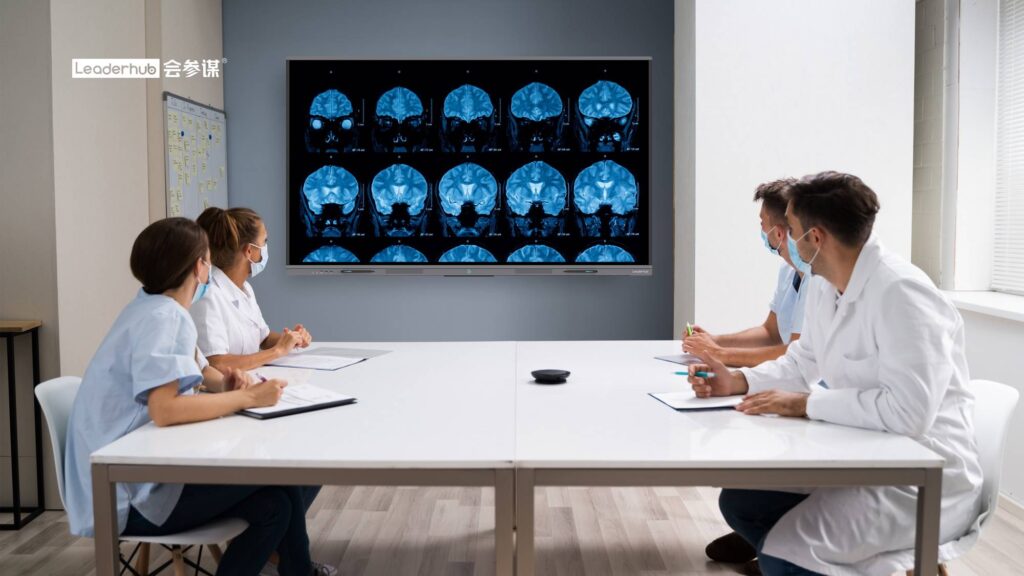
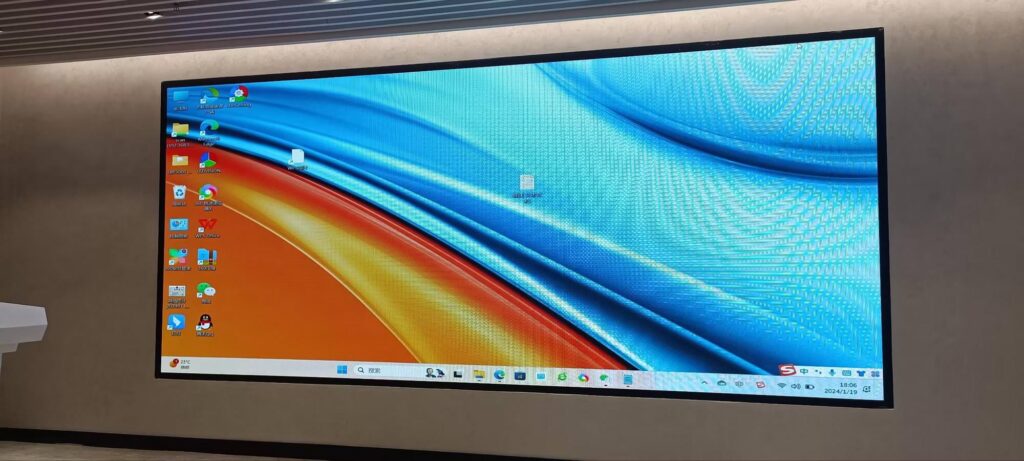
Shareholder meetings are among the highest-stakes presentations a company delivers all year. Financial results, strategic roadmaps, governance updates and Q&A sessions must be communicated with absolute clarity to an audience that includes institutional investors, board members, analysts and retail shareholders — many of whom now attend remotely. A smart board for shareholder meeting presentations replaces static projectors and paper decks with a 4K interactive display that lets presenters annotate charts live, switch between data sources instantly and bring hybrid attendees into the room. This guide explains what to look for, how to compare models and how to deploy an interactive display that keeps investors engaged from the opening remarks to the final vote.
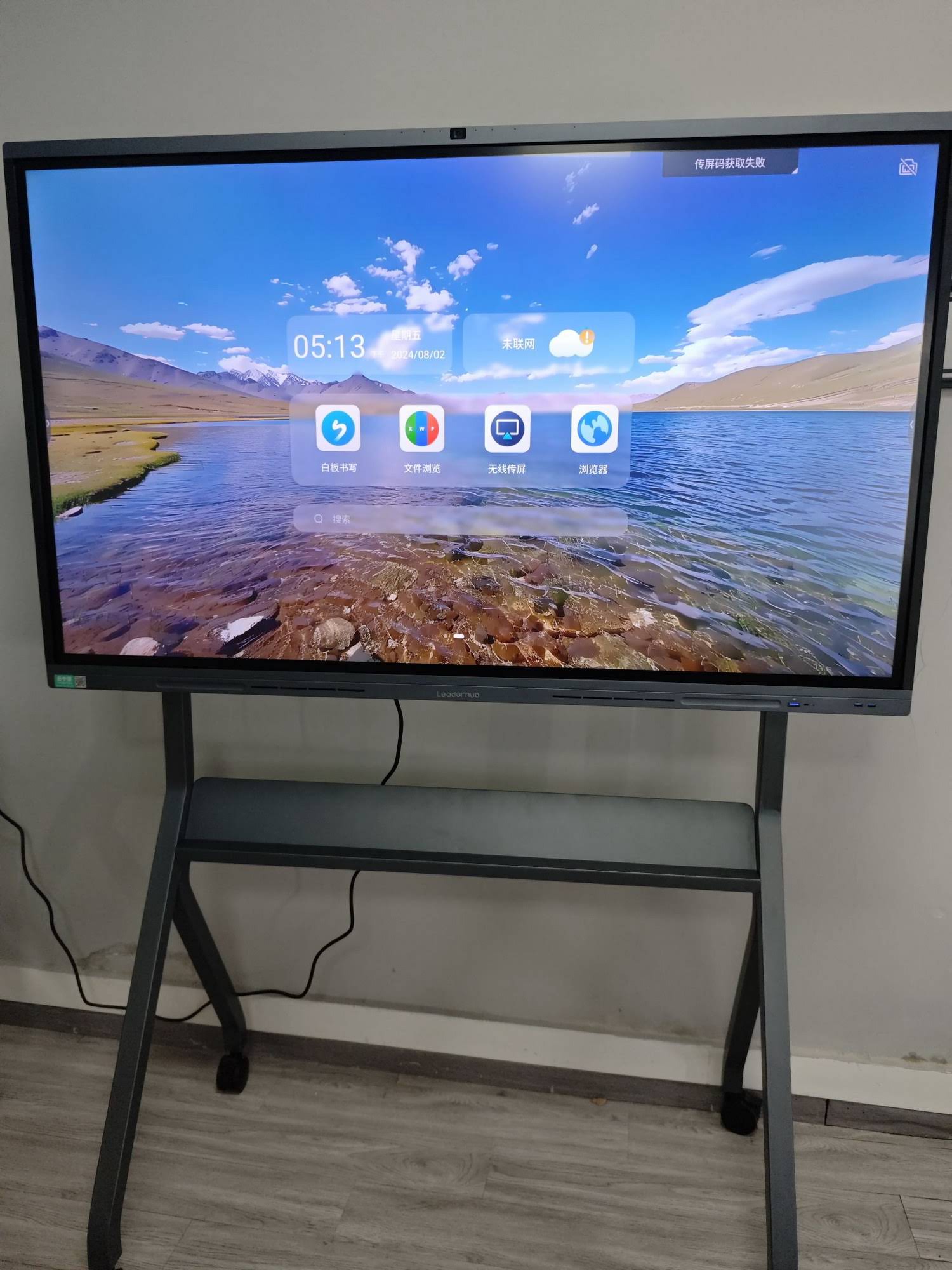
Why Shareholder Meetings Demand a Different Kind of Display
A typical conference-room screen is designed for weekly team syncs. Shareholder meetings, annual general meetings (AGMs) and investor days have very different requirements:
- Dense financial data — income statements, cash-flow tables and multi-year charts must remain legible from the back row.
- Regulatory sensitivity — material information is being disclosed, so presentations must be reliable, secure and free from technical interruptions.
- Hybrid attendance — many jurisdictions now permit or require virtual participation, meaning the display must integrate with video-conferencing platforms and webcasting tools.
- Interactive Q&A — investors expect executives to drill into specific numbers on request, not simply advance slides.
- Professional impression — the quality of the presentation environment subtly signals the quality of management.
An interactive flat panel addresses each of these points in a way that projectors and standard televisions cannot. Industry bodies such as AV Industry Standards and Resources continue to highlight interactive displays as the core of modern boardroom AV design.
Key Features to Evaluate in a Smart Board for Investor Presentations
1. Screen Size and Viewing Distance
Boardrooms and AGM venues vary enormously in scale. The general rule is that the farthest viewer should sit no more than roughly six to eight times the screen height away for detailed content such as spreadsheets. The table below summarises recommended sizes.
| Meeting Setting | Typical Audience | Recommended Size | Suggested Model |
|---|---|---|---|
| Executive boardroom | 8–14 directors | 65″–75″ | L75HM Interactive Smart Whiteboard |
| Investor relations suite | 15–30 attendees | 86″ | L86HM Interactive Smart Whiteboard |
| AGM hall / auditorium | 50+ shareholders | 110″ or multiple panels | L110H 110-Inch Interactive Flat Panel |
| Breakout / roadshow | 4–10 investors | 55″ mobile | U55Pro Mobile 4K Smart Display |
2. 4K Resolution and Anti-Glare Glass
Financial presentations are unforgiving of low resolution. Small fonts in footnotes, fine lines in trend charts and dense tables all require true 3840 × 2160 output. Equally important is anti-glare, tempered glass — AGM venues often have large windows or bright stage lighting, and reflections can render a chart unreadable for an entire section of the audience.
3. Touch Precision and Live Annotation
The ability to circle a revenue figure, draw a trend arrow or highlight a segment of a pie chart while speaking transforms a passive slide deck into a conversation. Look for infrared or capacitive touch with 20-point multi-touch, low latency and palm rejection so that the CFO can lean on the screen without triggering accidental marks.
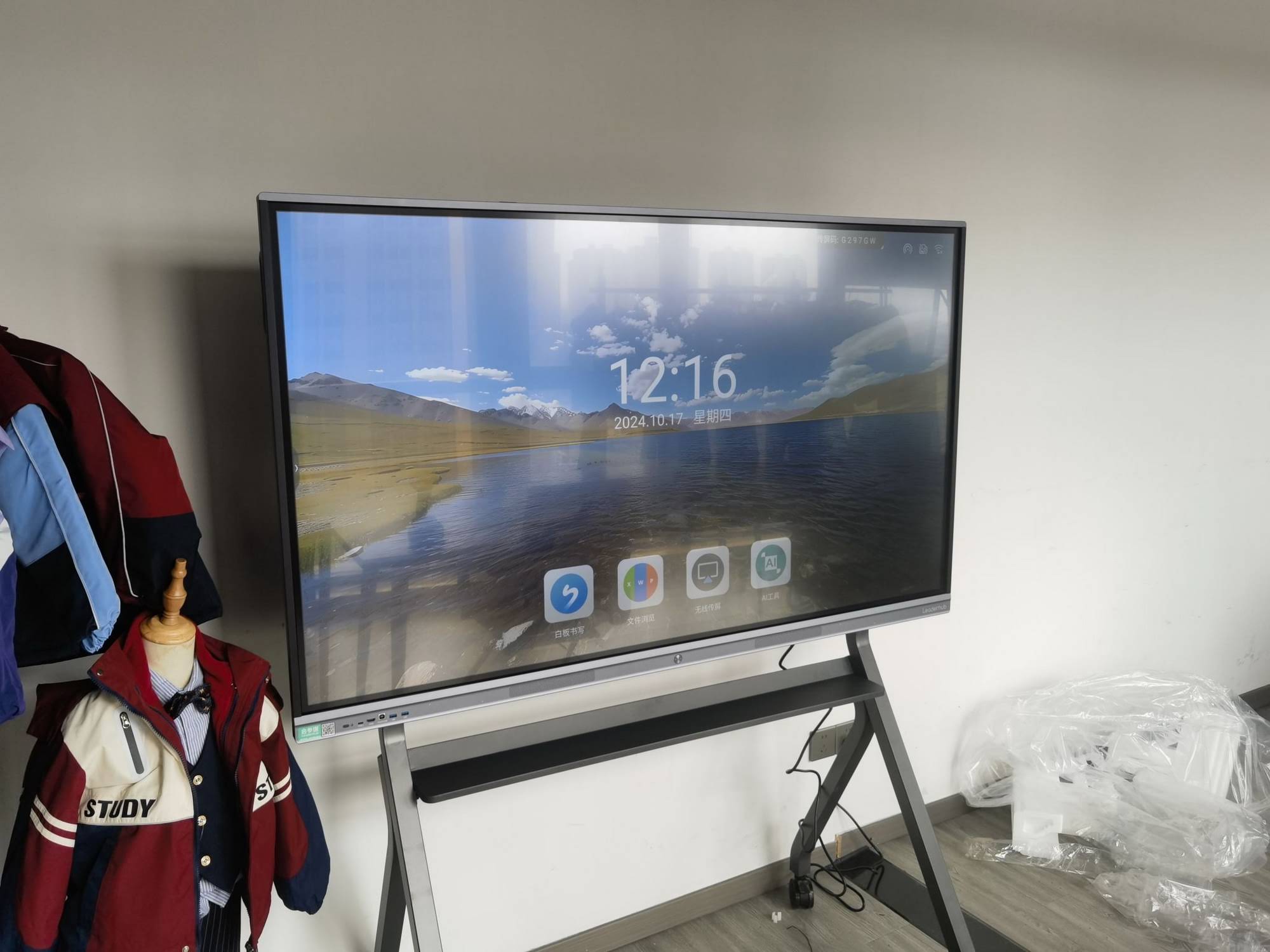
4. Hybrid Meeting and Webcast Integration
Virtual and hybrid AGMs are now standard practice across North America, Europe and Asia-Pacific. Your smart board should offer:
- Native compatibility with Zoom, Microsoft Teams, Webex and Google Meet.
- Built-in or modular 4K camera with auto-framing and a far-field microphone array so remote shareholders hear every question from the floor.
- HDMI output or USB-C passthrough to feed the webcast encoder.
- Wireless screen sharing for guest presenters, auditors or legal counsel who bring their own laptops.
5. Security and Data Governance
Material non-public information is displayed during shareholder meetings. Choose a display with on-device data wipe after each session, password-protected admin settings, disabled USB ports where required and the option to run from a locked-down Windows mini PC rather than an open Android environment. Pairing a panel with a dedicated mini PC lets the IT team apply the same endpoint policies used across the corporate network.
6. Rotation and Mobility
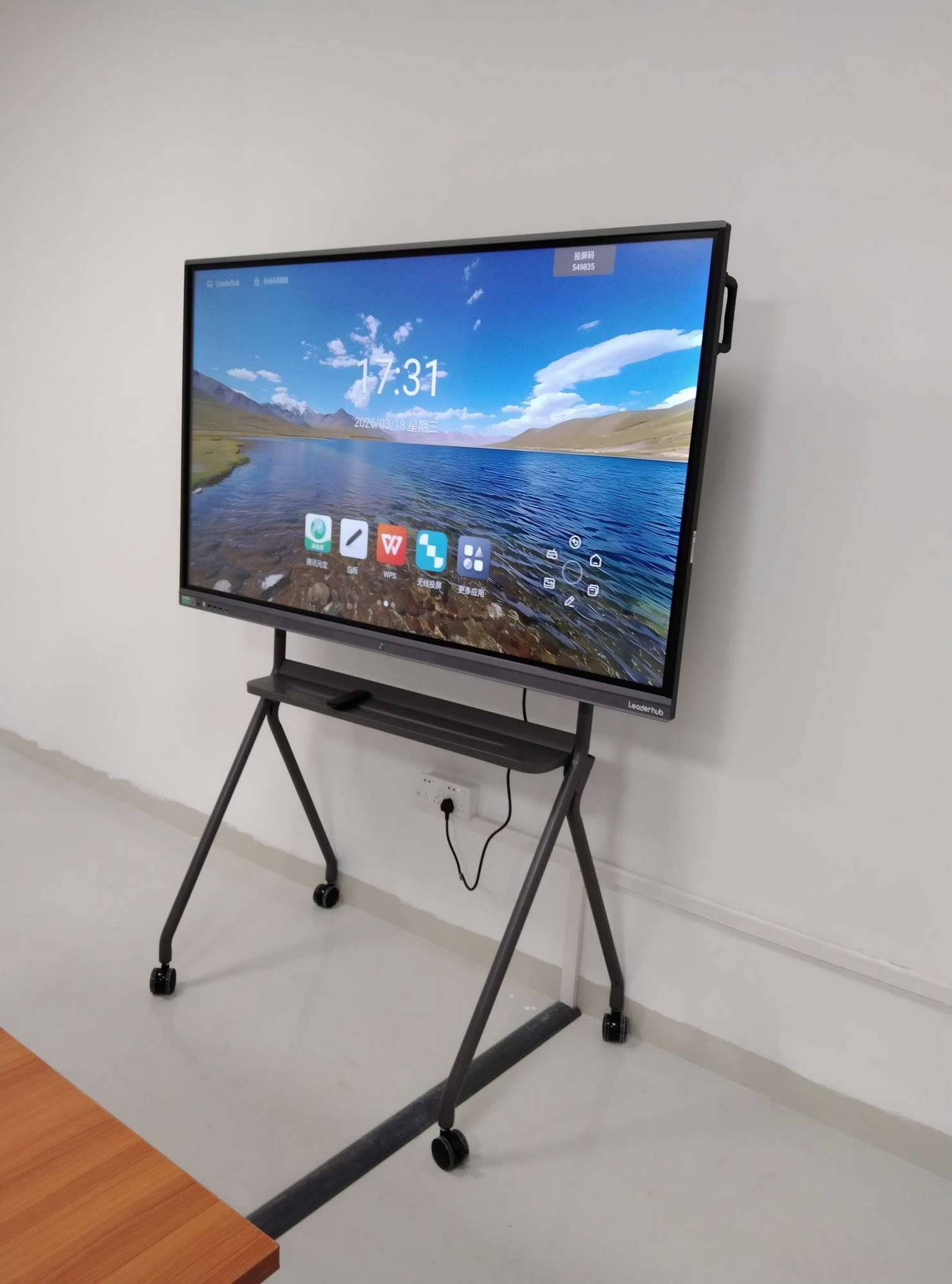
Some investor content — such as long balance-sheet columns, organisational charts or ESG scorecards — displays better in portrait orientation. A rotating smart whiteboard allows presenters to switch between landscape and portrait in seconds, while a mobile stand with casters means one display can serve the boardroom in the morning and a press briefing room in the afternoon.
Comparing Display Types for Shareholder Presentations
| Criteria | Projector | Commercial TV | Interactive Smart Board |
|---|---|---|---|
| Image in bright rooms | Washed out | Good | Excellent (anti-glare 4K) |
| Live annotation | No | No | Yes, multi-touch |
| Hybrid conferencing | Requires external kit | Requires external kit | Built-in camera, mic, apps |
| Setup time | 15–30 min | 5–10 min | Under 2 min |
| Maintenance | Lamp replacement, alignment | Low | Low, 50,000-hour panel life |
| Investor engagement | Passive | Passive | Interactive, two-way |
How Interactive Displays Improve Investor Engagement in Practice
Drill-Down Financials on Demand
When an analyst asks why operating margin dipped in Q3, the CFO can open the segment breakdown directly on the panel, zoom into the relevant line and annotate the explanation — rather than promising to “follow up after the meeting”. This responsiveness builds trust and shortens the Q&A cycle.
Visual Storytelling for Strategy
Strategic roadmaps, market-expansion maps and product pipelines are far more persuasive when the CEO can physically trace the path on screen. Split-screen mode lets you place the five-year plan beside the current-year performance so investors see the trajectory, not just the snapshot.
Transparent Voting and Polling
Many companies now display live proxy tallies and resolution results on the main screen. A smart board can show the voting dashboard, the resolution text and the chair’s notes simultaneously, supporting the transparency that governance codes increasingly expect.
Seamless Remote Participation
With the built-in camera auto-framing the speaker and the microphone array capturing floor questions, remote shareholders experience the meeting as participants rather than spectators. Shared annotations are visible on every connected device in real time.
Recommended Configurations by Company Size
Small and Mid-Cap Companies
For companies holding AGMs in their own boardroom with 10–20 attendees plus a remote audience, a 75-inch rotating smart whiteboard paired with a compact mini PC delivers everything required at a budget that is often lower than a projector-plus-screen-plus-camera bundle.
- LeaderHub L75HM — 75″ 4K Touchscreen ($1,599) — rotating design, ideal for portrait-format financial tables.
- LeaderHub LP5C Mini PC — Intel i5, 16GB RAM ($799) — runs Windows, Excel, Power BI and your webcast client under corporate IT policy.
Large-Cap and Multinational Companies
Larger AGMs held in hotel ballrooms or purpose-built auditoriums benefit from a 110-inch primary display supplemented by 86-inch panels for overflow seating and breakout rooms. The L86ZM 86″ 4K Smart Panel at $1,699 provides a cost-effective option for multi-screen deployments.
Investor Roadshows and Off-Site Briefings
When the IR team travels to meet funds in different cities, a battery-powered 27″ rotating touchscreen or a 55-inch mobile panel on a wheeled stand allows the same annotated presentation to be delivered consistently without depending on each host venue’s AV setup.
Deployment Checklist Before Your Next Shareholder Meeting
- Test content at native 4K — export decks at 3840 × 2160 and verify every footnote is legible from the farthest seat.
- Rehearse annotations — practise the specific charts you expect to drill into so marks are clean and deliberate.
- Verify hybrid audio — run a full test call with a colleague joining remotely from a mobile device.
- Confirm the fail-over path — keep a laptop connected via HDMI as a backup source and know how to switch inputs in one tap.
- Lock down the device — disable guest casting, set an admin PIN and configure automatic session wipe.
- Check sightlines and glare — walk the room at the scheduled meeting hour to see how natural light hits the panel.
- Brief the chair and secretary — ensure anyone who may need to touch the screen knows the basic gestures.
Why Companies Choose LeaderHub for Boardroom and AGM Displays
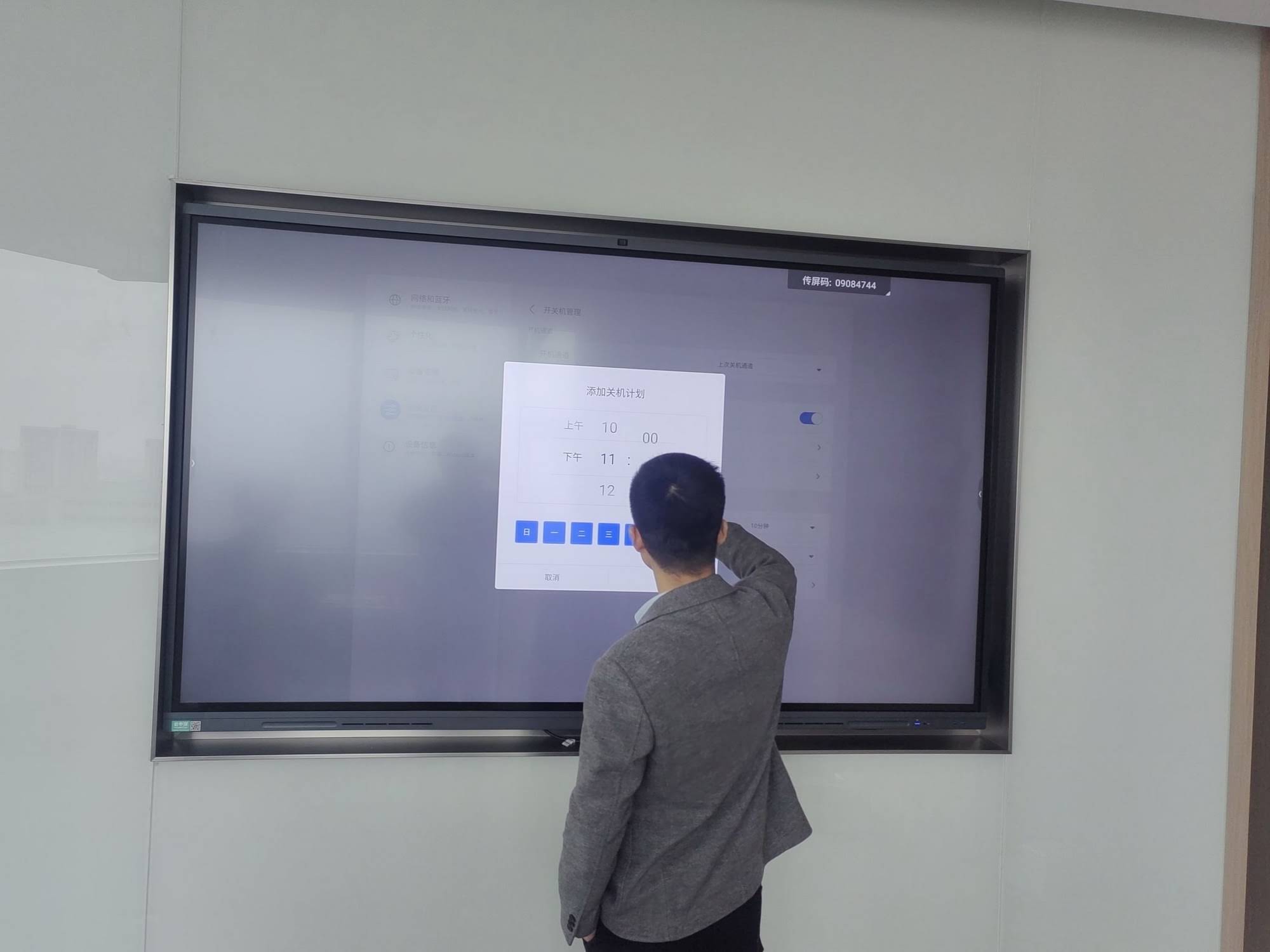
LeaderHub is a Shenzhen-based interactive-display manufacturer with 16 years of experience, serving enterprise, finance and government clients in 82 countries. Its HM series rotating conference hub has been recognised with an international design award, and the brand ranks NO.1 in its JD.com subcategory. For investor-facing environments, LeaderHub panels combine anti-glare 4K glass, 20-point touch, integrated conferencing hardware and the option to run on a fully managed Windows mini PC — giving IR and IT teams a single, dependable platform. You can browse the complete range of smart whiteboards or contact the team for a boardroom configuration quote.
Frequently Asked Questions
What size smart board is best for a shareholder meeting?
For a standard boardroom of up to 14 people, a 75-inch panel is the sweet spot. For investor halls seating 30 or more, choose 86 inches or larger, or deploy multiple synchronised panels.
Can an interactive display replace our projector and webcast setup?
Yes. A modern smart board integrates the display, camera, microphones and conferencing software into one unit, and can feed a webcast encoder via HDMI output, eliminating several separate devices.
Is it secure enough for material non-public information?
When configured with admin PIN protection, disabled guest casting and automatic session wipe — or when driven by a corporate-managed mini PC — an interactive display meets the same endpoint standards as any other boardroom computer.
Do remote shareholders see the live annotations?
Yes. Annotations made on the panel are transmitted through the shared screen in Zoom, Teams or your webcast platform in real time, so remote participants see exactly what in-room attendees see.
How long does a smart board last in a corporate setting?
Commercial-grade LED panels are rated for approximately 50,000 hours, which equates to well over a decade of typical boardroom use with no lamp replacements or recalibration required.
Choosing the right smart board for shareholder meeting presentations is ultimately about protecting the clarity and credibility of your most important corporate communication. Prioritise 4K legibility, anti-glare glass, precise annotation, built-in hybrid conferencing and enterprise-grade security, then match the screen size to your venue. With the right interactive display in place, every investor — in the room or online — leaves with a sharper understanding of where the company stands and where it is heading.