For a small office, buying a smart board is rarely a casual decision. With a team of 5 to 30 people, every dollar in the technology budget must justify itself, and a single interactive display often becomes the centerpiece of the entire meeting room. The good news is that the market has matured: smart board purchasing options for small offices now range from entry-level 65″ 4K whiteboards under $1,100 to mobile battery-powered panels that roll between rooms. This guide walks you through the real choices, the budget tiers, and the questions to ask before you commit.

Why Small Offices Approach Smart Board Buying Differently
Large enterprises buy interactive displays in bulk, often with dedicated IT staff, structured procurement cycles, and a budget line for AV integration. A small office works under very different constraints:
- One or two rooms instead of dozens, so a single purchase carries more weight.
- No in-house AV team, which means the board must be easy to install and self-explanatory to use.
- Mixed use cases: the same screen may host client presentations on Monday, a hybrid team stand-up on Tuesday, and a training session on Friday.
- A tighter cash flow, where a $7,000 panel is simply not on the table.
Because of this, the right question is not “What is the best smart board?” but “What is the best smart board for this room, this team, and this budget?” The sections below break that down step by step.
The Four Main Smart Board Purchasing Options
When you strip away marketing language, small offices generally choose between four categories of interactive display. Each has a distinct price range and a natural fit.
1. Entry-Level 4K Interactive Whiteboards
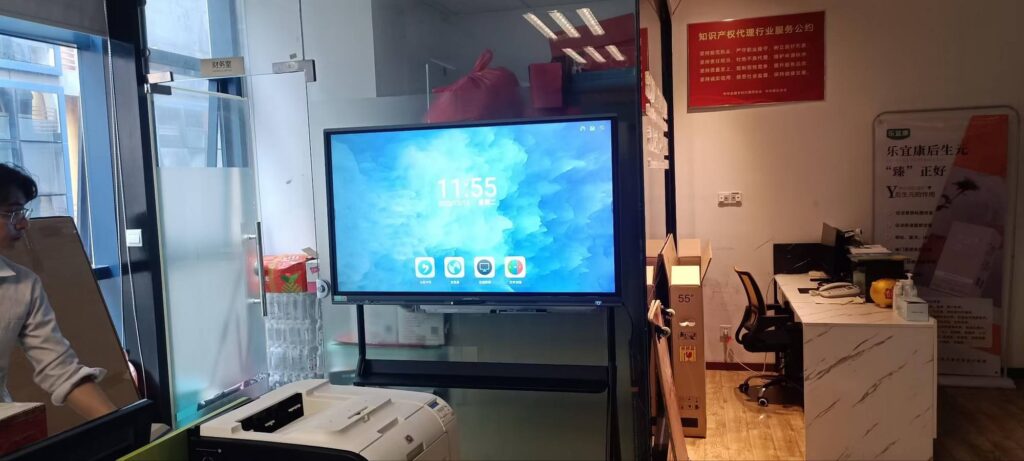
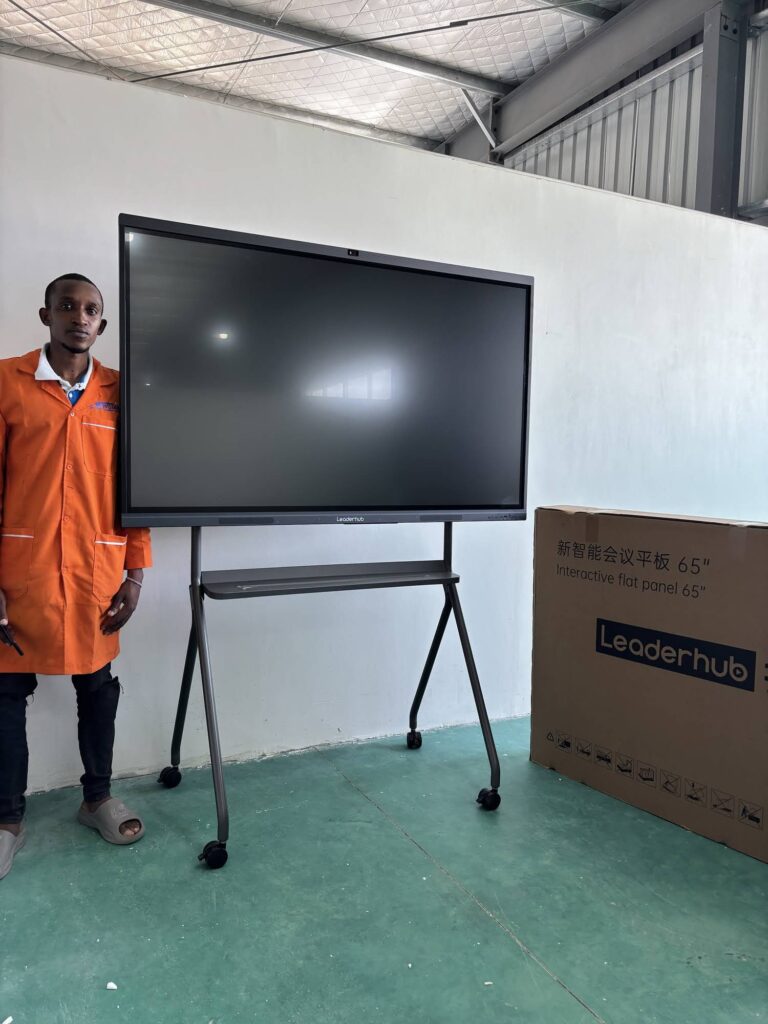
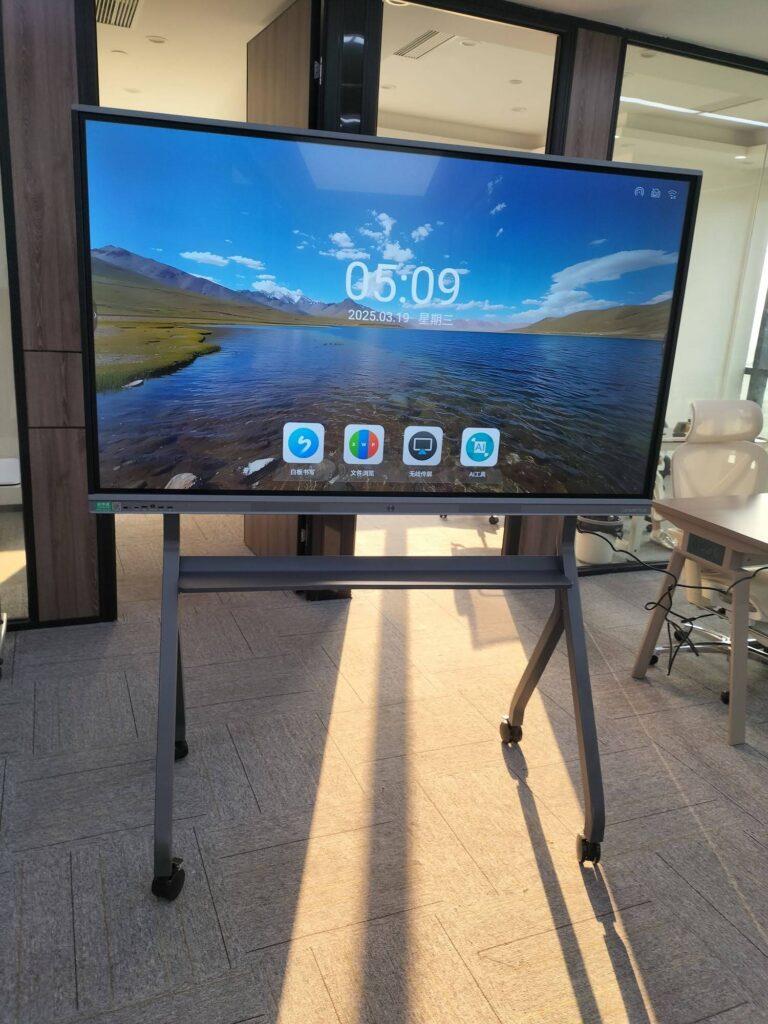
This is the most popular starting point. A 65″ or 75″ 4K touchscreen with built-in Android, wireless screen sharing, and whiteboard software covers roughly 80% of what a small team needs. Models such as the LeaderHub L65ZM 65″ 4K Smart Panel start at around $1,099, making them attainable even for a team of five.
2. Mid-Range Collaboration Panels
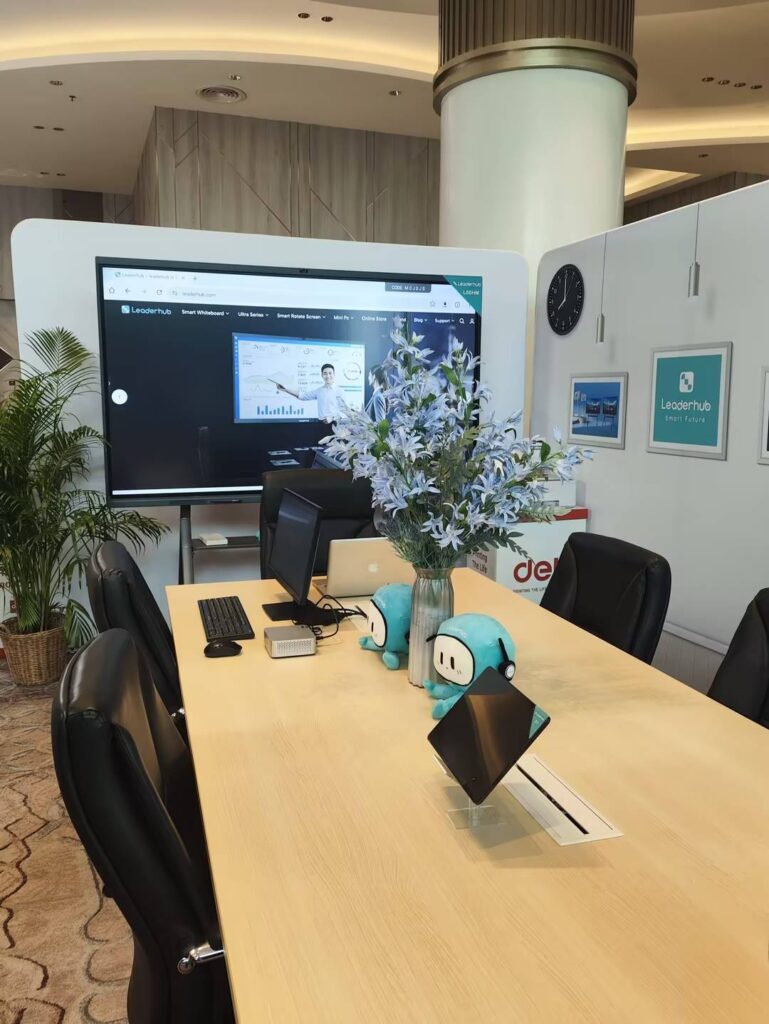
Step up a tier and you gain better touch precision, more powerful processors, improved cameras and microphones for video calls, and higher-grade glass. The L75HM Interactive Smart Whiteboard at $1,599 sits in this bracket and is a strong fit for offices that run hybrid meetings daily.
3. Mobile and Battery-Powered Smart Screens
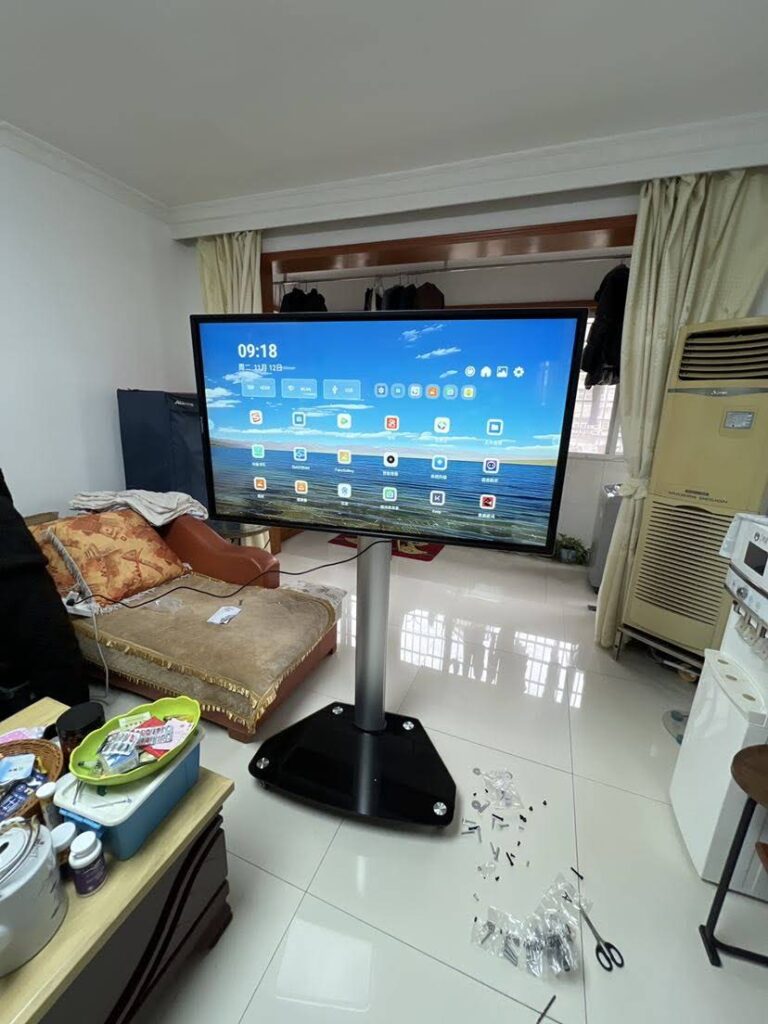
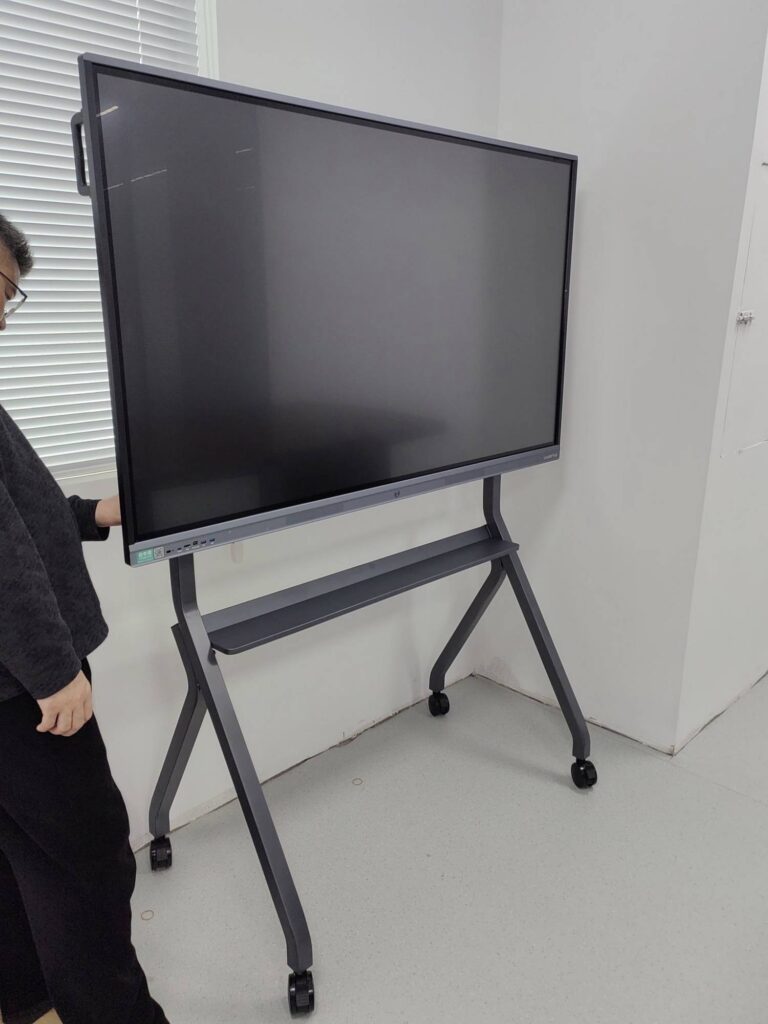
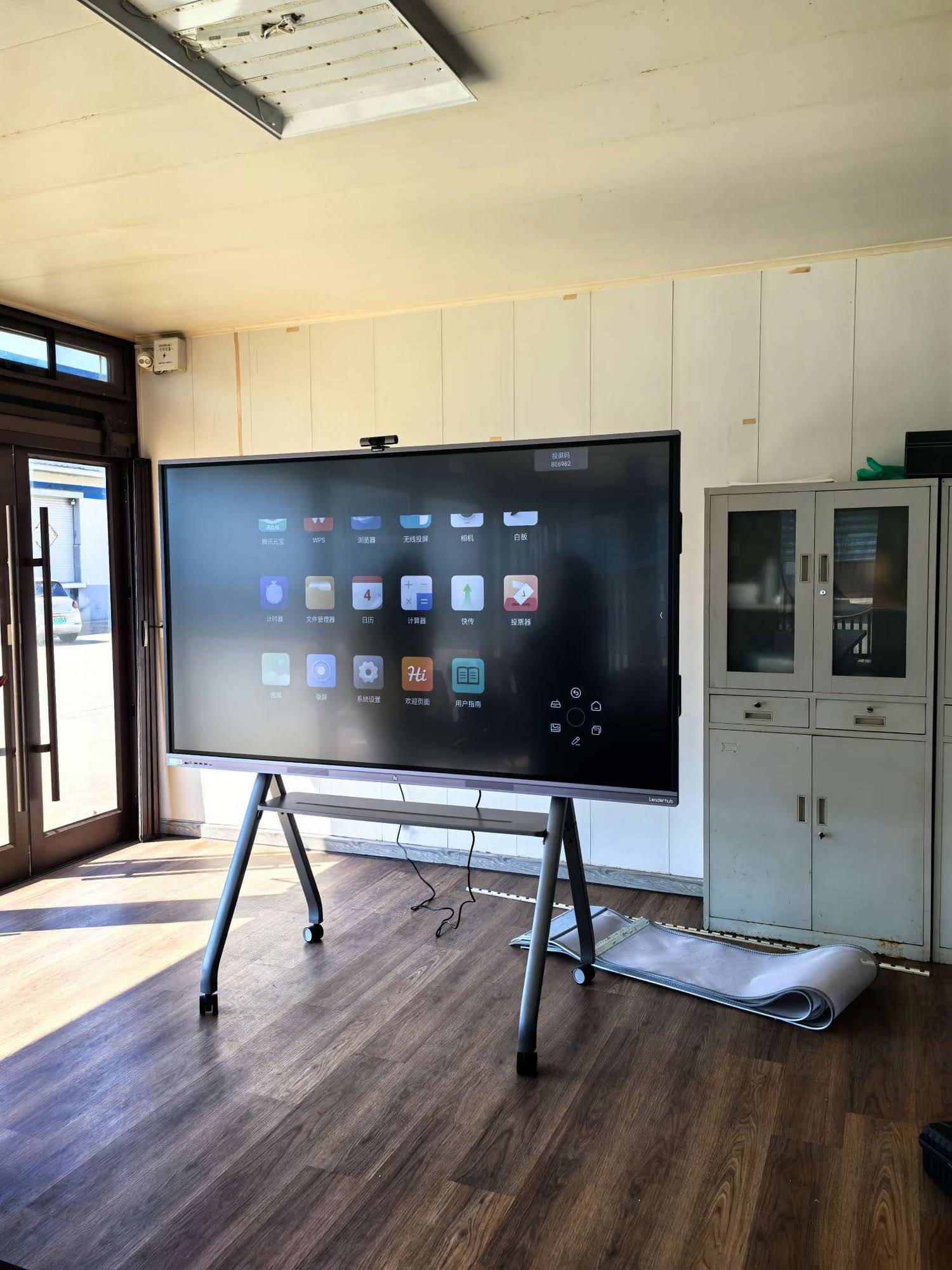
If your office has flexible seating, shared desks, or no fixed meeting room, a mobile panel on a rolling stand or a handheld smart screen with battery lets you bring the board to the people. The U55Pro 55″ Mobile 4K Smart Display is designed exactly for this scenario.
4. Premium Large-Format Flat Panels
Boards above 86″ or with pro-grade features (like the 110″ L110H at $7,999) are typically oversized for a small office. They make sense only for showrooms, large training floors, or offices expecting rapid headcount growth.
Budget Tiers at a Glance
The table below maps realistic budget ranges to the kind of smart board a small office can expect, using current LeaderHub pricing as a reference.
| Budget Range | Typical Option | Example Model | Best For |
|---|---|---|---|
| Under $1,200 | 65″ 4K entry whiteboard | L65ZM ($1,099) | Teams of 3–8, single huddle room |
| $1,200 – $1,700 | 75″ or 86″ 4K whiteboard | L75ZM ($1,399) / L86ZM ($1,699) | Teams of 8–15, standard meeting room |
| $1,300 – $2,500 | Mid-range collaboration panel | L65HM ($1,299) / L75HM ($1,599) / L75H Pro ($2,399) | Daily hybrid meetings, client-facing rooms |
| $700 – $2,500 | Mobile / battery smart screen | U24M ($699) / L277M ($899) / U55Pro ($2,499) | Flexible layouts, shared or multi-room use |
| $3,000+ | Large-format premium panel | L86HM ($3,199) / L110H ($7,999) | Showrooms, training floors, fast-growing teams |
Notice that the sweet spot for most small offices falls between $1,100 and $1,700. That range buys a 4K panel large enough for a room of 10–15 people without paying for enterprise features that will sit unused.
Step 1: Match Screen Size to Your Room
Screen size is the single most common mistake small offices make, and it goes both ways. Too small and people in the back squint at spreadsheets; too large and the board dominates a cramped room, forcing viewers too close to the screen.
A Simple Sizing Rule
- Huddle rooms (2–5 people, under 15 m²): 55″ to 65″
- Standard meeting rooms (6–12 people, 15–30 m²): 75″
- Training or boardrooms (12–20 people, 30 m² and above): 86″
A good sanity check: the farthest seat should be no more than about 4 to 5 times the screen height away. For a 75″ panel (roughly 93 cm tall), that puts the maximum comfortable viewing distance at around 4.5 metres, which suits most small-office meeting rooms perfectly.
Step 2: Decide Between Fixed Installation and Mobility
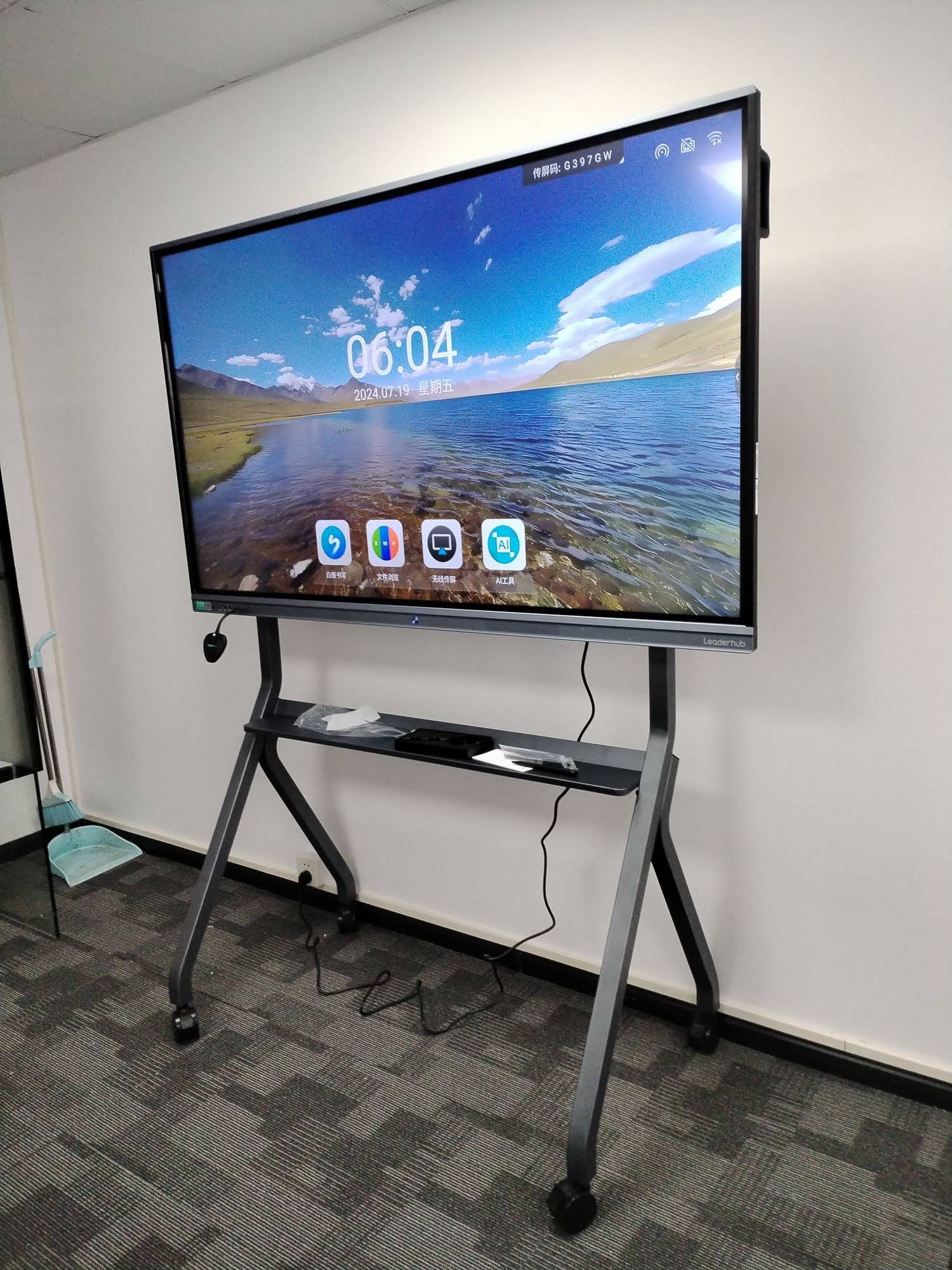
A wall-mounted board is cheaper to buy and cleaner to look at, but it locks the investment into one room. A mobile stand adds a few hundred dollars but lets one board serve two or three spaces, which can be far more cost-effective than buying two panels.
| Factor | Wall-Mounted | Mobile Stand / Battery |
|---|---|---|
| Upfront cost | Lower | Higher (stand or battery adds cost) |
| Rooms served | One | Several |
| Cable management | Hidden, tidy | Visible unless battery-powered |
| Office relocation | Requires re-installation | Simply roll it out |
| Ideal for | Dedicated meeting room | Open-plan, coworking, growing teams |
Small offices that lease short-term or expect to move within two years should lean toward mobility. A compact option like the rotating smart screen series can even double as a personal workstation display when the meeting ends.
Step 3: Check the Features That Actually Matter
Spec sheets are long, but a small office only needs to scrutinise a handful of features. Prioritise these:
- 4K resolution – Non-negotiable in 2026. Text on spreadsheets and architectural drawings stays sharp even at 86″.
- Wireless screen sharing – Staff and visitors should be able to cast from Windows, macOS, iOS and Android without installing drivers or hunting for dongles.
- Built-in camera and microphone array – Essential if even one team member works remotely. Look for at least a 4K camera and a far-field mic that picks up voices from 6–8 metres.
- Multi-touch with low latency – 20-point touch and pen writing that feels natural. Test it in person if possible; laggy ink kills adoption fast.
- Open Android or optional Windows module – You want to run your own apps (Teams, Zoom, Google Meet, Miro) rather than being locked into one vendor’s software.
- Cloud whiteboard save and QR export – Meeting notes should leave the room as a PDF or link, not a photo of the screen.
Features that small offices typically overpay for include NFC login, ultra-high brightness designed for sunlit lobbies, and dual-OS systems with high-end discrete PCs. Unless you have a specific need, skip them.

Step 4: Calculate Total Cost of Ownership, Not Just Sticker Price
The panel itself is usually 70–80% of the total spend, but the remainder can surprise an unprepared buyer. Build a complete budget that includes:
- Mounting hardware or mobile stand: $100 – $400
- Installation: $0 if self-installed, $150 – $500 for professional wall mounting
- Optional compute module or mini PC: $400 – $1,000 if you need a full Windows environment. A compact unit such as the LeaderHub Mini PC range can slot behind the panel and run your existing office software.
- Extended warranty: Typically 5–10% of the panel price per additional year
- Software subscriptions: Often $0 with open Android boards; $200 – $800 per year with proprietary ecosystems
A realistic all-in figure for a well-equipped small office meeting room is $1,500 to $2,500. Compare that to the cost of a projector plus a traditional whiteboard plus a separate conferencing camera and speakerphone, and the interactive panel usually comes out ahead within the first year, especially once you factor in the time saved on setup and troubleshooting.
Step 5: Choose a Purchasing Channel
Small offices have more purchasing routes than they often realise, and each affects price, support, and flexibility.
Direct from the Manufacturer
Buying directly from a brand’s online store generally delivers the lowest price for a single unit, transparent specifications, and direct access to technical support. It is the most straightforward route for an office buying one to three boards.
Through a Local AV Integrator
Integrators add a markup but handle installation, cabling, and network setup. This is worthwhile if nobody on your team is comfortable mounting a 40 kg panel or configuring Wi-Fi casting.
Leasing or Device-as-a-Service
Some vendors and financing partners offer monthly plans, often $50 – $120 per month over 36 months. This preserves cash but costs more over the full term. It suits startups that would rather spend capital on hiring.
Refurbished or Previous-Generation Models
Buying last year’s model can save 20–30%. Just confirm the warranty is still valid and that the Android version will continue to receive security updates.
Matching the Board to Your Team’s Working Style
Technology that does not fit how people actually work ends up unused. Before finalising a purchase, think honestly about your team.
| Team Profile | Priority Features | Suggested Option |
|---|---|---|
| Fully in-office, presentation-heavy | Large 4K screen, fast casting, annotation | 75″ or 86″ ZM series |
| Hybrid with remote colleagues | Camera, mic array, native Teams/Zoom | HM series or L75H Pro |
| Creative or design studio | Pen precision, colour accuracy, rotation | Rotating HM series panel |
| Coworking or hot-desking | Portability, battery, quick start | U55Pro, U24M or L277M |
| Training or small classroom | Whiteboard tools, cloud save, durability | 86″ ZM or HM series |
Interestingly, the same evidence-based framework that guides schools can help offices too. The UNESCO guidance on choosing technology boils down to four questions: Is it appropriate? Is it equitable? Is it scalable? Is it sustainable? Swap “students” for “staff” and those questions apply directly to a smart board purchase.
Common Mistakes Small Offices Make
- Buying for the room you wish you had. An 86″ panel in a 12 m² room overwhelms the space and tires the eyes.
- Ignoring Wi-Fi quality. Wireless casting is only as reliable as the office network. Test the signal in the meeting room before the board arrives.
- Skipping a hands-on demo. Touch response, pen feel, and menu logic differ between brands far more than spec sheets suggest.
- Forgetting the people side. Schedule a 30-minute onboarding session; adoption rises dramatically when everyone knows how to cast and save notes.
- Overlooking after-sales support. Confirm the warranty length, the response time, and whether replacement parts ship from your region.
Why Many Small Offices Choose LeaderHub
LeaderHub is a Shenzhen-based interactive display manufacturer with 16 years of experience, shipping smart whiteboards, mini PCs, and portable smart screens to 82 countries. The company was built around a simple goal: helping small and medium-sized businesses access the same collaboration technology that large enterprises take for granted, at a price that fits a realistic budget. Its ZM series offers 65″, 75″, and 86″ 4K panels starting at $1,099, while the award-winning HM series adds rotation and premium conferencing hardware for hybrid teams. For offices without a fixed meeting room, the U55Pro mobile panel and the battery-powered U24M and L277M screens provide genuinely portable options. You can browse the full smart whiteboard collection or contact the LeaderHub team for a room-specific recommendation.
A Quick Decision Checklist
Before you place an order, run through these ten points. If you can answer yes to all of them, you are ready to buy with confidence.
- I have measured the room and know the farthest viewing distance.
- I have chosen a screen size that matches that distance (55″–65″, 75″, or 86″).
- I know whether the board will stay in one room or move between spaces.
- The panel is 4K and supports wireless casting from every device my team uses.
- If we hold hybrid meetings, the board has a built-in camera and far-field microphones.
- The operating system is open enough to run our existing meeting apps.
- I have budgeted for mounting, installation, and any optional compute module.
- I have compared direct, integrator, and leasing options for total cost.
- I have confirmed warranty terms and regional support.
- Someone on the team owns the onboarding session once the board arrives.
Final Thoughts
The best smart board for a small office is not the largest or the most expensive; it is the one that disappears into the daily workflow because it simply works. For most teams, that means a 65″ to 75″ 4K interactive whiteboard in the $1,100 to $1,700 range, mounted or on a stand depending on how the office is laid out, with strong wireless sharing and reliable video-call hardware. Take the time to size the room properly, test the touch experience, and budget for the full installation, and a single well-chosen panel will serve your team for five years or more. If you want to see how these options look in real working environments, explore the complete product line-up and compare the models side by side.