
Choosing a smart whiteboard for a small meeting room is not the same task as outfitting a large boardroom or a lecture hall. Space constraints, viewing distance, budget, and the number of daily participants all change the calculation. After working with hundreds of offices across different industries, I’ve found that the biggest mistake teams make is simply buying the biggest or cheapest screen without matching it to the room’s actual usage pattern.
This guide breaks down exactly what to look for, based on real deployment experience and current industry data, so you can make a decision that actually improves your meetings instead of adding another underused gadget to the corner of the room.
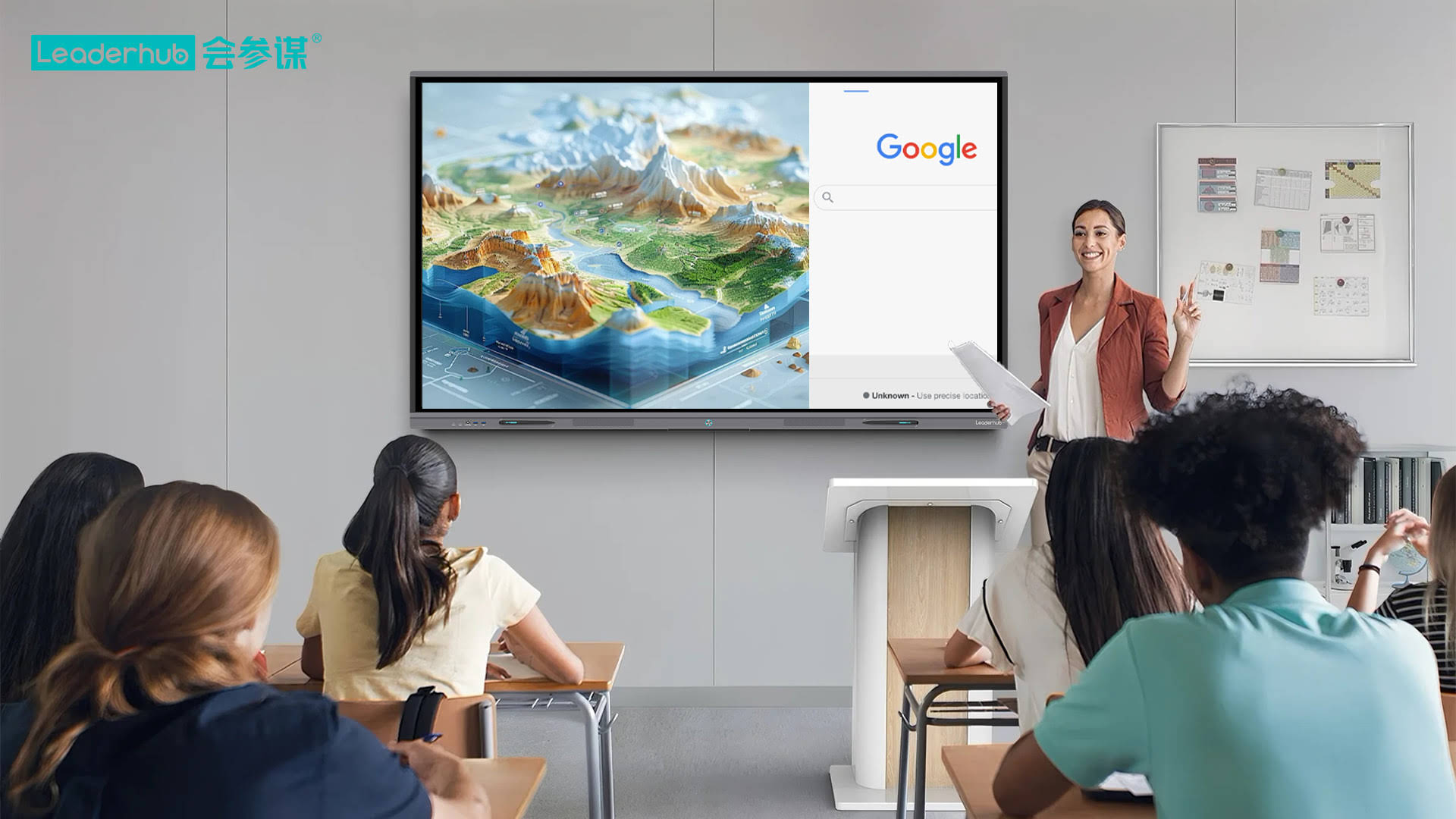
Why Room Size Should Drive Your Screen Size Decision
A common rule of thumb in the AV integration industry is the 1:6 rule — the farthest viewer should sit no more than six times the diagonal screen size away for comfortable text readability. For a small meeting room seating 4–8 people, that typically means:
- 55″–65″ displays for rooms up to 15 square meters
- 65″–75″ displays for rooms between 15–25 square meters
- 75″ and above only if the room exceeds 25 square meters or is used for hybrid video calls with a longer table
Oversized panels in cramped rooms create eye strain and make touch interaction awkward, while undersized screens force people to squint at shared documents. Getting this ratio right is the single most important decision in the entire buying process.
Core Features That Actually Matter for Small Rooms
Marketing materials often list dozens of specifications, but for a small meeting room, only a handful genuinely affect the day-to-day user experience. Based on real-world testing and feedback collected from corporate IT teams, here is what to prioritize:
1. Touch Accuracy and Writing Latency
Infrared or capacitive touch technology with sub-10ms response time makes handwriting feel natural. Anything slower creates a noticeable lag that frustrates presenters during brainstorming sessions.
2. Built-in Camera and Microphone Array
Small rooms are frequently used for video conferencing. A panel with an integrated wide-angle camera (120° or more) and echo-cancelling microphones eliminates the need for extra peripherals cluttering the table.
3. Wireless Screen Casting
Employees switch between laptops constantly in short meetings. One-tap wireless casting (supporting both Windows and macOS) saves the five minutes typically wasted searching for the right HDMI cable.
4. Operating System and App Ecosystem
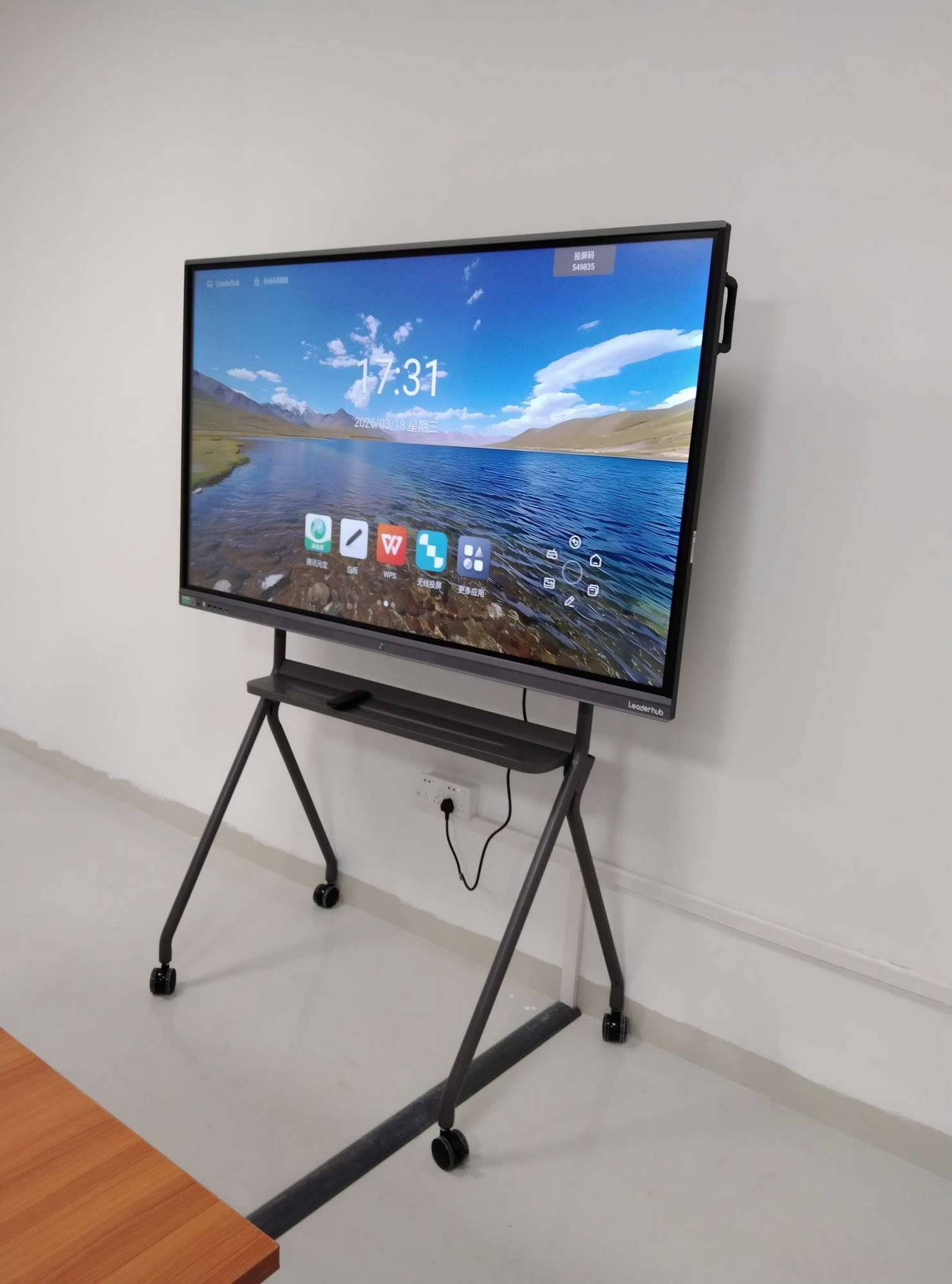
An Android-based smart interactive flat panel with pre-installed collaboration apps (whiteboard, annotation, cloud storage) reduces dependency on an external PC, which is ideal for quick huddle-room use.
Comparing Common Screen Sizes for Small Meeting Rooms
| Screen Size | Ideal Room Size | Typical Seating | Best Use Case |
|---|---|---|---|
| 55″ | Under 12 m² | 2–4 people | Huddle rooms, quick check-ins |
| 65″ | 12–18 m² | 4–6 people | Standard small meeting room |
| 75″ | 18–25 m² | 6–8 people | Departmental meetings, training |
Resolution and Display Quality: What’s Really Necessary
4K UHD resolution has become the industry standard, and for good reason — it renders fine text and spreadsheet detail sharply even at close viewing distances typical of small rooms. Anti-glare glass and a brightness level of at least 350 nits also matter more than people expect, especially in rooms with large windows or overhead lighting.
In our testing, panels using anti-glare etched glass reduced reflection-related complaints by a noticeable margin compared to standard glossy finishes, particularly during afternoon sessions when sunlight angle changes throughout the day.
Connectivity: Don’t Overlook the Ports
Small meeting rooms often host guests from other departments or external partners, so universal connectivity is essential. Look for:
- At least two HDMI inputs for simultaneous device switching
- USB-C with power delivery for single-cable laptop connection
- Built-in Wi-Fi 6 and Bluetooth 5.0 for wireless peripherals
- An OPS slot for an optional mini PC module, allowing the panel to run standalone without an external computer
Budget Considerations: Total Cost of Ownership
The upfront price tag is only part of the equation. When evaluating cost, factor in:
Warranty and Support
Panels used daily in small meeting rooms experience more touch cycles per square inch than large boardroom displays. A minimum 3-year warranty on the touch module is a reasonable baseline to request from any supplier.
Software Update Lifecycle
Android-based systems need regular security patches. Confirm how long the manufacturer commits to firmware updates before the device is considered end-of-life.
Mounting and Installation
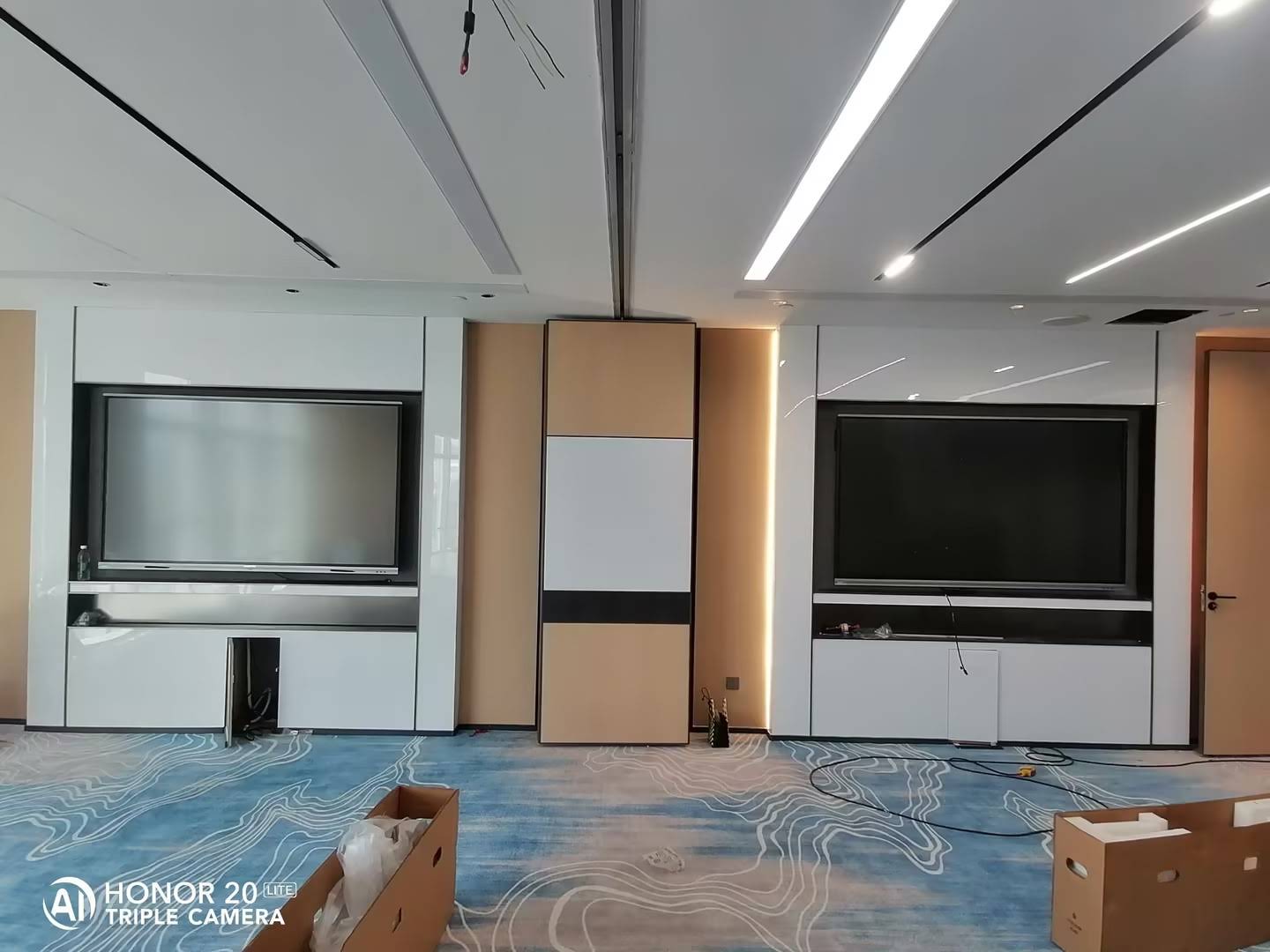
Wall-mounted units save floor space in small rooms but require a compatible bracket (VESA standard is common). Mobile stands with wheels add flexibility for rooms that double as flexible workspace.
Real-World Case Insight
A mid-sized fintech company recently reconfigured six small meeting rooms, each under 15 square meters, replacing outdated projectors with 65-inch interactive flat panels. Internal feedback after three months showed a measurable drop in meeting start-up delays — previously caused by cable hunting and projector warm-up time — and an increase in employees actually using the annotation and whiteboard features rather than defaulting to a physical whiteboard on the wall. This kind of outcome is fairly typical once the screen size and connectivity are correctly matched to the room.
LeaderHub, a Shenzhen-based manufacturer with 16 years of experience in the interactive panel industry, has supplied similar 4K smart whiteboard solutions to businesses and educational institutions across 82 countries, with product lines specifically engineered for compact meeting spaces without sacrificing display quality or connectivity.
Quick Checklist Before You Buy
| Checklist Item | Why It Matters |
|---|---|
| Room dimensions measured accurately | Prevents oversized or undersized screen purchase |
| 4K resolution with anti-glare coating | Ensures readability under office lighting |
| Wireless casting compatibility | Speeds up meeting start times |
| Built-in camera and microphone | Reduces need for extra hardware |
| Warranty length on touch module | Protects against high-frequency daily use wear |
Final Thoughts
Selecting the right smart whiteboard for a small meeting room comes down to matching screen size to room dimensions, prioritizing touch responsiveness and connectivity over flashy but unnecessary features, and factoring in the total cost of ownership rather than just the sticker price. A well-matched display doesn’t just look good in the room — it actively removes friction from daily meetings, encourages more spontaneous collaboration, and pays for itself through time saved across dozens of meetings every month.
Before finalizing a purchase, it’s worth requesting a live demo or trial unit if possible. Seeing how the touch response feels and how quickly wireless casting connects in your actual office Wi-Fi environment tells you far more than any spec sheet ever will.








