
Choosing the right smart whiteboard for kids is no longer a simple decision. With so many brands, screen sizes, and features flooding the market, parents and educators often feel overwhelmed. Whether you’re setting up a home learning corner, a daycare classroom, or a homeschool study room, the right interactive display can transform how children absorb information, express creativity, and engage with digital content.
In this guide, we’ll walk through everything you need to know before buying a kids smart whiteboard — from screen technology and safety standards to software features and real-world use cases. This article draws on 16 years of hands-on experience in the interactive panel industry, helping you make a decision backed by genuine product knowledge rather than marketing hype.
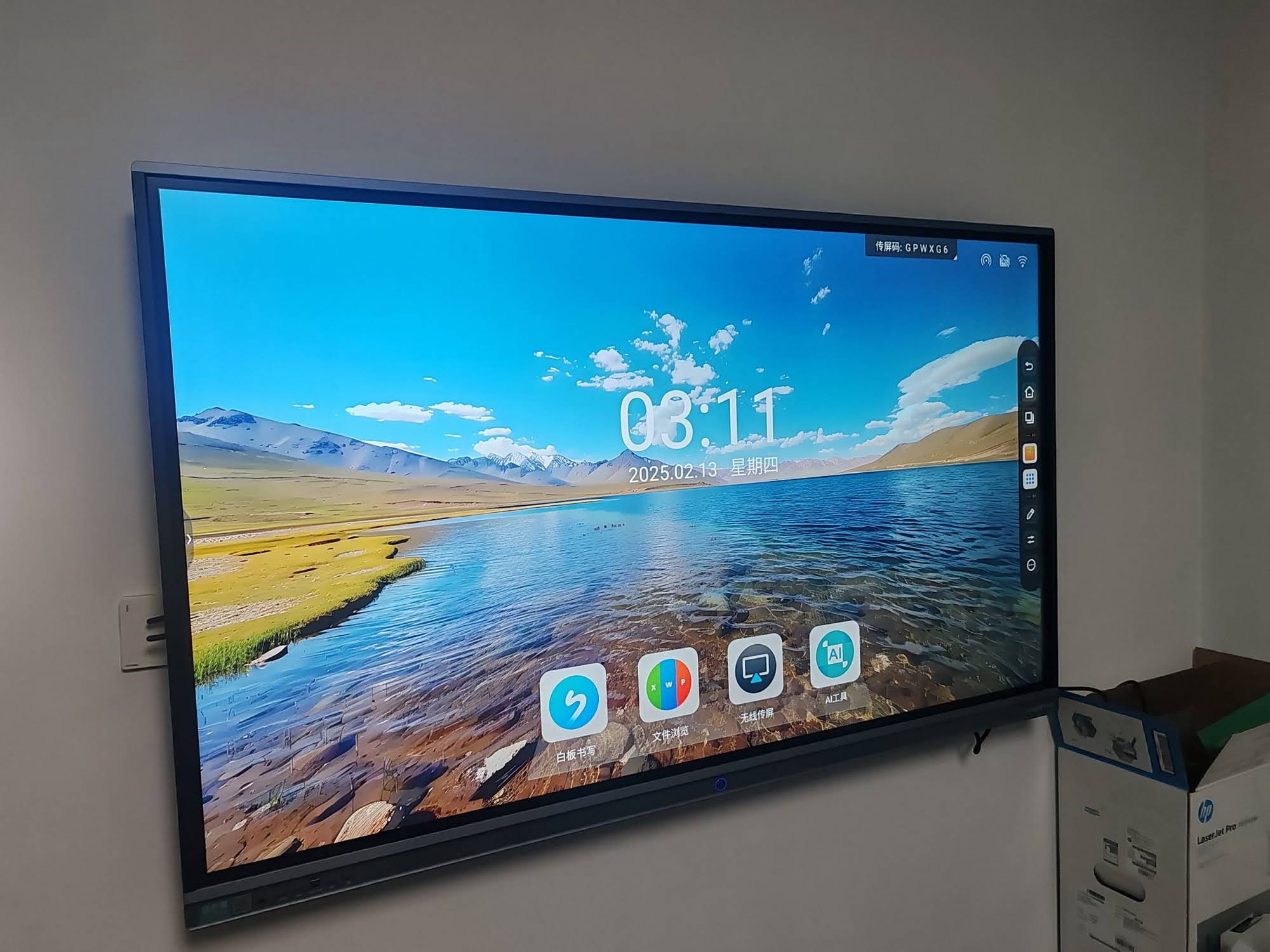
Why Smart Whiteboards Matter for Children’s Development
Traditional whiteboards and chalkboards are gradually being replaced by touch-enabled displays in classrooms and homes worldwide. According to educational technology researchers, interactive displays can increase student engagement by up to 30% compared to static teaching tools. For younger children especially, tactile interaction combined with visual and audio feedback supports faster cognitive development and better information retention.
A well-designed kids smart whiteboard isn’t just a bigger tablet — it’s a multi-sensory learning tool that encourages collaboration, creativity, and hands-on exploration. From drawing games to interactive storytelling apps, these devices bridge the gap between structured learning and playful discovery.
Key Factors to Consider Before Buying
1. Screen Size and Display Quality
Screen size should match the intended use case. For home use with 1–3 children, a 55″ to 65″ display offers enough space without overwhelming a room. For classroom or daycare settings with group activities, 75″ to 86″ panels provide better visibility for multiple children at once.
4K resolution is now considered a baseline requirement. Sharp visuals reduce eye strain during extended use — an important consideration since children’s eyes are still developing. Look for panels with anti-glare, anti-blue-light coatings, which many interactive flat panels now include as standard.
| Screen Size | Best For | Typical Setting |
|---|---|---|
| 55″ – 65″ | 1–4 children | Home learning corner |
| 75″ | Small classrooms | Daycare / kindergarten |
| 86″ – 110″ | Large groups | Primary school classrooms |
2. Touch Sensitivity and Durability
Children interact with screens differently than adults — expect frequent tapping, dragging, palm presses, and occasional accidental impacts. A quality kids smart whiteboard should support at least 20-point multi-touch input, allowing multiple children to draw or interact simultaneously without lag.
Durability matters too. Tempered glass panels rated for daily heavy use, along with scratch-resistant coatings, extend the lifespan of the device significantly. In our testing across various education deployments, panels with infrared or capacitive touch technology showed the best long-term reliability in high-traffic environments.
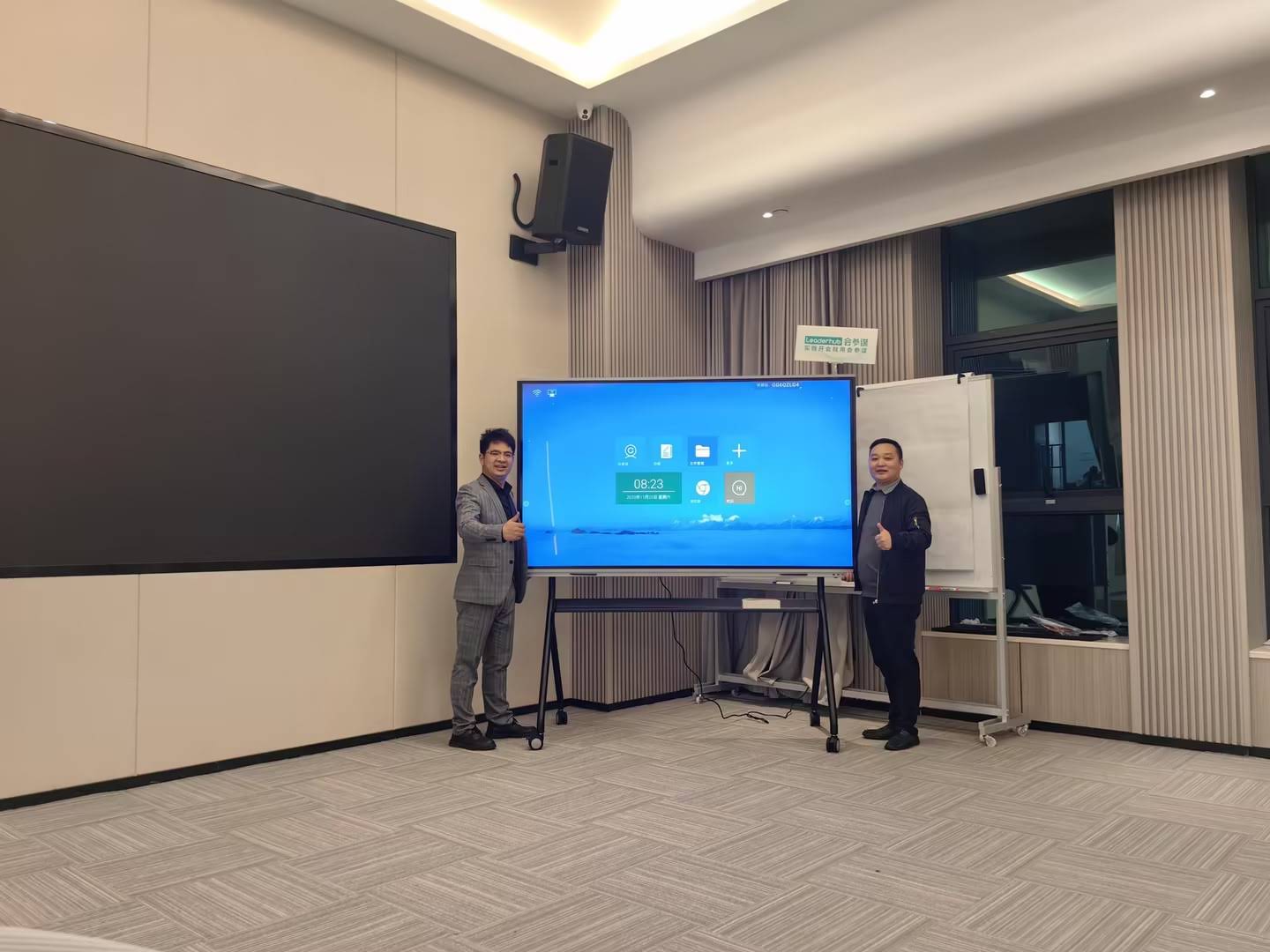
3. Built-in Educational Software and Apps
Hardware is only half the equation. The real value of a smart whiteboard comes from its software ecosystem. Look for devices that include:
- Pre-installed drawing and painting apps suitable for different age groups
- Interactive storytelling and phonics tools for early readers
- Screen mirroring compatibility with tablets and smartphones
- Parental control and content filtering options
- Cloud whiteboard sharing for remote or hybrid learning
Some advanced panels now integrate AI-assisted handwriting recognition, which can convert a child’s scribbles into readable text — a feature particularly useful for early literacy development.
4. Safety Certifications and Health Considerations
Safety should never be an afterthought. When shopping for a children’s interactive display, verify the following:
- CE, FCC, and RoHS certifications for electrical safety
- Low blue-light emission certification
- Rounded edges or protective bezels to prevent injury
- Stable mounting stands or wall-mount kits with anti-tip design
Pediatric eye care specialists generally recommend limiting continuous screen exposure and choosing displays with eye-comfort modes that automatically adjust brightness based on ambient lighting.
Mini PCs and Portable Options for Flexible Learning
Not every household needs a wall-mounted display. For flexible, portable learning setups, compact devices like a mini PC paired with any existing screen, or a portable rotating touchscreen, offer excellent alternatives. These smaller units are ideal for families who want interactive learning capability without permanently installing a large panel.
Portable smart screens with rotating stands are particularly popular for tutoring sessions, small group activities, or moving between rooms — giving families the flexibility of a whiteboard experience without the fixed installation.
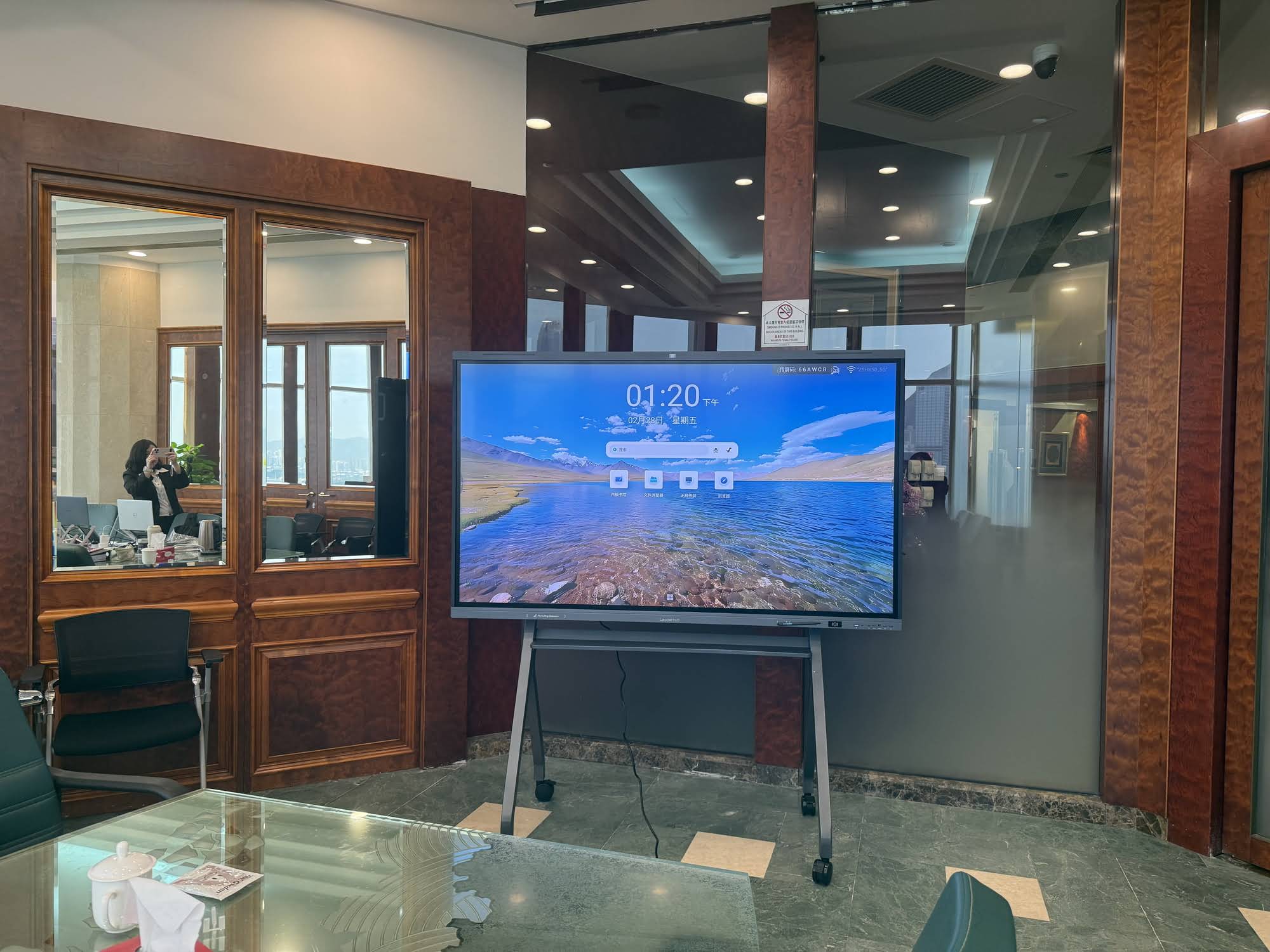
Comparing Popular Smart Whiteboard Models
Below is a practical comparison of interactive whiteboard options suitable for family and educational use, based on screen size, resolution, and typical application:
| Model | Screen Size | Resolution | Best Use Case |
|---|---|---|---|
| L65HM Series | 65″ | 4K UHD | Home learning room |
| L75ZM Series | 75″ | 4K UHD | Daycare classroom |
| U55Pro | 55″ (mobile) | 4K UHD | Multi-room family use |
| U24M Handheld | 24.5″ | FHD | Portable tutoring sessions |
How Schools and Parents Are Using Smart Whiteboards Today
In classroom deployments across Asia, Europe, and North America, teachers report that interactive whiteboards reduce lesson preparation time by allowing reusable digital templates, annotated slides, and instant content sharing. For younger age groups, gamified learning apps displayed on large touchscreens have shown measurable improvements in attention span during structured activities.
At home, parents increasingly use smart whiteboards as a hybrid tool — combining homework support, creative drawing time, and video calls with tutors or grandparents. This multi-purpose flexibility is one of the strongest arguments for investing in a quality interactive display rather than a basic tablet or traditional whiteboard.
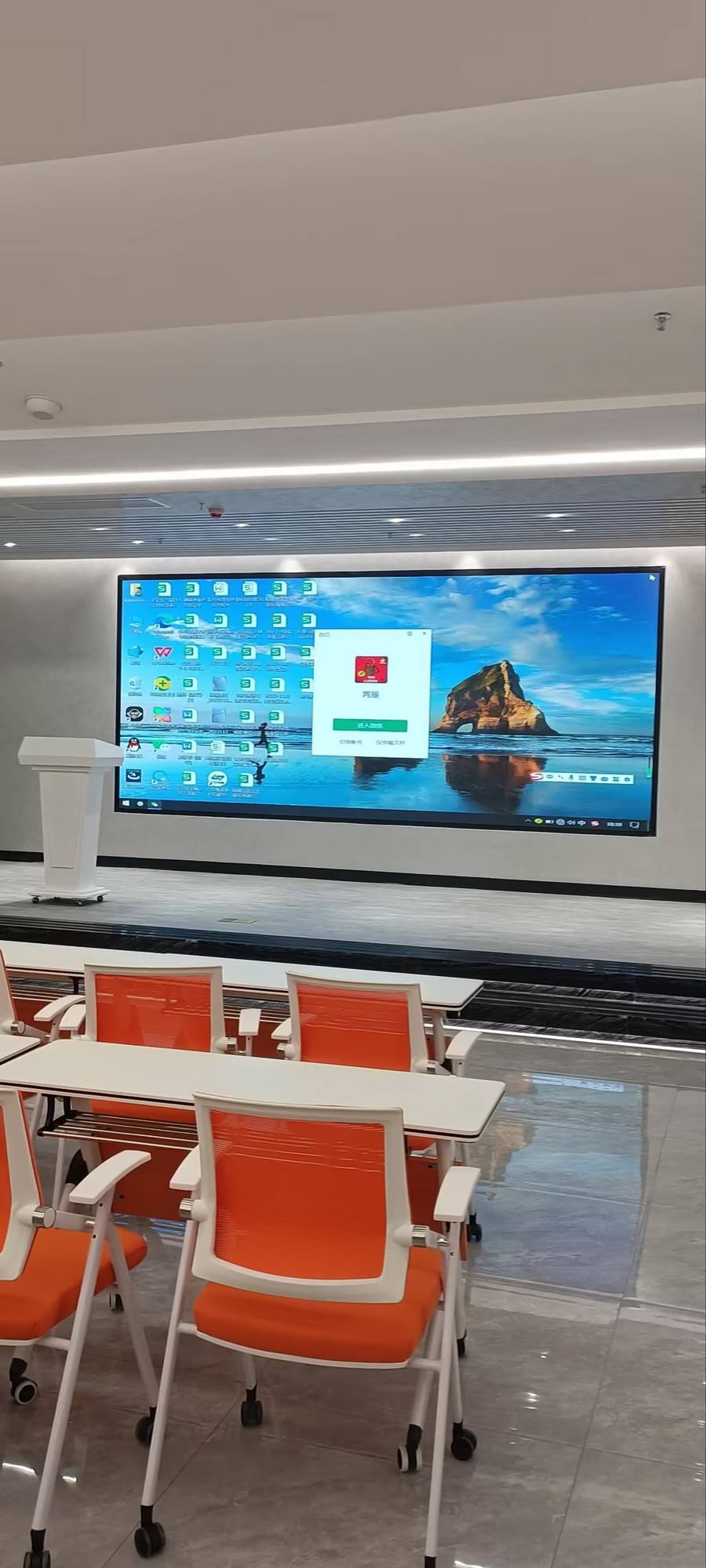
Budget Considerations
Pricing for kids smart whiteboards varies significantly based on size, resolution, and software features. As a general guideline:
- Entry-level (65″): Around $1,000–$1,300, suitable for basic home use
- Mid-range (75″): Around $1,300–$1,700, better for small group learning
- Premium (86″+): $3,000 and above, best suited for schools and institutions
It’s worth noting that cheaper alternatives often compromise on touch accuracy, panel durability, or software support — factors that matter significantly when children are the primary users.
Final Recommendations
When selecting the best kids smart whiteboard, prioritize touch responsiveness, safety certifications, and age-appropriate software over sheer screen size. A well-balanced 65″ or 75″ panel with proven multi-touch technology and parental controls will serve most families and small classrooms effectively.
For over 16 years, LeaderHub has specialized in designing interactive flat panels, smart whiteboards, and portable smart screens trusted across 82 countries, combining hardware reliability with intuitive educational software to support both learning and creative play.
Ultimately, the best device is one that matches your child’s age, learning style, and household setup — not necessarily the one with the most advanced specifications. Take time to compare touch technology, screen safety features, and software ecosystem before making a final decision.








