
Choosing the right interactive display for a classroom is one of the most consequential technology decisions a school district or headteacher will make this year. With budgets tightening across the education sector in the US, UK, Australia, and beyond, administrators need a smart whiteboard that delivers real classroom value without draining limited IT funds. This guide breaks down exactly what to look for, what to avoid, and how to get the most educational impact per dollar spent.
Why Smart Whiteboards Have Become Essential in Modern Classrooms
Over the past decade, interactive flat panels have shifted from a “nice to have” to a core piece of classroom infrastructure. Teachers use them for everything from annotating lesson slides to running collaborative group activities, and students engage more deeply when lessons are visual and interactive. According to multiple education technology surveys, classrooms equipped with interactive displays report measurable improvements in student engagement and lesson retention compared to traditional projector-and-whiteboard setups.
That said, not every smart whiteboard on the market is built with schools in mind. Some are designed for corporate boardrooms and carry price tags — and feature sets — that simply don’t make sense for a K-12 classroom budget.
1. Start With Screen Size and Classroom Layout
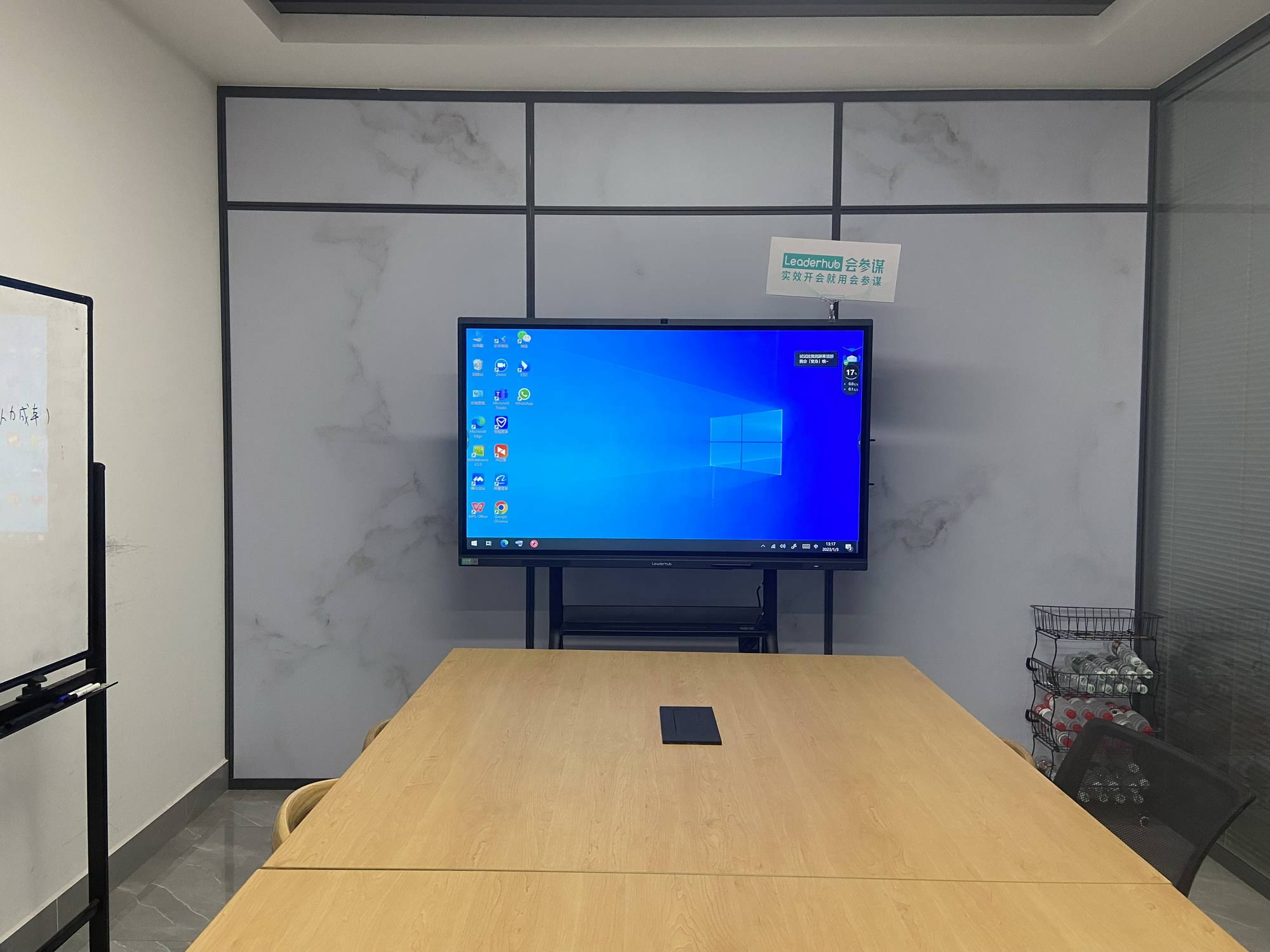
The single biggest factor affecting price is screen size — and bigger isn’t always better. For most classrooms, sizing should be based on room dimensions, not brand marketing.
- Small classrooms (up to 25 students): A 65-inch panel is usually sufficient and keeps costs down.
- Standard classrooms (25-35 students): 75-inch panels offer the best balance of visibility and price.
- Lecture halls or larger spaces: 86-inch or larger panels ensure legibility from the back row.
Buying a screen that’s too large for the room wastes budget that could go toward better touch technology or a longer warranty. A well-researched school district in Texas, for example, standardized on 75-inch panels across all its middle schools after finding that 86-inch units offered no measurable engagement benefit in rooms under 900 square feet, according to internal IT procurement notes shared during a regional edtech conference.
2. Prioritize Touch Accuracy and Response Time
A budget smart whiteboard is only useful if the touch technology actually works reliably. Look for panels with infrared or capacitive multi-touch technology supporting at least 20 simultaneous touch points — this allows multiple students to interact with the board at once during group activities. Cheaper resistive-touch boards often lag or misregister handwriting, which frustrates teachers and shortens the device’s classroom lifespan.
3. Check the Operating System and Built-In Software
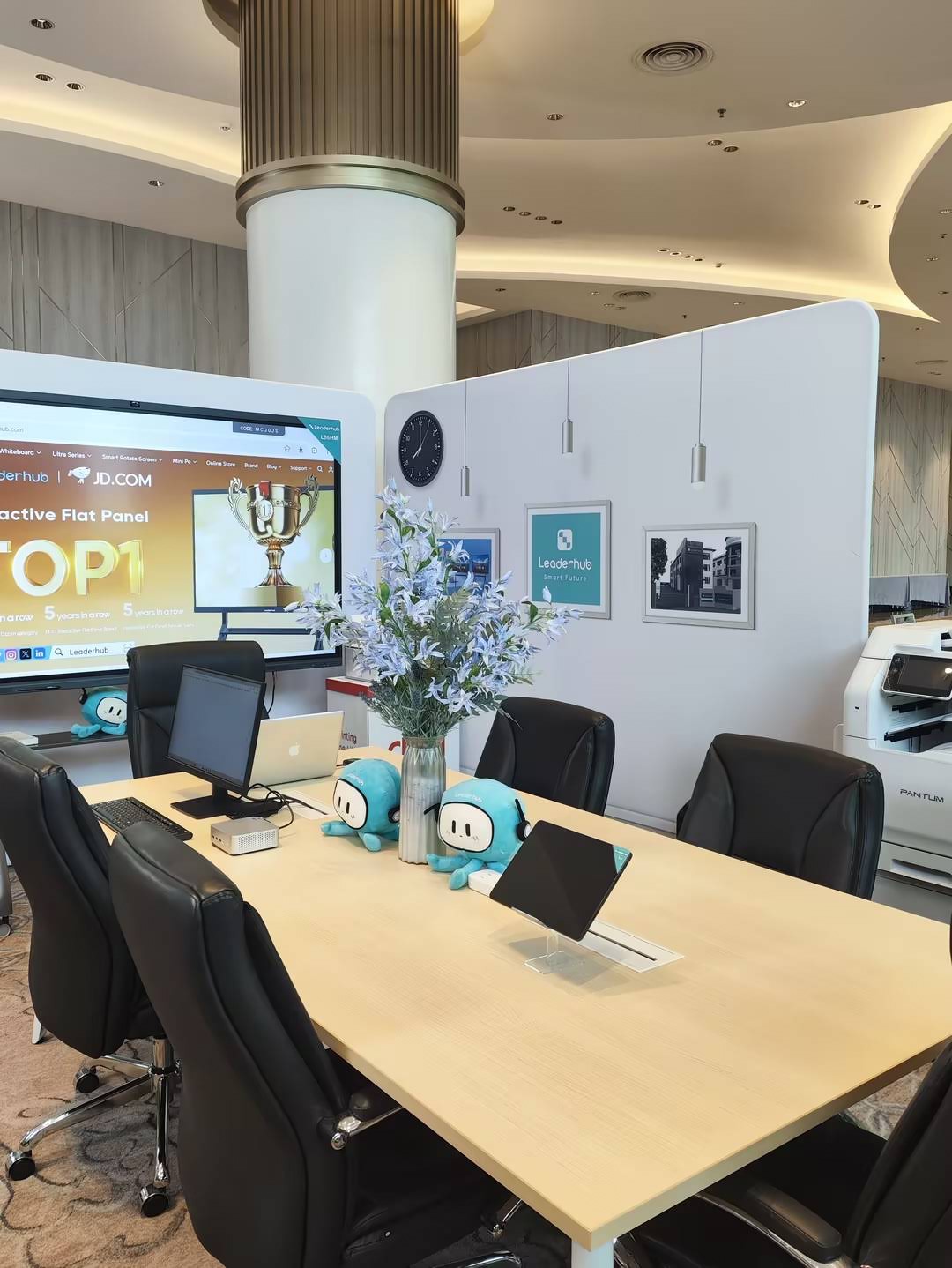
Many affordable panels now ship with Android-based operating systems that include whiteboard annotation tools, screen mirroring, and basic classroom management apps pre-installed — eliminating the need for a separate computer for simple lessons. This is a major cost consideration: a panel with a capable built-in OS can reduce or eliminate the need for an external mini PC, saving schools hundreds of dollars per unit.
For schools that do need full desktop functionality, pairing a panel with a compact mini PC is often more cost-effective than buying panels with premium built-in processors.
4. Compare Warranty and Support Terms
Budget doesn’t just mean upfront price — it means total cost of ownership. A cheaper panel with a one-year warranty can end up costing more than a slightly pricier unit backed by a three-year warranty, once you factor in repair and replacement costs. Ask suppliers directly about:
- Length of hardware warranty
- Availability of local repair or replacement parts
- Response time for technical support requests
- Whether firmware updates are provided free of charge
Budget Comparison Table: What You Get at Each Price Tier
| Price Range | Typical Screen Size | Touch Points | Best For |
|---|---|---|---|
| $1,000 – $1,500 | 65″ – 75″ | 10-20 point | Primary schools, small classrooms |
| $1,500 – $2,500 | 75″ – 86″ | 20 point | Secondary schools, standard classrooms |
| $2,500+ | 86″ – 110″ | 20+ point | Lecture halls, auditoriums, STEM labs |
5. Don’t Overlook Portability for Multi-Room Use
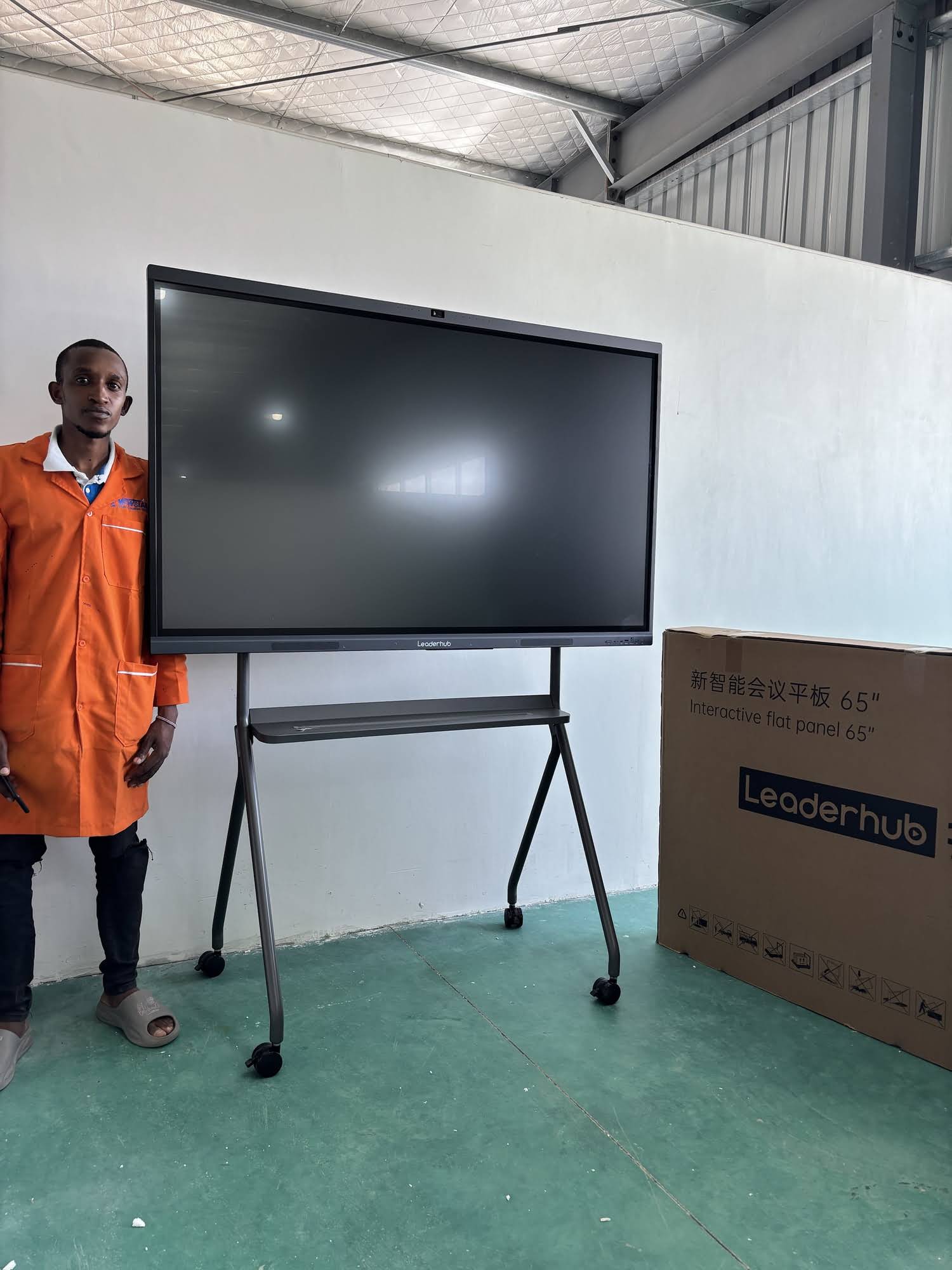
Many schools, especially those with limited capital budgets, can’t afford to install a fixed panel in every classroom. Portable and rotating smart screens mounted on wheeled stands allow a single device to be shared across multiple classrooms or used flexibly for parent-teacher conferences, staff meetings, and assemblies. This shared-resource model can cut per-classroom technology costs significantly for smaller schools.
6. Evaluate Brightness, Anti-Glare, and Eye Protection Features
Classrooms often have inconsistent lighting — large windows, overhead fluorescents, and varying times of day all affect screen visibility. Look for panels rated at a minimum of 400 nits brightness with anti-glare coating, and ideally with low blue-light or flicker-free certifications. This matters not just for lesson clarity but for reducing eye strain during long school days, an increasingly common concern raised by parent associations and school nurses alike.
7. Consider Total Classroom Ecosystem, Not Just the Panel
The smartest budget decision isn’t just about the whiteboard itself — it’s about how it fits into your broader classroom technology plan. Schools that pair an affordable interactive panel with a reliable mini PC and simple screen-sharing tools often get more educational mileage than schools that overspend on one premium panel and neglect supporting hardware.
Practical Buying Checklist for School Administrators
- Measure your classrooms before selecting screen size
- Request touch-response demos, not just spec sheets
- Confirm warranty length and local support availability in writing
- Ask whether the built-in OS supports the apps your teachers already use
- Compare per-unit cost against a 5-year total ownership estimate, not just sticker price
- Check compatibility with existing projectors, sound systems, or classroom management software
A Real-World Example: Budget Planning in Action
Consider a mid-sized secondary school with 20 classrooms and a technology refresh budget of $35,000. Rather than buying 20 identical premium 86-inch panels (which would exceed budget), a more strategic approach might allocate 75-inch panels with 20-point touch to standard classrooms, reserve one or two larger panels for shared lecture spaces, and invest remaining funds into extended warranties and staff training. This kind of tiered procurement approach — common among experienced school IT directors — typically stretches budgets 20-30% further than a one-size-fits-all purchase.
Working With an Experienced Manufacturer
Sourcing directly from an established interactive-display manufacturer rather than a reseller can also reduce costs while improving support quality. LeaderHub, a Shenzhen-based technology company with 16 years of experience in the interactive panel industry, has supplied smart whiteboards and classroom display solutions to educational institutions across 82 countries, offering schools direct access to manufacturer-backed warranties and technical support.
Final Thoughts
Choosing the best smart whiteboard for schools on a budget isn’t about finding the cheapest unit — it’s about matching screen size, touch technology, software, and warranty terms to your school’s actual classroom needs. By evaluating total cost of ownership rather than just the purchase price, administrators can equip classrooms with reliable, engaging interactive technology while staying well within their allocated technology budgets.








