
Choosing the right smart whiteboard for a large conference room is not the same as picking a display for a small huddle space. Screen size, viewing angle, touch accuracy, and software compatibility all play a bigger role when you’re trying to keep a room of 15-30 people engaged. After testing dozens of interactive panels across corporate offices, training centers, and boardrooms, we’ve put together this practical guide to help you make a confident, informed decision.
Why Conference Room Size Changes Everything
A whiteboard that works beautifully in a 6-person meeting room can feel completely inadequate in a 40-square-meter boardroom. The further your audience sits from the screen, the larger and sharper the display needs to be. Industry research from AV integrators generally recommends a minimum screen height equal to 1/6th of the farthest viewer’s distance from the display — meaning a room where people sit 10 meters away needs a screen roughly 1.6 meters tall, which typically means an 85-inch or larger panel.
This is one of the most common mistakes we see in procurement: companies buy a 55-inch or 65-inch smart whiteboard for a room designed to seat 20+ people, and end up with text that’s unreadable from the back rows.
Key Factors to Evaluate
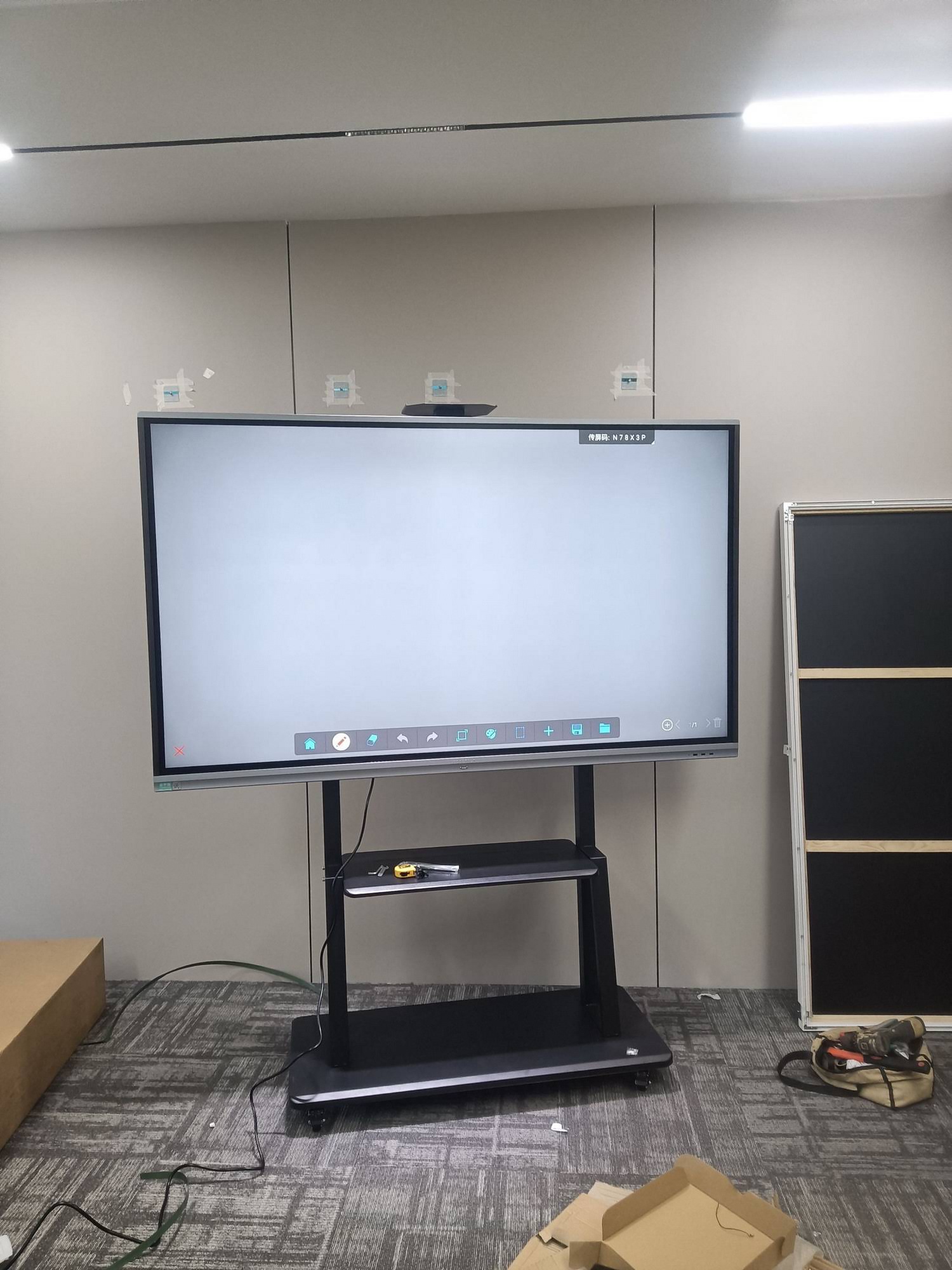
Before shopping around, it helps to break the decision down into measurable criteria rather than relying on brand reputation alone. Here are the factors that matter most for large-room deployments:
- Screen size — should match the room’s dimensions and seating layout
- Resolution — 4K UHD is now the baseline standard for legibility from a distance
- Touch technology — infrared, capacitive, or optical touch affects responsiveness and multi-user support
- Brightness and anti-glare coating — critical for rooms with windows or bright overhead lighting
- Built-in computing power — an integrated Android or Windows OS reduces dependency on external laptops
- Audio quality — built-in speaker arrays matter more as room size increases
- Connectivity — wireless screen sharing, HDMI, USB-C, and video conferencing camera integration
Recommended Screen Sizes by Room Capacity
The table below reflects general guidance based on typical conference room layouts and viewing distances we’ve observed across corporate installations:
| Room Capacity | Room Length (approx.) | Recommended Screen Size |
|---|---|---|
| 6–10 people | 4–6 meters | 55″–65″ |
| 12–20 people | 6–9 meters | 75″–86″ |
| 20–40 people | 9–14 meters | 98″–110″ |
Touch Technology: What Actually Matters in a Big Room
In large conference rooms, multiple people often walk up to the board during brainstorming sessions or presentations. This makes multi-touch accuracy and simultaneous-user support essential. Infrared (IR) touch panels remain popular for their reliability and cost-effectiveness, typically supporting 20-40 touch points simultaneously, which is more than enough for group collaboration.
We’ve found that panels advertising palm-rejection and pen-recognition features perform noticeably better in real meetings — users can rest their hand on the screen while writing without triggering accidental input, a small detail that makes a big difference during live presentations.
Software and Connectivity Considerations
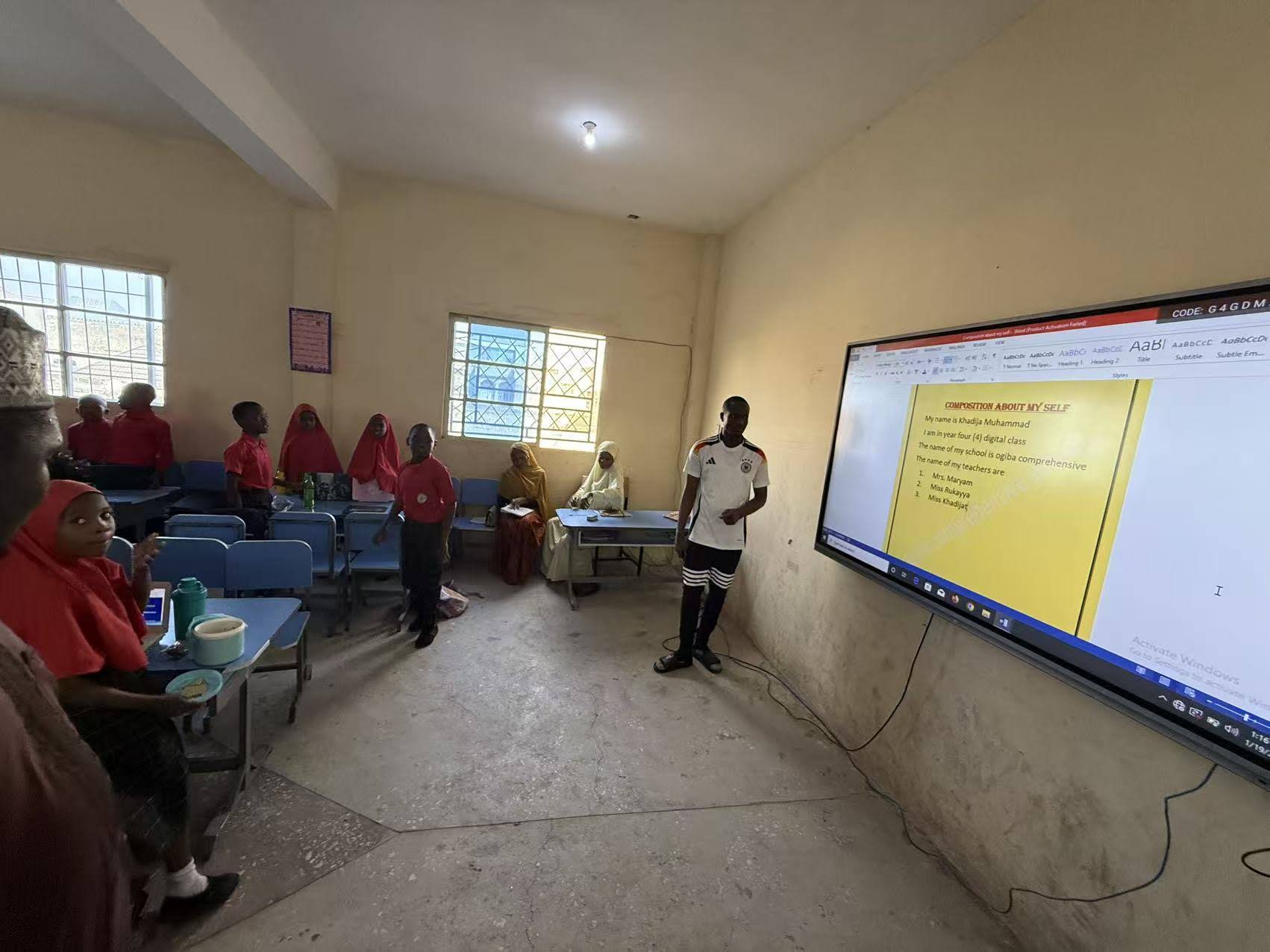
A large conference room often hosts hybrid meetings with remote participants, so seamless video conferencing integration is non-negotiable. Look for boards that support:
- Wireless screen casting from laptops and phones (Miracast, AirPlay, or proprietary apps)
- Built-in camera and microphone array compatibility for platforms like Zoom, Teams, and Google Meet
- Cloud whiteboard saving and file export (PDF, image, or cloud drive sync)
- Multi-window split-screen for comparing documents side by side
Many modern interactive flat panels now ship with an embedded Android system, meaning teams can start a meeting without connecting an external mini PC. For companies wanting extra processing power for CAD software or advanced presentations, pairing the whiteboard with a dedicated mini PC is a smart move — it separates the display from the compute unit, making future upgrades easier and cheaper.
Real-World Example: A 20-Person Boardroom Upgrade
A regional training center recently replaced its aging projector setup with an 86-inch 4K interactive whiteboard for a room seating 22 people. Post-installation feedback showed a 40% reduction in meeting setup time, since staff no longer needed to adjust projector focus or deal with dim, washed-out images under fluorescent lighting. Trainers also reported improved audience engagement, attributing it to the crisper visuals and responsive annotation tools that let them highlight content in real time.
This kind of outcome is common when organizations properly size their display to the room. It reinforces a simple truth: the “best” smart whiteboard isn’t necessarily the most expensive one — it’s the one correctly matched to your space and use case.
Comparing Popular Options for Large Rooms
| Model | Screen Size | Best For |
|---|---|---|
| LeaderHub L86HM | 86″ 4K | Medium-to-large boardrooms (15-25 people) |
| LeaderHub L110H | 110″ 4K | Large auditoriums and training halls (30+ people) |
| LeaderHub L75H Pro | 75″ 4K | Mid-size conference rooms (10-18 people) |
Installation and Mounting Tips for Bigger Displays
Large-format panels are heavy — often exceeding 50kg for 86-inch and above models. A few practical tips based on field installations:
- Use a reinforced wall mount rated for at least 1.5x the panel’s weight
- Position the bottom of the screen roughly 100-110cm from the floor for comfortable standing interaction
- Avoid placing the panel directly opposite windows to reduce glare
- Run cable management through the wall or a floor track to avoid tripping hazards in high-traffic meeting rooms
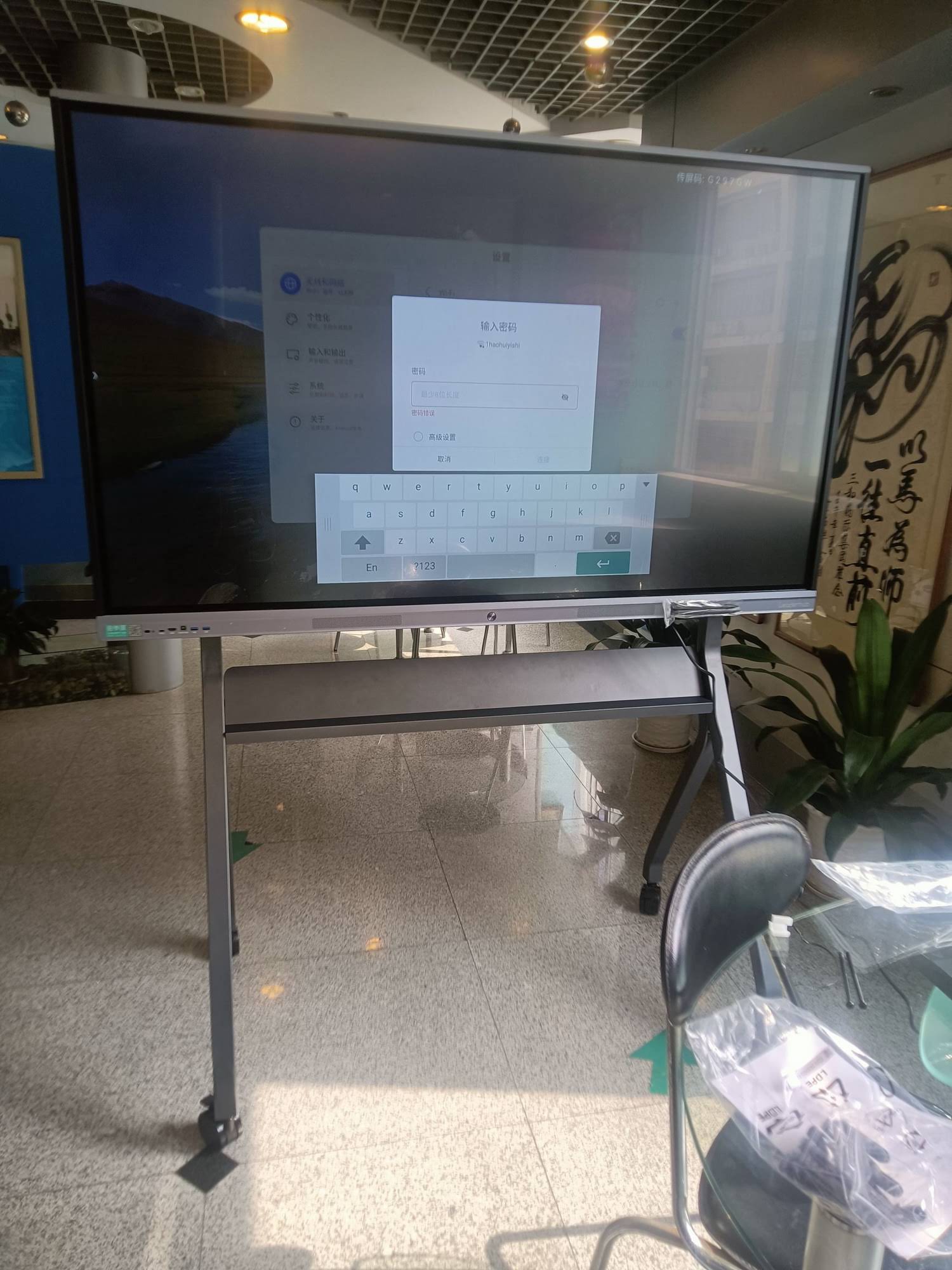
- Consider mobile stands with wheels if the room hosts multiple event types requiring flexible layouts
Budget Planning: What to Expect
Pricing for large-format interactive whiteboards varies significantly based on size, touch technology, and included accessories. As a general benchmark:
| Screen Size | Typical Price Range |
|---|---|
| 65″–75″ | $1,099 – $1,599 |
| 86″ | $1,699 – $3,199 |
| 110″ | $7,999 and up |
Keep in mind that total cost of ownership includes more than the upfront price — factor in mounting hardware, extended warranty, and potential software licensing for advanced collaboration features.
Final Checklist Before You Buy
- Measure your room’s length and confirm the farthest seating distance
- Match screen size to that distance using the sizing table above
- Confirm 4K resolution and anti-glare coating for bright rooms
- Check touch-point capacity for multi-user collaboration
- Verify built-in OS and video conferencing compatibility
- Request a warranty and after-sales support policy in writing
Selecting the right smart whiteboard is ultimately about aligning technical specifications with how your team actually works. A well-matched display doesn’t just look impressive — it genuinely improves meeting efficiency, reduces technical friction, and creates a more engaging environment for both in-person and remote participants.
With 16 years of experience designing interactive display solutions for businesses in over 82 countries, LeaderHub has worked closely with corporate clients to size and deploy conference room technology that fits real-world usage patterns rather than generic assumptions. Whether you’re upgrading a single boardroom or standardizing displays across multiple offices, getting the sizing and feature set right the first time saves both budget and long-term frustration.








