
Choosing the right interactive display for your classroom is not just about picking the biggest screen available. Screen size directly affects readability, student engagement, and how effectively teachers can deliver lessons. After working with hundreds of schools across different countries, we’ve seen that a poorly sized smart whiteboard can undermine even the best digital curriculum. This guide walks through practical, experience-based recommendations for matching whiteboard size to your specific classroom dimensions.
Why Classroom Size Actually Matters for Whiteboard Selection
Many school administrators assume that a larger screen is always better. In reality, screen size needs to correlate with room depth, seating arrangement, and viewing distance. According to display ergonomics research from optometry and visual comfort studies, students seated too far from a screen struggle to read text clearly, while those seated too close to an oversized display experience eye strain and neck discomfort from constantly shifting focus.
A useful rule that many AV integrators follow is the “4x rule”: the farthest viewer should sit no more than four times the screen’s diagonal height from the display. This means a 65-inch panel is generally suitable for a small room, while a lecture hall with 40+ seats may require a 98-inch or even a projection-based interactive system.
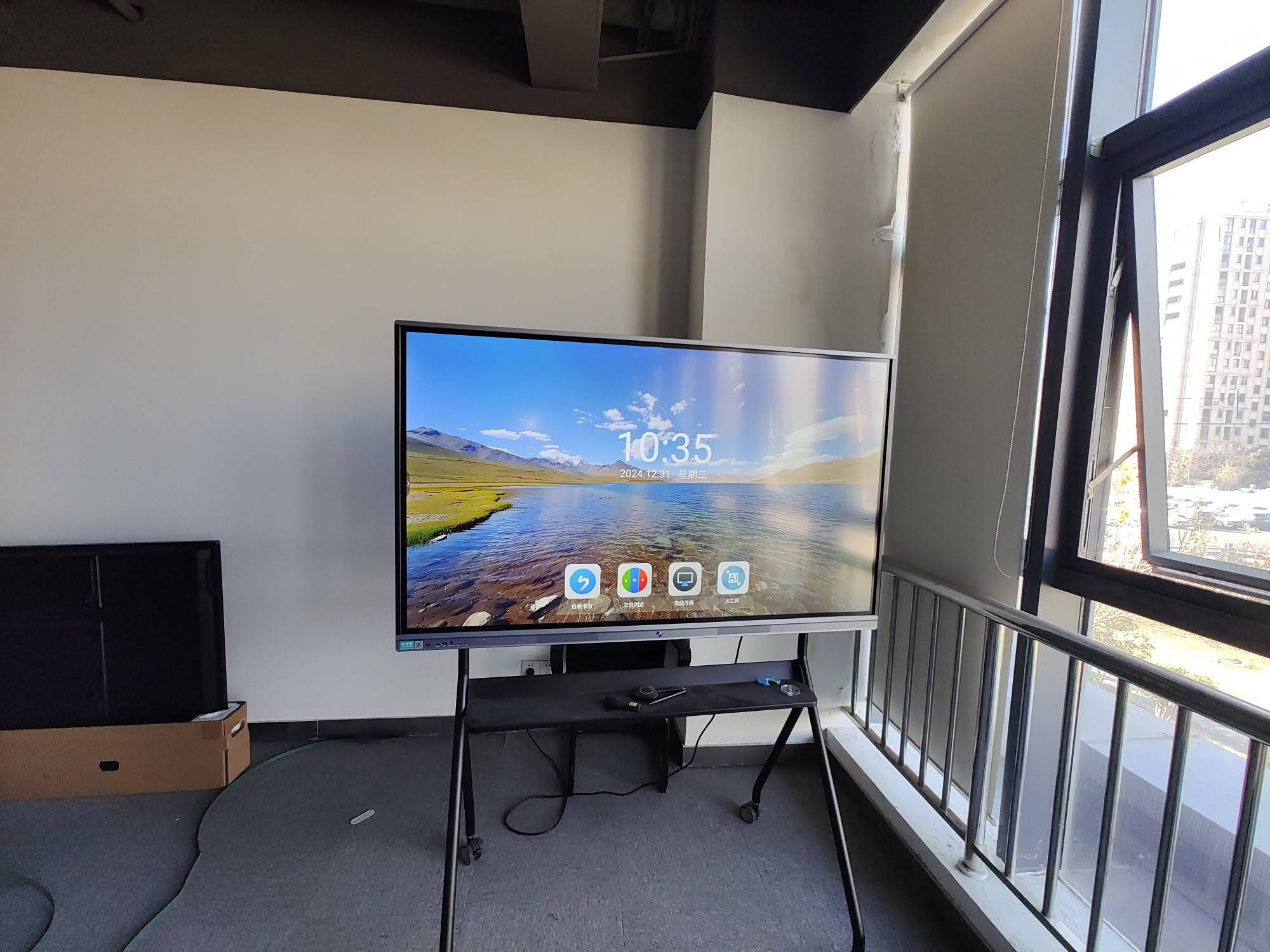
Matching Screen Size to Room Type
Below is a practical breakdown based on typical classroom configurations we’ve encountered while supplying interactive flat panels to schools in over 82 countries.
Small Classrooms & Training Rooms (Under 20 Students)
For compact rooms — common in language centers, tutoring studios, and early childhood classrooms — a 55″ to 65″ display is typically sufficient. These rooms usually have a viewing distance of 2 to 5 meters, so a smaller panel keeps text and diagrams sharp without overwhelming the space.
- Recommended size: 55″–65″
- Ideal viewing distance: 1.5–5 meters
- Best use case: primary school classrooms, small tutoring groups, meeting rooms
Medium-Sized Classrooms (20–35 Students)
This is the most common classroom size in secondary schools and universities. A 75″ to 86″ panel strikes the right balance between visibility and cost-efficiency. We’ve found that the 75-inch format has become the most requested size among our education clients globally, largely because it fits standard classroom widths of 6–8 meters without requiring students in the back row to squint.
- Recommended size: 75″–86″
- Ideal viewing distance: 3–8 meters
- Best use case: standard classrooms, corporate training rooms, seminar spaces
Large Lecture Halls & Auditoriums (35+ Students)
For large lecture theaters, a single flat panel — even at 98 inches — can still fall short for students seated at the back. In these environments, we typically recommend either a 100″–110″ interactive display or a dual-screen setup combining a smart panel with a supplementary projection system.
- Recommended size: 98″–110″ (or dual-display setup)
- Ideal viewing distance: 6–15 meters
- Best use case: university lecture halls, large training auditoriums
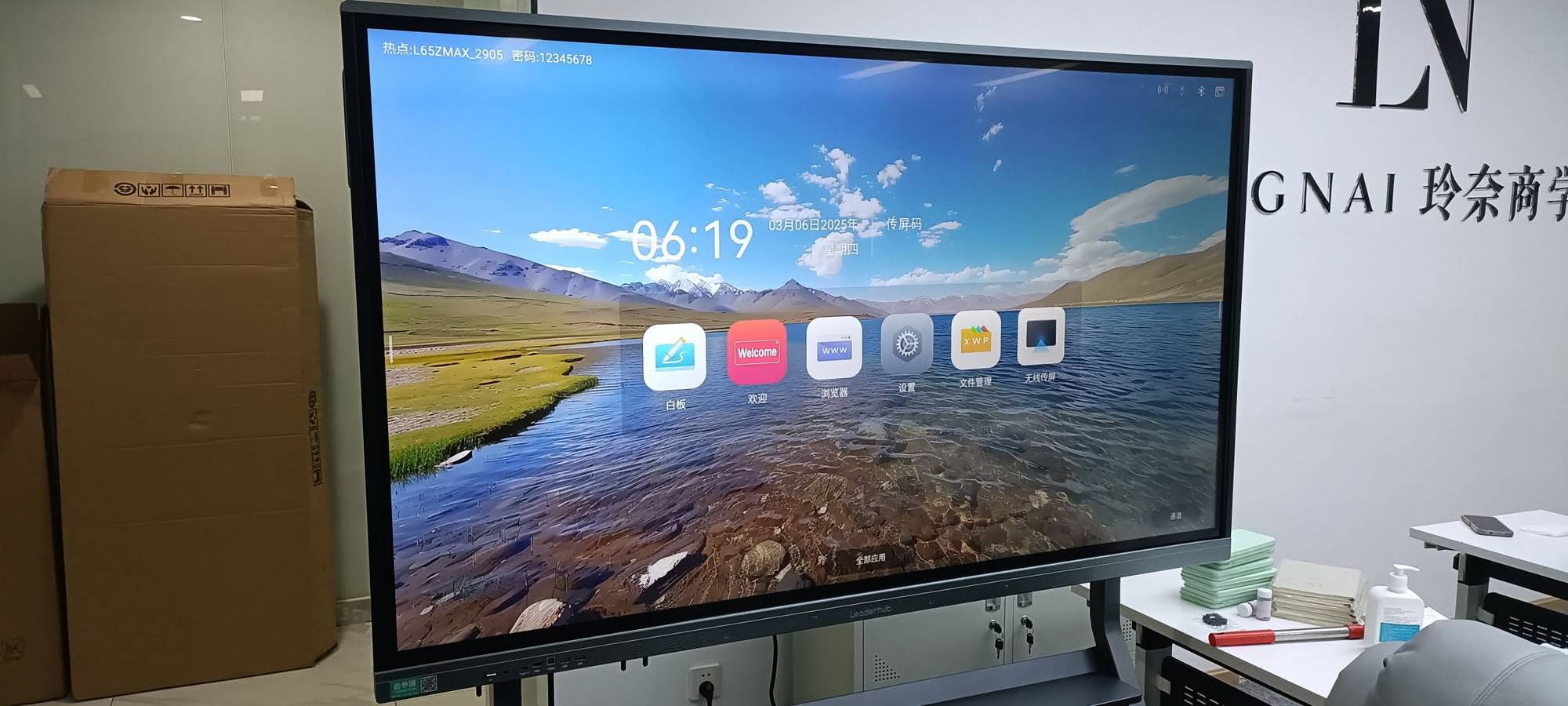
Classroom Size Reference Table
| Room Type | Room Depth | Recommended Screen Size | Student Capacity |
|---|---|---|---|
| Small classroom | Up to 5m | 55″–65″ | Under 20 |
| Standard classroom | 5m–8m | 75″–86″ | 20–35 |
| Lecture hall | 8m–15m | 98″–110″ | 35+ |
Key Features to Consider Beyond Screen Size
Size is only one variable in the decision. Based on feedback from IT administrators managing multi-classroom rollouts, the following factors are equally important when comparing interactive whiteboards for schools.
Resolution and Touch Accuracy
A true 4K UHD panel with infrared or capacitive multi-touch technology ensures diagrams, handwriting, and shared documents remain legible even from the back of a medium-sized room. Panels supporting 20+ simultaneous touch points allow multiple students to collaborate on the board at once — a feature increasingly requested by STEM educators.
Built-in Computing and Connectivity
Modern classrooms benefit from an integrated Android OS or a slot-in Windows mini PC, eliminating the need for a separate laptop cart. This reduces setup time between lessons and minimizes cable clutter, which is particularly valuable in shared teaching spaces.
Mounting Height and Adjustability
For younger students, the bottom edge of the screen should sit no higher than 90cm from the floor to keep touch interactions comfortable. Height-adjustable mobile stands are worth the investment for schools that rotate equipment between grade levels.
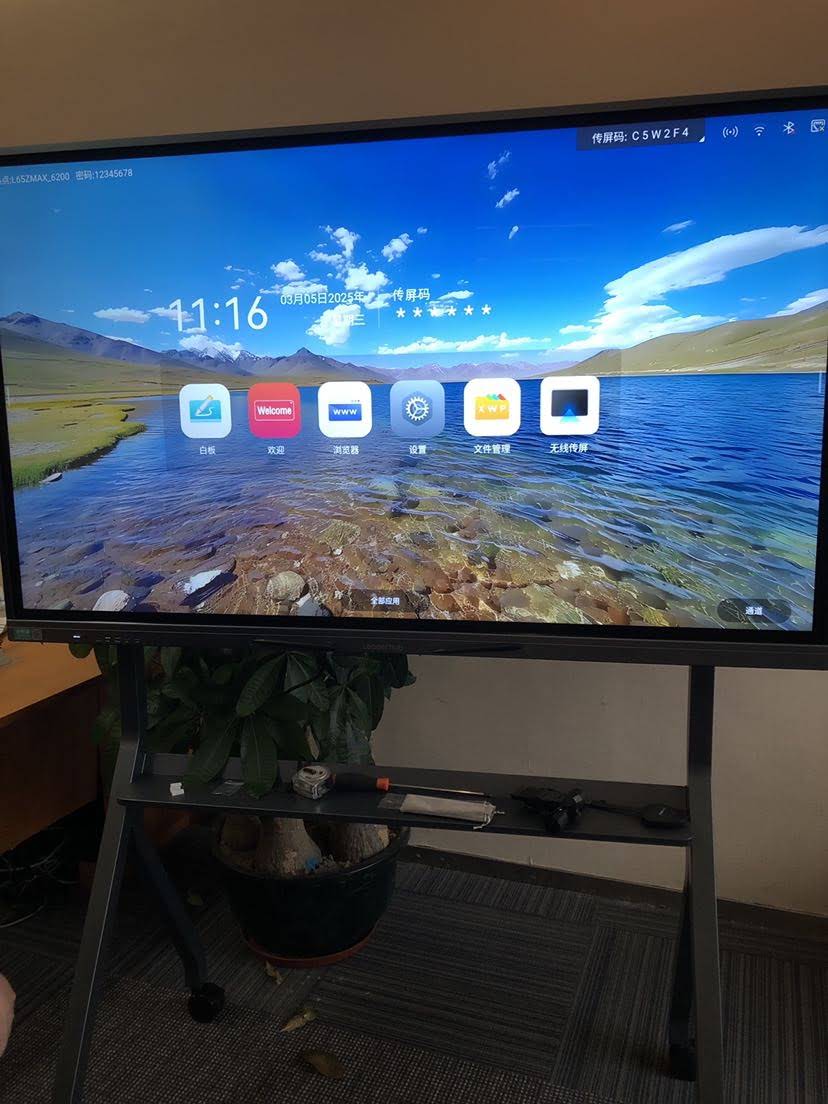
A Practical Case Study
A vocational training center in Southeast Asia recently upgraded 18 classrooms ranging from small language labs to a 60-seat auditorium. Rather than installing a uniform screen size across all rooms, the IT director worked with a sizing chart similar to the one above. Small labs received 65″ panels, standard classrooms were fitted with 75″ units, and the auditorium was equipped with a 98″ display paired with an additional ceiling-mounted speaker system. Post-installation surveys showed a 32% improvement in student-reported screen legibility compared to their previous mismatched, oversized displays in small rooms. This illustrates a common lesson in the industry: right-sizing consistently outperforms uniform over-sizing.
Common Mistakes Schools Make When Sizing Whiteboards
- Buying the largest available panel “to be safe” — this often wastes budget and can cause eye strain in smaller rooms.
- Ignoring ambient lighting conditions — glare from windows can reduce visibility regardless of screen size; anti-glare glass coating should be verified.
- Overlooking mounting height for different grade levels — a fixed height that works for high school students may be unsuitable for primary school children.
- Underestimating future room reconfiguration — flexible, mobile-stand-compatible panels offer more long-term value than fixed installations.
Frequently Asked Questions
What is the best smart whiteboard size for a standard classroom?
For most classrooms seating 20–35 students, a 75″ to 86″ 4K interactive panel provides the best balance of visibility, cost, and touch accuracy.
Can one large screen replace multiple smaller displays in a big room?
In many cases yes, but for rooms deeper than 12 meters, dual-display or projection-assisted setups tend to perform better than a single oversized panel.
Does screen size affect touch response accuracy?
Generally no — modern infrared and capacitive touch technologies maintain consistent accuracy regardless of panel size, though larger panels may require calibration checks after installation.
Final Recommendation
Selecting the right smart whiteboard size comes down to matching display dimensions with actual room depth, seating capacity, and lighting conditions — not simply choosing the largest or most feature-rich model available. As a company with 16 years of experience in interactive display manufacturing, LeaderHub has supplied classroom-ready smart panels to educational institutions in 82 countries, and our engineering team consistently recommends conducting a room measurement audit before finalizing any purchase decision. Taking this extra step helps schools avoid costly resizing later and ensures every student, from the front row to the back, can engage with lessons clearly and comfortably.








