
Choosing the right interactive display for a learning space or corporate meeting room can dramatically change how people communicate, collaborate, and retain information. Among all screen sizes available today, the 75-inch smart whiteboard has emerged as the sweet spot for most classrooms and offices — large enough for group visibility, yet compact enough to fit standard wall spaces without overwhelming the room.
In this guide, we’ll walk through everything you need to know before making a purchase decision, including display technology, touch accuracy, processing power, connectivity, and long-term value. Whether you’re outfitting a university lecture hall or a corporate boardroom, this comparison will help you avoid costly mistakes.
Why 75 Inches Has Become the Industry Standard
Display size directly affects readability and engagement. Studies from educational technology researchers consistently show that content visibility drops sharply beyond the back third of a standard classroom when screens are smaller than 65 inches. At 75 inches, most rooms up to 30 feet deep maintain clear text and image legibility from every seat.
From an office perspective, a 75-inch panel comfortably supports 10-15 person meetings, video conferencing, and detailed document annotation — covering the vast majority of corporate use cases without requiring a dedicated projector setup.
Key Factors When Evaluating a 75-Inch Smart Whiteboard
Not all interactive panels labeled “smart” deliver the same experience. Below are the technical and practical elements that separate a reliable long-term investment from a device that becomes obsolete within a year.
1. Display Resolution and Panel Quality
A true 4K UHD resolution (3840 x 2160) is now the baseline expectation for any 75-inch smart whiteboard used in professional or educational settings. Lower resolutions cause pixelation on fine text and diagrams, especially in classrooms where students may be seated further from the screen. Look for panels with anti-glare glass and wide viewing angles (178°) to reduce eye strain during extended sessions.
2. Touch Technology and Writing Precision
Infrared (IR) touch technology remains the most reliable for multi-point interaction, typically supporting 20+ simultaneous touch points. For handwriting-heavy use cases, palm rejection and stylus pressure sensitivity matter significantly — a poor touch layer creates lag that frustrates both teachers and presenters mid-lesson.
3. Processing Power (Built-in Android System)
Most modern smart whiteboards run on an embedded Android operating system (Android 11, 13, or 14) paired with a dedicated processor. For smooth multitasking — split-screen apps, annotation software, and video conferencing running simultaneously — a minimum of 4GB RAM and 32GB storage is recommended, though 8GB+ configurations offer noticeably better long-term performance.
4. Connectivity and Integration
Compatibility with existing infrastructure is often overlooked until installation day. Verify the panel includes HDMI, USB-C with power delivery, wireless screen casting, and OPS slot support for external mini PCs — this last feature is particularly valuable for offices wanting to run Windows-based software directly on the display.
Classroom vs. Office: Different Priorities, Same Screen Size
While the physical dimensions may be identical, the functional priorities differ significantly between educational and corporate environments. The table below summarizes what to prioritize depending on your primary use case.
| Priority | Classroom Use | Office Use |
|---|---|---|
| Durability | High — daily heavy use, multiple users | Moderate — scheduled meetings |
| Software Needs | Lesson annotation, quiz tools, whiteboard apps | Video conferencing, document sharing, CRM integration |
| Audio Requirements | Clear voice projection for large rooms | Noise-cancelling mics for conferencing |
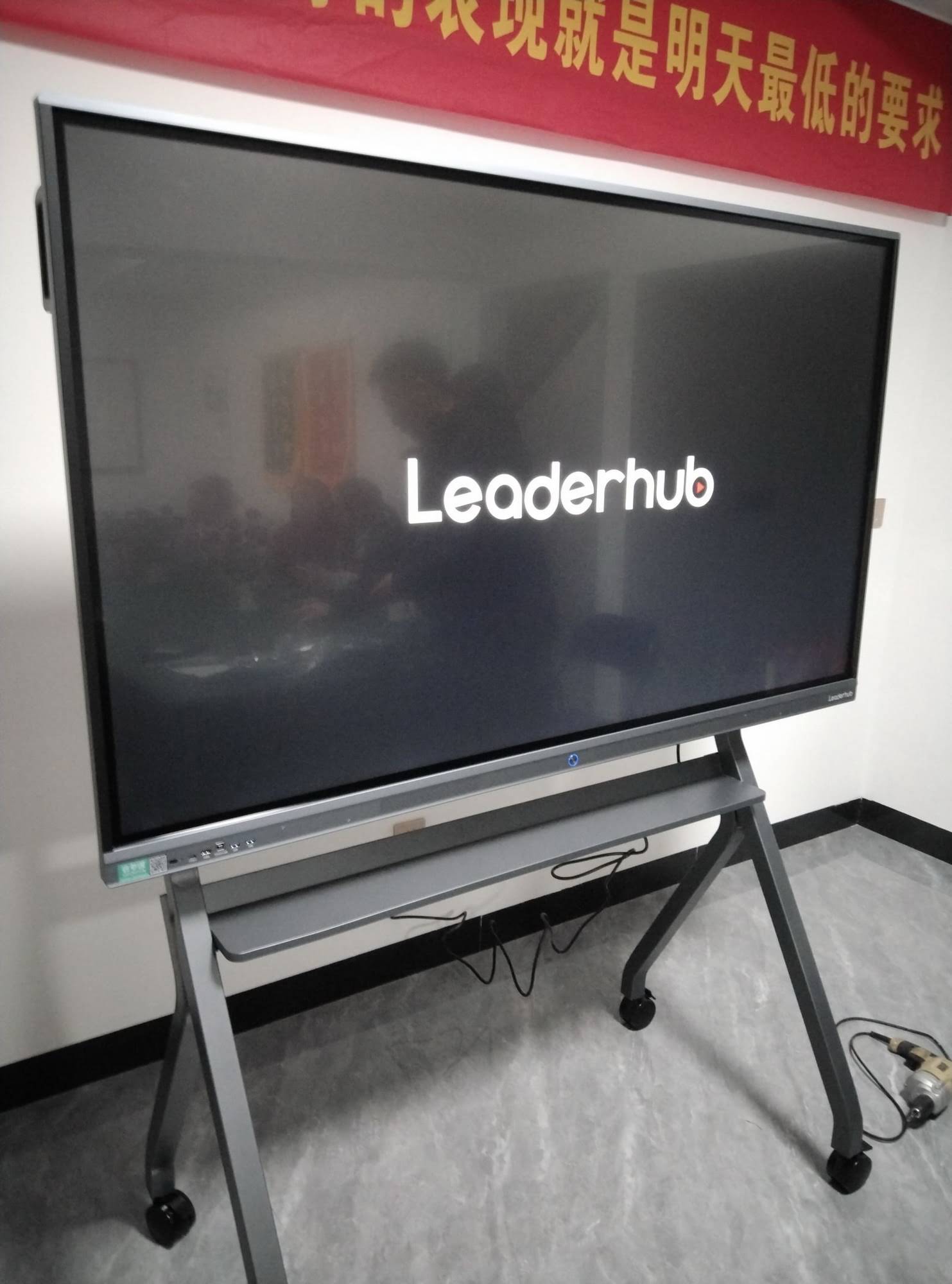
| Mounting | Fixed wall mount, sometimes with mobile stand | Mobile stand preferred for room flexibility |
| Warranty Expectations | 3+ years due to intensive daily use | 2-3 years standard |
Recommended Specifications Checklist
Based on feedback from IT administrators and procurement teams who have deployed interactive panels across schools and corporate offices, here is a practical checklist to reference during your evaluation:
- Resolution: 4K UHD (3840 x 2160) minimum
- Brightness: 350-400 cd/m² for well-lit rooms
- Touch Points: 20-point infrared or capacitive touch
- Operating System: Android 11 or higher with regular firmware updates
- Speakers: Built-in stereo speakers rated 2x15W or higher
- Ports: Minimum 2x HDMI, 1x USB-C, OPS slot, RJ45 network port
- Certifications: CE, FCC, RoHS compliance for safety and export standards
- Warranty: Minimum 2 years, ideally 3 years for education deployments
Popular 75-Inch Smart Whiteboard Models Worth Comparing
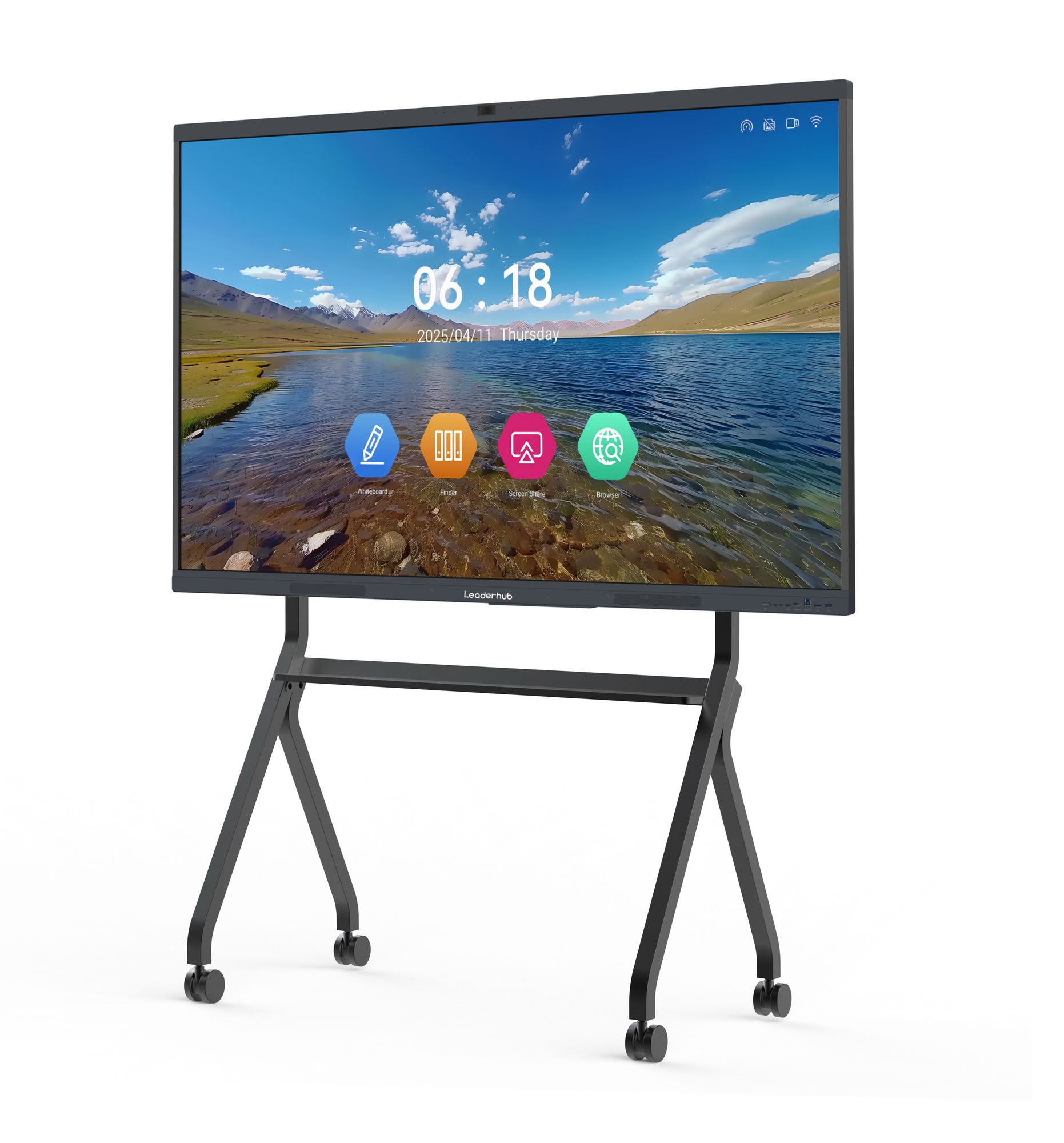
When researching specific models, the LeaderHub L75HM Interactive Smart Whiteboard is frequently cited by education technology buyers for its balance of 4K clarity and responsive touch performance at a mid-range price point. For businesses seeking a slightly more budget-conscious option without compromising on core functionality, the LeaderHub L75ZM Interactive Whiteboard delivers comparable 4K resolution with a streamlined feature set suited to standard meeting room deployments.
For organizations that also need supplementary computing power — such as running specialized Windows software directly through the panel — pairing the whiteboard with a compact mini PC solution is a cost-effective way to extend functionality without replacing the entire display unit down the line.
Installation and Room Planning Tips
Proper installation significantly impacts the usability of any interactive display. Based on standard AV integration practices, consider the following when planning your room layout:
Mounting Height
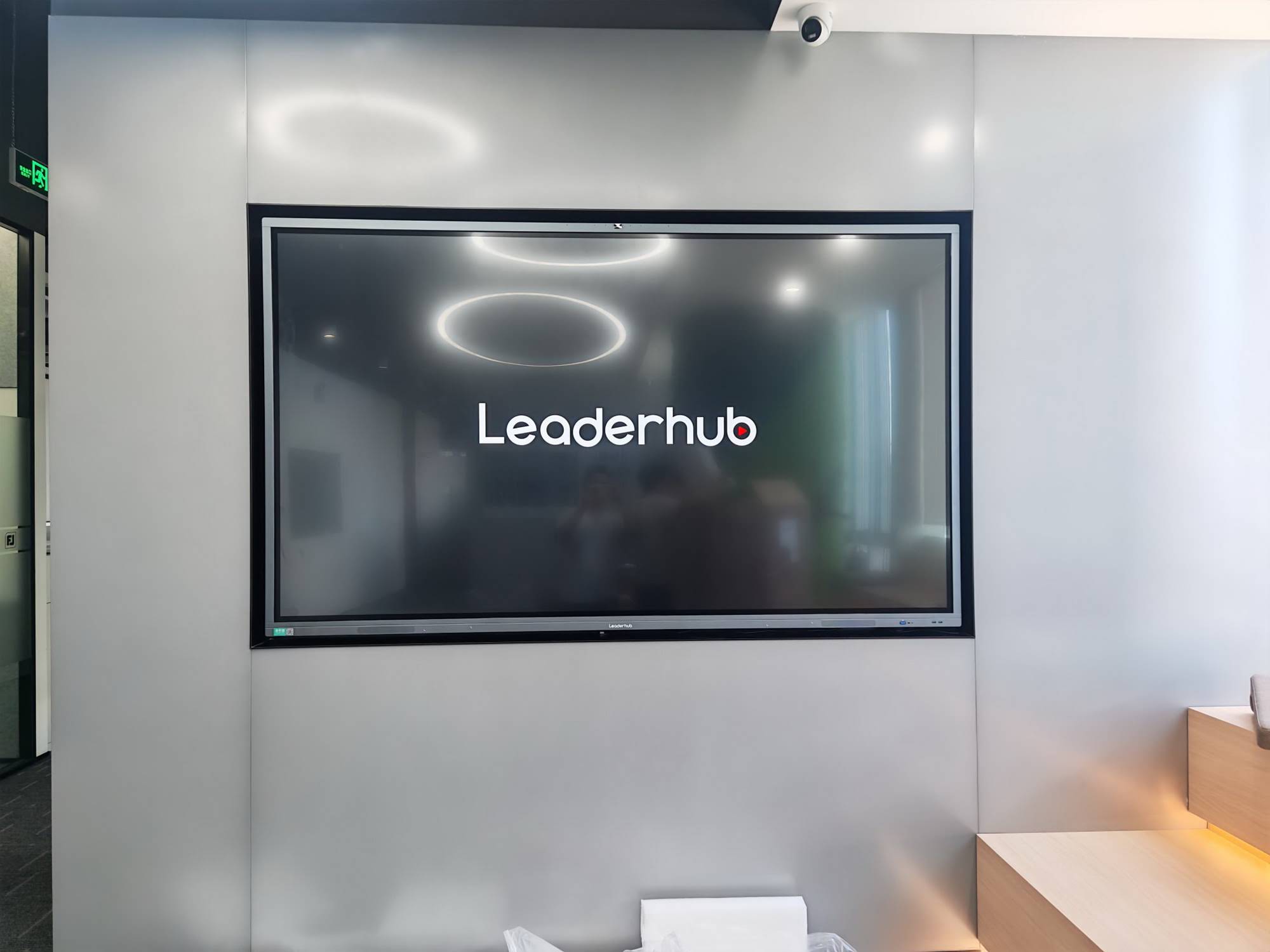
The bottom edge of a 75-inch panel should sit approximately 40-45 inches from the floor for classroom use, allowing shorter students to reach the lower portion of the screen while keeping the top within comfortable sightlines for adults at the back of the room.
Viewing Distance
As a general rule, optimal viewing distance for a 75-inch 4K display ranges from 6 to 25 feet. Rooms exceeding this depth should consider an 86-inch or larger panel instead.
Power and Network Access
Plan for a dedicated power outlet near the mounting location and, where possible, a wired Ethernet connection for more stable performance during video conferencing or cloud-based software updates.
Total Cost of Ownership Considerations
The upfront purchase price is only one part of the equation. Buyers should also factor in:
- Mounting hardware and installation labor — typically $150-$400 depending on wall type
- Extended warranty or service contracts — especially important for schools with limited in-house IT support
- Software licensing — some annotation or classroom management platforms require annual subscriptions
- Accessories — mobile stands, additional styluses, or wireless presentation dongles
A well-specified 75-inch panel from a reputable manufacturer typically lasts 5-7 years in daily classroom use, making the per-year cost considerably lower than repeatedly replacing budget alternatives every 18-24 months.
Frequently Asked Questions
Is a 75-inch smart whiteboard suitable for small meeting rooms?
Yes, though for rooms smaller than 12×12 feet, a 65-inch panel may be more proportionate. The 75-inch size performs best in rooms seating 8 or more people.
Can these panels run Windows software directly?
Most units support an OPS (Open Pluggable Specification) slot, allowing a Windows-based mini PC module to be inserted directly into the panel, effectively turning it into a full computer without external cables.
How long do interactive panels typically last?
With proper care, commercial-grade panels from established manufacturers generally provide 40,000-50,000 hours of backlight life, translating to roughly 8-10 years of typical daily use before brightness noticeably degrades.
Final Thoughts
Selecting the right 75-inch smart whiteboard comes down to matching technical specifications with your specific room environment and daily usage patterns. Prioritize genuine 4K resolution, reliable touch technology, and a manufacturer with a proven track record of firmware support and warranty service.
LeaderHub, a Shenzhen-based interactive display manufacturer with 16 years of industry experience serving over 82 countries, offers a range of 75-inch options engineered specifically for the durability demands of both classrooms and corporate environments — providing a practical starting point for organizations ready to upgrade their collaborative technology.








