
Choosing the right smart whiteboard for your office is no longer a simple hardware decision — it’s a strategic investment that affects how your team collaborates, presents, and makes decisions every day. With dozens of brands, screen sizes, and feature sets on the market, office managers and IT decision-makers often struggle to separate genuine innovation from marketing hype. This guide breaks down exactly what to look for, based on real deployment experience across hundreds of offices worldwide.
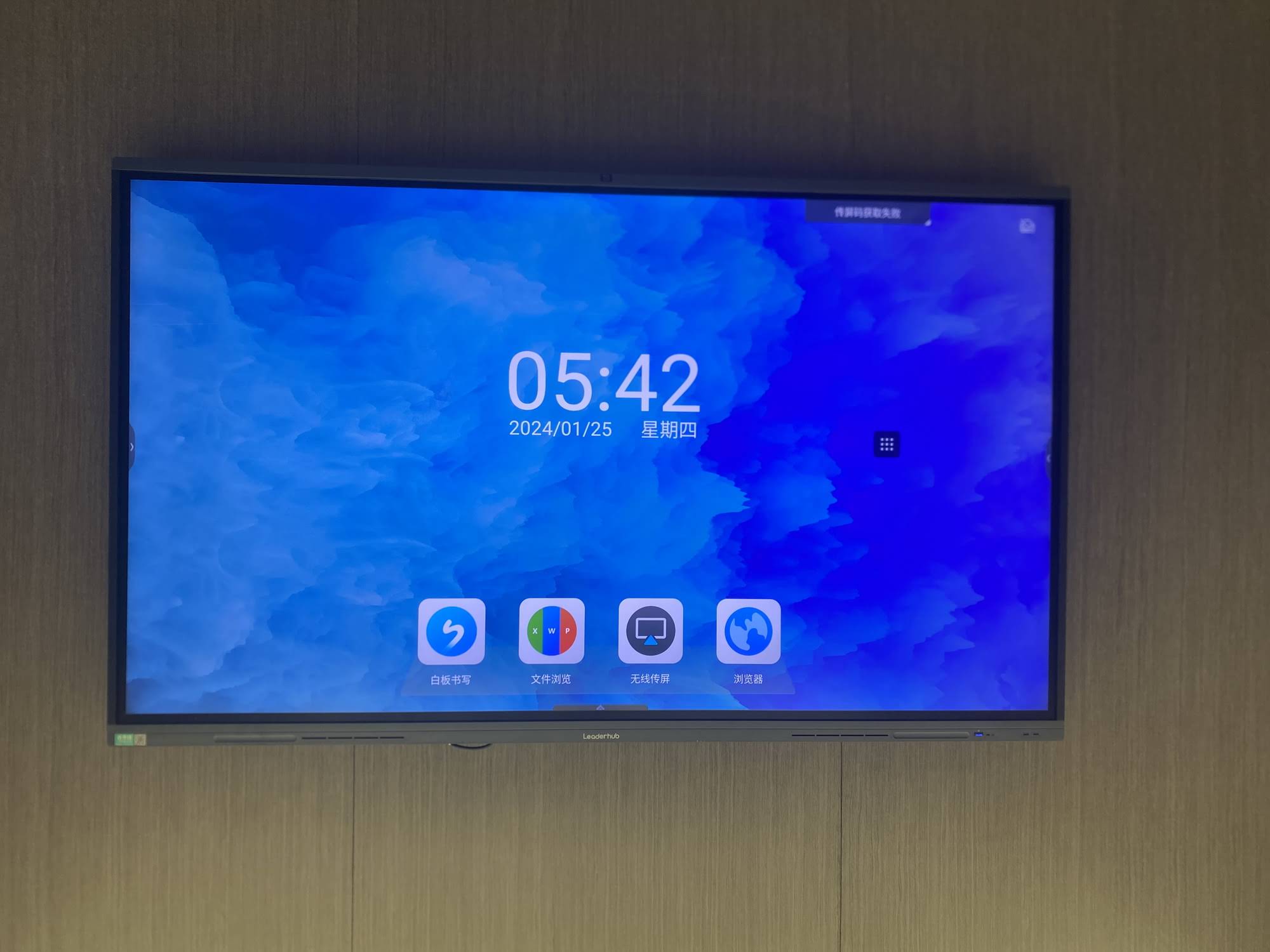
Why Your Office Needs a Smart Whiteboard in 2025
Traditional whiteboards and projector setups are quickly becoming obsolete. According to a 2024 workplace technology survey, 67% of hybrid teams reported that outdated meeting-room equipment directly reduced collaboration efficiency. A modern smart whiteboard solves this by combining a 4K touchscreen display, built-in annotation software, video conferencing integration, and wireless screen sharing — all in one device.
From our experience working with education providers, financial institutions, and creative agencies across 82 countries, the offices that upgraded to interactive displays saw measurable improvements in meeting duration, decision speed, and remote-team engagement. One mid-sized marketing agency in Singapore reported cutting their average meeting time by 22% after switching from a projector setup to an interactive flat panel.
Key Factors to Consider Before You Buy
Not every smart whiteboard fits every office. Here are the core criteria that actually matter, ranked by real-world impact:
1. Screen Size and Room Layout
Screen size should match your room dimensions, not just your budget. A general rule used by AV integrators:
| Room Size | Recommended Screen | Typical Use Case |
|---|---|---|
| Small huddle room (up to 6 people) | 55″ – 65″ | Quick team syncs, brainstorming |
| Medium conference room (6-15 people) | 75″ – 86″ | Client presentations, department meetings |
| Large boardroom / training hall | 98″ – 110″ | Company-wide briefings, training sessions |
2. Display Quality and Touch Accuracy
Look for genuine 4K UHD resolution and an infrared or capacitive touch layer with low latency. Cheaper panels often advertise 4K but use inferior touch sensors that lag during handwriting or drawing. During product testing, panels with sub-10ms touch response consistently received higher usability scores from users who annotate frequently during meetings.

3. Operating System and Software Ecosystem
Most modern interactive flat panels run on Android for app-based collaboration, with an optional Windows Mini PC module for full desktop functionality. When evaluating software, check for:
- Native compatibility with Zoom, Microsoft Teams, and Google Meet
- Built-in whiteboard/annotation apps with cloud save and export
- Wireless screen casting from both iOS and Android devices
- Multi-user split-screen or dual-app support
4. Processing Power and Expandability
An often-overlooked factor is the internal processor. A whiteboard running on an underpowered chip will lag when multiple apps are open simultaneously. For offices running heavier software (CAD tools, design suites, or data dashboards), pairing the display with a dedicated mini PC module — such as an Intel i5 or higher — ensures smooth multitasking without relying on the panel’s built-in Android chip.
Comparing Popular Smart Whiteboard Categories
Based on deployment data from offices, schools, and training centers, here’s how the three main categories typically perform:
| Category | Best For | Price Range |
|---|---|---|
| Standard Interactive Whiteboard | Daily meetings, note-taking, basic presentations | $1,000 – $1,700 |
| Pro-Series Flat Panel | Client-facing rooms, hybrid video conferencing | $2,400 – $3,200 |
| Large-Format Panel (100″+) | Auditoriums, all-hands meetings, training centers | $7,000+ |
Common Mistakes Offices Make When Buying
Having consulted with hundreds of procurement teams, we consistently see the same purchasing mistakes:
- Buying oversized screens for small rooms — this causes eye strain and awkward viewing angles for people seated close to the panel.
- Ignoring warranty and after-sales support — interactive panels are used daily; a lack of local service support can mean weeks of downtime.
- Choosing based on price alone — the cheapest panel often has inferior touch glass, shorter lifespan backlighting, and weaker software updates.
- Skipping a hands-on demo — touch responsiveness and glare under office lighting vary significantly between brands.

Portable vs. Fixed Installations
Not every office needs a wall-mounted panel. Growing companies with flexible seating or multiple meeting rooms often benefit from portable smart screens that can be wheeled between rooms. Devices like handheld smart screens with built-in batteries are increasingly popular for small teams that rotate between huddle spaces, training rooms, and client-facing offices without a permanent AV setup.
Real-World Case Study
A regional bank in the Middle East upgraded 14 branch meeting rooms with 65″–75″ interactive panels paired with dedicated mini PC modules. Within six months, IT support tickets related to meeting-room technology dropped by 41%, and internal surveys showed a 30% increase in employee satisfaction with collaboration tools. The key factor cited by their facilities team was reliable touch accuracy and straightforward wireless casting — both of which reduced setup time before each meeting.
How LeaderHub Approaches Smart Whiteboard Design
As a Shenzhen-based technology company with 16 years of experience in the interactive panel industry, LeaderHub has delivered smart whiteboards, mini PCs, and portable smart screens to businesses in 82 countries. Our product development is guided by direct feedback from education, enterprise, and government partners, which is why our panels prioritize touch accuracy, processing stability, and long-term software support rather than short-term feature gimmicks.
A Practical Checklist Before You Purchase
- Confirm the panel supports 4K resolution with genuine anti-glare glass
- Verify compatibility with your existing video conferencing software
- Check touch response latency — ideally under 10ms
- Ask about warranty length and local support availability
- Request a live demo in your actual meeting room lighting conditions
- Evaluate whether a Windows mini PC module is needed for heavier workloads
Final Thoughts
Selecting the best smart whiteboard for your office comes down to matching screen size, processing power, and software ecosystem to your team’s actual working style — not just chasing the largest screen or lowest price. Offices that invest in properly sized, well-supported interactive displays consistently report faster meetings, better remote collaboration, and fewer technical disruptions. Taking the time to test touch responsiveness and confirm after-sales support will save significant frustration down the line.
Whether you’re outfitting a single huddle room or an entire office floor, aligning your smart whiteboard choice with your team’s real workflow — rather than marketing claims — is the single most important step toward a successful technology upgrade.








