
Choosing the right interactive display for a classroom is one of the most consequential technology decisions a school will make this decade. Teachers rely on this equipment daily, students interact with it for hours, and IT departments need it to be stable for years without constant troubleshooting. After working with hundreds of schools and reviewing feedback from educators across primary, secondary, and higher-education settings, it becomes clear that a smart whiteboard is not just a screen — it’s the digital hub of the modern classroom.
This guide breaks down exactly what to look for, based on real classroom usage data, teacher feedback, and technical specifications that actually matter — not marketing buzzwords.
Why Smart Whiteboards Have Replaced Traditional Boards
Over the past decade, classrooms worldwide have shifted from chalkboards and basic projectors to interactive flat panels. According to data from education technology adoption surveys, over 70% of K-12 classrooms in developed countries now use some form of interactive display. The reasons are practical:
- Reduced prep time — teachers can save and reuse lesson annotations instantly
- Higher student engagement through touch-based interaction
- Seamless integration with video conferencing for hybrid or remote learning
- Lower long-term costs compared to replacing markers, projector bulbs, and paper handouts
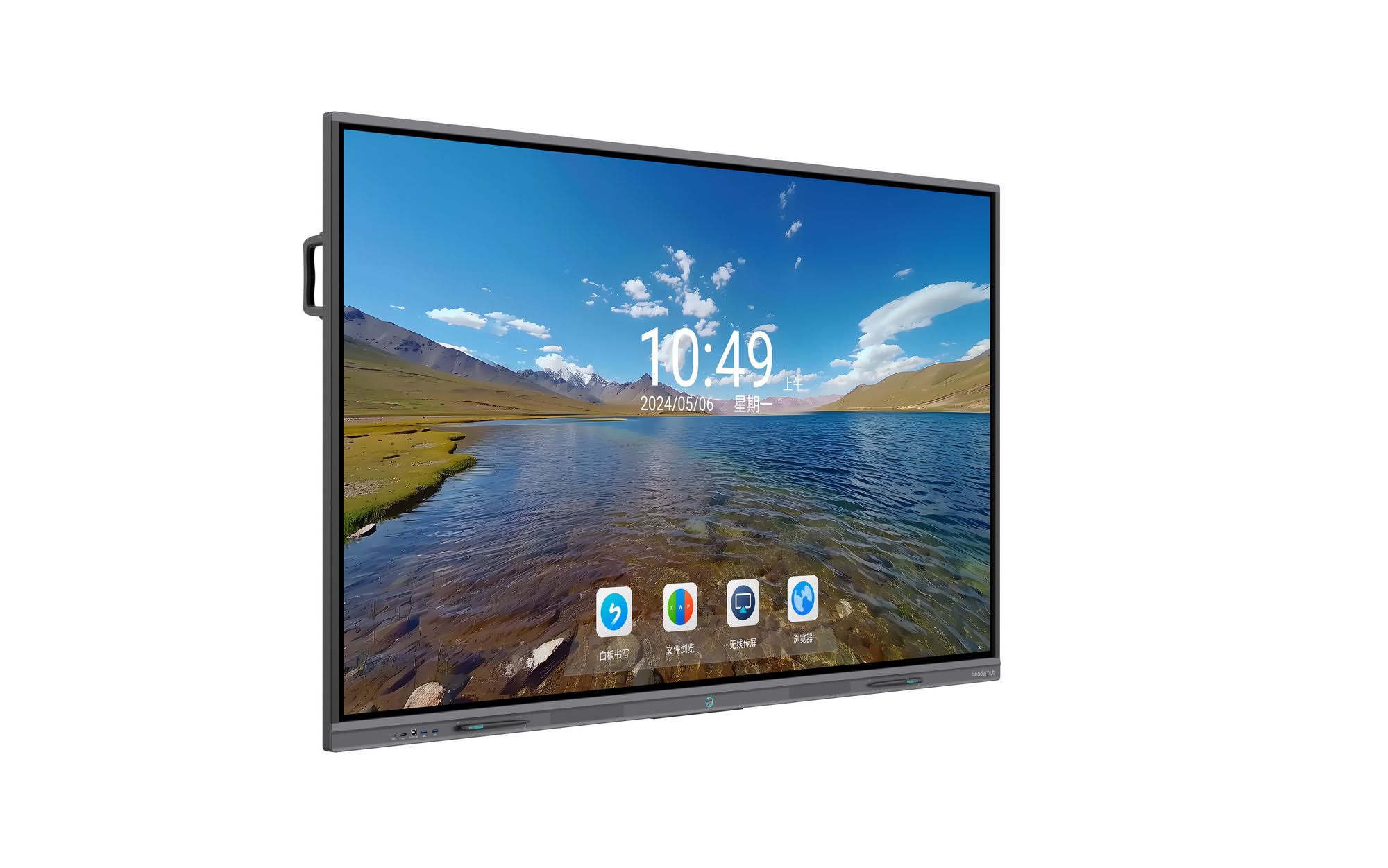
Key Factors to Evaluate Before Buying
Not every interactive whiteboard is built the same, and specifications that look identical on paper can perform very differently in real classroom conditions. Here are the factors that genuinely affect day-to-day usability.
1. Screen Size and Classroom Fit
Screen size should match room dimensions, not just budget. A panel that’s too small forces students in the back rows to squint; one that’s too large can overwhelm smaller classrooms. As a general rule:
| Classroom Size | Recommended Screen Size | Typical Room Depth |
|---|---|---|
| Small (up to 20 students) | 65″ – 70″ | Under 6 meters |
| Medium (20–35 students) | 75″ – 86″ | 6–9 meters |
| Large (lecture halls, 35+) | 98″ – 110″ | 9+ meters |
2. Display Quality and Touch Technology
Look for 4K UHD resolution as a baseline. Text clarity matters enormously for younger students reading from the back of the room. Equally important is the touch technology — infrared (IR) touch remains the industry standard for reliability and multi-touch accuracy (typically supporting 20+ simultaneous touch points), which matters when multiple students collaborate on the same screen during group activities.
3. Operating System and Software Ecosystem
A great panel with poor software is frustrating to use daily. Evaluate:
- Built-in Android OS with pre-loaded whiteboard and annotation apps
- Compatibility with existing tools like Google Classroom, Microsoft Teams, or Zoom
- Screen mirroring/casting support for both Android and iOS devices
- Cloud storage integration so teachers can save lesson files across devices
4. Durability and Build Quality
Classrooms are demanding environments. Panels need to withstand frequent touch use, chalk-like markers, and even accidental impact. Tempered glass with anti-glare coating and a scratch-resistance rating are non-negotiable for long-term durability. Schools that skip this consideration often report screen degradation within 18 months of heavy use.
5. Processing Power (Built-in vs. External PC Module)
Some schools prefer panels with a removable computer module — often called an OPS slot — allowing IT teams to upgrade processing power without replacing the entire display. Pairing a panel with a dedicated mini PC module can extend a whiteboard’s usable lifespan by several years, since the display and computing components can be upgraded independently.
Comparing Popular Classroom Panel Options
Below is a comparison of common configurations schools typically evaluate when budgeting for interactive displays:
| Panel Size | Resolution | Best For | Approx. Price Range |
|---|---|---|---|
| 65″ | 4K UHD | Small classrooms, elementary | $1,000 – $1,300 |
| 75″ | 4K UHD | Standard classrooms, secondary | $1,300 – $1,600 |
| 86″ | 4K UHD | Large classrooms, university lecture rooms | $1,700 – $3,200 |
| 110″ | 4K UHD | Auditoriums, large training halls | $7,000+ |
Real-World Case Study
A mid-sized secondary school in Southeast Asia recently transitioned 24 classrooms from projector-based setups to 75-inch interactive flat panels. According to their IT coordinator, the switch reduced weekly technical support requests by nearly 40% within the first semester, primarily because panels eliminated projector bulb failures and cable connectivity issues that previously disrupted lessons. Teachers also reported saving roughly 15 minutes per class previously spent on setup, which over a school year translates to dozens of additional instructional hours.
This mirrors findings from broader classroom technology studies, which consistently show that reduced setup friction correlates directly with increased instructional time and improved lesson pacing.
Questions to Ask Suppliers Before Purchasing
When evaluating vendors, schools should request clear answers to the following:
- What is the warranty period, and does it cover the touch panel separately from the display glass?
- Is the operating system regularly updated with security patches?
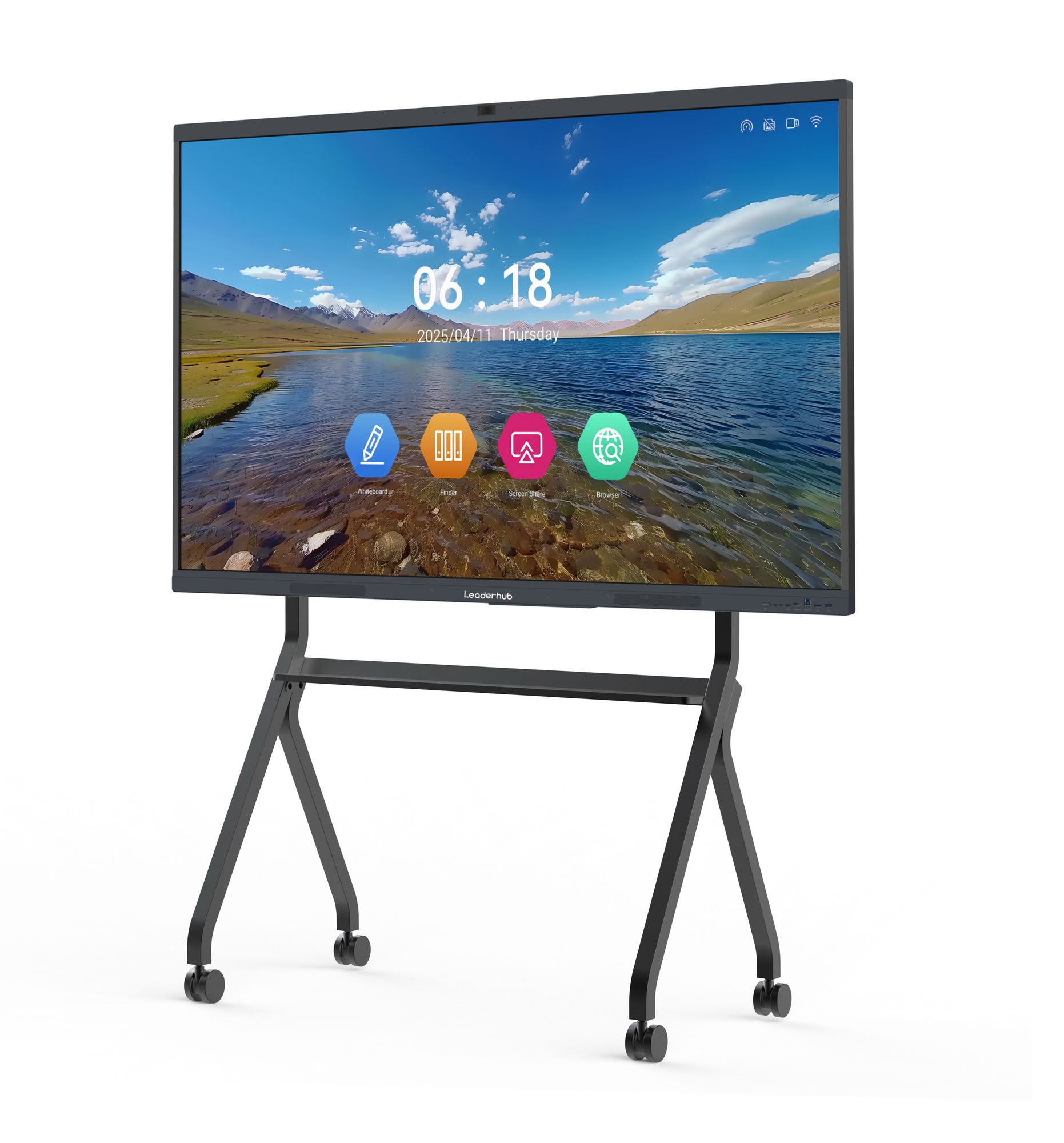
- Can the panel be mounted on a mobile stand for flexible classroom layouts?
- Does the manufacturer offer bulk-order technical support or on-site installation training?
- What is the average response time for replacement parts?
Budget vs. Long-Term Value
It’s tempting to choose the lowest-priced option, but total cost of ownership matters more than sticker price. A panel with a 3-year warranty and reliable touch calibration will almost always outperform a cheaper unit that needs recalibration or replacement within two years. Schools should also factor in energy efficiency — many modern panels now include eco-mode settings that automatically dim or power down after periods of inactivity, reducing electricity costs across a full building of classrooms.
Recommended Panel Categories by Use Case
- Elementary classrooms: 65″–75″ panels with simplified touch software and rounded, child-safe edges
- Secondary and university classrooms: 75″–86″ panels with advanced annotation tools and multi-app split screen
- Training centers and auditoriums: 98″–110″ panels paired with wireless presentation systems
- Mobile or shared spaces: Portable smart screens on rolling stands for flexible room configurations
Installation and Maintenance Best Practices
Proper installation significantly impacts both performance and lifespan. Recommendations from field technicians include:
- Mount panels at a height where the top edge is reachable by the average teacher without a step stool
- Ensure adequate ventilation around the rear of wall-mounted units to prevent overheating
- Schedule quarterly firmware updates to maintain security and app compatibility
- Clean touchscreens only with manufacturer-approved microfiber cloths to avoid coating damage
For schools exploring a full classroom upgrade, browsing a dedicated smart whiteboards collection can help compare specifications side by side before making a bulk purchasing decision.
Supplier Reliability Matters
LeaderHub, a Shenzhen-based technology company with 16 years of experience in the interactive panel industry, has supplied smart whiteboards and interactive flat panels to education institutions across 82 countries, reflecting the kind of manufacturing consistency and after-sales support schools should look for when selecting a long-term technology partner.
Final Checklist Before You Buy
| Checklist Item | Why It Matters |
|---|---|
| 4K resolution display | Ensures text and diagrams remain sharp from any seat |
| Multi-touch support (20+ points) | Allows group collaboration without lag |
| Anti-glare tempered glass | Reduces eye strain and improves durability |
| Replaceable computing module | Extends usable lifespan of the hardware |
| Warranty and support terms | Protects long-term investment |
Conclusion
Selecting the best smart whiteboard for classrooms comes down to matching screen size to room dimensions, prioritizing durable touch technology, and choosing a supplier with a proven track record of reliability. Schools that invest time in evaluating these factors upfront consistently report smoother technology adoption, fewer maintenance headaches, and measurable gains in instructional time. Whether outfitting a single classroom or an entire campus, focusing on long-term value rather than the lowest upfront price will deliver the best results for teachers and students alike.
For institutions ready to compare models side by side, exploring options like the 75″ interactive smart whiteboard or a compact mobile interactive flat panel can provide a practical starting point for building a modern, engaging classroom environment.








