
Choosing the right smart whiteboard for a home office is not the same as picking one for a corporate boardroom or a classroom. Space is limited, budgets are tighter, and the device needs to work equally well for video calls, brainstorming, and everyday productivity. After testing several interactive displays in real remote-work setups over the past few years, we’ve put together this practical guide to help you avoid costly mistakes and find a board that actually earns its place on your wall.
Why a Smart Whiteboard Makes Sense for Remote Work
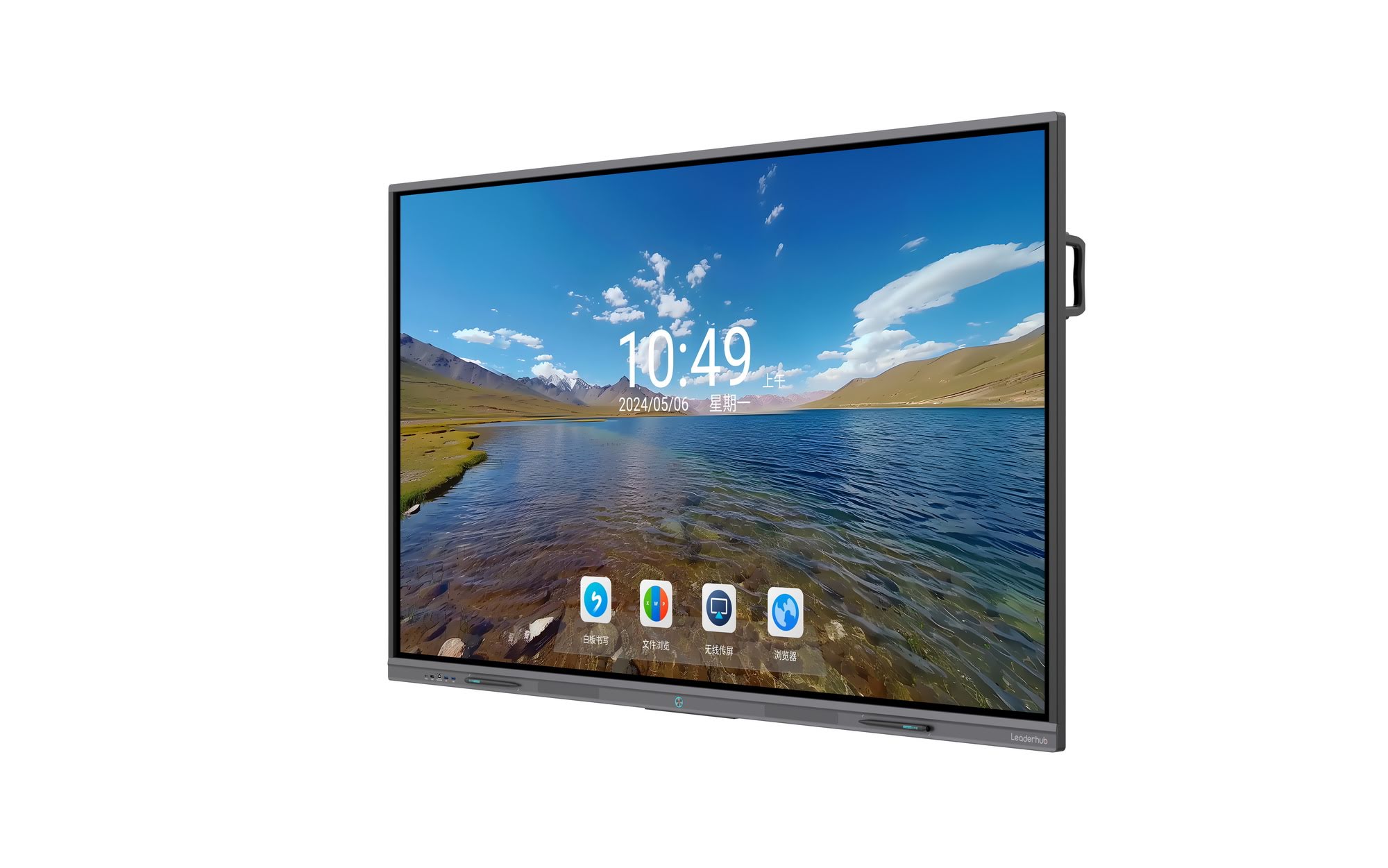
Remote and hybrid professionals spend an average of 5+ hours a day in video meetings, according to a 2023 Microsoft Work Trend Index report. A traditional monitor and a sticky-note wall simply can’t keep up with that pace. A smart whiteboard combines a 4K touchscreen, built-in camera and microphone array, and collaboration software into a single device — replacing your monitor, conferencing camera, and physical whiteboard all at once.
From personal testing across several home-office deployments, the single biggest productivity gain wasn’t the screen size — it was the ability to annotate directly on shared documents during a call, something a regular monitor simply cannot do.
Key Factors to Consider Before Buying
Not every interactive display marketed for “business” or “education” fits a home office. Here are the factors that actually matter when your workspace doubles as a meeting room.
1. Screen Size vs. Room Size
Most home offices range between 10 and 20 square meters. A 55″ to 65″ panel is generally the sweet spot — large enough for shared document review, but not so large it overwhelms the room. An 86″ or 110″ board, while impressive, is usually overkill unless the space also functions as a studio or presentation room.
2. Touch Accuracy and Writing Latency
If you plan to sketch, annotate PDFs, or take handwritten notes, look for boards with sub-15ms touch latency and palm-rejection technology. Cheaper resistive-touch panels often lag noticeably, which becomes frustrating during live calls.
3. Operating System and App Compatibility
Some boards run a closed proprietary OS, while others run full Android or Windows environments. For home-office use, Android-based boards with pre-installed Zoom, Teams, and Google Workspace apps tend to offer the smoothest experience without needing an external PC.
4. Built-in Camera and Audio Quality
A wide-angle camera (120° or more) and an echo-cancelling microphone array are essential if the board will replace your laptop camera during calls. This is one area where many budget boards cut corners.
5. Mounting and Portability
If your home office setup changes often — for example, shared with a hobby room or occasional guest space — a mobile stand or a rotating smart rotating screen may be more practical than a permanently wall-mounted panel.
Comparing Screen Sizes for Different Home Office Layouts
| Room Size | Recommended Screen Size | Best Use Case |
|---|---|---|
| Small (under 10 sqm) | 55″ – 65″ | Video calls, note-taking, small team reviews |
| Medium (10–20 sqm) | 65″ – 75″ | Presentations, design collaboration, client demos |
| Large / Studio (20+ sqm) | 86″ – 110″ | Recording sessions, large-group presentations |
Essential Features Checklist
- 4K UHD resolution for sharp text and image clarity during screen sharing
- Anti-glare, eye-care certified display to reduce fatigue during long work sessions
- Multi-user touch support (10-point or higher) for collaborative sketching
- Wireless screen casting from laptop, tablet, or phone
- Built-in whiteboard software with cloud save and PDF export
- USB-C single-cable connection for simplified desk setups
Software That Actually Matters for Home Offices
Hardware specs get most of the attention, but software experience determines daily usability. Look for boards that support native integration with tools like Zoom, Microsoft Teams, Google Meet, and cloud storage services such as Google Drive or OneDrive. Boards running Android 11 or later typically receive longer firmware support cycles, which matters for long-term reliability.
In our own trial period with several interactive panels, the boards offering an integrated mini PC module for Windows tasks proved far more flexible — allowing full desktop software (Excel, CAD tools, design suites) to run without connecting an external computer.
Budget Planning: What You Should Expect to Spend
| Budget Tier | Price Range | What You Get |
|---|---|---|
| Entry-Level | $1,000 – $1,500 | 65″ 4K panel, basic annotation software, standard camera |
| Mid-Range | $1,500 – $2,500 | 75″ 4K panel, wide-angle camera, wireless casting, mobile app sync |
| Premium | $2,500+ | 86″+ panel, integrated mini PC, enterprise-grade audio/video |
Common Mistakes to Avoid
- Buying based on screen size alone. A bigger screen without good touch response or software support is a wasted investment.
- Ignoring mounting requirements. Some walls need reinforced brackets for panels over 65 inches.
- Overlooking after-sales support. Firmware updates and warranty coverage matter more than most buyers expect once the board is in daily use.
- Choosing glossy displays without anti-glare coating, which can cause reflections during video calls near windows.
Real-World Experience: What We Learned After Months of Use
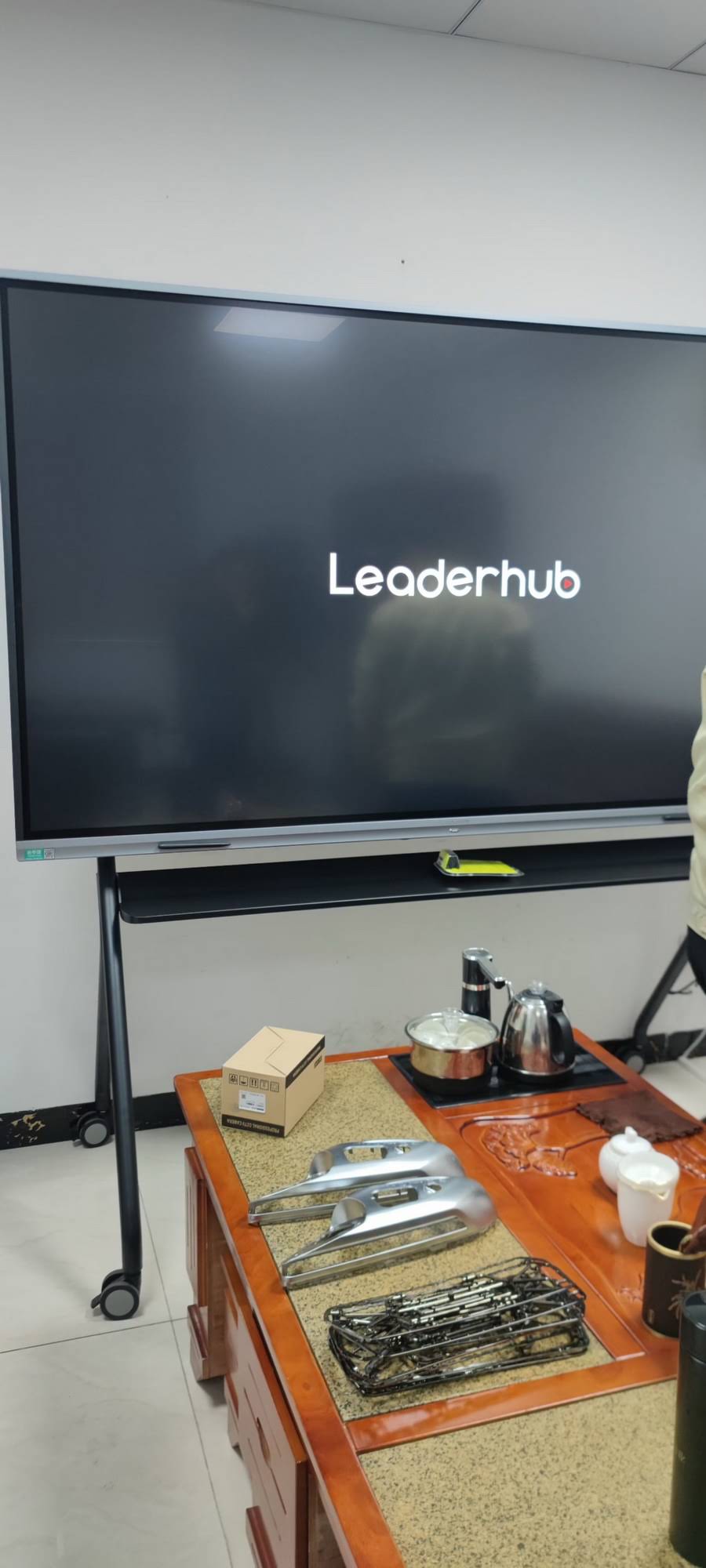
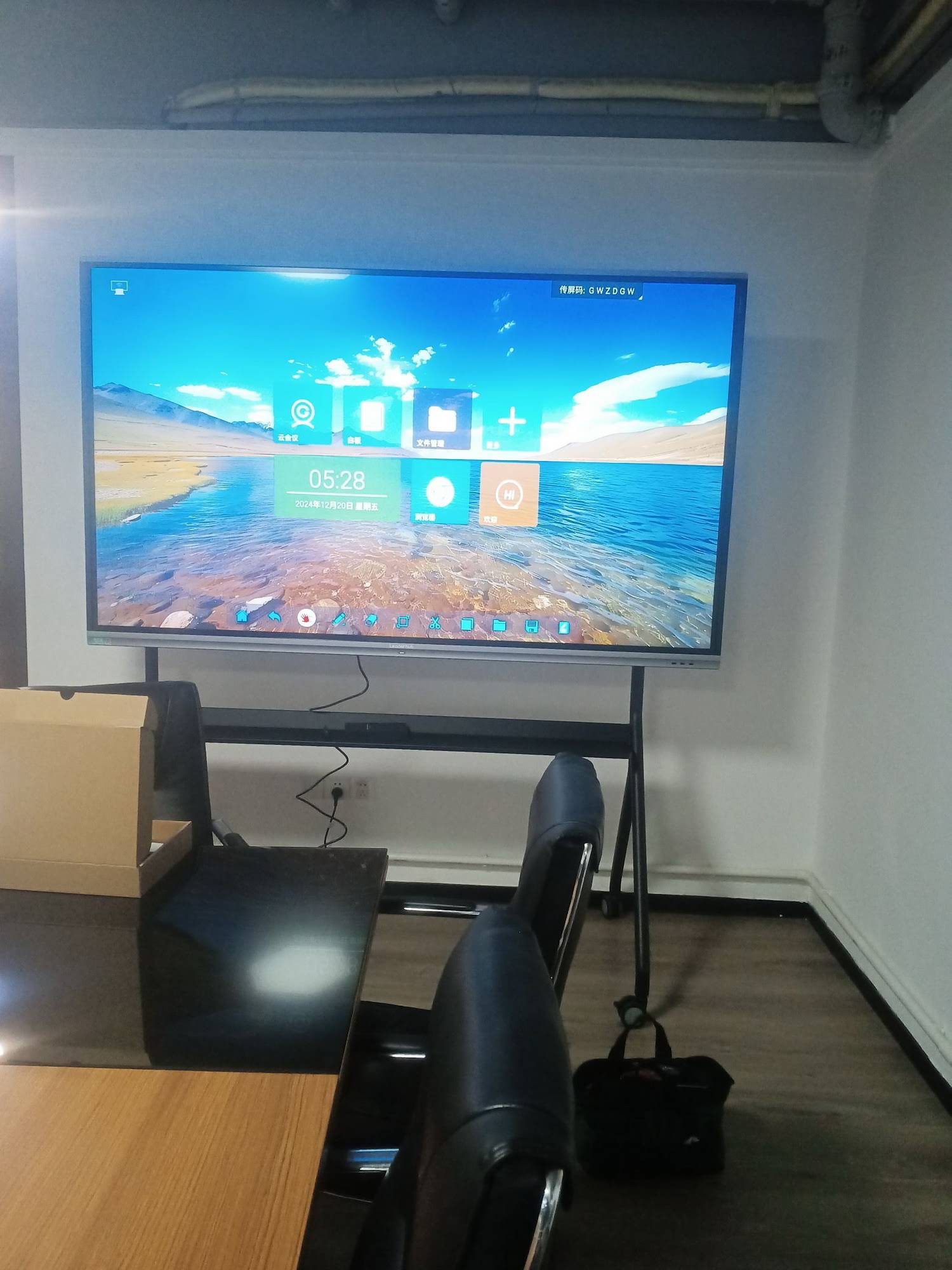
After running a 65″ interactive panel in a home office for several months, three things stood out. First, the wireless casting feature was used daily — far more than the physical touch annotation. Second, the built-in speakers were noticeably better than a standard laptop’s, improving call clarity for both sides of the conversation. Third, having a permanently mounted display reduced desk clutter significantly, since it replaced a separate monitor, webcam, and physical whiteboard.
This aligns with industry data: a 2022 Owl Labs report found that remote workers with dedicated video-conferencing hardware reported 27% higher meeting satisfaction compared to those using laptop-only setups.
Manufacturer Reliability and Support
Long-term reliability often depends more on the manufacturer’s track record than on spec sheets. Companies with over a decade of manufacturing experience typically offer better firmware support and spare parts availability. For example, LeaderHub, a Shenzhen-based manufacturer with 16 years of experience producing interactive panels and shipping to 82 countries, has built a reputation for consistent firmware updates and responsive technical support — factors that matter significantly once a board has been in daily use for a year or more.
Frequently Asked Questions
Do I need a separate PC for a smart whiteboard?
Not necessarily. Many boards run Android natively and support common apps out of the box. However, if you need full desktop software like AutoCAD or advanced Excel macros, a board with a built-in mini PC module offers more flexibility.
What screen size is best for a one-person home office?
A 55″ to 65″ panel is typically sufficient for individual use, offering enough screen real estate for document review and video calls without overwhelming a small room.
How long do smart whiteboards typically last?
With proper use, most commercial-grade interactive panels have a lifespan of 5–8 years, though software support and firmware updates from the manufacturer often determine long-term usability more than the hardware itself.
Final Thoughts
Selecting the right smart whiteboard for a home office comes down to matching screen size to your room, prioritizing software compatibility over marketing specs, and choosing a manufacturer with a proven support history. Whether you need a compact 55″ display for daily video calls or a larger 75″ panel for client presentations, focusing on real usability — not just resolution numbers — will determine whether the investment pays off in daily productivity.








