
Short answer: if you are asking what is a smart board made of, the modern version is usually built from a layered combination of tempered glass, an LCD/LED display, touch-sensing sensors, controller boards, metal framing, audio parts, and connectivity modules. The exact mix depends on whether the board is designed for classrooms, conference rooms, or collaboration spaces.
Instead of being a single “board,” a smart board is a system of materials and components working together to show images, detect touch, process input, and connect with other devices. That is why two smart boards can look similar on the outside but feel very different in performance, brightness, touch accuracy, and durability.
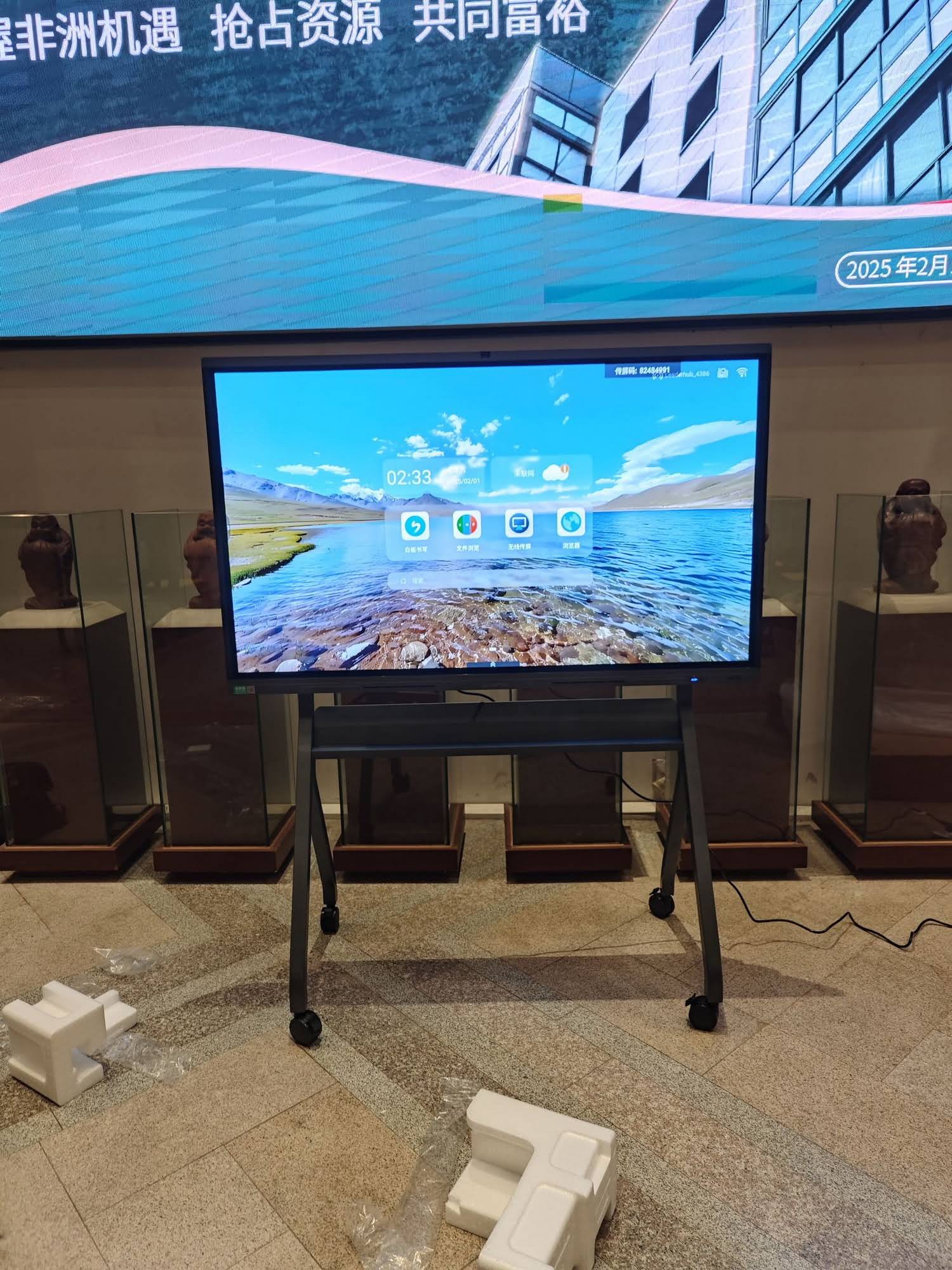
What a Smart Board Is Built From
A smart board is typically made from six core layers or assemblies. Each one has a specific job, from protecting the screen to turning your finger tap into an on-screen action.
- Outer protection layer — usually tempered glass or coated glass for scratch resistance.
- Display module — an LCD, LED, or direct-lit panel that produces the image.
- Touch detection layer — infrared, capacitive, or optical touch sensors.
- Control electronics — PCB boards, chipsets, and signal processors.
- Frame and enclosure — aluminum alloy or steel frame with a rear housing.
- Audio and connectivity parts — speakers, microphones, USB, HDMI, Wi‑Fi, and Bluetooth modules.
Main Materials Used in a Smart Board
The materials inside a smart board are chosen for clarity, durability, heat control, and touch performance. Here is a simple breakdown of the most common ones.
| Material / Part | Purpose | Why It Matters |
|---|---|---|
| Tempered glass | Protects the surface and supports touch input | Improves scratch resistance and safety |
| LCD / LED panel | Displays content | Affects brightness, contrast, and resolution |
| Sensor layer | Detects finger or stylus movement | Determines touch accuracy and latency |
| Aluminum / steel frame | Supports the structure | Keeps the board rigid and helps with heat dissipation |
| ABS or composite back cover | Protects internal components | Reduces weight and shields electronics |
| PCB boards and chips | Control image processing and touch response | Power the smart features |
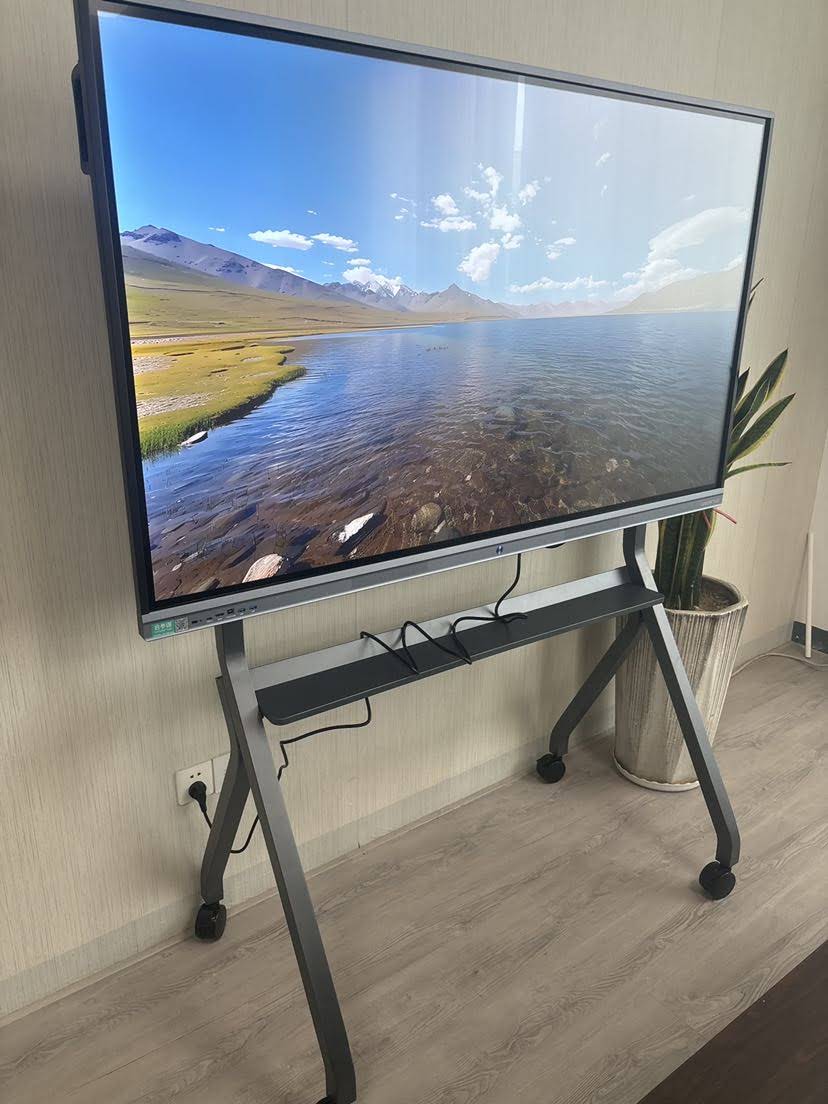
Key Components Inside a Smart Board
To understand what is a smart board made of, it helps to separate the visible parts from the hidden electronics.
1. Glass Surface
The top layer is often tempered glass with an anti-glare or anti-fingerprint coating. This surface must be smooth enough for writing, yet strong enough to withstand daily classroom or meeting-room use.
2. Display Panel
The display panel is usually an LCD screen with LED backlighting. It provides the visuals, so brightness, color accuracy, and viewing angle depend heavily on this part.
3. Touch Sensor System
This is what turns the screen into an interactive surface. Depending on the model, the sensor system may use:
- Infrared touch for multi-touch detection
- Capacitive touch for a smoother, tablet-like response
- Optical sensing for accurate coordinate tracking
4. Main Control Board
The control board processes input from the touch layer, sends signals to the display, and manages connected devices. It is the “brain” of the smart board.
5. Audio and Camera Modules
Many boards include built-in speakers, microphones, and optional cameras for hybrid meetings, online teaching, and remote collaboration.
6. Connectivity Ports
Common ports include USB, HDMI, Type-C, LAN, and sometimes OPS or modular PC slots. Wireless options like Wi‑Fi and Bluetooth are now standard on many models.
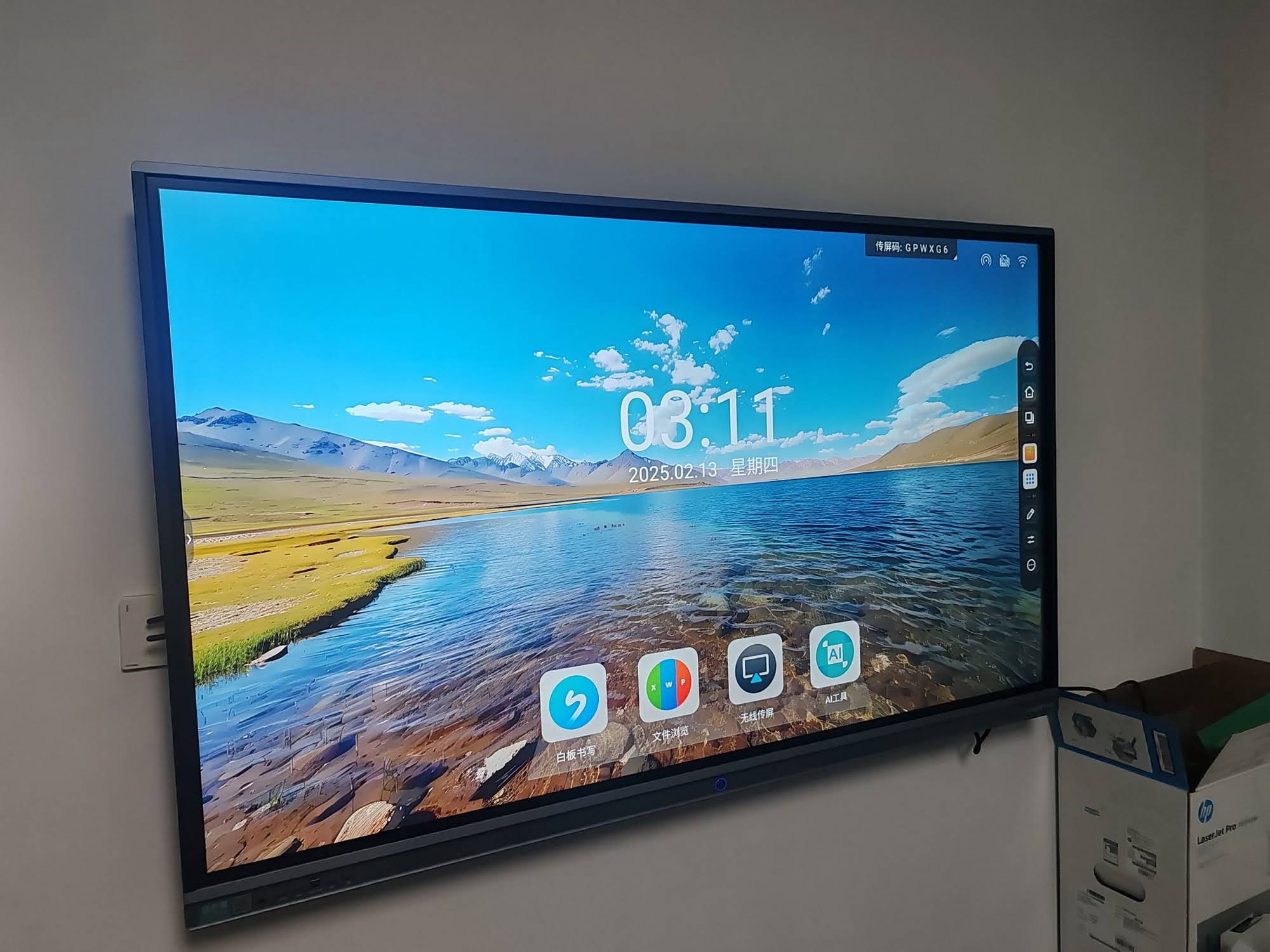
How a Smart Board Works
Once you touch the screen, the board performs a fast chain reaction:
- Touch detection — the sensor layer recognizes your finger, pen, or palm contact.
- Signal conversion — the controller converts the touch position into digital coordinates.
- Software processing — the operating system or app interprets the action as a tap, drag, ink stroke, or gesture.
- Display update — the screen immediately refreshes with the new content.
- Device interaction — the board can open files, annotate slides, launch apps, or mirror screens.
The best smart boards reduce delay between touch and response. That is why the quality of the sensor layer and processor is just as important as the glass and screen.
Why Materials Affect Smart Board Quality
Two products can have the same screen size but very different real-world performance. The reason is simple: the materials and internal components determine how the board feels and lasts.
- Better glass improves scratch resistance and writing comfort.
- Higher-grade panels deliver sharper images and more consistent brightness.
- Reliable sensor layers improve touch precision.
- Stronger frames reduce vibration and protect the display.
- Efficient cooling design helps the board run longer without overheating.
Smart Board vs. Traditional Whiteboard
| Feature | Traditional Whiteboard | Smart Board |
|---|---|---|
| Writing method | Marker or dry-erase pen | Finger, stylus, or touch input |
| Content sharing | Manual only | Wireless sharing, screen casting, cloud collaboration |
| Maintenance | Cleaning and marker replacement | Software updates, calibration, and occasional hardware checks |
| Functionality | Basic writing | Writing, annotation, video conferencing, file sharing |
What to Check Before Buying
If you are choosing a board for a school, office, or training room, focus on these points:
- Touch points — more touch points are better for group use.
- Display quality — look for 4K resolution and strong anti-glare protection.
- Processor and RAM — faster hardware improves multitasking.
- Ports and wireless support — make sure it fits your devices.
- Durability — check the frame, glass thickness, and heat design.
- Service and support — after-sales service matters for long-term use.
For buyers comparing setups, Smart Whiteboards, Mini PCs, and Rotating Screens can be combined into a complete collaboration system. LeaderHub is a Shenzhen-based interactive display company with 16 years of expertise, and its product ecosystem includes hardware options for classrooms, meetings, and hybrid work.
Related Research and Standards
Smart boards are often used in education and collaboration, so it helps to review trusted guidance on digital learning and classroom technology:
- UNESCO Digital Education
- ISTE Education Technology Standards
- World Bank Education Technology
- European Commission Digital Education
Frequently Asked Questions
Is a smart board just a TV with touch?
Not exactly. A smart board combines a display with a touch layer, control electronics, and collaboration software. A TV usually lacks the same level of touch interaction and annotation tools.
Is tempered glass always used?
Most modern interactive boards use some form of strengthened glass or protective coating, but the exact material can vary by manufacturer and product category.
Can a smart board work without a computer?
Many models can run basic apps on their built-in system. However, pairing with a mini PC or external computer can improve performance and expand functionality.
What is the most important part of a smart board?
The most important parts are the display panel, touch sensor layer, and main control board. Together, they determine image quality, responsiveness, and usability.
If you want to explore products or ask for a custom solution, you can visit Explore Products or Contact Us.








