
Smart Board for Home Use: The Best Interactive Display for Family Learning
Transform your home into an interactive hub of knowledge, creativity, and collaboration. Empower your children with cutting-edge AI-driven displays built for modern homeschooling, creative play, and professional hybrid work.
Why Invest in a Smart Board for Home Use?
The boundary between school, work, and home has dissolved. A premium interactive display is no longer just a luxury for corporate boardrooms—it is the ultimate catalyst for family development.
In the digital age, traditional study methods often struggle to compete with distracting mobile screens and video games. A dedicated smart board for home use changes the dynamic completely, turning passive screen time into active, hands-on learning. By combining high-definition 4K visuals, intuitive multi-touch writing capabilities, and seamless internet connectivity, children and parents alike can interact with educational materials in a physical, collaborative way.
Whether you are pursuing structured homeschooling, supporting your children with remote tutoring, or looking for a shared digital canvas for creative brainstorming, an interactive display offers a highly immersive environment. It allows kids to write, draw, drag objects, and manipulate complex 3D models with their fingers or a stylus, mapping abstract concepts into tangible visual experiences.
Integrating a smart board into your home ecosystem builds a bridge between educational technology and everyday family life, fostering collaborative problem-solving skills that prepare kids for a tech-driven future.
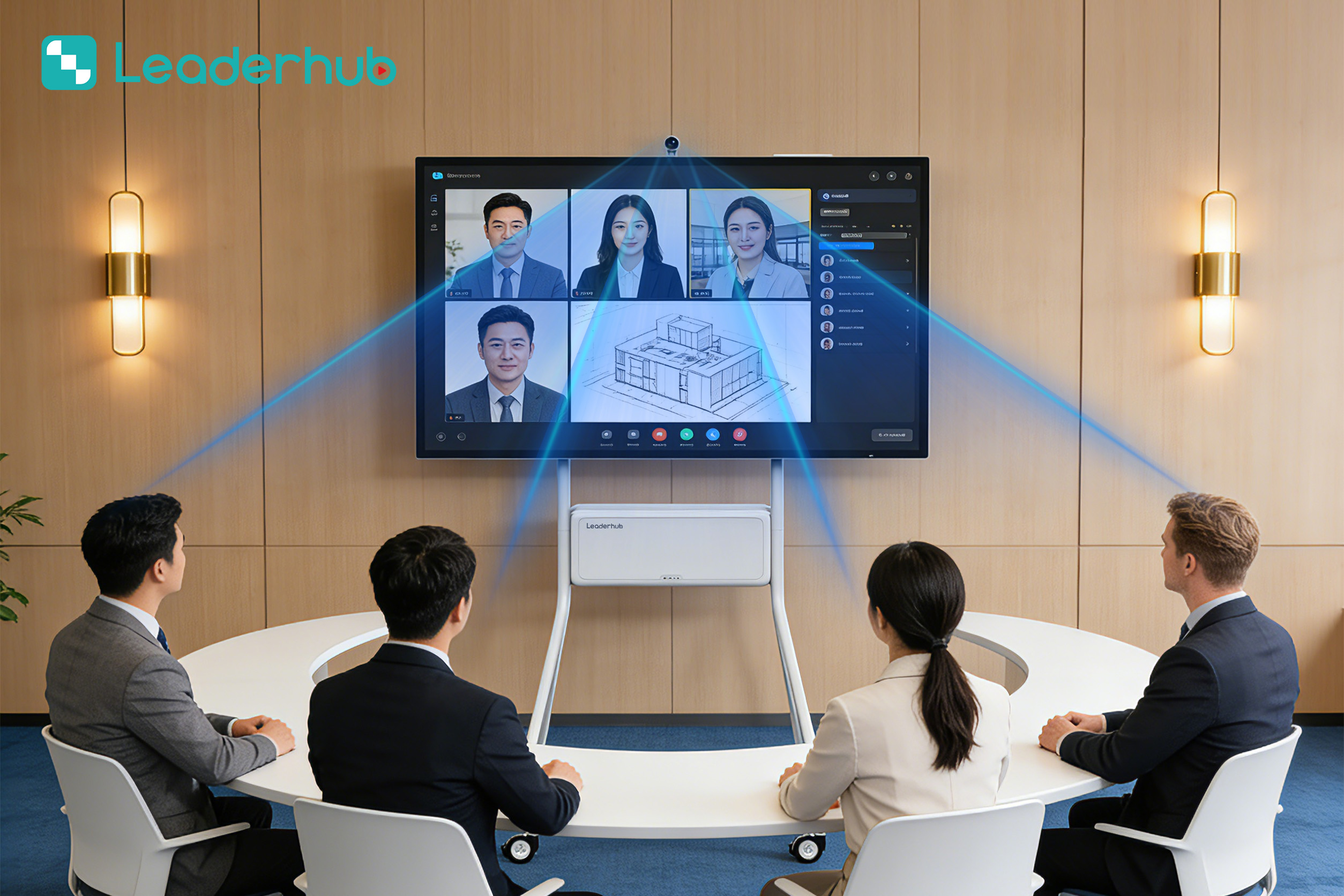
Furthermore, these displays double as professional productivity hubs. For parents working from home, a smart board serves as an expansive canvas for video conferencing, project mapping, and digital whiteboarding, making hybrid work smooth and highly professional.

Traditional Tools vs. Smart Board for Home Use
See how upgrading to a modern interactive display enhances efficiency, safety, and engagement compared to traditional learning tools.
| Feature / Capability | Traditional Whiteboard / Chalkboard | LeaderHub Smart Board for Home |
|---|---|---|
| Display & Visuals | Static marker writing or dusty chalk drawings; limited space. | Stunning 4K UHD resolution with infinite digital canvas workspace. |
| Interactive Features | Manual writing only; zero digital interaction. | Multi-touch writing, gesture controls, and instant digital sharing. |
| Educational Content | Must purchase physical books, posters, and flashcards. | Access to endless web resources, educational apps, and interactive 3D models. |
| Eye Safety & Health | Chalk dust allergies; strong chemical marker fumes. | Anti-glare glass, blue light filters, and dust-free digital ink. |
| Versatility | Single-use for writing/drawing. | Homeschooling device, movie screen, gaming monitor, and video call hub. |
Choose the Perfect Display for Your Home
From expansive wall-mounted 4K smartboards to portable, rotating personal screens, explore the best interactive displays engineered by LeaderHub.

LeaderHub L65HM Interactive Smart Whiteboard — 65″ 4K Touchscreen
LeaderHub L75HM Interactive Smart Whiteboard — 75″ 4K Touchscreen
LeaderHub L86HM Interactive Smart Whiteboard — 86″ 4K Touchscreen
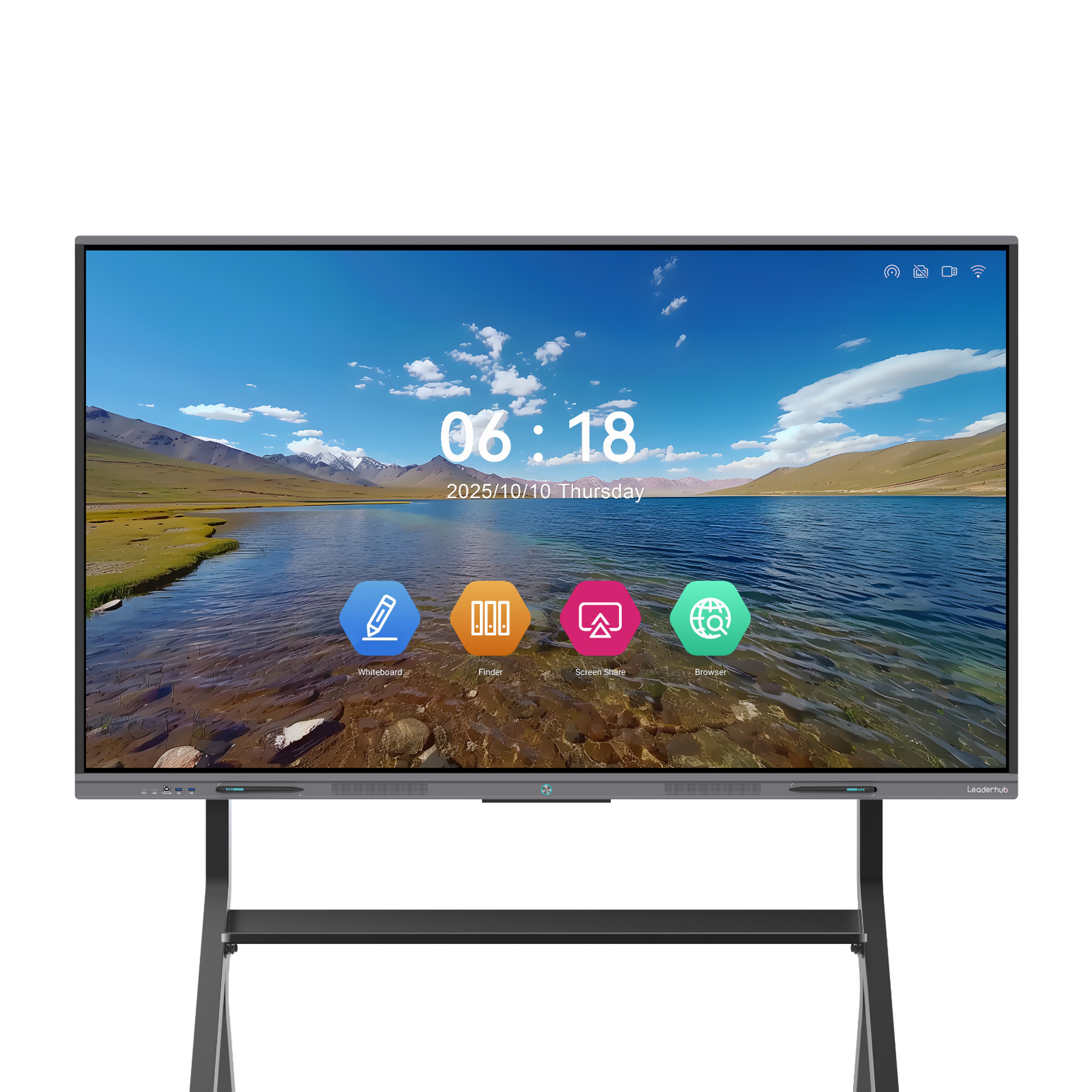
LeaderHub L65ZM Interactive Whiteboard — 65″ 4K Smart Panel
LeaderHub L75ZM Interactive Whiteboard — 75″ 4K Smart Panel
LeaderHub L86ZM Interactive Whiteboard — 86″ 4K Smart Panel
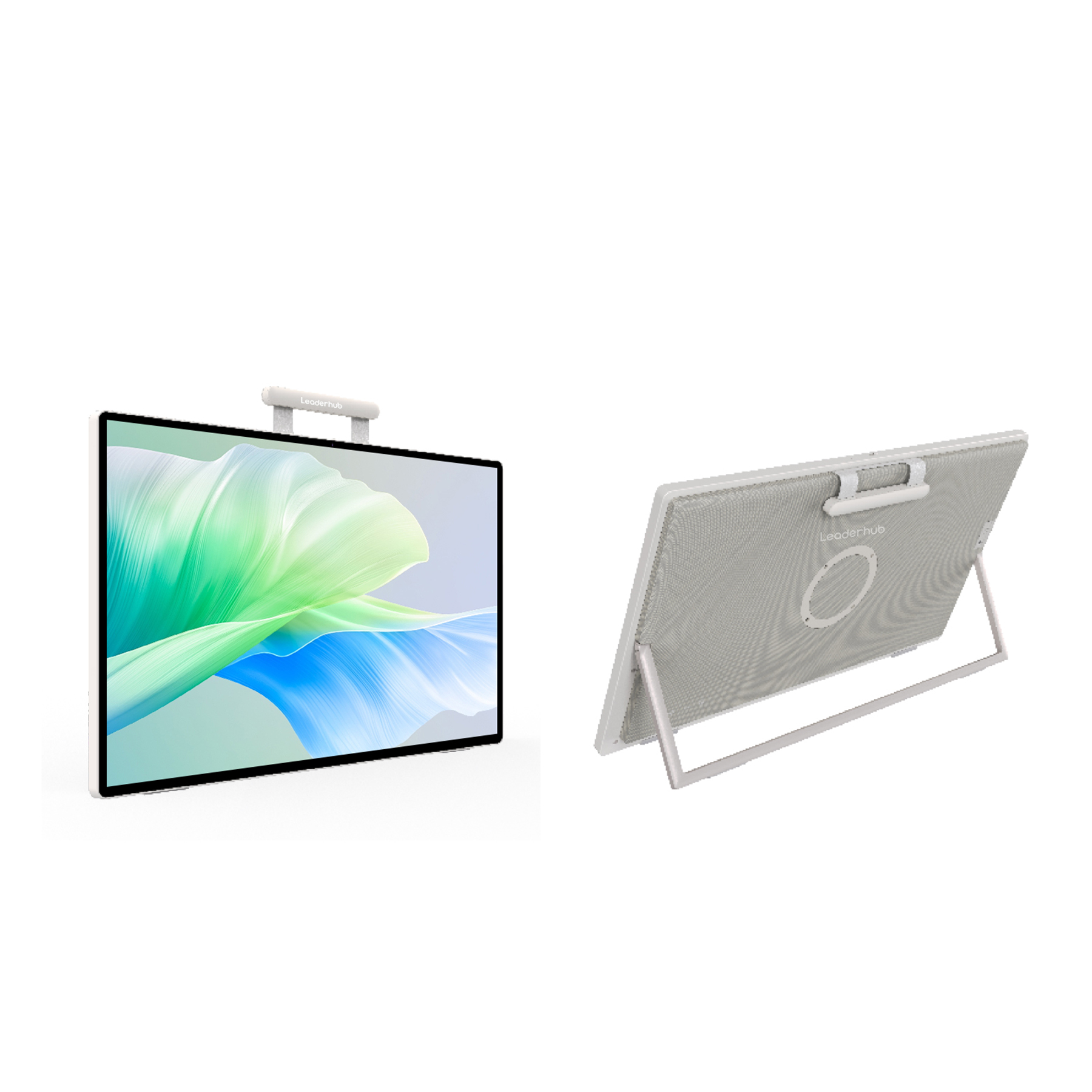
LeaderHub U24M 24.5″ Handheld Smart Screen — Android 14 with Battery
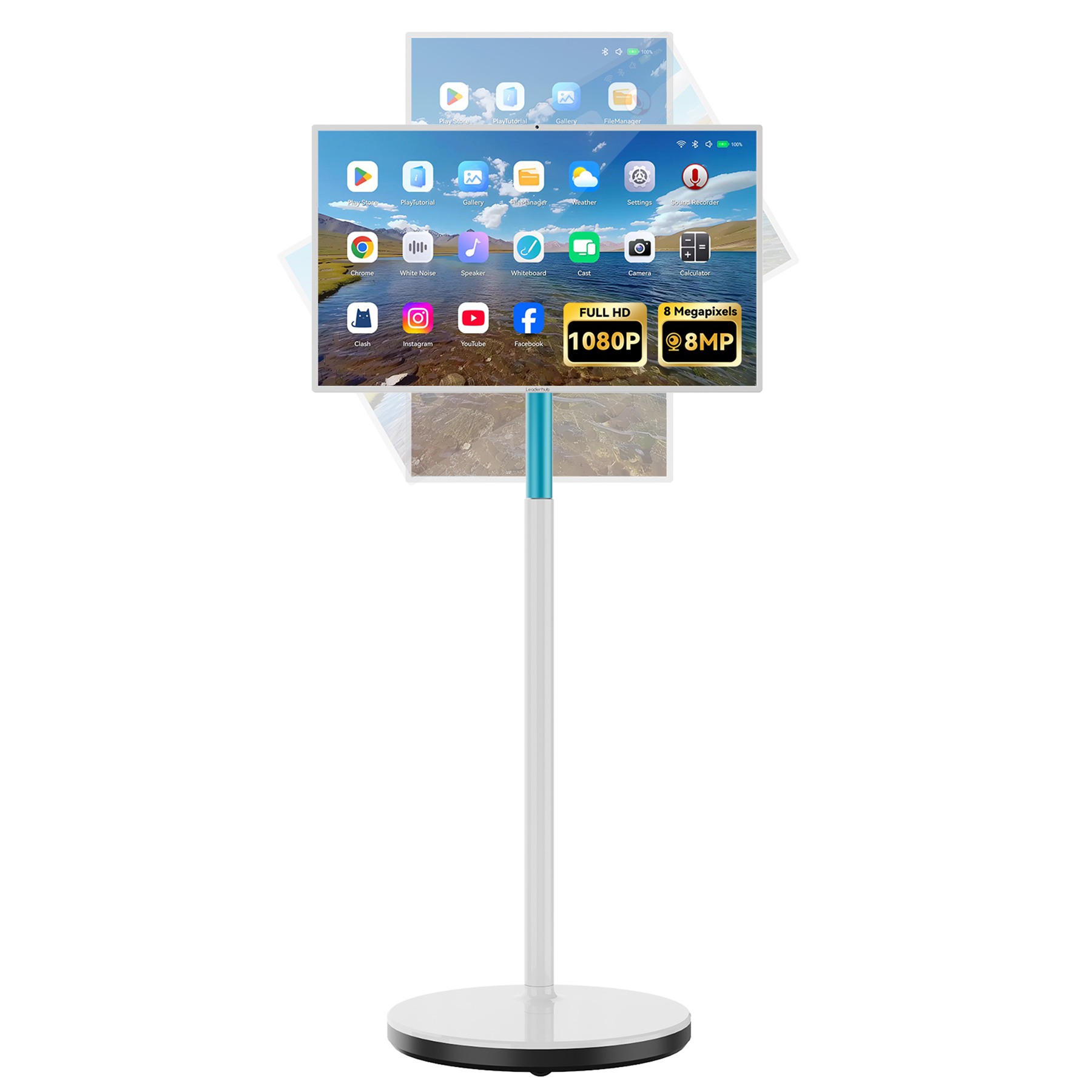
LeaderHub L277M Smart Rotating Screen — 27″ Touchscreen with Battery
Smart Board Applications & Demonstrations
Discover how LeaderHub smart boards and interactive displays support modern homeschooling, remote classrooms, family meetings, presentations, and collaborative play.
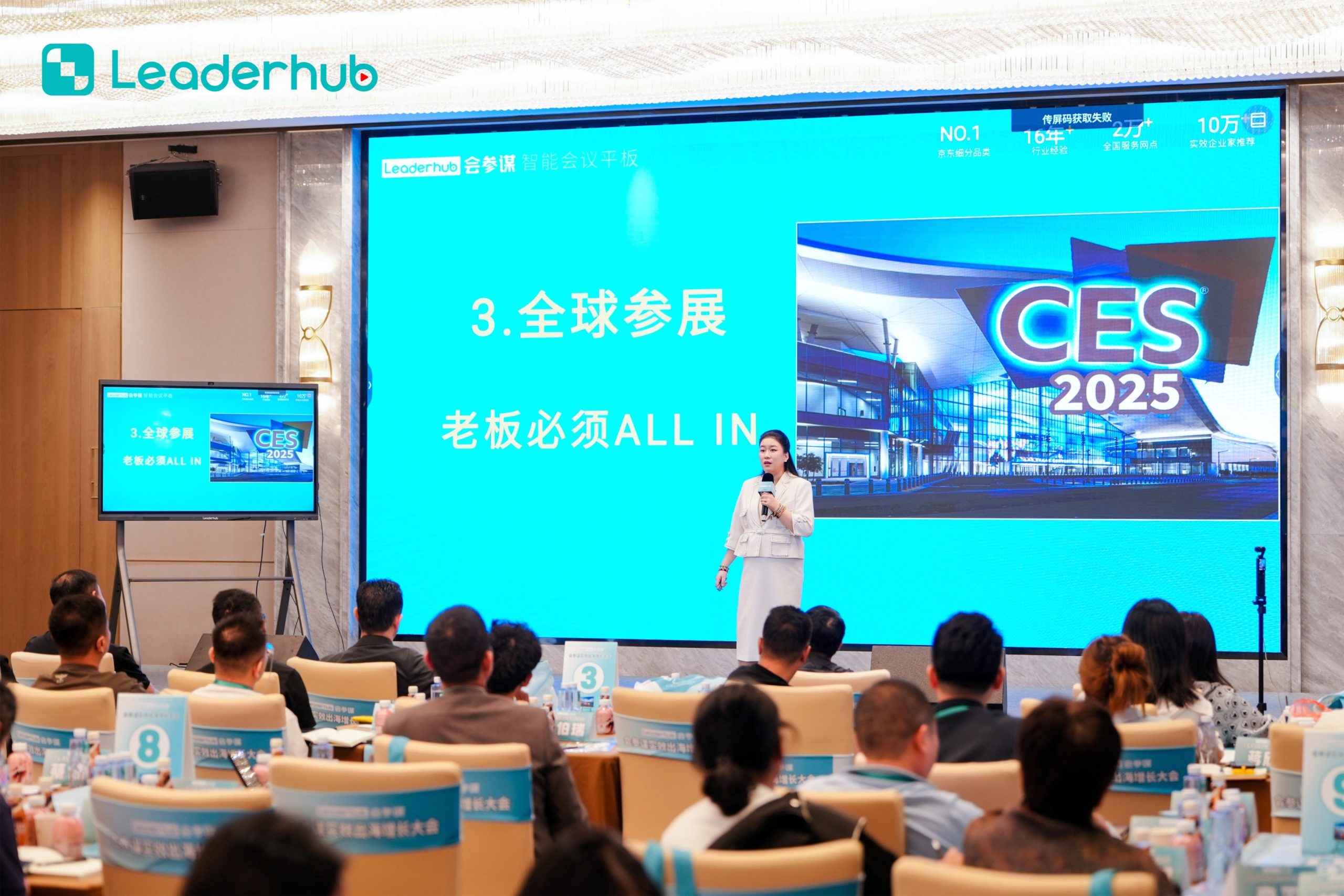
Smart Board in Action
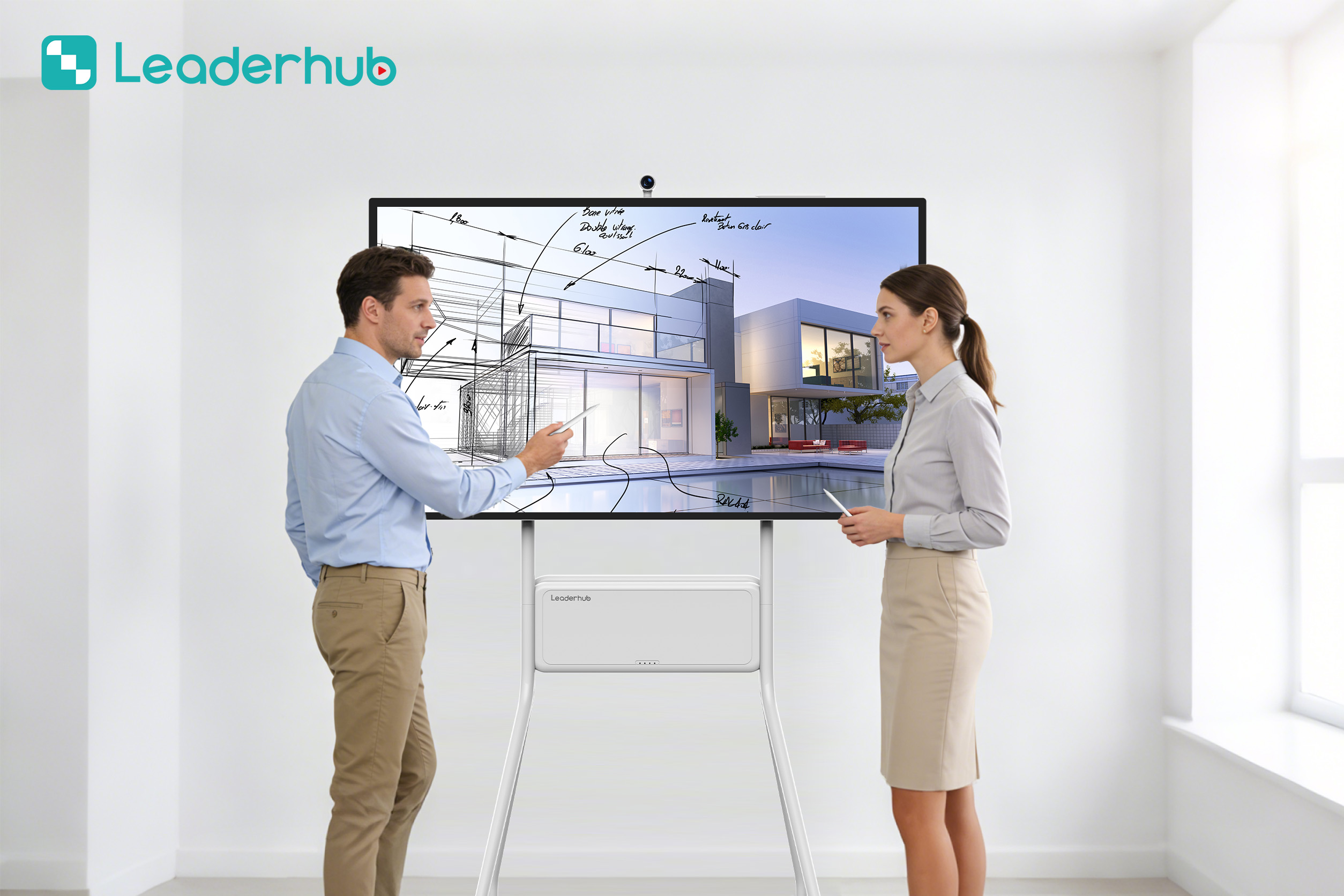
Experience interactive technology designed for modern education and business environments. Step up your home-learning setup with real-time annotations, multi-screen sharing, and fluid digital writing that feels exactly like pen on paper.

Interactive Display Demonstration
Explore intuitive touch interaction and smart collaboration features. LeaderHub displays allow multiple family members to collaborate simultaneously, making group study sessions, family games, and project planning incredibly engaging.


Advanced Technology for Smart Living
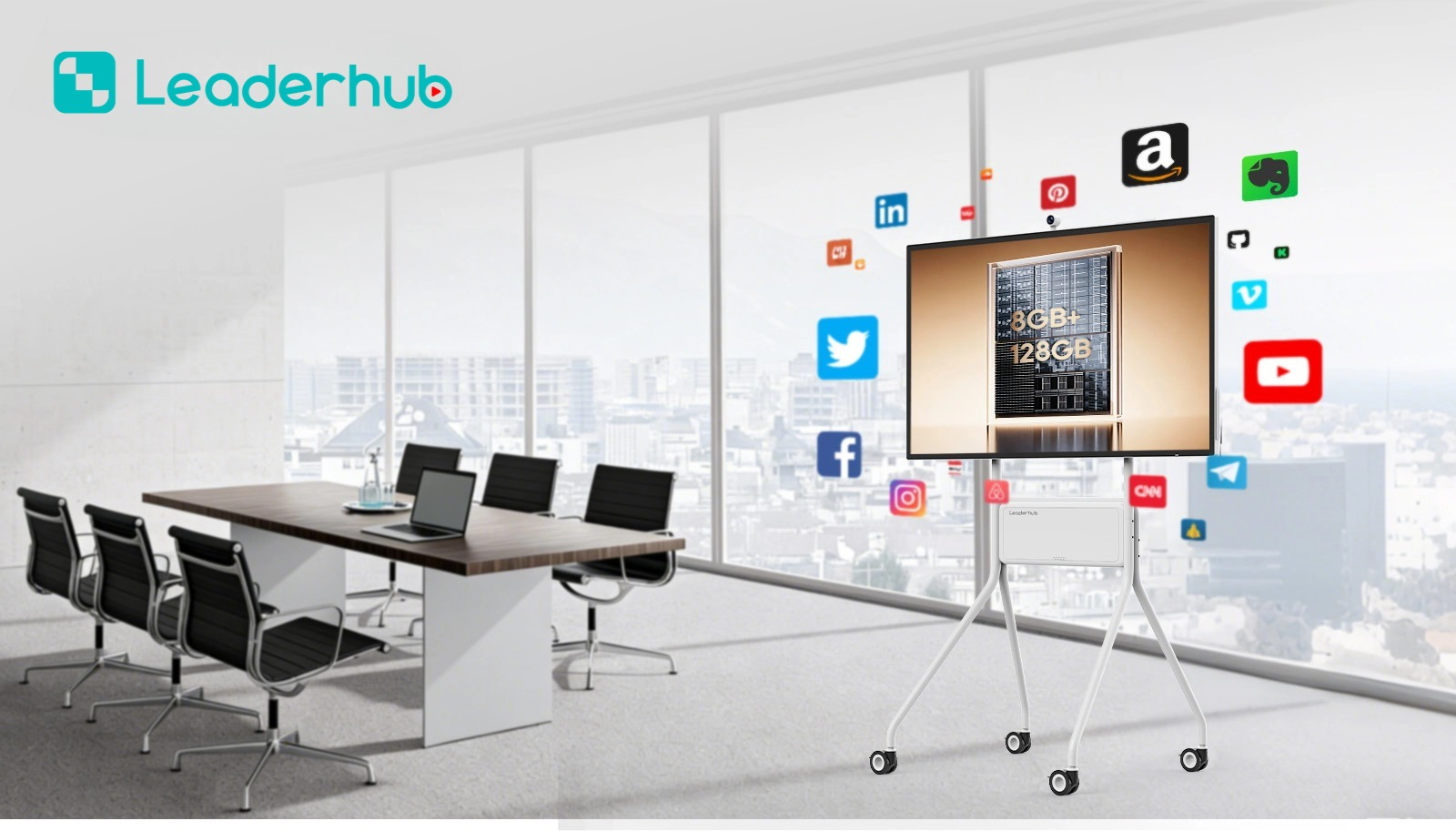
LeaderHub boards are built with cutting-edge hardware and AI integrations, turning simple displays into smart, responsive family assistants.
AI-Powered Writing & OCR
Convert handwritten notes into clean digital text instantly. Organize, save, and share brainstorming sessions with simple QR code scans.
Stunning 4K Eye-Care Display
Protect your family’s vision. Anti-glare glass and blue-light filtering technology ensure comfortable viewing during long study sessions.
Seamless Screen Casting
Cast up to four screens simultaneously from laptops, tablets, or smartphones. Perfect for comparing work or playing family games.
Dual OS Support
Run Android and Windows side-by-side. Access millions of educational apps, games, and professional office software effortlessly.
About LeaderHub
16 years of interactive-display expertise — smart whiteboards, mini PCs, and portable smart screens delivered to 82 countries worldwide.
AI Changes Life
LeaderHub is a Shenzhen-based technology company specializing in smart whiteboards, interactive flat panels, mini PCs, and portable smart screens. We are committed to making top-tier interactive technology accessible and affordable for small businesses, schools, and modern families worldwide.
We combine advanced hardware innovation with artificial intelligence to optimize interaction efficiency. Today, LeaderHub holds strategic partnerships with organizations across finance, internet, education, training, and government sectors globally.
- Customer First & Effective Service
- Continuous Technological Progress
- Lifelong Global Partnerships
- Innovative Smart board Full-Solutions
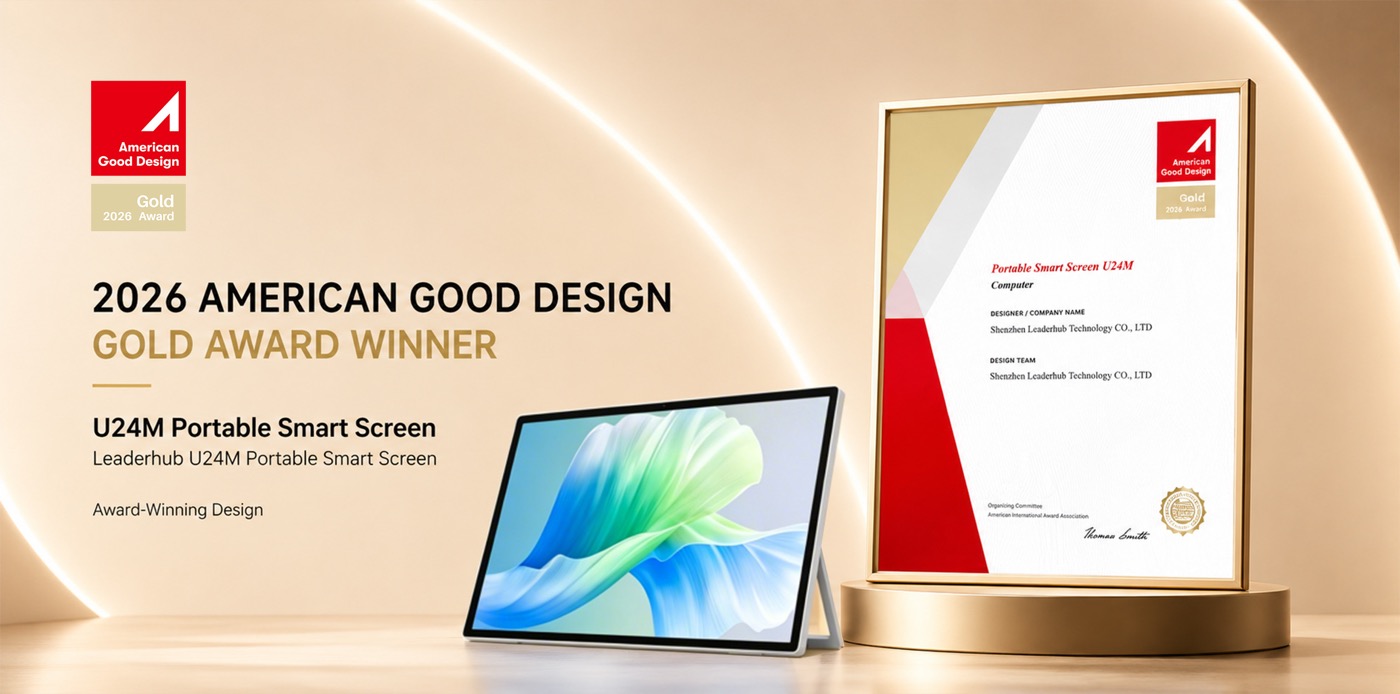
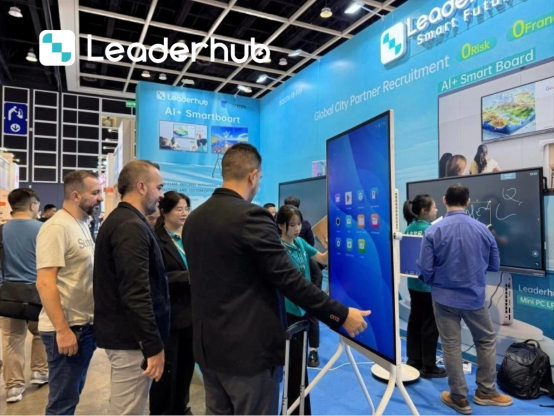
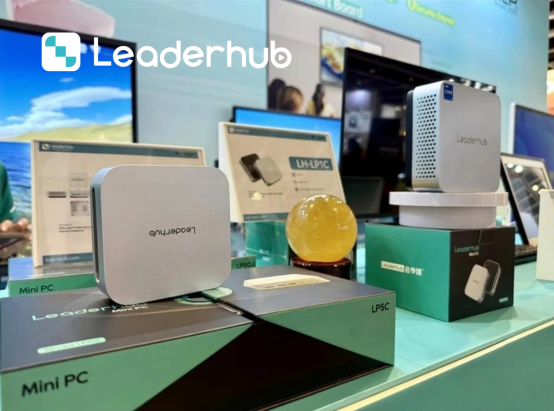
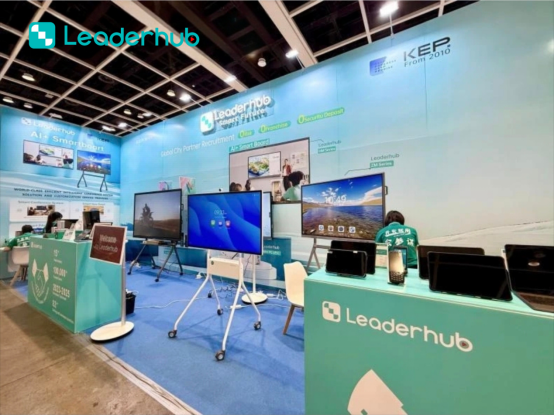
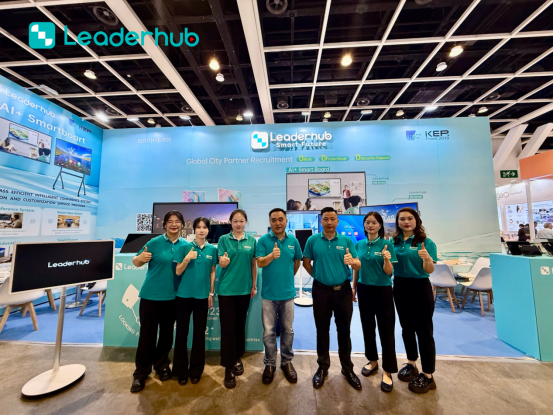
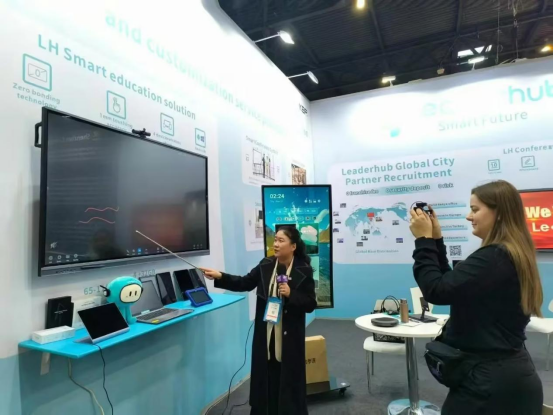
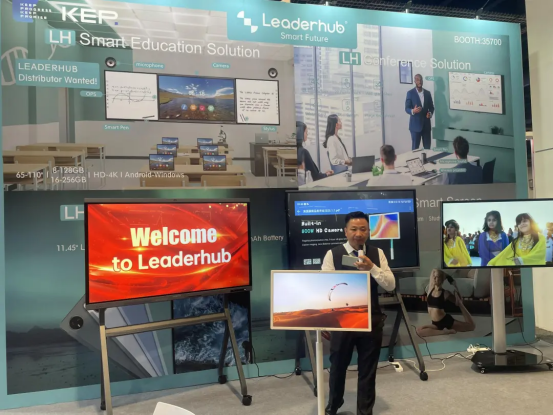
Meet LeaderHub at Global Electronics Exhibitions
LeaderHub actively participates in major electronics and technology exhibitions around the world, connecting with distributors, system integrators, education providers, and business partners. We showcase our latest smart boards, interactive flat panel displays, portable smart screens, and smart collaboration solutions.
Looking for a reliable smart board manufacturer? Meet us at the next global electronics exhibition and discover new opportunities for partnership.



How to Choose the Best Smart Board for Home Use
A comprehensive guide to selecting the right interactive display size, operating system, and features for your family’s needs.
1. Selecting the Right Screen Size
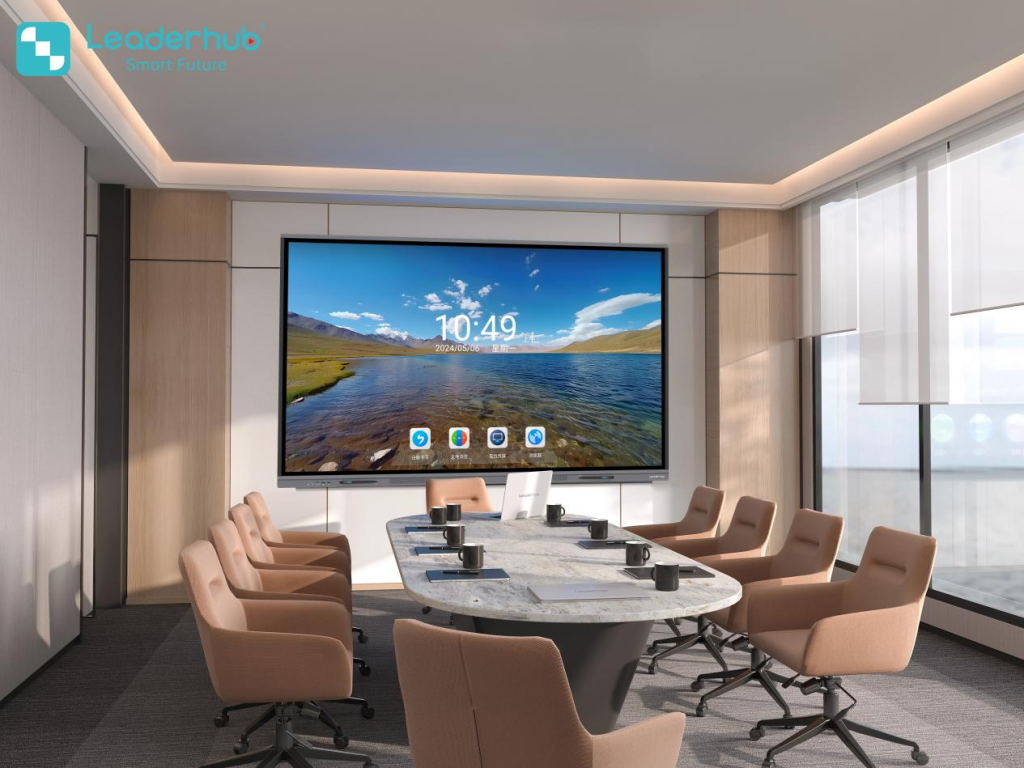
When selecting a smart board for home use, space is one of the most critical factors. Unlike commercial offices with massive conference rooms, home environments require a balance between high visibility and aesthetic integration. LeaderHub offers sizes ranging from 55 inches up to 110 inches. For a standard living room or dedicated study, a 65-inch or 75-inch screen is usually the sweet spot, providing ample writing workspace without overwhelming the room.
2. Portability vs. Wall-Mounted Displays
Do you want a permanent classroom fixture, or do you need a screen that moves from the study to the kitchen? LeaderHub’s product line covers both options. Our wall-mounted L65HM and L75HM series provide a clean, stable installation, perfect for dedicated homeschooling rooms. Alternatively, our U24M handheld smart screen and L277M smart rotating screen come equipped with built-in batteries and mobile stands, allowing you to easily roll the interactive display anywhere in your home.
3. Software Ecosystem and Compatibility
A smart board is only as good as the software it runs. Our interactive displays are powered by flexible Android systems and can be upgraded with Windows using our high-performance OPS mini PCs (Intel N100, i5, etc.). This dual-OS capability ensures you can run simple Android educational apps, interactive whiteboard software, and standard Windows applications like Microsoft Office and Zoom without compatibility issues.
4. Eye Care and Screen Safety
Children’s eye health is a top priority for parents. Standard tablets and televisions emit high levels of blue light and can cause severe eye strain. LeaderHub smart boards feature advanced anti-glare coatings, ambient light sensors that adjust brightness automatically, and certified low-blue-light filters to protect growing eyes during long hours of study.
Frequently Asked Questions
Clear answers to common questions about setting up and using a smart board in your home.
Can a smart board for home use connect to my existing home Wi-Fi?
Yes, all LeaderHub interactive displays come with dual-band Wi-Fi capabilities, allowing seamless connection to your home network for web browsing, streaming, downloading educational apps, and online video conferencing.
Do I need a special pen to write on the screen?
No. While LeaderHub displays come with high-precision active/passive styluses for fine drawing and writing, our screens support multi-touch gestures, meaning you can write, erase, and navigate using your fingers.
Is it difficult to install a large smart board at home?
Installation is straightforward. You can choose to mount the smart board on a standard wall (similar to a flat-screen TV) using our included wall-mount brackets, or you can mount it on a mobile stand with lockable wheels for easy transport between rooms.
Can I use the smart board as a TV or gaming monitor?
Absolutely. With multiple HDMI input ports, USB interfaces, and wireless casting, you can easily connect gaming consoles, streaming devices, and cable boxes to enjoy movies and games on a massive 4K UHD screen.
Ready to Upgrade the Way You Learn, Meet, and Create?
Explore our full line of interactive displays, mini PCs, and smart screens, or get in touch with our team for personalized recommendations.
