what is a smart board and how does it work is a common question for schools, offices, training centers, and anyone upgrading from a regular whiteboard or projector. In simple terms, a smart board is an interactive display that lets you see, touch, write, draw, save, and share content on one screen.
Instead of using markers, erasers, and separate devices, a smart board combines a large screen, touch technology, and software so people can collaborate in real time. That is why it has become a popular tool for modern classrooms, hybrid meetings, and team workshops.
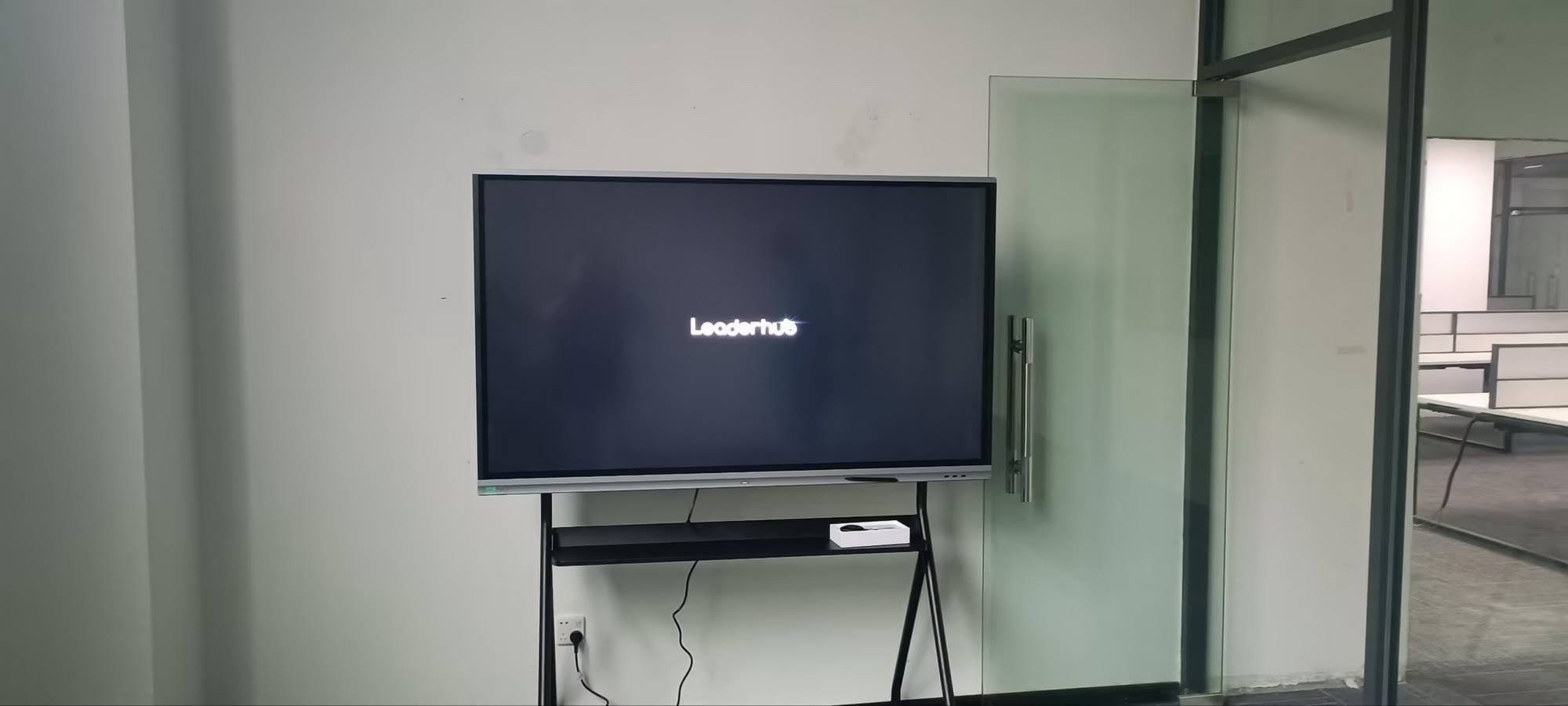
What Is a Smart Board?
A smart board is a digital touch panel designed for collaboration. It looks like a large flat screen, but unlike a normal TV, it responds to touch, stylus input, and connected devices such as laptops, mini PCs, document cameras, and wireless sharing tools.
Most smart boards are used for:
- Teaching interactive lessons in classrooms
- Running meetings with annotations and file sharing
- Presenting slides, videos, and web pages
- Brainstorming ideas with digital notes
- Remote collaboration with video conferencing tools
If you are comparing options, a good place to start is the smart whiteboards category, especially if you want an all-in-one solution for teaching or meetings.
How Does a Smart Board Work?
A smart board works by combining several layers of technology into one interactive system. Here is the basic process:
- The display shows content. The screen can mirror a computer, run built-in apps, or open files directly.
- Touch sensors detect input. When you tap, write, or swipe, the panel recognizes the touch point.
- Software processes the action. The operating system turns your touch into commands like drawing, scrolling, zooming, or deleting.
- Content can be saved or shared. Notes, screenshots, and files can often be exported through email, USB, cloud storage, or QR code.
In many setups, the board also connects to a computer or mini PC, which gives users access to more apps, stronger processing power, and easier content management.
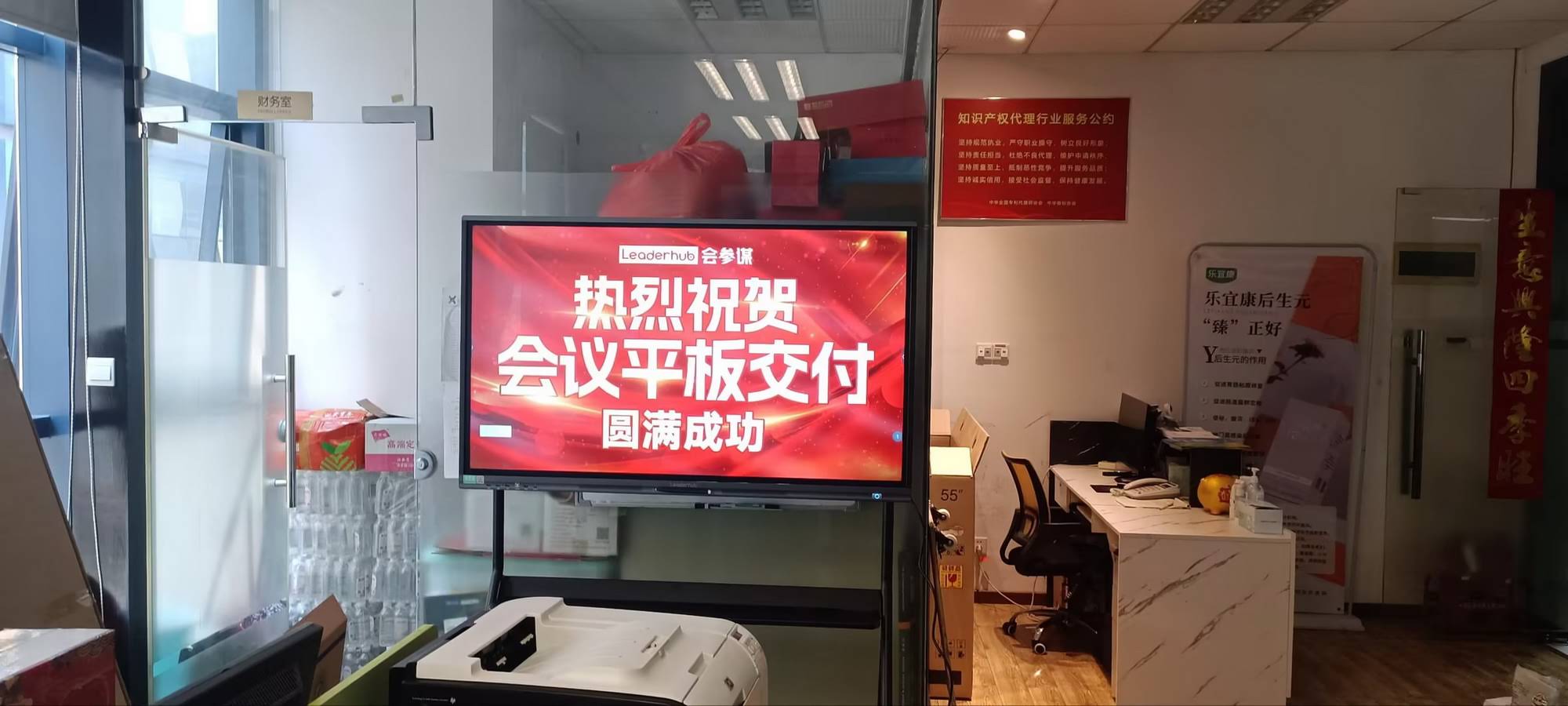
Main Parts of a Smart Board
Even though models differ, most smart boards include the following parts:
- Touch display — the main screen users interact with
- Operating system — built-in software or a connected computer system
- Stylus or finger input — for writing and navigation
- Ports and wireless connectivity — HDMI, USB, Wi-Fi, Bluetooth, and screen sharing
- Audio system — speakers for lessons, presentations, or video calls
Smart Board vs. Traditional Whiteboard vs. Projector
| Option | How It Works | Best For | Main Advantage |
|---|---|---|---|
| Traditional whiteboard | Markers and erasers only | Basic writing and quick notes | Low cost and simple use |
| Projector setup | Projects images from a computer onto a screen | Displaying slides and videos | Large image at a lower initial cost |
| Smart board | Touch-enabled digital display with software | Teaching, collaboration, meetings, and presentations | Interactive, savable, and shareable content |
Why Smart Boards Are So Popular
Smart boards are popular because they help people work faster and communicate more clearly. They reduce the need for paper handouts, make lessons more visual, and allow multiple users to interact with the same content.
- More engagement: users can interact directly with the screen
- Better collaboration: teams can edit ideas together in real time
- Easy content saving: notes can be stored and reused later
- Cleaner setup: fewer cables, markers, and separate devices
- Flexible use: useful in education, business, training, and remote work
Common Uses in Classrooms and Offices
According to the UNESCO Global Education Monitoring Report, technology should support learning goals instead of replacing good teaching. A smart board fits that idea well because it supports active learning and better interaction.
- Classroom teaching: explain concepts with diagrams, videos, and live annotations
- Business meetings: sketch plans, review documents, and mark up slides
- Training sessions: guide groups step by step with visual examples
- Hybrid collaboration: share work with remote participants through video conferencing
- Creative workshops: brainstorm, map ideas, and organize tasks visually
For organizations that need a wider presentation setup, rotating screens can be useful in flexible meeting spaces, while interactive flat panels are a strong choice for larger shared displays.
How to Choose the Right Smart Board
Before buying, think about how the board will be used every day. A classroom, boardroom, and training room each have different needs.
| Buying Factor | What to Look For |
|---|---|
| Screen size | Choose based on room size and viewing distance |
| Touch accuracy | Look for smooth, responsive multi-touch performance |
| Resolution | 4K is ideal for crisp text, charts, and videos |
| Software compatibility | Make sure it works with your preferred apps and devices |
| Connectivity | Check USB, HDMI, Wi-Fi, and screen-sharing options |
| Installation | Confirm whether you need wall mounting, a stand, or mobility |
Simple Tips for Getting the Best Experience
- Use a mini PC if you want smoother performance for apps and video calls
- Keep frequently used files in cloud storage for quick access
- Test the touch calibration before first use
- Teach users how to save notes, annotate, and share screens
- Match the board size to the room, not just the budget
For schools and teams that want a practical hardware setup, LeaderHub offers options that can fit different room sizes, workflows, and budgets. You can also explore products or contact the team for a tailored recommendation.
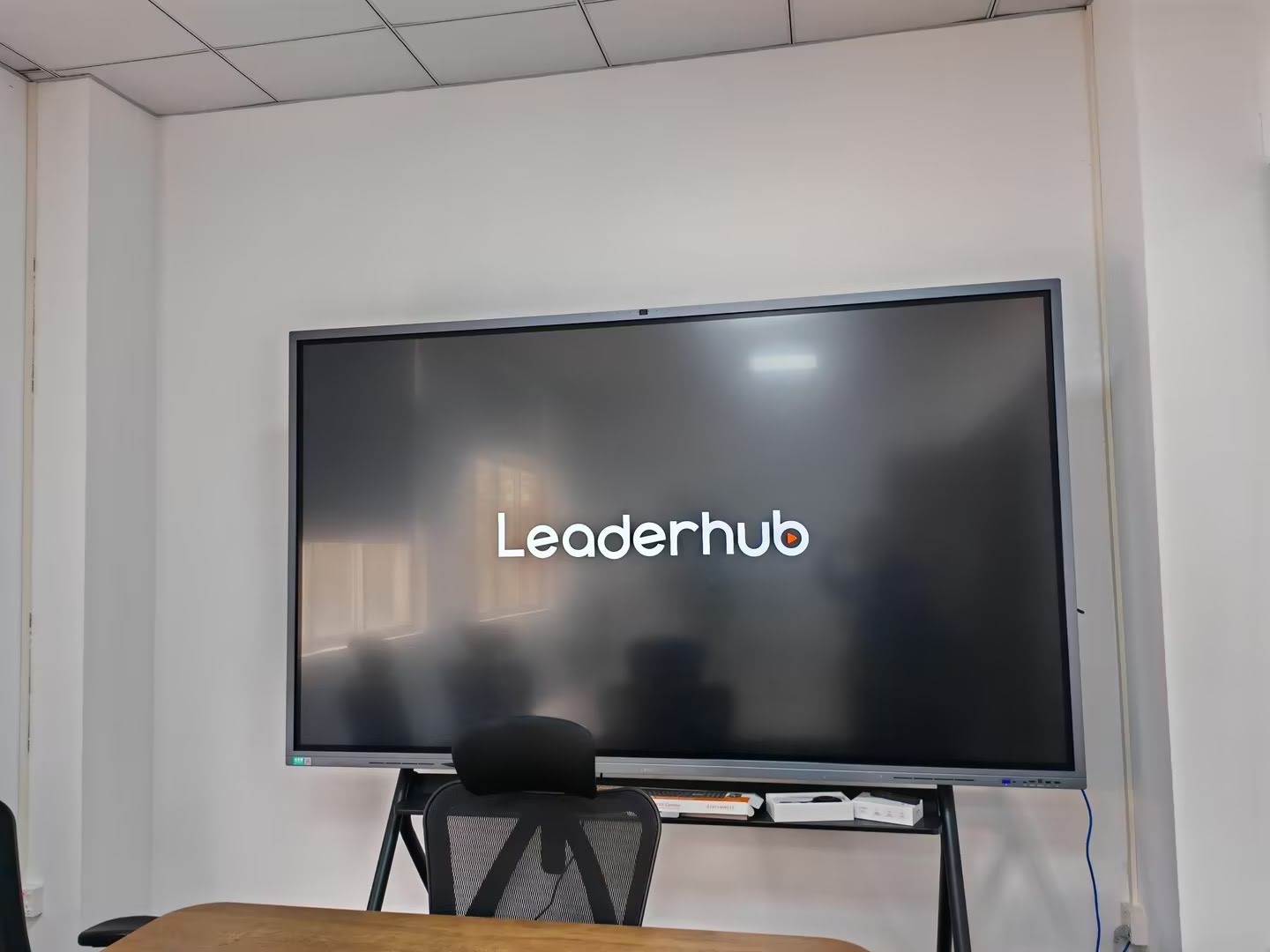
What to Remember
A smart board is more than a big screen. It is an interactive collaboration tool that makes teaching, presenting, and working together much easier. Once you understand what a smart board is and how it works, it becomes easier to choose the right model for your classroom or workplace.
For deeper reading on digital learning and effective technology use, see the ISTE Education Technology Standards and UNESCO Digital Education.