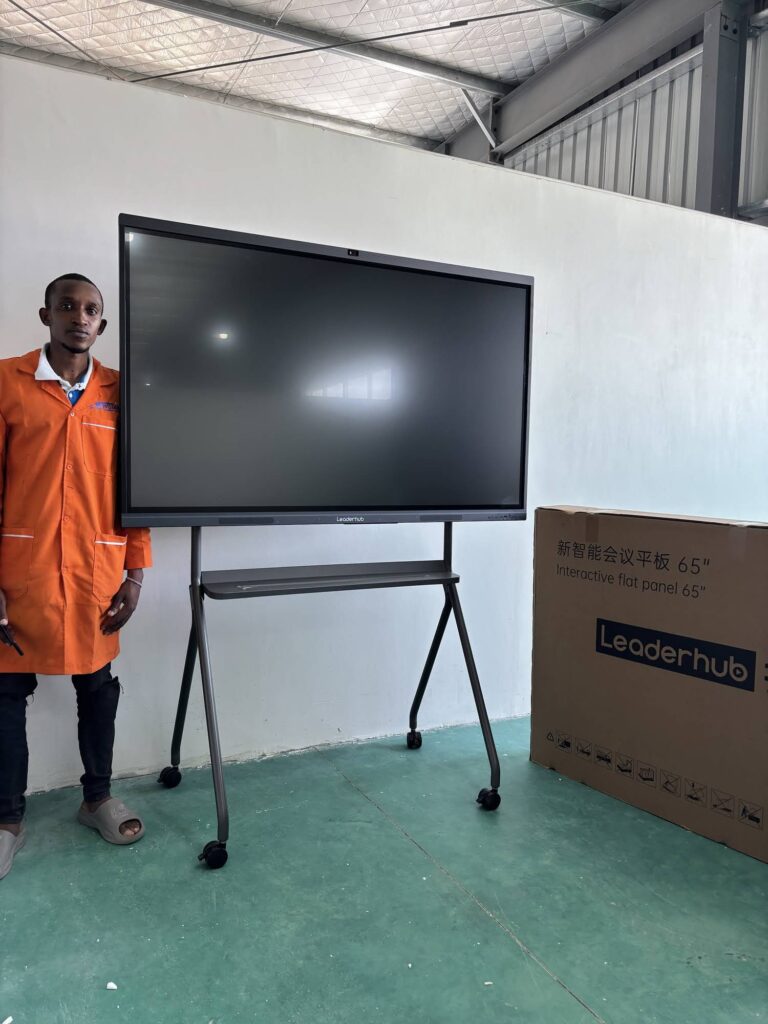
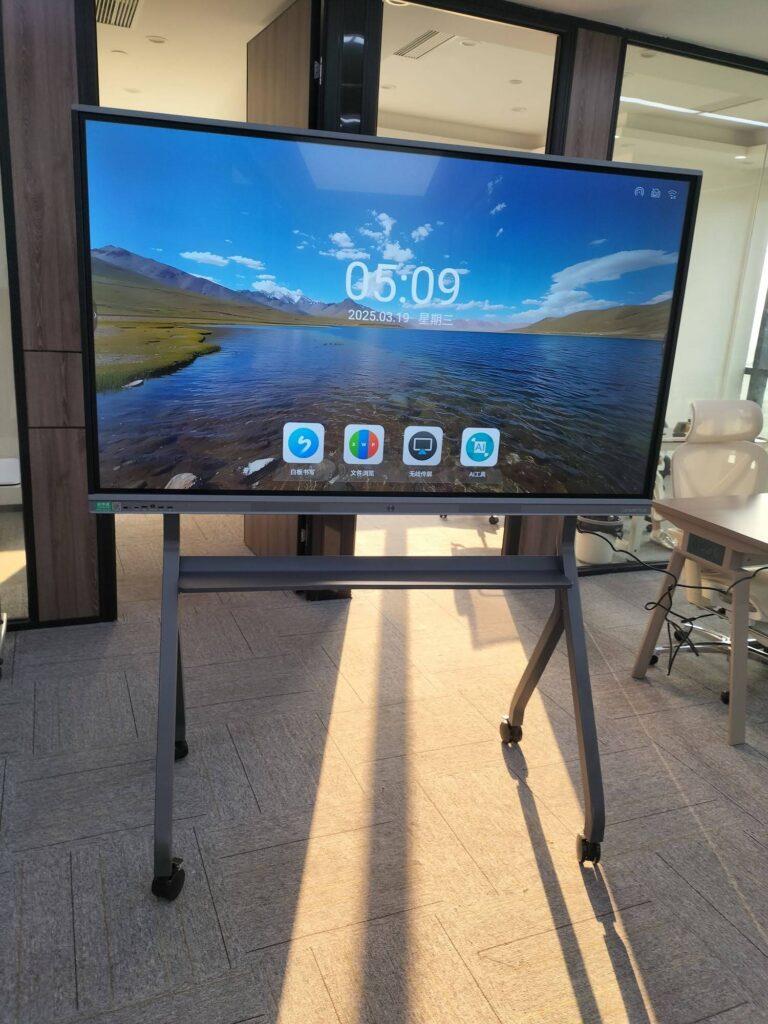
Every AV integrator eventually faces the same tension: clients want a tailored interactive-display solution, but the business needs a repeatable, manageable product catalogue. The answer is not to stock one panel for every job, nor to quote a different brand on each tender. The answer is a deliberately structured smart board product portfolio for AV integrators — a tiered line-up that covers classrooms, huddle rooms, boardrooms, lecture halls and mobile use cases while keeping training, spares and support predictable.
This guide walks through how to build that portfolio, which specifications actually matter at the project level, how to map display categories to room types, and how a single-manufacturer line-up can simplify everything from pre-sales demos to long-term firmware management.
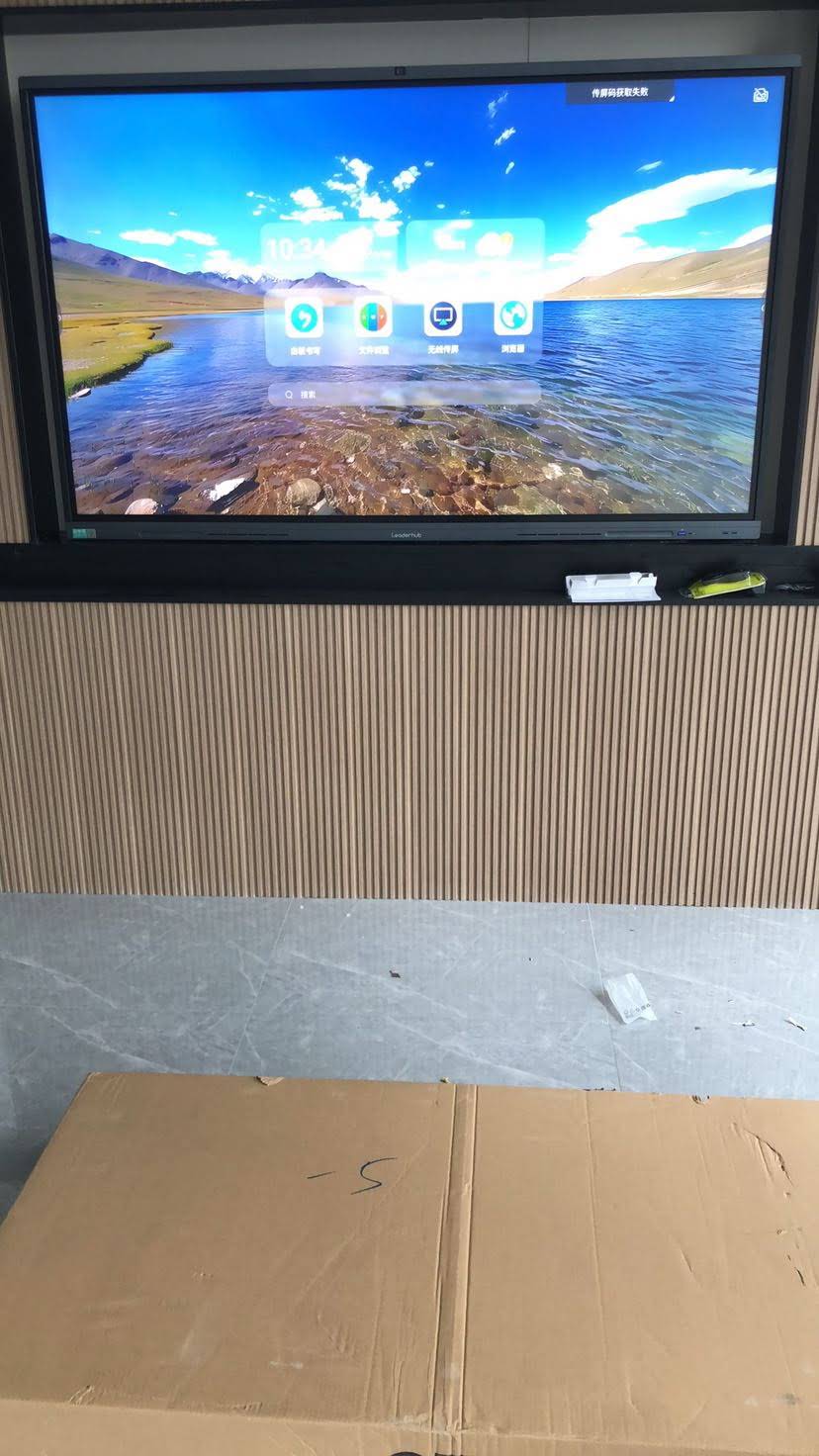
Why AV Integrators Need a Structured Smart Board Portfolio
Interactive flat panels (IFPs) have moved from “nice to have” to the default front-of-room display in both education and corporate environments. According to the AV Industry Standards and Resources published by AVIXA, collaboration displays remain one of the fastest-growing categories in pro-AV. That growth brings opportunity, but also complexity: more SKUs, more operating systems, more firmware branches and more end-user training.
A well-designed portfolio solves four problems at once:
- Quoting speed — sales engineers can match a room to a tier in minutes rather than researching new models for every RFP.
- Technician efficiency — one UI, one mounting pattern family and one cable philosophy across sizes reduces on-site errors.
- Inventory control — fewer panel families means fewer spare boards, remotes, pens and power supplies to stock.
- Margin protection — tiering allows you to upsell from entry to mainstream to premium without switching vendors mid-project.
Mapping Project Types to Interactive Display Categories
Before choosing specific models, define the project archetypes your business actually encounters. Most integrators find that 80% of their interactive-display work falls into six or seven recurring scenarios. The table below pairs those scenarios with the display category that fits best.
| Project Type | Typical Room | Recommended Category | Priority Features |
|---|---|---|---|
| K-12 Classroom | 25–35 students, 6–9 m deep | 65″–75″ interactive whiteboard | Anti-glare glass, multi-touch, whiteboard software, screen share |
| Huddle Room | 2–6 people, under 4 m | 55″–65″ smart panel or mobile IFP | Built-in camera/mic, wireless casting, quick wake |
| Boardroom | 8–16 people, 6–8 m | 75″–86″ conference hub | Rotation, Windows via mini PC/OPS, UC certification, cable management |
| Lecture Hall / Auditorium | 60+ seats, 10 m+ | 98″–110″ interactive flat panel | High brightness, wide viewing angle, dual-OS, reinforced mounting |
| Training Centre / Flexible Space | Reconfigurable rooms | Mobile IFP on powered trolley | Battery or UPS, lockable wheels, Wi-Fi 6 |
| Executive Office / Studio | 1–3 people | 24″–27″ portable rotating screen | Battery, Android, stylus, portrait/landscape |
| Government / Public Sector | Council chambers, briefing rooms | 75″–86″ with Windows compute | Domain join, MDM, security patching, local data storage |
Notice how the categories cluster: a 65″ and 75″ whiteboard family, a 75″–86″ conference family, a very large format option, a mobile option and a portable personal option. That is the skeleton of a complete portfolio.
Key Selection Criteria for Integrators
End-users compare panels on price and screen size. Integrators must go deeper. The following criteria determine whether a panel is easy to deploy and support at scale.
Screen Size vs. Viewing Distance
The classic rule for interactive content (small text, spreadsheets, annotated diagrams) is that the furthest viewer should sit no more than roughly four times the screen height away. Use the quick reference below when surveying rooms.
| Panel Size | Approx. Screen Height | Max. Viewing Distance (Detailed Content) | Typical Fit |
|---|---|---|---|
| 55″ | 0.68 m | ≈ 2.7 m | Huddle rooms, mobile carts |
| 65″ | 0.81 m | ≈ 3.2 m | Small classrooms, meeting rooms |
| 75″ | 0.93 m | ≈ 3.7 m | Standard classrooms, boardrooms |
| 86″ | 1.07 m | ≈ 4.3 m | Large classrooms, executive boardrooms |
| 110″ | 1.37 m | ≈ 5.5 m | Lecture halls, command centres |
Touch Technology, Resolution and Optical Bonding
4K UHD is now the baseline across all serious portfolios. Beyond resolution, check infrared vs. capacitive touch, the number of simultaneous touch points (20 and above for classroom group work), palm rejection accuracy and whether the glass is anti-glare etched. Zero-bonded or low-parallax glass improves writing feel — a detail teachers notice immediately during demos.
Operating System and Compute Strategy
Most panels ship with Android for whiteboarding and casting. Corporate and government clients, however, frequently require Windows for domain policies, UC clients and licensed software. Rather than paying a premium for every panel to include an OPS module, many integrators standardise on an external mini PC that can be specified per room — an entry-level Intel N100 unit for signage and basic video calls, or an i5-class unit for CAD review and multi-stream conferencing.
Connectivity and Fleet Management
- HDMI 2.0 inputs (at least three), USB-C with power delivery and DisplayPort for laptops.
- Front-facing USB and HDMI for walk-up presenters.
- Wi-Fi 6 and gigabit Ethernet — wired is still preferred for managed fleets.
- Remote device management (RDM/MDM) for firmware pushes, app whitelisting and uptime monitoring.
- RS-232 or LAN control for integration with room controllers and scheduling systems.
Mounting, Mobility and Rotation
Rotation is a differentiator that has moved from novelty to practical value. A conference hub that pivots to portrait mode is ideal for document review, vertical whiteboarding and one-to-one video calls. Pair this with motorised height-adjustable trolleys for training centres, and ensure VESA patterns are consistent across sizes so your installation team stocks fewer brackets.
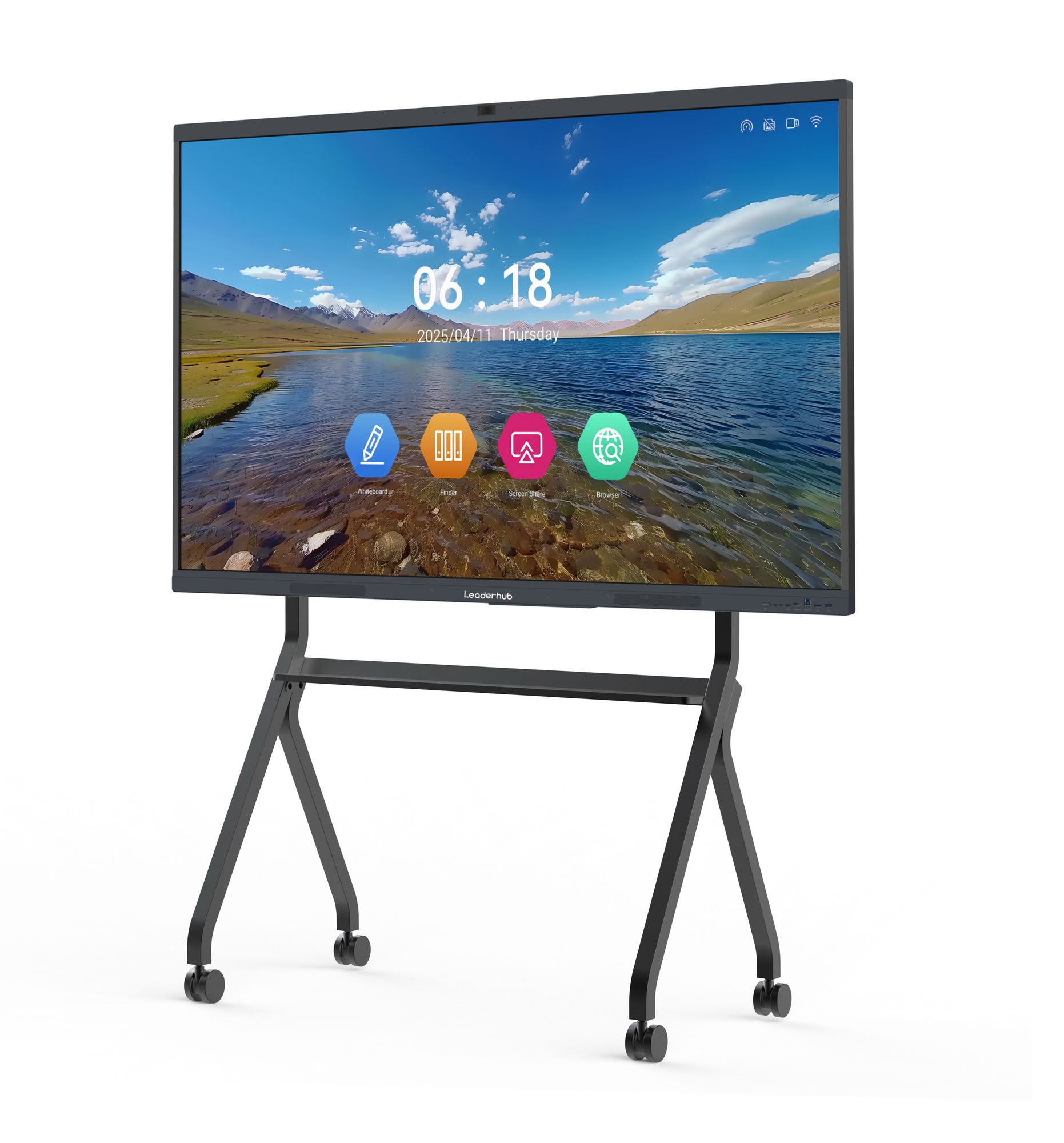
Building the Four-Tier Portfolio
With criteria defined, the portfolio becomes a straightforward exercise in tiering. The structure below uses the LeaderHub range as a worked example because it covers every tier from one manufacturer, but the logic applies regardless of brand.
Tier 1 — Entry Level: Value Interactive Whiteboards
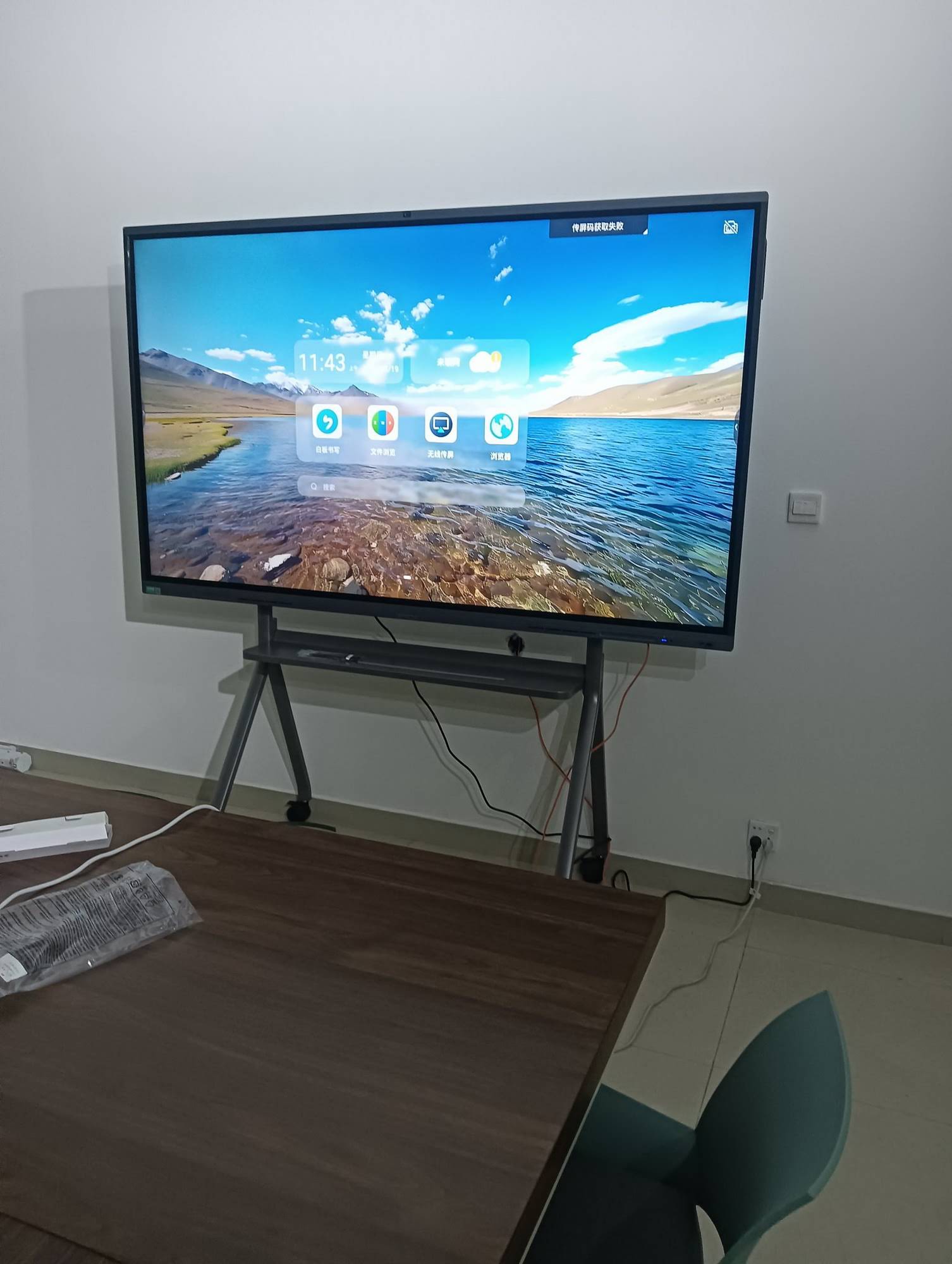
This tier wins volume education tenders and SME meeting rooms. Buyers are price-sensitive but still expect 4K, multi-touch and reliable wireless casting. The L65ZM 65″ smart panel, the 75″ L75ZM and the 86″ L86ZM share a single platform, so one training session covers all three sizes.
Tier 2 — Mainstream: Rotatable Conference Hubs
The mid-tier is where most corporate revenue sits. The HM series — available as the L65HM, L75HM and L86HM — adds rotation and a conference-centric feature set. The HM design has been recognised internationally; see the Leaderhub HM Series entry at the MUSE Design Awards for the design rationale behind the rotatable hub concept.
Tier 3 — Premium and Large Format
For executive boardrooms and lecture theatres, the L75H Pro interactive flat panel offers a higher-specification engine, while the L110H 110-inch interactive flat panel replaces projector-and-screen installations in rooms where brightness and uniformity matter.
Tier 4 — Mobile and Portable Specialty Screens
Specialty items close deals that fixed panels cannot. The U55Pro 55″ mobile 4K smart display suits agile workspaces and healthcare, while the rotating screens line — the 24.5″ U24M handheld screen and the 27″ L277M with battery — serves executives, designers and tutoring rooms.
| Tier | Models | Sizes | Indicative Price (USD) | Best For |
|---|---|---|---|---|
| Entry | L65ZM / L75ZM / L86ZM | 65″ / 75″ / 86″ | $1,099 – $1,699 | Classrooms, SME meeting rooms |
| Mainstream | L65HM / L75HM / L86HM | 65″ / 75″ / 86″ | $1,299 – $3,199 | Corporate boardrooms, rotatable hubs |
| Premium / Large Format | L75H Pro / L110H | 75″ / 110″ | $2,399 – $7,999 | Executive rooms, lecture halls |
| Mobile / Portable | U55Pro / U24M / L277M | 55″ / 24.5″ / 27″ | $699 – $2,499 | Agile spaces, executives, tutoring |
| Compute Add-ons | LP1C / LP5C / AD8 Mini PC | — | $399 – $999 | Windows on any panel tier |
Matching the Portfolio to Vertical Markets
Education
Schools and universities buy in waves, often funded by national digital-education programmes. The UNESCO Technology in Education Report stresses that hardware only improves outcomes when it is paired with teacher training and pedagogical fit — a point integrators can turn into a service offering. Specify entry-tier 65″–75″ panels for standard classrooms, keep an 86″ option for science labs, and bundle onboarding sessions. For K-12 decision frameworks, the EdTech Magazine piece on Choosing an Interactive Display for K-12 is a useful handout for district IT teams.
Corporate and Enterprise
Enterprise buyers care about UC platform compatibility, security and consistency across offices. Standardise on the mainstream conference-hub tier, add mini PCs for Windows-based rooms, and offer the mobile 55″ unit for project spaces and open-plan collaboration zones.
Government and Public Sector
Tenders in this sector prioritise data residency, long warranty terms and local service. Favour panels that allow Windows compute with locally stored content, and document your firmware-update process in the bid.
Healthcare, Retail and Hospitality
Mobile and portable displays dominate here: battery-powered rotating screens for patient consultation, mobile IFPs for staff briefings and 86″ panels for training rooms. Emphasise easy-clean glass and quiet, fanless compute.
Pre-Sales Checklist: Qualifying Every Interactive Display Project
- Room survey — measure depth, ceiling height, ambient light and wall construction.
- Identify the primary use: whiteboarding, video conferencing, presentation or hybrid teaching.
- Confirm operating system requirements and any software licences already owned by the client.
- Count presenters and devices — this determines wireless-casting concurrency and input count.
- Decide fixed mount vs. mobile trolley vs. motorised stand.
- Check network policy: VLAN segmentation, proxy, certificate requirements for Android devices.
- Agree on management: who pushes firmware, who manages apps, who holds admin passwords.
- Define warranty and on-site response expectations in the proposal.
Integrators serving schools can also reference the OECD’s OECD Digital Education Outlook when framing proposals around learning-ecosystem design rather than hardware alone — a positioning that tends to shorten procurement cycles.

Installation and Lifecycle Considerations
Standardise the Install Kit
When the portfolio comes from a single platform family, you can pre-build install kits: bracket, HDMI and USB-C cabling, cable raceway, stylus holder and a laminated quick-start card. Consistency here is what makes a two-person team install six classrooms in a day rather than three.
Firmware and Software Governance
Insist on a vendor roadmap for OTA updates and Android version support. Lock the fleet to a tested firmware version, trial updates on a lab unit, then roll out in waves. Document everything so the client’s IT team can take over if required.
Refresh Cycles and Spares
Interactive panels typically run five to seven years. Plan spares at 2–3% of fleet size for large deployments, and keep one demo unit of each tier in your showroom — nothing closes an upsell faster than letting a client write on the 86″ after they came in asking about the 65″.
Why a Single-Manufacturer Portfolio Makes Sense
Multi-brand catalogues feel flexible, but they multiply training, spares and support complexity. A coherent single-source line-up across whiteboards, flat panels, portable screens and mini PCs removes those friction points. LeaderHub is a Shenzhen-based technology company with 16 years of interactive-display expertise, delivering smart whiteboards, interactive flat panels, mini PCs and portable smart screens to 82+ countries, ranked NO.1 in its JD.com subcategory and offering OEM/ODM options for integrators who need branded or customised configurations. Explore the full smart whiteboard range or contact the partnership team to discuss integrator pricing and demo stock.

Frequently Asked Questions
How many panel sizes should an integrator portfolio include?
Four to five is the sweet spot: 55″ or 65″, 75″, 86″, one very large format (98″–110″) and one portable or mobile option. This covers more than 90% of rooms without creating inventory bloat.
Should I specify built-in OPS or external mini PCs?
External mini PCs offer more flexibility — you only pay for Windows compute in the rooms that need it, and upgrades do not require replacing the panel. OPS slots remain useful where the client insists on a single-chassis installation.
What is the real advantage of a rotatable conference hub?
Portrait mode makes document review, long-form whiteboarding and one-to-one video calls far more natural. It also differentiates your proposal against commodity panels in competitive bids.
How do I handle Android security concerns in corporate deployments?
Use panels with remote device management, disable unneeded app stores, segment the panels on their own VLAN, and route Windows-based workloads through a managed mini PC. Document the policy in your statement of work.
Can portable smart screens replace a full-size panel?
Not for group rooms, but they fill gaps a fixed panel cannot — executive offices, mobile tutoring, clinics and pop-up events. They are a high-margin add-on rather than a substitute.
Final Thoughts
A strong smart board product portfolio for AV integrators is not the longest list of models — it is the shortest list that still answers every brief. Tier by room type, standardise the platform, add compute and mobility as modular options, and back it with documented management and training. Do that, and every quote becomes faster, every install becomes cleaner and every client becomes a reference for the next project. Ready to build your line-up? Browse the complete range and request integrator demo units today.