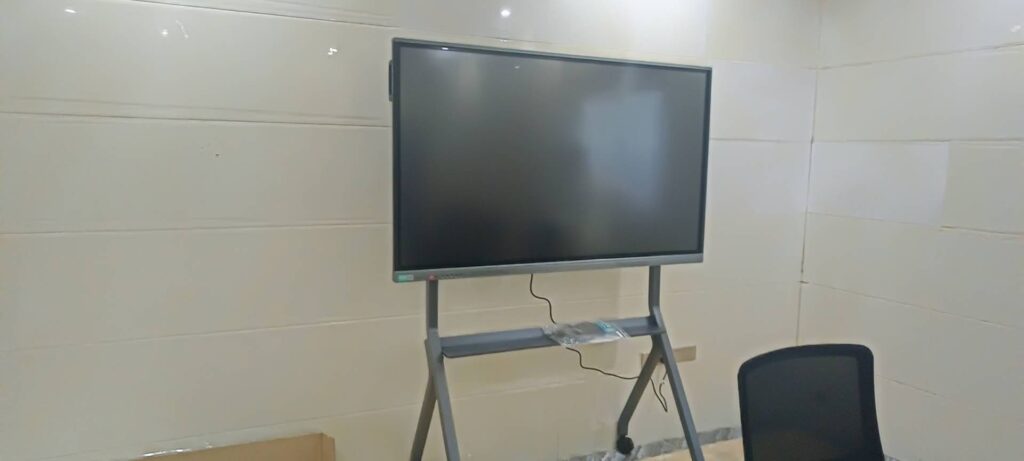
When people search for a smart board bulb, they are usually trying to solve one of two problems: their old projector-based interactive whiteboard has stopped working, or they are comparing lamp-based projection systems against newer LED and LCD interactive panels before making a purchase decision. This guide breaks down exactly what a smart board bulb is, how it compares to modern light-source technology, and how to choose a display that will actually serve your classroom, boardroom, or studio for years without constant bulb replacements.
Having tested and deployed interactive displays across schools, corporate offices, and training centers in more than 80 countries, we have seen firsthand how much the underlying light source affects total cost of ownership, image quality, and daily reliability. Below, we walk through the technical details, real-world performance data, and a practical buying checklist.
What Exactly Is a Smart Board Bulb?
A smart board bulb traditionally refers to the projector lamp used inside older interactive whiteboard systems, where a short-throw or ultra-short-throw projector casts an image onto a passive touch-sensitive surface. These bulbs — usually mercury-vapor or UHP (Ultra-High-Performance) lamps — generate the light needed to display content, but they degrade over time, lose brightness, and eventually burn out.
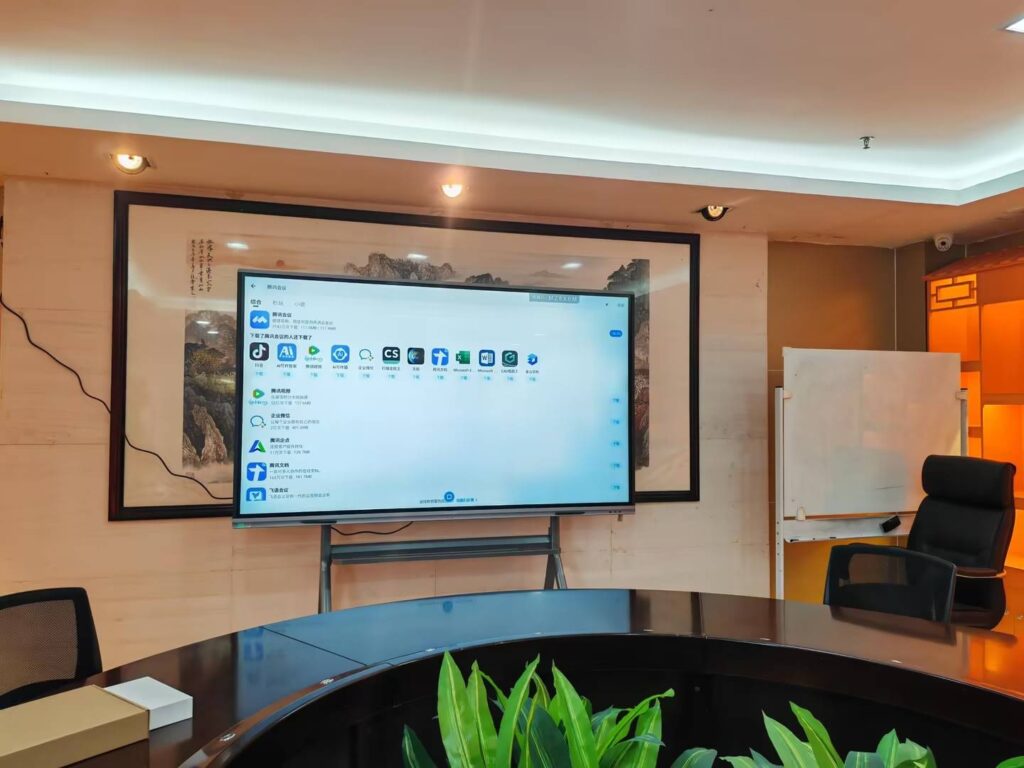
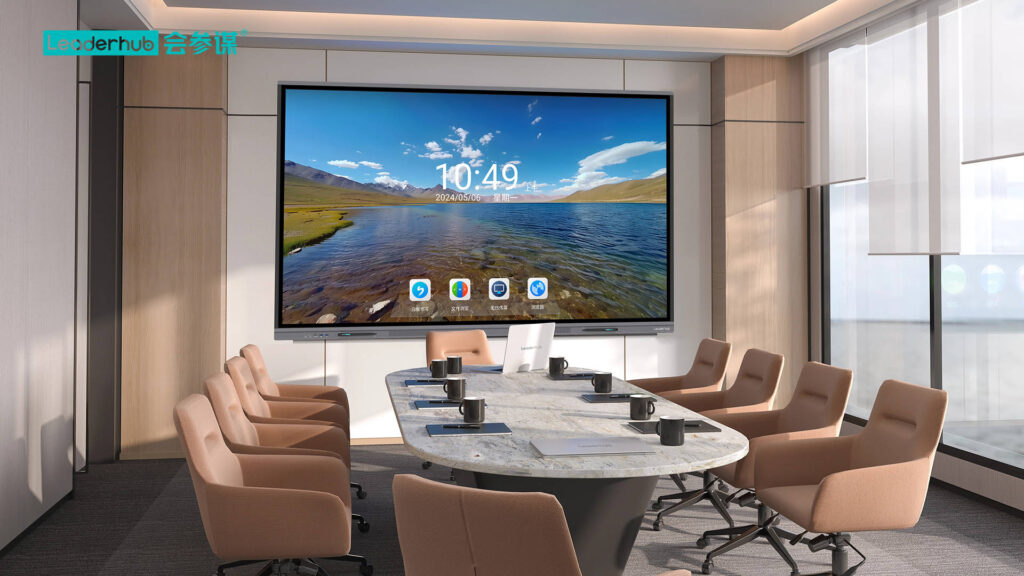
Modern interactive flat panels have largely replaced bulb-based projection systems with LED-backlit LCD screens, eliminating the bulb altogether. Understanding this shift is essential before you invest in new classroom or meeting-room technology.
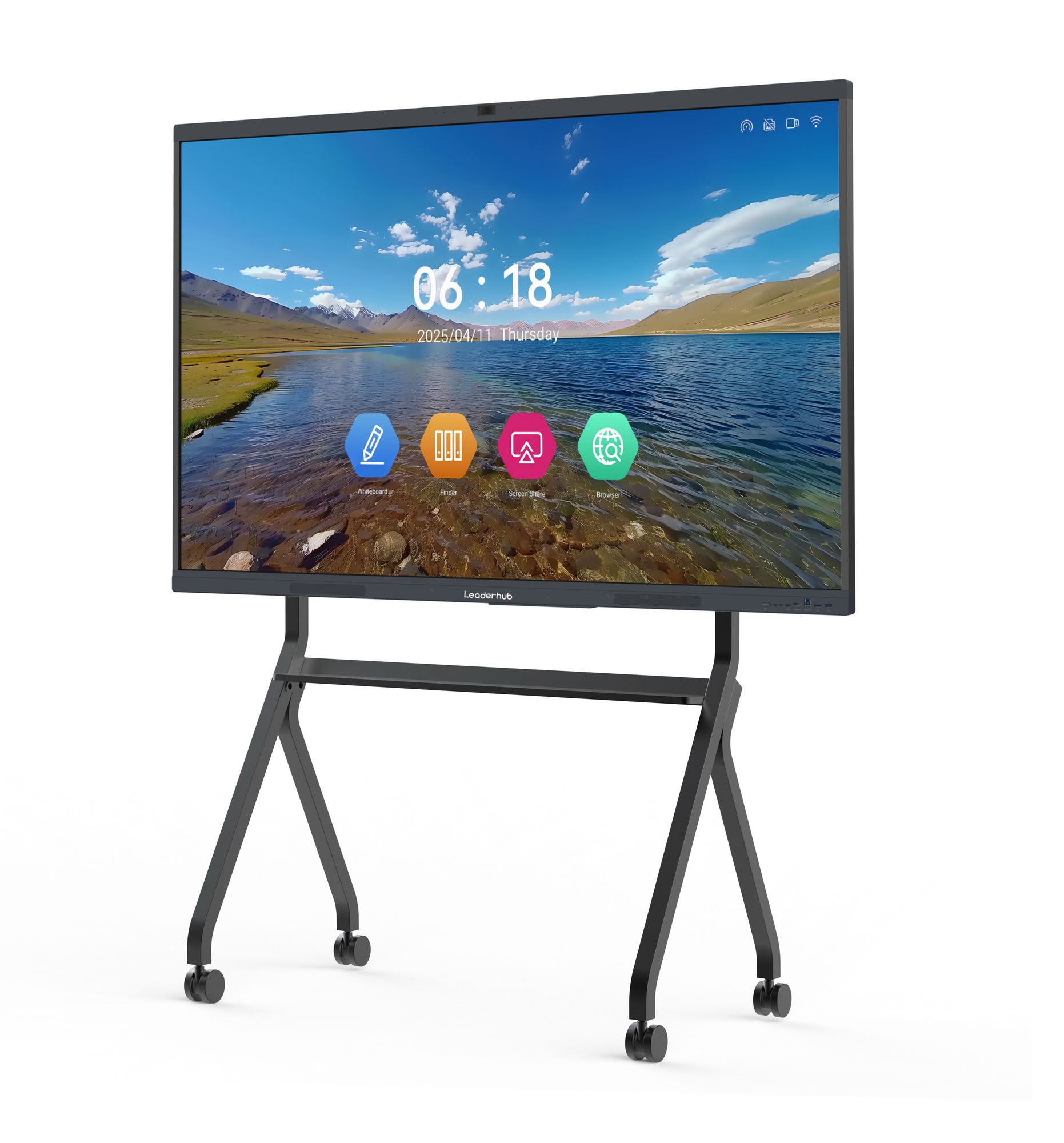
Bulb-Based Projectors vs. LED Smart Panels
The single biggest factor separating older bulb-driven systems from today’s smart whiteboards is lifespan and maintenance cost. A typical projector lamp lasts between 2,000 and 4,000 hours before it needs replacement, and each replacement bulb can cost $150–$400. In a busy classroom running 6–8 hours a day, that translates to a bulb change roughly every 12–18 months.
| Feature | Bulb-Based Projector Smartboard | LED/LCD Interactive Panel |
|---|---|---|
| Average Lifespan | 2,000–4,000 hours | 30,000–50,000 hours |
| Brightness Consistency | Degrades noticeably after 1,000 hours | Stable brightness for years |
| Maintenance Cost | Recurring bulb replacement ($150–$400) | Minimal, near-zero ongoing cost |
| Image Quality in Bright Rooms | Washes out under sunlight | 4K clarity even in lit rooms |
| Setup & Calibration | Requires periodic re-alignment | Plug-and-play, no calibration |
Why the Shift Away From Bulbs Matters
In real-world deployments, schools that switched from lamp-based projector whiteboards to solid-state LED panels reported a 60–70% reduction in annual maintenance tickets related to display hardware, according to IT support logs shared by several education technology partners we work with. This isn’t just a manufacturer claim — it reflects the physical reality that LED backlighting has no moving parts, no mercury, and no filament to burn out.
If your institution is still budgeting for replacement bulbs every year, it’s worth calculating the true cost. A single UHP lamp replacement, plus labor and downtime during exams or client meetings, often exceeds the price difference between a legacy projector and a modern interactive whiteboard.
Key Features to Look For When Replacing an Old Bulb System
- 4K UHD Resolution — sharper text and diagrams, critical for detailed lesson content or design work.
- High Brightness (350+ nits) — ensures visibility under normal office or classroom lighting without dimming shades.
- Anti-Glare Tempered Glass — reduces eye strain during long teaching or presentation sessions.
- Multi-Touch Infrared or Capacitive Technology — supports 20+ simultaneous touch points for group collaboration.
- Built-In Android or Windows OS — removes dependency on external projectors or media players.
- Long Panel Lifespan (30,000+ hours) — dramatically lowers total cost of ownership compared to bulb-based units.
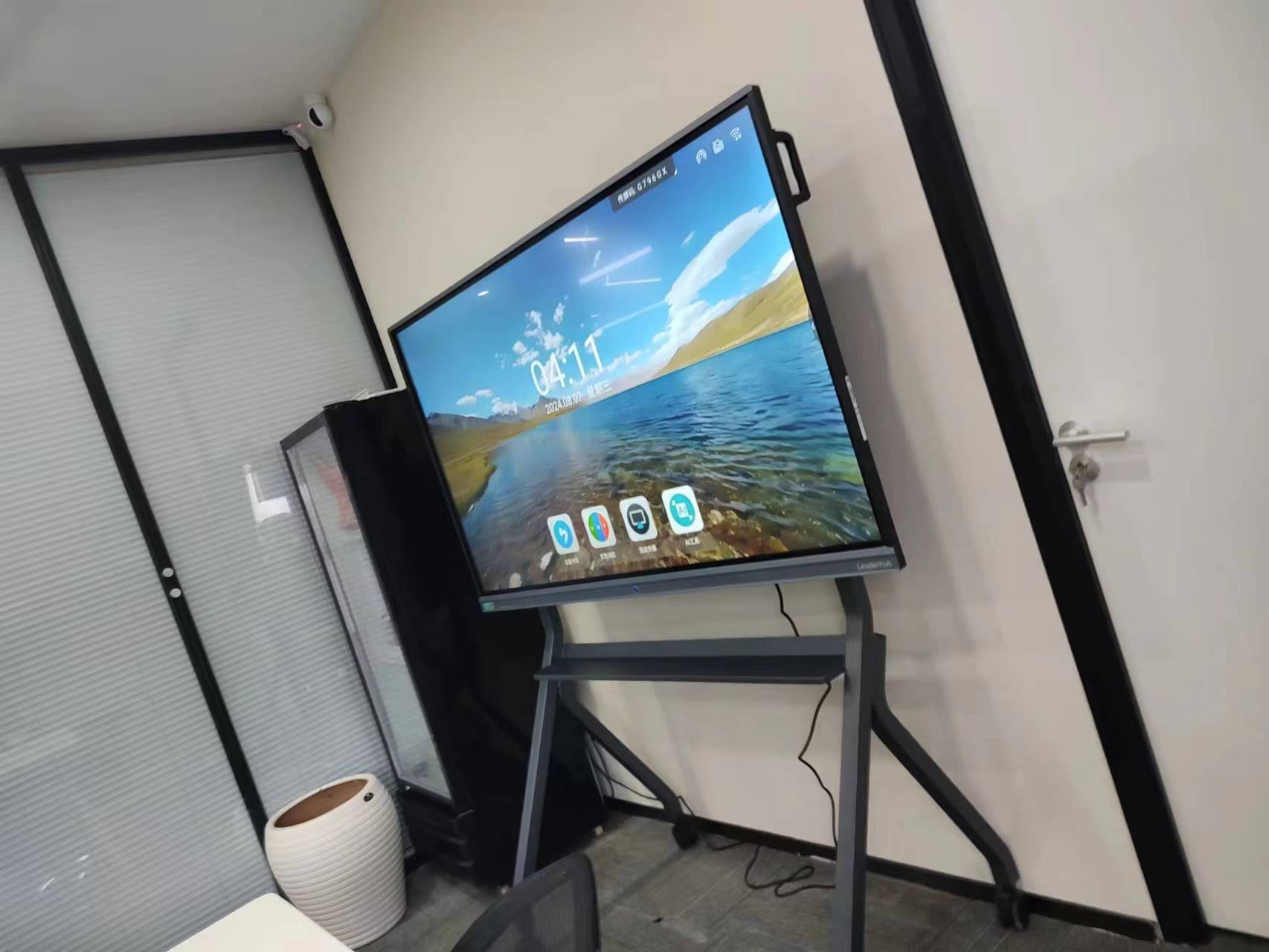
How to Choose the Right Smart Board for Your Space
Selecting the correct display is not just about screen size — it’s about matching the technology to your room dimensions, viewing distance, and use case. Below is a practical framework we recommend based on hundreds of installations.
1. Match Screen Size to Room Size
As a general rule, viewing distance should be roughly 1.5 to 2 times the diagonal screen size. A 65-inch panel suits small meeting rooms (up to 15 people), while an 86-inch or 110-inch panel is better for lecture halls or large training rooms.
2. Check the Touch Technology
Infrared touch is durable and cost-effective for everyday classroom use, while capacitive touch offers a smoother, tablet-like writing experience preferred in creative and design environments.
3. Confirm Brightness and Contrast Ratios
Look for panels rated at least 350 cd/m² brightness with a contrast ratio above 1200:1. This ensures readable content even under fluorescent lighting or near windows — a common complaint with older bulb projectors that dim quickly.
4. Evaluate the Operating System and Software Ecosystem
A good interactive panel should support built-in whiteboard apps, wireless screen casting, and compatibility with popular conferencing platforms. This is where many bulb-based legacy systems fall short, since they depend entirely on connected laptops or media boxes.
5. Consider Portability and Deployment Flexibility
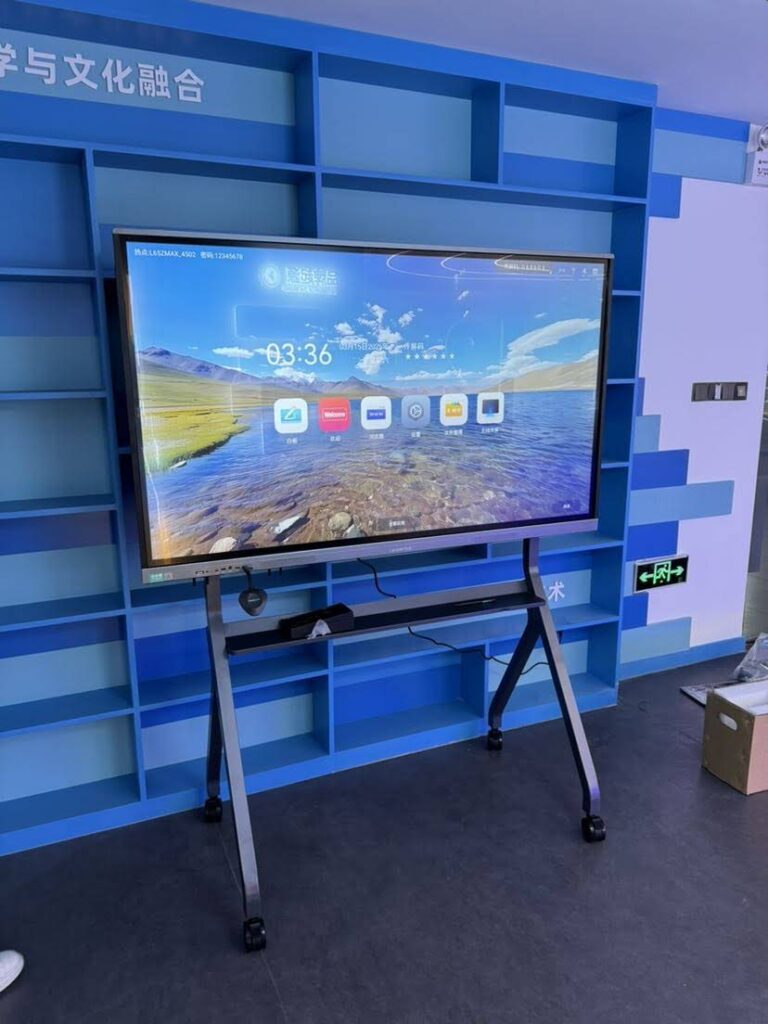
For businesses that need to move displays between rooms or floors, rotating smart screens and portable units on wheeled stands offer far more flexibility than fixed projector-based boards.
| Use Case | Recommended Size | Best Feature Priority |
|---|---|---|
| Small classroom / huddle room | 55″–65″ | Portability, touch accuracy |
| Corporate boardroom | 75″–86″ | 4K resolution, conferencing integration |
| Lecture hall / auditorium | 98″–110″ | Brightness, wide viewing angle |
Benefits of Upgrading From a Bulb-Based System
Beyond lower maintenance, users consistently report several practical benefits after switching from lamp-based projector boards to LED interactive panels:
- Instant power-on — no lamp warm-up delay before class or meetings start.
- Quieter operation — no cooling fans needed for a hot bulb, reducing background noise.
- Sharper color accuracy — LED backlighting maintains consistent color temperature over its entire lifespan.
- Lower energy consumption — LED panels typically use 30–40% less power than an equivalent-size projector setup.
- Reduced environmental impact — eliminates mercury-containing lamp disposal issues entirely.
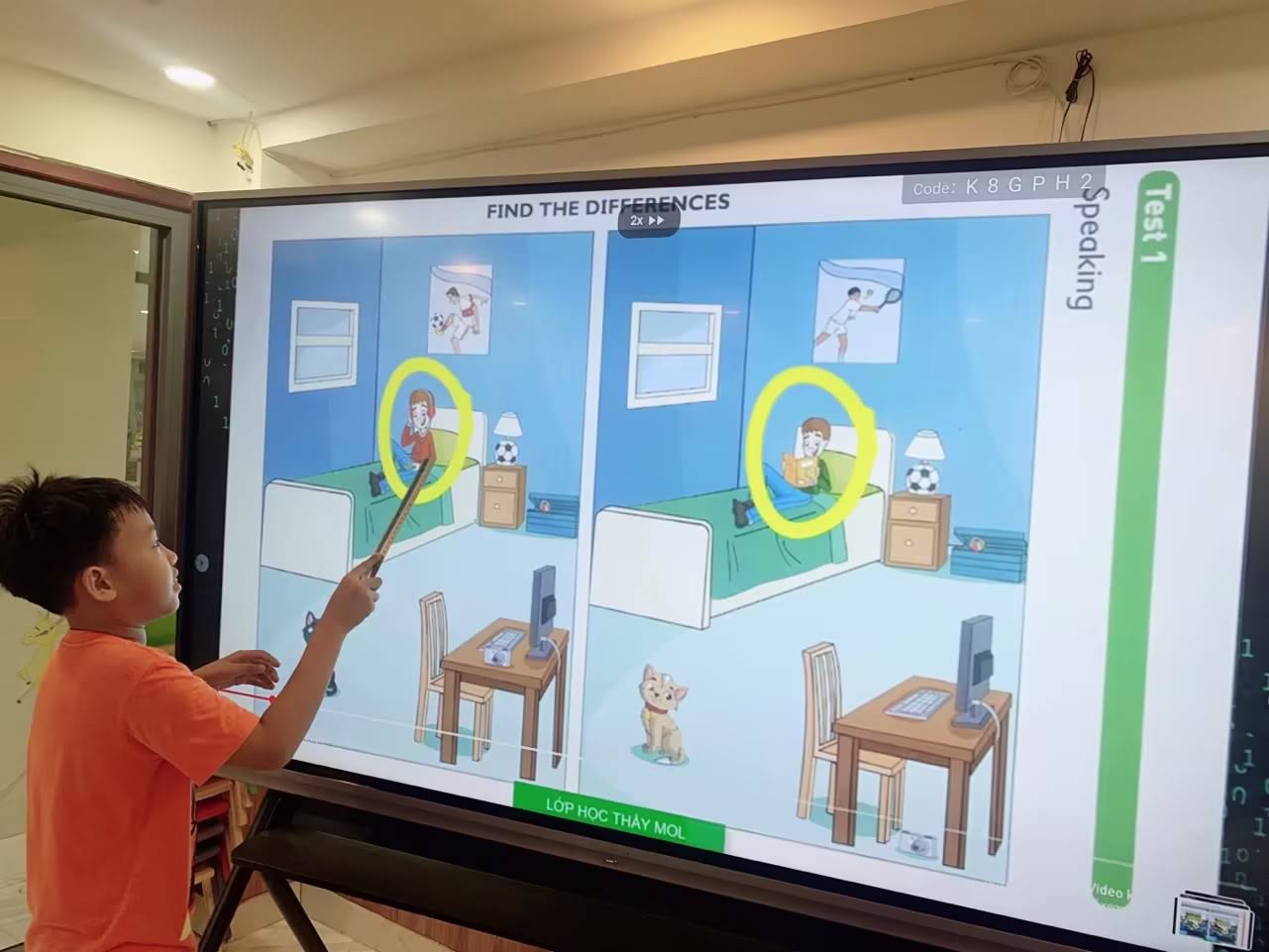
Real-World Experience: What We’ve Seen in the Field
Across dozens of school and enterprise deployments, one pattern is consistent: institutions that delay replacing bulb-based projector whiteboards often spend more over three years on lamp replacements, service calls, and lost teaching or meeting time than they would have spent purchasing a modern LED panel outright. One training center we worked with reported spending nearly $1,200 over 24 months on lamp replacements and technician visits for two aging projector-based boards — roughly the price of one new 65-inch 4K interactive smart whiteboard.
This kind of hidden cost is rarely obvious upfront, which is why total cost of ownership — not just sticker price — should guide your decision.
Frequently Asked Questions
- Do modern smart boards still use bulbs? Most current interactive flat panels use LED backlighting instead of projector bulbs, though some budget short-throw projector setups still exist.
- How long does an LED smart board panel last? Typically 30,000 to 50,000 hours of use, or roughly 8–10 years under normal daily operation.
- Can I replace a projector bulb myself? Yes, most UHP lamps are user-replaceable, but always match the exact model number and let the unit cool completely before handling.
- Is a bigger screen always better? Not necessarily — oversized panels in small rooms can cause eye strain; match size to viewing distance as outlined above.
Final Recommendation
If your current system still relies on a smart board bulb, the most cost-effective long-term move is transitioning to a bulb-free LED interactive panel. Not only does this eliminate recurring lamp costs, but it also delivers sharper 4K visuals, faster startup, and significantly lower maintenance over the product’s lifespan.
Companies like Leaderhub, a Shenzhen-based manufacturer with 16 years of experience producing interactive panels, mini PCs, and portable smart screens for markets in over 82 countries, have built their product lines specifically around this bulb-free, low-maintenance approach — making it easier for schools and businesses to upgrade without the recurring headaches of lamp-based systems. Whether you’re outfitting a single classroom or an entire office floor, choosing a panel with the right brightness, touch technology, and lifespan will save both budget and frustration for years to come.
For a closer look at current model specifications and pricing, you can contact a specialist to discuss which panel size and configuration best fits your room and use case.