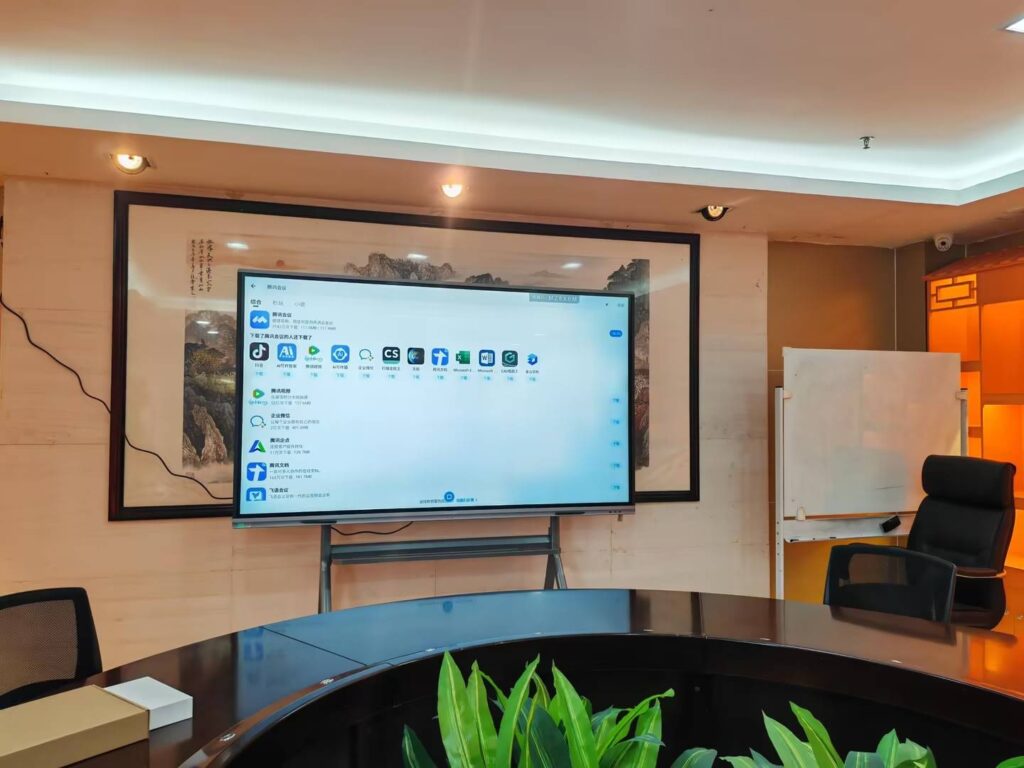
Why smart boards work so well in preschool
If you are looking for how to use a smart board in a preschool classroom, start with one simple idea:
use it to make learning more visual, more playful, and more interactive. Young children learn best through movement,
repetition, songs, pictures, and hands-on response. A smart board supports all of that in one place.
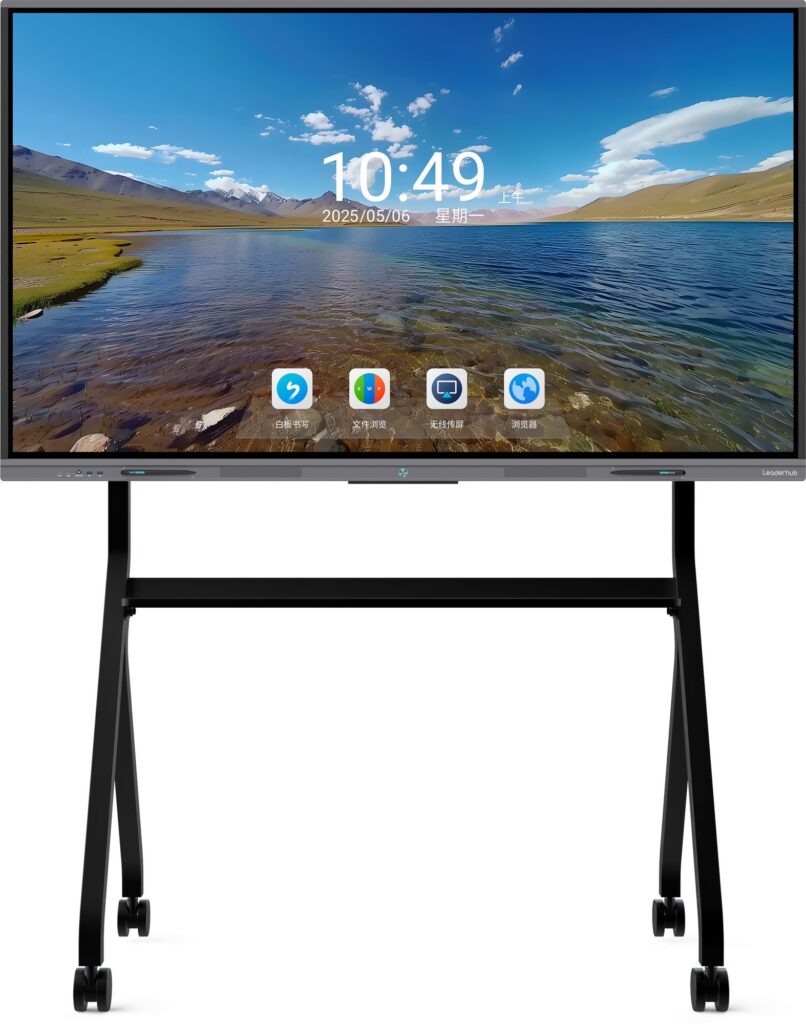
For classrooms that want dependable, child-friendly hardware, Leaderhub smart whiteboards are built for interactive teaching,
and they can support daily preschool routines from morning circle to literacy games.
The best way to think about smart board use in preschool
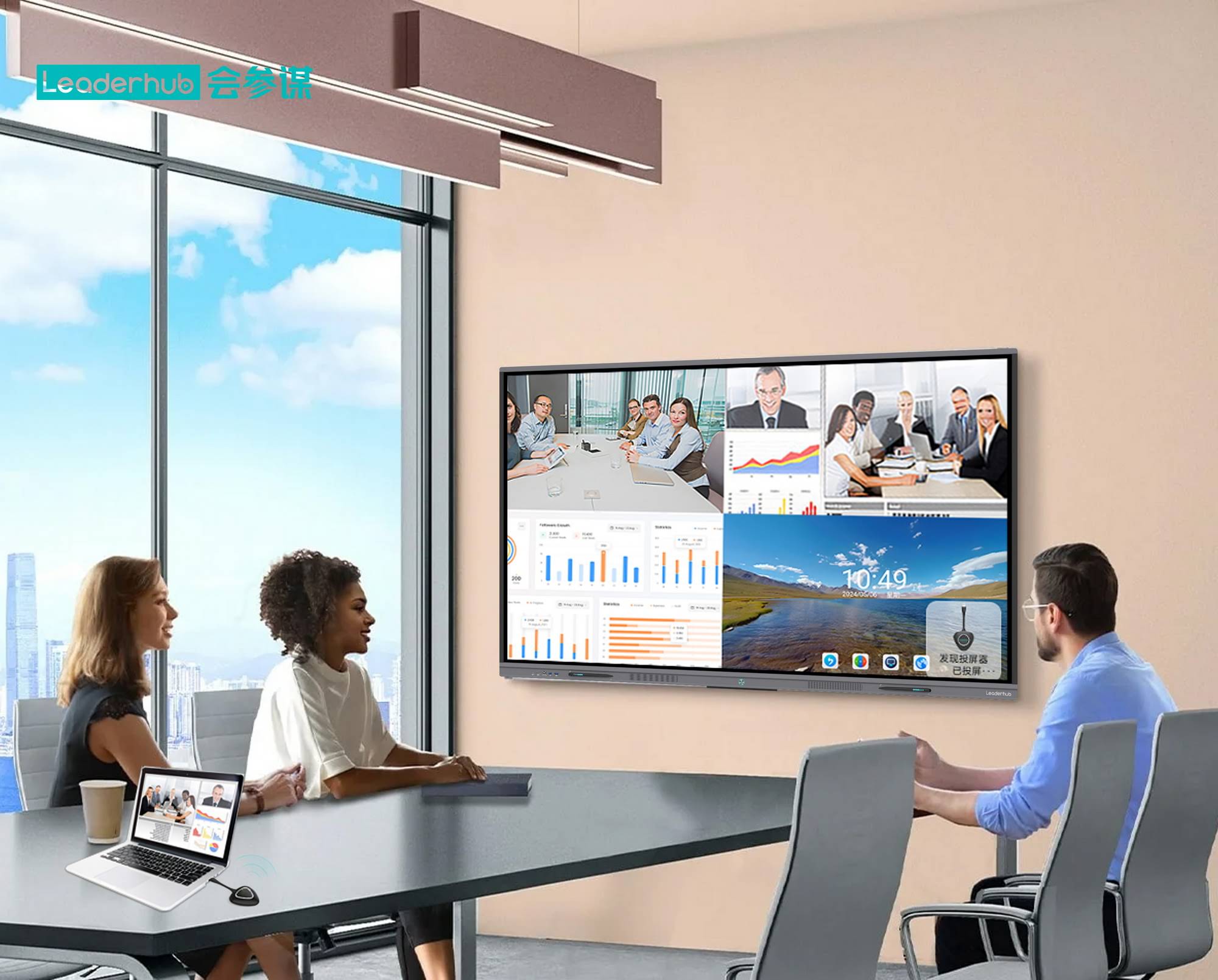
A smart board is not just a screen. In a preschool classroom, it is a shared learning station that can:
- show large, colorful visuals that are easy for small children to see
- invite children to touch, drag, tap, and match objects
- support songs, counting, letters, shapes, weather, and storytelling
- help teachers guide the whole class in short, focused learning moments
The goal is not to replace play. The goal is to extend play-based learning with interactive digital experiences that are simple and intentional.
Smart board classroom setup checklist
Before you begin activities, make sure the board is ready for preschool use. A thoughtful setup saves time and reduces distractions.
| Setup Area | What to Check | Why It Matters |
|---|---|---|
| Height | Children can reach key areas safely | Encourages independent participation |
| Viewing distance | All children can see clearly | Improves attention and engagement |
| Touch response | Tap, drag, and draw tools work smoothly | Reduces frustration during activities |
| Sound | Volume is audible but not too loud | Supports songs, stories, and directions |
| Content library | Lessons are saved and easy to open | Keeps transitions quick and predictable |
Easy preschool activities for the smart board
These activities work especially well for ages 3 to 5 because they are short, visual, and easy to repeat. Keep each activity to a few minutes and invite children to take turns.
1. Name the picture
Show one image at a time and ask children to say what they see. Use familiar items such as a ball, apple, cat, shoe, or car.
This builds vocabulary and confidence.
2. Match shapes and colors
Let children drag shapes into matching outlines or sort objects by color. This supports early math and visual discrimination.
3. Alphabet tap game
Place letters on the screen and ask children to tap the letter in their own name, the first letter of a word, or the letter you call out.
4. Count and move
Display animals, fruits, or toys and ask children to count them aloud. Then let them drag the correct number into place.
5. Story sequencing
Show three to four picture cards from a familiar story and ask children to put them in order. This helps with language, memory, and understanding of sequence.
6. Weather helper
Invite a child to choose the weather icon for the day. Add a short sentence like “Today is sunny” and let the group repeat it together.
7. Music and movement
Play a short song and add simple actions such as clap, jump, freeze, or spin. Use the board to show movement cards or visual cues.
8. Feelings check-in
Display emoji faces and ask children to choose how they feel. This is a gentle way to support emotional learning and classroom communication.
A simple daily routine for preschool teachers
A smart board works best when it becomes part of a predictable rhythm. Here is a simple structure you can adapt:
- Morning circle: greet the class, show the date, weather, and a quick song.
- Mini lesson: teach letters, numbers, shapes, or a new theme.
- Hands-on turn-taking: invite 2–4 children to interact with the board one by one.
- Movement break: use a dance, stretch, or imitation game.
- Review: ask the class to recall what they learned with a picture recap.
Short, repeated routines work better than long screen sessions. This keeps the board useful without overwhelming young learners.
Teaching tips for better engagement
To get the most from your interactive board, keep the teaching style simple and active.
- Use big visuals: preschoolers respond best to clear images and high contrast.
- Limit choices: two or three options are enough for most activities.
- Say directions out loud: pair spoken instructions with on-screen visuals.
- Let children touch the screen: even a quick tap can increase motivation.
- Repeat frequently: repetition supports memory and language growth.
- Keep it short: 3–7 minutes per activity is often ideal.
Safety and screen-time balance in preschool
Smart board use in preschool should always be balanced with physical play, social interaction, and offline exploration.
Global guidance on education technology emphasizes careful planning, age-appropriate use, and teacher-led implementation.
Helpful references include the
UNESCO Technology in Education Report,
the
OECD Digital Education Outlook,
and the
EEF Digital Technology Guidance.
| Good Practice | Avoid |
|---|---|
| Short teacher-led activities | Long, passive watching |
| Hands-on interaction | Overly complex menus |
| Clear visual cues | Too much text on screen |
| Planned transitions | Unstructured free tapping |
What features matter most for preschool classrooms
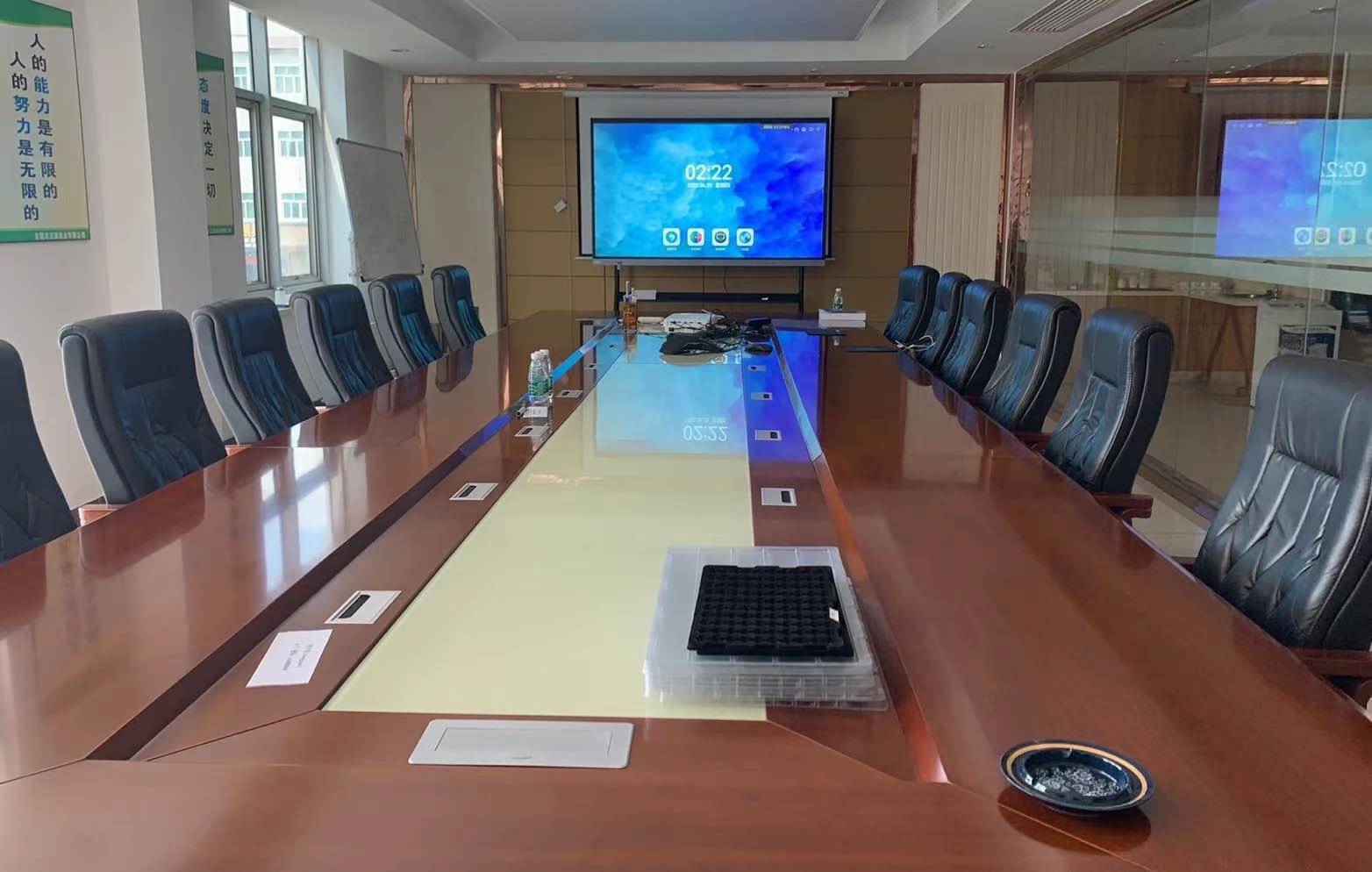
When choosing a board for preschool, prioritize features that make teaching easier and safer:
- Touch accuracy for small hands
- Bright display for colorful learning content
- Easy file access for fast lesson switching
- Built-in audio for songs and pronunciation
- Durable design for daily classroom use
- Simple annotation tools for drawing circles, arrows, and highlights
If you want to compare board sizes and formats, browse the
smart whiteboards collection,
or explore a flexible option like the
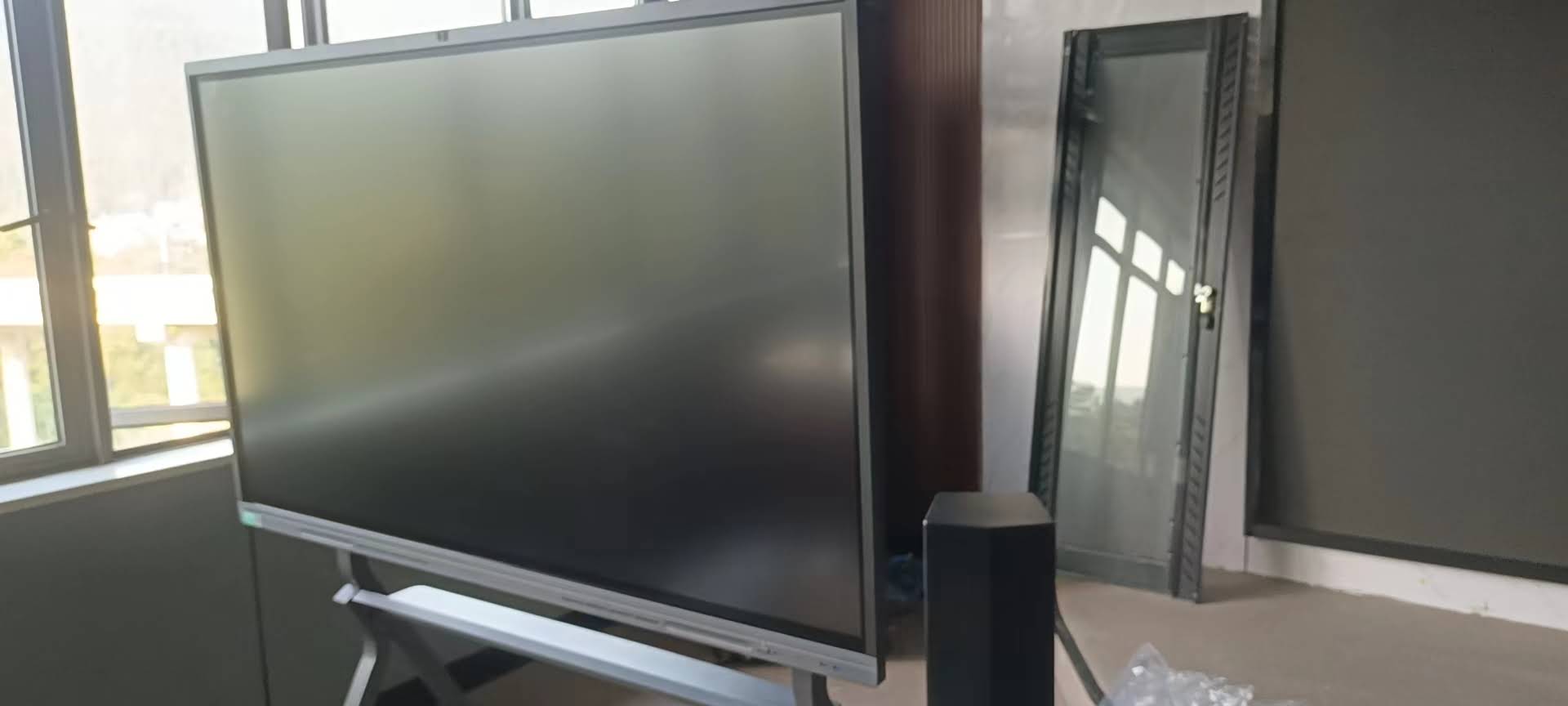
55″ mobile 4K smart display.
Quick lesson planning template
Use this simple formula to plan a smart board activity in under five minutes:
- Theme: letters, animals, seasons, feelings, or shapes
- Goal: identify, count, match, or retell
- Tool: tap, drag, draw, or listen
- Time: 3 to 5 minutes
- Wrap-up: one question and one review sentence
This structure keeps the lesson focused and makes it easy to reuse the same format with different content.
FAQ: preschool smart board use
How long should preschoolers use a smart board?
Keep most activities brief. A few minutes at a time is usually enough, especially when the lesson includes talking, movement, and turn-taking.
Can a smart board support literacy and math?
Yes. It is especially useful for letter recognition, phonics songs, counting, sorting, patterns, and simple problem-solving.
Is a smart board better than a regular whiteboard?
For many preschool classrooms, yes, because it combines visuals, sound, touch interaction, and saved lesson content in one tool.
What kind of content works best?
Use large images, simple animations, familiar songs, and drag-and-drop activities. Avoid busy screens and heavy text.
Useful next steps
If you are building a preschool-ready digital classroom, start with a few repeatable activities, then add more based on what your children enjoy most.
You can also visit the shop
to explore available models, or go to the
contact page
if you need help choosing the right setup.
A preschool smart board should feel simple, joyful, and easy to use. When used with intention, it can turn everyday teaching moments into memorable learning experiences.