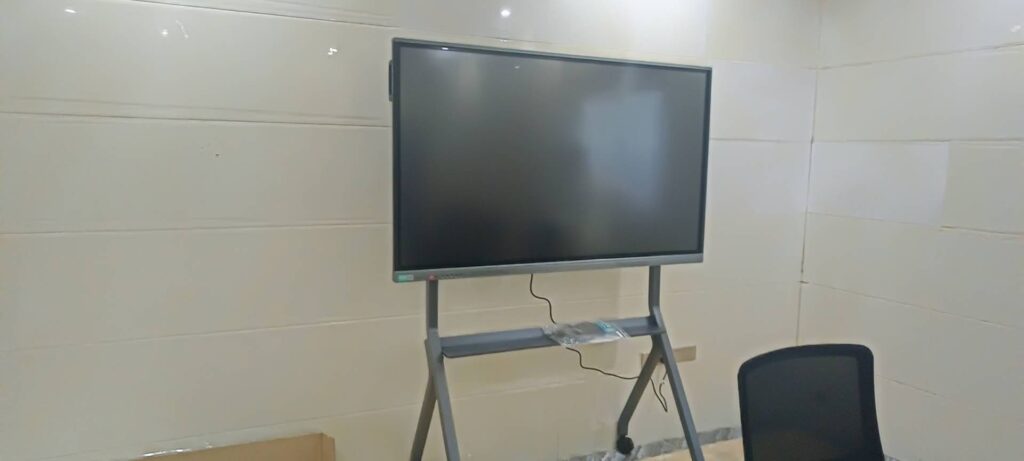
Short answer: the safest way to get smart board software for free is to download it from the official SMART Technologies download center. In many cases, the drivers, ink tools, and basic utilities are free, while advanced classroom features may require a trial, license, or account sign-in.
If you are preparing a classroom, training room, or meeting space, it also helps to review trusted education technology guidance such as the UNESCO Technology in Education Report before choosing software and hardware.
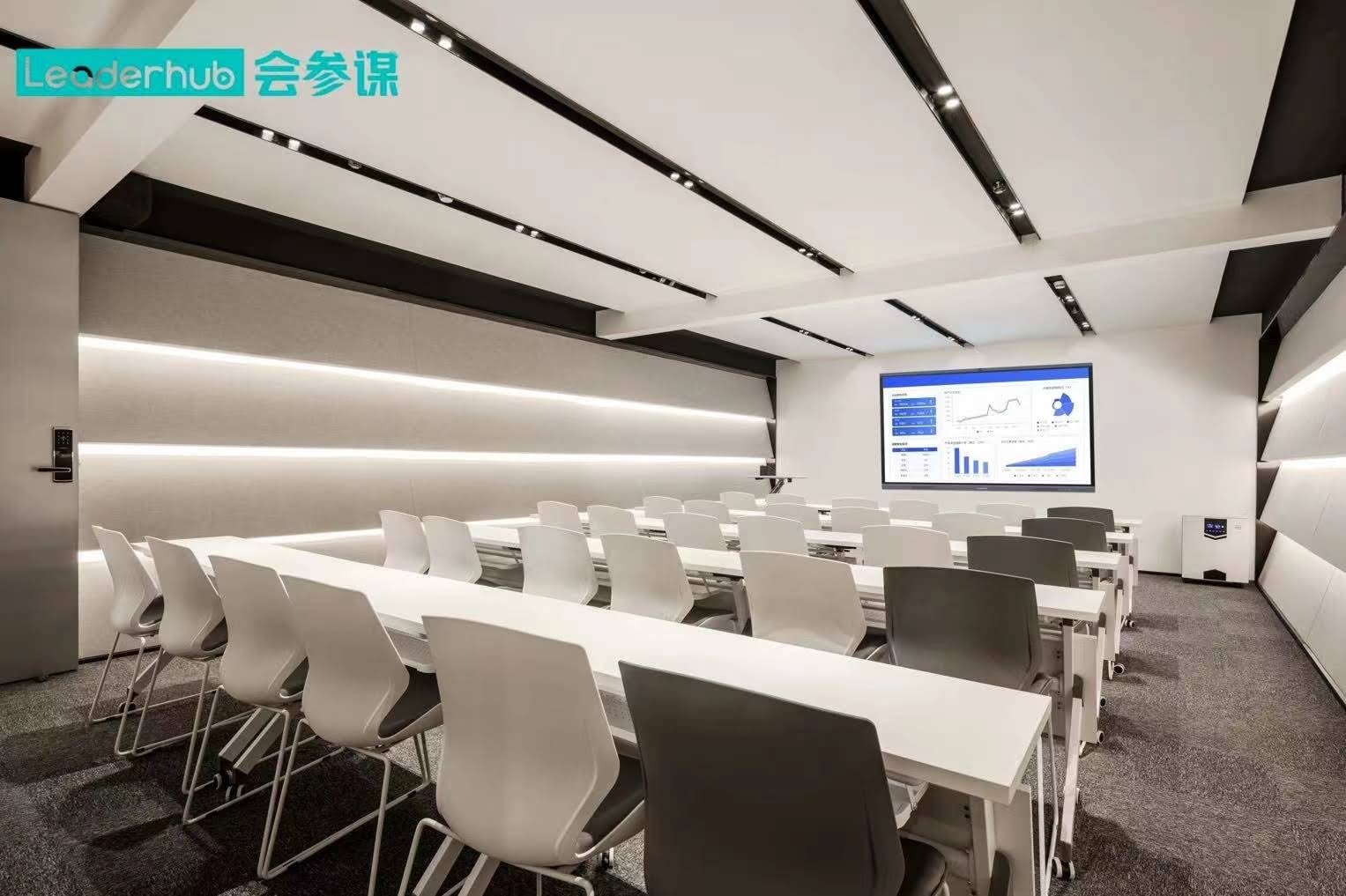
What “Free” Usually Means for SMART Board Software
When people search for how to download smart board software for free, they usually mean one of these options:
- Free drivers for the SMART Board or interactive display
- SMART Ink and annotation tools
- Basic whiteboard features for writing and presenting
- Trial access to premium classroom tools
- Free alternatives if the official app is not fully free
Not every SMART product includes the same package. Some tools are permanently free, while others are free only for a limited time or for specific device types.
Free SMART Board Software Options at a Glance
| Software / Tool | What It Does | Usually Free? |
|---|---|---|
| SMART Product Drivers | Helps the computer recognize and communicate with the board | Yes |
| SMART Ink | Lets you write, highlight, and annotate on screen | Often yes |
| SMART Notebook | Lesson creation and interactive classroom content | Sometimes trial or limited free use |
| SMART Learning Suite | Advanced teaching and assessment tools | Usually trial / subscription |
| OpenBoard / Web Whiteboards | Free whiteboard alternatives for presentations and teaching | Yes |
Step-by-Step: How to Download Smart Board Software for Free
-
Identify your exact SMART device.
Check the model number on the back of the board or in the device menu. The correct software depends on whether you use a SMART Board, interactive flat panel, or an older classroom display.
-
Go to the official SMART download page.
Use the manufacturer’s website instead of random third-party sites. Official downloads reduce the risk of broken installers, malware, or incompatible versions.
-
Select your operating system.
Choose Windows, macOS, or the supported system version. This is important because SMART software packages can vary by OS.
-
Choose the free component you need.
If your goal is simply to connect the board and annotate content, start with drivers and ink tools. If you need full lesson planning, look for a trial of SMART Notebook or SMART Learning Suite.
-
Download and run the installer.
Save the file, open it, and follow the on-screen prompts. On some systems, you may need to allow permissions for writing, touch input, or screen annotation.
-
Restart your computer if required.
Many interactive display tools work better after a restart because the drivers load correctly.
-
Test touch, pens, and calibration.
Open a blank page and confirm that touch input, pen writing, and erasing all work smoothly.
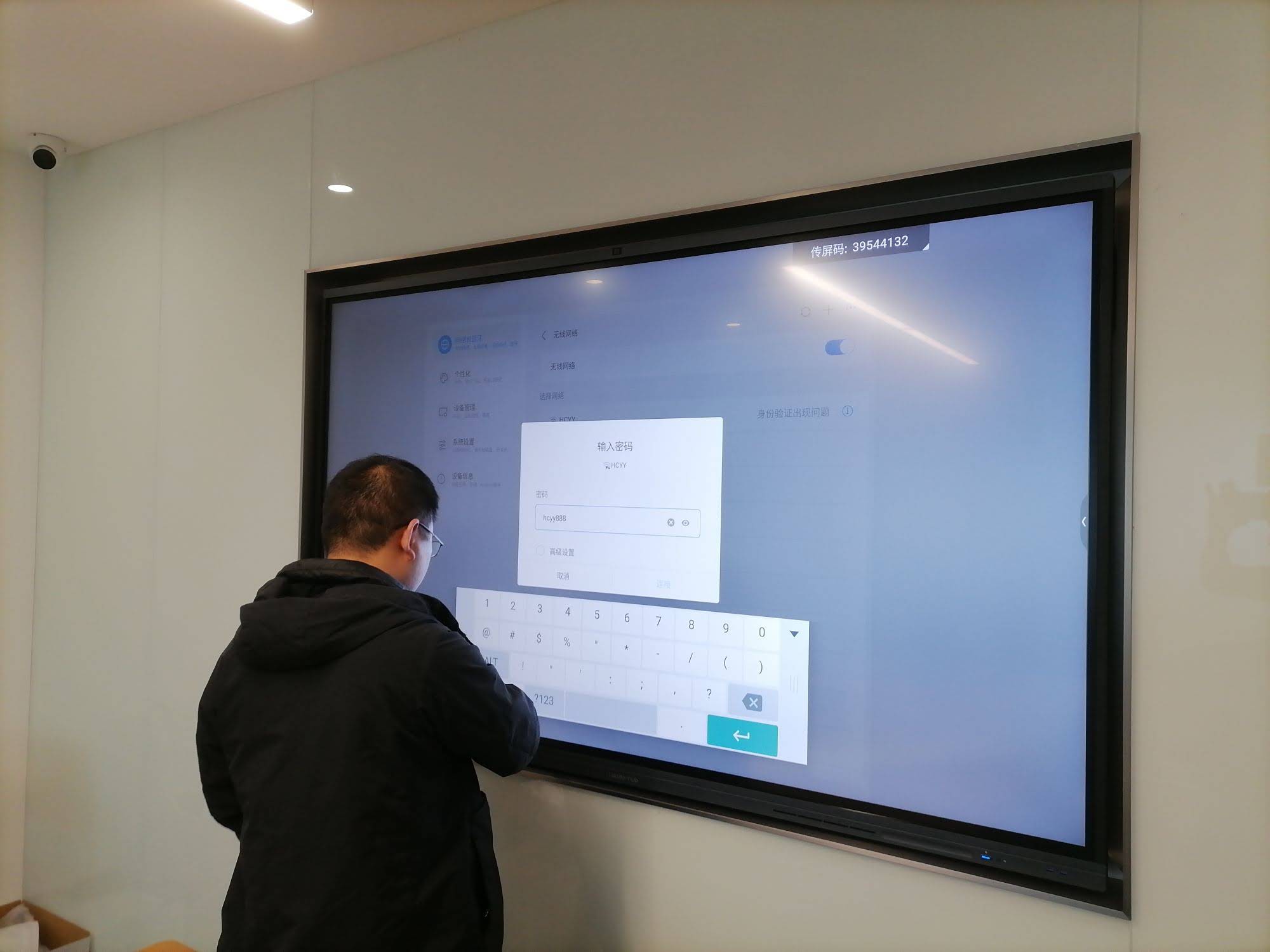
Best Practices Before You Install
- Check system requirements before downloading anything.
- Update your operating system for better driver compatibility.
- Close other display tools that may conflict with smart board input.
- Use official installers only to avoid damaged or unsafe files.
- Keep a backup copy of the installer in case you need to reinstall later.
If the Download Page Asks for an Account
Some SMART software downloads may ask you to create an account or sign in. That does not always mean the software is paid. In many cases, the account is only used to manage a trial, save lesson files, or access support resources.
If you want a broader view of digital learning tools, the OECD Digital Education Outlook is a useful reference for schools and training teams.
Recommended Download Checklist
- Model name and serial number
- Operating system version
- Internet connection for download and activation
- Administrator access on the device
- USB cable or network connection for testing
Free Alternatives If You Only Need Whiteboard Functions
If your main goal is writing, sketching, and presenting, you may not need the full SMART software suite. These free tools can be enough for many users:
- OpenBoard for classroom-style whiteboarding
- Microsoft Whiteboard for collaborative brainstorming
- Web-based whiteboards for quick sharing and remote teaching
- Built-in annotation tools on some interactive displays
For schools and training rooms comparing hardware options, you can also explore smart whiteboards, interactive display products, and direct support when building a complete setup.
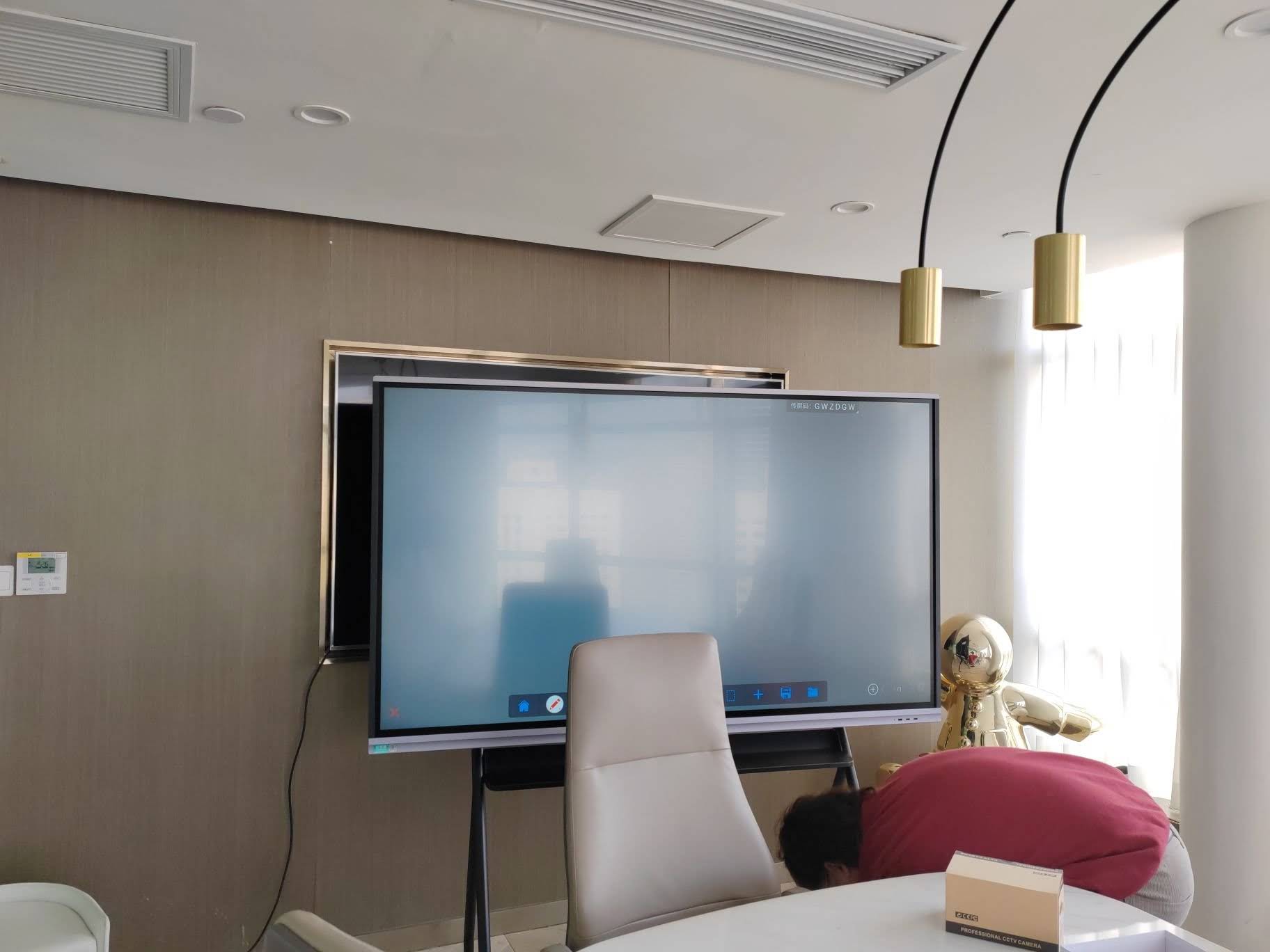
Common Problems and Quick Fixes
1. The software does not detect the board
Try reconnecting the USB cable, confirming the correct input source, and reinstalling the latest free drivers.
2. Touch works, but writing is delayed
Update the software, restart the device, and close heavy applications running in the background.
3. The installer will not open
Check whether your OS version is supported and whether you have admin permission to install software.
4. Features are locked after installation
That usually means the package includes a trial. Review the activation terms or switch to the free driver-only version if that is all you need.
Frequently Asked Questions
Is SMART Board software really free?
Some parts are free, especially drivers and basic annotation tools. Advanced lesson-building features may require a trial or subscription.
Can I download SMART Board software safely?
Yes. The safest method is to use the official SMART website or the support download center. Avoid unofficial download mirrors.
What is the best free option for teachers?
If you only need teaching and annotation, start with the free drivers and ink tools. If you need lesson creation, test the free trial before upgrading.
Do I need special hardware to use it?
Yes, the software works best when paired with a compatible SMART Board or interactive display, plus the right driver package for your device.
A Simple Takeaway
How to download smart board software for free comes down to using the official source, choosing the right device model, and installing the free components first. Start with drivers and annotation tools, then decide whether you truly need a paid lesson suite or a free alternative.