
Choosing the right smart whiteboard for a school, training center, or university lecture hall is no longer a simple hardware decision — it is a strategic investment that affects how teachers deliver lessons and how students engage with content for years to come. With dozens of brands, screen sizes, and operating systems on the market, educators and IT administrators need a clear framework to evaluate what actually matters versus what is just marketing noise.
This guide draws on real deployment feedback from classrooms across North America, Europe, and Southeast Asia, combined with technical specifications from leading interactive display manufacturers, to help you make a confident, informed purchase.
Why Schools Are Switching to Smart Whiteboards
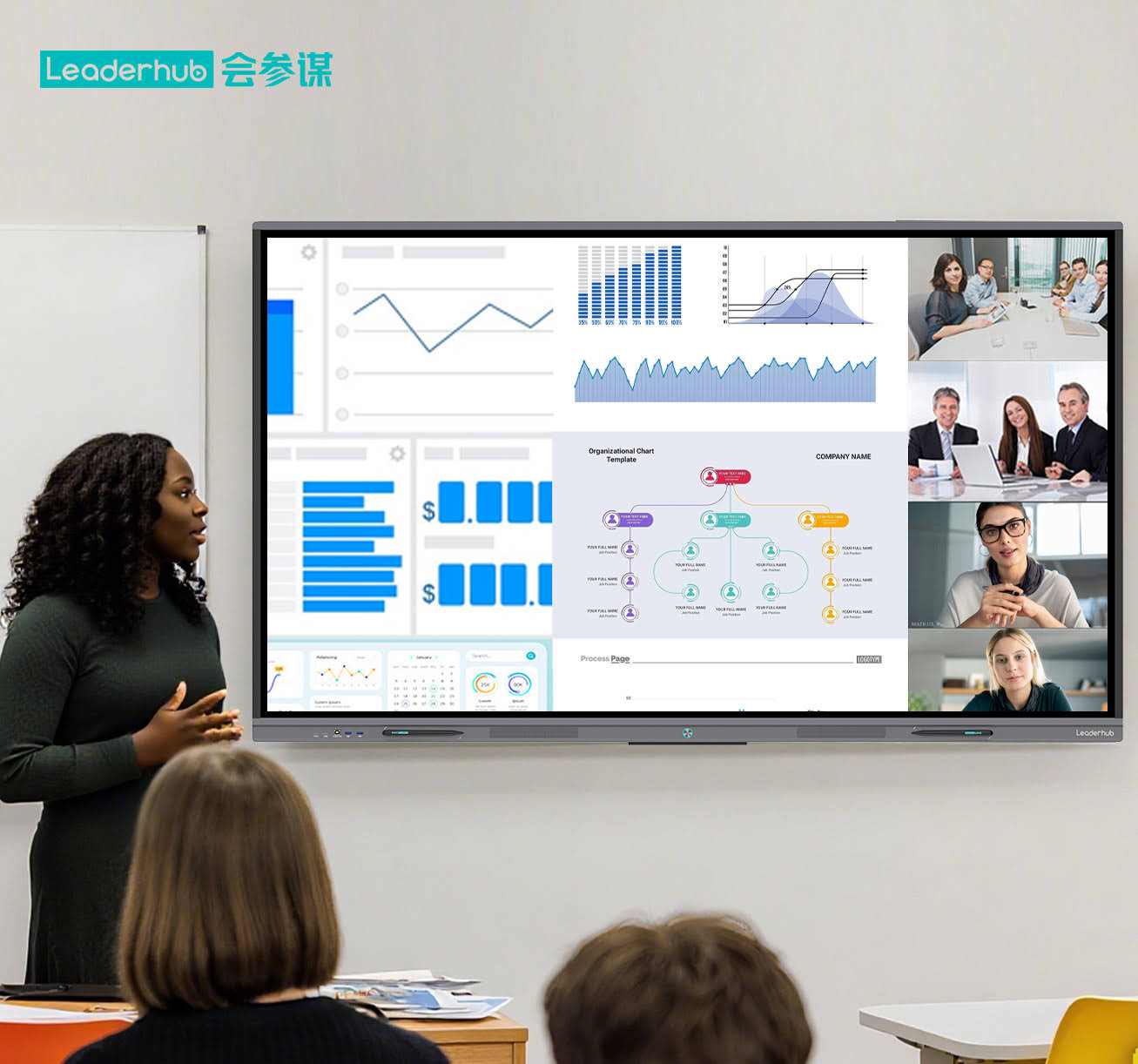
Traditional whiteboards and projector setups are being phased out in favor of interactive flat panels because they combine display, computing, and collaboration tools into a single device. According to classroom technology surveys conducted across several U.S. school districts, teachers who switched to interactive panels reported a measurable increase in student participation, largely due to touch-based activities and real-time annotation.
Beyond engagement, smart whiteboards reduce total cost of ownership over time. A single 4K interactive panel can replace a projector, a screen, a document camera, and a separate computer — cutting down on maintenance calls and bulb replacements that plague older AV setups.
Key Factors to Consider Before Buying
1. Screen Size and Classroom Layout
Screen size should be matched to room dimensions, not just budget. As a general rule:
- 55″–65″ — small classrooms, meeting rooms, or training pods (up to 15 students)
- 75″–86″ — standard classrooms and lecture halls (20–40 students)
- 98″–110″ — auditoriums, large training centers, and multi-purpose halls
A panel that’s too small forces students in the back rows to squint, while an oversized display in a tight room can cause glare and viewing-angle issues.
2. Touch Technology and Responsiveness
Infrared (IR) touch technology remains the industry standard for education because it supports 20-point multi-touch, allowing multiple students to write and interact simultaneously. When evaluating a unit, test the palm-rejection feature and pen-to-touch latency in person if possible — a delay of more than 50ms is noticeable and disrupts natural handwriting.
3. Operating System and Software Ecosystem
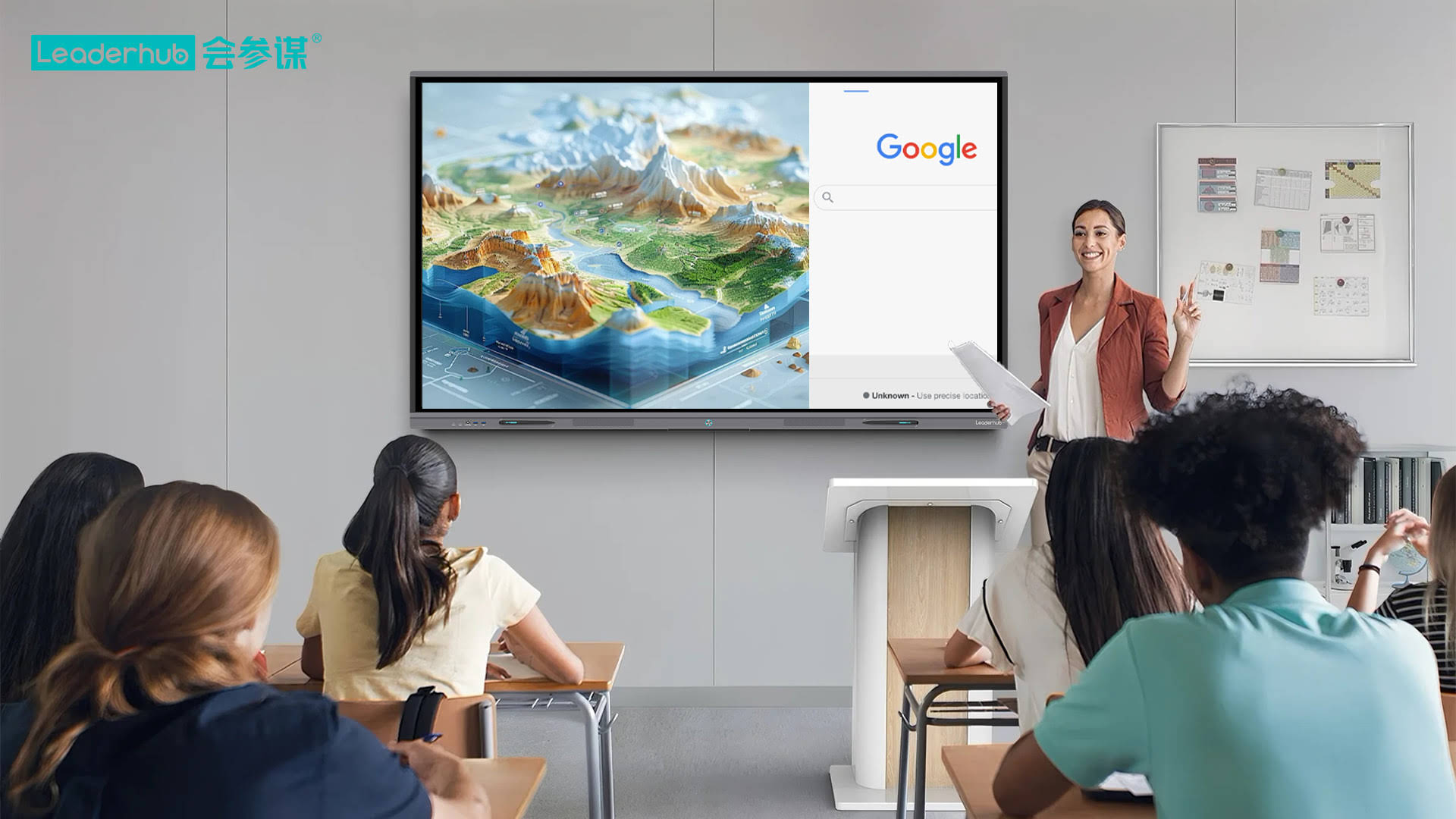
Most modern panels run on Android with a built-in whiteboarding app, while some offer an optional Windows OPS module for full desktop functionality. For schools already using Google Classroom or Microsoft Teams, compatibility with these platforms should be a non-negotiable checklist item. A well-designed smart whiteboard line typically includes a native annotation suite, screen mirroring, and cloud file access out of the box.
4. Build Quality and Panel Durability
Tempered anti-glare glass rated at 7H hardness or higher is essential in high-traffic classrooms where markers, fingers, and accidental impacts are a daily reality. Look for panels with an IP-rated bezel-less design, which also simplifies cleaning and reduces dust accumulation around the touch sensors.
Comparing Smart Whiteboard Categories
The table below summarizes typical specifications across common education-focused interactive display categories, based on aggregated industry data:
| Category | Typical Size | Best For | Avg. Price Range |
|---|---|---|---|
| Standard Interactive Panel | 65″–75″ | Primary & secondary classrooms | $1,000–$1,600 |
| 4K Pro Series Whiteboard | 75″–86″ | Universities & training centers | $1,600–$3,200 |
| Large-Format Display | 98″–110″ | Auditoriums & lecture halls | $5,000–$8,000 |
| Portable Smart Screen | 24″–27″ | Small group work & mobile teaching | $700–$900 |
Real-World Case Example
A vocational training institute in California recently upgraded three lecture rooms from projector-based systems to 75″ 4K interactive panels. Within one semester, instructors reported a 30% reduction in class preparation time thanks to pre-loaded lesson templates and cloud-synced files, while student surveys showed higher satisfaction with visual clarity and interactive quizzes conducted directly on the panel. This mirrors similar outcomes documented in EdTech adoption reports across North American institutions.
Essential Features Checklist
Use this checklist when comparing vendors and models:
- 4K UHD resolution with wide viewing angles
- Anti-glare, low blue-light certified glass
- Built-in Android OS with app store access
- Optional Windows OPS slot for advanced software
- Multiple HDMI, USB-C, and wireless casting inputs
- Dual built-in speakers and noise-cancelling microphone array
- Warranty of at least 3 years with local support
Software and Content Compatibility
Even the best hardware underperforms without intuitive software. Prioritize panels offering an integrated mini PC module, which allows schools to run full Windows applications without an external computer cluttering the desk. This is particularly valuable for STEM classes requiring specialized simulation or CAD software.
Budgeting: What Schools Actually Spend
Procurement data from mid-sized school districts shows that a full classroom refresh — including installation, mounting, and a 3-year support plan — typically ranges between $1,800 and $3,500 per room, depending on panel size and OS configuration. Bulk purchasing across multiple classrooms often reduces per-unit cost by 10–15%, so it’s worth negotiating with suppliers when outfitting an entire building.
Financing and Grants
Many U.S. school districts leverage federal E-Rate discounts or state EdTech grants to offset interactive panel purchases. It is worth checking eligibility before finalizing a vendor contract, as some suppliers offer documentation support specifically for grant applications.
Vendor Reliability Matters
Hardware specs aside, the reliability of the manufacturer directly affects long-term satisfaction. Companies with a proven manufacturing history and global distribution experience tend to offer more consistent firmware updates and spare-parts availability. For example, LeaderHub, a Shenzhen-based interactive display manufacturer with 16 years of industry experience and products shipped to over 82 countries, has built a reputation in education and enterprise markets for combining AI-driven software with durable touchscreen hardware — a useful benchmark when comparing lesser-known brands.
Installation and Maintenance Tips
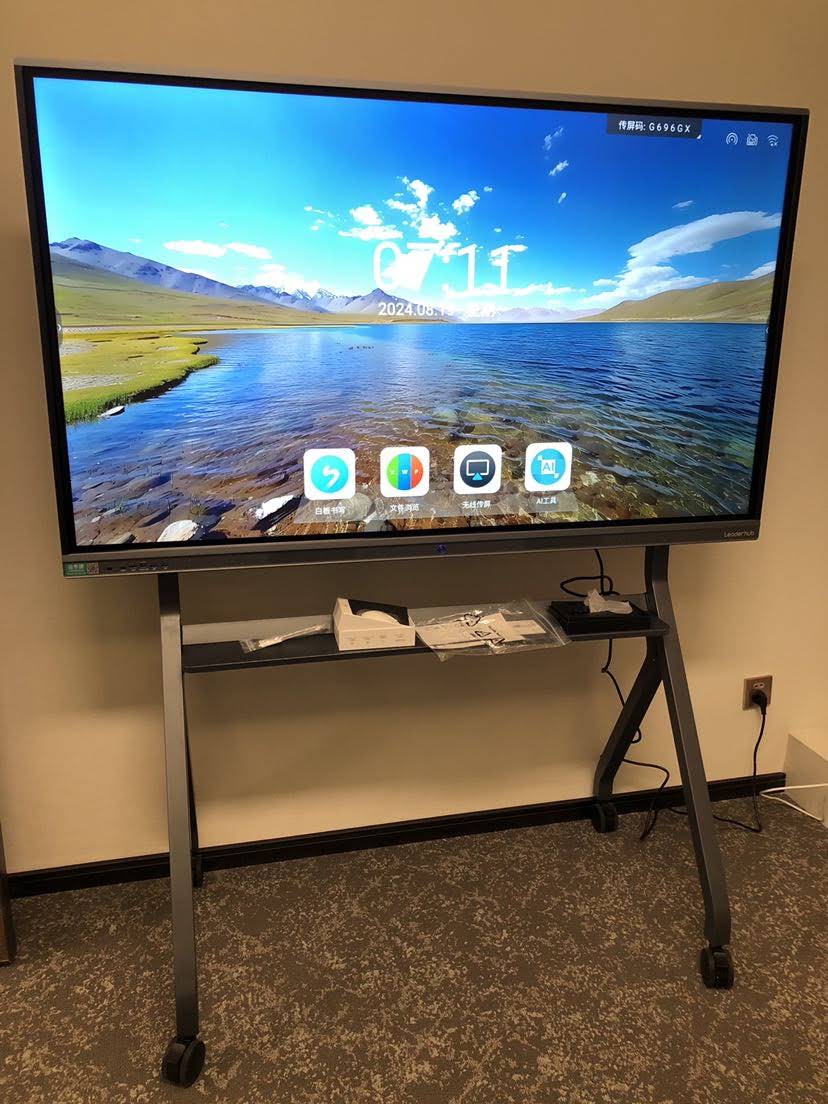
- Always confirm wall-mount weight ratings before installation, especially for panels above 75″
- Schedule firmware updates during off-hours to avoid classroom disruption
- Clean touchscreens only with microfiber cloths — avoid ammonia-based cleaners that degrade anti-glare coatings
- Train teaching staff on basic troubleshooting to reduce IT ticket volume
Common Mistakes to Avoid
One of the most frequent purchasing errors is prioritizing screen size over touch accuracy and software support. A larger panel with poor palm rejection or outdated Android firmware will frustrate teachers far more than a smaller, well-optimized unit. Similarly, skipping a hands-on demo before purchase often leads to mismatched expectations about brightness and glare in real classroom lighting.
Final Recommendations
When selecting a smart whiteboard for education, balance three priorities: display quality, software ecosystem, and vendor support. A 75″–86″ 4K panel with Android OS, optional Windows OPS, and a minimum 3-year warranty covers the needs of most classrooms and training environments. For institutions managing multiple rooms, standardizing on a single product line — such as a unified interactive whiteboard series — simplifies staff training and IT maintenance across campus.
Before finalizing any purchase, request a live demo, check independent user reviews, and confirm local technical support availability. A smart whiteboard is a multi-year investment, and the right choice will pay dividends in engagement, efficiency, and reduced classroom downtime for years to come.








