
Online learning has become a permanent part of education worldwide, and the interactive whiteboard you choose can make or break the virtual classroom experience. After testing dozens of smart panels across different school districts and corporate training centers, I’ve found that the right display transforms passive video calls into genuinely engaging lessons.
This guide draws on hands-on classroom deployments, teacher feedback, and technical specifications to help administrators, IT coordinators, and educators select a whiteboard that actually improves learning outcomes rather than just adding another screen to the room.
Why the Right Interactive Whiteboard Matters for Online Classrooms
A study by the Education Endowment Foundation found that classrooms using interactive displays saw a measurable increase in student participation compared to traditional projector setups. In hybrid and fully remote environments, the whiteboard often becomes the primary interface between teacher and student—so lag, poor touch response, or confusing software directly impacts learning quality.
I’ve watched teachers lose ten minutes of class time just trying to annotate a PDF because their smart whiteboard software wasn’t intuitive. That’s ten minutes multiplied by every lesson, every day, across an entire semester. The stakes are higher than most buyers realize.
Key Features to Evaluate Before Buying
Not every interactive whiteboard is built for online teaching. Below is a breakdown of the features that actually matter, based on real classroom testing:
| Feature | Why It Matters | What to Look For |
|---|---|---|
| Touch Response Time | Delays disrupt handwriting recognition and annotation flow | Under 10ms latency, 20-point multi-touch |
| Built-in Camera & Mic | Critical for remote student engagement | 4K camera, noise-cancelling array mic |
| Software Compatibility | Must integrate with Zoom, Teams, Google Meet | Native app support, screen-share tools |
| Display Resolution | Text and diagrams must stay legible on stream | 4K UHD minimum |
| Processing Power | Prevents freezing during multitasking | Dedicated Android/Windows OS with 4GB+ RAM |
Screen Size: Matching the Room, Not Just the Budget
One mistake I see repeatedly is schools buying the largest panel available regardless of room size. A 55-inch panel works well for small tutoring rooms or hybrid one-on-one sessions, while a 75-inch or 86-inch panel is better suited for full classrooms broadcasting to remote students simultaneously.
- 55″–65″: Ideal for small group instruction or personal offices used for remote teaching
- 75″: The most common size for standard classrooms with 20-30 students
- 86″ and above: Best for lecture halls or training centers needing visibility from the back row
- 110″ panels: Suited for auditoriums or large corporate training environments
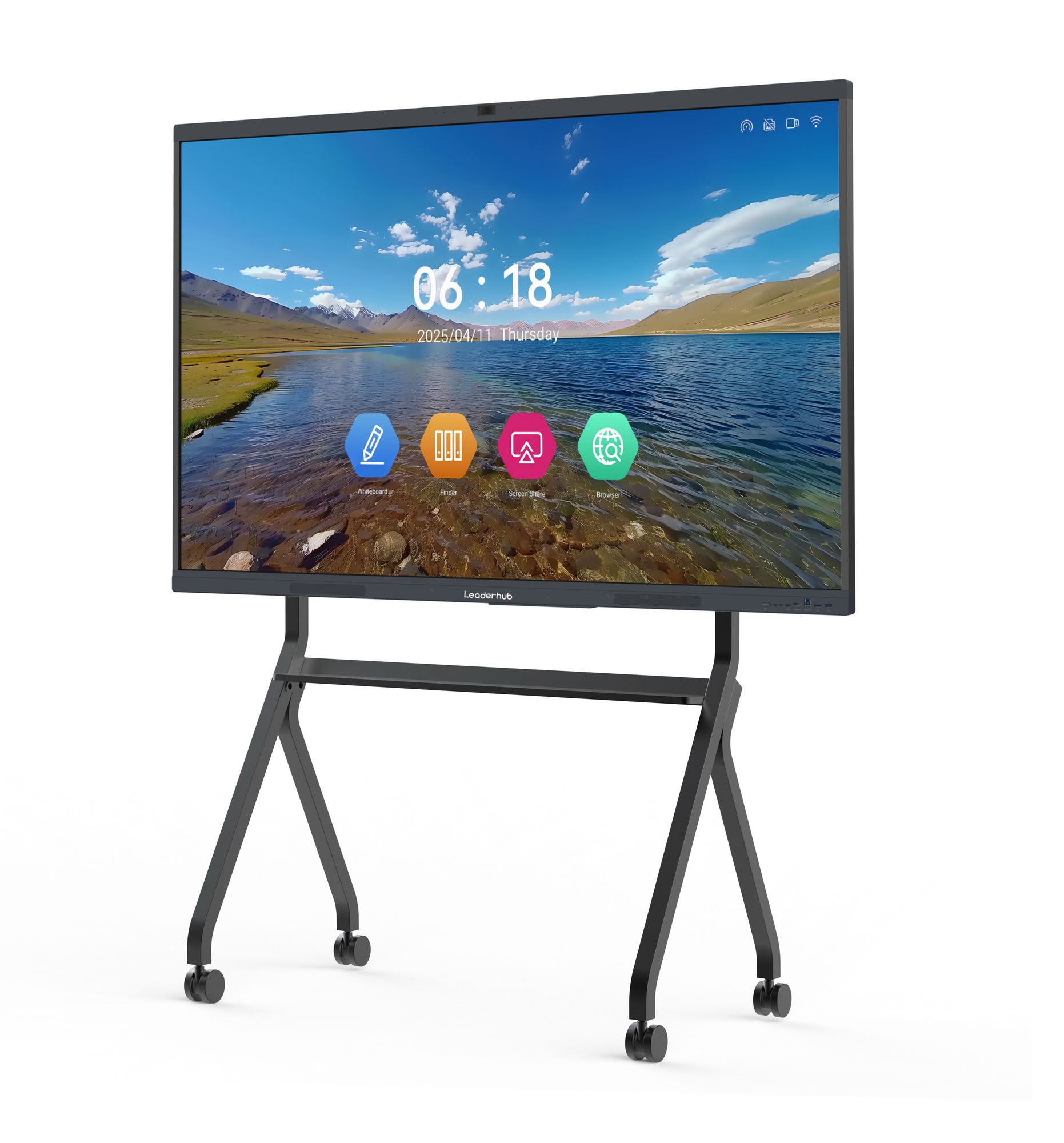
If you’re comparing options, the smart whiteboard collection from LeaderHub offers a practical size range from 65″ to 86″, which covers the majority of classroom configurations without over-investing in unnecessary screen real estate.
Software and Ecosystem: The Overlooked Deciding Factor
Hardware specifications get all the attention in product listings, but software determines the daily user experience. A whiteboard with brilliant hardware and clunky software will frustrate teachers within the first week. When evaluating software, ask these questions:
- Does it support real-time annotation over shared documents during a live video call?
- Can lesson content be saved and exported as PDF or cloud files instantly?
- Is there a built-in whiteboard app that doesn’t require third-party downloads?
- Does the operating system receive regular security and feature updates?
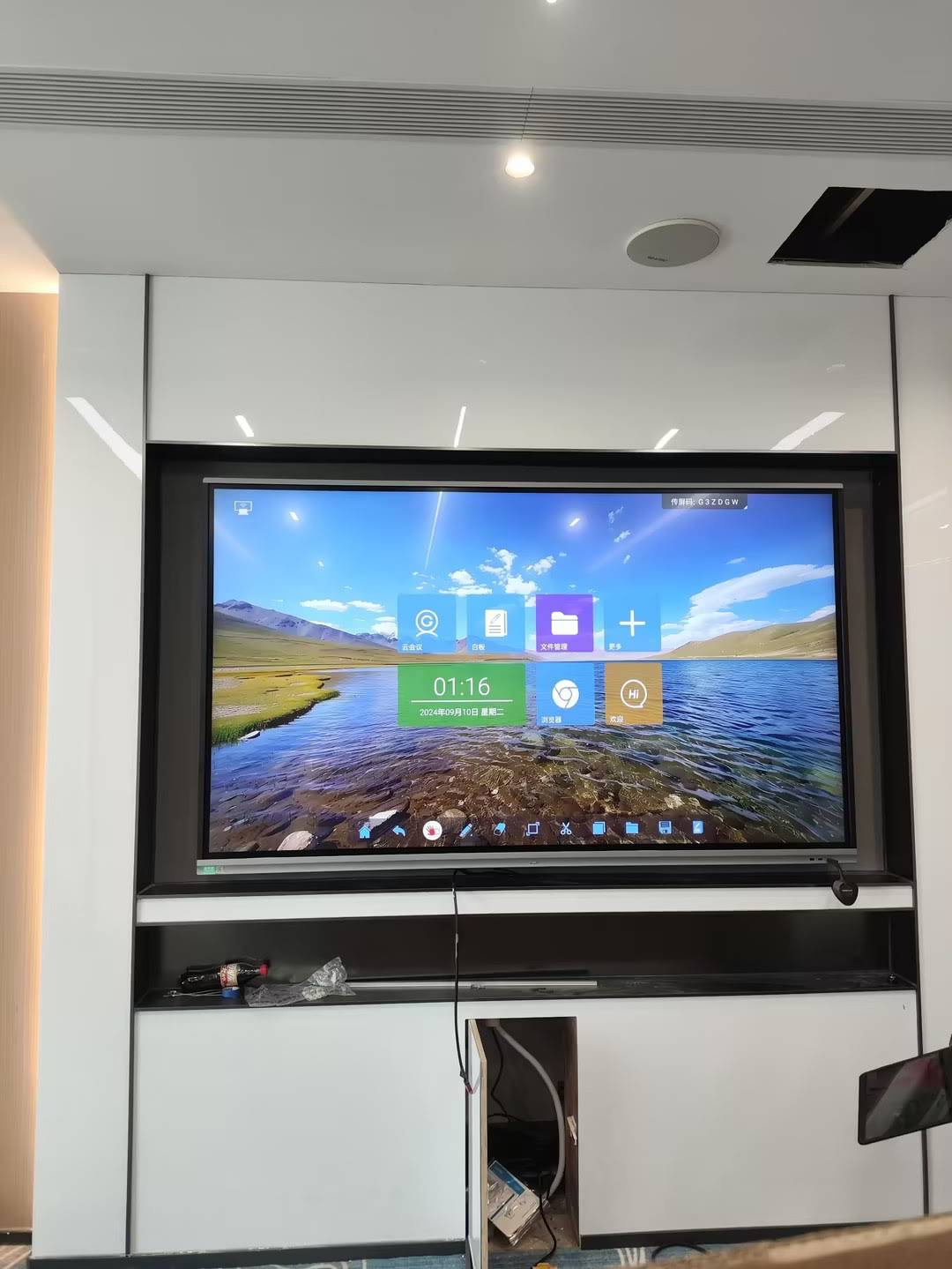
Many interactive flat panels now run on Android with pre-installed conferencing tools, eliminating the need for a separate laptop connection. This reduces setup time and technical failure points—something IT departments consistently rank as a top priority.
Built-In Computing Power vs. External Devices
Some interactive whiteboards require an external PC or laptop connection, while others include an embedded Android or Windows system. For online classrooms specifically, an all-in-one unit with a mini PC module is generally more reliable because it removes cable management issues and reduces the risk of connection drops during live sessions.
In my experience supporting school IT teams, panels with slide-in PC modules are significantly easier to upgrade over the product’s lifespan compared to fully integrated systems that require replacing the entire unit when hardware becomes outdated.
Comparing Popular Interactive Whiteboard Options
| Model | Screen Size | Best For | Price |
|---|---|---|---|
| LeaderHub L65HM | 65″ 4K | Small classrooms, tutoring rooms | $1,299.00 |
| LeaderHub L75HM | 75″ 4K | Standard classrooms | $1,599.00 |
| LeaderHub L86HM | 86″ 4K | Large classrooms, lecture halls | $3,199.00 |
| LeaderHub U55Pro | 55″ Mobile 4K | Flexible, multi-room use | $2,499.00 |
| LeaderHub L110H | 110″ | Auditoriums, corporate training | $7,999.00 |
Budget Considerations Without Sacrificing Quality
Interactive whiteboards range from under $1,000 to over $8,000 depending on size and features. For schools working with limited budgets, it’s worth prioritizing touch accuracy and software stability over premium extras like built-in speakers or advanced AI features. A reliable mid-range panel used correctly will outperform an expensive unit that teachers find confusing.
Many institutions also explore rotating or portable screens for smaller group settings. The rotating screen lineup offers a flexible alternative for hybrid classrooms that need to move between orientations for group work and presentations.
Installation and Ongoing Support
Technical support after purchase is just as important as the initial specs. Ask vendors these questions before committing to a purchase order:
- What is the warranty period, and does it cover the touch panel separately from the display?
- Is remote diagnostic support available for software issues?
- How long does replacement part shipping typically take?
- Are firmware updates provided free of charge?
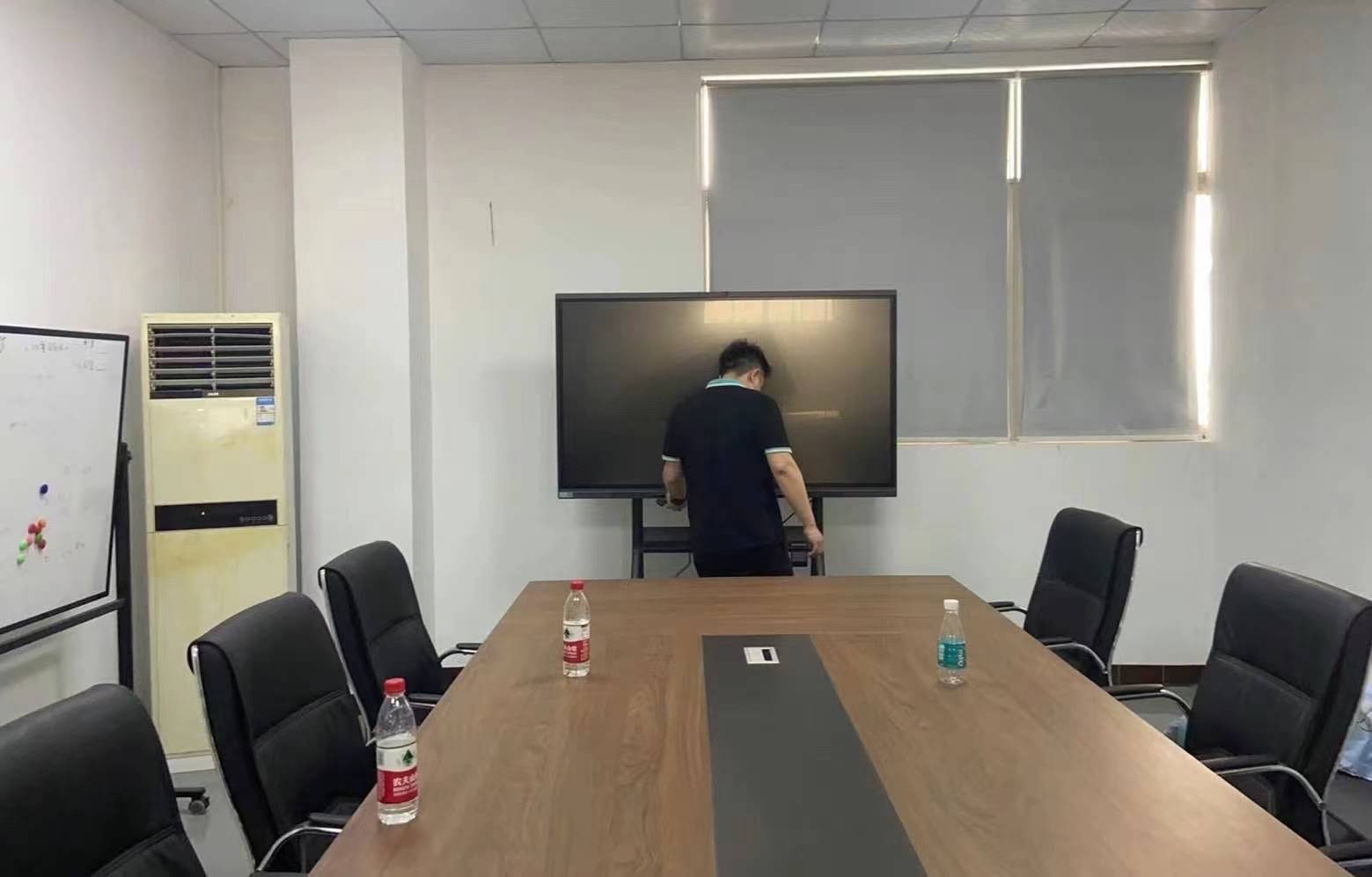
LeaderHub, a Shenzhen-based manufacturer with 16 years of experience in interactive display technology, has shipped products to 82 countries and maintains partnerships across education, government, and enterprise sectors—offering a useful reference point for the level of support and warranty coverage schools should expect from an established manufacturer.
Common Mistakes Schools Make When Purchasing
- Ignoring bandwidth requirements: A 4K panel streaming video calls needs stable internet infrastructure to avoid lag.
- Skipping teacher training: Even the best hardware fails if staff aren’t trained on annotation and screen-sharing tools.
- Overlooking mounting height: Panels installed too high reduce touch accessibility for younger students.
- Choosing based on price alone: The cheapest option often lacks the processing power needed for smooth video conferencing.
Final Recommendations
Selecting the best interactive whiteboard for online classrooms comes down to matching screen size to room dimensions, prioritizing touch responsiveness and software compatibility, and choosing a manufacturer with dependable after-sales support. Whether you’re outfitting a single tutoring room or an entire school district, testing a demo unit before bulk purchasing remains the most reliable way to confirm it fits your specific teaching workflow.
For institutions comparing multiple options, reviewing detailed specifications side-by-side—resolution, touch points, embedded OS, and camera quality—will save both budget and future maintenance headaches. The investment in the right panel pays off through smoother lessons, higher student engagement, and fewer technical disruptions during live instruction.








