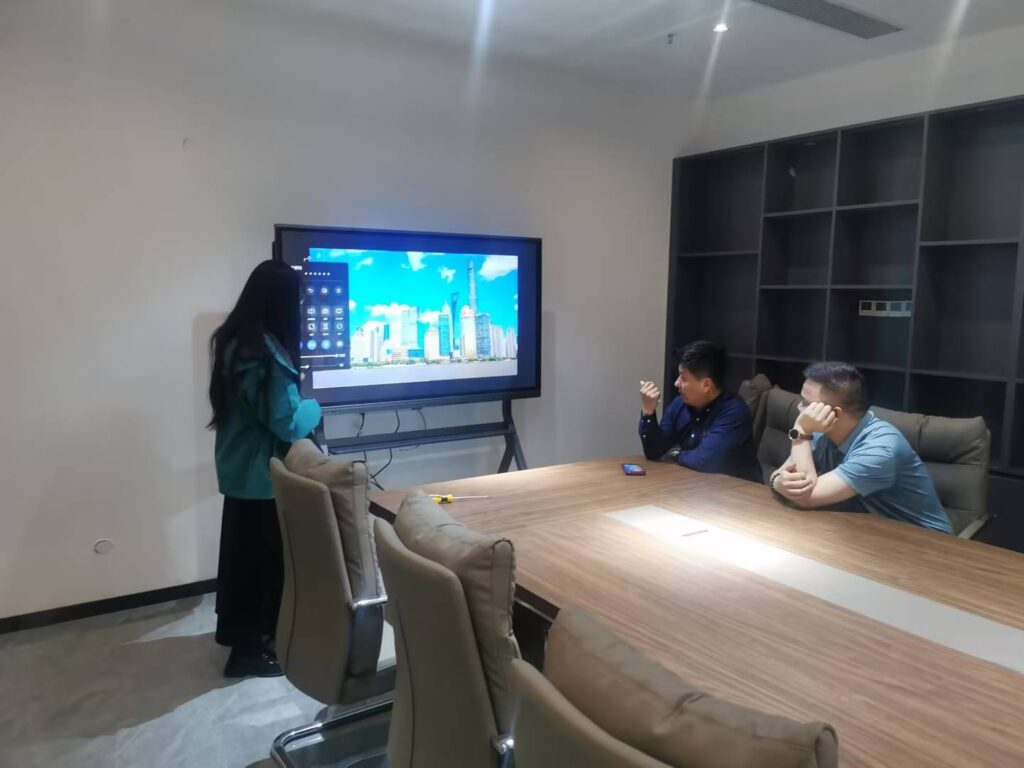
Choosing the right interactive display for a school budget can feel overwhelming, especially with so many brands, screen sizes, and specifications competing for attention. Administrators, IT coordinators, and teachers across the United States, United Kingdom, and beyond are increasingly asking the same question: how do you get a reliable smart whiteboard without overspending on features you don’t actually need? This guide breaks down the practical factors that matter most, based on real classroom deployments and industry data, so you can make a confident purchasing decision.
Why Classrooms Are Switching to Smart Whiteboards
Traditional whiteboards and projectors are steadily being replaced by interactive flat panels in K-12 and higher education settings. According to global EdTech adoption reports, over 60% of primary and secondary schools in developed markets have already installed at least one interactive display, and that number continues to climb year over year. The appeal is straightforward: smart whiteboards combine annotation, screen sharing, video conferencing, and multimedia playback into a single device, reducing the need for multiple pieces of hardware in a classroom.
From a teacher’s perspective, the biggest daily benefit is not the flashy AI features but simple reliability — a screen that turns on instantly, responds accurately to touch, and doesn’t require a technician every time something glitches. Keeping that in mind helps narrow down what “affordable” should really mean: lower cost without sacrificing dependable performance.
Key Factors to Consider When Choosing an Affordable Smart Whiteboard
1. Screen Size and Resolution
Classroom size should directly determine screen size. A 55-inch or 65-inch display is generally sufficient for rooms holding 20–30 students, while lecture halls or larger spaces benefit from 75-inch to 86-inch panels. Resolution matters just as much: a genuine 4K UHD panel ensures text and diagrams remain crisp even when viewed from the back row, which is critical for subjects like mathematics and science where fine detail matters.
2. Touch Technology and Responsiveness
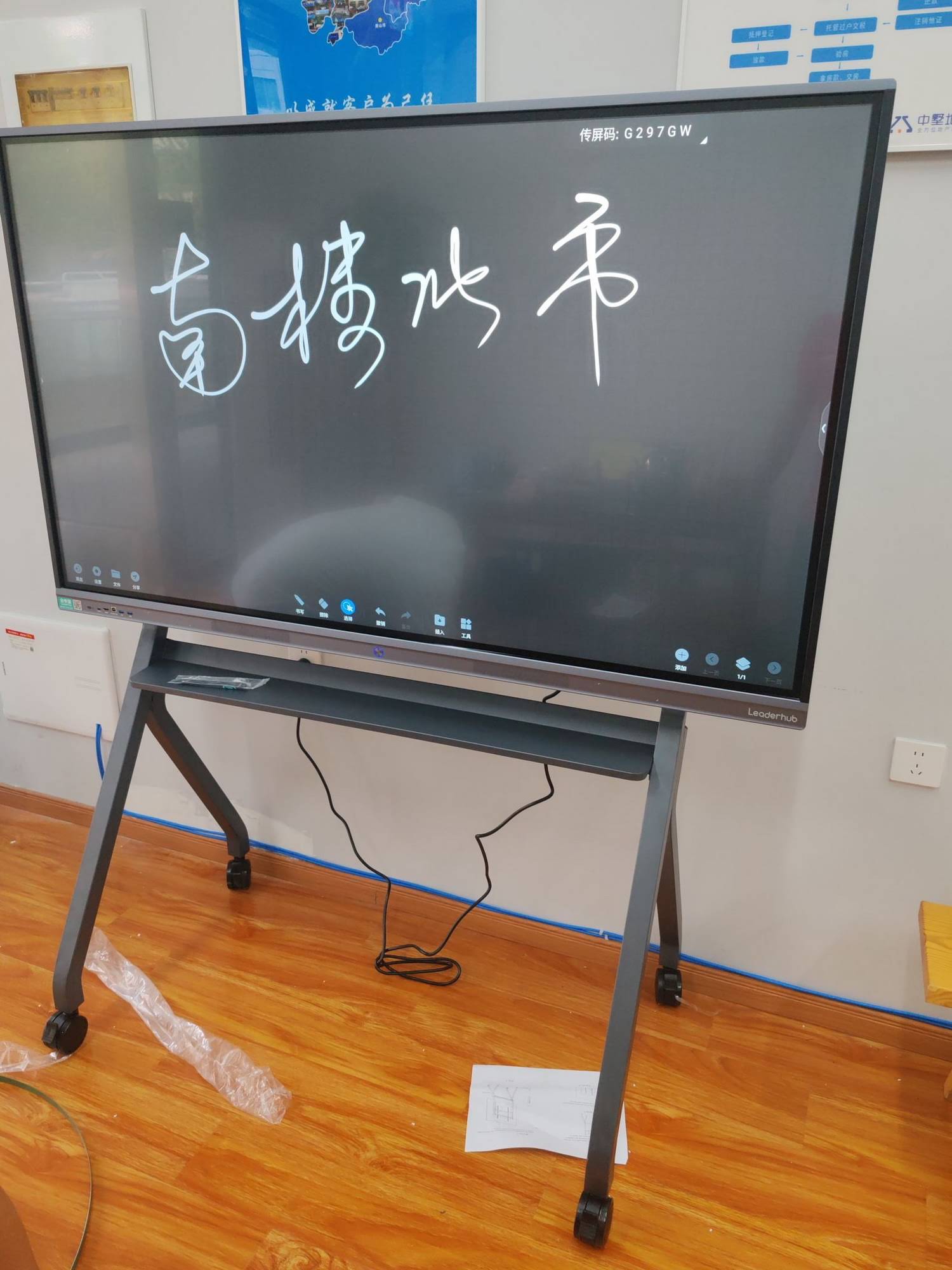
Infrared (IR) touch technology remains the most cost-effective and widely used option for education, offering accurate multi-touch support (usually 10–20 touch points) at a fraction of the cost of capacitive touch panels. When comparing products, check the touch response latency — anything under 8ms is considered smooth for handwriting and drawing applications.
3. Operating System and Software Compatibility
Most budget-friendly smart whiteboards run on Android-based systems with built-in whiteboard software, screen mirroring, and browser access. Compatibility with common tools like Google Workspace, Microsoft Teams, and Zoom is essential for hybrid teaching environments. If your school already uses a specific LMS (Learning Management System), confirm the panel supports app installation via APK or Google Play services.
4. Durability and Warranty
Classroom hardware takes a beating. Look for panels with tempered glass rated at least 7H hardness, and confirm the manufacturer offers a minimum 3-year warranty. Panels with anti-glare coating also reduce eye strain for students seated near windows.
Comparing Affordable Smart Whiteboard Options
Below is a simplified comparison of common screen sizes and their typical price ranges suitable for classroom budgets, based on current market offerings including LeaderHub’s L65HM interactive smart whiteboard series.
| Screen Size | Recommended Classroom Size | Typical Price Range | Best For |
|---|---|---|---|
| 55″ – 65″ | Small classrooms (up to 25 students) | $1,099 – $1,599 | Primary schools, tutoring centers |
| 75″ | Mid-size classrooms (25–35 students) | $1,399 – $2,399 | Secondary schools, training rooms |
| 86″ – 110″ | Lecture halls, large auditoriums | $1,699 – $7,999 | Universities, large training centers |
Budget-Friendly Strategies Schools Actually Use
Speaking with several IT procurement managers at mid-sized school districts, a few consistent strategies emerge for stretching limited EdTech budgets:
- Buy in bulk from a single supplier — most manufacturers offer tiered discounts for orders of 10+ units, which significantly lowers per-unit cost.
- Prioritize panels with built-in Android OS instead of requiring a separate mini PC module, reducing both upfront cost and future maintenance needs.
- Choose modular designs that allow adding a Windows OPS module later, rather than paying for it upfront if it’s not immediately needed.
- Request extended warranty bundles — many suppliers will include an extra year of coverage when purchasing multiple units.
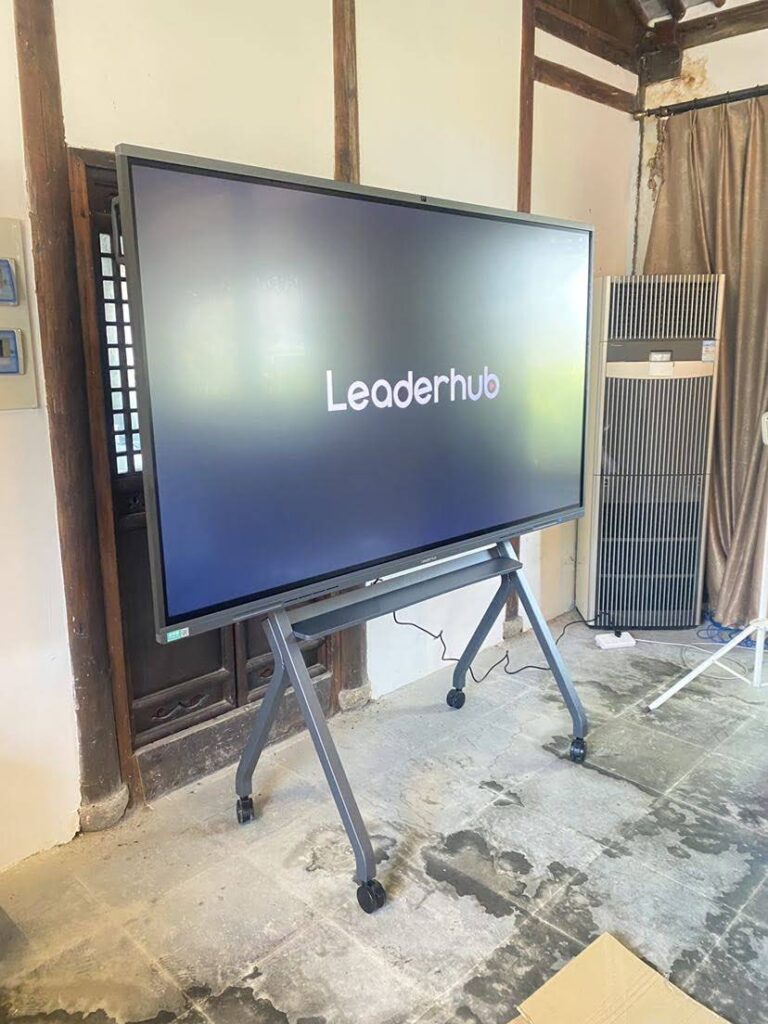
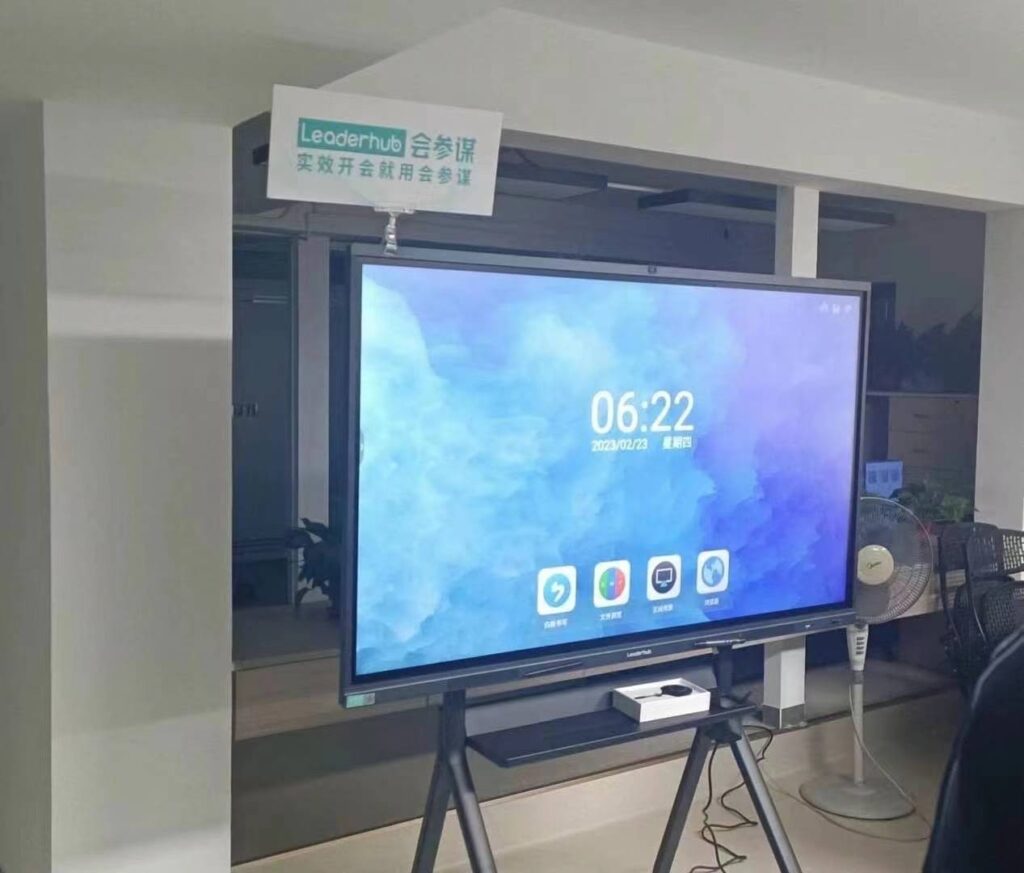
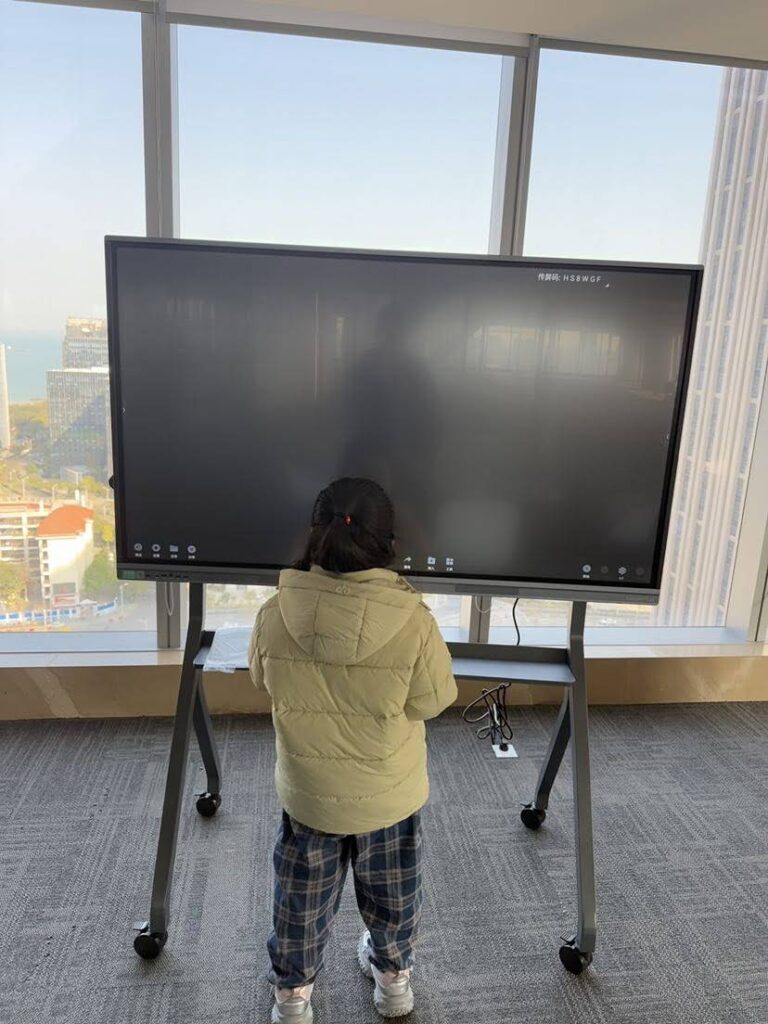
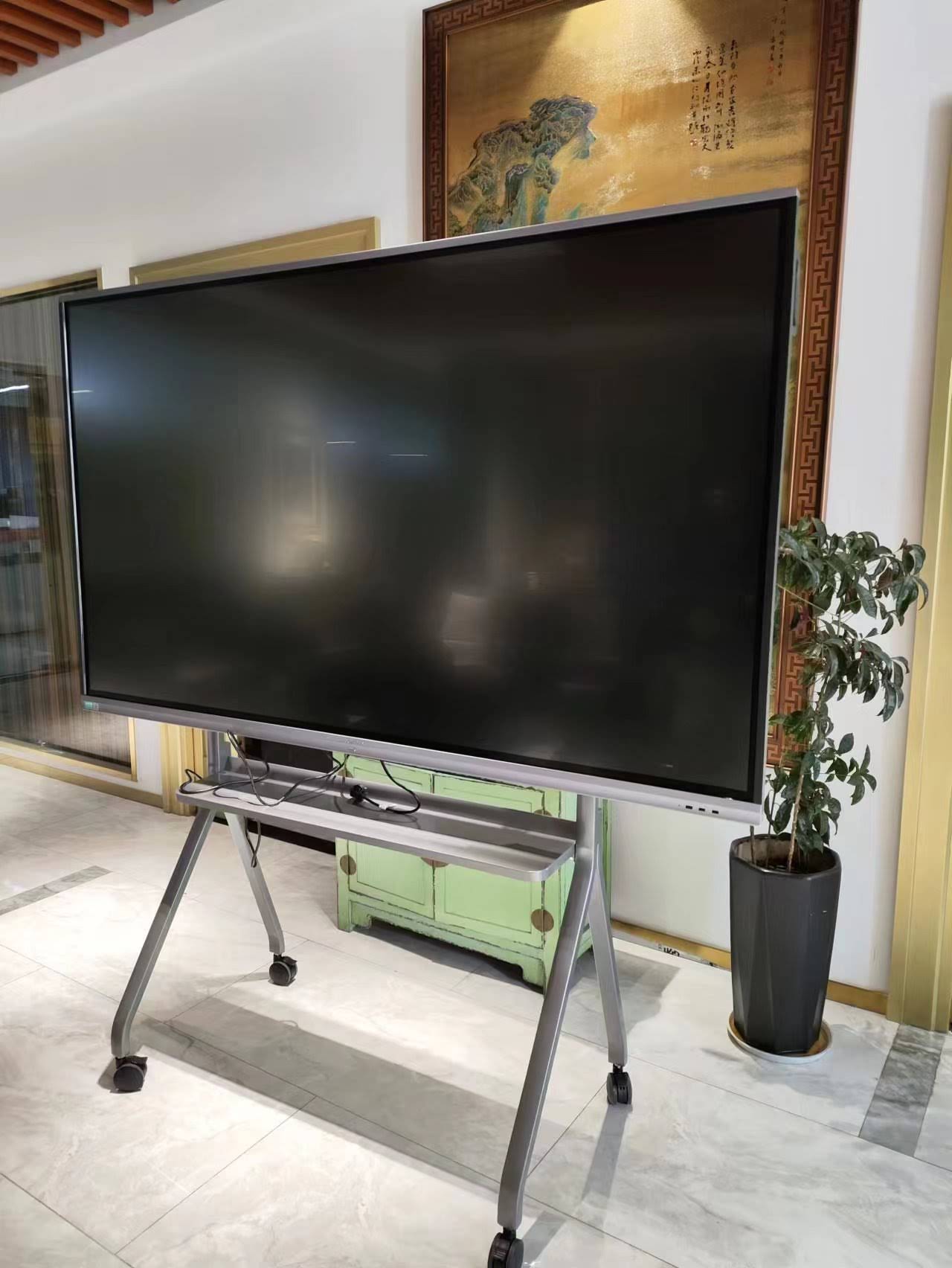
- Consider portable options such as rotating smart screens for shared spaces where a fixed wall-mounted panel isn’t practical.
Real Classroom Case Study
A mid-sized secondary school in Texas replaced six aging projector setups with 65-inch and 75-inch interactive panels over a two-year rollout. According to their technology coordinator, the switch reduced annual AV maintenance costs by approximately 40%, primarily because projector bulb replacements and screen calibration issues disappeared entirely. Teachers also reported a measurable increase in student engagement during collaborative lessons, particularly in subjects requiring live annotation such as geometry and chemistry diagrams.
This mirrors broader industry findings: interactive display manufacturers with over a decade of experience — including companies like LeaderHub, which has spent 16 years developing interactive panel technology for education and enterprise markets across 82 countries — consistently report that schools prioritizing reliability and local support over the lowest sticker price see better long-term satisfaction and lower total cost of ownership.
Common Mistakes to Avoid
| Mistake | Why It’s a Problem |
|---|---|
| Choosing size based on price alone | A panel too small for the room reduces visibility and lesson effectiveness |
| Ignoring touch point count | Low touch-point panels frustrate collaborative group activities |
| Skipping warranty comparison | Repair costs after warranty expiry can exceed initial savings |
| Not testing software compatibility beforehand | Some LMS platforms may not run smoothly on certain Android versions |
Expert Tips for Long-Term Value
When speaking with procurement specialists who manage EdTech rollouts across multiple campuses, a few pieces of advice consistently come up:
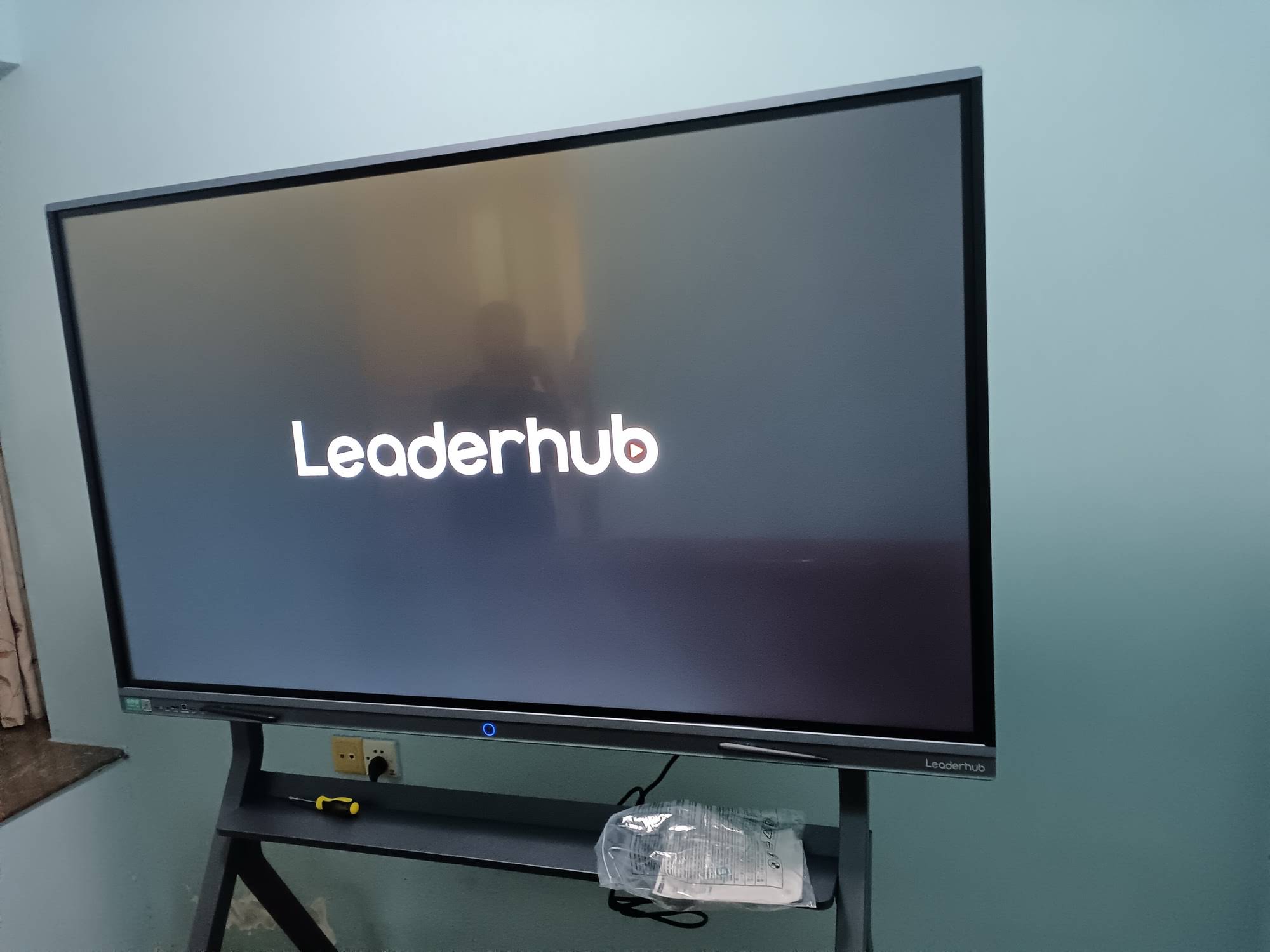
- Request a live demo unit before committing to a bulk order — screen glare and touch lag are easier to identify in person.
- Confirm firmware update support; panels that receive regular OS updates stay compatible with new educational apps longer.
- Ask suppliers about local service centers or regional distributors, since shipping a large panel back for repair is costly and slow.
- Factor in mounting hardware and installation labor when calculating total budget, not just the panel price itself.
Frequently Overlooked Feature: Built-in Whiteboard Software
Many affordable panels now come with pre-loaded annotation software that eliminates the need for third-party licensing fees. This alone can save schools several hundred dollars per unit annually compared to subscription-based whiteboard software used with generic monitors.
Final Thoughts
Finding an affordable smart whiteboard for classrooms doesn’t mean settling for the cheapest option available — it means understanding which features genuinely impact daily teaching and which ones are simply marketing add-ons. Focus on the right screen size for your room, reliable touch technology, straightforward software compatibility, and a warranty that reflects real classroom wear-and-tear. By evaluating these factors carefully, schools can invest in interactive technology that delivers consistent value for years, rather than replacing hardware every budget cycle.
Whether you’re outfitting a single classroom or planning a district-wide rollout, taking the time to compare specifications, request demos, and read real user feedback will help ensure the panel you choose truly fits your teaching environment and budget.