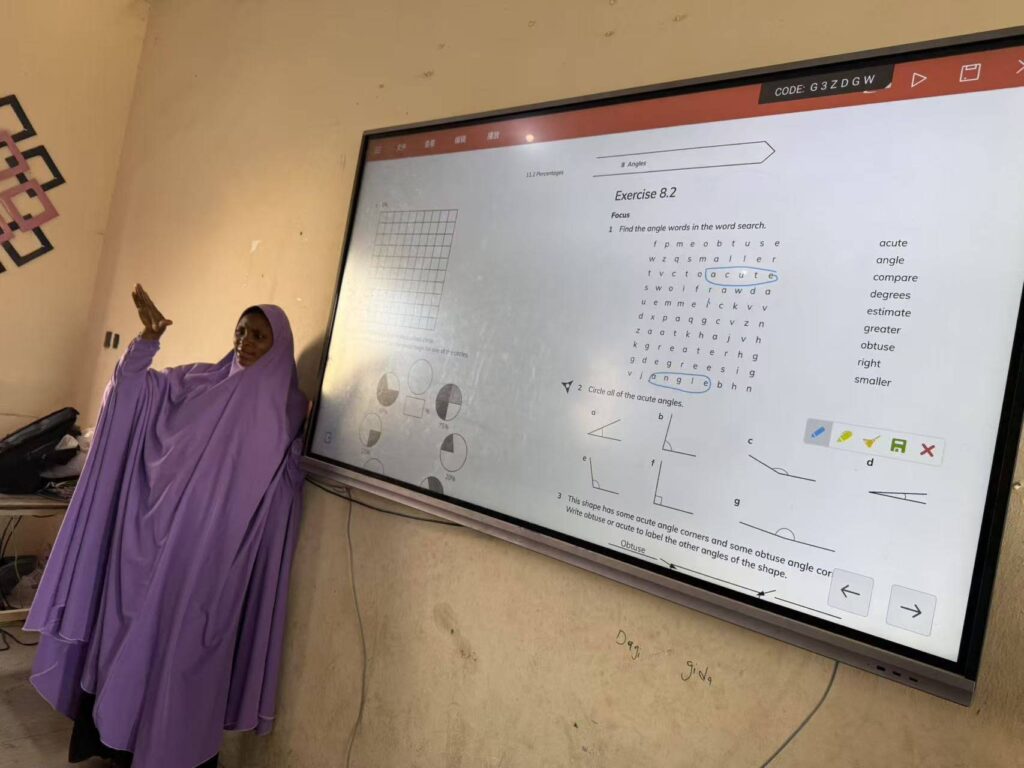
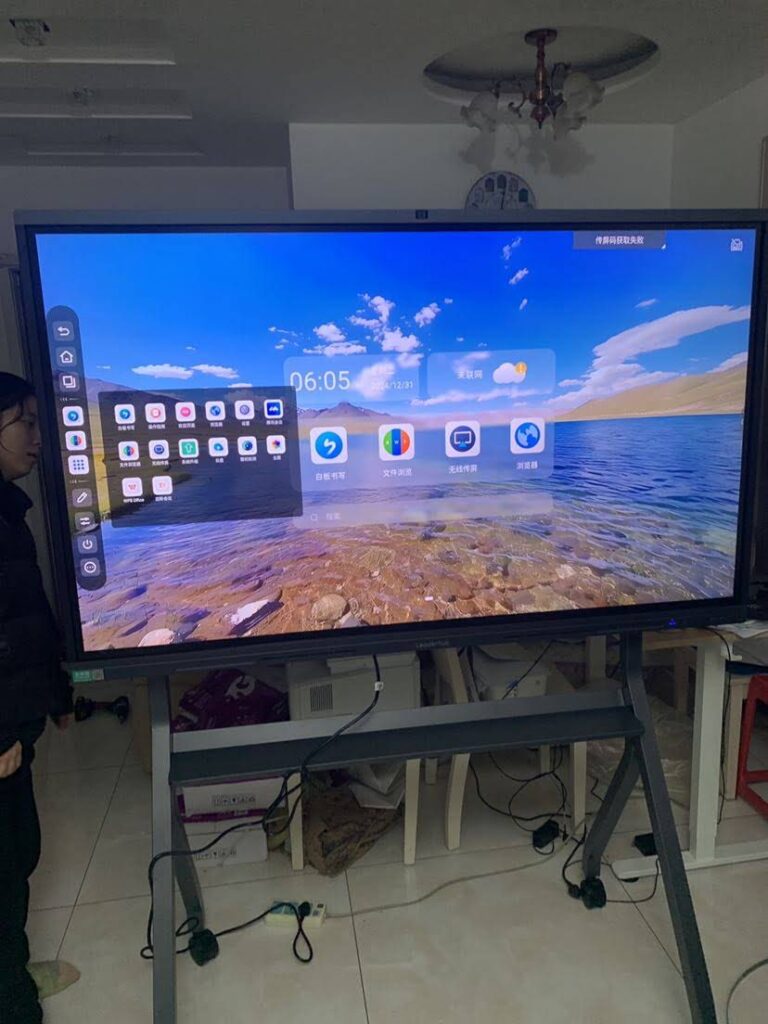
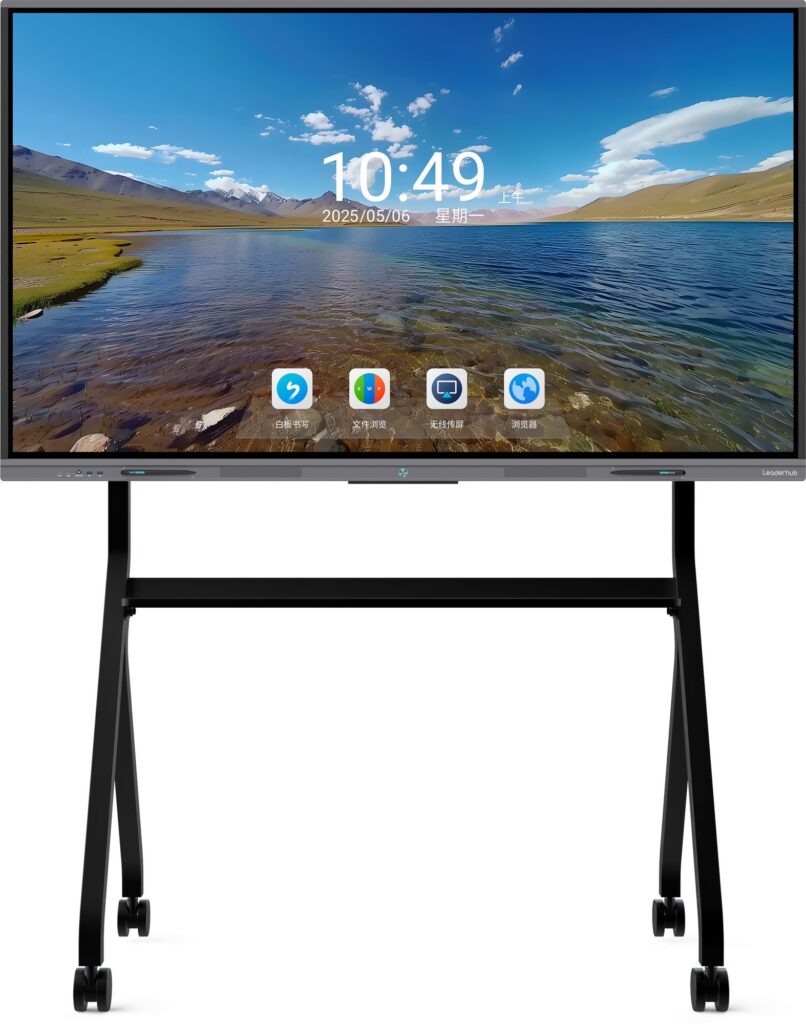
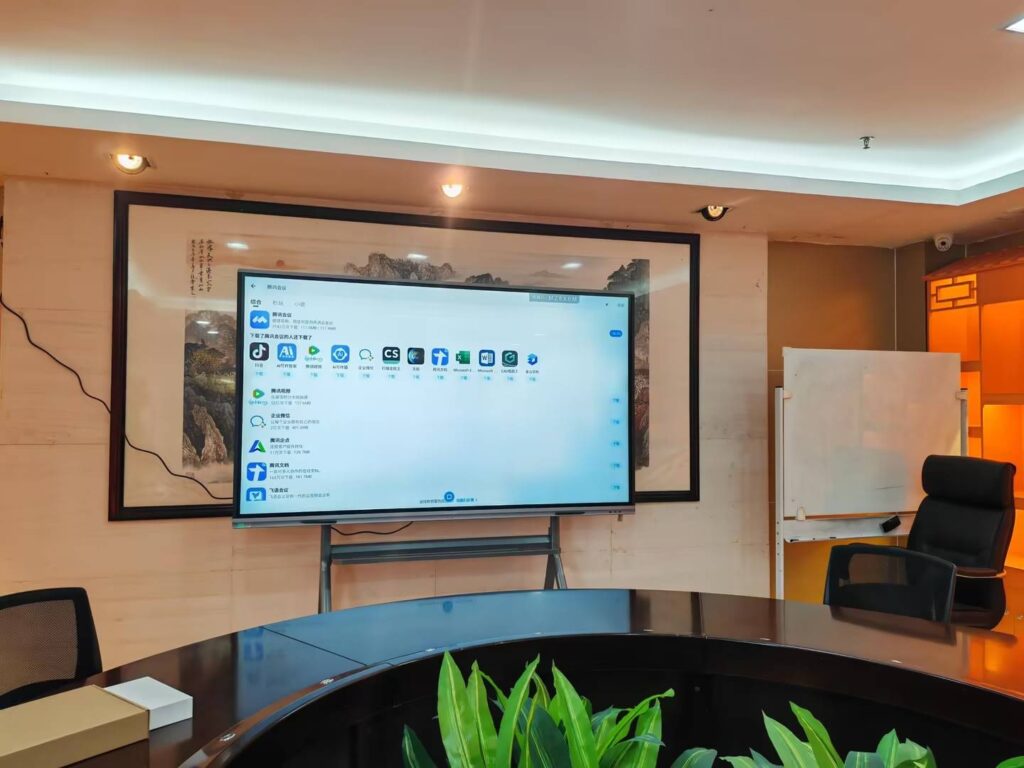
Walk into any well-equipped classroom today and you’ll likely notice something different from a decade ago: the traditional chalkboard has been replaced by a large, vivid touchscreen display. This shift isn’t just cosmetic. Smart boards have fundamentally changed how teachers deliver lessons and how students absorb information, and schools that have adopted them report measurable improvements in engagement, comprehension, and collaboration.
As someone who has followed the evolution of classroom technology for years, I’ve seen firsthand how a well-implemented interactive display can turn a passive lecture into an active, participatory experience. In this article, we’ll break down exactly how smart boards benefit both teachers and students, backed by classroom data, practical use cases, and insights from educators who use this technology daily.
What Exactly Is a Smart Board?
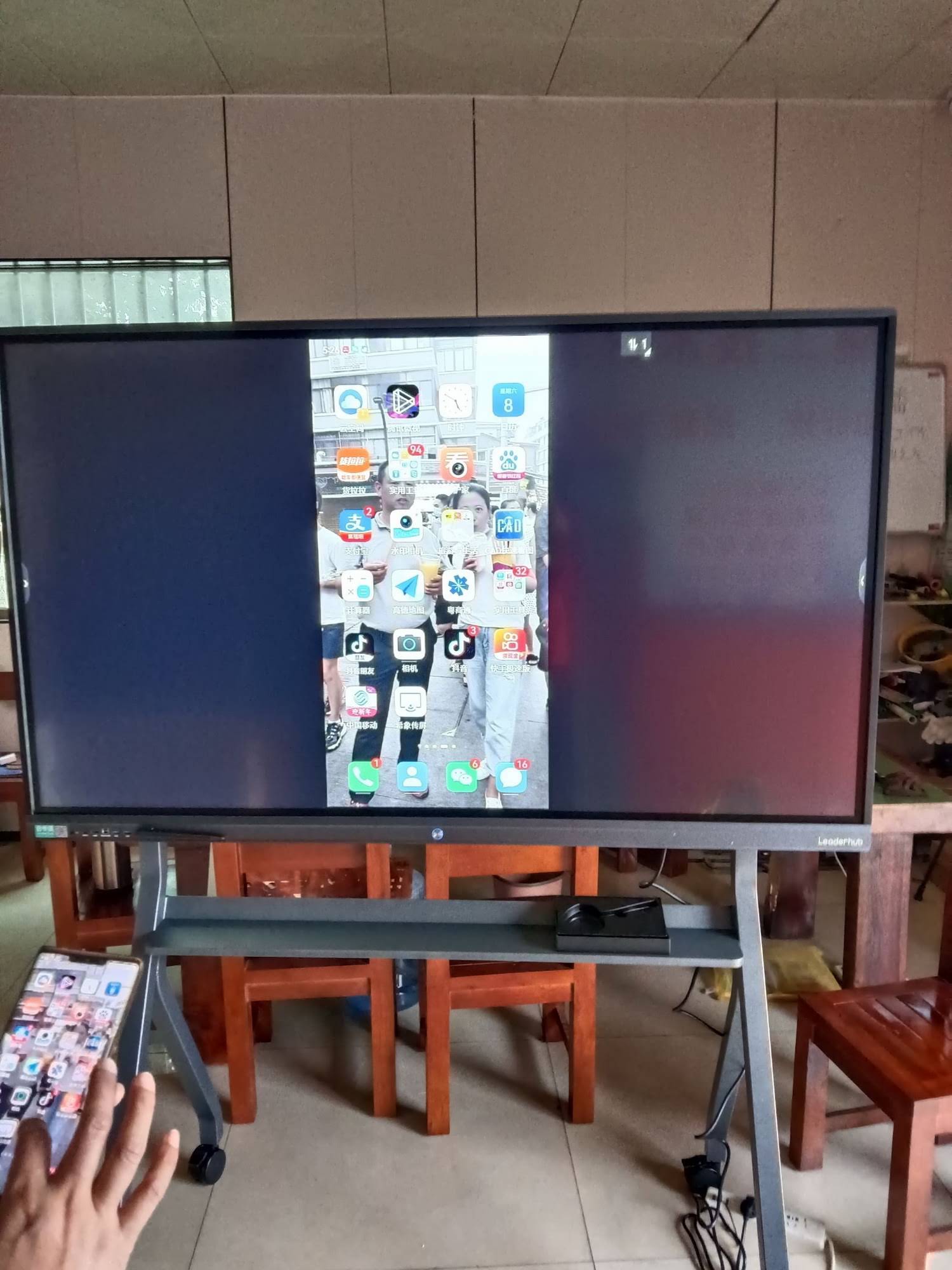
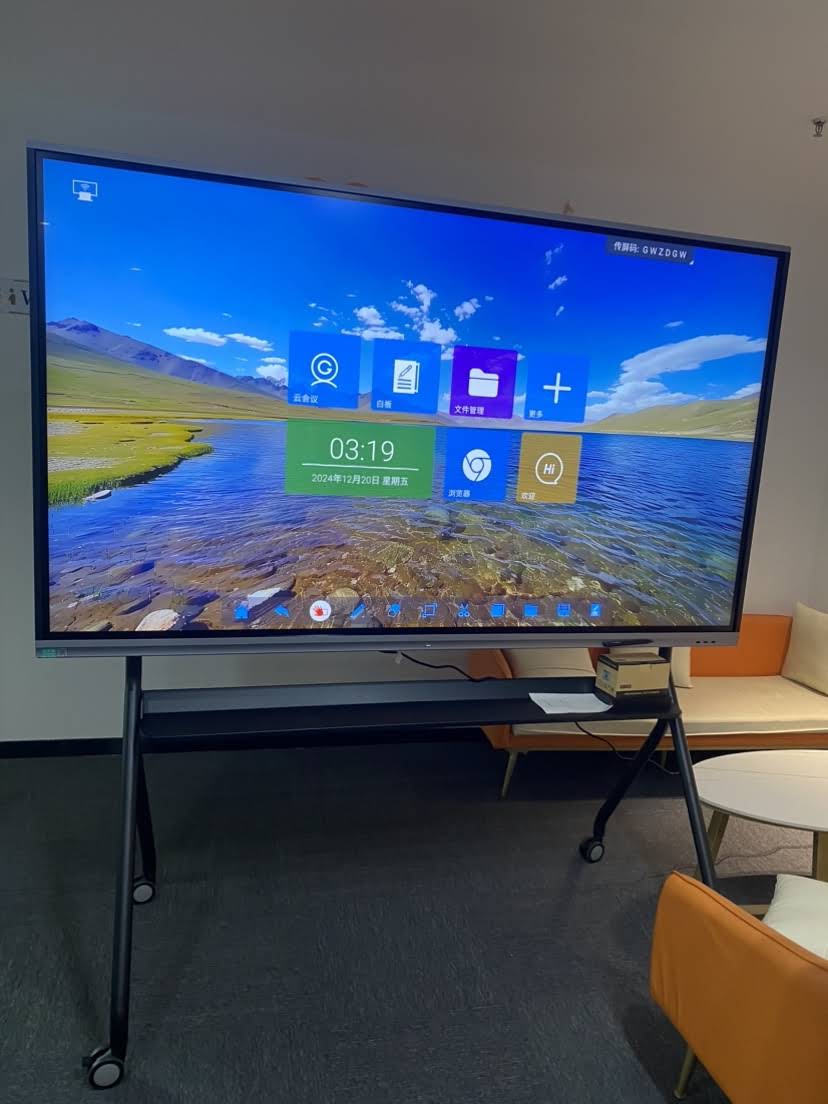
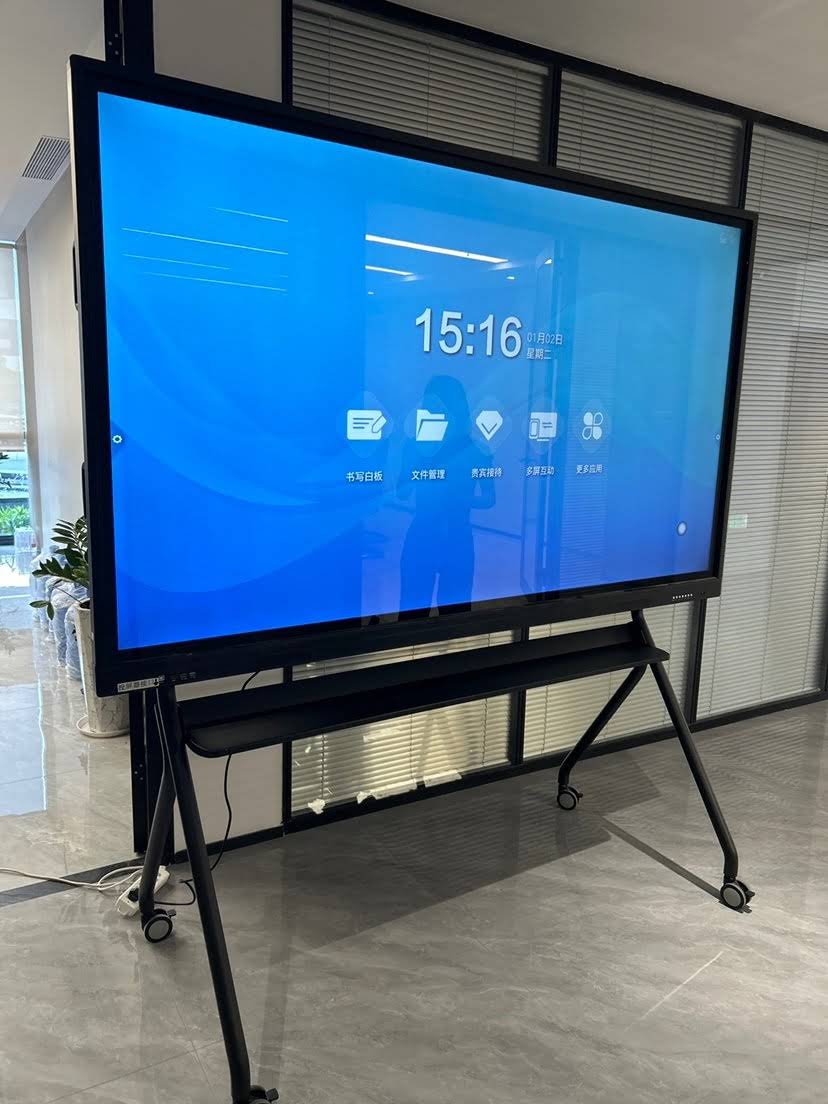
A smart board, also known as an interactive whiteboard or interactive flat panel, is a large touch-sensitive display that connects to a computer or built-in operating system. Teachers and students can write, draw, annotate documents, play videos, and manipulate digital content directly on the screen using a finger, stylus, or pen. Unlike a traditional projector setup, most modern smart boards integrate a computer, speakers, and software into a single unit, making them plug-and-play for classroom use.
Key Benefits for Teachers
Teachers are often the first to notice the difference once a smart board is installed. Lesson preparation, delivery, and follow-up all become more efficient, which frees up time for actual teaching rather than administrative tasks.
1. Simplified Lesson Delivery
Instead of juggling textbooks, printed handouts, and a whiteboard marker, teachers can pull up multimedia content, interactive diagrams, and pre-built lesson templates all from one screen. Many platforms also allow lessons to be saved and reused, which cuts prep time significantly over a school year.
2. Real-Time Assessment
Built-in quiz tools and polling features let teachers check understanding on the spot. If a class is struggling with a concept, the teacher can adjust the pace immediately rather than waiting for a test to reveal the gap. According to a study published by the UK Department for Education, classrooms using interactive display technology showed a measurable increase in formative assessment frequency, which correlated with better retention rates.
3. Easier Multi-Subject Integration
Smart boards support annotation over video, split-screen comparisons, and direct internet access, making it easier to bring real-world data into a lesson, whether that’s a live weather map in a geography class or a scientific simulation in physics.
4. Reduced Physical Strain
Teachers who spent years writing on traditional whiteboards often deal with repetitive strain in the wrist and shoulder. Touch and stylus input on a smart board requires less physical effort, and content can be typed, imported, or handwritten depending on preference.
Key Benefits for Students
The advantages aren’t one-sided. Students, particularly those with different learning styles, benefit just as much, if not more, from interactive classroom technology.
1. Higher Engagement Through Interactivity
Passive listening is one of the least effective ways to retain information. When students can come up to the board, manipulate content, or participate in a group activity displayed on screen, engagement increases naturally. A frequently cited analysis from Interactive Whiteboard Revolution research found that classrooms using interactive displays saw improved student participation compared to lecture-only formats.
2. Support for Different Learning Styles
Visual learners benefit from diagrams, animations, and color-coded content. Auditory learners benefit from embedded audio and video. Kinesthetic learners benefit from the hands-on, touch-based interaction. A single smart board lesson can address all three styles simultaneously, something a static whiteboard simply cannot do.
| Learning Style | Traditional Whiteboard | Smart Board |
|---|---|---|
| Visual | Static text and drawings | Animated diagrams, videos, color-coded content |
| Auditory | Teacher narration only | Embedded audio, video clips, recorded lessons |
| Kinesthetic | Limited hands-on interaction | Touch-based manipulation, drag-and-drop activities |
3. Collaborative Learning Opportunities
Group activities become far more dynamic when multiple students can interact with the same screen. Many interactive flat panels now support multi-touch input, allowing several students to write or move objects on the board simultaneously, which naturally builds teamwork and communication skills.
4. Better Accessibility
Smart boards often include zoom, text-to-speech, and adjustable contrast features that help students with visual impairments or learning difficulties follow along more easily. This makes classrooms more inclusive without requiring separate accommodations for every student.
Practical Classroom Examples
To understand the real impact, it helps to look at how smart boards are actually used day to day:
- Math classes: Teachers project geometric shapes and let students rotate, resize, or split them directly on screen, making abstract concepts tangible.
- Language learning: Interactive apps allow students to practice pronunciation with instant audio feedback displayed on the board.
- Science labs: Virtual simulations of chemical reactions or physics experiments reduce the need for expensive physical lab equipment while still demonstrating key concepts.
- History lessons: Interactive timelines and map overlays let students explore historical events layer by layer instead of reading static text.
Do Smart Boards Actually Improve Learning Outcomes?
This is the question most administrators and parents ask before investing in the technology. Multiple independent studies suggest the answer is yes, with important caveats. A Promethean-commissioned research report found that teachers using interactive displays reported improved student focus and comprehension, particularly in subjects that benefit from visual demonstration like math and science.
That said, the technology itself is only part of the equation. Teacher training and lesson design matter just as much as the hardware. A smart board used only as an expensive projector screen offers little advantage over a traditional setup. The real benefits emerge when teachers actively use the interactive features, touch input, annotation, multimedia integration, to build lessons that couldn’t be delivered the same way on paper or a chalkboard.
Common Concerns About Smart Boards
Cost and Budget
Interactive flat panels represent a larger upfront investment than a traditional whiteboard. However, when schools factor in reduced spending on printed materials, projector bulbs, and markers over the panel’s lifespan, the total cost of ownership often evens out within a few years.
Teacher Training
Some educators worry about the learning curve. In practice, most modern smart whiteboards use intuitive touch interfaces similar to tablets, which most teachers pick up within a short onboarding session. Schools that provide even a few hours of hands-on training see significantly faster adoption.
Maintenance and Reliability
Like any electronic device, smart boards require occasional maintenance. Choosing panels with reliable build quality and responsive technical support reduces downtime considerably, which is why sourcing from an experienced manufacturer matters.
Choosing the Right Smart Board for a Classroom
Not all interactive panels are built the same. When evaluating options, schools should consider:
- Screen size and resolution: Larger classrooms need bigger displays with 4K resolution for clarity from every seat.
- Touch accuracy: Multi-touch support with minimal lag improves the writing and drawing experience.
- Built-in software: Look for pre-installed annotation tools, screen-sharing, and lesson libraries.
- Durability: Anti-glare, scratch-resistant glass extends the product’s usable life in high-traffic classrooms.
- Connectivity: Wireless casting and multiple input ports allow flexibility across different devices and teaching styles.
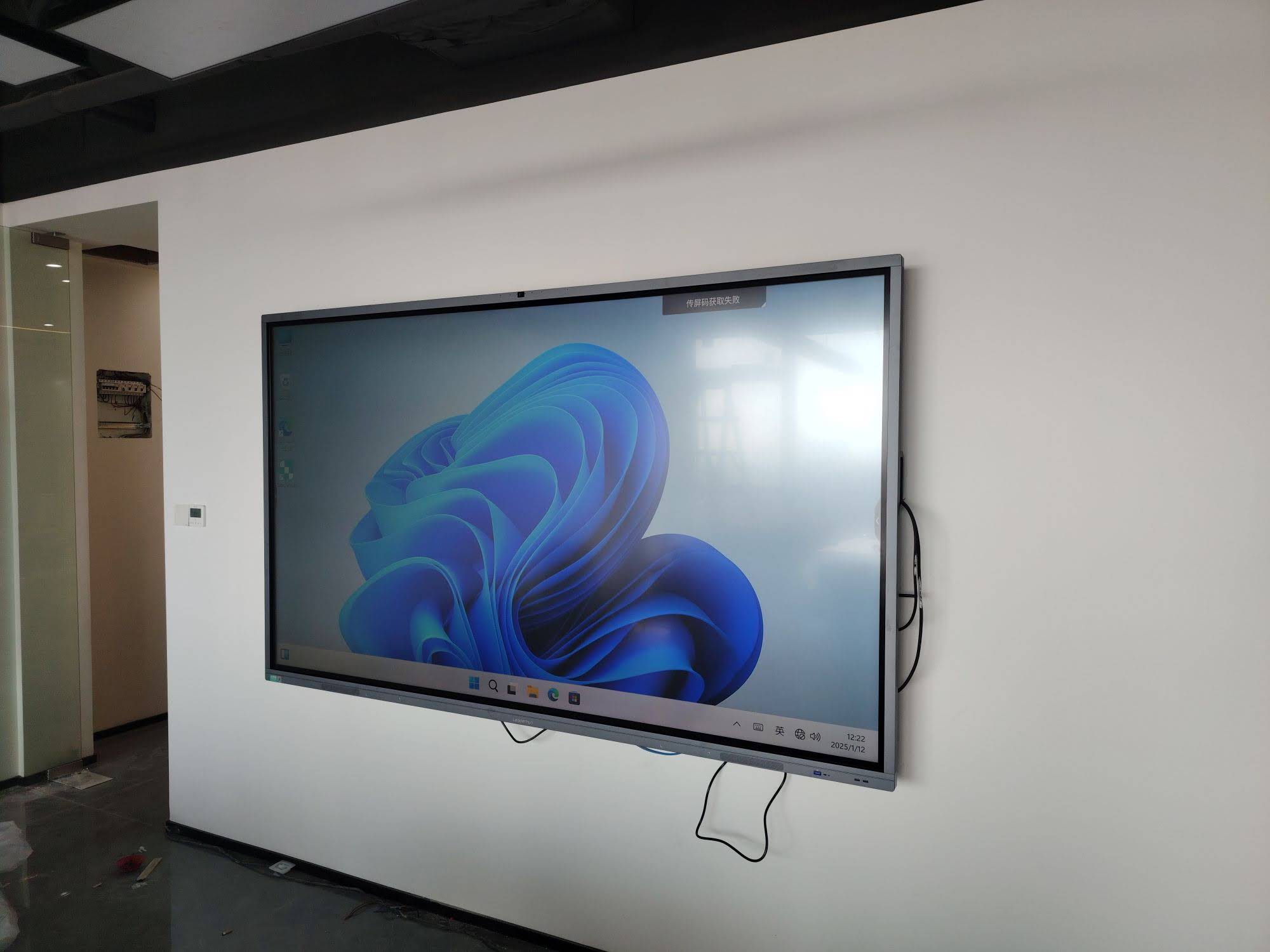
Companies with long-term experience in this space understand these classroom-specific demands well. Leaderhub, a manufacturer with more than 16 years of experience developing interactive display technology for education and enterprise use, designs smart whiteboards and interactive flat panels specifically built to handle the durability and usability needs of daily classroom instruction, serving schools and institutions across more than 82 countries.
The Future of Smart Boards in Education
As artificial intelligence becomes more integrated into classroom hardware, the next generation of interactive displays is expected to offer features like automatic handwriting-to-text conversion, real-time language translation for multilingual classrooms, and AI-assisted lesson generation. These advancements will likely push smart boards from being a helpful teaching tool to becoming a central hub for personalized, adaptive learning.
For now, the core benefits remain clear: smart boards make lessons more engaging, support diverse learning styles, streamline teacher workflows, and improve classroom collaboration. Schools considering the switch should focus not just on the hardware itself, but on pairing it with proper teacher training to unlock its full potential.
Final Thoughts
Smart boards aren’t a passing trend. They represent a genuine shift in how classrooms function, moving away from one-directional lectures toward interactive, student-centered learning. Whether it’s a math teacher demonstrating a geometric transformation in real time or a group of students collaborating on a shared digital project, the technology enables teaching moments that simply weren’t possible with a traditional chalkboard. For schools weighing the investment, the evidence, both from research and from classroom experience, points toward measurable benefits for teachers and students alike.