
Smart boards have fundamentally transformed how teachers deliver instruction and how students engage with learning materials. These interactive displays combine the functionality of traditional whiteboards with advanced digital capabilities, creating dynamic learning environments that respond to the needs of modern education. Understanding the specific advantages these tools provide helps educators and administrators make informed decisions about classroom technology investments.
Enhanced Student Engagement Through Interactive Learning
Traditional lectures often struggle to maintain student attention throughout entire class periods. Smart boards address this challenge by transforming passive listening into active participation. When students can physically interact with lesson content¡ªmoving objects, solving problems directly on the screen, or manipulating visual elements¡ªtheir cognitive engagement increases significantly.
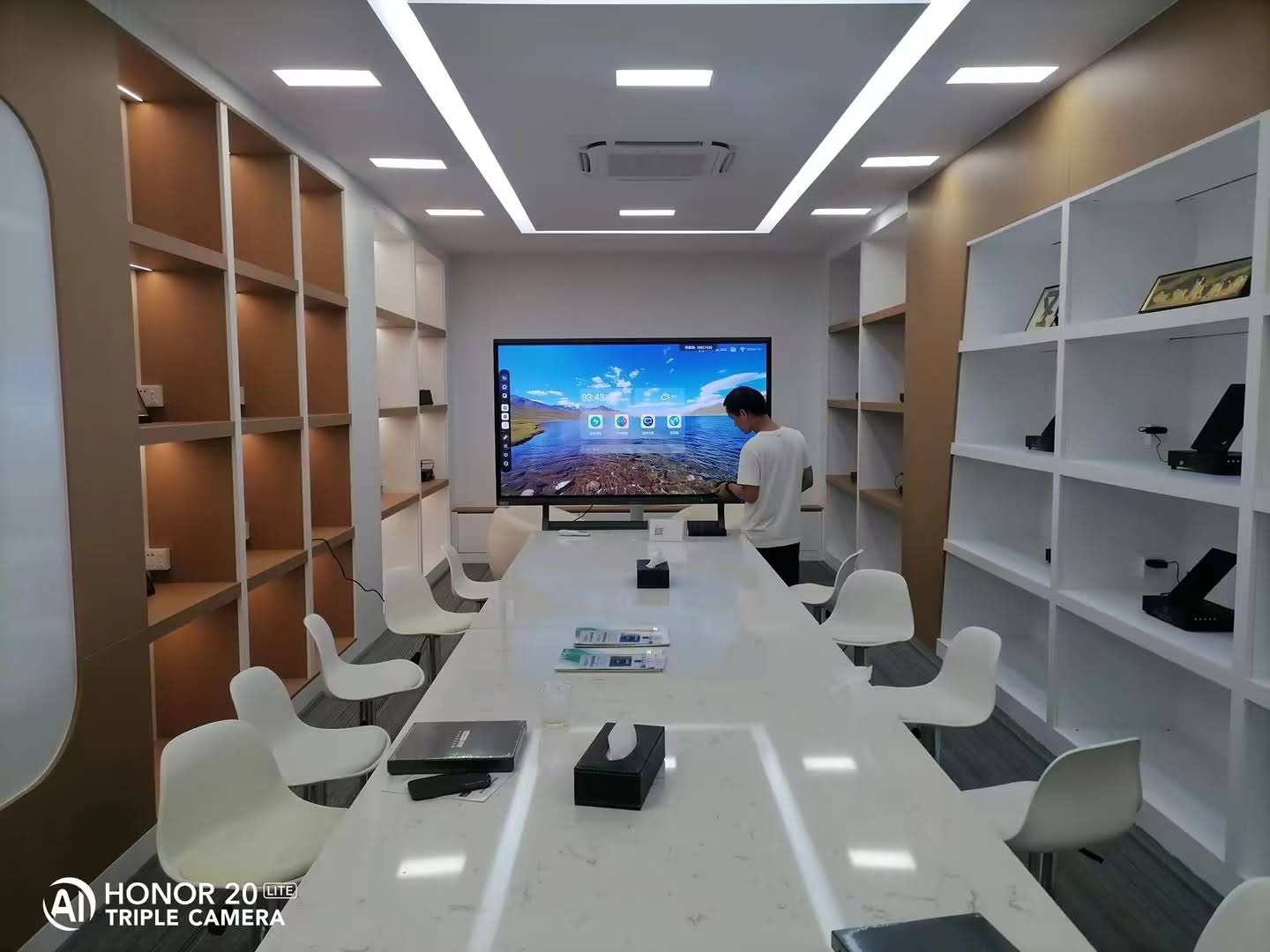
Research from educational technology studies indicates that interactive displays can increase student participation rates by up to 60% compared to conventional teaching methods. This heightened engagement stems from multiple factors: the novelty of technology, the tactile nature of touch interaction, and the immediate visual feedback that smart boards provide. Students who might hesitate to speak up in class often feel more comfortable interacting with digital content, creating more inclusive learning environments.
Accommodating Different Learning Styles
Every classroom contains students with varied learning preferences. Some grasp concepts best through visual representations, others through auditory explanation, and many through hands-on practice. Smart boards excel at supporting this diversity by enabling multimodal teaching approaches within a single lesson.
Visual Learners
- High-resolution displays present diagrams, charts, and images with exceptional clarity
- Teachers can annotate directly over visual content to highlight key elements
- Color coding and visual organization tools help structure information hierarchically
- Video integration allows demonstration of processes and phenomena that static images cannot convey
Auditory Learners
- Built-in speakers deliver clear audio for multimedia presentations
- Recording capabilities allow students to revisit explanations
- Integration with educational audio content and podcasts expands learning resources
Kinesthetic Learners
- Touch interaction provides physical engagement with abstract concepts
- Drag-and-drop exercises create tactile problem-solving experiences
- Students can physically manipulate virtual objects to understand relationships and systems
Real-Time Collaboration and Group Learning
Modern education emphasizes collaborative skills as essential preparation for professional environments. Smart boards facilitate group work by providing a shared digital workspace where multiple students can contribute simultaneously. This collaborative functionality extends beyond simple turn-taking at the board.
| Collaboration Feature | Educational Benefit | Practical Application |
|---|---|---|
| Multi-touch Recognition | Multiple students work simultaneously | Group problem-solving activities, collaborative brainstorming sessions |
| Screen Sharing | Students present from personal devices | Project presentations, peer teaching opportunities |
| Cloud Integration | Continuous work across locations | Homework connection, absent student inclusion |
| Digital Annotation | Immediate feedback and editing | Peer review activities, collective note-taking |
Teachers report that smart board collaboration features particularly benefit English language learners and students with communication challenges. The ability to express ideas through drawing, moving objects, or selecting options reduces pressure compared to verbal-only participation, while still engaging students meaningfully in group learning processes.
Access to Unlimited Digital Resources
Before smart boards, teachers faced practical constraints on the materials they could bring to class. Physical books, printed handouts, and limited audiovisual equipment restricted the breadth of content accessible during lessons. Smart boards eliminate these limitations by connecting classrooms to virtually unlimited online educational resources.
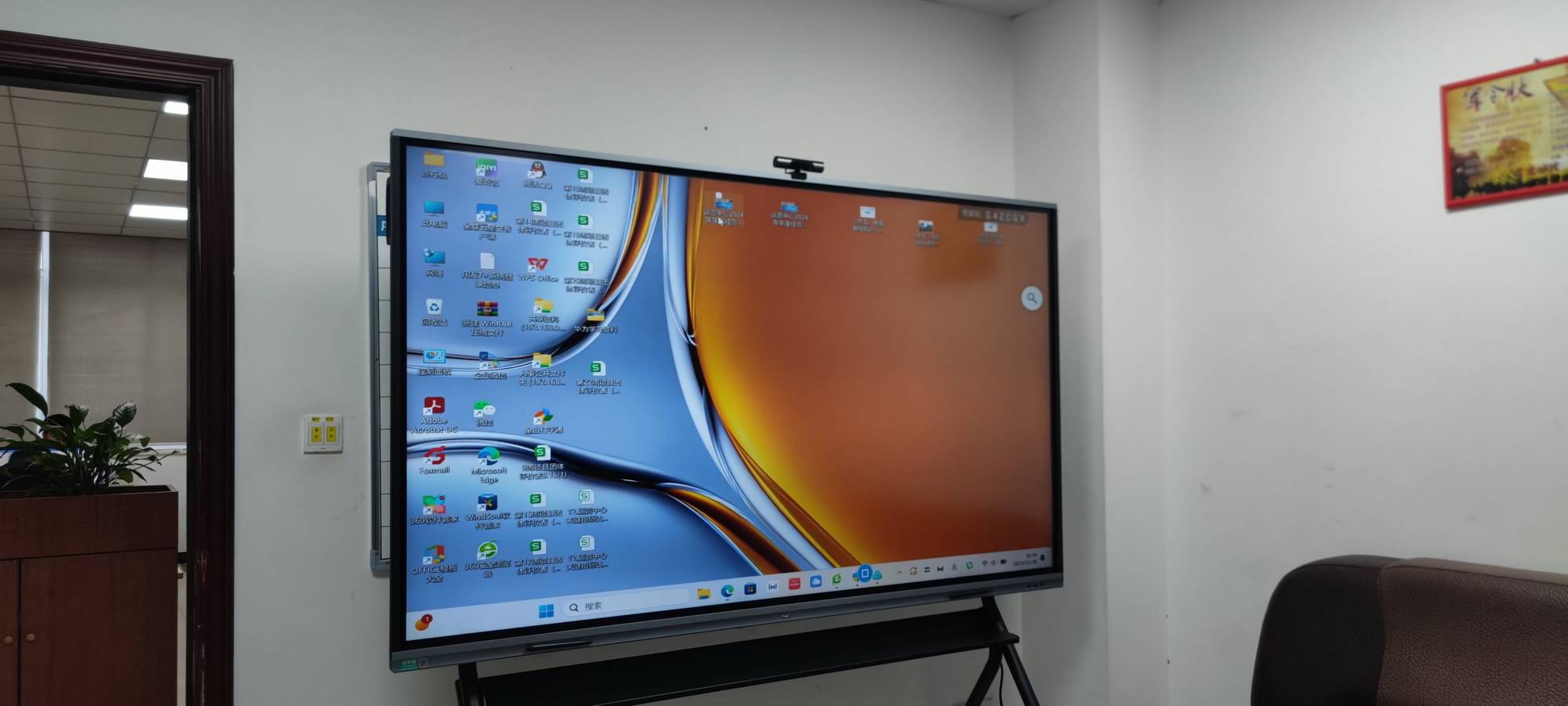
With internet connectivity, teachers can instantly access:
- Current events and real-time data that make lessons immediately relevant to students’ lives
- Virtual field trips to museums, historical sites, and geographic locations impossible to visit physically
- Expert presentations and lectures from professionals and researchers worldwide
- Interactive simulations that demonstrate complex scientific, mathematical, or historical concepts
- Multilingual resources supporting diverse classroom populations
This connectivity transforms teachers from information gatekeepers into facilitators who guide students through vast information landscapes. When questions arise that extend beyond planned lesson content, teachers can explore answers immediately rather than deferring to future classes, maintaining momentum and satisfying natural curiosity.
Improved Lesson Organization and Time Management
Effective teaching requires managing numerous competing demands within limited class time. Smart boards streamline classroom operations in ways that recover valuable instructional minutes throughout each day. The cumulative time savings across a school year can amount to weeks of additional teaching time.
Preparation Efficiency
Digital lesson plans stored on smart boards eliminate time spent writing on traditional boards or setting up physical materials. Teachers create reusable lesson templates that can be modified for different classes or updated annually. Pre-loaded content means classes begin immediately, and transitions between activities happen seamlessly with simple screen changes.
Reduced Technical Interruptions
Older classroom technology required teachers to manage separate devices¡ªoverhead projectors, document cameras, computers, and audio systems. Smart boards integrate these functions into a single interface, eliminating time lost to device switching, cable management, and technical troubleshooting. When issues do arise, modern smart boards from manufacturers like LeaderHub, with over 16 years of interactive display technology experience, offer reliable technical support and durable construction that minimizes downtime.
Instant Feedback and Formative Assessment
Understanding what students know and where they struggle is fundamental to effective teaching. Smart boards enable continuous formative assessment throughout lessons rather than relying solely on summative tests. This ongoing evaluation allows teachers to adjust instruction in real-time based on student comprehension.
| Assessment Method | Implementation on Smart Boards | Teacher Insight Gained |
|---|---|---|
| Quick Polls | Students respond via connected devices or board interaction | Immediate class-wide comprehension levels |
| Interactive Quizzes | Gamified question formats with automatic scoring | Individual student performance data |
| Problem Solving | Students work through problems directly on screen | Process understanding, not just final answers |
| Exit Tickets | Digital submission of end-of-class reflections | Lesson effectiveness and confusion points |
The data generated through smart board assessments helps teachers identify which concepts require reteaching and which students need additional support. Unlike paper assessments that require grading time before teachers can respond, digital feedback enables immediate intervention while topics remain fresh in students’ minds.
Supporting Students with Special Needs
Inclusive education requires tools that accommodate diverse learning needs without stigmatizing students who require accommodations. Smart boards provide accessibility features that benefit all students while particularly supporting those with specific educational requirements.
Visual Impairments
- Adjustable text sizes and high-contrast display modes improve readability
- Screen magnification tools highlight specific content areas
- Text-to-speech capabilities read on-screen content aloud
Hearing Impairments
- Visual representations of audio content through captions and transcripts
- Sign language video integration for additional explanation
- Visual alert systems replace audio-only notifications
Motor Skill Challenges
- Touch sensitivity adjustments accommodate different levels of fine motor control
- Voice control options reduce physical interaction requirements
- Alternative input methods through connected devices provide flexibility
Attention and Processing Differences
- Reduced visual clutter through focused display of single concepts
- Built-in timers and organizational tools support executive function
- Ability to break complex information into sequential, manageable chunks
These accessibility features mean students with individualized education programs can participate more fully in general education classrooms, supporting inclusion goals while maintaining rigorous academic standards for all students.
Preparation for Digital Future
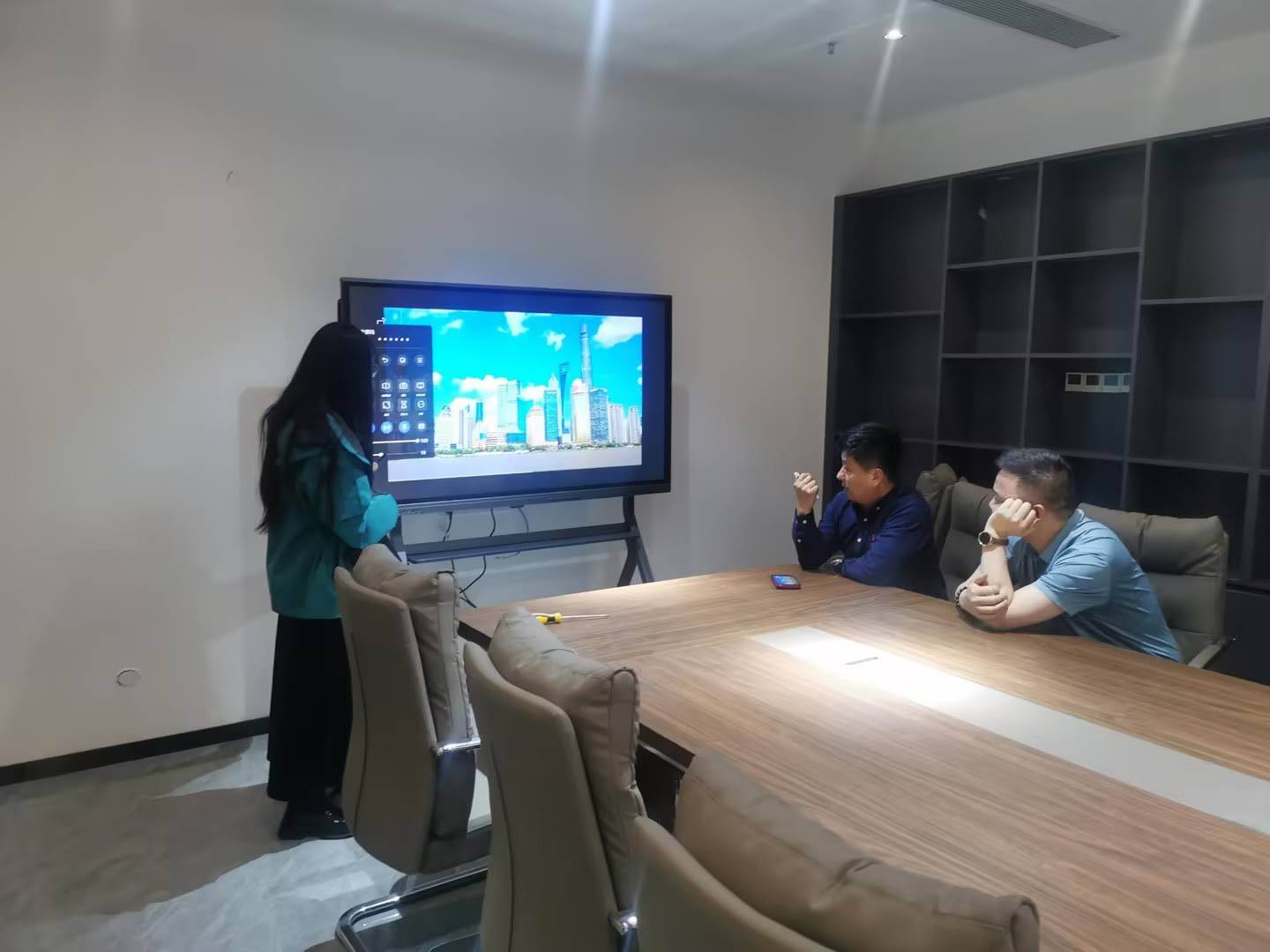
Students entering today’s workforce will encounter digital interfaces in virtually every professional field. Early, consistent interaction with technology prepares students for careers that increasingly rely on digital literacy. Smart boards normalize technology use as a standard tool for learning and problem-solving rather than treating it as a specialized skill.
Beyond basic computer skills, working with smart boards develops:
- Digital citizenship: Understanding appropriate technology use, online collaboration etiquette, and digital resource evaluation
- Multimedia literacy: Interpreting information presented through various digital formats and creating effective digital presentations
- Collaborative technology skills: Using digital tools to work effectively with remote teams and manage shared projects
- Adaptive learning: Comfort with learning new interfaces and technologies as they evolve
Schools investing in smart board technology signal to students, parents, and communities that they prioritize preparing students for modern realities rather than limiting education to past paradigms. This forward-looking approach helps students develop confidence with technology that will serve them throughout their educational and professional careers.
Environmental and Economic Benefits
While initial investment in smart board technology requires significant funding, the long-term economic and environmental benefits often justify the expenditure. Smart boards reduce or eliminate ongoing costs associated with traditional teaching materials.
Material Cost Reduction
- Elimination of paper handouts and worksheets saves thousands of dollars annually per classroom
- No ongoing purchases of markers, chalk, or cleaning supplies
- Reduced textbook expenses as digital resources supplement or replace printed materials
- Lower projector bulb replacement costs compared to traditional projection systems
Environmental Impact
- Dramatic reduction in paper consumption decreases deforestation impact
- Elimination of marker and whiteboard cleaner chemicals reduces hazardous waste
- Digital resource sharing reduces transportation-related carbon emissions
- Longer device lifespan compared to projectors and other classroom technology
Environmental consciousness matters increasingly to students and families. Schools demonstrating commitment to sustainability through technology choices align with community values while achieving practical cost savings. Quality smart boards from established manufacturers maintain functionality for many years, spreading initial investment costs across extended useful lifespans.
Teacher Professional Development and Sharing
Smart boards facilitate professional learning communities among teachers by making lesson sharing simple and effective. Digital lesson plans, complete with embedded resources and interactive elements, can be shared instantly among colleagues. This collaboration extends beyond individual schools through online education communities where teachers worldwide exchange teaching strategies and resources.
New teachers particularly benefit from this resource sharing. Rather than creating entire curricula from scratch, beginning educators can adapt proven lessons from experienced colleagues, accelerating their professional development. The ability to observe how successful teachers structure lessons digitally provides professional development opportunities that traditional observation alone cannot match.
Bridging Home and School Learning
The pandemic fundamentally changed expectations around education flexibility. Parents and students now expect schools to support learning beyond traditional classroom hours. Smart boards facilitate this connection through several mechanisms:
- Lesson recording: Students who miss class or need review can access recorded lessons
- Cloud-based materials: Homework assignments and resources remain accessible from home
- Parent visibility: Families can see what students are learning, supporting home reinforcement
- Hybrid learning support: Seamless transitions between in-person and remote instruction when necessary
This connectivity helps parents support student learning more effectively and ensures that temporary absences do not create permanent learning gaps. Students with chronic health conditions or those traveling for extended periods can maintain educational continuity that traditional classrooms cannot provide.
Addressing Common Concerns
Despite clear benefits, some educators and administrators express valid concerns about smart board implementation. Understanding and addressing these concerns helps schools make informed decisions and implement technology effectively.
Technology Dependence
Concern: Schools become overly reliant on technology that may fail or become obsolete.
Reality: Modern smart boards from reliable manufacturers maintain functionality for years with minimal issues. Teachers should indeed maintain fundamental teaching skills independent of technology, but smart boards enhance rather than replace core pedagogical approaches. Technical backup plans remain important, but reliability has improved dramatically as the technology has matured.
Screen Time
Concern: Smart boards increase already problematic student screen exposure.
Reality: Smart boards replace other screen time rather than adding to it, and they promote active interaction rather than passive viewing. Teachers control usage appropriately, balancing digital activities with hands-on, physical, and outdoor learning. The interactive nature of smart board engagement differs significantly from passive device consumption that concerns health experts.
Teacher Training Requirements
Concern: Learning to use smart boards effectively requires excessive professional development time.
Reality: Modern smart boards feature intuitive interfaces requiring minimal training for basic functionality. Advanced features can be learned gradually as teachers become comfortable. Many teachers report achieving basic competency within hours and developing advanced skills through regular use rather than intensive training. Manufacturers typically provide training resources and ongoing support to ease adoption.
Equity and Access
Concern: Smart boards in some classrooms but not others creates inequitable student experiences.
Reality: This represents a legitimate planning consideration. Schools should develop equitable technology deployment plans rather than avoiding beneficial tools. Phased implementation that prioritizes high-need classrooms or subjects where smart boards provide greatest benefits can distribute resources fairly while working toward universal access.
Implementation Best Practices
Successfully integrating smart boards requires more than purchasing equipment. Schools that realize maximum benefits follow implementation best practices:
Comprehensive Planning
Successful smart board integration begins with clear goals aligned to educational priorities. Schools should identify specific teaching and learning challenges that smart boards will address rather than adopting technology for its own sake. Planning should include budget considerations, training schedules, technical support arrangements, and evaluation metrics to assess impact.
Teacher Input and Buy-In
Technology mandated without teacher input often encounters resistance. Involving teachers in selection decisions and implementation planning increases adoption and effective use. Identifying teacher champions who demonstrate successful smart board integration can inspire colleagues and provide peer mentoring.
Ongoing Professional Development
Initial training launches smart board use, but ongoing professional development sustains and deepens implementation. Regular opportunities to share successful strategies, learn advanced features, and troubleshoot challenges help teachers continually improve their technology integration. Online communities and manufacturer resources supplement formal professional development.
Technical Support Infrastructure
Even reliable technology occasionally needs support. Schools should establish clear technical support processes that respond quickly to issues. Whether through in-house IT staff, manufacturer support services, or technology coordinators, teachers need confidence that technical problems will not derail instruction.
Regular Evaluation and Adjustment
Schools should regularly assess whether smart boards are achieving intended educational outcomes. Evaluation might include teacher surveys, observation of classroom use, student engagement metrics, and academic performance data. Findings should inform ongoing adjustments to training, support, and implementation strategies.
Choosing the Right Smart Board
Not all smart boards offer identical functionality or reliability. Schools evaluating options should consider several key factors:
| Consideration | Why It Matters | What to Look For |
|---|---|---|
| Display Quality | Affects visibility and eye strain | 4K resolution, anti-glare coating, wide viewing angles |
| Touch Responsiveness | Determines interaction smoothness | Multi-touch capability, low latency, precise calibration |
| Software Ecosystem | Defines available features and compatibility | Intuitive interface, educational app integration, regular updates |
| Durability | Impacts long-term cost and reliability | Robust construction, manufacturer warranty, proven track record |
| Support Services | Ensures continued functionality | Training resources, technical support availability, replacement parts |
| Size Options | Different classrooms have different needs | Range of sizes matching room dimensions and student numbers |
Manufacturers with extensive experience in educational technology understand classroom realities and design products accordingly. Companies like LeaderHub, serving over 82 countries with products developed over 16+ years of interactive display innovation, bring accumulated expertise that benefits schools through thoughtful feature design and reliable performance.
Looking Forward: AI and Next-Generation Learning
Smart board technology continues evolving rapidly, with artificial intelligence representing the next significant advancement. AI-enhanced smart boards will offer increasingly personalized learning experiences by adapting content difficulty in real-time based on student responses, identifying learning gaps automatically, and suggesting targeted interventions.
Future capabilities likely to emerge include:
- Intelligent content recommendation suggesting resources aligned to curriculum and individual student needs
- Automated language translation supporting multilingual classrooms seamlessly
- Predictive analytics identifying students at risk of falling behind before problems become severe
- Voice and gesture control making interaction more natural and accessible
- Enhanced collaboration tools connecting classrooms globally for cultural exchange and joint projects
Schools investing in quality smart board infrastructure today position themselves to adopt these emerging capabilities as they become available, future-proofing their technology investments.
Real-World Impact: Case Studies
Theoretical benefits become meaningful through real implementation experiences. Schools across educational contexts report measurable improvements after smart board adoption:
Elementary Mathematics Achievement
A multi-school study tracking third through fifth-grade students found 18% higher mathematics assessment scores in classrooms using smart boards regularly compared to control classrooms. Teachers attributed improvements to visual fraction representations, interactive problem-solving, and immediate feedback capabilities that helped students develop number sense more effectively.
Science Engagement and Understanding
A middle school science department implementing smart boards across all classes reported 42% increase in laboratory safety quiz scores and 27% improvement in lab report quality. Teachers credited improved safety outcomes to ability to demonstrate procedures clearly and review them as needed. Lab report improvements stemmed from digital data collection and analysis tools that taught scientific thinking skills alongside content knowledge.
English Language Learner Progress
An urban high school with 65% English language learner population documented accelerated English acquisition after smart board implementation. Visual vocabulary supports, instant translation capabilities, and ability to annotate texts collaboratively particularly benefited students developing English proficiency while learning grade-level content.
Special Education Inclusion
A rural school district working to include more students with disabilities in general education classrooms found that smart boards reduced the need for separate special education instruction in several subject areas. Accessibility features and ability to modify content presentations in real-time allowed special education students to participate meaningfully in general education classrooms more often.
Maximizing Return on Investment
Smart boards represent significant financial investment. Schools maximize returns through strategic implementation:
- Cross-curricular use: Ensure smart boards support multiple subjects rather than being reserved for specific classes
- Extended hours utilization: Use smart boards for parent meetings, professional development, community events, and after-school programs
- Digital resource transition: Reallocate budget from eliminated materials to digital content subscriptions and resources
- Maintenance planning: Regular cleaning and proper use extend equipment lifespan significantly
- Student projects: Allow students to use smart boards for presentations and project work, increasing total usage
Smart boards used actively throughout school days in various contexts provide far better value than those used only during core academic instruction. Schools should view smart boards as shared resources benefiting entire learning communities rather than teacher-specific equipment.
Conclusion
Smart boards have evolved from novelty technology to essential classroom tools that fundamentally improve teaching effectiveness and learning outcomes. By enhancing engagement, supporting diverse learners, enabling collaboration, providing unlimited resources, and preparing students for digital futures, these interactive displays address core educational challenges while offering practical operational benefits.
Success requires more than purchasing equipment¡ªit demands thoughtful implementation, adequate training, ongoing support, and commitment to pedagogical excellence. Schools approaching smart board adoption strategically, with clear goals and comprehensive support systems, realize transformative benefits that justify investment many times over.
As education continues evolving to meet changing workforce demands and learning science insights, smart boards will remain central to effective instruction. Their capacity for continuous improvement through software updates and integration with emerging technologies ensures relevance for years to come. Schools investing in quality interactive display technology today build foundations for educational excellence that will serve students throughout their academic careers and beyond.








