
The smart board, also known as an interactive whiteboard, has fundamentally transformed how we teach, present, and collaborate in modern classrooms and meeting rooms. Understanding the origins of this revolutionary technology reveals a fascinating journey of innovation that combined touch-sensitive surfaces, digital projection, and intuitive software to create an entirely new category of educational and business tools.
The Birth of Interactive Whiteboard Technology
The smart board was invented in 1991 by SMART Technologies, a Canadian company founded by David Martin and Nancy Knowlton. The founders recognized a gap in the market for technology that could bridge the divide between traditional teaching methods and emerging digital capabilities. Their vision was to create a device that felt as natural as writing on a traditional whiteboard while offering the power and flexibility of computer technology.
SMART Technologies introduced the first interactive whiteboard to the market, calling it the “SMART Board.” This pioneering product used resistive touch technology, which meant users could interact with the board using their fingers, pens, or any other object. The system connected to a computer and projector, allowing users to control applications, annotate over content, and save their work digitally¡ªcapabilities that were groundbreaking at the time.
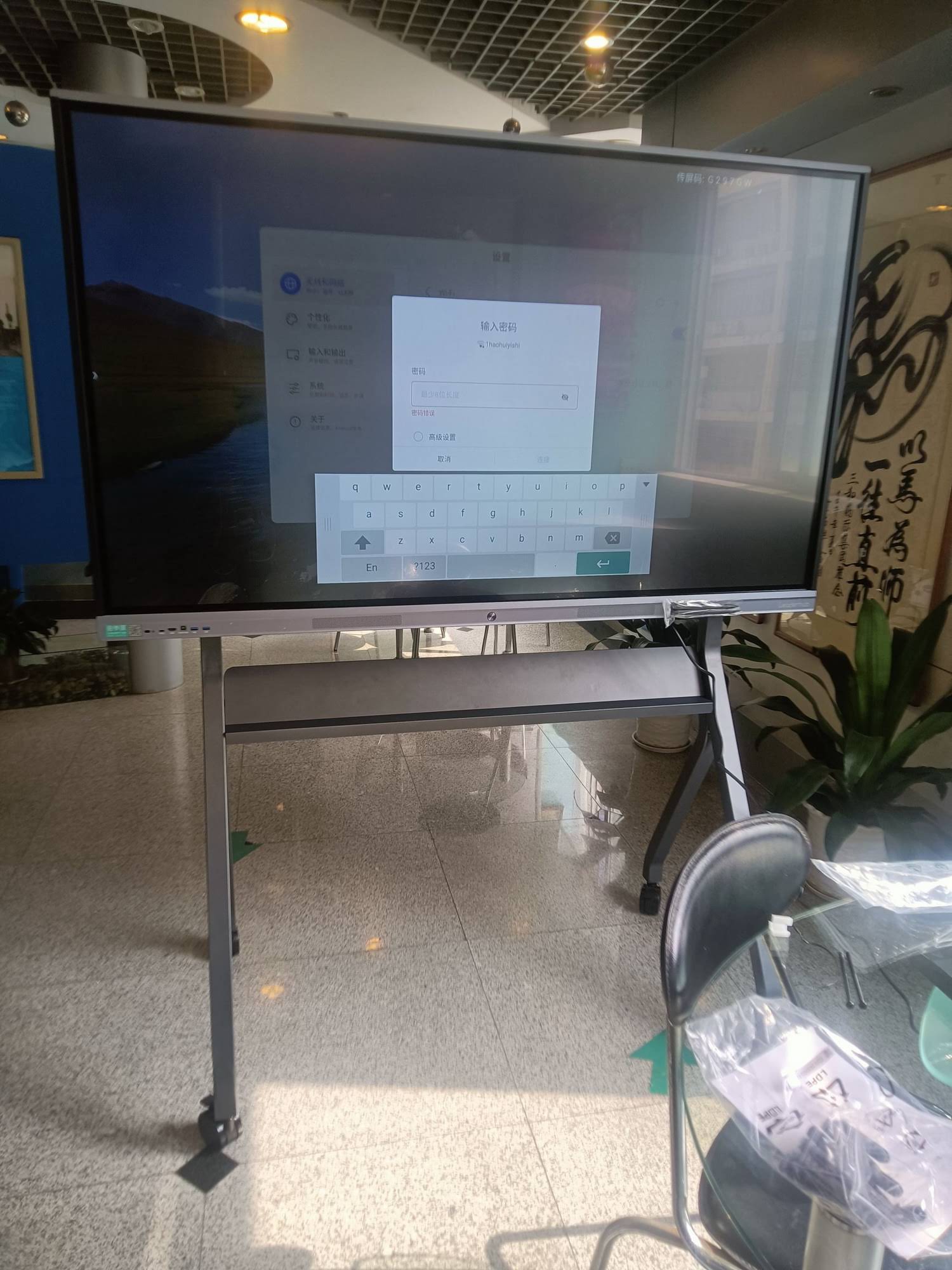
How the Original Smart Board Was Created
The creation of the first smart board involved solving several complex technical challenges. The development team needed to create a surface that could accurately detect touch input across a large area while remaining durable enough for daily classroom use. They also had to develop software that could interpret these inputs and translate them into meaningful computer commands.
Key Technical Components
The original smart board system consisted of several integrated components working together:
- Touch-Sensitive Surface: The board used a resistive membrane system with two flexible layers separated by a small gap. When pressure was applied, the layers would make contact, allowing the system to calculate the exact position of the touch.
- Analog Controllers: Early models used analog resistive technology to determine X and Y coordinates of touch points on the surface.
- Computer Connection: A serial or USB connection linked the board to a computer, transmitting touch data for processing.
- Projection System: A front-mounted or ceiling-mounted projector displayed the computer screen onto the interactive surface.
- Proprietary Software: SMART Technologies developed specialized software that enabled annotation, collaborative tools, and interactive display capabilities.
The Development Process
Creating the first commercial smart board took years of research, prototyping, and testing. The development team worked closely with educators to understand their needs and refine the user experience. Early prototypes were tested in real classroom environments, where teachers provided valuable feedback that shaped the final product design.
One significant challenge was calibration. The system needed to accurately map touch positions on the physical board to corresponding locations on the projected image. The team developed an intuitive calibration process that users could complete in minutes, ensuring accurate touch response across the entire surface.
Evolution of Smart Board Technology
Since the original 1991 invention, smart board technology has undergone dramatic evolution. Understanding this progression helps explain how modern smart whiteboards and interactive flat panels have become so sophisticated.
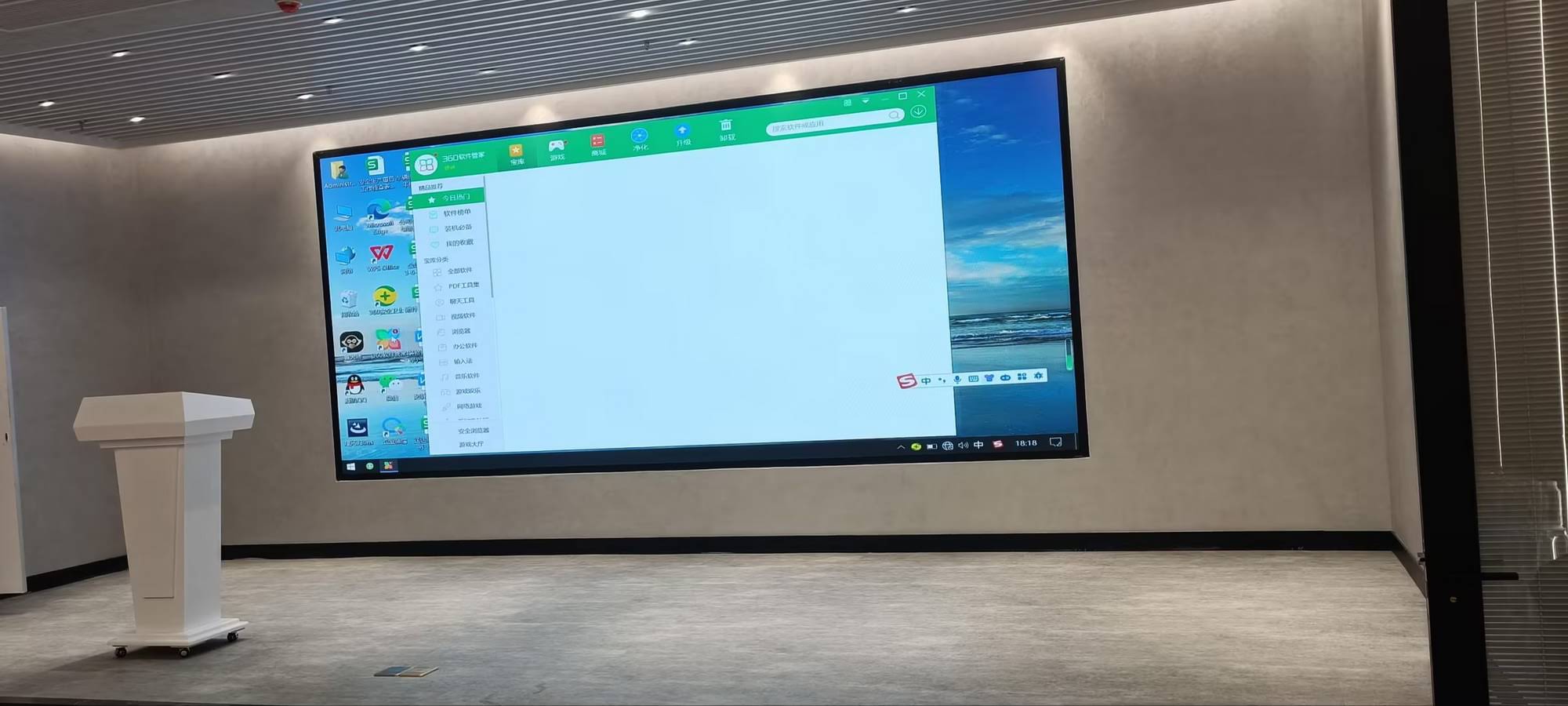
From Resistive to Capacitive and Infrared Technology
Early smart boards relied on resistive touch technology, which required physical pressure to register input. While functional, this approach had limitations in terms of multi-touch capabilities and responsiveness. As technology advanced, manufacturers began incorporating capacitive touch sensors similar to those used in smartphones and tablets, offering more precise and responsive interaction.
More recently, infrared touch technology has become prevalent in professional-grade interactive displays. This approach uses an invisible grid of infrared light beams across the screen surface. When an object interrupts these beams, the system calculates the touch position with remarkable accuracy. This technology supports true multi-touch interaction, allowing multiple users to write, draw, and manipulate content simultaneously.
Integration of Display Technology
One of the most significant evolutionary steps was the transition from projection-based systems to integrated flat-panel displays. Modern interactive flat panels combine the touch-sensitive surface with built-in LED or LCD displays, eliminating the need for separate projectors. This integration offers numerous advantages:
| Feature | Projection-Based Systems | Integrated Flat Panels |
|---|---|---|
| Image Quality | Affected by ambient light | Consistent in all lighting conditions |
| Maintenance | Requires lamp replacements | Minimal maintenance required |
| Installation | Complex, requires alignment | Simple wall-mounting |
| Shadow Effects | Presenter creates shadows | No shadow interference |
| Space Requirements | Needs projection distance | Compact, flush-mounted |
The Role of Software Innovation
While hardware evolution has been remarkable, software development has been equally crucial to the smart board’s success. Early interactive whiteboard software offered basic annotation and saving capabilities. Today’s platforms provide comprehensive ecosystems for digital collaboration, lesson delivery, and content creation.
Modern Software Capabilities
Contemporary smart board software incorporates advanced features that were unimaginable in 1991:
- Cloud Integration: Automatic saving and syncing of content across devices and locations
- AI-Powered Tools: Handwriting recognition, shape correction, and intelligent content suggestions
- Collaboration Features: Real-time multi-user interaction, both in-person and remote
- Content Libraries: Access to vast repositories of educational resources, templates, and multimedia
- Screen Recording: Capture entire lessons or presentations for later review
- Device Connectivity: Wireless screen sharing from smartphones, tablets, and computers
- Interactive Widgets: Timers, polls, quizzes, and other engagement tools built directly into the interface
Impact on Education and Business
The invention of the smart board created ripple effects across multiple sectors, fundamentally changing how information is presented and shared in formal settings. In education, interactive whiteboards have become nearly ubiquitous, with research indicating that over 75% of classrooms in developed countries now utilize some form of interactive display technology.
Educational Transformation
Smart boards have enabled teaching methodologies that were previously impossible or impractical. Teachers can present dynamic multimedia content, annotate directly over educational videos, access internet resources instantly, and save their board work for absent students. Studies have shown that interactive whiteboard use correlates with increased student engagement and improved learning outcomes, particularly in subjects that benefit from visual representation such as mathematics, science, and geography.
Business Adoption
In corporate environments, smart boards have revolutionized meetings and collaborative work sessions. The ability to brainstorm digitally, save all meeting notes automatically, and share content wirelessly has made meetings more productive and reduced the friction of collaboration. Companies report that interactive displays help reduce meeting times by approximately 20-30% while improving the quality of collaborative output.
Contemporary Manufacturers and Market Leaders
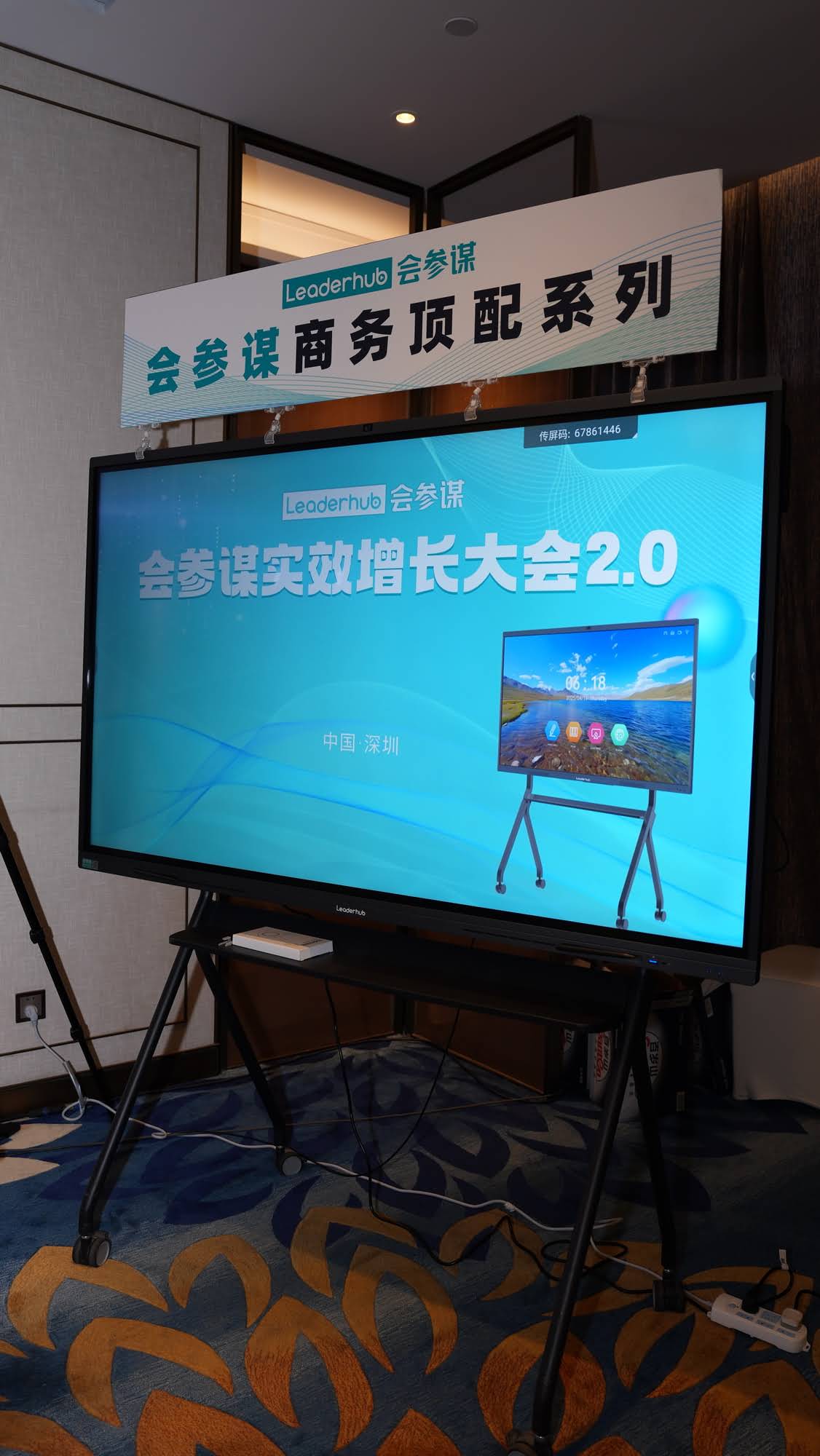
While SMART Technologies pioneered the category, the interactive display market has expanded significantly. Today, numerous manufacturers produce smart boards and interactive flat panels, each bringing unique innovations to the space. LeaderHub, for instance, has been developing interactive display technologies for over 16 years, serving customers in more than 82 countries with solutions designed for both educational and business applications.
Market Differentiation
Modern manufacturers differentiate their products through various means:
- Display Resolution: 4K and even 8K panels offering unprecedented clarity
- Screen Sizes: Ranging from 55 inches to over 100 inches to suit different spaces
- Touch Points: Supporting 20 or more simultaneous touch points for group collaboration
- Built-in Computing: Integrated Android or Windows systems eliminating the need for external computers
- Specialized Features: Anti-glare coatings, blue light reduction, and eye-care technologies
- Connectivity Options: USB-C, HDMI, wireless casting, and network integration
Technical Specifications That Matter
When evaluating smart boards and interactive flat panels, several technical specifications significantly impact user experience and suitability for specific applications.
Response Time and Latency
Modern interactive displays boast response times under 10 milliseconds, creating a writing experience that feels as natural as pen on paper. This low latency is crucial for maintaining the flow of ideas during presentations and teaching sessions. Early smart boards sometimes exhibited noticeable lag, but contemporary systems have virtually eliminated this issue through improved hardware and optimized software.
Writing Precision
Professional-grade interactive displays now offer sub-millimeter accuracy in touch detection, allowing for detailed drawings, mathematical equations, and precise annotations. This precision, combined with palm rejection technology, enables users to rest their hand on the screen while writing, mimicking the natural feel of writing on paper.
The Future of Interactive Display Technology
Looking ahead, smart board technology continues to evolve rapidly, driven by advances in artificial intelligence, connectivity, and display technology. Several emerging trends are shaping the next generation of interactive displays:
AI Integration
Artificial intelligence is being deeply integrated into interactive display systems. AI-powered features include real-time language translation during presentations, automatic meeting transcription and summarization, intelligent content recommendations based on context, and predictive text and shape recognition that anticipates user intent.
Augmented Reality Integration
Some manufacturers are exploring integration between interactive displays and augmented reality technologies. This combination could allow 3D content to be manipulated on the flat screen while being viewed through AR glasses, creating new possibilities for design, engineering, and scientific visualization.
Enhanced Remote Collaboration
The global shift toward hybrid work and learning has accelerated development of remote collaboration features. Modern interactive displays now include high-quality cameras, microphone arrays with voice tracking, and sophisticated software that makes remote participants feel more present and engaged. This technology is bridging the gap between physical and virtual collaboration.
Environmental Considerations
Manufacturers are increasingly focusing on sustainability. This includes using recycled materials in construction, reducing power consumption through more efficient LED backlighting, and designing products for longevity and easy repair rather than replacement. Some advanced panels consume less than 50% of the power used by equivalent projection-based systems.
Choosing the Right Interactive Display Solution
With the market offering numerous options, selecting the appropriate smart board or interactive flat panel requires careful consideration of specific needs and contexts.
Educational Requirements
For educational settings, key considerations include durability (panels rated for 50,000+ hours of operation), intuitive interfaces that students of all ages can use, content libraries with curriculum-aligned resources, and multi-platform compatibility to work with existing school technology ecosystems.
Business Applications
Corporate environments prioritize different features, including seamless integration with video conferencing platforms, wireless connectivity for BYOD (Bring Your Own Device) policies, security features for protecting sensitive information, and compatibility with enterprise software and network infrastructure.
Size and Space Considerations
Interactive display size should match room dimensions and audience size. A general guideline suggests that the optimal viewing distance is approximately 1.5 to 2 times the screen diagonal. For example, a 75-inch display works well in rooms where viewers sit 9 to 12 feet away.
| Room Size | Recommended Display Size | Typical Application |
|---|---|---|
| Small (up to 200 sq ft) | 55-65 inches | Small meeting rooms, huddle spaces |
| Medium (200-400 sq ft) | 65-75 inches | Standard classrooms, conference rooms |
| Large (400-800 sq ft) | 75-86 inches | Large classrooms, boardrooms |
| Extra Large (800+ sq ft) | 86-98+ inches | Lecture halls, auditoriums, training centers |
Installation and Implementation Considerations
Successfully deploying interactive display technology involves more than simply purchasing hardware. Proper installation, network integration, and user training are crucial for realizing the full value of these systems.
Professional Installation
While some interactive displays can be installed by end users, professional installation ensures optimal positioning, secure mounting, proper cable management, and correct integration with existing AV systems. Professional installers can also calibrate the display for the specific room’s lighting conditions and acoustics.
Network Integration
Modern smart boards often require network connectivity for full functionality. IT departments should consider bandwidth requirements for wireless screen sharing, security protocols for protecting displayed content, firmware update procedures, and integration with existing network management systems.
Training and Adoption
Technology is only as effective as its users. Successful implementations include comprehensive training programs covering basic operation, advanced features and capabilities, troubleshooting common issues, and best practices for specific use cases. Organizations report that proper training can increase feature adoption by over 60% compared to installations with minimal user education.
Conclusion
The smart board, invented by SMART Technologies in 1991, has evolved from a novel concept into an essential tool for modern education and business collaboration. The journey from resistive touch surfaces paired with projectors to today’s sophisticated interactive flat panels with AI-powered features demonstrates remarkable technological progress.
Understanding this history and evolution helps users make informed decisions when selecting interactive display solutions. Whether in a classroom enabling dynamic, engaging instruction, or in a boardroom facilitating productive collaboration, these devices continue to transform how we share ideas, teach concepts, and work together. As technology continues advancing, interactive displays will undoubtedly become even more capable, intuitive, and essential to modern communication and learning environments.








