Interactive flat panels have moved from “nice-to-have” classroom gadgets to core infrastructure for schools, universities, government offices and corporate campuses. For procurement teams, IT directors and facilities managers, understanding the smart board market outlook for institutional buyers is now essential: panel prices are shifting, feature sets are converging around AI and 4K, and budget cycles increasingly demand multi-year total-cost-of-ownership planning rather than one-off purchases. This guide breaks down the trends, realistic pricing bands and practical buying tips you need before issuing your next tender or purchase order.
Why the Smart Board Market Matters to Institutional Buyers Right Now
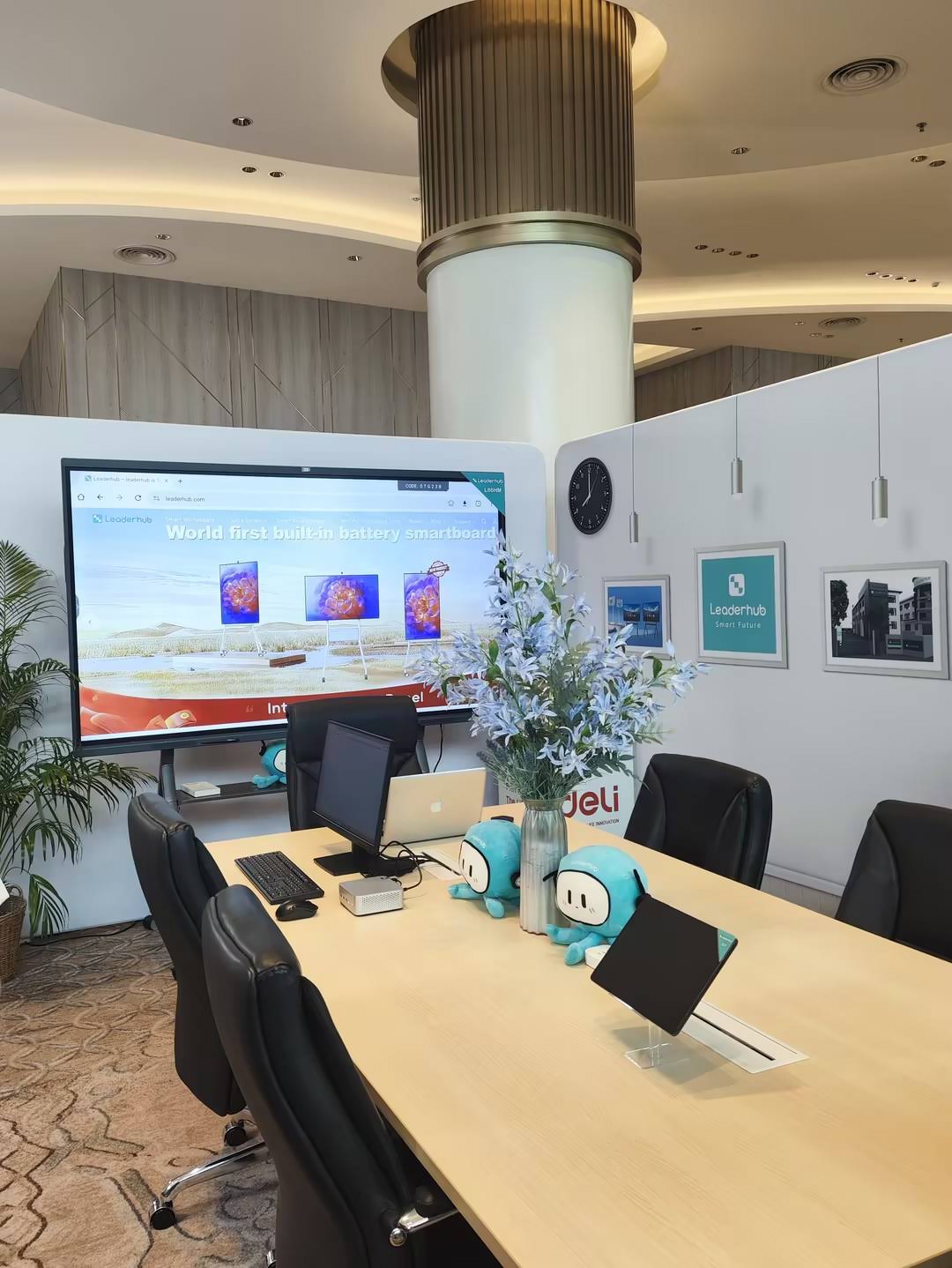
Institutions rarely buy a single display. A district refresh may involve 300 classrooms; a corporate rollout may touch dozens of huddle rooms across several countries. That scale makes timing and specification decisions financially significant. Three forces are converging in 2026:
- Replacement cycles are maturing. Panels purchased during the 2019–2021 remote-learning surge are reaching the five-to-seven-year mark, pushing a new wave of institutional refresh budgets.
- Policy pressure is increasing. The UNESCO Technology in Education Report urges schools to adopt technology “on their own terms” — meaning buyers must justify pedagogical value, not just novelty.
- Hybrid work and blended learning are permanent. Displays must now serve both the people in the room and those joining remotely, which changes camera, microphone and software requirements.
Who Is Driving Demand
Demand is broad-based across segments, but each buyer type weighs features differently:
- K-12 schools prioritize durability, simple teacher workflows and low per-classroom cost.
- Higher education looks for lecture capture, large formats (86–110 inches) and integration with campus LMS platforms.
- Corporate and government buyers focus on video-conferencing certification, security policies and device management.
- Training centers and SMEs often need mobile or rotating screens that move between rooms rather than fixed wall installations.
Five Market Trends Shaping Institutional Smart Board Purchases
1. AI Is Becoming a Standard Feature, Not a Premium
Real-time transcription, meeting summaries, handwriting-to-text conversion and automatic framing cameras were premium add-ons two years ago. Today they are increasingly bundled into mid-range panels. According to the OECD Digital Education Outlook 2026, AI-supported teaching tools are moving from pilot phase to mainstream classroom use, so buyers should evaluate how a panel’s AI features will be updated over time rather than how they perform on day one.
2. 4K Resolution and 75-Inch Screens Are the New Baseline
Where 65-inch Full HD was once the default classroom spec, 75-inch 4K has become the sweet spot for rooms of 25–35 people. Falling LCD panel costs have made the jump affordable, and larger screens reduce the readability complaints that lead to under-used displays.
3. Portability and Rotating Displays Are Expanding the Category
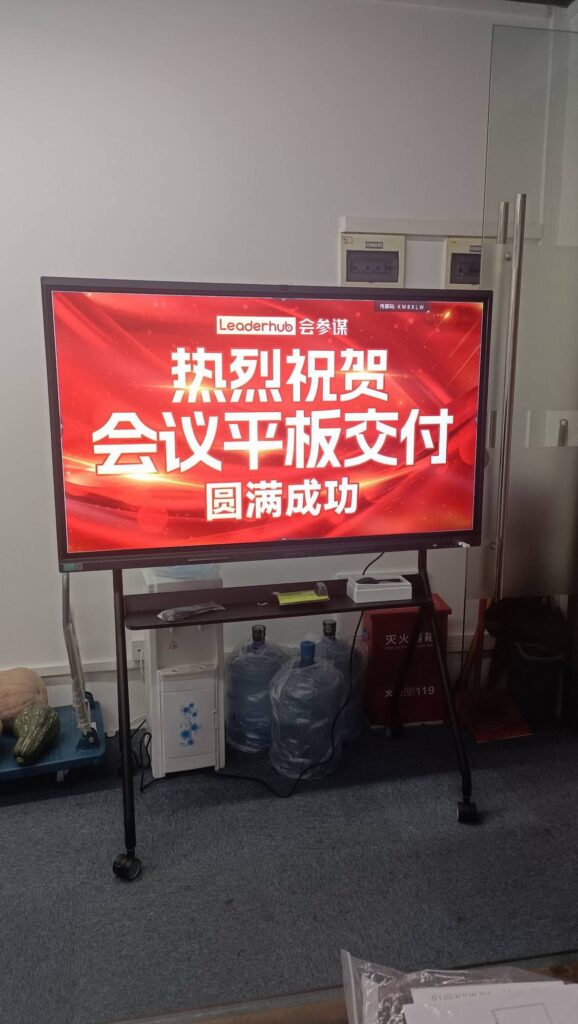
Not every space justifies a wall-mounted 86-inch panel. Battery-powered rotating smart screens and mobile 55-inch panels on wheeled stands are growing fastest in corporate, healthcare and vocational-training environments where rooms are reconfigured frequently.
4. Modular Computing Is Extending Panel Lifespan
Institutions are separating the display from the compute. A 4K panel may last eight years, but its built-in Android system may feel dated in three. Pairing panels with upgradeable mini PCs or OPS slots lets IT teams refresh performance without replacing glass.
5. Procurement Scrutiny Is Rising
Public-sector buyers face stricter evidence requirements. The UK Technology in Schools Survey highlights that many schools still lack a technology strategy linked to budgets — a gap that auditors and school boards are starting to close with formal TCO frameworks.
Smart Board Pricing Outlook for Schools and Businesses
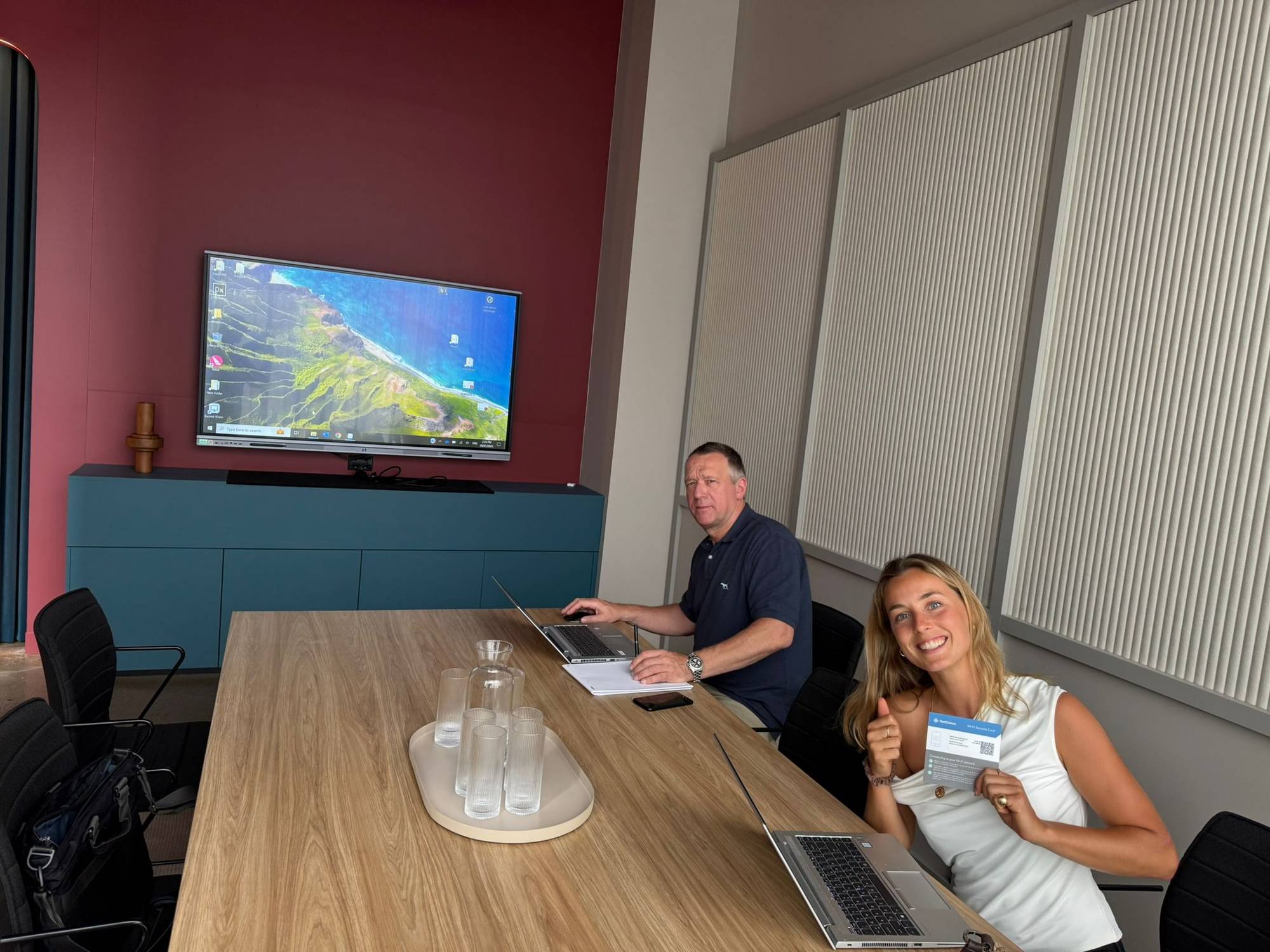
Pricing varies widely by size, brand tier and bundled software. The table below reflects typical 2026 list-price bands for 4K interactive flat panels sold to institutions, alongside representative models in each tier. Volume orders of 20 or more units commonly attract 10–25% discounts from manufacturers and distributors.
| Screen Size | Typical Market Range | Best-Fit Room | Representative Model |
|---|---|---|---|
| 55″ Mobile | $1,800 – $3,200 | Huddle rooms, flexible training spaces | U55Pro 55″ Mobile 4K Panel — $2,499 |
| 65″ | $1,000 – $2,200 | Small classrooms, meeting rooms up to 12 people | L65ZM 65″ 4K Smart Panel — $1,099 |
| 75″ | $1,400 – $3,500 | Standard classrooms, boardrooms up to 25 people | L75HM 75″ 4K Touchscreen — $1,599 |
| 86″ | $1,700 – $5,000 | Large classrooms, lecture rooms, auditorium stages | L86ZM 86″ 4K Smart Panel — $1,699 |
| 98″ – 110″ | $6,000 – $15,000 | Lecture halls, executive boardrooms, command centers | L110H 110″ Interactive Flat Panel — $7,999 |
What Actually Drives Price Differences
- Touch technology: infrared touch is cost-efficient and reliable; in-cell or capacitive touch adds precision at a higher price.
- Glass and brightness: anti-glare tempered glass and 400–450 nit brightness matter in sun-lit classrooms.
- Camera and audio: integrated 4K cameras and array microphones can add $300–$800 but eliminate separate conferencing kits.
- Software licensing: some brands charge recurring fees for whiteboarding or device management; others include them.
- Warranty length: extending from three to five years on-site typically adds 8–12% to the unit price.
Total Cost of Ownership: The Number That Matters
Unit price is only part of the equation. A realistic five-year TCO for a single classroom installation looks like this:
| Cost Component | Indicative Cost (75″ Panel) | How to Reduce It |
|---|---|---|
| Hardware | $1,400 – $3,500 | Volume pricing, direct manufacturer sourcing |
| Mounting & installation | $200 – $600 | Standardize wall mounts across rooms; bundle with installer |
| Compute module / mini PC | $400 – $1,000 | Choose upgradeable units instead of sealed OPS |
| Software & licensing (5 yrs) | $0 – $750 | Prefer panels with perpetual or included licenses |
| Training & support | $150 – $400 | Train-the-trainer models; vendor onboarding sessions |
| Energy (5 yrs) | $120 – $250 | Auto-sleep scheduling, motion sensors |
Buying Tips for Schools and Education Institutions
Start With Pedagogy, Not Hardware
Before comparing spec sheets, define what teachers actually need to do: annotate PDFs, run interactive quizzes, record lessons, or screen-share student devices. The EdTech Magazine guide to choosing an interactive display for K-12 recommends involving teachers in demo sessions before any district-wide decision.
Practical Checklist for School Buyers
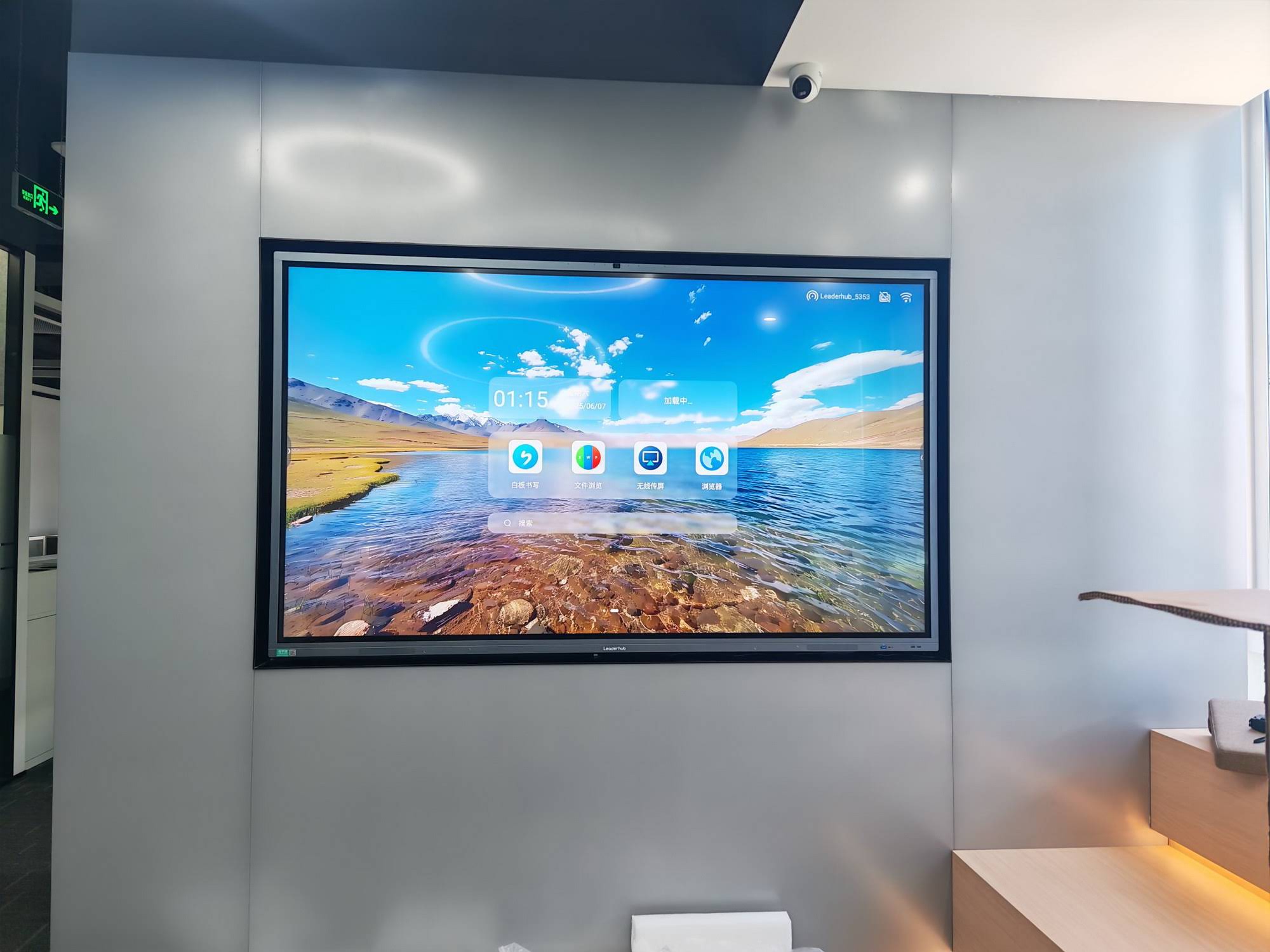
- Durability first. Look for tempered glass rated at Mohs 7 or higher and a sealed infrared frame that tolerates chalk dust and cleaning sprays.
- Low-latency pen input — under 8 ms — keeps handwriting natural and reduces teacher frustration.
- Simple wireless casting for Chromebooks, iPads and Windows laptops without extra dongles.
- Centralized device management so IT can push updates to every panel from one console.
- Accessibility features such as screen magnification, high-contrast modes and height-adjustable mounts for younger students.
- Eye-care certification (low blue light, flicker-free) for all-day classroom use.
Tip: Right-Size by Room, Not by Catalog
A common mistake is buying one size for every room. Mapping each space to the appropriate size — 65 inches for small-group rooms, 75 inches for standard classrooms, 86 inches for science labs and lecture spaces — can cut a district-wide budget by 15–20% without sacrificing visibility. Browse the full smart whiteboard range to compare sizes side by side.
Buying Tips for Businesses and Government Offices
Prioritize Conferencing and Security
Corporate buyers should evaluate panels as collaboration endpoints rather than displays. Confirm native support for Microsoft Teams, Zoom or Google Meet, and verify that the operating system can be locked down to your security policy. For regulated sectors, check whether the vendor publishes a firmware update cadence and supports certificate-based network authentication.
Match Form Factor to Workflow
- Executive boardrooms: 86–110-inch fixed panels with 4K cameras and acoustic echo cancellation.
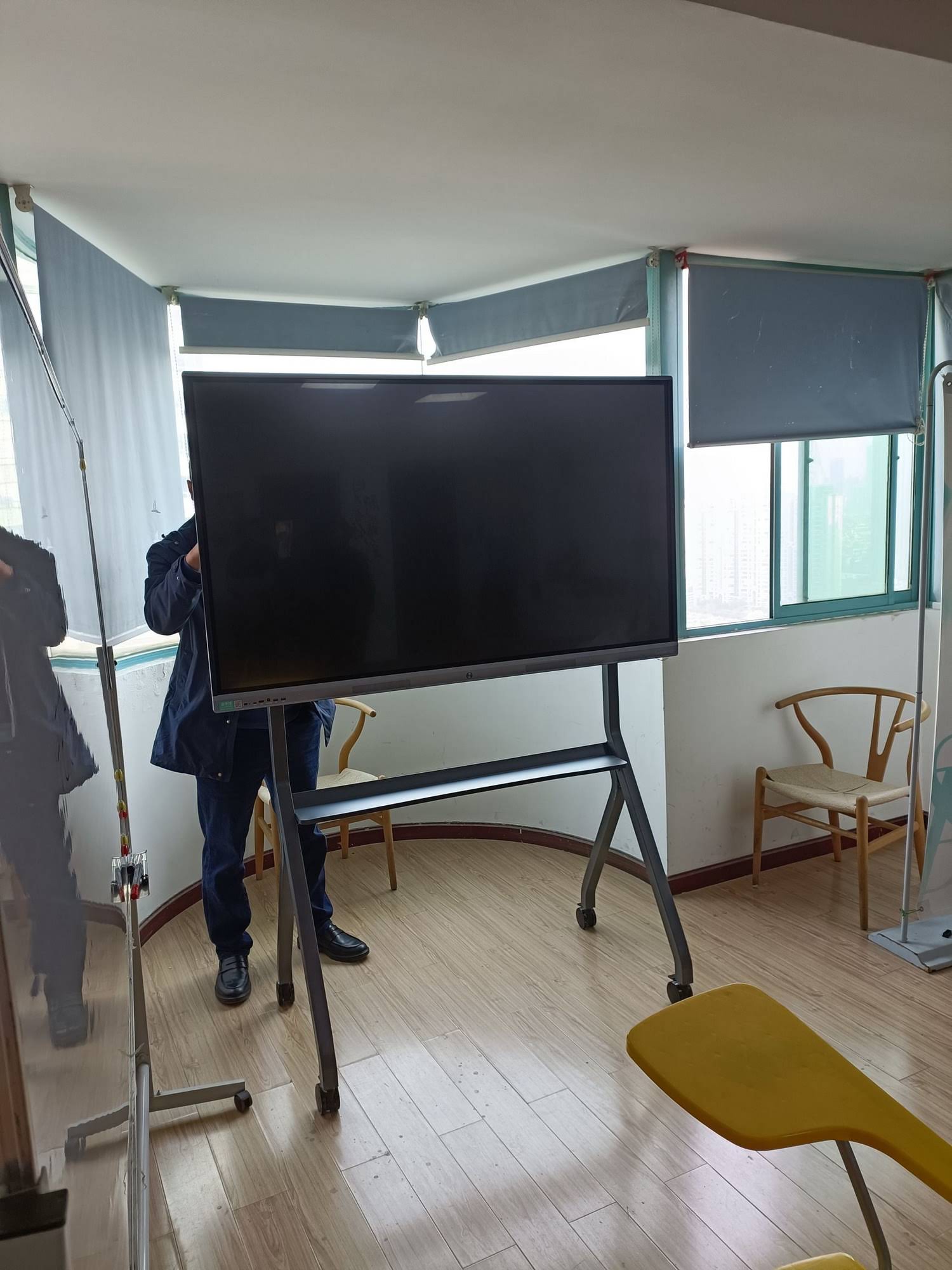
- Huddle rooms and agile teams: 55–65-inch mobile panels that roll between spaces.
- Training and onboarding: battery-powered rotating screens such as the U24M handheld smart screen for breakout sessions.
- Branch offices and SMEs: value-tier 65-inch panels paired with a compact Intel i5 mini PC for Windows-native workflows.
Tip: Negotiate on Lifecycle, Not Just Unit Price
Ask vendors for a bundled five-year quote that includes advance-replacement warranty, spare pens and remote diagnostics. Suppliers are often more flexible on service terms than on headline hardware prices, and a strong service agreement protects your rollout far more than a 3% discount.
Institutional Procurement Comparison: Schools vs. Businesses
| Decision Factor | Schools & Universities | Businesses & Government |
|---|---|---|
| Typical size | 75″ (classrooms), 86″ (lecture rooms) | 65″ (huddle), 86″+ (boardroom) |
| Key software | Whiteboarding, LMS integration, lesson recording | Video conferencing, cloud whiteboard, device management |
| Budget cycle | Annual fiscal year, grants, tender process | Capex approval, multi-site phased rollout |
| Warranty priority | On-site repair, loaner units | Advance replacement, SLA response time |
| Hidden cost to watch | Teacher training time | Recurring software licenses |
Run a Pilot Before You Scale
Across both education and enterprise, the most successful rollouts share one pattern: a structured pilot of 5–10 units in representative rooms, measured over one term or quarter. Track usage hours, support tickets and user satisfaction. The World Bank Education Technology team consistently finds that adoption fails not because of hardware limits but because of insufficient training and unclear ownership — issues a pilot surfaces early and cheaply.
Pilot Metrics Worth Tracking
- Average daily active hours per panel
- Percentage of staff who use at least three interactive features
- Number of help-desk tickets per 10 units in the first 90 days
- Time saved per meeting or lesson (self-reported)
- Remote participant satisfaction for hybrid sessions
Where a Value-Focused Manufacturer Fits In
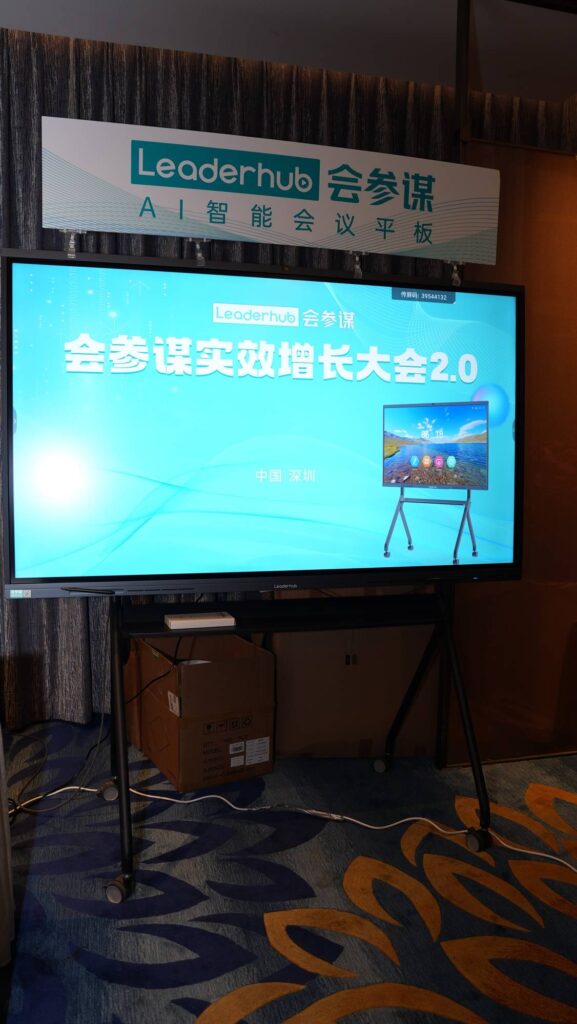
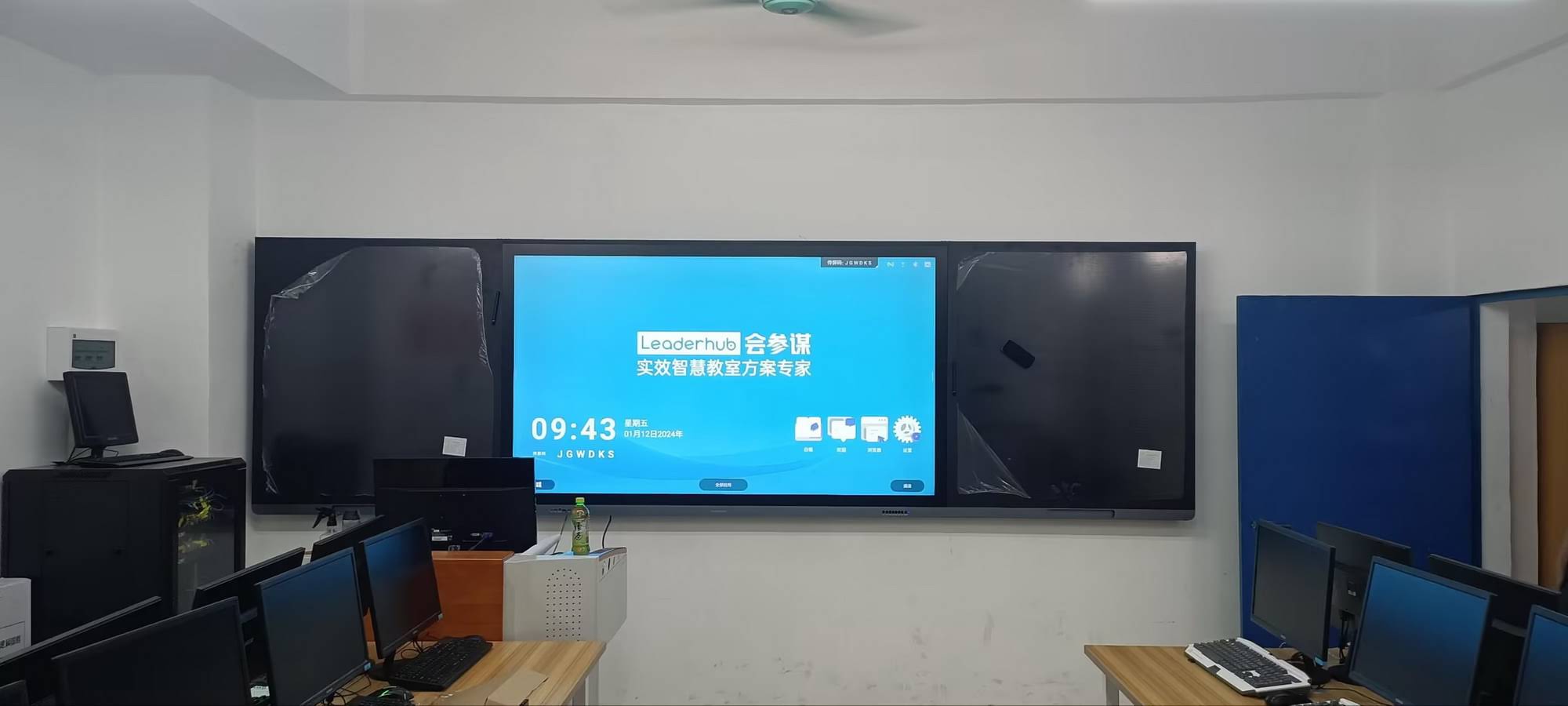
Mid-tier manufacturers have gained share with institutional buyers by delivering 4K, AI-assisted panels at prices well below legacy brands. LeaderHub, a Shenzhen-based interactive-display company with 16 years of experience, supplies smart whiteboards, mini PCs and portable smart screens to education and enterprise customers in 82 countries, and offers OEM/ODM programs for distributors and system integrators handling large tenders. For buyers comparing options, requesting a sample unit and a volume quote through the contact page is a low-risk first step.
Frequently Asked Questions
Will smart board prices keep falling in 2026 and 2027?
Panel glass costs continue to decline gradually, but added features such as cameras, AI processors and better speakers are offsetting savings. Expect stable-to-slightly-lower prices for 65–75-inch units and faster price drops in the 86–98-inch segment as production scales.
Is it better to buy panels with built-in Android or add a separate PC?
Most institutions benefit from both: built-in Android handles quick whiteboarding and casting, while an upgradeable mini PC runs Windows applications and extends the useful life of the display. The entry-level N100 mini PC is a popular pairing for classrooms with modest compute needs.
How long should an interactive flat panel last?
Quality LCD panels are rated for 30,000–50,000 hours, which translates to seven to ten years of typical school or office use. Plan compute refreshes at year three or four and glass replacement at year seven or beyond.
What funding sources support smart board purchases?
In Europe, the EU digital equipment for schools actions under the Digital Education Action Plan channel funding through national programs; in other regions, education ministries and local authorities often run dedicated digital-classroom grants. Businesses typically treat panels as depreciable capital assets over five years.
Key Takeaways for Institutional Buyers
- 75-inch 4K panels are now the baseline for classrooms and mid-size meeting rooms, with realistic institutional pricing of $1,400–$3,500 per unit.
- AI features, hybrid conferencing and modular compute are the three capabilities that will determine whether a 2026 purchase still feels current in 2030.
- Evaluate five-year total cost of ownership, not unit price — software licenses, installation and training can add 40% or more.
- Pilot before scaling, involve end users early, and negotiate service terms as hard as hardware pricing.
- Value-focused manufacturers now offer specifications comparable to legacy brands at significantly lower cost, making direct sourcing worth serious consideration.
Ready to compare specifications and volume pricing for your institution? Explore the full interactive display catalog or request a tailored quote for your school, campus or office rollout.