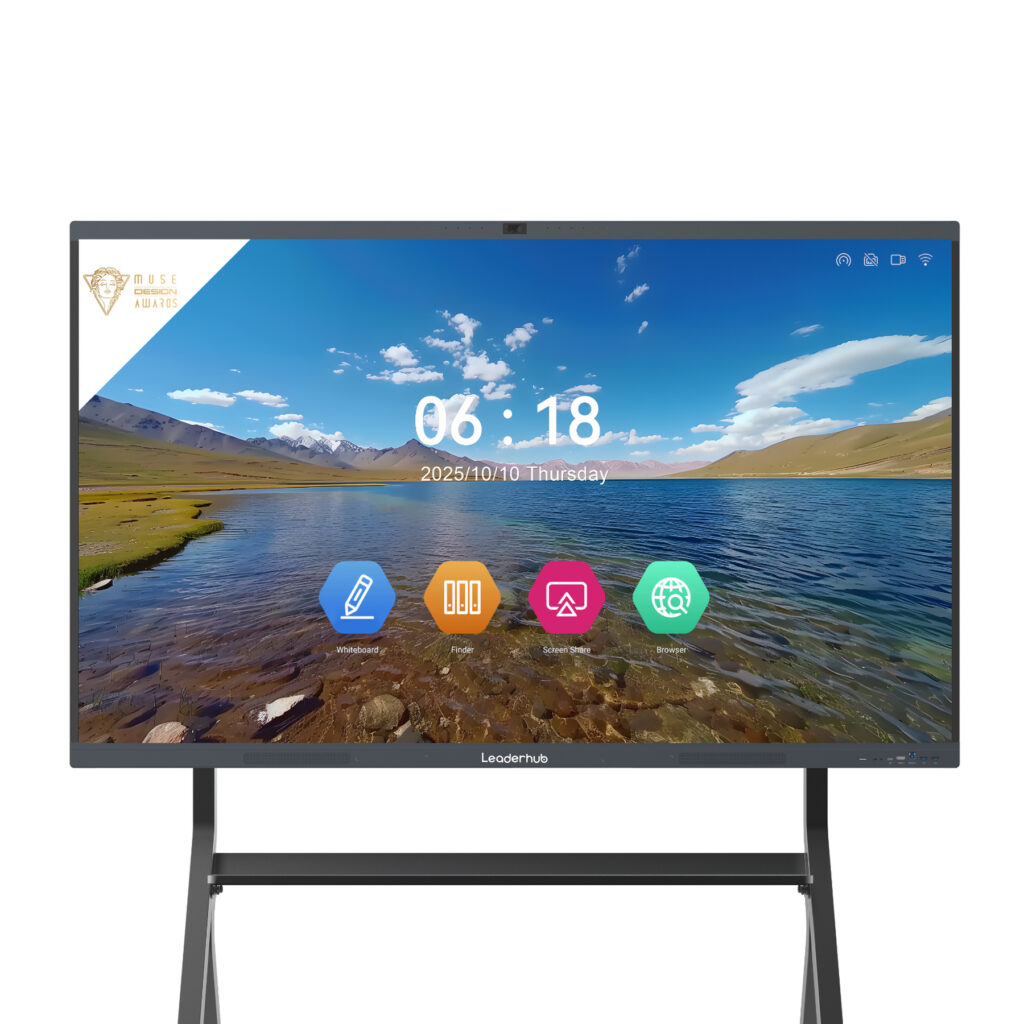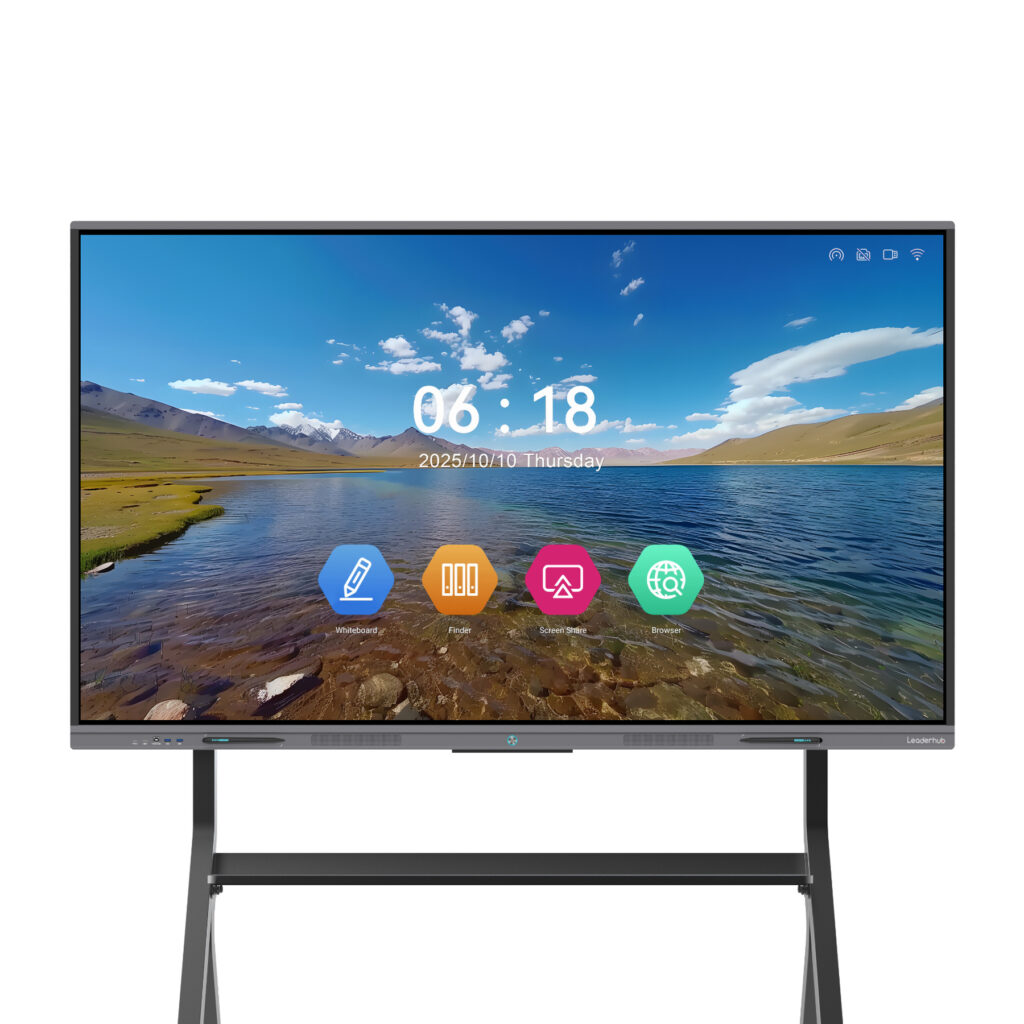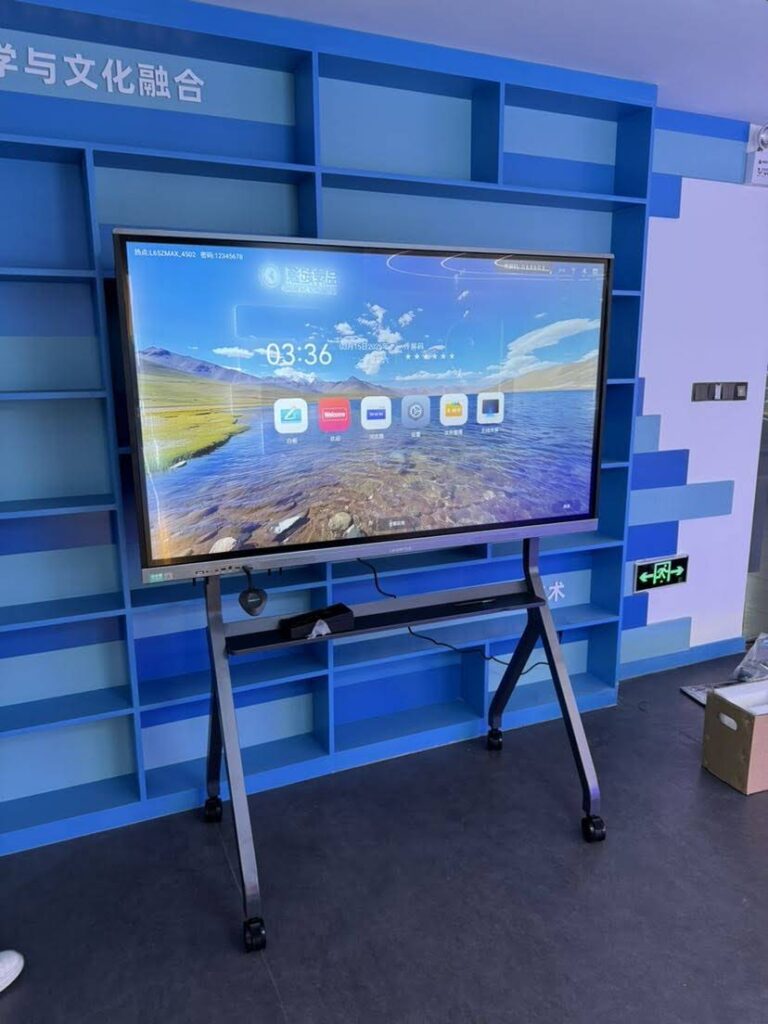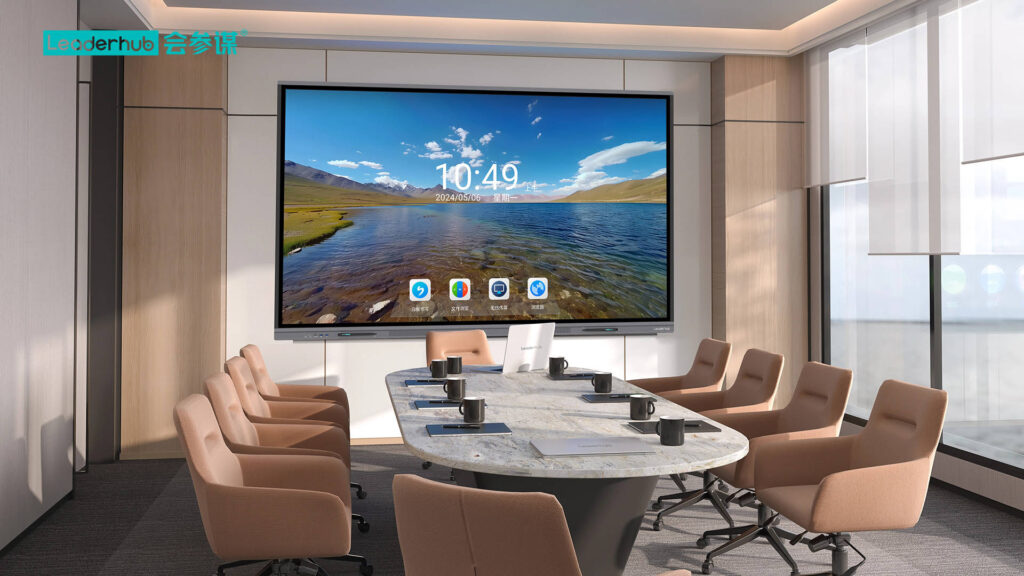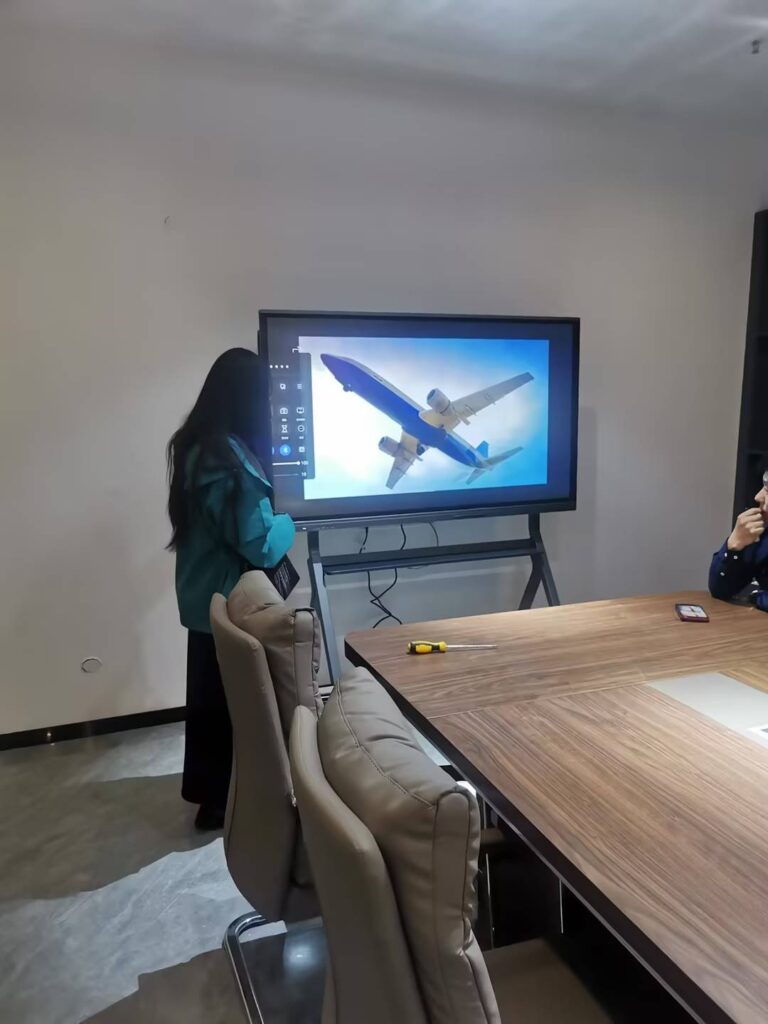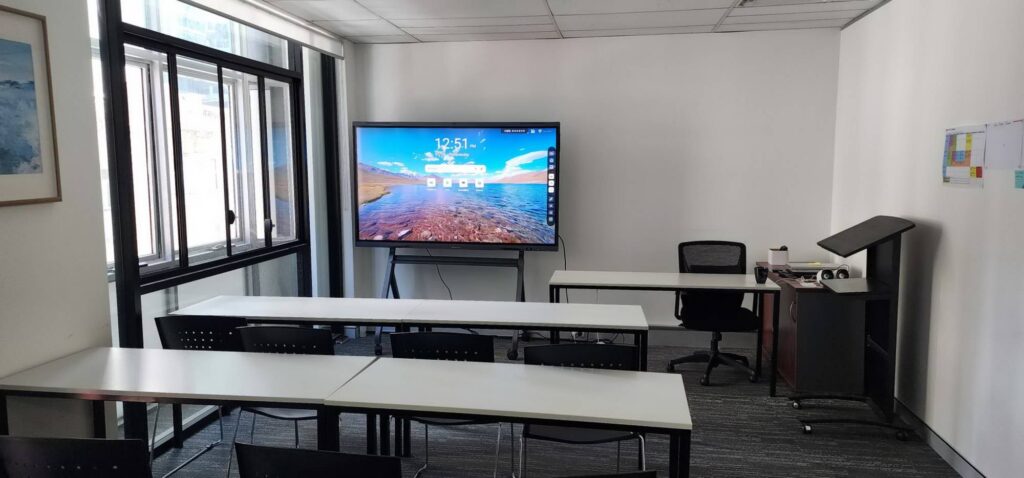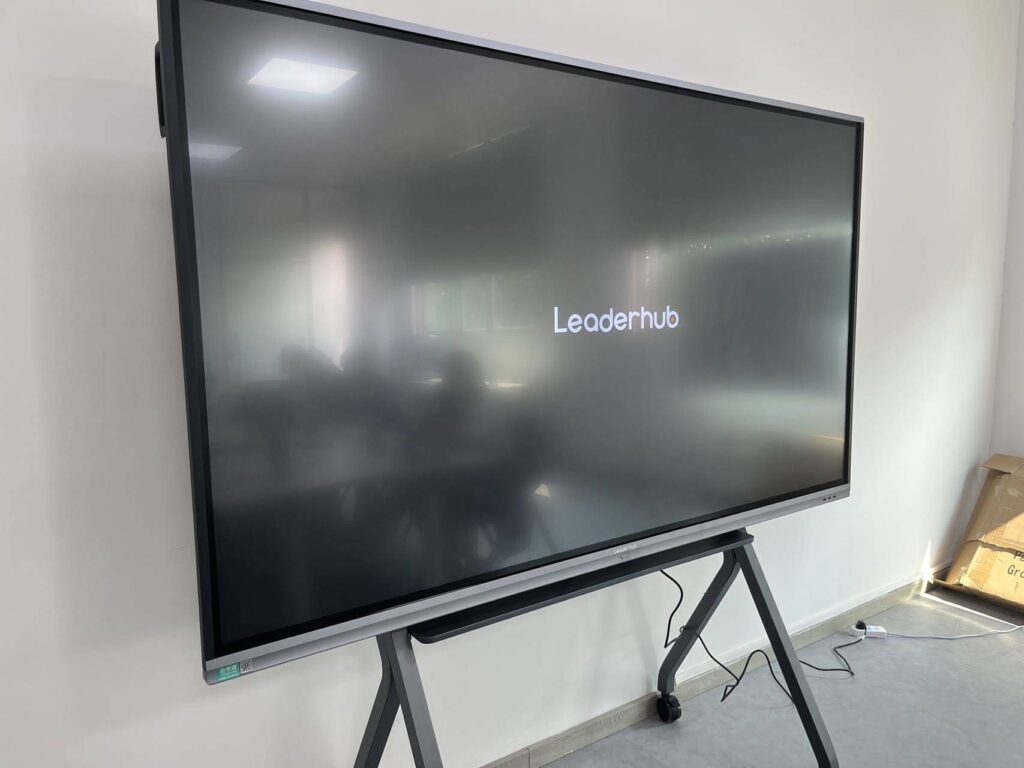
When a buyer orders 500 interactive displays for a school district or a corporate rollout, every unit is expected to look, feel, and perform exactly like the sample that was approved. That is what smart board product consistency in mass production really means: the 1st panel and the 5,000th panel share the same touch accuracy, the same color output, the same firmware behavior, and the same mechanical fit. Achieving this is not luck. It is the result of a disciplined quality control system that starts at the component level and ends only after the product has been running in the field for years.
This guide walks through the practical, proven methods factories use to keep interactive flat panels consistent at scale, and it gives procurement teams a checklist for evaluating whether a manufacturer can actually deliver that consistency.
Why Consistency Is the Hardest Part of Smart Board Manufacturing
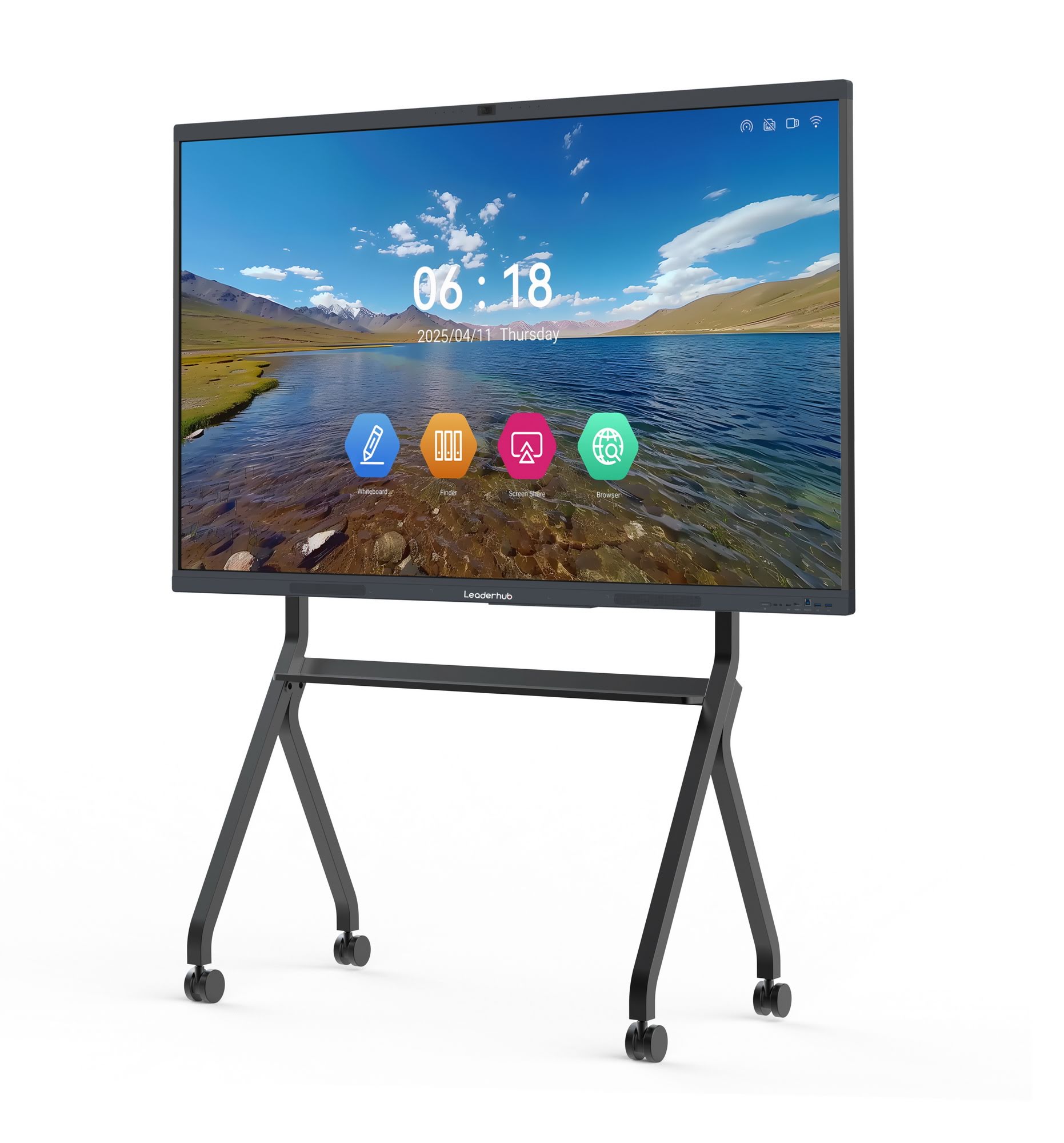
A smart board is not a single product; it is an integrated system of a large LCD panel, an infrared or capacitive touch frame, tempered glass, an Android or OPS computing module, speakers, cameras, power supplies, and firmware. Each sub-system comes from a different supply chain, and each one introduces variation. Multiply that by production volumes of thousands of units per month and small deviations become visible problems:
- Touch response that is accurate on one unit but drifts near the edges on another
- Color temperature differences between panels installed side by side in the same room
- Bezel gaps, glass misalignment, or uneven backlight bleed
- Firmware versions that behave differently across production batches
- Audio levels, Wi-Fi performance, or boot times that vary unit to unit
For education buyers, inconsistency translates into teacher complaints and IT support tickets. For enterprise buyers, it means a conference room on floor 3 that works differently from the one on floor 7. For distributors, it means returns, warranty costs, and lost trust. This is why consistency, rather than peak performance, is the true measure of a mature smart whiteboard production operation.
Where Variation Comes From: The Main Risk Points
Before you can control variation, you have to know where it originates. The table below summarizes the most common sources of inconsistency in interactive display production and the effect each has on the finished product.
| Component / Process | Typical Variation | Impact on End User |
|---|---|---|
| LCD open cell / panel | Brightness, color temperature, uniformity, dead pixels | Visible mismatch between units; eye fatigue |
| Touch frame (IR / capacitive) | Sensor alignment, latency, edge accuracy | Inaccurate writing, missed touches |
| Tempered glass bonding | Air gaps, dust, optical offset | Parallax, reflections, glare |
| Mainboard and Android module | Chipset revisions, memory lots, firmware builds | Different boot times, app compatibility issues |
| Power supply | Ripple, thermal performance, component substitution | Flicker, random reboots, early failure |
| Mechanical assembly | Torque, bezel gap, VESA alignment | Creaking frames, difficult installation |
| Packaging and transport | Foam density, carton strength, humidity | Cracked glass, cosmetic damage on arrival |
Proven Quality Control Tips for Consistent Smart Board Production
1. Lock the Bill of Materials and Approve Every Alternate Part
The single biggest cause of batch-to-batch drift is silent component substitution. A supplier runs out of one capacitor or LED driver and swaps in a “compatible” part without notification. A controlled BOM prevents this. Each critical component should have an approved vendor list (AVL), and any second source must pass the same qualification tests as the original before it enters production. For panels specifically, insist that the manufacturer specifies the open-cell grade and panel maker on the BOM, not just the size and resolution.
2. Strengthen Incoming Quality Control (IQC)
IQC is the first line of defense. Rather than relying on supplier certificates alone, a good factory samples incoming lots according to a defined AQL plan and tests the parameters that actually matter for consistency:
- Panels: luminance, color coordinates, uniformity, pixel defects measured with a colorimeter, not by eye
- Touch frames: linearity, response time, multi-point recognition on a test jig
- Glass: thickness, anti-glare haze value, surface hardness, edge finishing
- PCBAs: functional test, firmware version check, visual inspection for rework
- Power supplies: load test, output ripple, hi-pot safety test
3. Build and Protect a Golden Sample
Every production run should be compared against a sealed golden sample that the customer signed off on. The golden sample defines acceptable color output, touch behavior, cosmetic finish, firmware version, and packaging. Production line leaders, QC inspectors, and the customer’s third-party auditor all reference the same physical unit, which removes subjective arguments about “close enough.”
4. Place In-Process Inspection at Critical Stations
Catching a defect after final assembly is expensive; catching it before the glass is bonded is cheap. Mature production lines install in-process quality control (IPQC) checkpoints at the stages where errors are most likely and most costly to reverse:
- After panel-to-frame mounting: check alignment and backlight uniformity
- After touch frame installation: verify sensor connectivity and basic touch response
- After glass bonding or lamination: inspect for dust, bubbles, and optical defects in a controlled light booth
- After mainboard installation: confirm firmware version, serial number binding, and port function
- After cosmetic assembly: check bezel gaps, screw torque, and label placement
5. Run 100% Functional Testing and Burn-In Aging
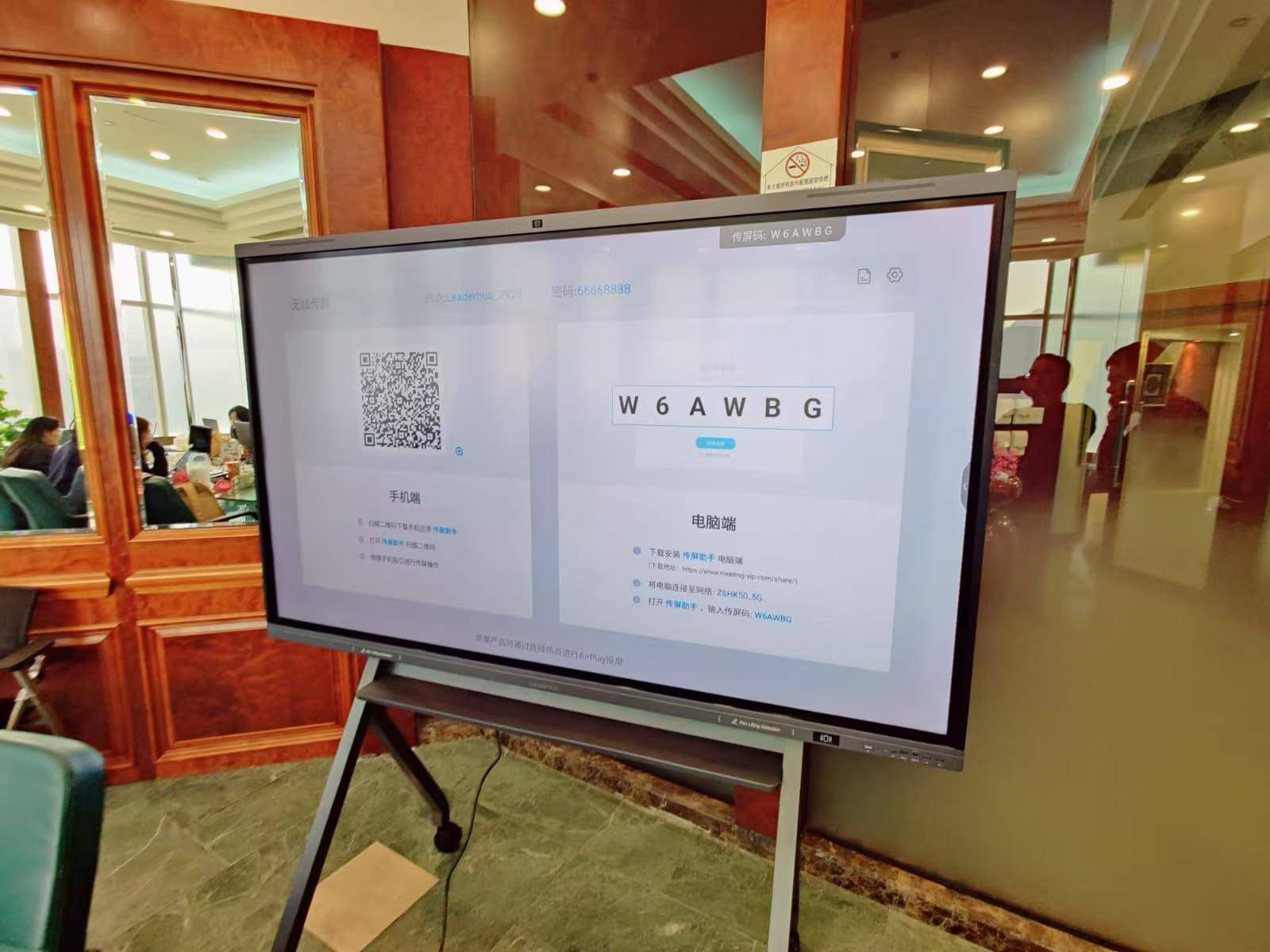
Sampling is acceptable for incoming parts, but finished smart boards should receive 100% functional testing. Each unit should be powered on and verified for display, touch, audio, HDMI and USB ports, Wi-Fi and Bluetooth, camera, microphone array, and remote control. After functional testing, units should undergo burn-in aging, typically 4 to 8 hours at elevated temperature with the display cycling through test patterns. Aging exposes infant-mortality failures in power supplies, LED drivers, and solder joints that would otherwise appear during the first weeks in a classroom or meeting room.
6. Calibrate Touch and Color on Every Unit, Not Just the Sample
Even with identical components, no two panels are exactly alike. Per-unit calibration closes the gap. Touch calibration on a 9-point or 25-point grid ensures writing accuracy across the whole surface, including the corners where IR frames are most sensitive to misalignment. Color calibration brings each panel to a common white point and gamma curve so that a 75-inch 4K interactive panel installed next to an 86-inch unit from the same series displays matching colors.
7. Use Statistical Process Control to Detect Drift Early
Pass/fail inspection tells you whether a unit is acceptable; statistical process control (SPC) tells you whether the process is changing before units start failing. Tracking measured values such as luminance, touch latency, current draw, and bezel gap on control charts reveals trends. If average brightness on a line slowly declines across a week, the cause may be a new panel lot or a backlight driver change, and it can be investigated before customers notice.
8. Enforce Final QC and Outgoing Inspection with AQL Sampling
Final quality control (FQC) repeats the key functional and cosmetic checks on the fully packaged product. Outgoing quality control (OQC) then draws a random sample from the finished lot under a defined AQL standard, commonly 0 critical, 1.0 major, and 2.5 minor for interactive displays. Many professional buyers also schedule third-party pre-shipment inspections at this stage, and a confident manufacturer will welcome them.
Smart Board QC Checklist by Production Stage
| Stage | Key Checks | Tools / Method | Coverage |
|---|---|---|---|
| IQC | Panel optics, touch linearity, glass spec, PCBA function | Colorimeter, touch jig, caliper, test fixture | AQL sampling per lot |
| IPQC | Alignment, bonding defects, firmware version, torque | Light booth, torque driver, barcode scanner | Every unit at checkpoints |
| Functional Test | Display, touch, audio, ports, wireless, camera | Automated test software and signal generator | 100% |
| Aging | Thermal stability, power supply reliability | Burn-in room, 4–8 hours cycling patterns | 100% |
| Calibration | Touch grid accuracy, white point, gamma | Calibration software, colorimeter | 100% |
| FQC / OQC | Cosmetics, accessories, labels, packaging, drop test | Checklist audit, ISTA-style drop test | FQC 100%, OQC AQL sample |
Firmware and Software: The Consistency Problem Buyers Often Forget
Hardware can be perfectly uniform and the product can still feel inconsistent if the software is not. Interactive displays ship with an Android operating system, whiteboard software, wireless screen-sharing apps, and often a management agent. Consistency here requires:
- Version freezing per order: all units in one purchase order carry the same firmware build, recorded against serial numbers
- Automated flashing: firmware loaded from a controlled server image rather than manually by operators
- Regression testing: every firmware update tested against the golden sample’s full feature list before release
- OTA strategy: a clear plan for how field units receive updates so a 2024 batch and a 2026 batch converge rather than diverge
Buyers deploying panels alongside separate computing hardware should apply the same discipline to those devices. A fleet of mini PCs driving large displays needs matched BIOS, driver, and OS images for the same reason.
Packaging, Transport, and Installation Consistency
A perfectly built 86-inch panel that arrives with a cracked corner is a quality failure regardless of how good the factory process was. Packaging should be engineered and validated, not improvised. Look for foam or EPE inserts designed for the specific model, double-wall or triple-wall cartons, corner protectors, and tilt and shock indicators on large sizes. Packaging designs should pass drop, vibration, and compression testing, and the same validated design should be used for every shipment rather than changed to save a few cents per unit.
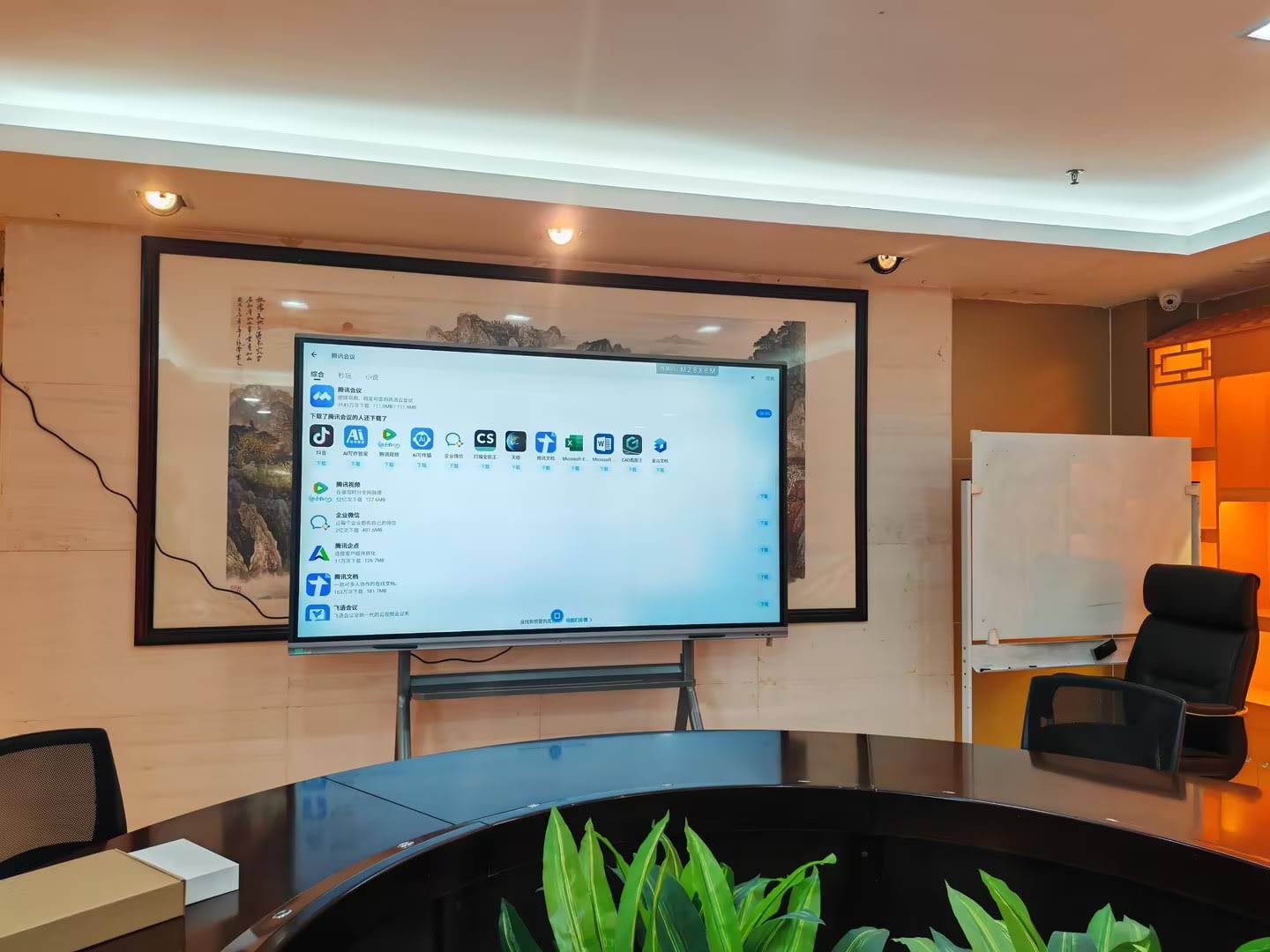
Installation consistency matters too. Standardized VESA patterns, identical wall-mount or mobile-stand hardware, and clear installation guides mean that integrators can roll out dozens of rooms with the same procedure, which reduces on-site errors and keeps the user experience uniform. Industry bodies such as AVIXA publish AV installation standards that are useful references for large deployments.
How to Evaluate a Manufacturer’s Consistency Before You Order
Procurement teams and distributors do not need to audit every solder joint, but they should ask the right questions. The following checklist separates factories with real process control from those that merely assemble parts:
- Can you provide the controlled BOM and approved vendor list for this model?
- What is your IQC sampling plan for panels and touch frames, and what instruments do you use?
- Do you perform 100% functional testing and burn-in aging? For how long?
- Is touch and color calibration done per unit? Can you show calibration records by serial number?
- Do you track process data with SPC charts, and can you share trend reports?
- What AQL level is applied at OQC, and do you accept third-party pre-shipment inspection?
- How are firmware versions controlled and recorded per order?
- What is your field return rate over the last 12 months by model?
- Is the facility certified to ISO 9001, and are products certified to CE, FCC, RoHS, or other markets you need?
- Can I visit the production line or review a live audit video?
Experience is also a meaningful signal. Leaderhub, a Shenzhen-based manufacturer with 16 years in the interactive display industry and products delivered to more than 82 countries, applies controlled BOMs, 100% functional testing, and per-unit calibration across its smart whiteboard, interactive flat panel, and portable smart screen lines, and welcomes factory audits from OEM and ODM partners. The company’s longevity and global distribution are themselves evidence that the processes described above have been repeated at scale over many production cycles.
Consistency Across a Product Family
Consistency is not only about identical units of one model. Schools and enterprises often buy a mix of sizes for different room types, and users expect the same experience on every size. Designing a product family around a shared platform makes this far easier to achieve.
| Design Principle | What It Means | Example |
|---|---|---|
| Shared mainboard platform | Same SoC, memory, and firmware image across sizes | 65″, 75″, and 86″ panels in one series boot and behave identically |
| Common touch technology | Same sensor type and controller across the family | Identical pen feel on every classroom panel |
| Unified UI and software suite | Same launcher, whiteboard, and casting apps | Teacher training applies to every room |
| Standard mechanical interfaces | Same VESA, OPS slot, and port layout | One mounting and cabling procedure for all installs |
Buyers who want to see how this looks in practice can compare the specifications of an entry series such as the 86-inch 4K smart panel with its 65-inch and 75-inch siblings; platform-level consistency is visible in matching port layouts, software, and touch specifications across all three sizes.

Frequently Asked Questions
What is an acceptable defect rate for smart boards in mass production?
Leading manufacturers target a first-pass yield above 97% on the production line and a field return rate below 1% in the first year. Outgoing inspection typically uses AQL 1.0 for major defects and 2.5 for minor cosmetic defects, with zero tolerance for critical safety defects.
How long should burn-in aging last for an interactive flat panel?
Most factories run 4 to 8 hours of aging at elevated ambient temperature with display and touch cycling continuously. Longer aging is sometimes applied to new models or new component lots until SPC data confirms the process is stable.
Can I request a pre-shipment inspection for my order?
Yes, and you should. Reputable factories accept third-party inspection agencies and will provide the production schedule so that inspection can be arranged when the lot is at least 80% complete and packed.
Why do two panels of the same model sometimes show different colors?
The usual causes are panels from different open-cell lots, missing per-unit color calibration, or differing firmware picture presets. Insisting on per-unit calibration and frozen firmware per order resolves most of these cases.
Does consistency cost more?
Process control adds a modest cost per unit in testing time and instrumentation, but it dramatically reduces returns, on-site service visits, and reputational damage. Over a three-to-five-year deployment, consistent products are almost always the lower total cost of ownership option. Independent buying guides, such as this China smart board selection guide, reach the same conclusion when comparing value across manufacturers.
Key Takeaways
- Consistency begins with a locked BOM and approved vendor list, not at final inspection
- Measure incoming panels and touch frames with instruments, not visual judgment
- Use a signed golden sample, in-process checkpoints, and 100% functional testing with burn-in
- Calibrate touch and color on every unit and freeze firmware per order
- Apply SPC to catch drift early and OQC sampling to verify every lot
- Evaluate manufacturers by their process evidence, audit openness, and field return data
If you are planning a large-scale smart board deployment or exploring OEM/ODM production, you can contact our team to request QC documentation, sample units, or a factory audit, or browse the full product range to compare specifications across sizes and series.