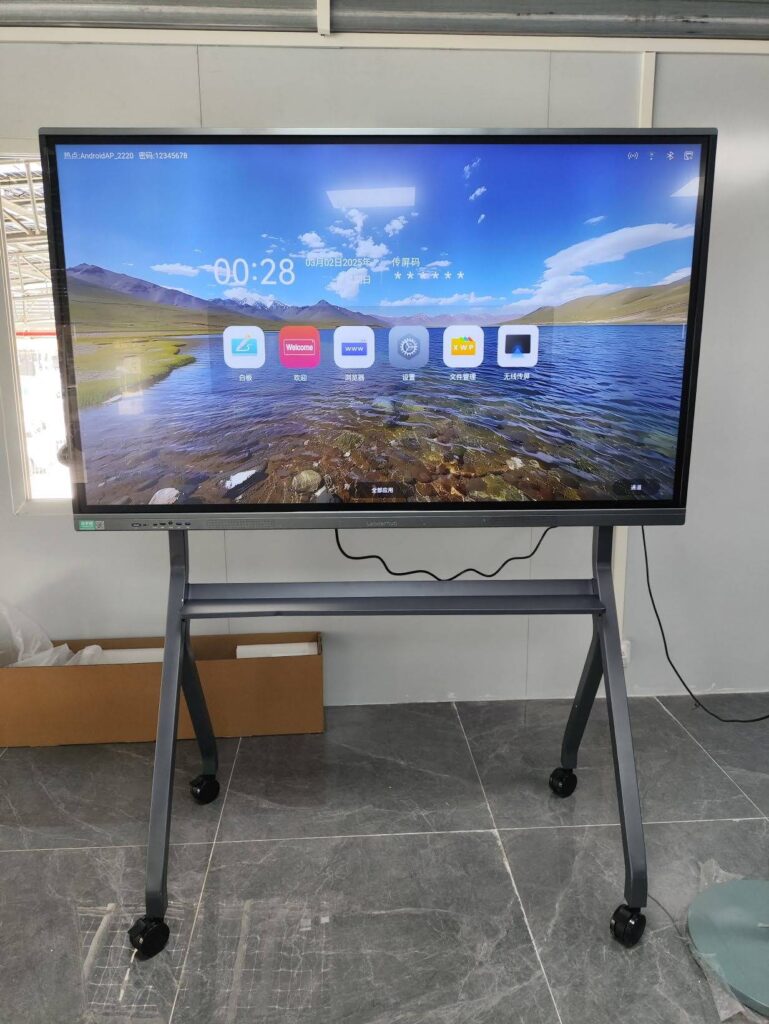
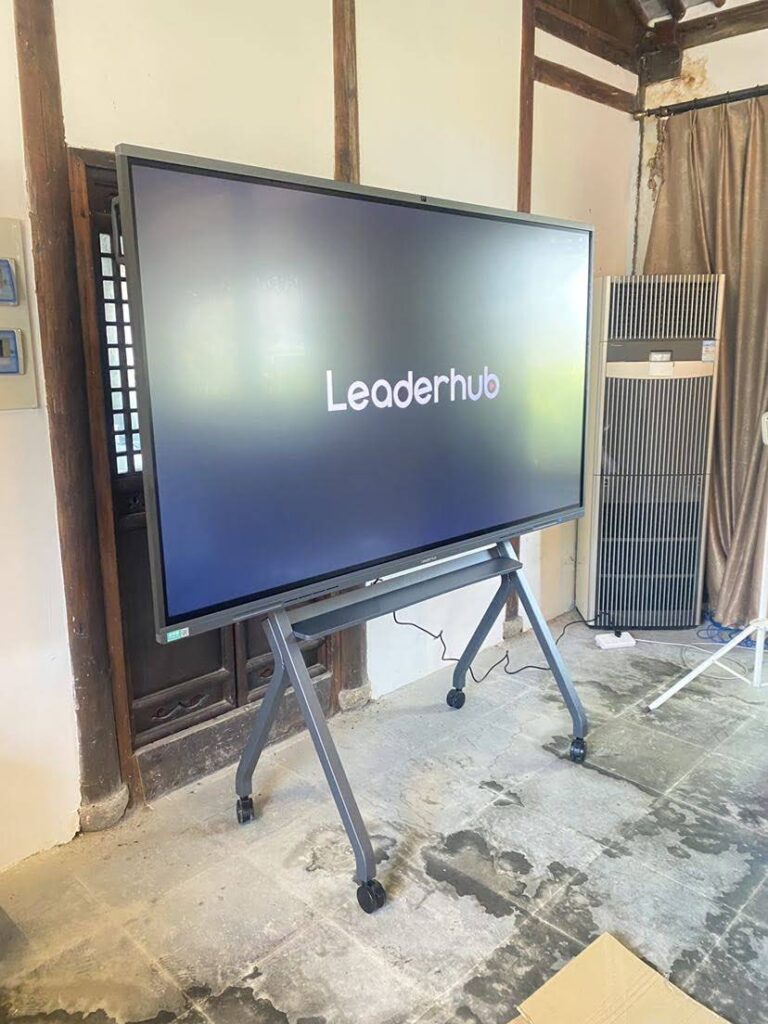
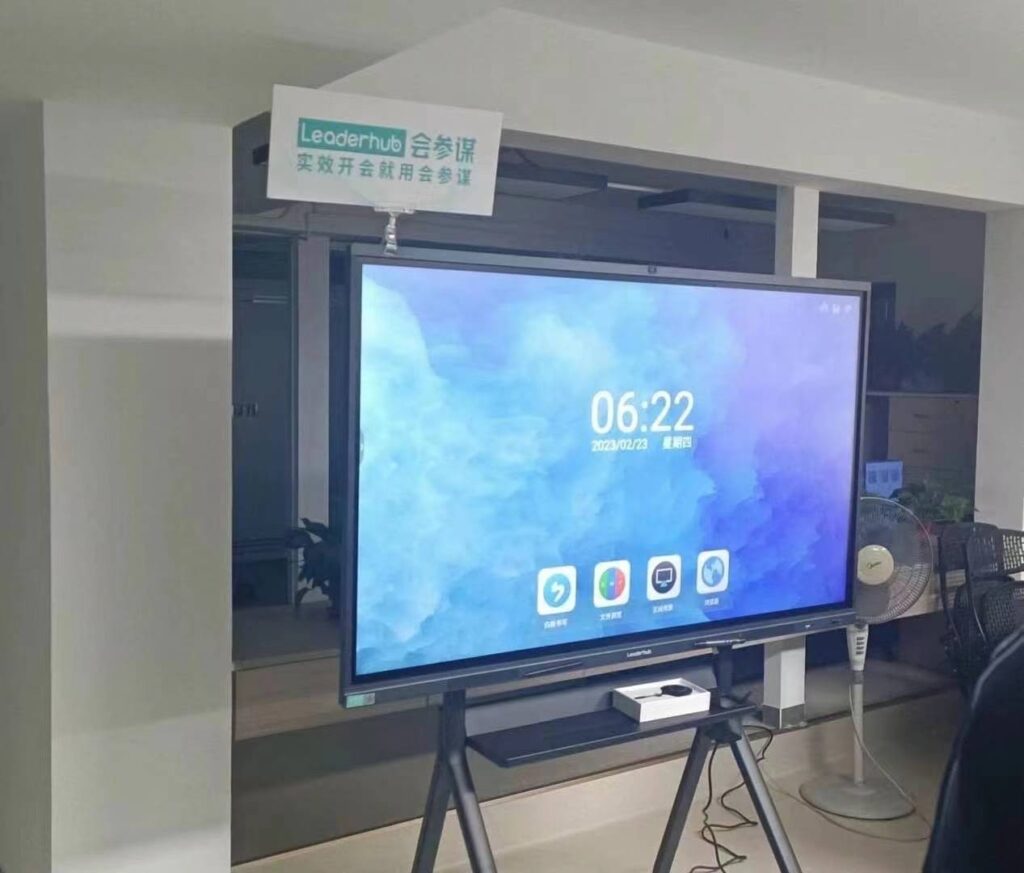
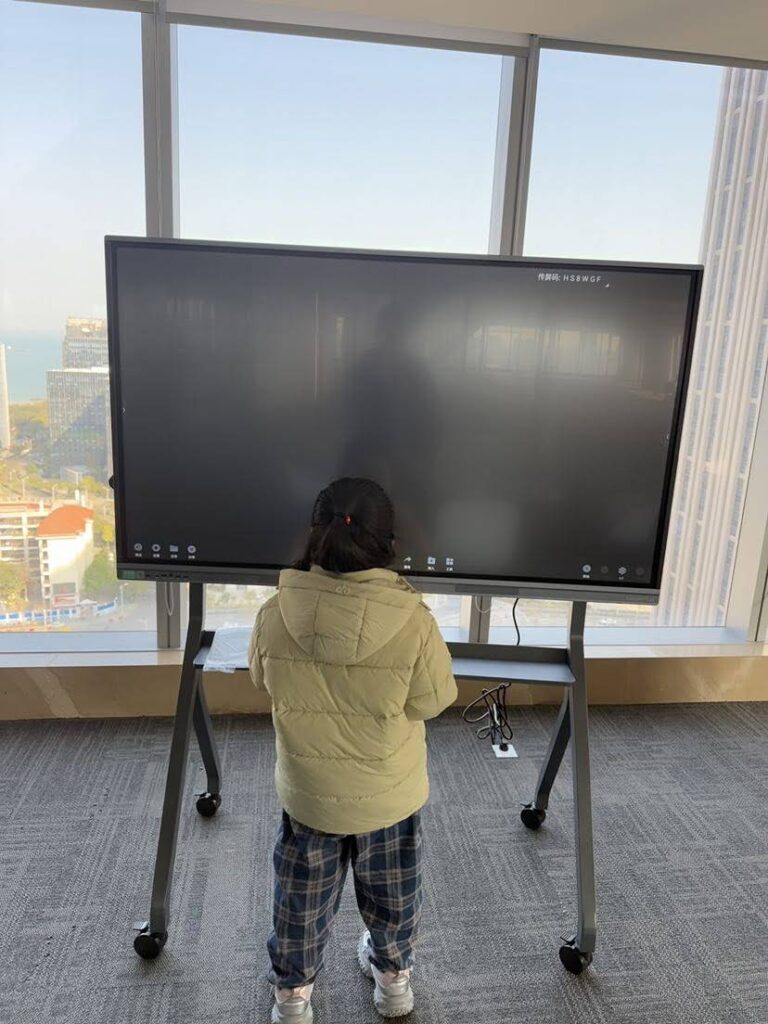
what is a promethean smart board is a common question for teachers, school buyers, and anyone exploring interactive classroom technology. In simple terms, it usually refers to a Promethean interactive display—a touch-enabled screen designed for teaching, presenting, annotating, and collaborating in real time.
For beginners, the easiest way to understand it is this: a Promethean smart board brings together the functions of a whiteboard, projector, computer, and collaboration tool in one device. Instead of writing on a dry-erase surface, you tap, drag, write, save, share, and connect digital content directly on the screen.
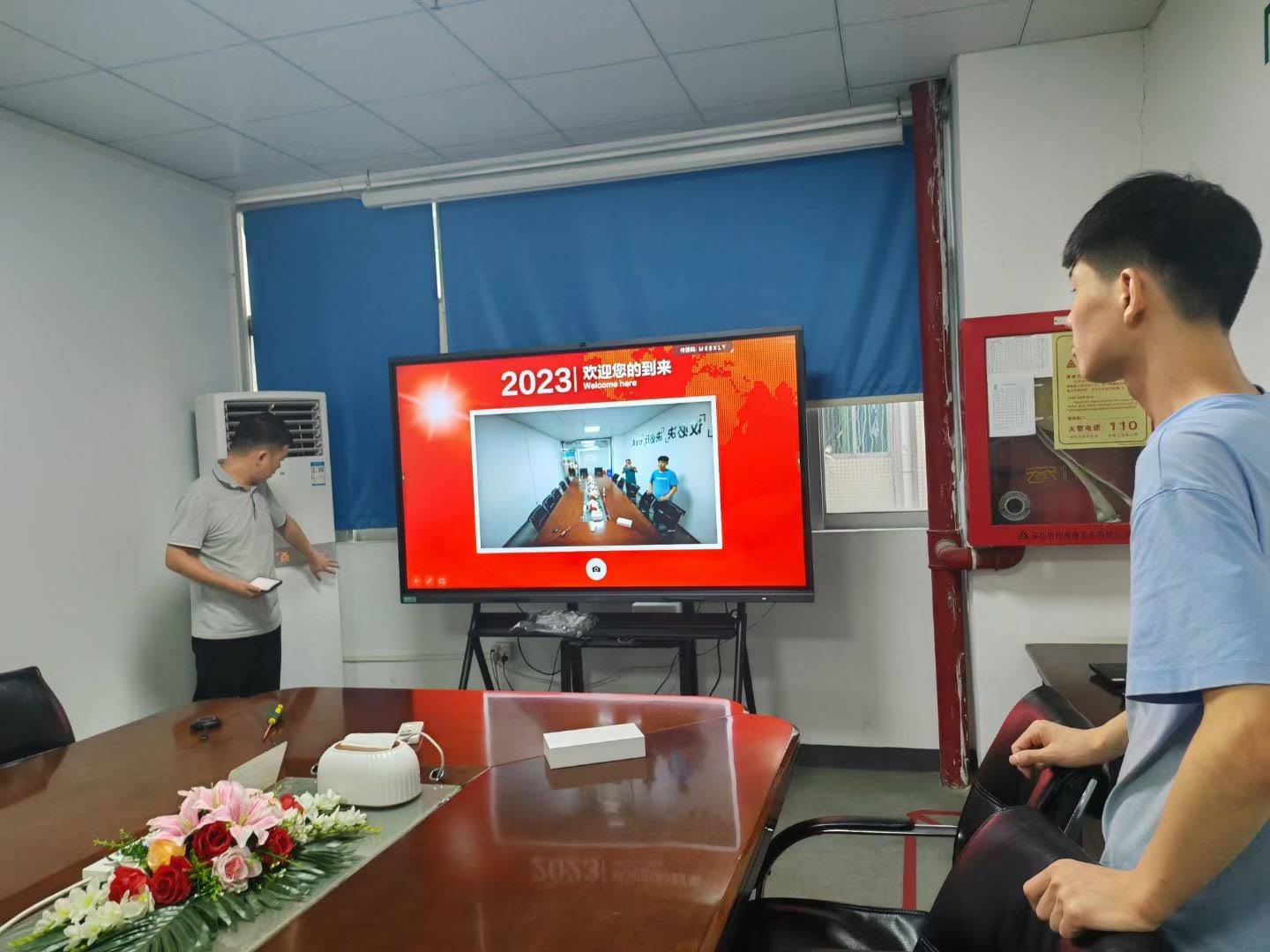
Promethean Smart Board: The Simple Definition
A Promethean smart board is best understood as an interactive classroom display. It lets users control lessons with touch input, display multimedia, and write on the screen using a finger or stylus. In many schools, this type of display is part of a broader digital learning setup.
Promethean is a well-known brand in education technology, and many buyers use the term “smart board” generically. So when people ask what a Promethean smart board is, they usually mean a Promethean-branded interactive panel used for teaching and collaboration.
How It Works in a Classroom
At a basic level, the display connects to a computer, wireless screen-sharing device, or built-in operating system. Teachers can open lesson slides, annotate PDFs, play videos, launch apps, and invite students to participate directly on the screen.
- Touch interaction: tap, swipe, pinch, and write naturally.
- Lesson display: show slides, websites, worksheets, and videos.
- Annotation tools: highlight important points during class.
- Collaboration: let multiple students contribute at the same time.
- Saving and sharing: keep notes for later review.
According to UNESCO Global Education Monitoring Report, technology can support learning when it is chosen and used with clear educational goals. That principle is especially important when adopting interactive displays in schools.
What Makes It Different from a Traditional Whiteboard?
A traditional whiteboard is useful, but it is limited to marker-based writing. A Promethean smart board adds digital flexibility, better visibility, and classroom engagement features.
| Feature | Traditional Whiteboard | Promethean Smart Board |
|---|---|---|
| Input | Markers and erasers | Touch, stylus, apps, and digital files |
| Content | Manual writing only | Slides, videos, websites, whiteboard notes |
| Saving | Cannot save easily | Save, export, and reuse lesson content |
| Engagement | Teacher-led only | Interactive and student-friendly |
| Connectivity | None | HDMI, USB, wireless casting, and cloud tools |
For many schools, the biggest advantage is not the screen itself—it is the workflow. Teachers save time, students stay more involved, and lessons become easier to repeat and share.
Main Features Beginners Should Know
If you are evaluating a Promethean smart board, these are the features that matter most:
- 4K display quality: sharper text, clearer charts, and better visibility in large classrooms.
- Multi-touch support: multiple students can interact at once.
- Digital annotation: write directly on lesson slides or web pages.
- Screen sharing: connect laptops, tablets, and phones easily.
- Built-in collaboration tools: ideal for group work and brainstorming.
- Lesson-saving functions: keep notes for homework review or future classes.
Why Schools and Teachers Like It
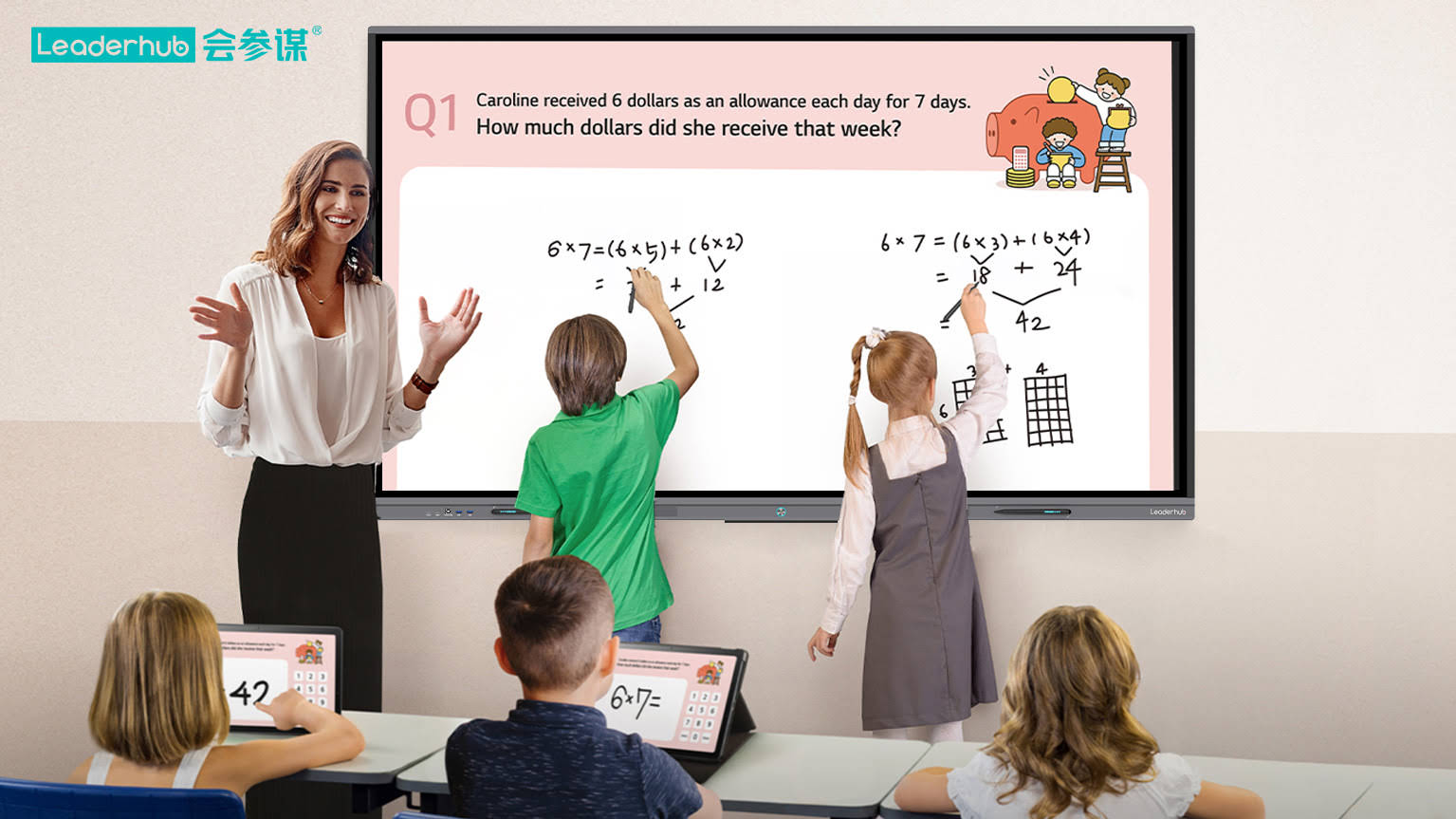
Interactive displays are popular because they fit a wide range of teaching styles. A math teacher can solve problems step by step, a language teacher can annotate reading passages, and a science teacher can zoom in on diagrams or run simulations.
Here are the most common classroom benefits:
- Higher participation: students are more likely to join when learning feels interactive.
- Better visibility: everyone can see the content clearly, even from the back of the room.
- Faster lesson delivery: teachers can move between content types without changing devices.
- More flexible teaching: supports whole-class instruction, small groups, and hybrid learning.
- Reusable materials: saved notes reduce repeated setup time.
For a practical overview of school technology planning, see UNESCO Digital Education and OECD Digital Education.
Who Should Consider Buying One?
A Promethean smart board is a strong fit for:
- K–12 classrooms that want more student interaction
- Training rooms for workshops and professional development
- Universities that need flexible presentation tools
- Meeting spaces for brainstorming and project reviews
- Tuition centers and tutoring rooms with frequent content switching
If you are also comparing hardware options, you can browse smart whiteboards, check portable collaboration devices in the rotating screens category, or pair your setup with a compact mini PC.
What to Look for Before You Buy
Not every interactive display is the same. Before you choose a Promethean smart board or any similar classroom panel, check these points carefully:
| Buying Factor | What to Check |
|---|---|
| Screen size | Choose based on room size and viewing distance |
| Touch performance | Look for responsive, low-latency writing |
| Connectivity | HDMI, USB, wireless casting, and network access |
| Software ecosystem | Lesson tools, whiteboard apps, and file compatibility |
| Installation | Wall mount, mobile stand, or integrated classroom setup |
| After-sales support | Training, warranty, and technical service |
Beginner Tip: Think in Terms of Use, Not Just Brand
When people search for what is a promethean smart board, they often focus only on the brand name. But the smarter approach is to compare how the display will be used. A school that needs daily annotation, wireless sharing, and lesson saving may benefit from a panel with strong teaching software. A training center may prioritize speed, portability, and easy content switching.
In other words, the right board is the one that matches your teaching style, room layout, and technology needs.
How It Supports Modern Teaching Goals
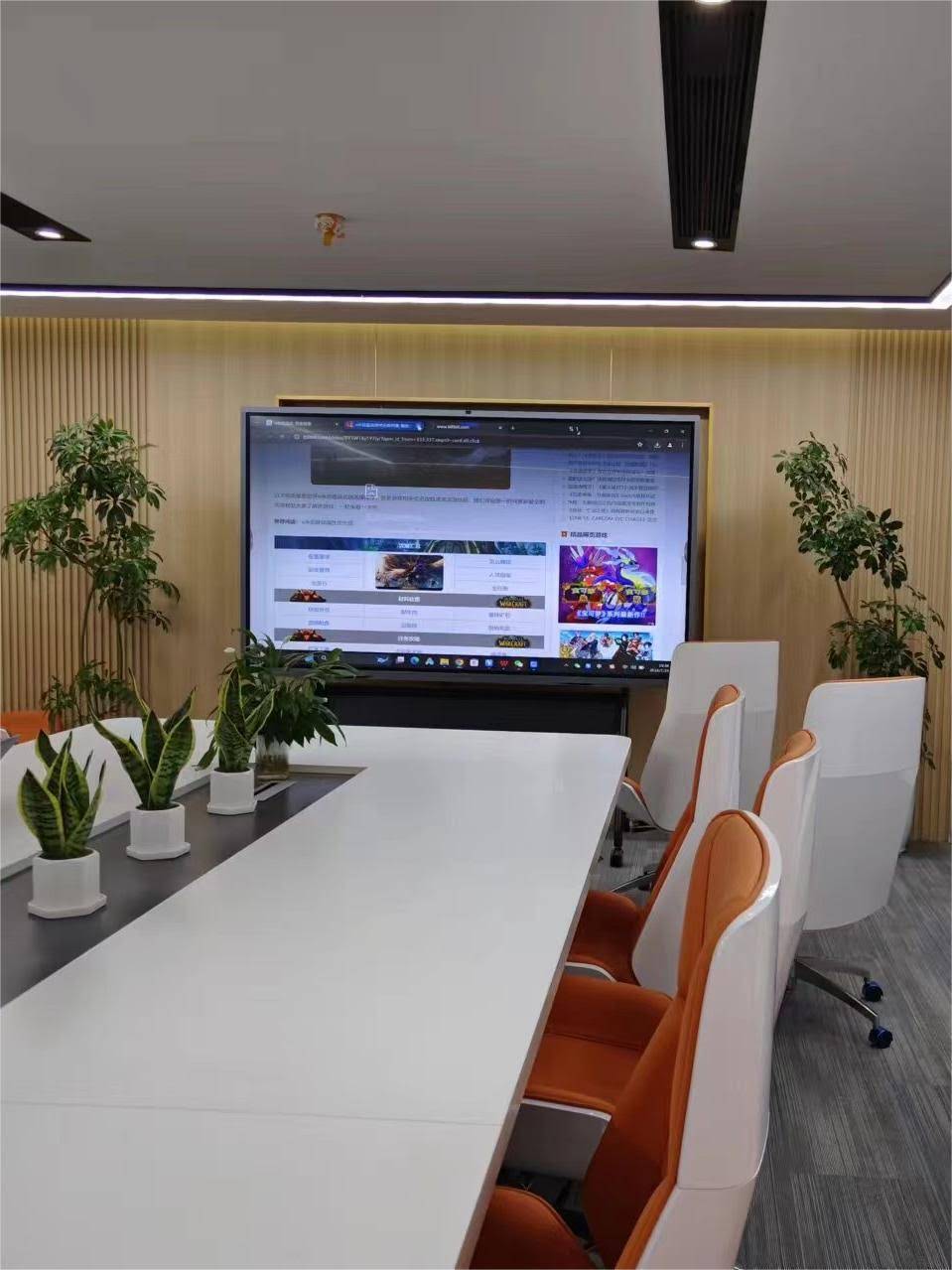
Modern classroom technology is expected to do more than display slides. It should support active learning, simple collaboration, and lesson flexibility. That is why interactive panels are increasingly used alongside teaching frameworks that emphasize digital skills and student participation.
You can also review the ISTE Education Technology Standards for a practical perspective on how digital tools can support teaching and learning outcomes.
Best Use Cases in Daily Lessons
- Opening a warm-up question and collecting answers
- Annotating reading passages in real time
- Solving math problems step by step
- Playing videos with live note-taking
- Saving class work for revision later
FAQ: Quick Answers for First-Time Buyers
Is a Promethean smart board the same as an interactive whiteboard?
Yes, in everyday usage, many people use the terms interchangeably. Technically, Promethean is a brand of interactive display, while “smart board” is often used as a general term for touch-enabled classroom screens.
Do teachers need special training to use one?
Not necessarily. Most teachers can start with basic touch functions, screen sharing, and annotation tools. A short onboarding session usually helps them get the most value.
Can it replace a projector?
In many classrooms, yes. A modern interactive display often delivers better brightness, sharper text, and fewer maintenance issues than a projector-based setup.
Is it useful outside schools?
Absolutely. Training rooms, offices, and collaborative workspaces use interactive displays for presentations, planning, and live brainstorming.
Final Takeaway for Buyers
A Promethean smart board is more than a screen—it is an interactive teaching platform designed to make lessons easier to deliver and more engaging to follow. If you are building a classroom or collaboration space, focus on the features that improve everyday use: clear display quality, reliable touch response, easy connectivity, and practical software.
For buyers comparing classroom solutions, explore Explore Products or Contact Us to discuss a setup that fits your room, budget, and teaching goals.
LeaderHub brings 16 years of interactive-display expertise to education and business users worldwide, helping teams choose smart whiteboards and related devices that are practical, scalable, and easy to deploy.