
Investing in a smart whiteboard is no longer just a purchase decision for a single classroom or boardroom — it is a long-term technology commitment that can shape productivity, learning outcomes, and collaboration quality for 5 to 8 years or more. Yet many schools, universities, and businesses still make purchasing decisions based solely on screen size or price, only to discover within a year or two that the device cannot keep up with software updates, connectivity demands, or daily wear and tear.
Having worked with educators, IT administrators, and corporate procurement teams across dozens of countries, we’ve seen firsthand which features genuinely matter for long-term reliability — and which ones are simply marketing fluff. This guide breaks down the key features you should evaluate before committing to a smart whiteboard for years of daily use.
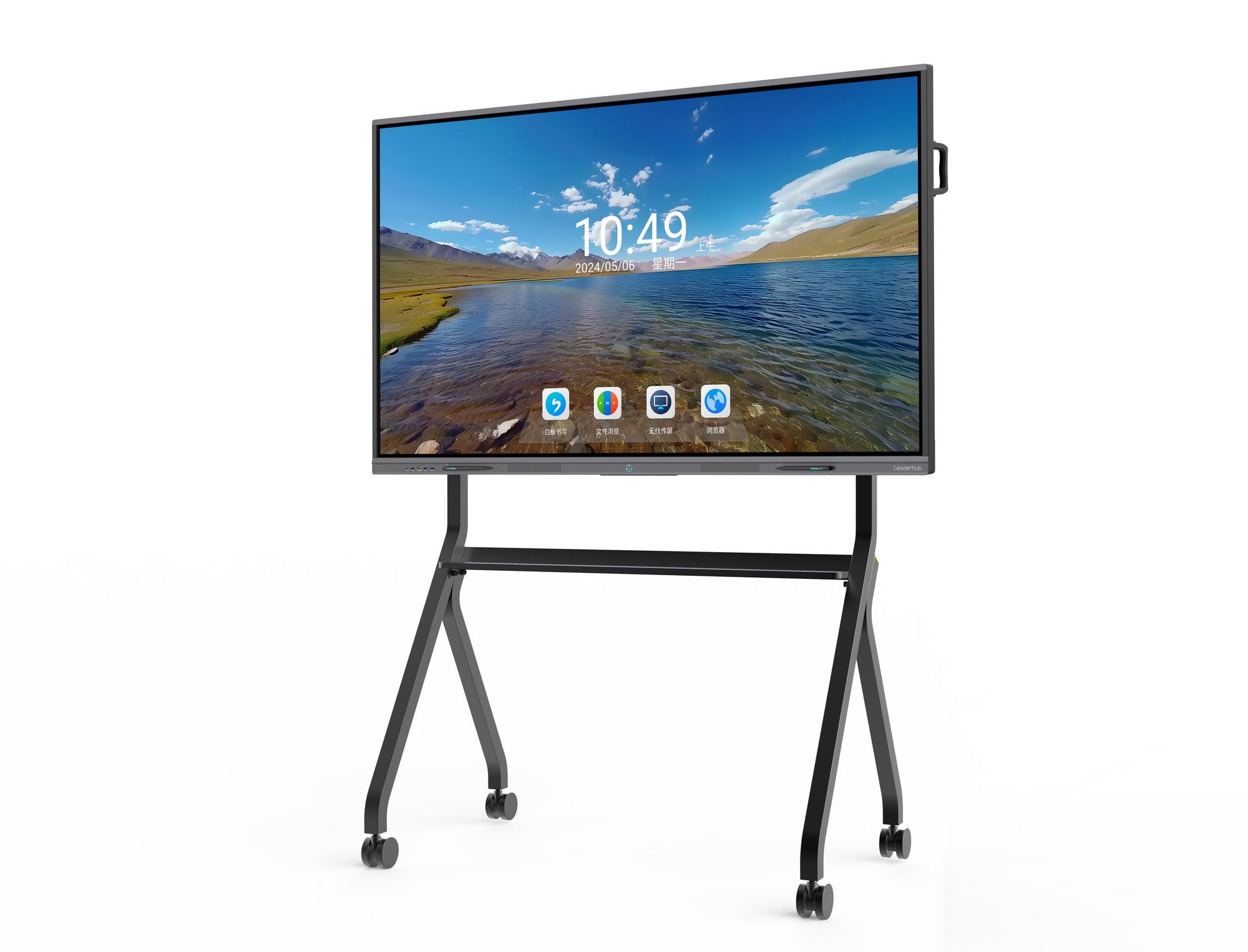
Why Long-Term Durability Matters More Than Initial Price
According to industry data from EdTech procurement studies, the average lifecycle of an interactive flat panel in educational settings is 5-7 years, while commercial deployments in meeting rooms often stretch to 8-10 years due to budget cycles. A device that fails prematurely — whether through touch-sensor degradation, panel burn-in, or outdated hardware — costs far more in replacement expenses, lost productivity, and IT support hours than a slightly higher upfront investment in quality hardware.
When evaluating a smart whiteboard for classrooms or offices, longevity should be assessed across four dimensions: hardware build quality, software update support, connectivity flexibility, and after-sales service.
1. Display Panel Quality and Touch Technology
The display panel is the single most important factor in long-term performance. Look for these specifications:
- 4K UHD resolution — ensures text and visuals remain sharp even as content resolution standards increase over time
- Anti-glare, tempered glass surface — reduces scratches and reflections from overhead lighting, extending usable lifespan
- Infrared (IR) or capacitive touch technology with at least 20-point multi-touch — allows multiple users to write and interact simultaneously without lag
- Wide viewing angles (178°) — critical for larger rooms where viewers sit off-center
In our own testing across LeaderHub’s L65HM and L86HM series, panels rated for 30,000+ hours of continuous operation showed negligible brightness degradation after two years of daily 8-hour classroom use — a benchmark worth requesting from any manufacturer you consider.
2. Processor and RAM: The Engine Behind Smooth Performance
Many buyers overlook the internal computing hardware, focusing only on the screen. However, an underpowered processor is the most common reason smart whiteboards feel “slow” within 12-18 months of purchase, especially as operating systems and apps receive updates.
| Use Case | Recommended RAM | Recommended Storage |
|---|---|---|
| Basic classroom annotation | 4GB – 8GB | 32GB – 64GB |
| Multimedia lessons & video streaming | 8GB | 64GB – 128GB |
| Business collaboration & video conferencing | 8GB – 16GB | 128GB+ |
For businesses requiring heavier multitasking — running CRM dashboards alongside video calls, for example — pairing a whiteboard with a dedicated mini PC can significantly extend the device’s useful life, since the compute hardware can be upgraded independently of the display.
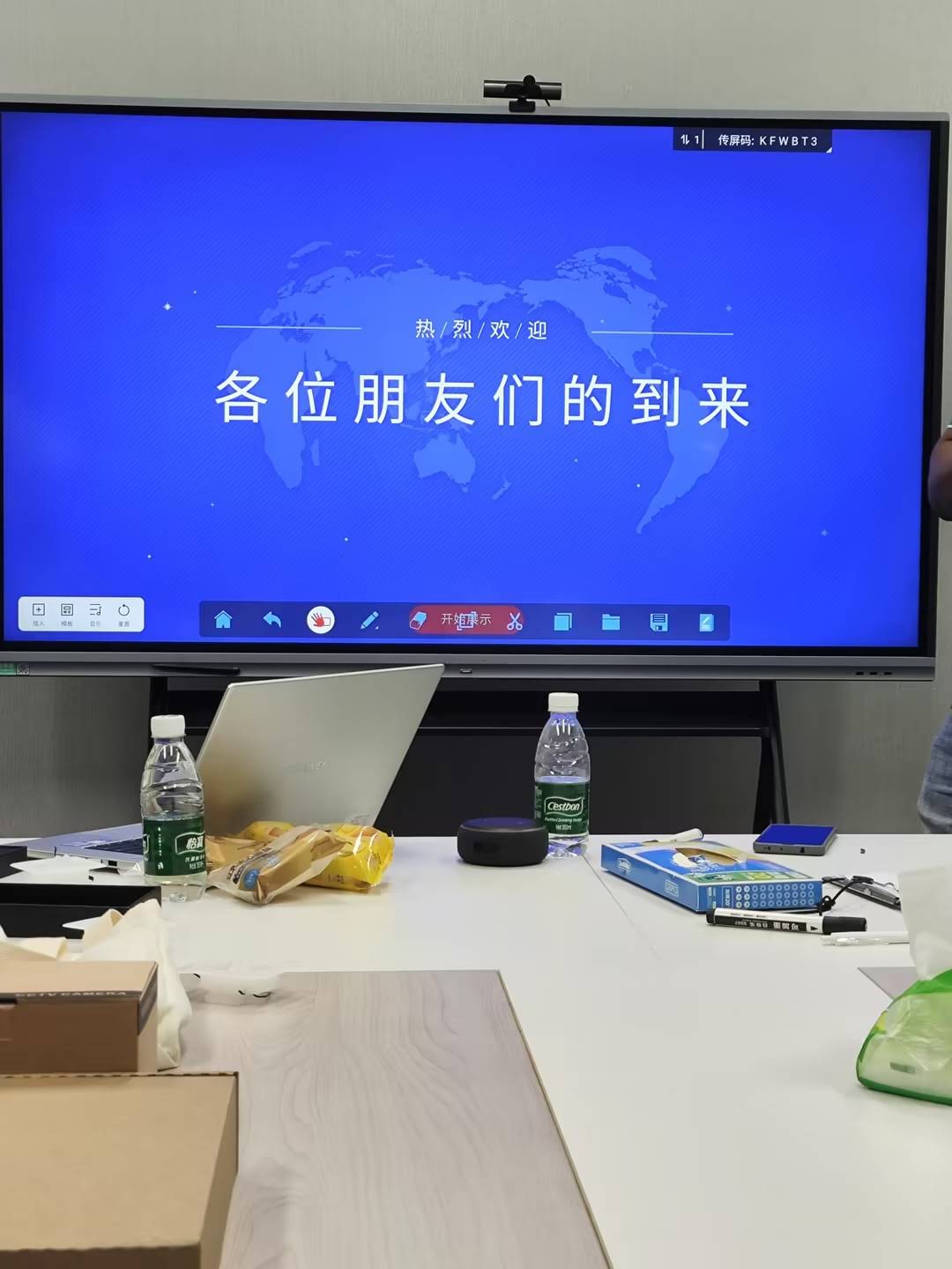
3. Operating System and Software Update Policy
This is arguably the most overlooked factor in long-term smart whiteboard ownership. Devices running outdated Android versions (Android 8 or earlier) often become incompatible with newer apps, security patches, and cloud collaboration tools within 3-4 years.
Before purchasing, ask the manufacturer directly:
- What is the current OS version, and how many years of software updates are guaranteed?
- Does the device support both Android and Windows dual-system operation for flexibility?
- Can firmware be updated remotely by IT staff, or does it require an on-site technician?
LeaderHub’s smart whiteboard lineup, for instance, ships with Android 13 or later as standard and supports OTA (over-the-air) firmware updates — a practical detail that has saved our enterprise clients significant IT maintenance time compared to older-generation panels requiring manual USB updates.
4. Connectivity and Future-Proofing
Technology standards evolve quickly. A whiteboard purchased today should still connect seamlessly with devices launched three or five years from now. Key connectivity features to verify include:
- USB-C with power delivery — increasingly the standard for laptops and mobile devices
- Wireless screen casting compatible with both iOS and Android ecosystems
- Built-in Wi-Fi 6 and Bluetooth 5.0+ — for stable, low-latency wireless connections
- Multiple HDMI inputs and OPS module slots — allowing future hardware upgrades without replacing the entire unit
Devices with modular OPS (Open Pluggable Specification) slots are particularly valuable for long-term use, since the computing module can be swapped out independently — extending the panel’s functional lifespan well beyond the compute hardware’s typical 4-5 year cycle.
5. Build Quality, Certifications, and Warranty Coverage
Reliability isn’t just about specs on paper — it’s about manufacturing consistency and quality control. When comparing brands, check for:
- International safety certifications (CE, FCC, RoHS)
- Metal chassis construction versus plastic housing (better heat dissipation and durability)
- Minimum 3-year warranty coverage, with 5+ years available from established manufacturers
- Availability of local or regional support and replacement parts
A manufacturer’s track record matters significantly here. Companies with over a decade of manufacturing history typically have more mature quality control processes and established supply chains for spare parts — both critical for keeping a device operational for its full intended lifespan.
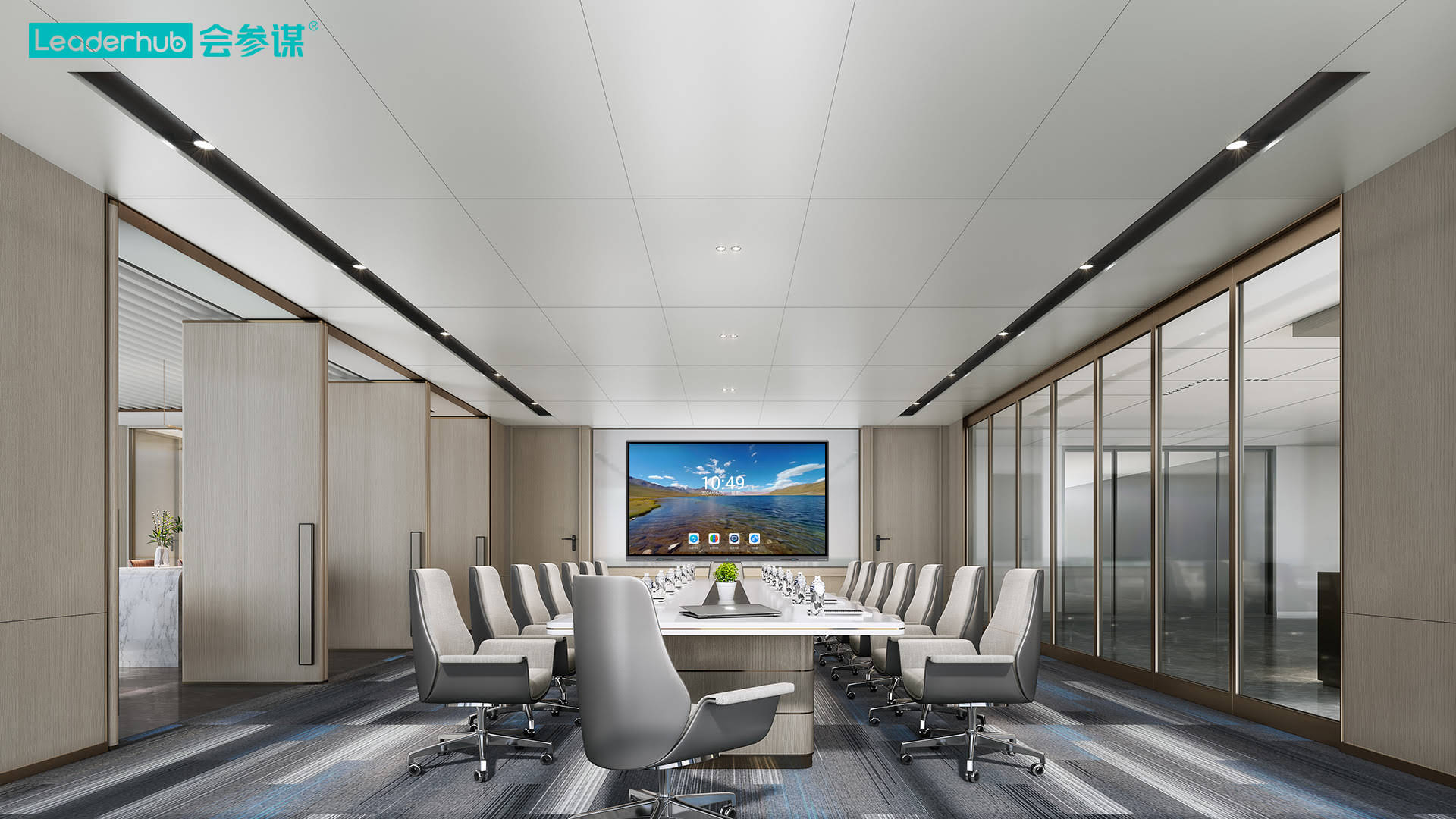
6. Software Ecosystem and Compatibility
A truly future-ready interactive display should integrate smoothly with the software your organization already uses — Google Workspace, Microsoft 365, Zoom, or specialized education platforms. Before purchasing, confirm:
- Native compatibility with major video conferencing platforms
- Pre-installed annotation and whiteboarding apps that don’t require constant re-licensing
- Support for third-party app installation via Android APK sideloading
- Cloud file syncing options for cross-device continuity
Real-World Example: Corporate Deployment Case Study
One of our enterprise partners, a financial services firm operating across three regional offices, replaced its aging projector-based conference rooms with 75-inch smart whiteboards in 2022. After 18 months of continuous use — averaging 6 hours of daily operation per unit — the company reported a 40% reduction in meeting setup time and zero hardware failures, attributing this to the panels’ anti-glare glass and modular OPS design, which allowed a simple compute module upgrade rather than a full device replacement when their IT team needed more processing power for video analytics software.
This kind of outcome illustrates why evaluating total cost of ownership — not just sticker price — is essential when selecting hardware meant to last through multiple technology refresh cycles.
Comparing Screen Sizes for Different Environments
| Room Type | Recommended Size | Typical Viewing Distance |
|---|---|---|
| Small huddle room / classroom | 55″ – 65″ | 1.5 – 3 meters |
| Standard classroom / meeting room | 65″ – 75″ | 3 – 5 meters |
| Large lecture hall / boardroom | 86″ – 110″ | 5+ meters |
Practical Checklist Before You Buy
Use this checklist when comparing options from different suppliers:
- ✅ 4K resolution with anti-glare tempered glass
- ✅ Minimum 8GB RAM for multitasking-heavy environments
- ✅ Guaranteed OS updates for at least 3-4 years
- ✅ OPS modular slot for future hardware upgrades
- ✅ Wi-Fi 6, Bluetooth 5.0+, and USB-C connectivity
- ✅ Minimum 3-year manufacturer warranty
- ✅ Verified customer reviews or case studies demonstrating multi-year reliability
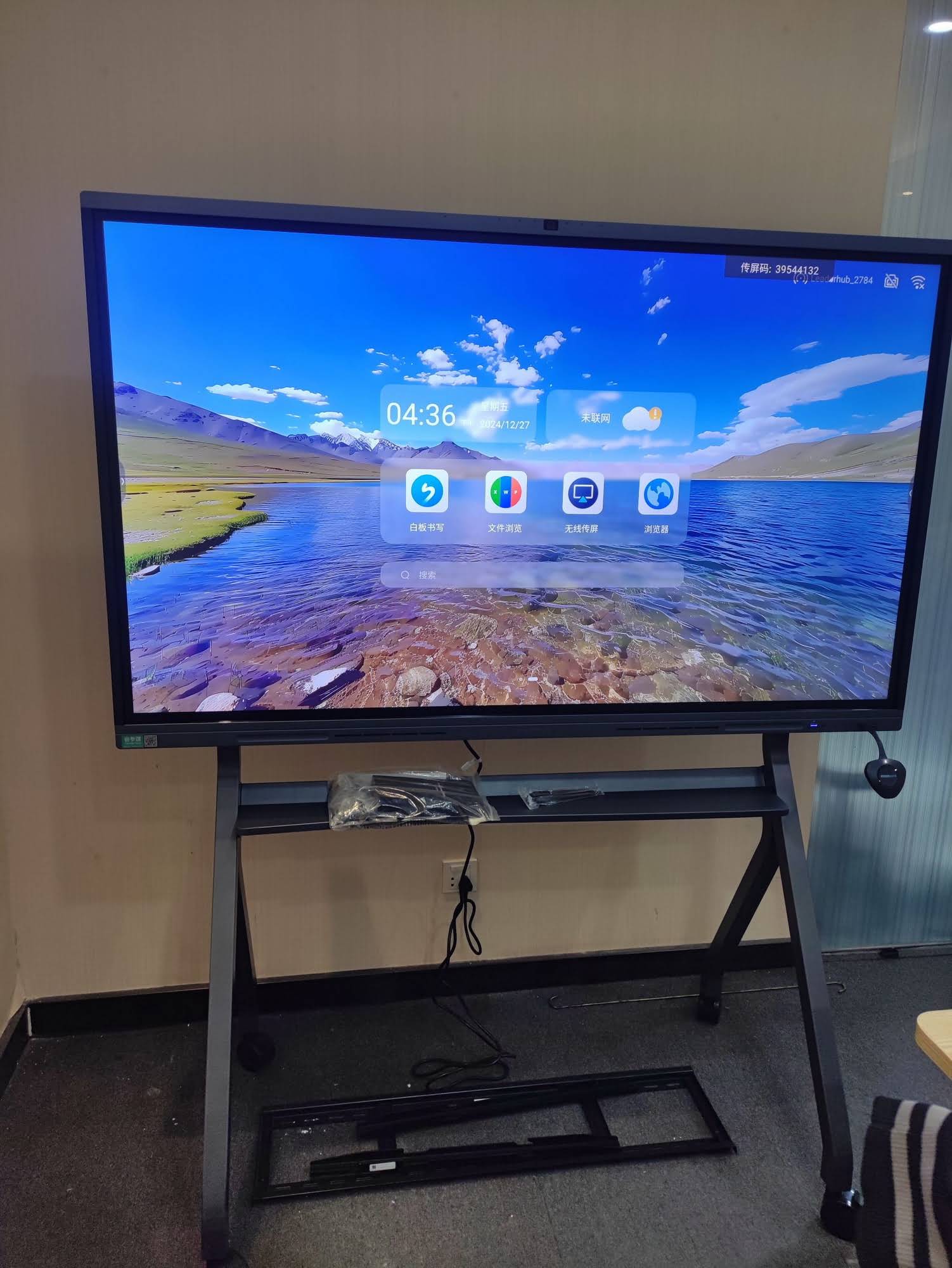
Choosing a Manufacturer You Can Trust
Beyond specifications, the manufacturer’s track record and support infrastructure play a decisive role in long-term satisfaction. LeaderHub, a Shenzhen-based technology company with 16 years of experience in the interactive panel industry, has supplied smart whiteboards, mini PCs, and portable smart screens to organizations in 82 countries — giving it deep insight into the durability challenges faced across diverse climates, usage patterns, and regulatory environments. This kind of cross-market experience often translates into more resilient hardware design and more responsive after-sales support compared to newer entrants in the market.
When evaluating any supplier, consider asking for references from similar-sized organizations, requesting sample units for a pilot trial period, and reviewing their documented warranty claim process before committing to a bulk purchase.
Final Thoughts
Selecting a smart whiteboard for long-term use requires looking past flashy marketing specs and focusing on the fundamentals: panel durability, processing power, software update commitments, connectivity flexibility, and manufacturer reliability. By applying the checklist and benchmarks outlined in this guide, schools, universities, and businesses can make a purchasing decision that remains functional, secure, and cost-effective for 5-8 years or longer — protecting both the initial investment and the daily productivity of everyone who relies on the device.








