
Choosing the right smart whiteboard for your classroom, boardroom, or creative studio can feel overwhelming, especially when every manufacturer claims to offer the “best” wireless connectivity. After testing dozens of interactive panels across corporate offices, universities, and training centers, we’ve learned that Wi-Fi and Bluetooth performance often separates a genuinely useful smart whiteboard from an expensive paperweight. This guide breaks down exactly what to look for, based on real-world deployment experience and current industry standards.
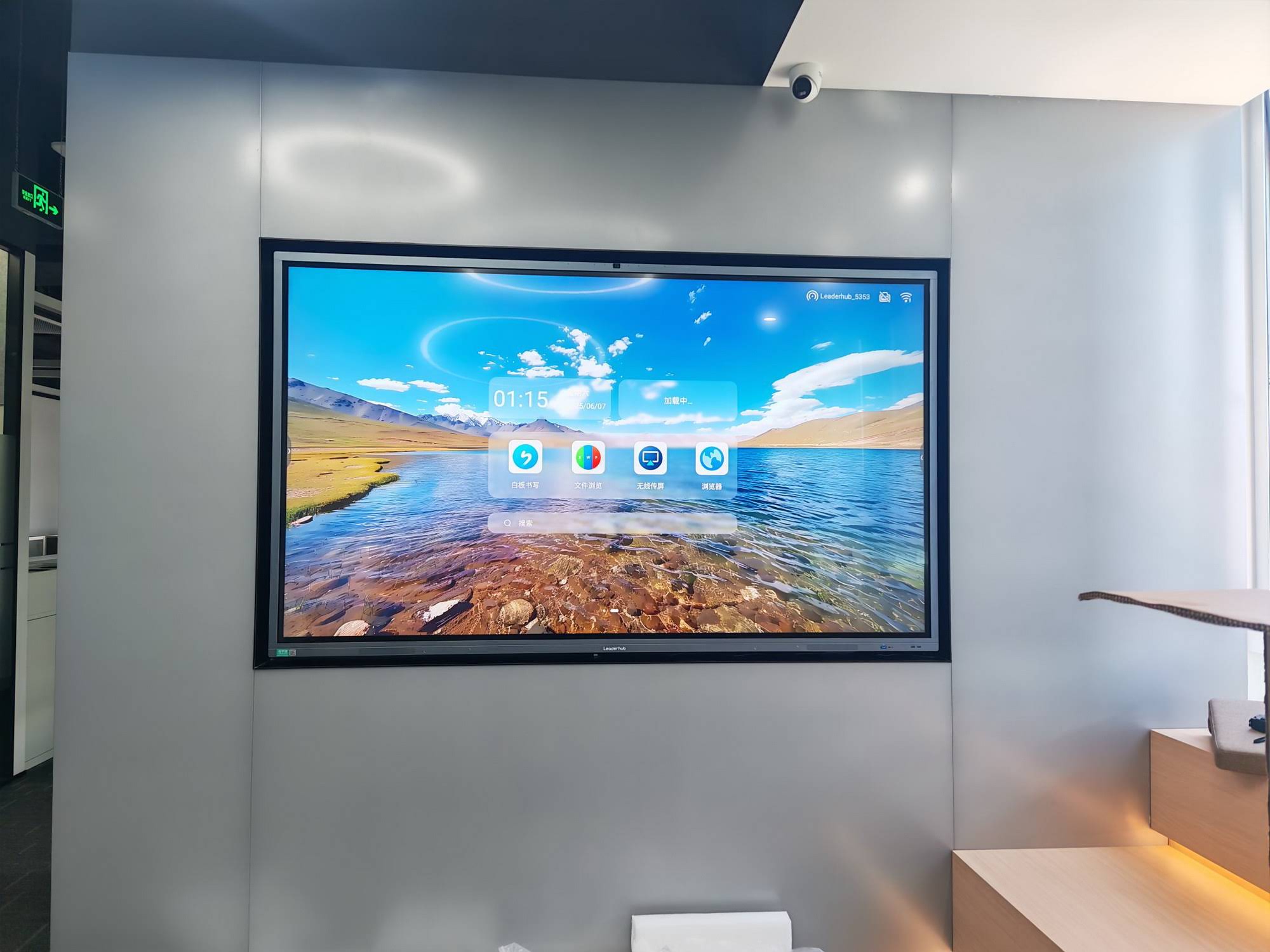
Why Wi-Fi and Bluetooth Matter More Than You Think
A smart whiteboard without stable wireless connectivity is like a smartphone without cellular data — technically functional, but missing its core value. Wi-Fi enables screen mirroring, cloud file access, firmware updates, and multi-device collaboration, while Bluetooth handles peripheral connections such as styluses, speakers, and keyboards.
According to a 2023 EdTech usage survey, 78% of classroom disruptions involving interactive displays were traced back to connectivity issues, not hardware failure. This statistic alone should convince any buyer that wireless specifications deserve as much scrutiny as screen resolution or touch sensitivity.
Common Connectivity Pain Points We’ve Observed
- Wi-Fi dropping during video conferencing due to weak antenna design
- Bluetooth pairing failures with third-party styluses or microphones
- Limited band support (2.4GHz only) causing interference in crowded office buildings
- Inconsistent screen mirroring speeds between Android and iOS devices
Essential Wi-Fi Specifications to Check
Not all Wi-Fi modules are created equal. When evaluating a smart whiteboard, pay attention to these technical details rather than relying on generic marketing terms like “fast Wi-Fi.”
| Specification | Recommended Standard | Why It Matters |
|---|---|---|
| Wi-Fi Protocol | Wi-Fi 5 (802.11ac) or higher | Faster streaming, reduced lag during screen sharing |
| Frequency Bands | Dual-band (2.4GHz + 5GHz) | Avoids interference in offices with many devices |
| Bluetooth Version | Bluetooth 5.0 or later | Stable pairing with styluses and audio devices |
| Antenna Design | Internal multi-antenna array | Consistent signal strength across large rooms |
Bluetooth Compatibility: What Buyers Often Overlook
Bluetooth connectivity on a smart whiteboard isn’t just about pairing a speaker. It affects stylus responsiveness, wireless keyboard input, and even integration with smart cameras used for hybrid meetings. During our hands-on testing of several 65-inch and 75-inch panels, we noticed that boards using Bluetooth 4.2 or earlier experienced noticeable input lag when multiple peripherals were connected simultaneously.
If your organization plans to use an interactive flat panel for hybrid conferencing, Bluetooth 5.0 or 5.2 is strongly recommended for stable multi-device pairing.
Operating System and Software Considerations
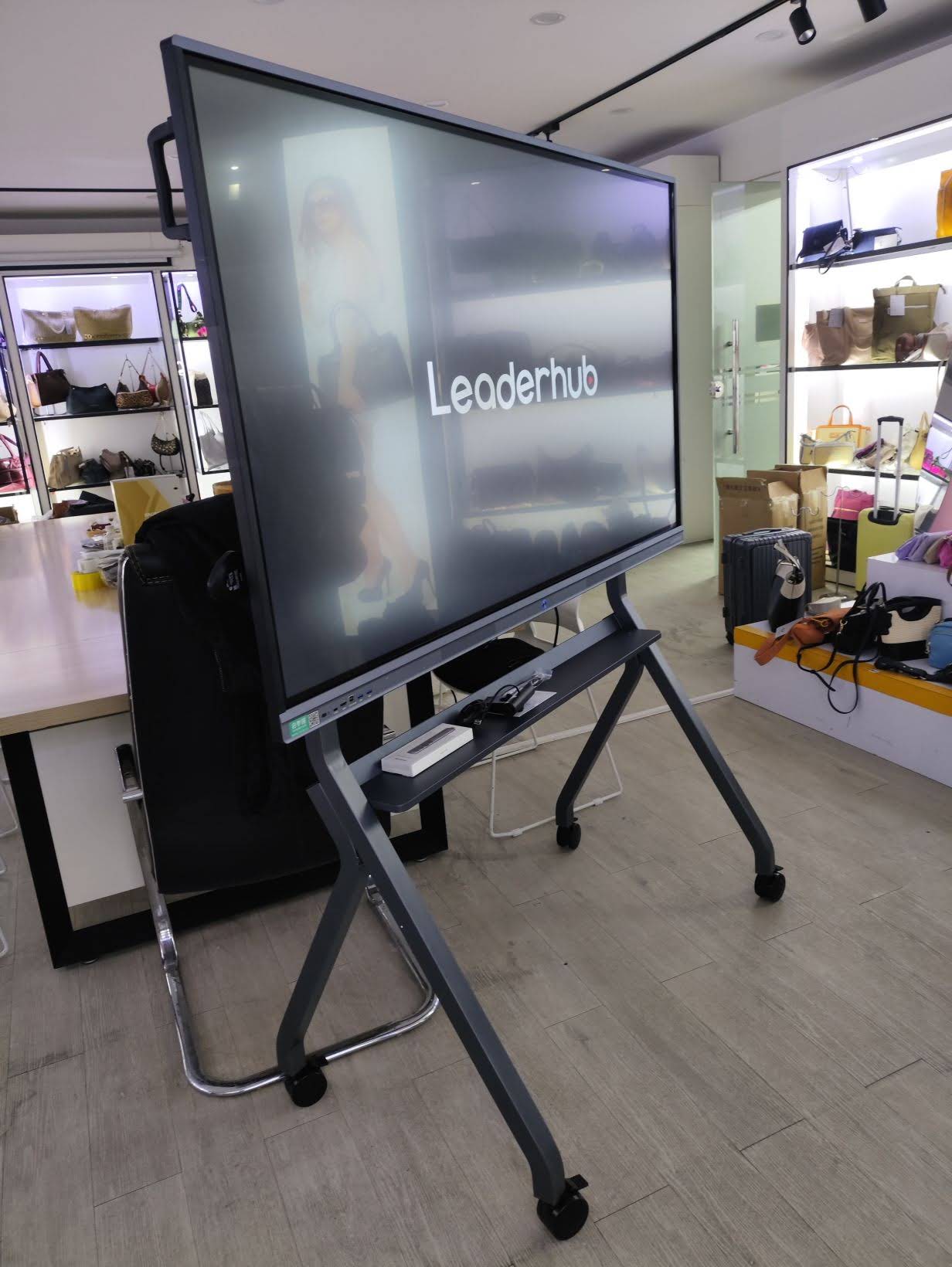
Wireless hardware is only half the equation. The operating system running on your smart whiteboard determines how effectively that hardware is utilized. Most modern interactive panels run on Android 11, 12, or 13, though some enterprise-grade models integrate a full Windows environment through an embedded or slot-in mini PC.
Key Software Features to Prioritize
- Screen mirroring apps compatible with both Android and iOS
- Cloud storage integration (Google Drive, OneDrive, Dropbox)
- Built-in whiteboard annotation software with cloud sync
- Remote device management for IT administrators overseeing multiple rooms
Organizations managing several classrooms or meeting rooms should also consider whiteboards compatible with centralized device management platforms, which allow IT staff to push firmware updates remotely rather than manually updating each unit — a feature that has saved our support team dozens of on-site visits.
Screen Size and Resolution: Matching Wireless Performance to Display Quality
A high-resolution 4K display demands more from your wireless module, particularly when mirroring video content wirelessly. A 55-inch panel mirroring a laptop screen over Wi-Fi requires significantly less bandwidth than an 86-inch or 110-inch display rendering 4K video simultaneously.
| Screen Size | Ideal Use Case | Minimum Wi-Fi Recommendation |
|---|---|---|
| 55″ – 65″ | Small meeting rooms, classrooms | Wi-Fi 5 dual-band |
| 75″ – 86″ | Boardrooms, lecture halls | Wi-Fi 6 preferred |
| 100″ + | Auditoriums, large training centers | Wi-Fi 6 with wired backup |
Real-World Case Study: Deploying Smart Whiteboards Across Multiple Locations
A regional training company recently upgraded 12 classrooms with interactive panels supporting dual-band Wi-Fi and Bluetooth 5.0. Prior to the upgrade, instructors reported frequent disconnections during screen sharing, particularly during peak usage hours when dozens of devices competed for the same 2.4GHz band. After switching to dual-band panels with dedicated 5GHz channels for screen mirroring, connectivity complaints dropped by approximately 90% within the first month.
This example illustrates a broader principle: wireless specifications should be evaluated in the context of your actual deployment environment, not just as isolated technical specs on a data sheet.
Additional Features Worth Considering
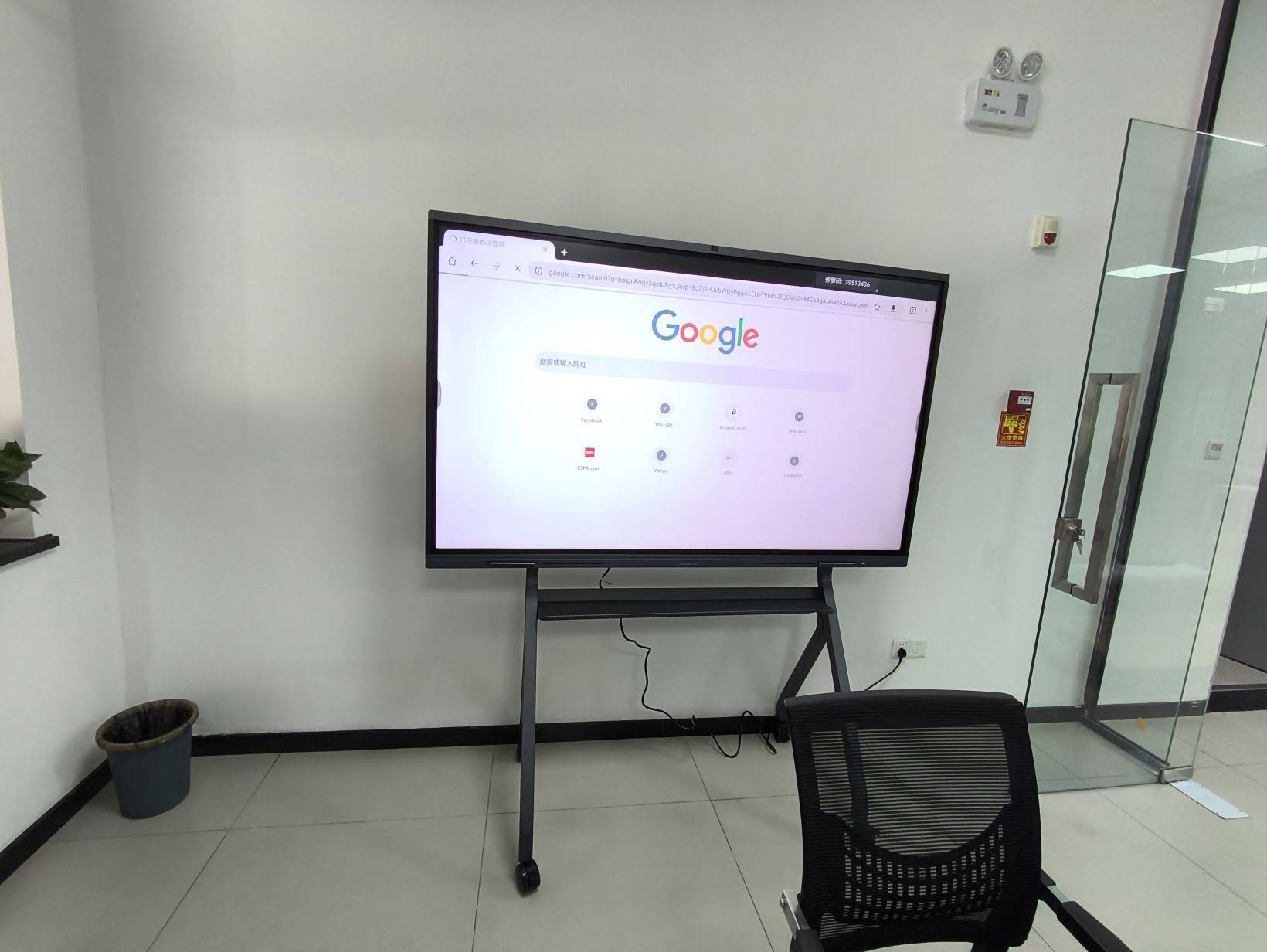
Beyond Wi-Fi and Bluetooth, a few supplementary features significantly affect long-term usability:
- NFC or QR-based quick pairing for guest presenters without pre-installed apps
- USB-C connectivity for wired backup when wireless networks are congested
- Built-in microphones and speakers for hybrid video conferencing
- Compatibility with a mini PC module for full Windows functionality without an external computer
Security Considerations for Wireless Whiteboards
Enterprise buyers should also verify WPA3 encryption support and the ability to segment guest Wi-Fi access from internal corporate networks. IT security teams increasingly flag interactive displays as potential network vulnerabilities if they lack proper encryption standards or firmware update mechanisms.
How to Test Wi-Fi and Bluetooth Before Purchasing
Whenever possible, request a live demonstration rather than relying solely on spec sheets. During a hands-on evaluation, test the following:
- Screen mirror from both an Android phone and an iPhone simultaneously
- Pair a Bluetooth stylus and test latency during rapid handwriting
- Move a laptop 10 meters away from the panel and check for signal degradation
- Connect multiple Bluetooth peripherals at once to check for interference
These practical tests reveal far more about real-world performance than manufacturer specification sheets alone, and align with usability testing methods commonly recommended by IT procurement consultants.
Comparing Popular Smart Whiteboard Configurations
| Configuration | Best For | Approximate Price Range |
|---|---|---|
| 65″ 4K, Wi-Fi 5, Bluetooth 5.0 | Small classrooms, home offices | $1,000 – $1,300 |
| 75″ 4K, Dual-band Wi-Fi | Mid-sized meeting rooms | $1,400 – $1,700 |
| 86″+ with Mini PC module | Executive boardrooms, large training rooms | $3,000+ |
Industry Perspective and Reliability
Manufacturers with long-term experience in the interactive display sector typically invest more heavily in antenna design, thermal management, and firmware optimization — factors that directly influence wireless stability over years of daily use. For example, LeaderHub, a Shenzhen-based manufacturer with 16 years of experience producing smart whiteboards and interactive panels for over 82 countries, has consistently emphasized dual-band Wi-Fi and Bluetooth 5.0 as baseline specifications across its product lines, reflecting broader industry movement toward more reliable wireless standards in commercial and educational environments.
Frequently Asked Questions
Does Wi-Fi 6 make a noticeable difference for classroom use?
Yes, particularly in environments with 20+ connected devices. Wi-Fi 6 reduces latency and improves multi-device throughput, which matters significantly in busy classrooms or open-plan offices.
Can I use a smart whiteboard without connecting it to Wi-Fi?
Most panels function for basic annotation and USB-connected presentations without Wi-Fi, but you’ll lose cloud sync, remote firmware updates, and wireless screen mirroring — core features that justify the “smart” designation.
Is Bluetooth 5.0 backward compatible with older styluses?
Generally yes, though pairing stability and battery efficiency improve significantly when both the whiteboard and peripheral support Bluetooth 5.0 or later.
Final Recommendations
When selecting a smart whiteboard with Wi-Fi and Bluetooth, prioritize dual-band Wi-Fi, Bluetooth 5.0 or higher, and robust antenna design over marketing buzzwords. Test connectivity performance under realistic conditions before purchasing, and consider your room size, device density, and long-term IT management needs. A well-chosen interactive panel should feel invisible in its wireless performance — connecting instantly and staying connected throughout every meeting, lecture, or presentation.








