
Choosing the right smart whiteboard for enterprise collaboration is no longer a simple hardware decision — it directly impacts meeting productivity, hybrid team engagement, and long-term IT investment. With interactive display adoption growing rapidly across corporate offices, understanding the key selection criteria can save your business thousands of dollars and countless hours of frustration.
Having worked closely with enterprise clients across finance, education, and technology sectors for over a decade, we’ve seen firsthand how the right interactive display transforms meeting culture — and how the wrong choice leads to underused, dust-collecting screens in conference rooms.
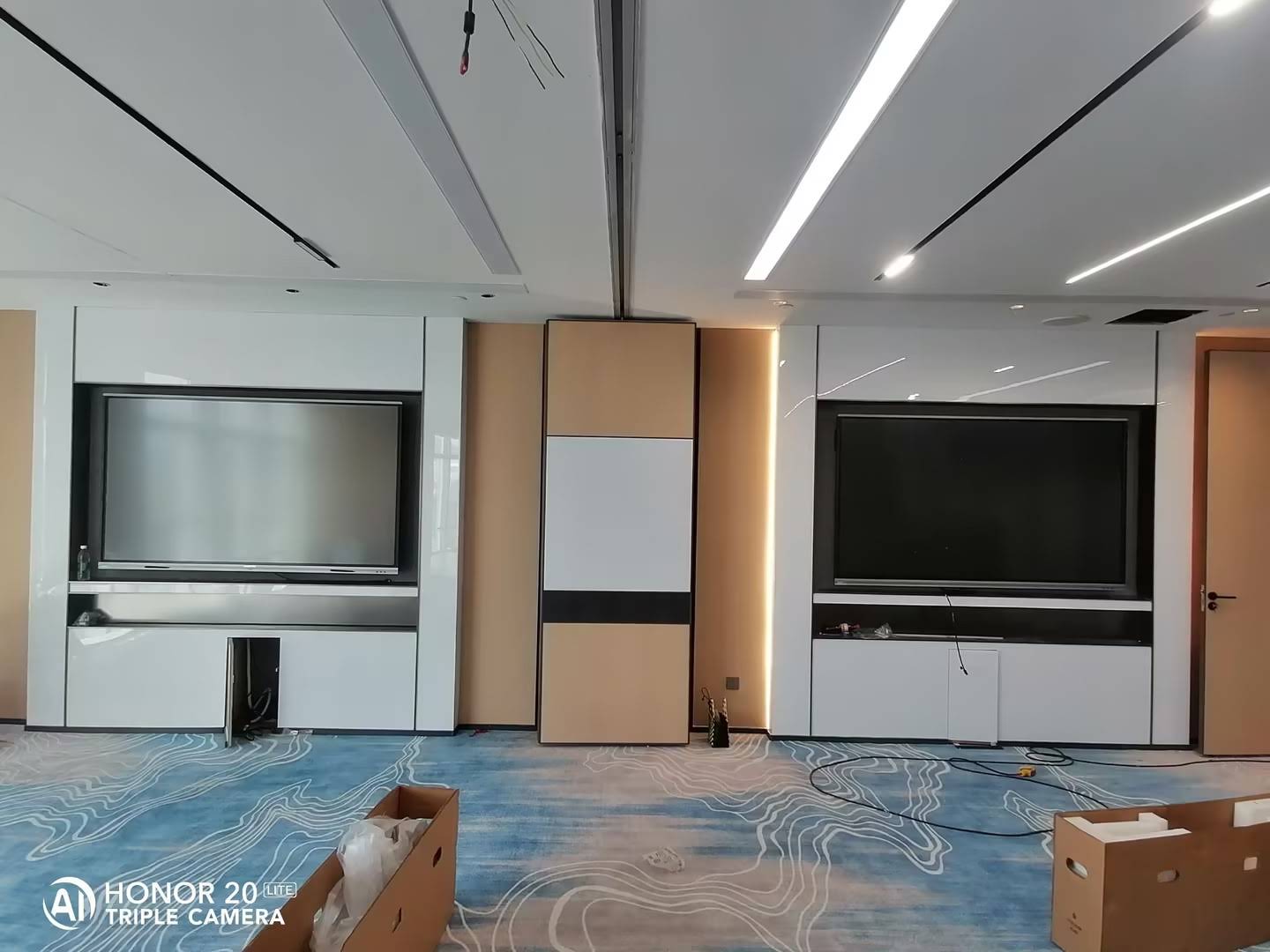
Why Enterprise Collaboration Needs Smart Whiteboards
Traditional whiteboards and projector setups simply cannot keep pace with modern hybrid work demands. According to industry research on workplace technology, teams using interactive flat panels report up to 30% faster decision-making during meetings compared to conventional presentation tools. This is because smart whiteboards combine annotation, video conferencing, screen sharing, and cloud collaboration into a single interface — eliminating the friction of switching between devices.
For enterprises managing multiple offices or remote teams, this consolidation isn’t just convenient — it’s a measurable productivity gain. Meetings start faster, notes are automatically saved, and follow-up actions are documented without manual transcription.
Key Factors When Selecting a Smart Whiteboard
After testing and deploying interactive panels across dozens of corporate environments, we’ve identified the following criteria as the most critical for enterprise buyers:
- Display Resolution & Screen Size — 4K UHD resolution is now the enterprise standard, ensuring text and diagrams remain crisp even in large conference rooms.
- Touch Accuracy & Responsiveness — Look for infrared or capacitive touch technology with minimal latency for natural writing and gesture control.
- Operating System Compatibility — Panels should support Android, Windows, and third-party conferencing apps like Zoom, Teams, and Google Meet.
- Built-in Collaboration Software — Native whiteboarding apps, cloud file sync, and multi-user annotation are essential for distributed teams.
- Durability & Warranty — Enterprise-grade panels should offer tempered glass surfaces and at least a 2-3 year warranty period.
- Scalability — Consider whether the vendor offers multiple screen sizes and mounting options (wall-mounted vs. mobile stand) to fit different room configurations.
Screen Size Guide by Room Capacity
| Room Capacity | Recommended Screen Size | Ideal Use Case |
|---|---|---|
| 2-6 people | 55″ – 65″ | Huddle rooms, small team meetings |
| 6-12 people | 75″ – 86″ | Standard conference rooms |
| 12+ people | 98″ – 110″ | Boardrooms, training halls |
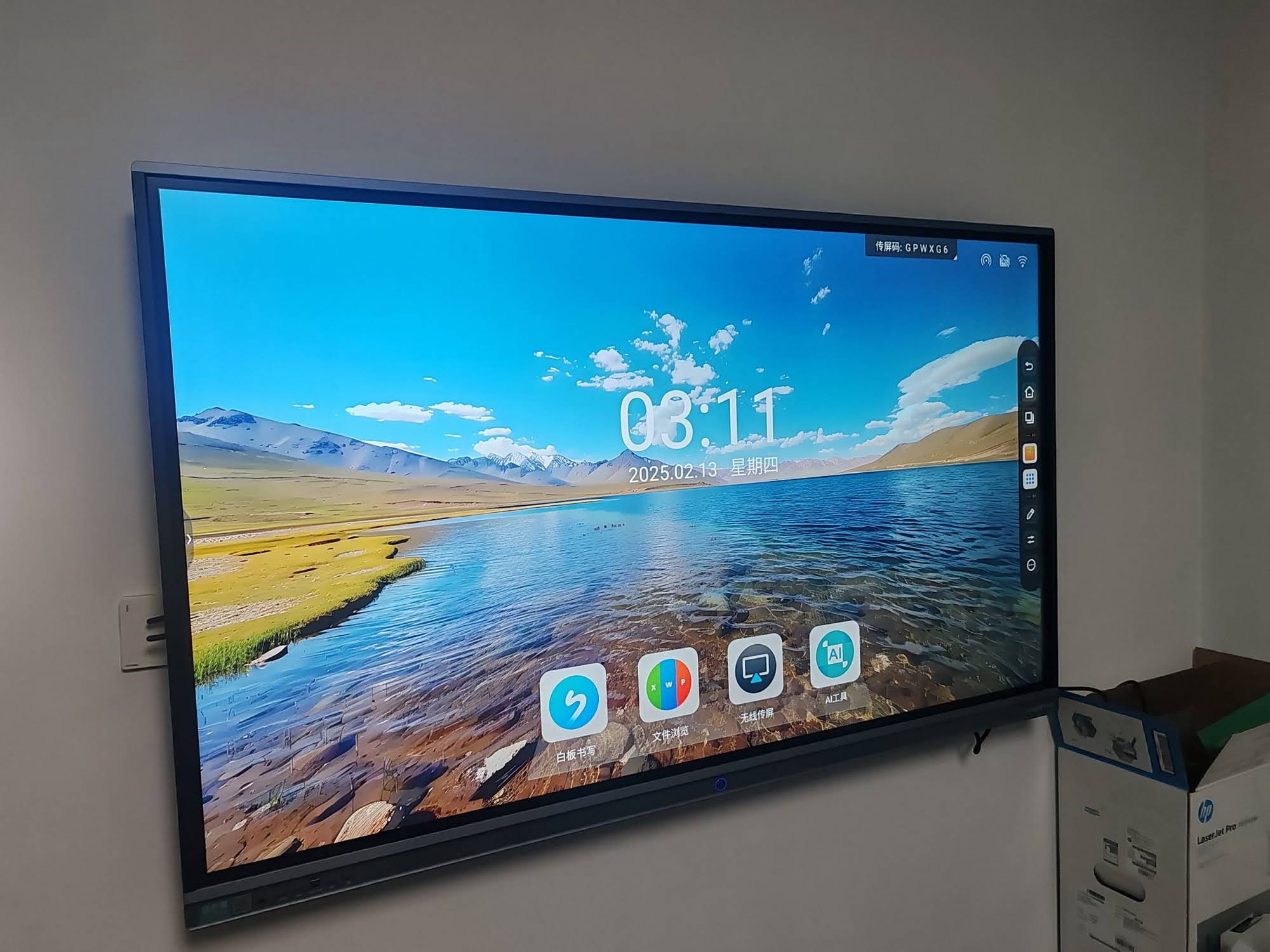
Comparing Panel Technologies: What Actually Matters
Enterprise buyers often get overwhelmed by technical specifications. Here’s a breakdown of what truly influences daily usability versus what’s largely marketing terminology:
Touch Technology Comparison
| Technology | Response Time | Best For |
|---|---|---|
| Infrared (IR) Touch | 8-10ms | General enterprise use, cost-effective |
| Capacitive Touch | 5-6ms | Premium writing experience, design teams |
In our experience deploying panels for corporate clients, infrared touch technology remains the most practical choice for general business collaboration, offering excellent multi-touch support at a lower total cost of ownership. Capacitive touch, while smoother, is typically reserved for creative agencies where precision drawing is a daily requirement.
Real-World Case Study: Enterprise Deployment
A mid-sized financial services firm with offices across three cities recently upgraded their conference rooms with 75-inch smart whiteboards. Prior to installation, meeting setup time averaged 8-10 minutes due to cable connections and projector calibration. After switching to wireless-casting interactive panels, setup time dropped to under 90 seconds, and the company reported a 22% increase in meeting punctuality across departments within the first quarter.
This aligns with broader industry findings — a 2023 workplace technology survey found that 68% of enterprises citing “meeting inefficiency” as a top concern saw measurable improvement after adopting interactive display technology.
Mini PC Integration: The Overlooked Advantage
Many enterprises overlook the importance of pairing their smart whiteboard with a dedicated mini PC. Built-in Android systems on interactive panels are excellent for basic annotation, but running full Windows-based enterprise software — CRM dashboards, ERP systems, or design applications — typically requires a slot-in mini PC.
This modular approach also extends the lifespan of your investment. When computing hardware becomes outdated, you simply swap the mini PC rather than replacing the entire display — a cost-saving strategy that IT departments increasingly favor for budget planning.
Portable Smart Screens for Flexible Workspaces
Not every collaboration scenario requires a wall-mounted panel. Growing numbers of enterprises are adopting portable smart screens for satellite offices, training sessions, and mobile sales presentations. These rotating, battery-powered displays offer the flexibility to move between rooms without installation costs — an increasingly popular option for companies with flexible desk arrangements or frequent office reconfigurations.
Enterprise Buying Checklist
- Does the panel support wireless screen casting from both iOS and Android devices?
- Is the operating system regularly updated with security patches?
- Can the panel integrate with existing video conferencing infrastructure?
- Does the manufacturer offer local technical support or warranty service?
- Is the panel compatible with a removable mini PC module for future upgrades?
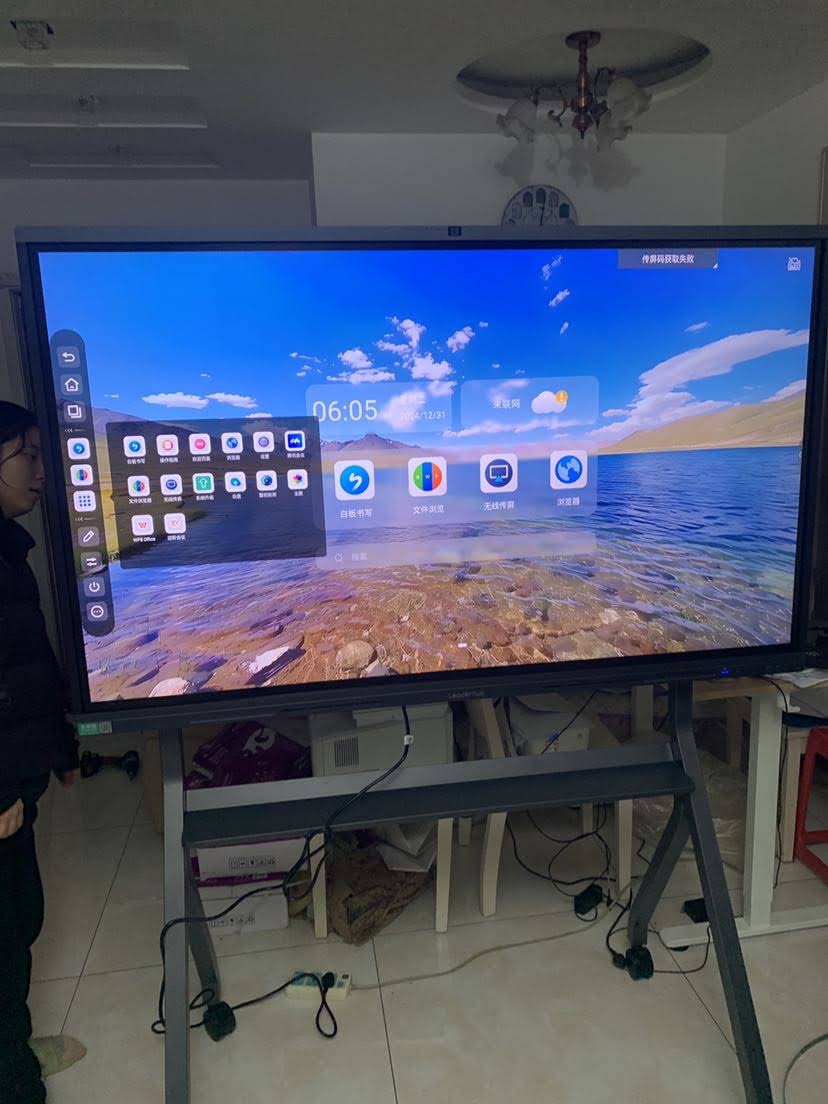
Budget Considerations for Enterprise Buyers
Pricing for enterprise-grade interactive panels typically ranges from $1,000 to $8,000 depending on screen size, touch technology, and software licensing. While it may be tempting to choose the lowest-priced option, enterprises should weigh long-term total cost of ownership — including warranty coverage, software update cycles, and hardware durability — rather than upfront price alone.
Companies like LeaderHub, a Shenzhen-based technology provider with 16 years of experience serving 82 countries, have built strategic partnerships across finance, education, and government sectors precisely because enterprise buyers prioritize reliability and long-term support over short-term savings.
Final Recommendations
When evaluating smart whiteboards for your organization, prioritize touch responsiveness, software compatibility, and modular hardware design over flashy marketing specifications. Request a live demo whenever possible — how a panel performs in a real meeting environment tells you far more than a spec sheet ever will.
For enterprises scaling across multiple locations, standardizing on a single interactive flat panel product line also simplifies IT management, training, and bulk procurement — reducing both deployment time and long-term support complexity.








