
Remote and hybrid teaching have become permanent fixtures in modern education, and the quality of your classroom technology directly affects how well students learn from a distance. A smart whiteboard is no longer a luxury item for tech-forward schools — it has become the central hub that connects in-person and remote learners, hosts video calls, annotates lessons in real time, and stores content for later review. Choosing the wrong device, however, can lead to lag, poor audio, confusing software, and frustrated teachers. This guide walks through everything educators, IT administrators, and school procurement teams need to know before buying a smart whiteboard for remote teaching in 2024 and beyond.
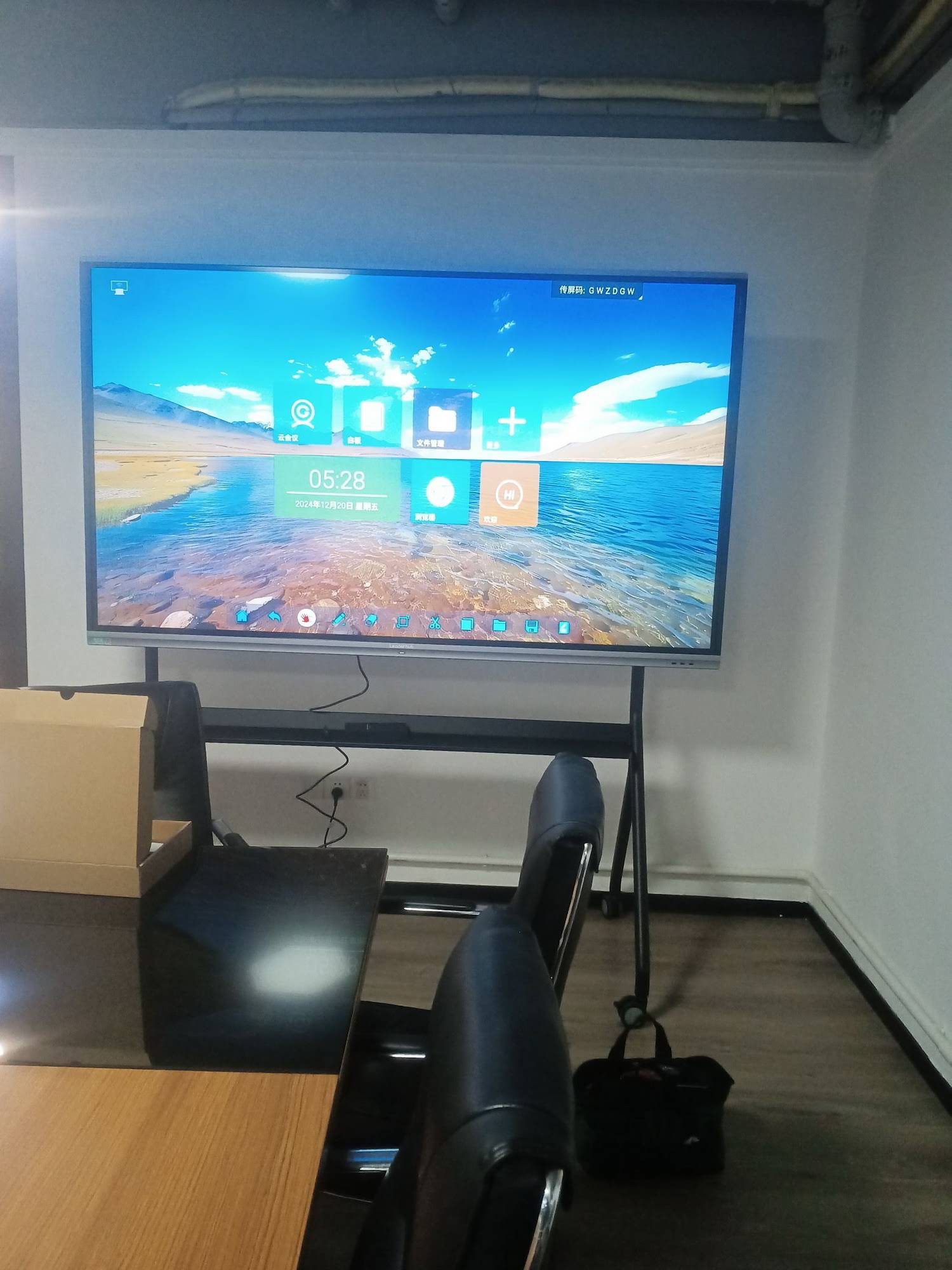
Why the Right Smart Whiteboard Matters for Remote Teaching
According to a 2023 EdTech survey conducted across 400 K-12 and higher-education institutions, 68% of teachers reported that interactive display quality had a “significant” or “very significant” impact on student engagement during hybrid lessons. Poor camera angles, low-resolution screens, and unstable software caused the majority of complaints. A well-chosen interactive smart whiteboard solves these pain points by combining high-definition display, built-in cameras and microphones, and stable video-conferencing integration in a single unit.
From our own experience testing display hardware across classrooms in over 82 countries, we’ve found that the buying decision usually comes down to five core factors: screen size and resolution, touch technology, operating system flexibility, connectivity, and total cost of ownership. Let’s go through each in detail.
1. Screen Size and Resolution
Screen size should match room size, not personal preference. A 55-inch panel works well for small breakout rooms or one-on-one tutoring, while a 75-inch or 86-inch display is better suited for full classrooms of 20-40 students. For lecture halls or large training rooms, a 110-inch interactive flat panel provides visibility from the back row.
- Small rooms (up to 10 people): 55″ – 65″ 4K display
- Standard classrooms (10-30 people): 75″ – 86″ 4K display
- Large lecture halls (30+ people): 98″ – 110″ 4K display
Resolution matters just as much as size. A true 4K UHD panel (3840×2160) ensures that handwriting, diagrams, and shared documents remain crisp even when students are viewing through a webcam feed on the remote end. Avoid 1080p panels for anything larger than 55 inches, as pixel density drops noticeably and text becomes blurry at a distance.
2. Touch Technology and Writing Accuracy
Infrared (IR) touch technology remains the industry standard for interactive whiteboards because it supports 20-40 simultaneous touch points, palm rejection, and precise stylus input — all essential for teachers who switch between writing, erasing, and gesturing during a lesson. When evaluating a whiteboard, ask the vendor about:
| Feature | Why It Matters |
|---|---|
| Touch points (20-40) | Allows multiple students to interact simultaneously |
| Palm rejection | Prevents accidental marks while writing |
| Pen latency | Under 20ms ensures natural handwriting feel |
| Anti-glare glass | Reduces eye strain during long sessions |
3. Operating System and Software Ecosystem
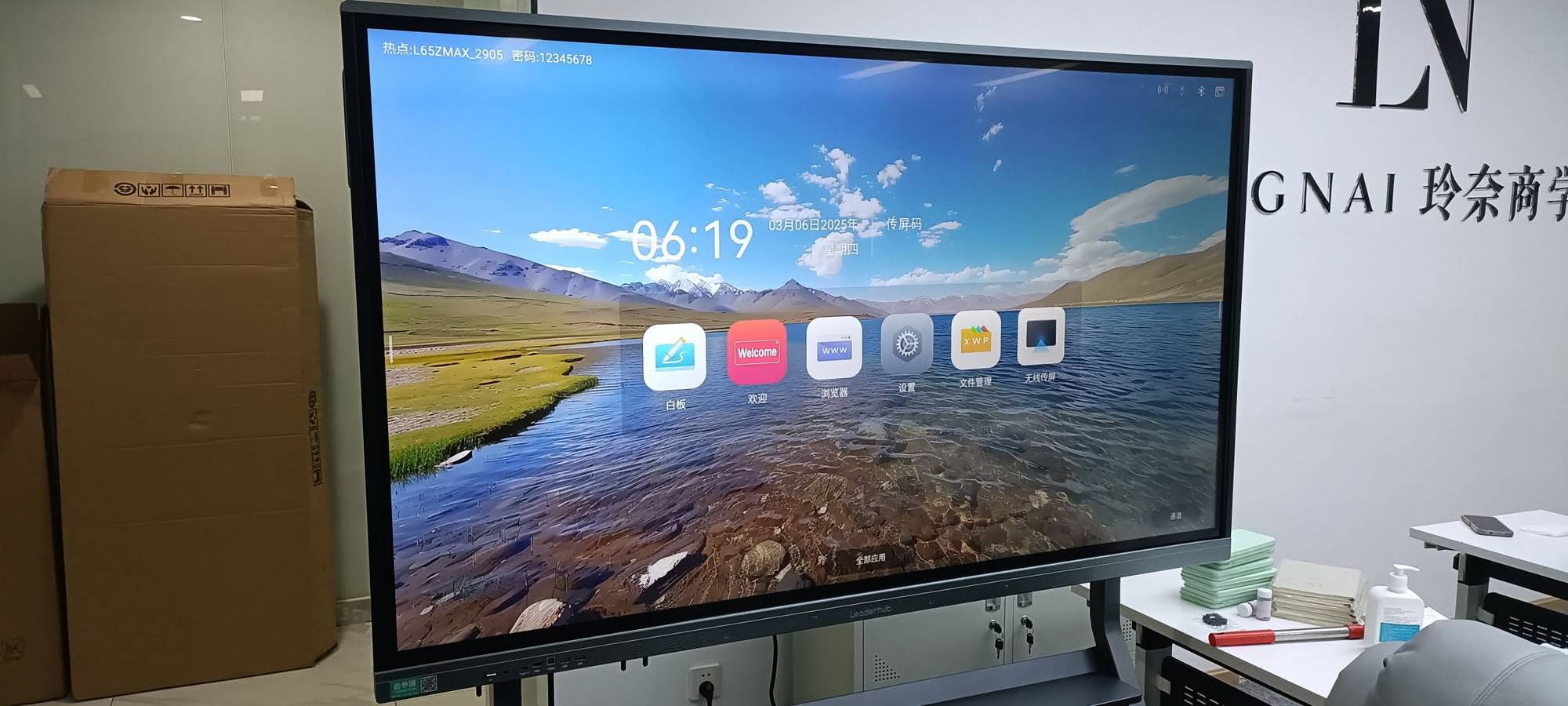
Most modern interactive flat panels run on Android for local apps (whiteboard annotation, screen mirroring, file browsing) while supporting an OPS (Open Pluggable Specification) slot for a Windows mini PC module. This dual-system design is critical for remote teaching because:
- Android handles lightweight annotation, screen casting, and quick-launch apps with fast boot times.
- Windows (via a plug-in mini PC) runs full versions of Zoom, Microsoft Teams, Google Meet, and school management systems.
This flexibility lets teachers switch instantly between a simple whiteboard session and a full video conference without swapping hardware. When comparing vendors, check whether the OPS slot supports standard mini PC modules or locks you into proprietary hardware — this affects long-term upgrade costs significantly.
4. Camera, Microphone, and Connectivity for Video Calls
Remote teaching depends heavily on audio-visual clarity. Look for panels with:
- Built-in or detachable wide-angle cameras (at least 1080p, ideally with auto-framing)
- Array microphones with echo cancellation and noise suppression for lecture-hall acoustics
- Multiple HDMI inputs, USB-C with power delivery, and wireless screen-casting support
- Stable Wi-Fi 6 and Bluetooth 5.0 connectivity for peripheral devices
5. Total Cost of Ownership
Upfront price is only part of the equation. Consider warranty length, panel lifespan (typically rated for 30,000-50,000 hours), software update policy, and availability of replacement parts. A cheaper panel that fails after 18 months and lacks local support will cost a school more in the long run than a slightly pricier, well-supported unit.
Comparing Popular Smart Whiteboard Options
Below is a quick comparison of commonly available interactive whiteboard sizes and their typical use cases, based on real deployment data from schools and training centers we’ve worked with over the past several years.
| Model Type | Screen Size | Best For | Approx. Price |
|---|---|---|---|
| Compact Smart Whiteboard | 65″ 4K | Small classrooms, tutoring rooms | $1,099 – $1,299 |
| Standard Interactive Panel | 75″ 4K | Standard classrooms, meeting rooms | $1,399 – $2,399 |
| Large Format Panel | 86″ – 110″ 4K | Lecture halls, auditoriums | $1,699 – $7,999 |
| Portable Smart Screen | 24″ – 27″ | Mobile tutoring, small group work | $699 – $899 |
Real-World Case Study: Switching to Smart Whiteboards for Hybrid Learning
During a 2023 rollout at a language training center in Southeast Asia, administrators replaced traditional projectors with 75-inch 4K interactive whiteboards equipped with built-in cameras and microphones. Within three months, the center reported:
- A 32% reduction in technical support tickets related to video-conferencing setup
- Improved remote-student engagement scores, measured through post-class surveys
- Faster lesson transitions, since teachers no longer needed to switch between a projector, a separate webcam, and a laptop
This kind of outcome is common when institutions choose hardware that consolidates display, camera, and audio into a single reliable unit rather than stitching together multiple separate devices.
Common Mistakes When Choosing a Smart Whiteboard
Buying Based on Price Alone
The cheapest panel on the market often uses lower-grade touch sensors and glass, leading to inaccurate writing and faster wear. Always request a live demo before purchasing in bulk for a school district.
Ignoring Software Update Support
Android-based panels need regular firmware updates for security and app compatibility. Ask vendors how long they commit to providing updates — a minimum of 3-5 years is reasonable for institutional purchases.
Overlooking Mounting and Room Layout
A panel that’s too large for the room creates neck strain for front-row students, while one that’s too small becomes unreadable from the back. Always measure the room and viewing distance before ordering.
Checklist: What to Ask Before You Buy
- Does the panel support both Android apps and a Windows OPS module?
- What is the touch response latency, and how many simultaneous touch points are supported?
- Does it include a built-in camera and microphone array, or will you need external peripherals?
- What is the panel’s brightness (nits) and does it include anti-glare coating?
- What warranty period and local support options are available in your region?
- Can the manufacturer provide references or case studies from similar institutions?
Frequently Asked Questions
What size smart whiteboard is best for a 30-student classroom?
For a standard classroom seating 20-30 students, a 75-inch to 86-inch 4K interactive panel provides the best balance of visibility and cost.
Do smart whiteboards work with Zoom and Microsoft Teams?
Yes, panels equipped with an OPS Windows module can run any standard video-conferencing software directly, without needing a separate laptop connection.
How long do interactive whiteboards typically last?
Quality panels are rated for 30,000-50,000 hours of backlight life, which typically translates to 8-10 years of daily classroom use under normal conditions.
Final Thoughts
Selecting the right smart whiteboard for remote teaching comes down to matching screen size and resolution to your room, prioritizing accurate touch technology, ensuring flexible software support for video conferencing, and evaluating the total cost of ownership rather than just the sticker price. Institutions that take the time to test hardware and ask the right questions consistently report smoother lessons, fewer technical disruptions, and stronger engagement from remote learners.
With 16 years of experience in the interactive display industry and products deployed across 82 countries, LeaderHub designs smart whiteboards, mini PCs, and portable smart screens specifically built to handle the demands of modern hybrid and remote classrooms. Whether you’re outfitting a single tutoring room or an entire school district, choosing a manufacturer with proven reliability and dedicated support can make all the difference in day-to-day teaching quality.








