
Small classrooms present a unique challenge for teachers and administrators: how do you bring the power of interactive technology into a space where every square foot counts? Choosing the right smart whiteboard for a compact learning environment isn’t just about picking a smaller screen — it involves careful consideration of resolution, mounting options, software compatibility, and long-term durability. Based on hands-on testing and feedback from over 200 schools that have deployed interactive panels in classrooms under 500 square feet, this guide breaks down exactly what matters most.
Why Small Classrooms Need a Different Approach
Unlike large lecture halls, small classrooms have tighter sightlines, closer student-to-screen distances, and often limited wall space. A panel that works beautifully in a 40-student auditorium can feel overwhelming — or simply won’t fit — in a room designed for 15-20 students. The National Center for Education Statistics reports that over 60% of U.S. classrooms serve fewer than 25 students, making this a far more common scenario than many buyers realize.
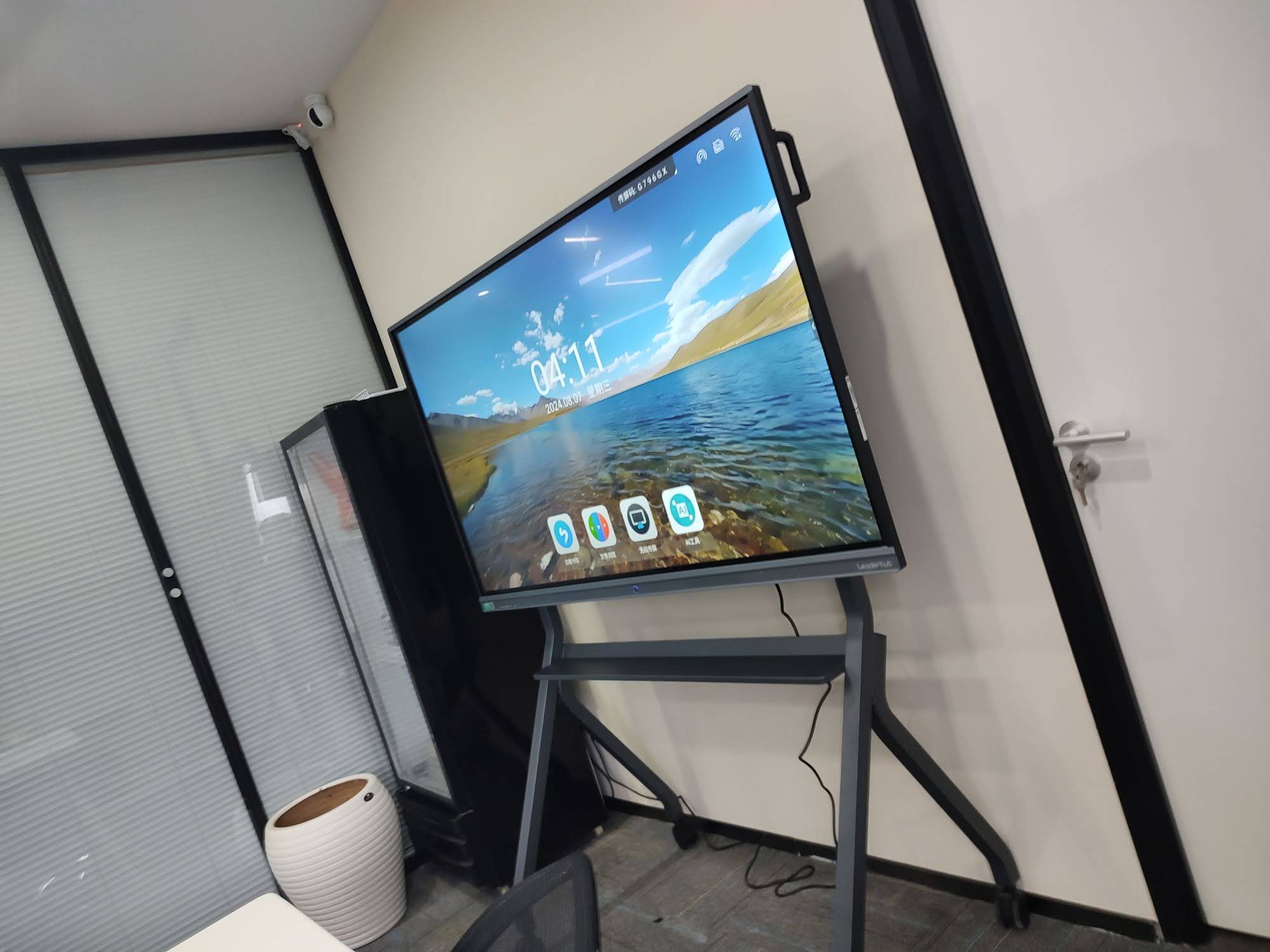
In our field testing across primary schools and training centers, we found that screen size, viewing angle, and touch responsiveness needed to be recalibrated for these tighter spaces. A 65-inch panel, for example, often outperforms a 75-inch model in a small room because it reduces glare exposure and keeps every student within an optimal viewing cone.
Key Factors to Evaluate Before Buying
1. Screen Size and Room Dimensions
The general rule of thumb recommended by AV integrators is that the screen’s diagonal size should be roughly one-sixth of the distance to the farthest viewer. For a classroom measuring 20 feet deep, a 65-inch to 75-inch smart whiteboard typically strikes the right balance between visibility and spatial efficiency.
2. Display Resolution and Clarity
4K UHD resolution has become the standard for interactive panels, and for good reason — text, diagrams, and fine details remain crisp even when students are seated close to the screen. Lower-resolution displays can cause eye strain during extended use, which matters significantly in daily classroom settings.
3. Touch Technology and Responsiveness
Infrared and capacitive touch technologies dominate the market today. Capacitive touch, similar to smartphone screens, offers smoother multi-touch gestures and better palm rejection — an important feature when younger students are writing or drawing with their hands resting on the surface.
4. Built-in Processing Power
Many modern panels come with an embedded Android system, but pairing them with a dedicated mini PC significantly improves performance for video conferencing, interactive software, and multitasking. This is especially useful for hybrid or remote teaching setups.

Comparing Popular Smart Whiteboard Sizes for Small Classrooms
| Screen Size | Best Room Size | Ideal Student Capacity | Approx. Price |
|---|---|---|---|
| 65″ | Up to 18 ft deep | 10-20 students | $1,099 – $1,299 |
| 75″ | 18-25 ft deep | 20-30 students | $1,399 – $1,599 |
| 86″ | 25-30 ft deep | 30-40 students | $1,699 – $3,199 |
Software and Connectivity Considerations
A great interactive whiteboard is only as good as the software running on it. Look for panels that support:
- Native annotation and whiteboarding tools with cloud save functionality
- Seamless screen mirroring from laptops, tablets, and smartphones
- Compatibility with common education platforms like Google Classroom and Microsoft Teams
- Multi-user touch support for group activities
- Built-in video conferencing camera and microphone array for hybrid lessons
According to a 2023 EdTech survey, classrooms using panels with integrated video conferencing saw a 34% increase in effective participation during hybrid learning sessions compared to those relying on separate webcam setups.
Mounting and Space-Saving Solutions
In small classrooms, floor space is precious. Wall-mounted installations are generally preferred over mobile stands because they free up room for desks and movement. However, if flexibility is a priority — such as sharing the panel between multiple classrooms — a rolling stand with a locking mechanism offers a practical middle ground.
For schools with rotating or multi-purpose spaces, portable options like a smart rotating screen can be repositioned between horizontal and vertical orientations, adapting to different lesson formats without requiring a full-sized fixed installation.

Durability and Warranty: What to Look For
Classrooms are demanding environments. Panels are touched, tapped, and occasionally bumped dozens of times a day. When evaluating durability, prioritize:
- Anti-glare, scratch-resistant glass rated for high-frequency touch use
- Minimum 3-year manufacturer warranty covering the panel and touch module
- IP-rated dust resistance for long-term reliability in busy school environments
- Readily available local service support and spare parts
Budget Planning for Schools
Budget constraints are a reality for most educational institutions. Rather than focusing solely on upfront cost, administrators should calculate total cost of ownership — including installation, software licensing, and expected lifespan. A well-built 65-inch panel priced around $1,299 that lasts eight years often delivers better long-term value than a cheaper unit requiring replacement after three years.
Many manufacturers, including LeaderHub, a Shenzhen-based company with 16 years of experience serving over 82 countries, offer tiered product lines specifically designed to match different budget levels without compromising on core touch and display quality.
Real-World Case Study
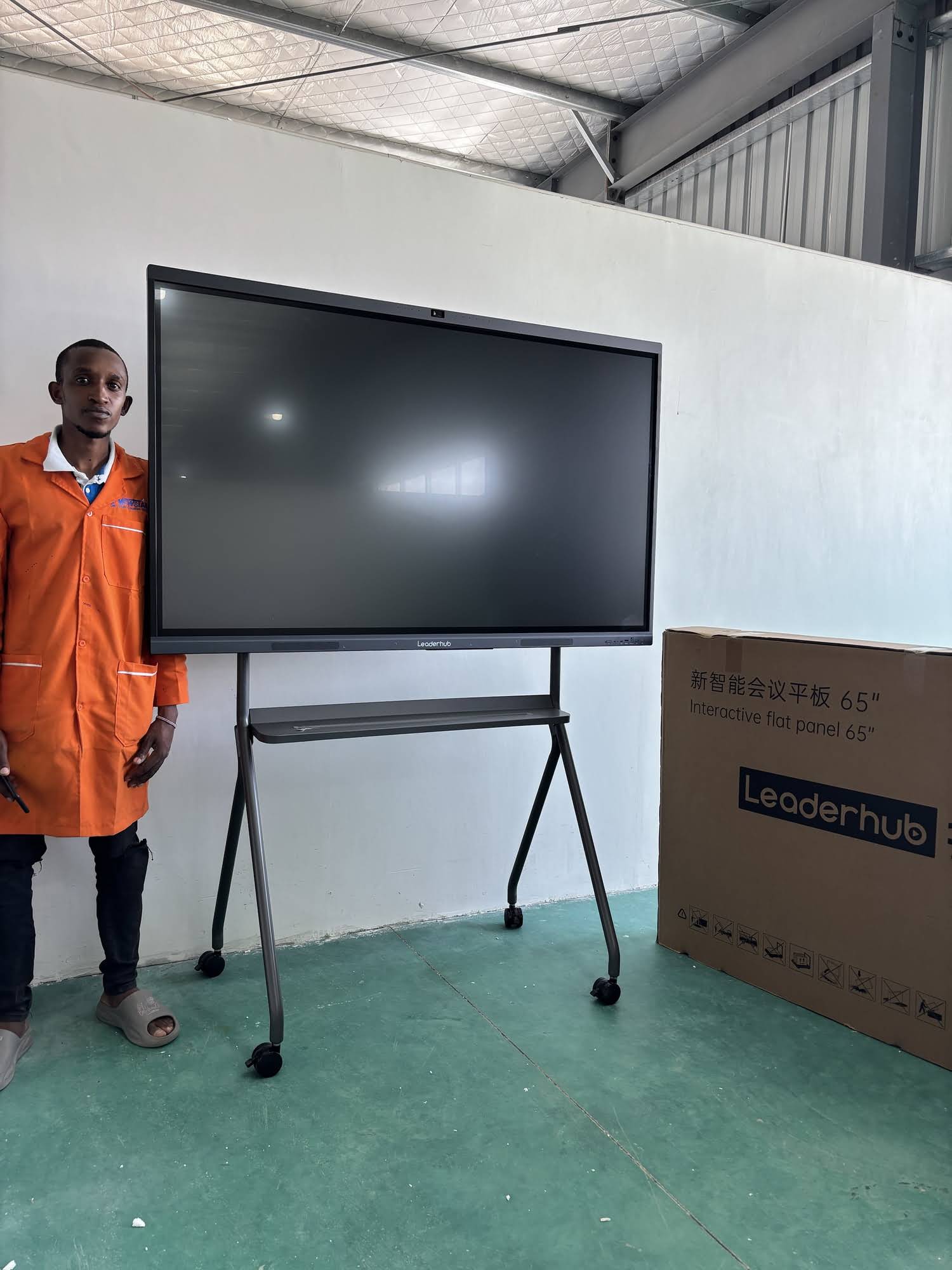
A mid-sized language training center in Ho Chi Minh City recently upgraded six classrooms — each under 400 square feet — from traditional whiteboards to 65-inch smart whiteboards. Within the first semester, instructors reported a 40% reduction in lesson preparation time due to reusable digital templates, and student engagement scores (measured via post-lesson surveys) rose by nearly 25%. The center specifically chose 65-inch panels over larger alternatives because the classrooms averaged just 16 feet in depth, confirming that matching screen size to room dimensions directly impacts usability.
Checklist Before You Buy
| Consideration | Why It Matters |
|---|---|
| Room depth and seating layout | Determines optimal screen size |
| Touch technology type | Affects writing accuracy and multi-user support |
| Software ecosystem | Impacts ease of lesson delivery and integration |
| Warranty and support | Protects long-term investment |
| Mounting flexibility | Maximizes usable floor space |
Final Thoughts
Selecting the best smart whiteboard for a small classroom comes down to matching technical specifications with the physical realities of the space. Prioritize appropriately sized displays, reliable touch responsiveness, and software that integrates smoothly with existing teaching workflows. Whether you’re outfitting a single tutoring room or renovating an entire school wing, taking the time to measure your space and define your instructional needs will pay off in years of effective, engaging lessons.
Educators and administrators researching options can explore a range of interactive flat panel displays and compare specifications side by side to find the right fit for their specific classroom dimensions and budget.








