
Choosing the right commercial smart whiteboard is no longer a simple hardware decision — it is a strategic investment that affects how your team communicates, teaches, and closes deals. After testing dozens of interactive panels across corporate offices, training centers, and classrooms over the past decade, we’ve compiled this practical guide to help procurement managers, IT directors, and business owners make a confident, informed purchase.
Whether you are outfitting a single conference room or rolling out panels across a multi-branch organization, the decisions you make today about screen size, processing power, and software compatibility will directly impact usability, total cost of ownership, and employee adoption rates for years to come.
Why the Right Smart Whiteboard Matters More Than You Think
According to a 2023 workplace collaboration study by Frost & Sullivan, teams using interactive displays report a 27% reduction in meeting time and significantly higher engagement during brainstorming sessions compared to traditional projector-and-whiteboard setups. But not every smart board delivers on this promise — panels with laggy touch response, outdated Android systems, or poor annotation accuracy often end up unused within months of purchase, becoming an expensive paperweight in the corner of a boardroom.
This is why understanding the technical and practical criteria behind a good smart whiteboard purchase is essential before you commit budget to any brand.
1. Screen Size: Match the Room, Not the Trend
One of the most common mistakes buyers make is choosing a screen size based on what looks impressive in a showroom, rather than what fits their actual room dimensions and audience size. Below is a practical sizing reference based on installation experience across hundreds of commercial deployments:
| Room Type | Recommended Size | Typical Viewing Distance |
|---|---|---|
| Small huddle room (2–6 people) | 55″ – 65″ | 1.5 – 3 meters |
| Medium conference room (6–15 people) | 75″ – 86″ | 3 – 6 meters |
| Large training room / auditorium | 98″ – 110″ | 6 – 10 meters |
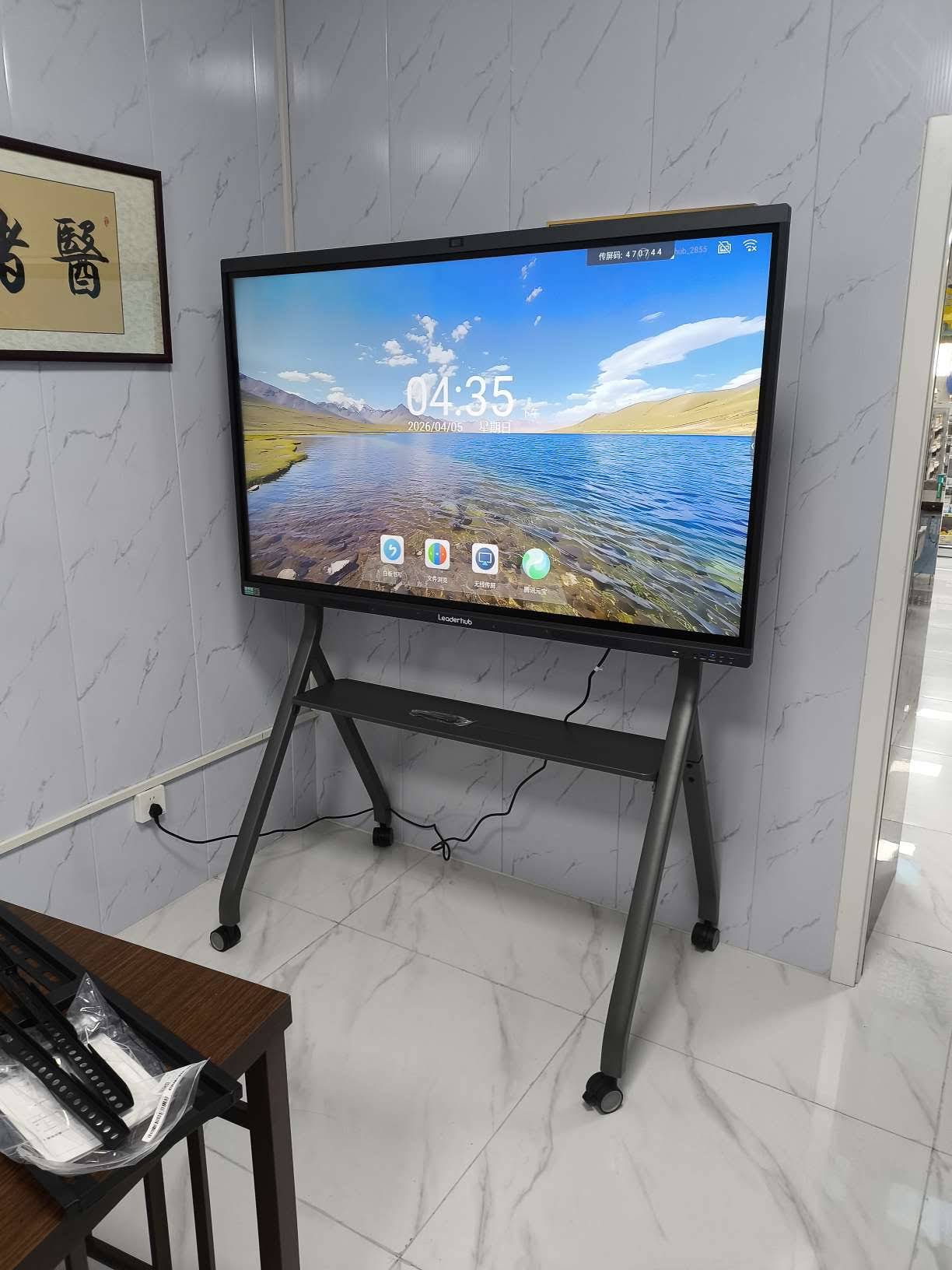
For example, the L75HM 75″ Interactive Smart Whiteboard is one of the most popular choices for mid-sized conference rooms because it balances visibility and cost, while the L110H 110-Inch panel is better suited to auditoriums and large training halls.
2. Display Resolution and Panel Quality
4K UHD resolution has become the industry baseline for commercial displays, and for good reason — anything lower results in blurred text and pixelated diagrams once you’re standing more than two meters from the screen. Look for panels with:
- True 4K UHD resolution (3840 × 2160)
- Anti-glare, low-blue-light glass to reduce eye strain during long meetings
- Wide viewing angles (178° is standard for IPS panels)
- Brightness of at least 350–400 nits for well-lit rooms
3. Touch Technology and Writing Accuracy
This is where many budget interactive panels fail in real-world use. Infrared (IR) touch technology remains the commercial standard due to its reliability, multi-touch support (typically 20-point), and compatibility with both finger and stylus input. When evaluating a unit, test for:
- Palm rejection — the ability to write without accidental smudges from resting hands
- Response latency under 10ms for natural handwriting feel
- Compatibility with both active and passive styluses
Operating System & Software Ecosystem
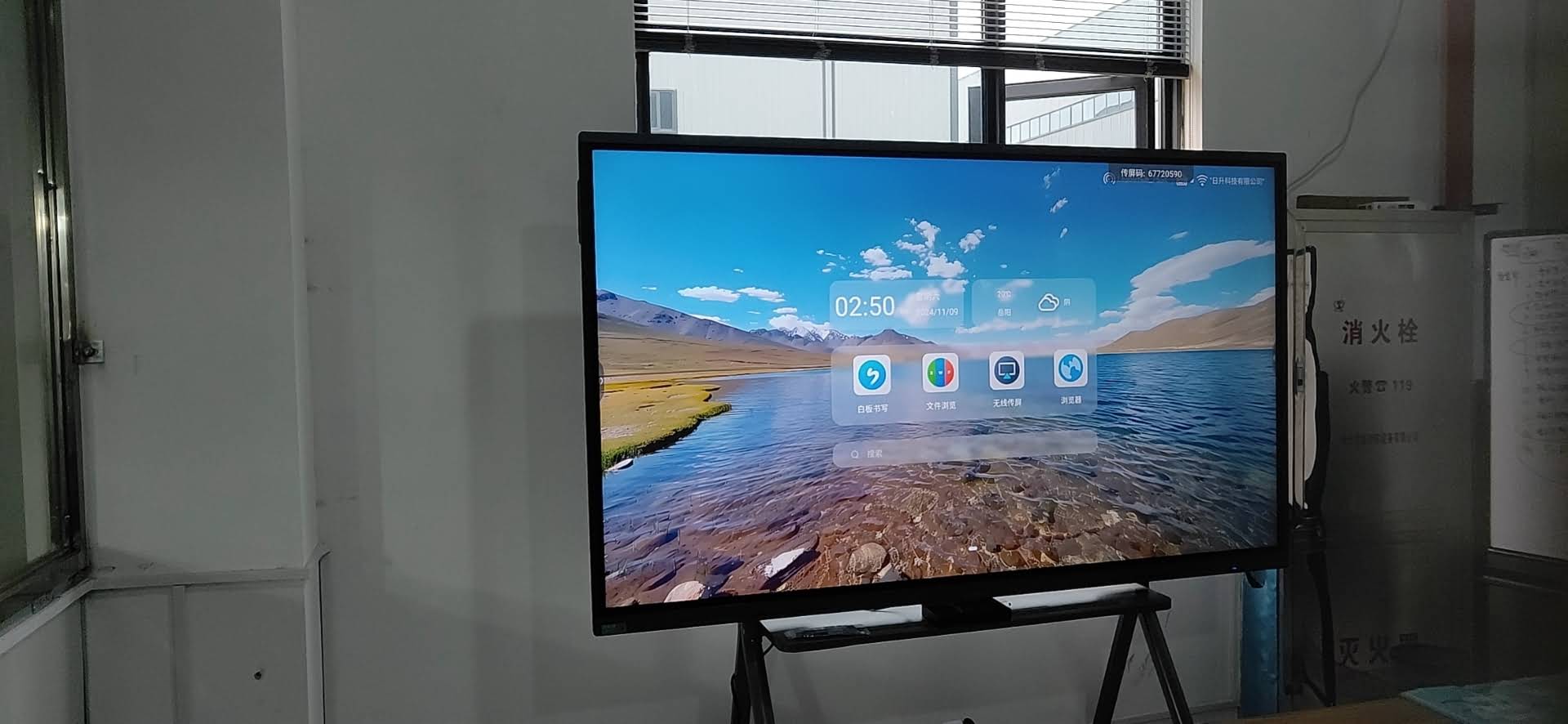
A smart whiteboard is only as good as the software running on it. Most commercial units run on Android OS (typically Android 11–14) with a built-in whiteboard app, screen mirroring, and third-party app support for platforms like Zoom, Microsoft Teams, and Google Meet. Some higher-end panels also support Windows OS via an integrated or plug-in mini PC module — a critical feature for businesses that rely on desktop-specific software like AutoCAD or ERP systems.
If your team frequently switches between Android apps and full Windows desktop functionality, consider a modular solution such as pairing your panel with a dedicated Mini PC — this gives you the flexibility of a full Windows environment without replacing the entire display.
4. Connectivity and Integration
Before purchasing, verify the panel supports the ports and wireless standards your existing infrastructure requires. A well-equipped commercial unit should include:
| Connectivity Feature | Why It Matters |
|---|---|
| HDMI 2.0 / USB-C (min. 2–3 ports) | Supports laptops, cameras, and external devices simultaneously |
| Wi-Fi 6 & Bluetooth 5.0 | Stable wireless screen sharing and peripheral pairing |
| Built-in camera & microphone array | Enables video conferencing without extra hardware |
| OPS slot | Allows future upgrade to Windows-based computing module |
Comparing Popular Commercial Models
To illustrate how these specifications translate into real purchasing decisions, here is a comparison of commonly deployed models across different business needs:
| Model | Screen Size | Best For |
|---|---|---|
| L65ZM Interactive Whiteboard | 65″ | Small meeting rooms, startups |
| L75H Pro Interactive Flat Panel | 75″ | Corporate boardrooms, sales presentations |
| U55Pro Mobile Interactive Panel | 55″ | Multi-room use, mobile training sessions |
| L86HM Smart Whiteboard | 86″ | Large conference rooms, executive briefings |
Business vs. Education Use Cases
The ideal specification set differs depending on your primary use case. Here’s how the priorities typically shift:
For Corporate Meeting Rooms:
- Prioritize video conferencing integration (camera, mic array)
- Look for wireless casting from multiple device types (iOS, Android, Windows, Mac)
- Cloud whiteboard sync for cross-office collaboration
For Training Centers and Classrooms:
- Durable, scratch-resistant glass for frequent stylus use
- Built-in educational annotation tools and templates
- Easy content saving and export (PDF, image formats)
Total Cost of Ownership: Beyond the Sticker Price
Many buyers focus solely on upfront cost, but the real cost of a commercial smart whiteboard includes installation, warranty coverage, software licensing, and expected lifespan. A panel priced 20% lower but lacking a minimum 3-year warranty or replaceable components can end up costing more in the long run due to early replacement or downtime.
Industry data from AVIXA (Audiovisual and Integrated Experience Association) suggests that commercial displays used for 6–8 hours daily should have a projected lifespan of at least 50,000 hours of backlight operation — always request this specification from your supplier before purchasing.
Common Buying Mistakes to Avoid
- Oversizing the display for a small room, leading to eye strain and awkward viewing angles.
- Ignoring after-sales support — always confirm local warranty service and spare parts availability.
- Choosing a panel without testing actual touch latency in person or via demo video.
- Overlooking software update policies — an outdated Android build can create security vulnerabilities over time.
Expert Recommendation
Based on field deployments across education, finance, and enterprise sectors, a mid-range 4K interactive panel with IR touch, Android 13+, and OPS expansion capability offers the best balance of performance and cost for most commercial buyers in 2024–2025. Companies like LeaderHub, a Shenzhen-based manufacturer with 16 years of experience serving 82 countries, have built their commercial line specifically around these mid-market requirements — offering configurable panels that scale from small huddle rooms to full auditorium installations.
Quick Buying Checklist
| Checklist Item | Confirmed? |
|---|---|
| Screen size matches room dimensions | ☐ |
| 4K resolution with anti-glare coating | ☐ |
| IR touch with 20-point multi-touch | ☐ |
| Compatible with video conferencing tools | ☐ |
| Minimum 3-year manufacturer warranty | ☐ |
Frequently Asked Questions
How long does a commercial smart whiteboard typically last?
With proper use, a quality commercial panel should last 5–7 years, assuming daily use of 6–8 hours and a backlight lifespan of 50,000+ hours.
Can I use a smart whiteboard without internet access?
Yes, most panels offer offline whiteboard and annotation functions. However, cloud sync, app downloads, and video conferencing require an internet connection.
What’s the difference between an interactive flat panel and a traditional smart whiteboard?
The terms are often used interchangeably in commercial settings, though “interactive flat panel” typically refers to larger, higher-spec professional displays designed for boardrooms, while “smart whiteboard” can include more compact or education-focused models.
Final Thoughts
Selecting the right commercial smart whiteboard comes down to matching technical specifications with your actual usage environment — not chasing the biggest screen or the lowest price. By evaluating screen size, touch accuracy, software ecosystem, and total cost of ownership using the framework above, you’ll be well-equipped to make a purchase that serves your organization reliably for years to come.








