
Choosing the right smart whiteboard for a conference room is no longer a simple hardware decision — it directly affects how teams collaborate, how quickly meetings move, and how professional your business appears to clients and partners. With dozens of brands and specifications on the market, business owners, IT managers, and facility planners often struggle to identify which features actually matter versus which are just marketing buzzwords.
This guide breaks down the technical, practical, and budget-related factors you should evaluate before investing in a smart whiteboard for your meeting space, based on real deployment experience across corporate offices, training centers, and hybrid workspaces.
Why Conference Rooms Need Smart Whiteboards Today
Traditional whiteboards and projectors are quickly becoming obsolete in modern offices. According to workplace productivity studies, teams using interactive displays report up to 28% faster meeting completion times compared to rooms relying on projectors and markers. This is largely because smart whiteboards combine annotation, video conferencing, wireless screen sharing, and cloud file access into a single device — eliminating the need to switch between multiple tools mid-meeting.
For hybrid and remote-first companies, an interactive flat panel also acts as the central hub for video calls, ensuring remote participants see handwritten notes, shared documents, and presenter annotations in real time.
1. Screen Size: Matching the Room, Not Just the Budget
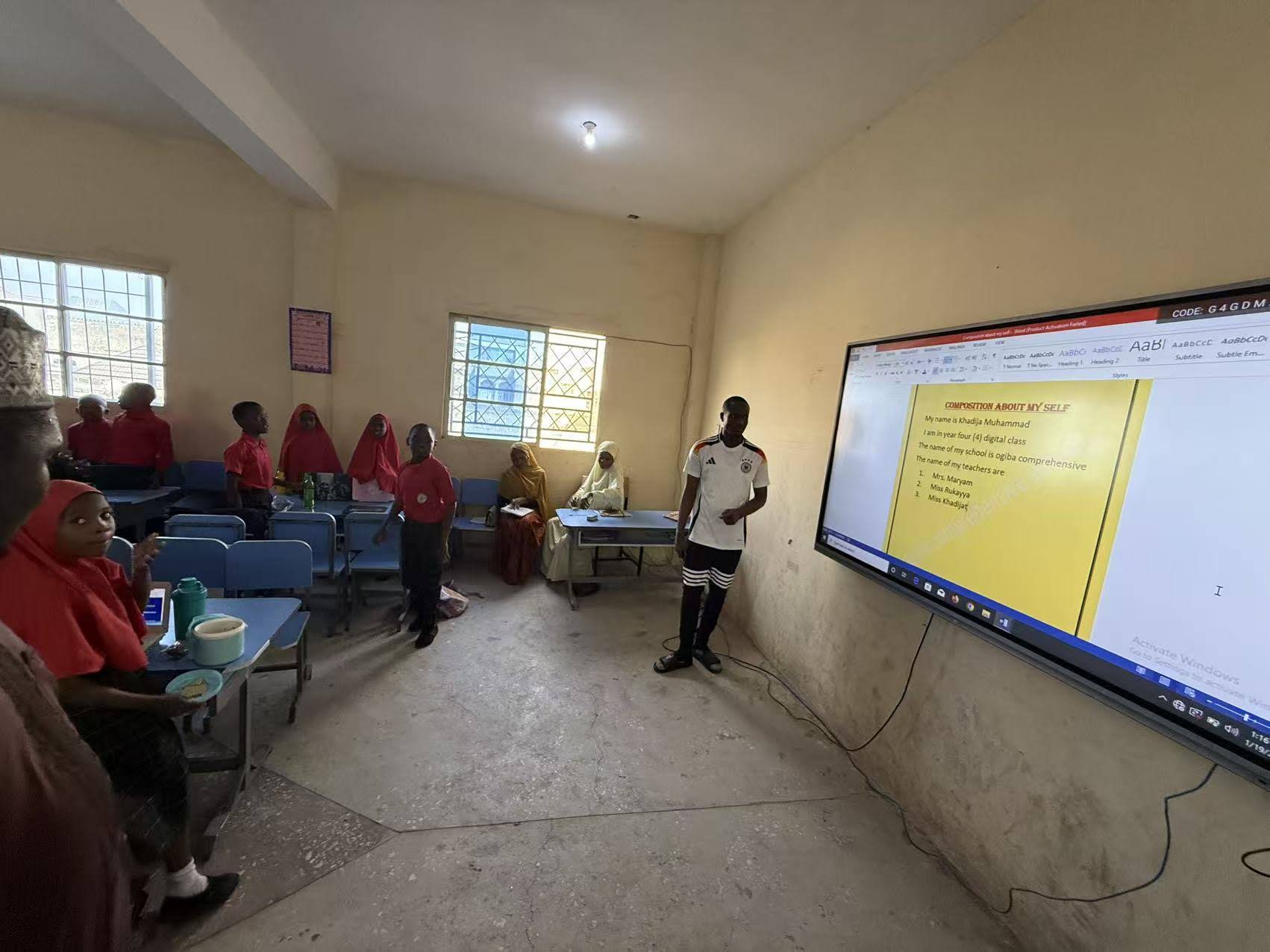
Screen size should be determined by room dimensions and seating capacity — not simply by what looks impressive in a showroom. Oversized displays in small rooms can cause eye strain, while undersized panels in large rooms leave back-row attendees unable to read content clearly.
| Room Size | Seating Capacity | Recommended Screen Size |
|---|---|---|
| Small huddle room | 2–6 people | 55″ – 65″ |
| Standard conference room | 6–12 people | 65″ – 75″ |
| Large boardroom | 12–20 people | 86″ – 98″ |
| Auditorium / training hall | 20+ people | 98″ – 110″ |
Companies frequently overlook this and purchase based on price alone. A 65″ panel such as the L65HM smart whiteboard is well suited to small-to-mid-sized meeting rooms, while larger executive boardrooms typically require an 86″ or even a 110″ display for optimal visibility.
2. Display Resolution and Touch Accuracy
Almost all reputable smart whiteboards on the market today ship with 4K UHD resolution, but touch accuracy and response latency vary significantly between manufacturers. Poor touch calibration leads to lag during handwriting, which frustrates presenters and slows down collaborative brainstorming sessions.
- Look for infrared or capacitive multi-touch technology with at least 20-point touch support for multi-user annotation.
- Palm rejection technology prevents accidental marks when resting a hand on the screen while writing.
- Anti-glare glass reduces reflection under office lighting, which is especially important in glass-walled meeting rooms.
3. Operating System and Software Ecosystem
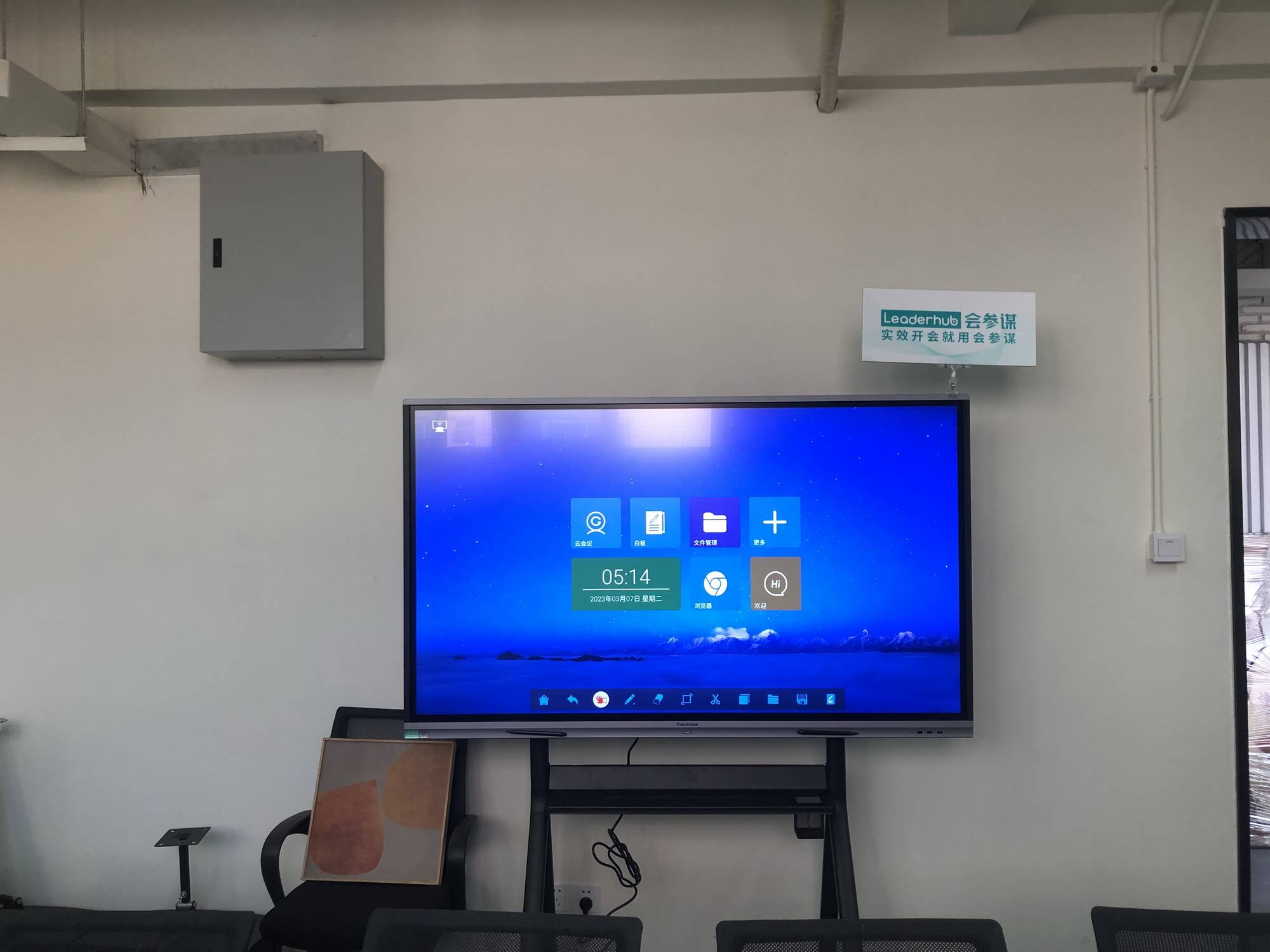
The operating system determines how easily your team can run video conferencing apps, cloud storage tools, and annotation software. Android-based systems tend to offer simpler app installation for meeting-specific tools, while Windows-based systems (often via an integrated mini PC module) provide full desktop-level compatibility with enterprise software like Microsoft Office and Zoom.
Many modern panels support a hybrid approach — running Android natively while allowing a plug-in Windows mini PC for full computing power. This flexibility is particularly valuable for IT departments managing mixed software environments across different offices.
4. Connectivity and Wireless Screen Sharing
A conference room device is only as useful as its ability to connect quickly with laptops, phones, and tablets. Delays in connecting a device waste valuable meeting time — one internal audit by a mid-sized consulting firm found that teams lost an average of 6 minutes per meeting simply trying to connect laptops to outdated display systems.
When evaluating connectivity, confirm the panel supports:
- HDMI and USB-C input for wired connections
- Wireless screen mirroring (AirPlay, Miracast, or proprietary casting apps)
- Built-in Wi-Fi 6 and Bluetooth 5.0 for stable wireless peripherals
- Multiple simultaneous device connections for split-screen presentations
5. Audio and Camera Quality for Hybrid Meetings
With hybrid work now standard across most industries, built-in camera and microphone quality has become just as important as the display itself. Look for panels with wide-angle cameras (110° or greater field of view) and noise-cancelling microphone arrays capable of picking up voices from across a large room.
Key Hardware Checklist
| Feature | Minimum Recommended Spec |
|---|---|
| Camera resolution | 1080p, wide-angle lens |
| Microphone range | 6+ meters pickup radius |
| Speaker output | 2x 15W or higher stereo speakers |
| Processor | Octa-core or higher for smooth multitasking |
6. Portability and Flexibility for Multi-Purpose Spaces
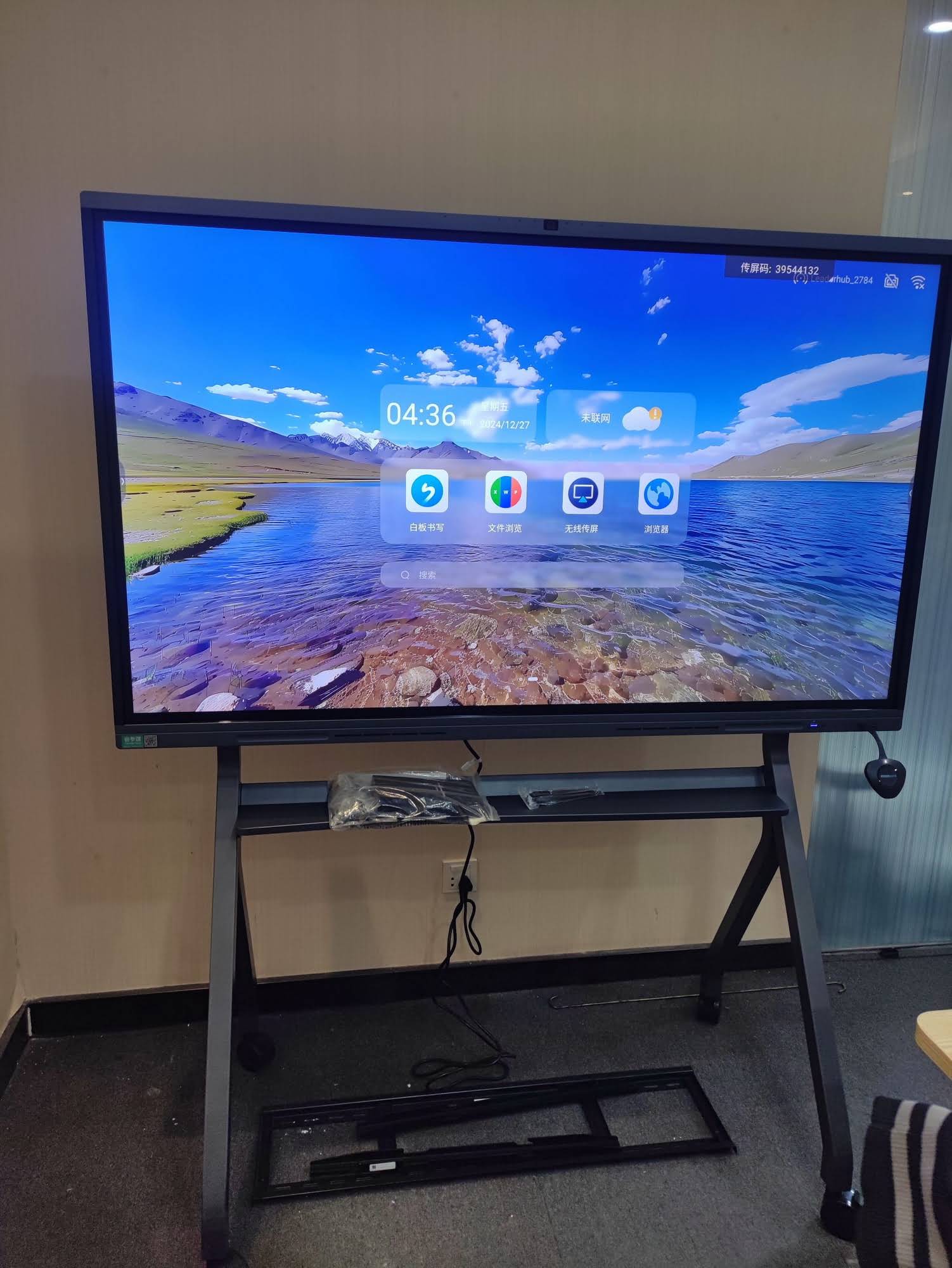
Not every organization has dedicated conference rooms. For companies that rotate meeting spaces or need portable presentation tools, rotating smart screens and handheld displays offer a practical alternative. Devices like a portable smart screen allow teams to move interactive technology between offices, training rooms, and even client site visits without needing a permanently mounted panel.
7. Total Cost of Ownership
Upfront price is only part of the equation. Buyers should also account for:
- Warranty coverage — ideally 2–3 years minimum on panel and touch components
- Software licensing — some annotation or whiteboarding apps require ongoing subscription fees
- Mounting and installation — wall-mounted units may require professional installation
- Replacement parts availability — confirm the manufacturer stocks spare parts for glass panels and control boards
A panel priced lower initially but lacking accessible support or spare parts can end up costing more over a 3–5 year lifecycle due to repair delays and downtime.
Real-World Case Insight
A regional training center in Southeast Asia reported that after switching from projector-based setups to 75″ interactive panels across six training rooms, instructor setup time dropped from an average of 12 minutes to under 3 minutes per session, and trainee engagement scores (measured through post-session surveys) increased by approximately 22%. This reflects a broader trend seen across education and corporate training environments adopting interactive display technology.
Comparing Popular Smart Whiteboard Categories
| Category | Best For | Typical Price Range |
|---|---|---|
| Standard Interactive Whiteboard (65″–75″) | Small to mid-size meeting rooms | $1,000 – $1,700 |
| Large Format Flat Panel (86″–110″) | Boardrooms, auditoriums | $1,700 – $8,000 |
| Mobile Interactive Panel | Multi-room offices, training centers | $2,000 – $2,600 |
| Portable/Rotating Smart Screen | Flexible or remote presentations | $600 – $900 |
Frequently Overlooked Questions Buyers Should Ask
Does the panel support third-party video conferencing software?
Confirm compatibility with Zoom, Microsoft Teams, and Google Meet before purchasing, since some proprietary systems restrict certain apps.
How long does the manufacturer typically take to respond to support requests?
Response time matters significantly for businesses running daily client meetings — look for manufacturers offering regional support teams or fast replacement part shipping.
Can the display be upgraded later with a different mini PC module?
Modular systems allow you to upgrade processing power without replacing the entire display, extending the useful life of your investment.
Final Recommendation
Selecting the right smart whiteboard comes down to matching room size, software needs, connectivity requirements, and budget with a manufacturer that offers reliable long-term support. LeaderHub, a Shenzhen-based interactive display manufacturer with 16 years of industry experience serving 82 countries, offers a full range of smart whiteboards, interactive flat panels, mini PCs, and portable smart screens designed specifically for business and education environments — giving buyers flexibility across nearly every conference room configuration and budget tier.
Before finalizing a purchase, request a live demo where possible, test touch responsiveness with multiple users simultaneously, and confirm warranty terms in writing. These simple verification steps prevent costly mismatches between expectations and real-world performance.








