
Choosing the right smart whiteboard for your office is no longer a simple purchase decision — it’s a strategic investment that directly affects meeting productivity, hybrid collaboration, and long-term operational costs. With dozens of brands and specifications flooding the market, office managers and IT decision-makers often struggle to separate genuine value from marketing hype.
Having worked closely with businesses across finance, education, and government sectors over the past 16 years, we’ve seen firsthand which features actually improve workplace efficiency and which ones simply add to the price tag without real benefit. This guide breaks down exactly what to look for so you can make a confident, informed decision.
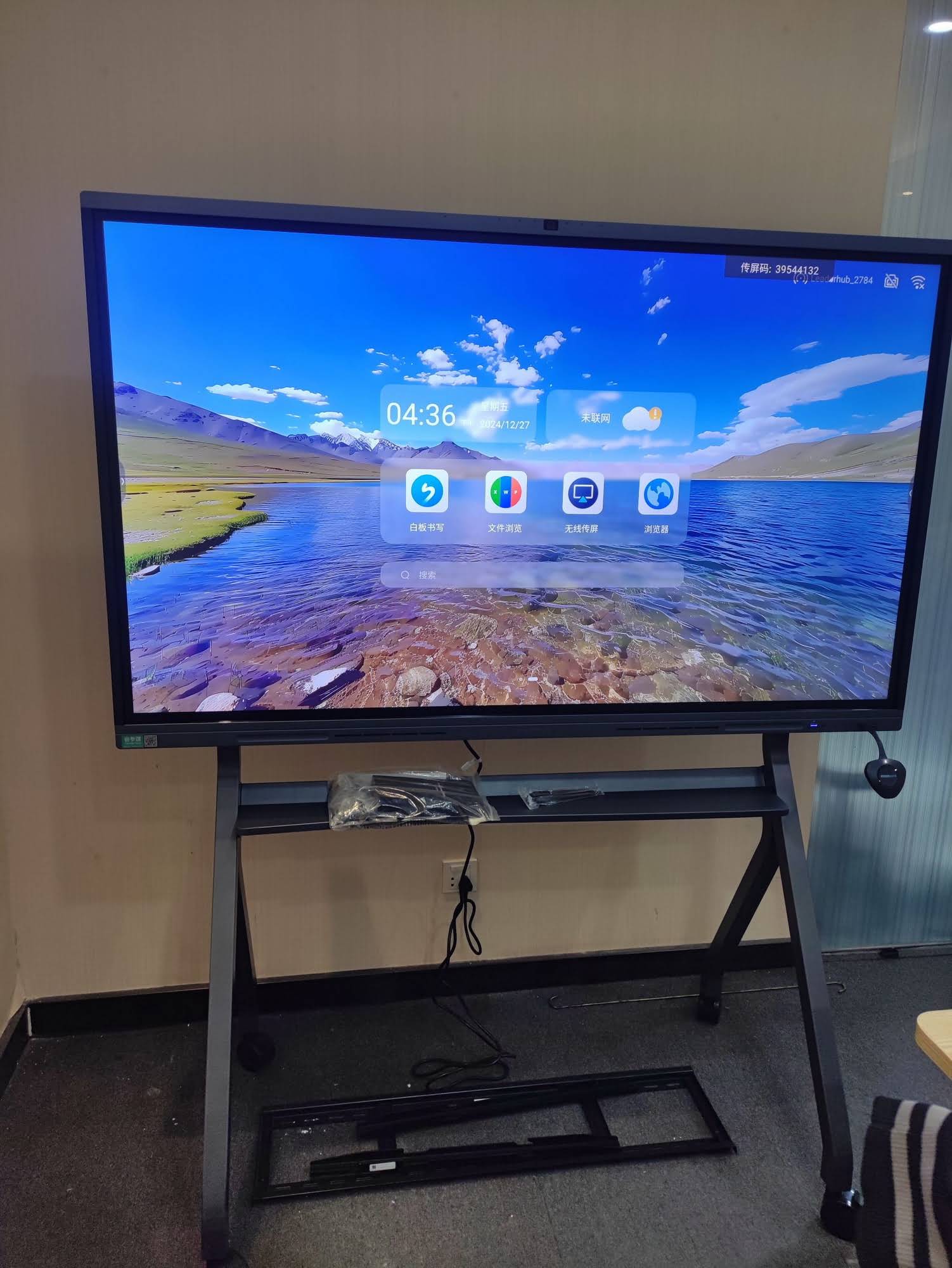
Why Smart Whiteboards Matter for Modern Offices
According to a 2023 workplace productivity study by Owl Labs, hybrid teams that use interactive display technology report 27% faster decision-making during meetings compared to teams relying on traditional projectors and static whiteboards. This isn’t surprising — a well-designed smart whiteboard combines annotation, video conferencing, wireless screen sharing, and cloud storage into a single device, eliminating the friction of switching between multiple tools.
For offices managing remote or distributed teams, this consolidation isn’t just convenient — it’s essential. Meetings that once required a laptop, a separate camera, a projector, and a physical whiteboard can now run entirely from one interactive flat panel.
Key Factors to Evaluate Before Buying
1. Screen Size and Placement
Office size should dictate screen size, not the other way around. Here’s a practical breakdown based on room capacity:
| Room Size | Recommended Screen Size | Typical Use Case |
|---|---|---|
| Small huddle room (2-6 people) | 55″ – 65″ | Team check-ins, brainstorming |
| Mid-size conference room (6-12 people) | 75″ – 86″ | Client presentations, planning sessions |
| Large boardroom (12+ people) | 98″ – 110″ | Executive briefings, training |
2. Touch Technology and Responsiveness
Not all touchscreens perform equally. Infrared and capacitive touch technologies both have their place, but for professional environments, look for panels supporting 20-point multi-touch with palm rejection. This allows multiple users to write, erase, and gesture simultaneously without input lag — a common frustration with lower-end models.
3. Operating System and Software Compatibility
An office whiteboard should integrate seamlessly with existing workflows. Prioritize devices that support Android and Windows dual systems, native compatibility with Zoom, Microsoft Teams, and Google Meet, and built-in annotation software that exports directly to PDF or cloud drives. This reduces IT overhead and shortens the learning curve for staff.
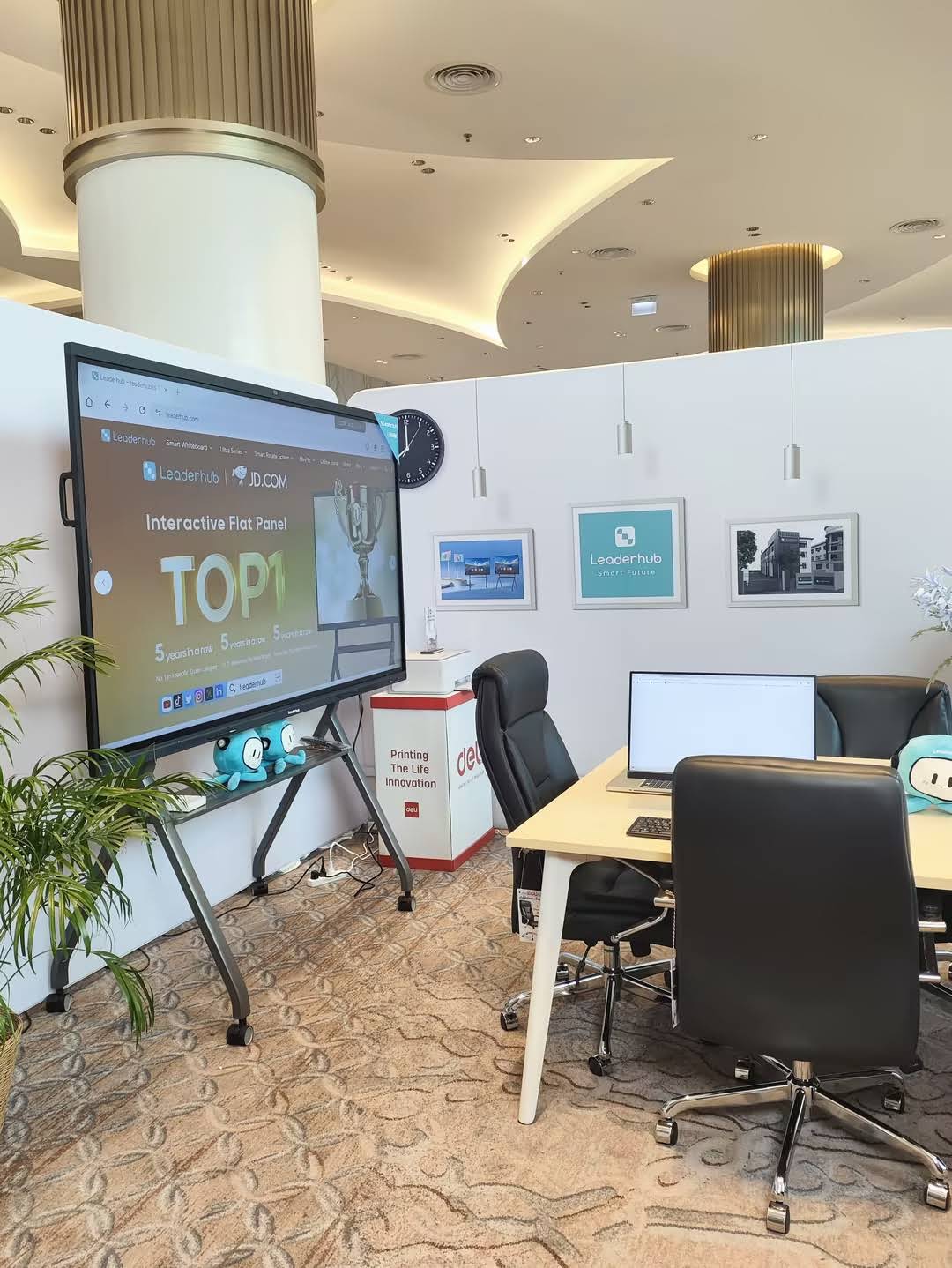
4. 4K Resolution and Display Clarity
Text legibility matters more than most buyers realize. A 4K UHD panel ensures that spreadsheets, design mockups, and fine text remain sharp even when viewed from the back of a large room. Budget models with 1080p resolution may look acceptable on a small screen but become noticeably blurry above 65 inches.
5. Built-in Computing Power
Many offices overlook the importance of onboard processing. A whiteboard paired with a capable mini PC module avoids the lag and crashing that plague underpowered all-in-one units, especially during video calls with screen sharing active. Look for at least 8GB RAM and a modern processor like an Intel N100 or higher for smooth multitasking.
Comparing Popular Smart Whiteboard Models
To illustrate how these factors play out in real products, here’s a comparison of commonly deployed office models:
| Model | Screen Size | Best For |
|---|---|---|
| L65HM Interactive Smart Whiteboard | 65″ 4K | Small meeting rooms |
| L75ZM Interactive Whiteboard | 75″ 4K | Mid-size conference rooms |
| L110H Interactive Flat Panel | 110″ 4K | Executive boardrooms |
Common Mistakes Offices Make When Buying
- Ignoring room lighting conditions — glossy screens can create glare near windows; consider anti-glare coatings for bright offices.
- Underestimating installation requirements — wall-mounted units need proper structural support and cable management planning.
- Overlooking warranty and support terms — enterprise hardware should carry at least a 3-year warranty with accessible regional service.
- Choosing size over functionality — a large screen with poor software integration is less useful than a smaller, well-integrated system.
- Forgetting about scalability — as teams grow, ensure the device supports multi-room device management for IT administrators.
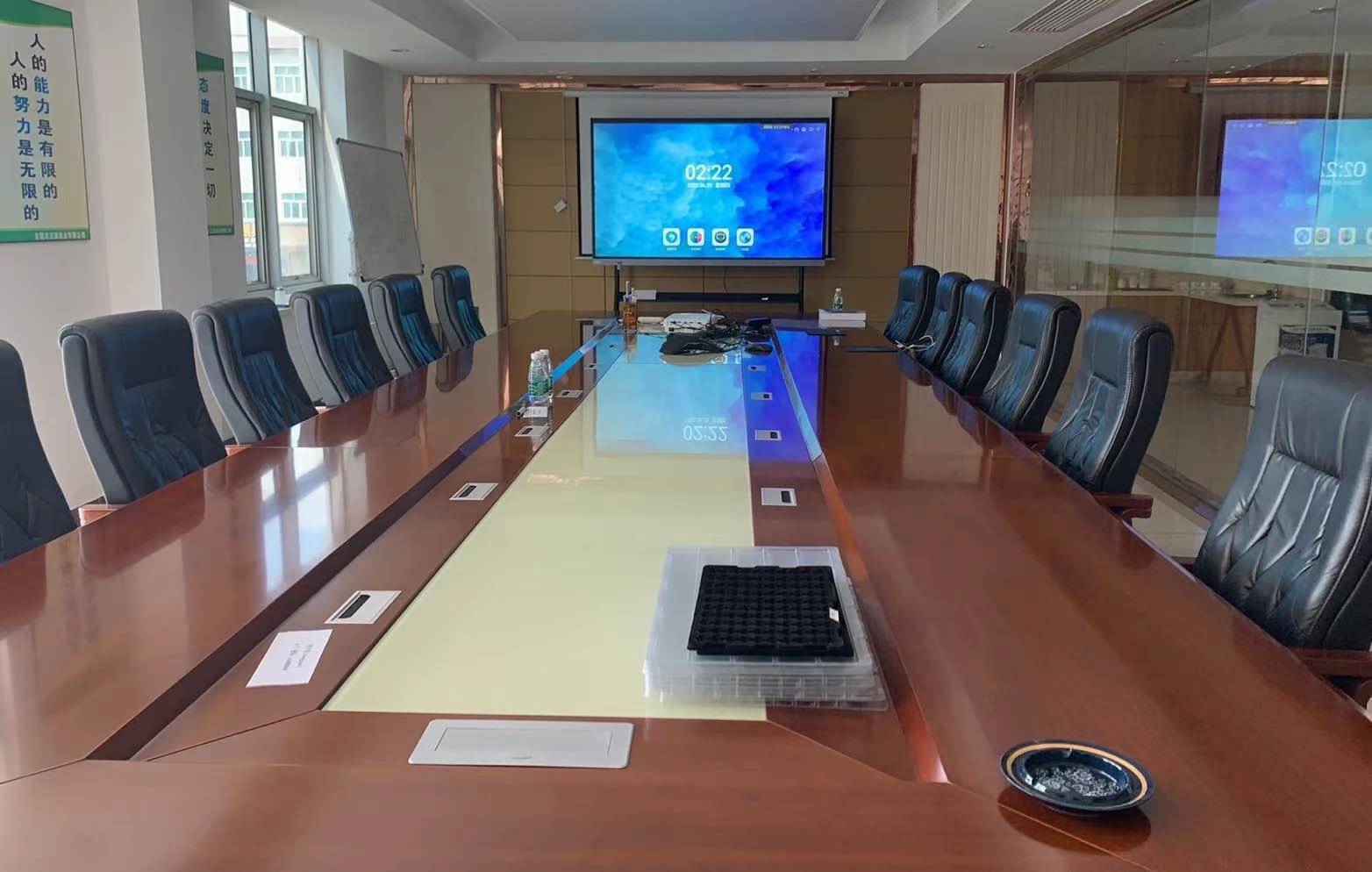
Real-World Case Example
A mid-sized financial services firm in Singapore transitioned five conference rooms from traditional projectors to 75-inch interactive panels in 2023. Within six months, internal surveys showed a 34% reduction in meeting setup time and noticeably higher engagement during remote client calls, largely attributed to the built-in annotation tools and instant wireless casting features. This kind of measurable outcome is exactly what businesses should expect when selecting the right hardware.
Questions to Ask Before Purchasing
Before finalizing your decision, run through this checklist with your vendor:
Does the panel support simultaneous multi-user annotation?
This is critical for brainstorming sessions where multiple team members need to contribute at once without interrupting each other.
What is the expected lifespan of the touch panel and display?
Commercial-grade panels typically last 50,000+ hours of operation, significantly outperforming consumer-grade alternatives.
Can the device integrate with existing conferencing software?
Confirm native app support rather than relying on third-party casting dongles, which often introduce latency and connectivity issues.
Is remote device management available for IT teams?
For offices with multiple rooms, centralized firmware updates and monitoring save significant administrative time.
Industry Expertise Behind the Recommendation
As a Shenzhen-based manufacturer with 16 years of experience in the interactive panel industry, LeaderHub has shipped smart whiteboards, mini PCs, and portable smart screens to 82 countries, ranking as the No.1 subcategory brand on JD.com. This scale of deployment across finance, education, and government sectors provides direct insight into which specifications genuinely matter in daily office use versus which are simply marketing checkboxes.
Final Recommendations by Office Type
| Office Type | Recommended Features |
|---|---|
| Startups & Small Teams | 55-65″ screen, built-in mini PC, affordable price point |
| Corporate Enterprises | 75-86″ screen, multi-touch, cloud integration, warranty support |
| Educational Institutions | 65-75″ screen, annotation software, durable construction |
| Government & Large Enterprises | 86-110″ screen, centralized device management, security compliance |
Ultimately, the best interactive flat panel for your office depends on room size, team workflow, and long-term scalability needs rather than simply choosing the biggest or cheapest option available. Taking time to evaluate touch technology, software compatibility, and vendor support will save significant costs and frustration down the line.
Whether you’re outfitting a single huddle room or upgrading an entire office floor, prioritizing quality hardware backed by proven smart display solutions ensures your investment supports productivity for years, not just months.








